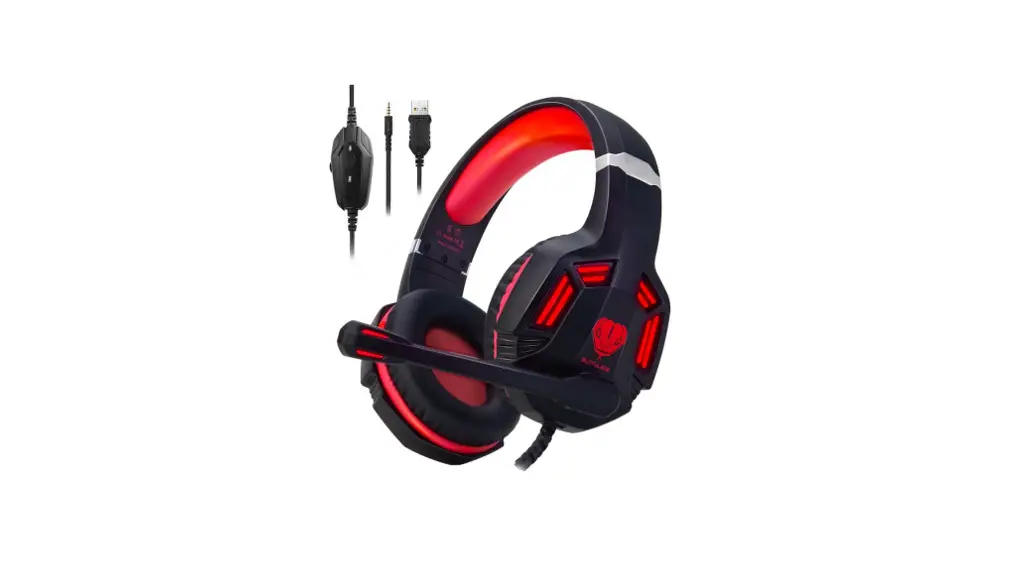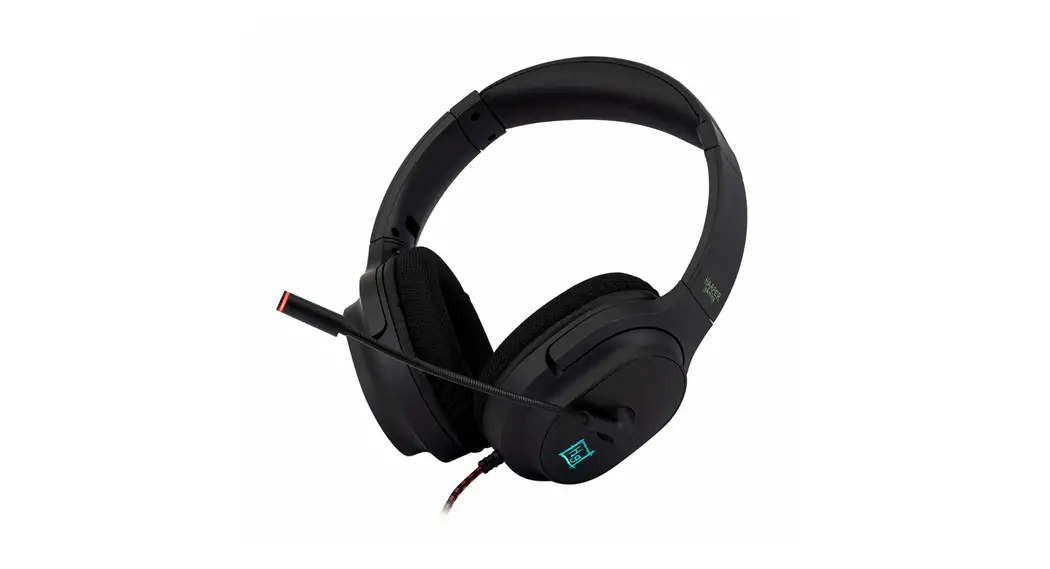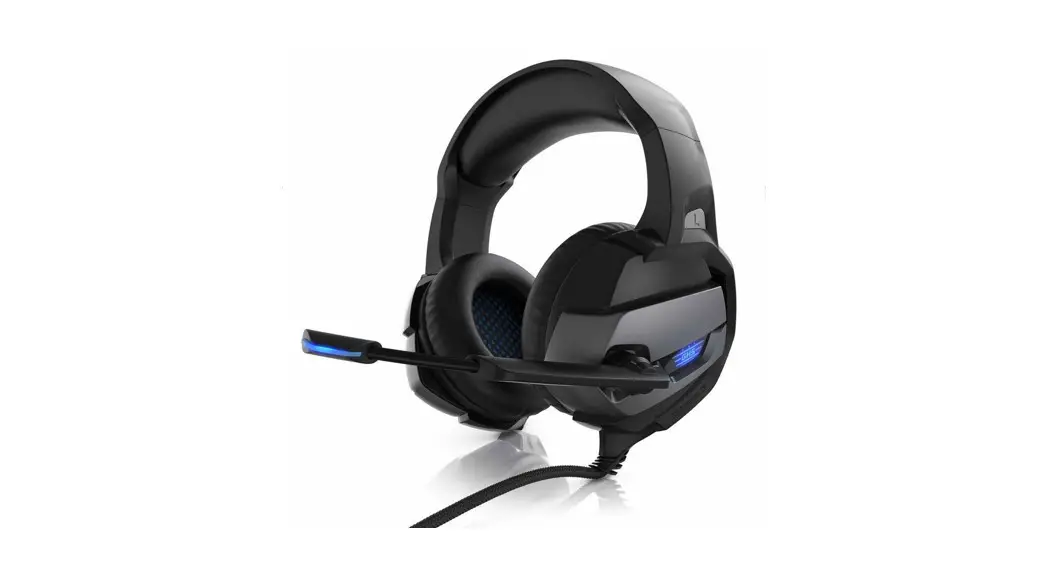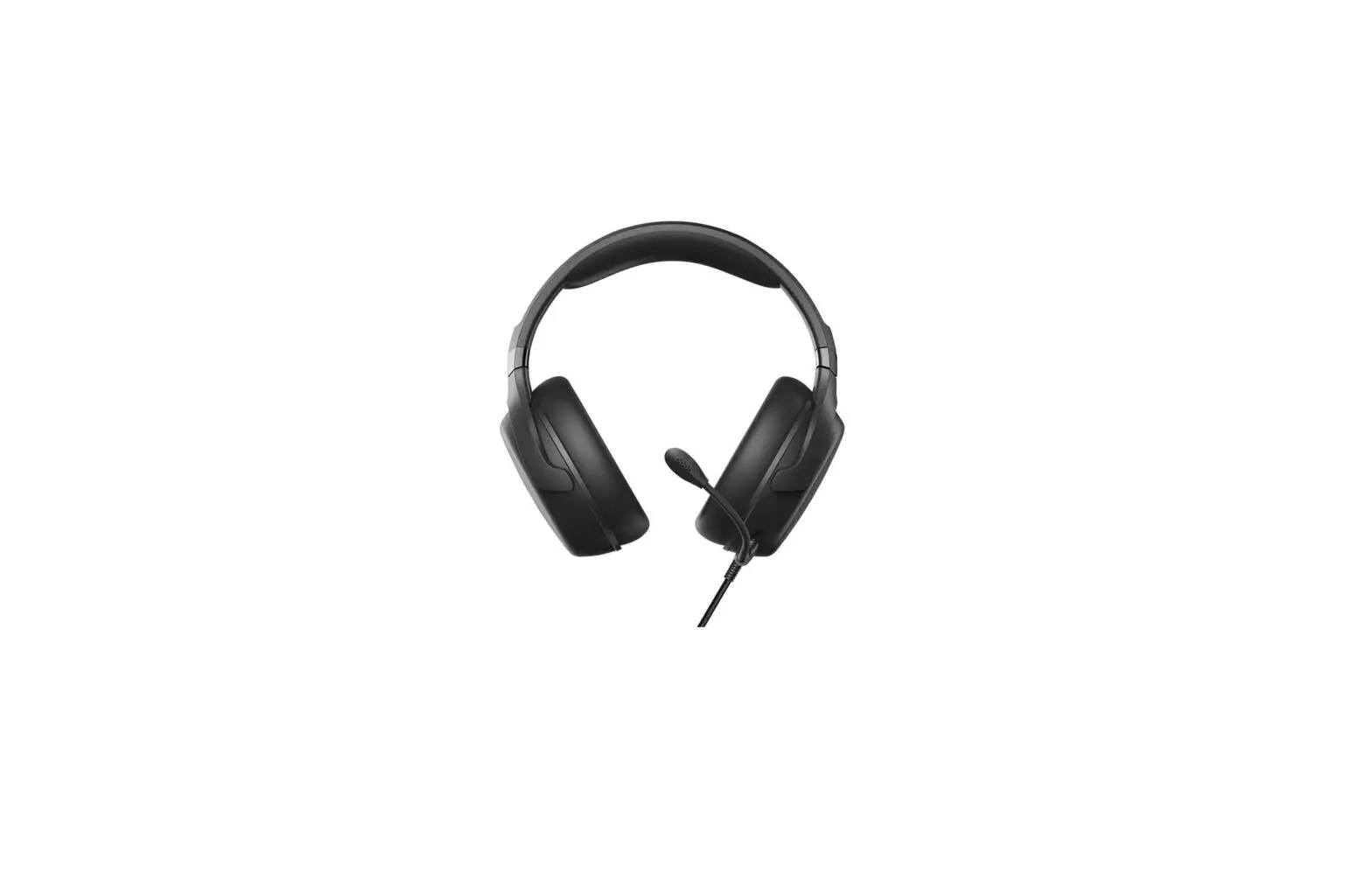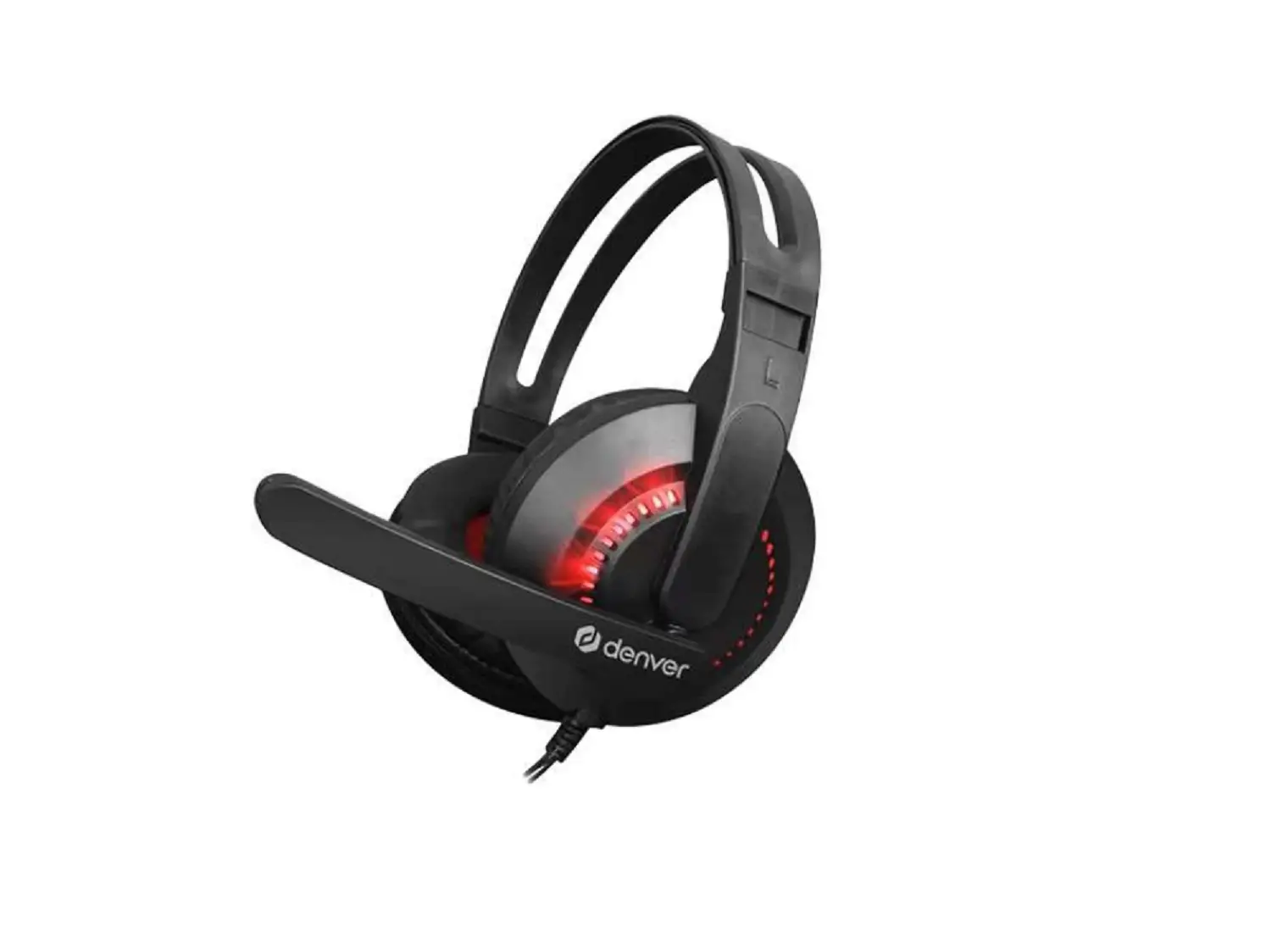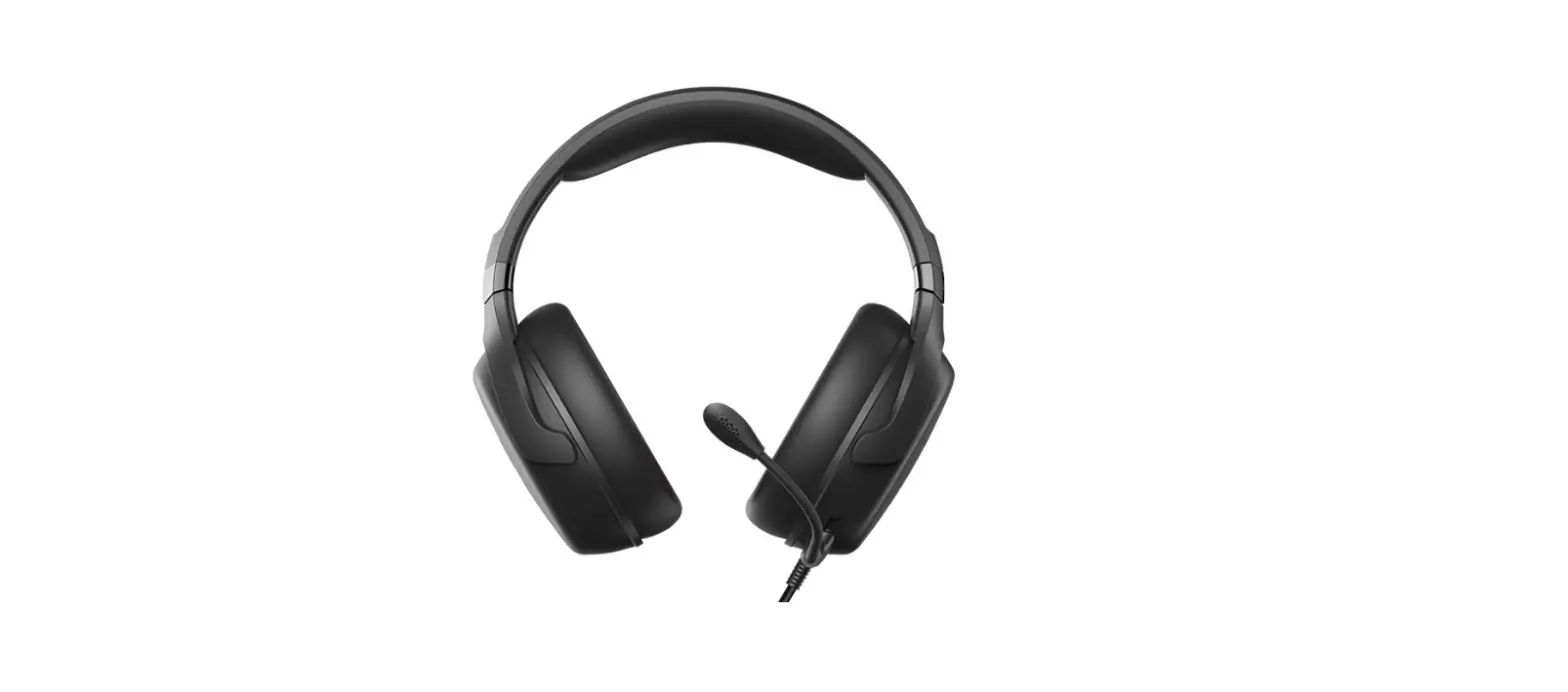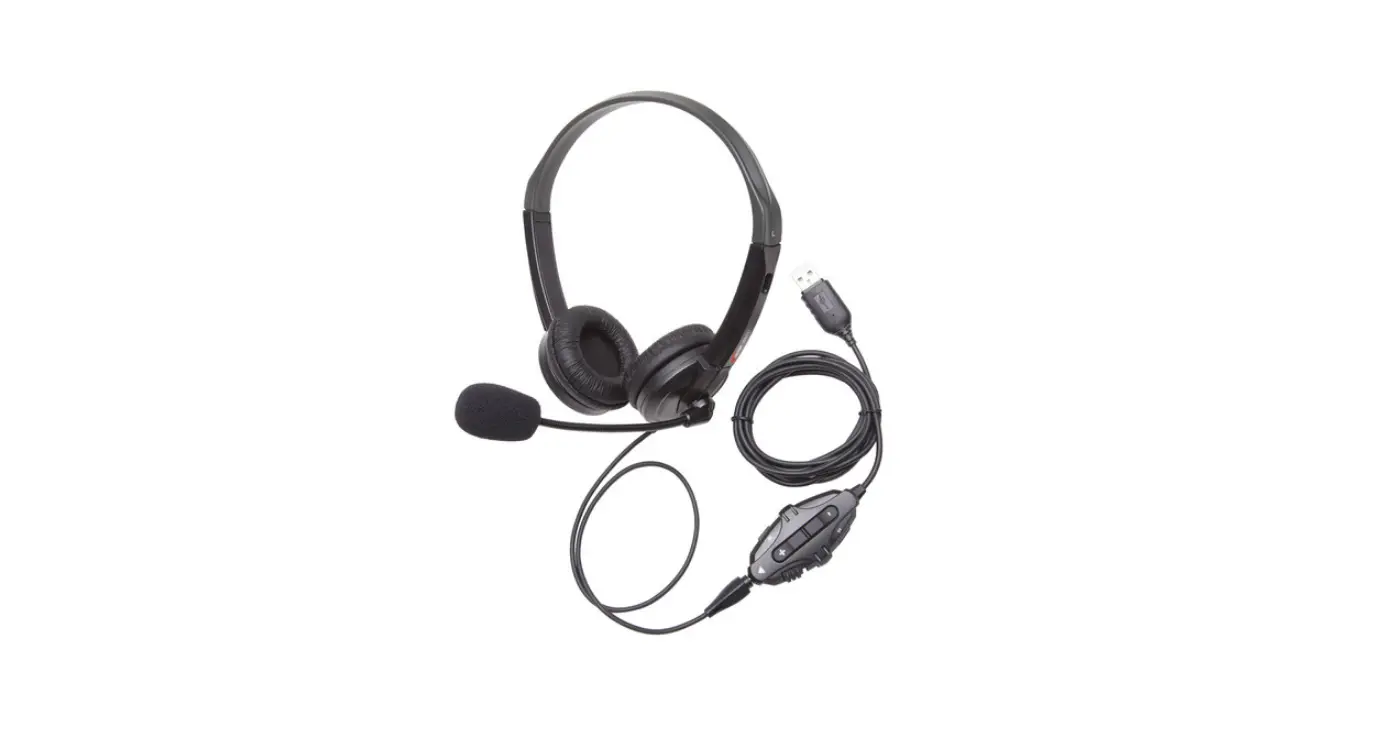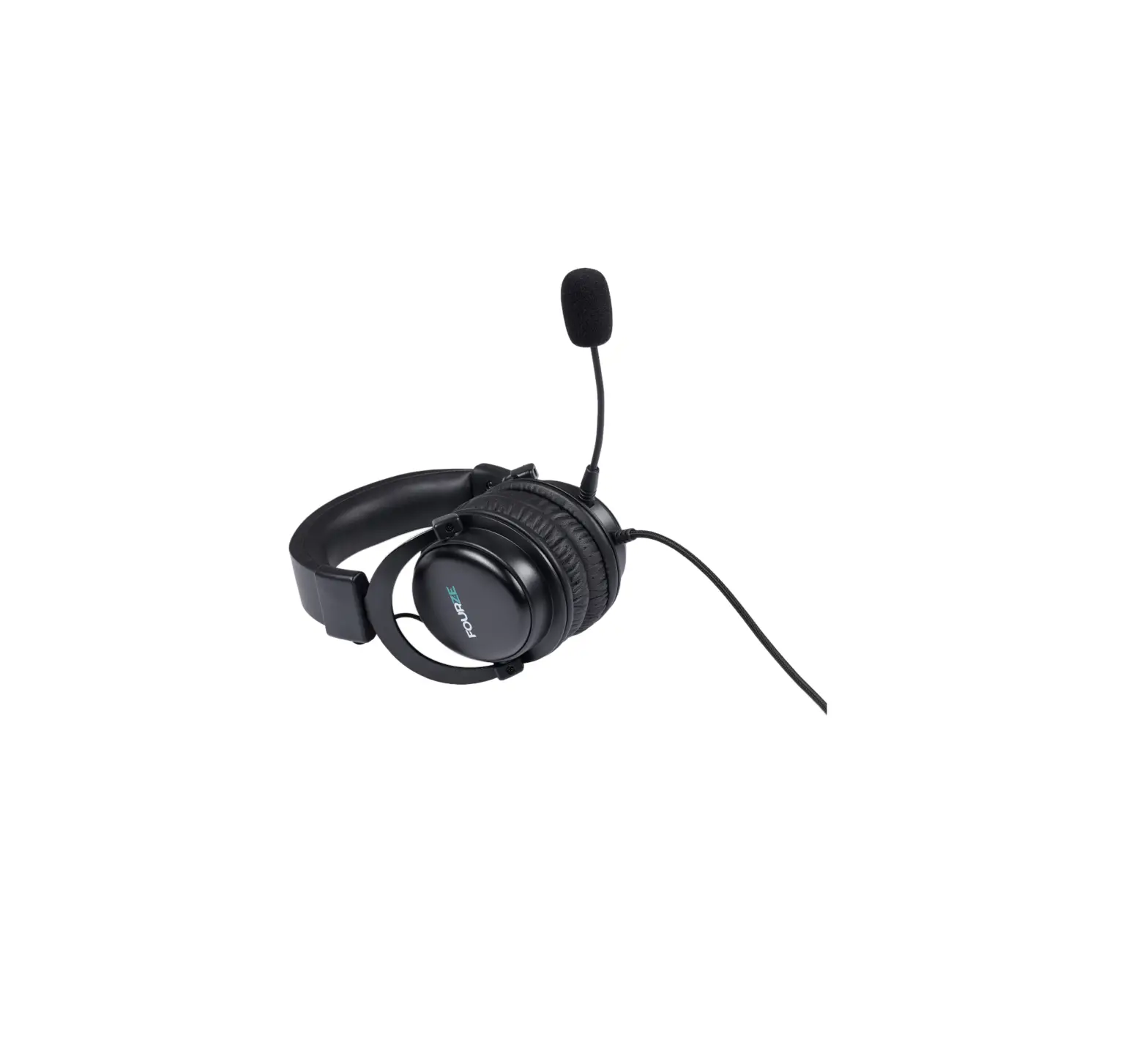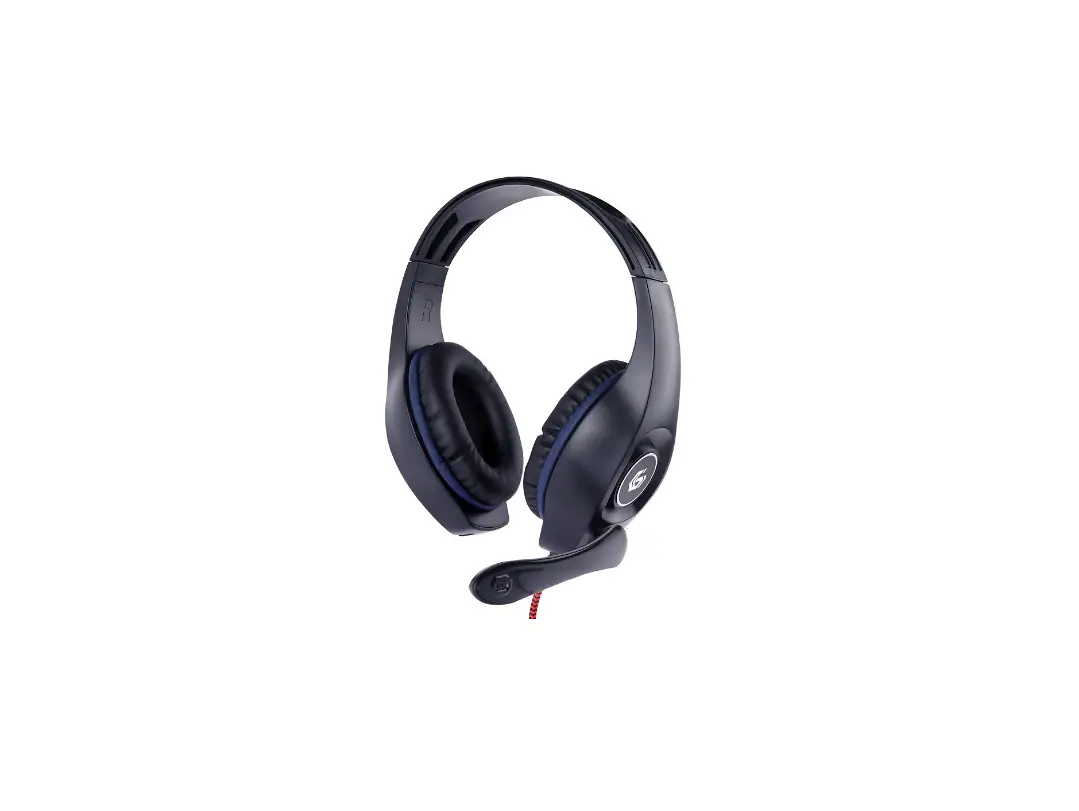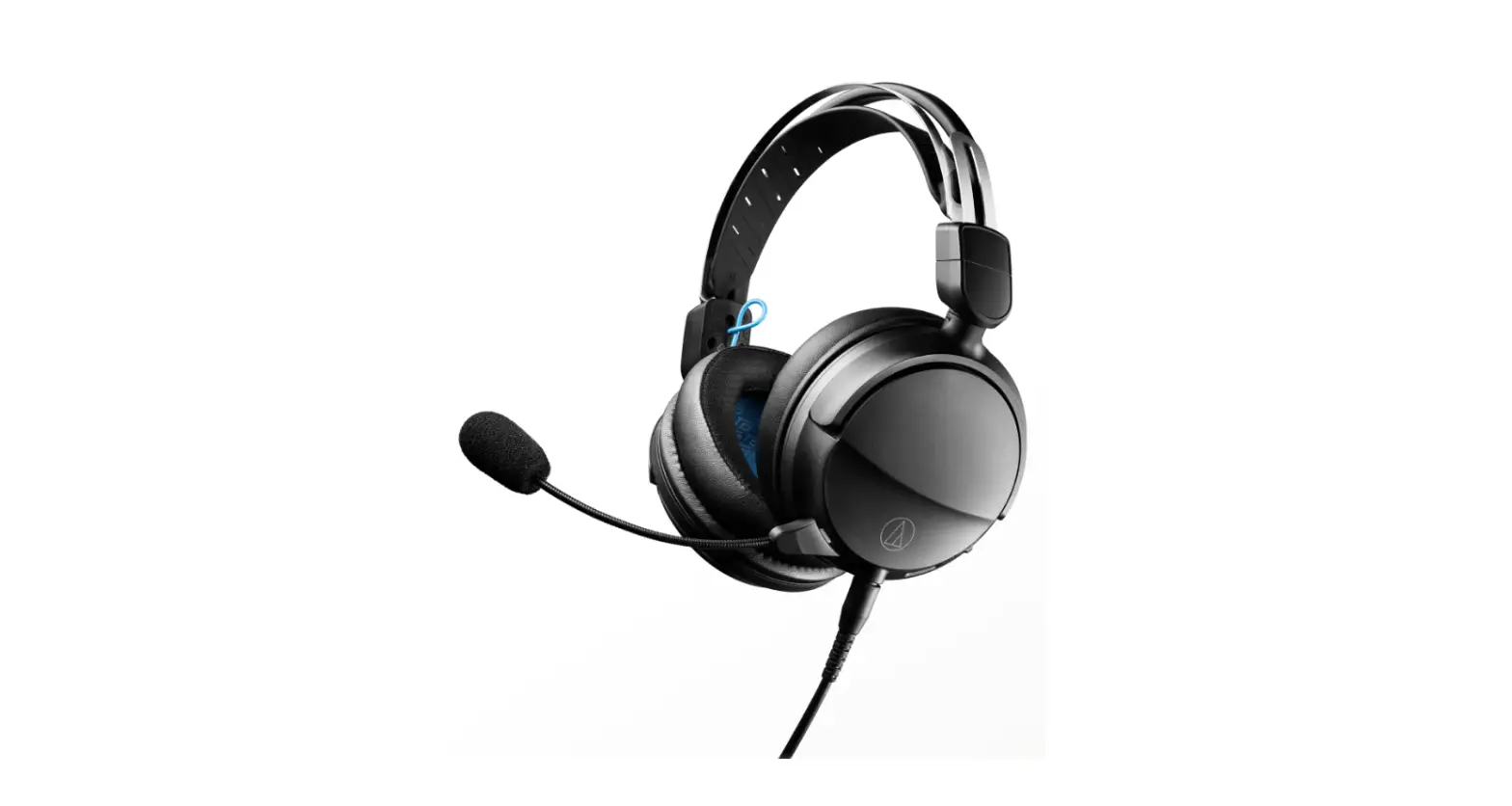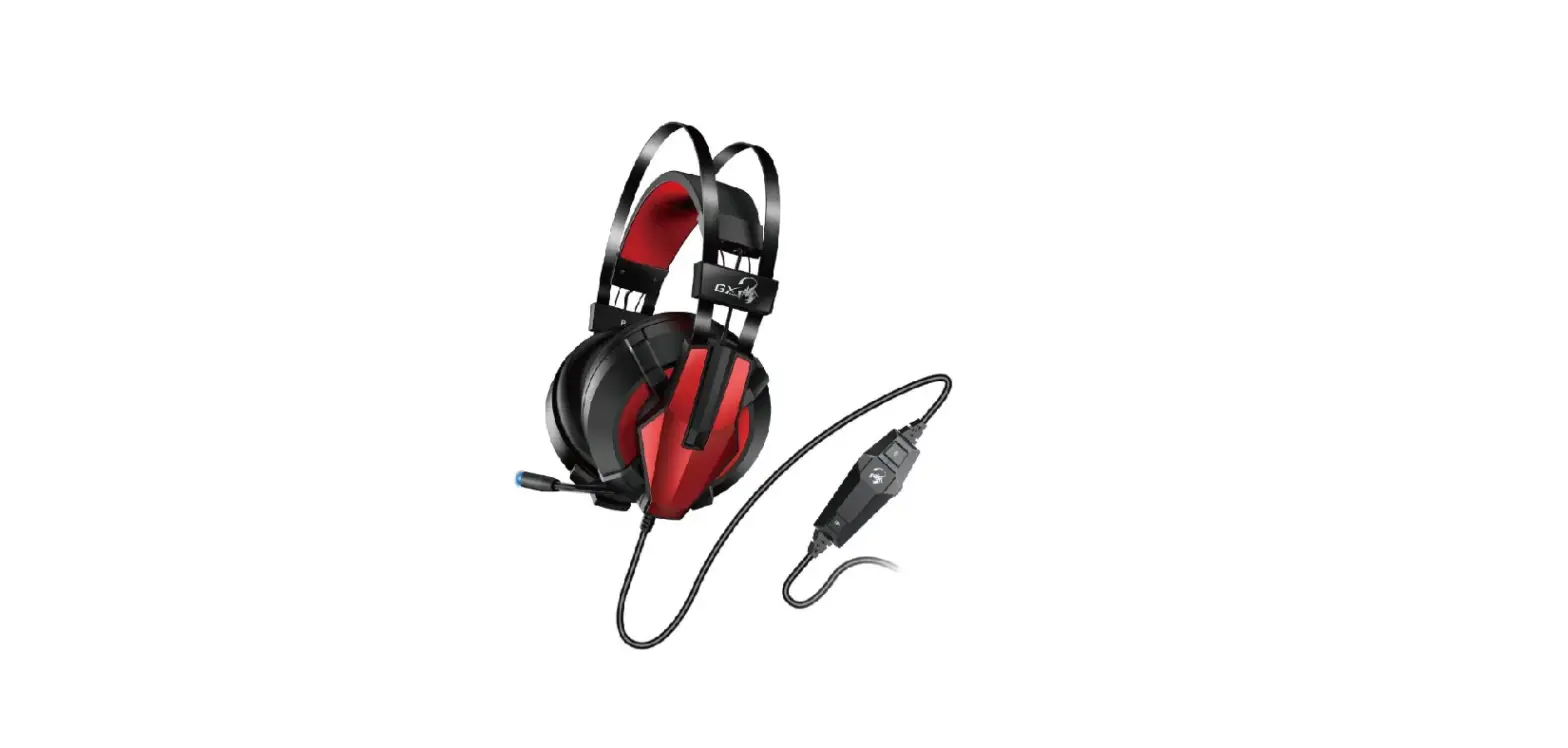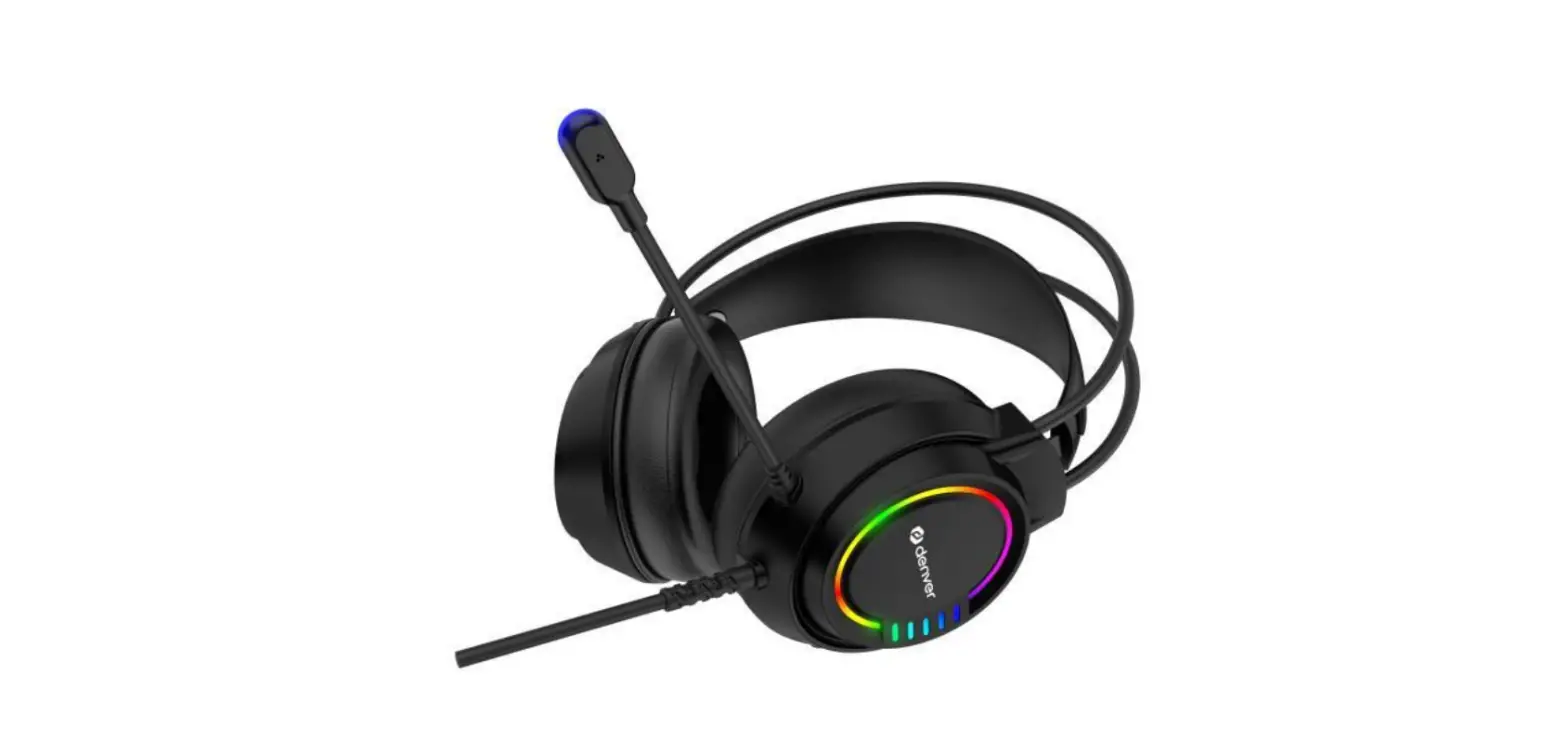

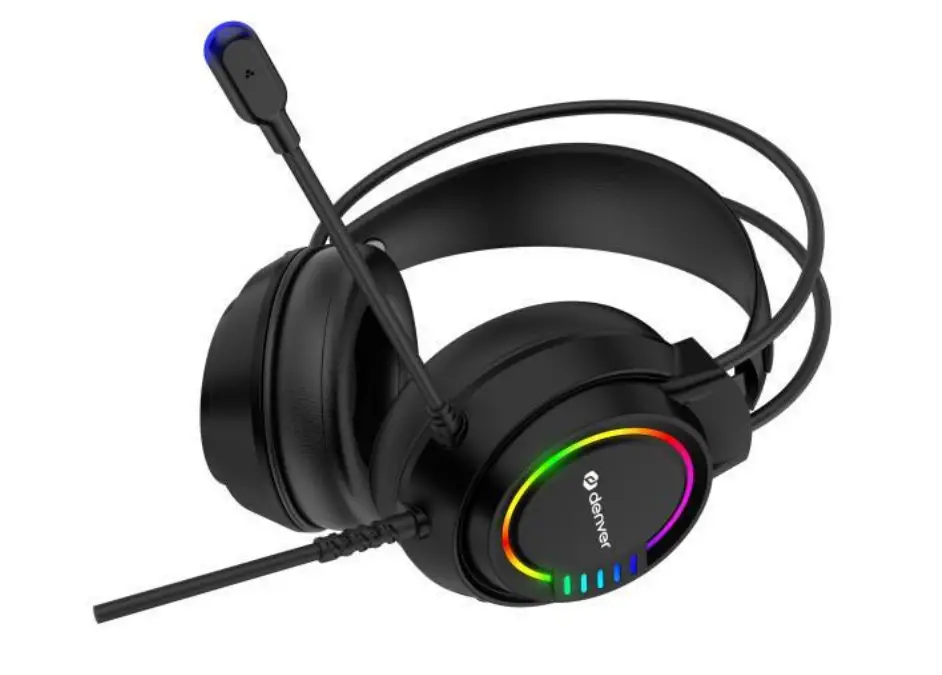
DENVER GHS-130 Gaming Headset
If the user manual is not printed in your local language, then please visit our website to see if it is available online for the device you have. Our website address is: www.denverelectronics.com
SETUP AND USE
- Adjust the headset for a snug yet comfortable fit
- To light up the LEDs on your headset, plug the USB connector into a powered USB port
- Plug the USB connector into a computer’s USB port to start using the headset
- Use the volume roller on the ear shell to adjust the volume
COMPATIBILITY
laptop/desktop computer
SPECIFICATIONS
- Drive Unit
50mm - Impedance
32ohms +/-15% - Sensitivity
115dB +/-3dB - Frequency Range
20Hz – 20KHz - Cable Length
Approx 2.0m - Microphone Sensitivity
-38dB +/-3dB
Please notice – All products are subject to change without any notice. We take reservations for errors and omissions in the manual.
ALL RIGHTS RESERVED, COPYRIGHT DENVER ELECTRONICS A/S
Disposal
Electric and electronic equipment contains materials, components and substances that can be hazardous to your health and the environment if the waste material (discarded electric and electronic equipment) is not handled correctly. Electric and electronic equipment is marked with the crossed-out trash can symbol, seen above. This symbol signifies that electric and electronic equipment should not be disposed of with other household waste, but should be disposed of separately.
All cities have established collection points, where electric and electronic equipment can either be submitted free of charge at recycling stations and other collection sites or be collected from the households. Additional information is available at the technical department of your city.
DENVER ELECTRONICS A/S
Omega 5A, Soeften
DK-8382 Hinnerup
www.facebook.com/denverelectronics