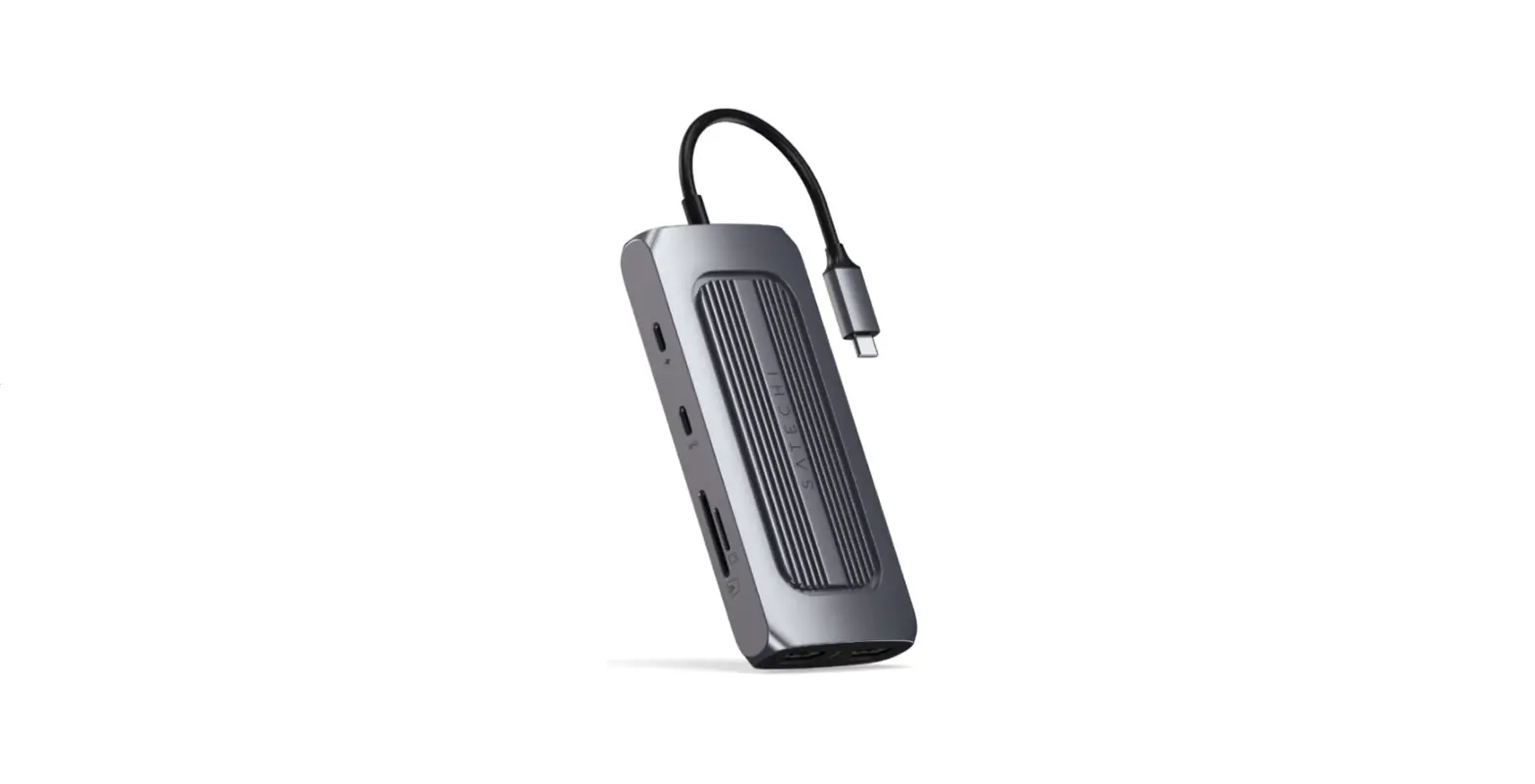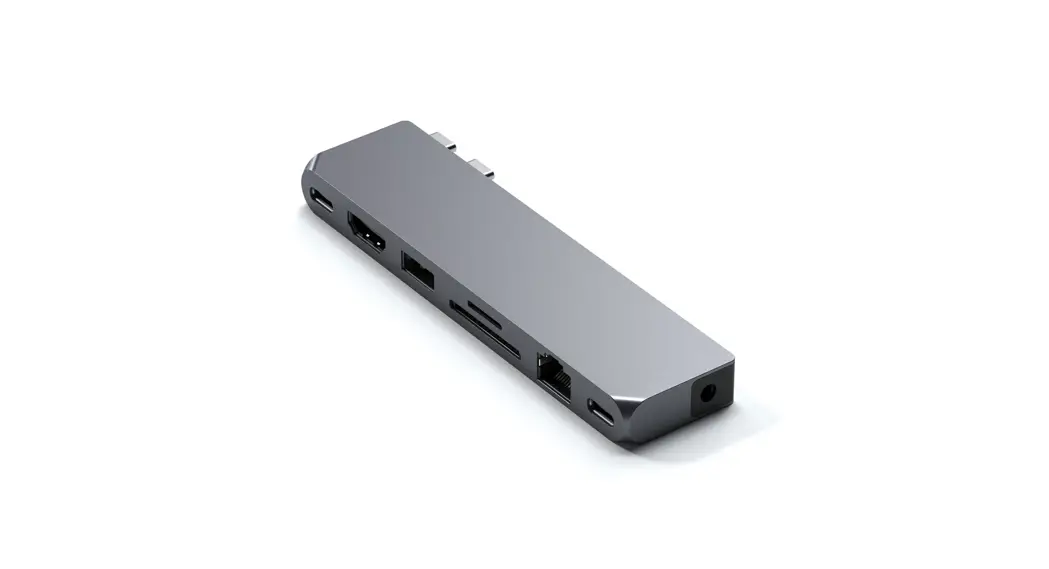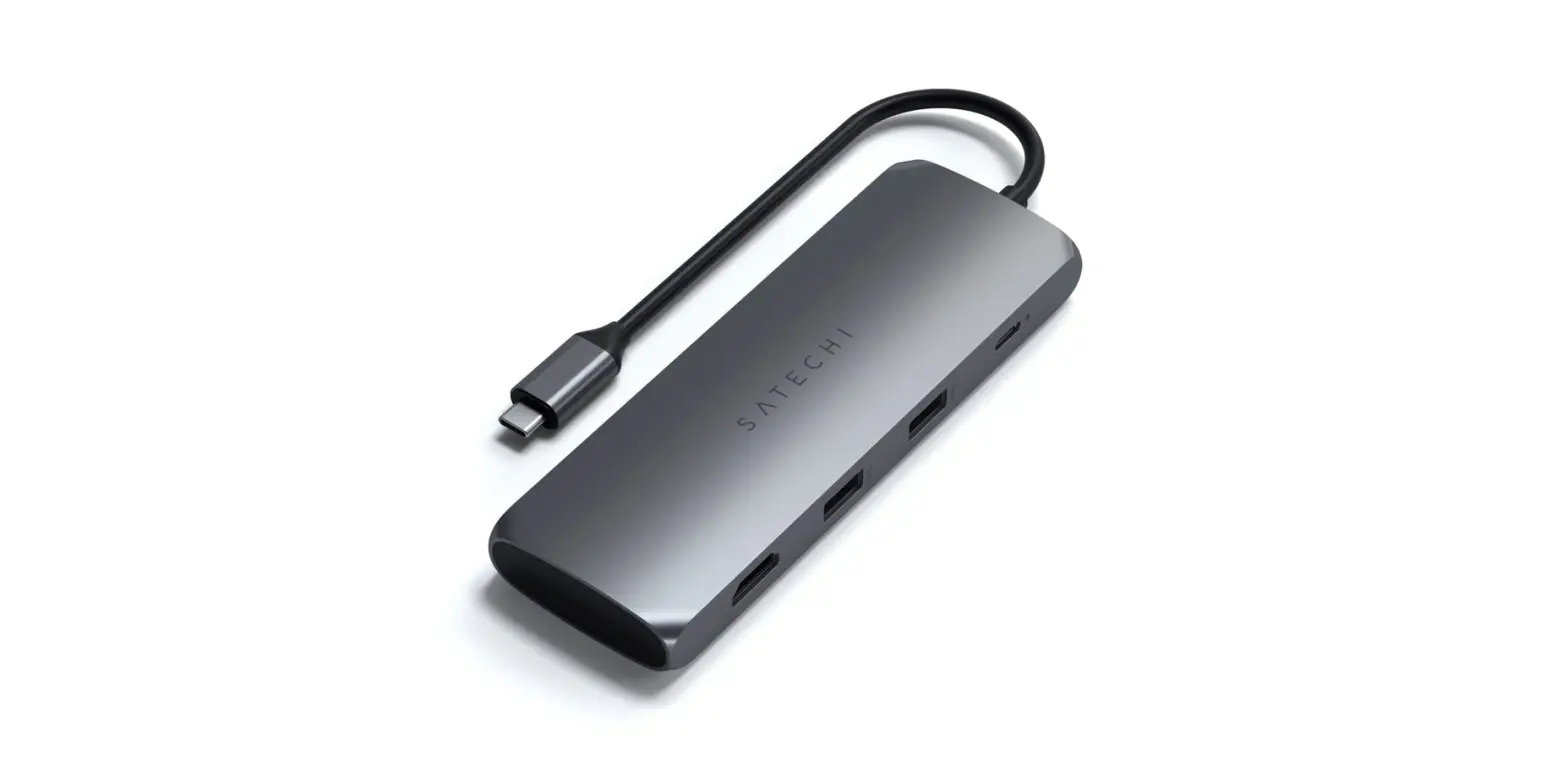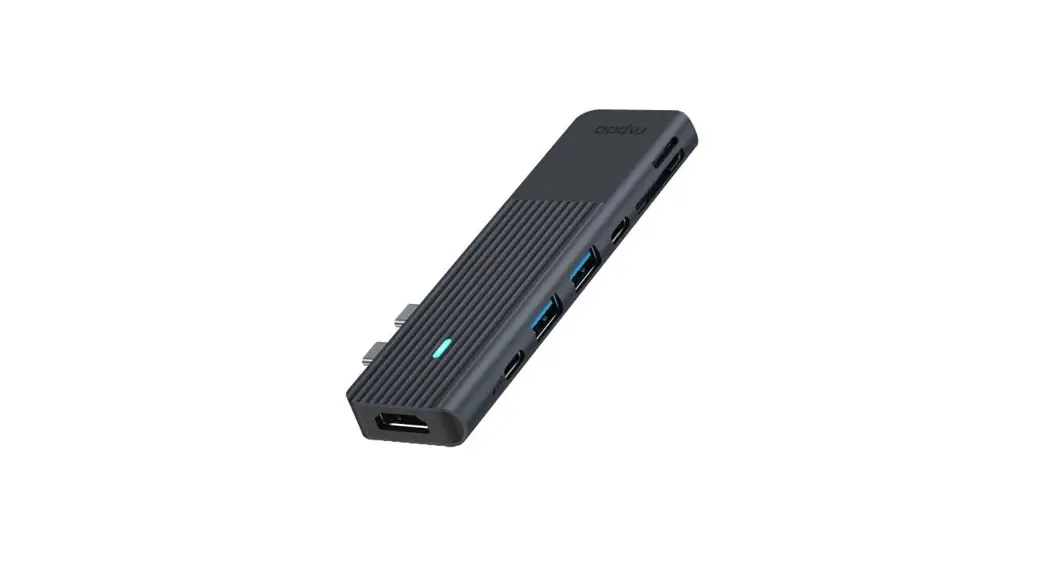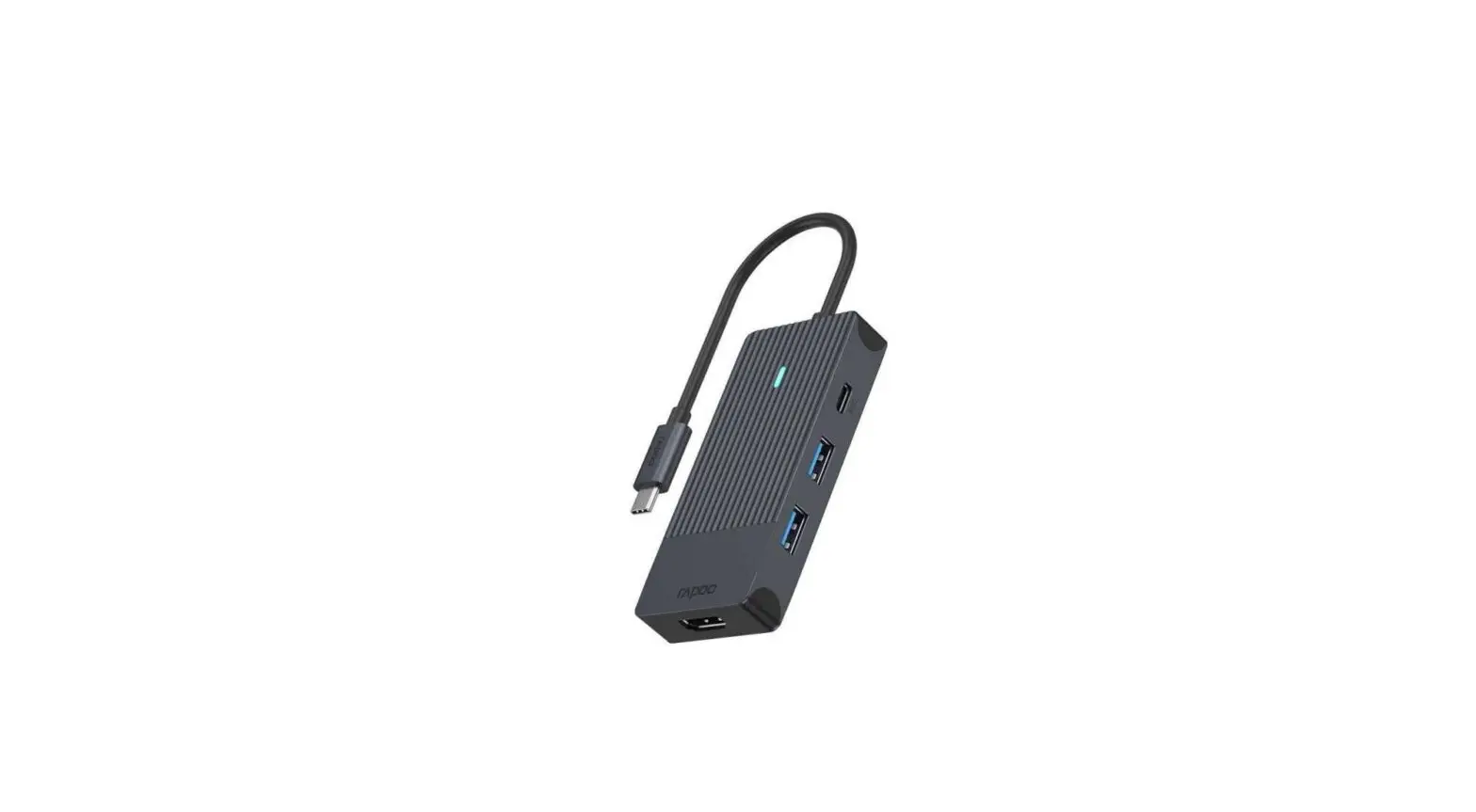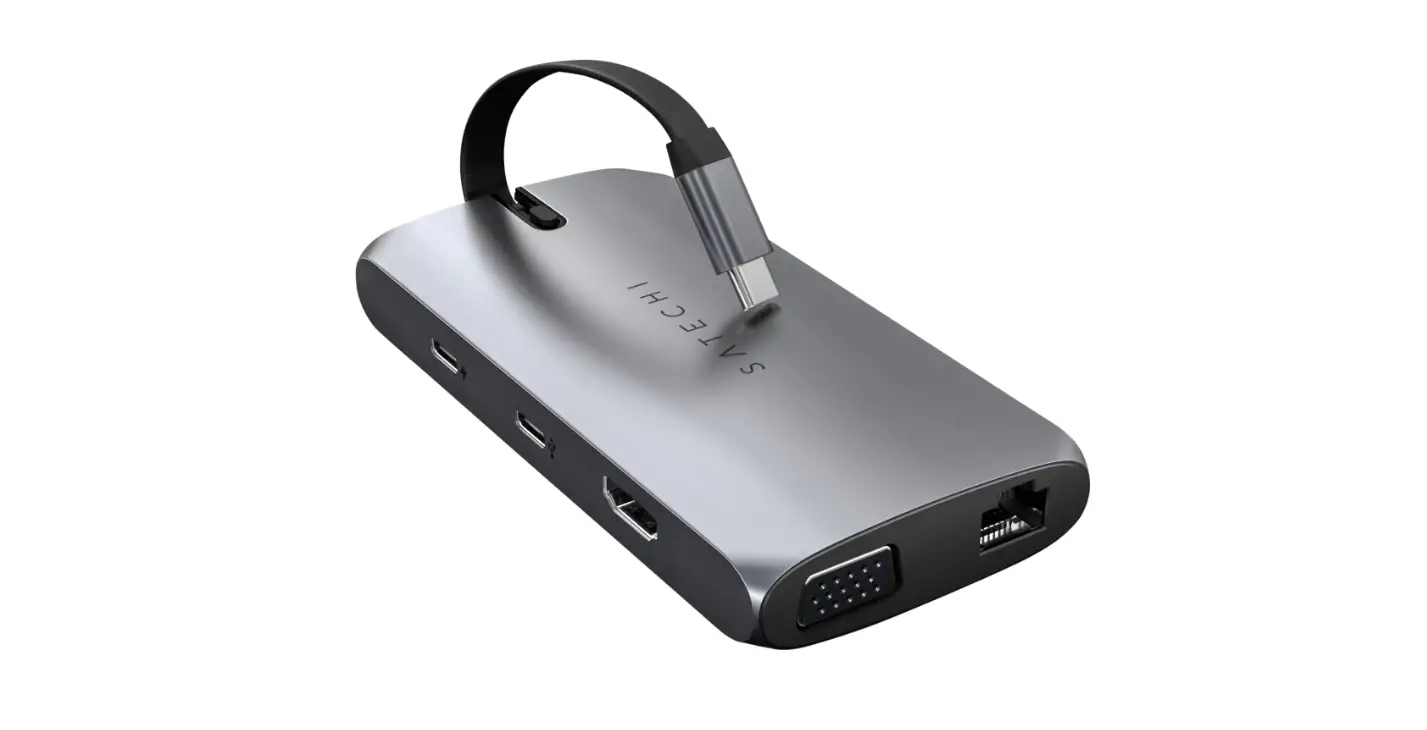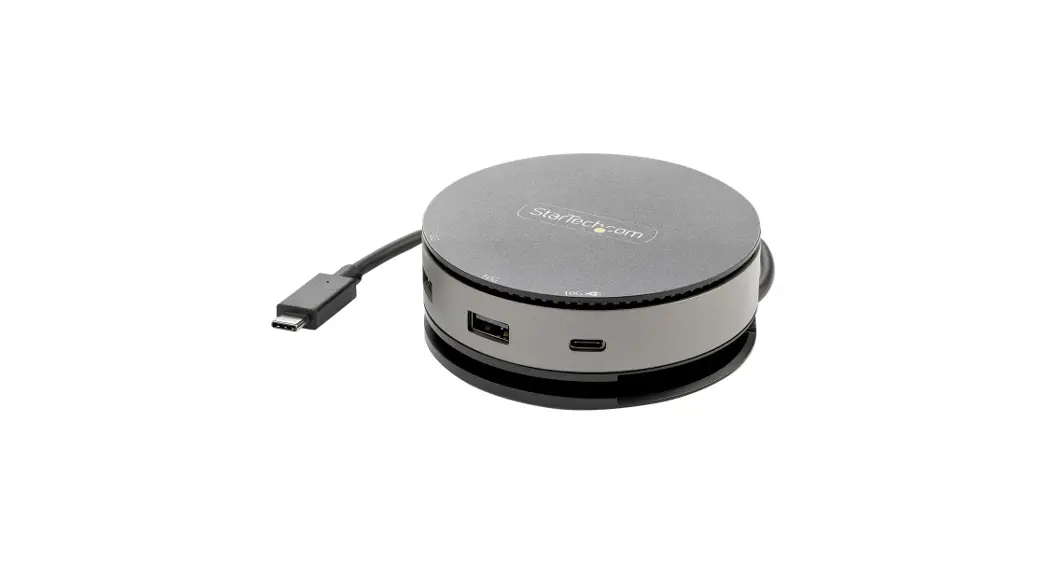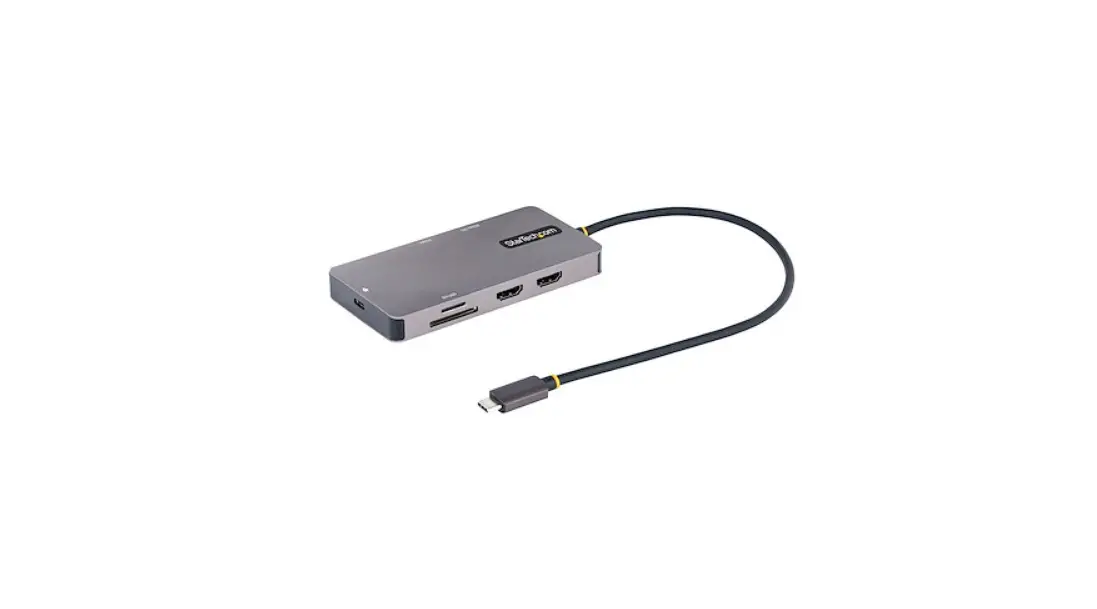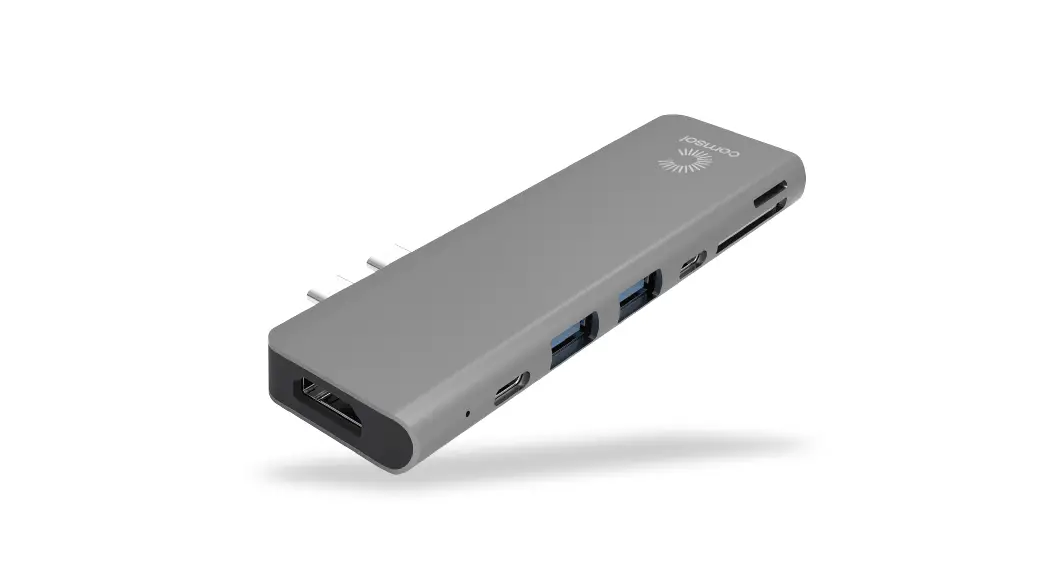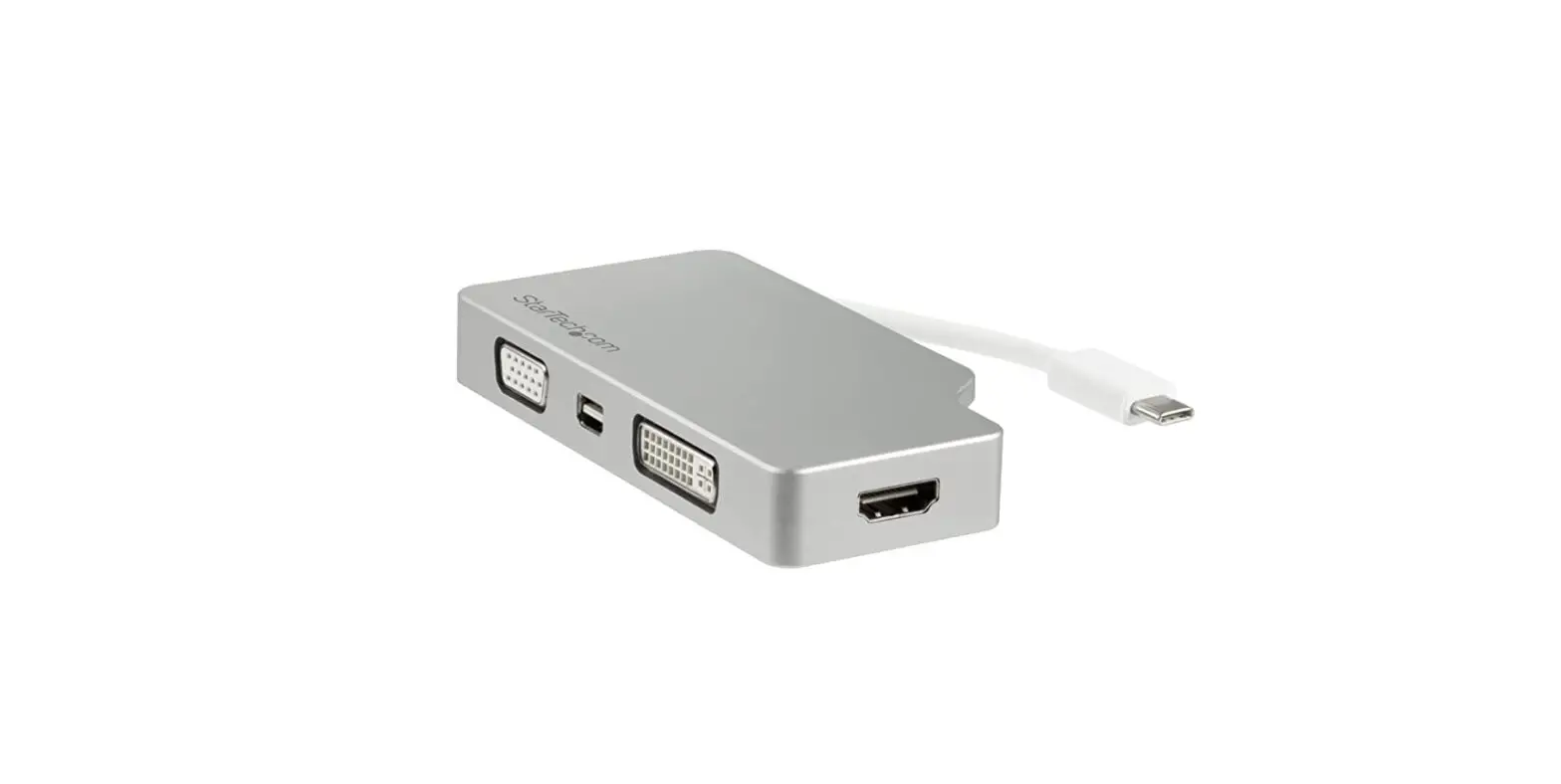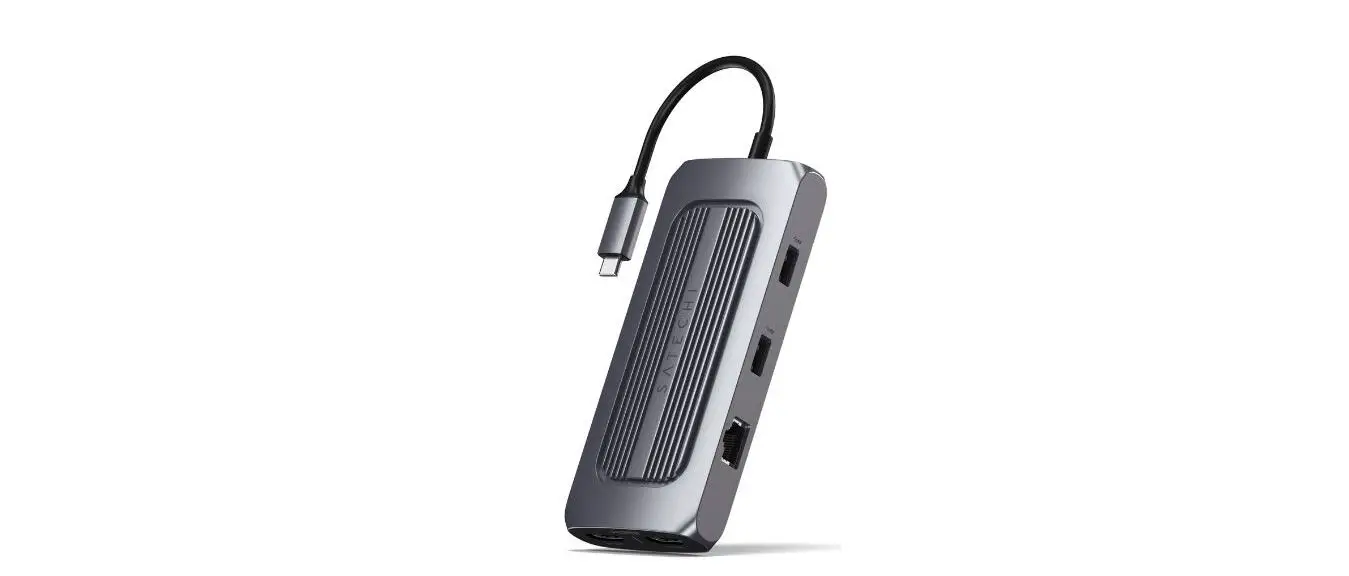

SATECHI ST-UCMXAM USB-C Multiport MX Adapter
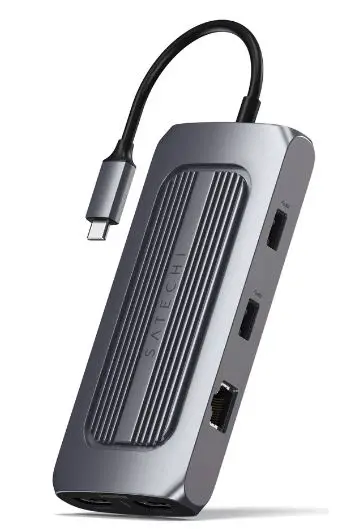
INSTRUCTIONAL GUIDE USB-C MULTIPORT MX ADAPTER
Important!
SiliconMotion software must be installed for both HDMI ports to function (see manual for full instructions).
- Connect the adapter to an USB-C port on your device.

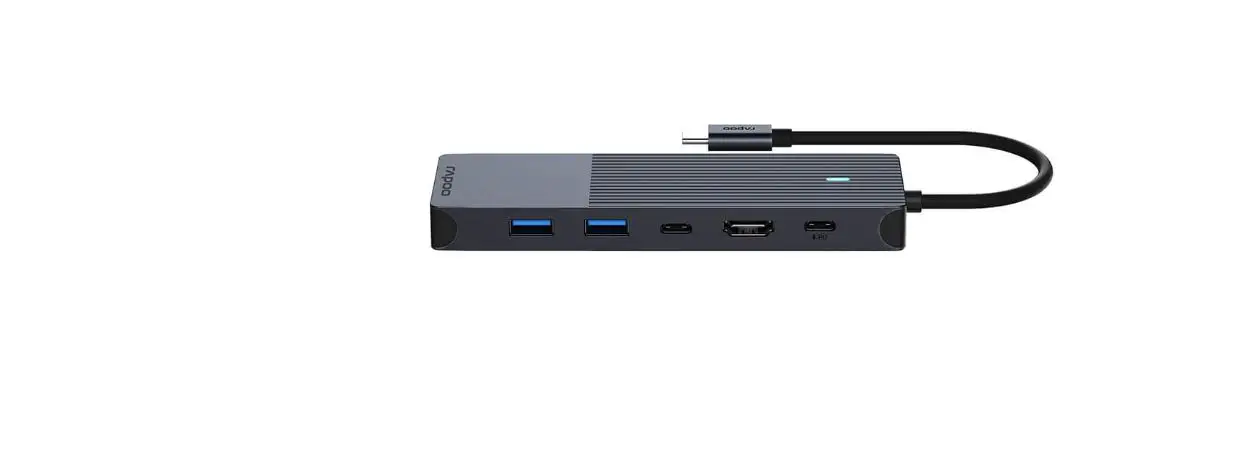
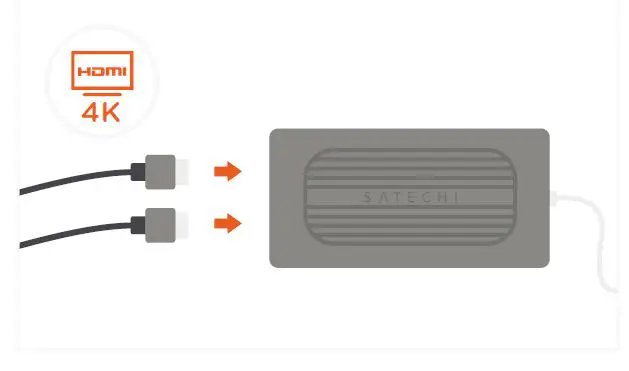
- Connect two HDMI-enabled monitors for dual 4K HDMI display output.
One HDMI supports up to 60Hz, the other 30Hz  Use the USB-C PD charging port to power your device – up to 100W ~15W of power used for operationUSB-C charging port does not support video or data
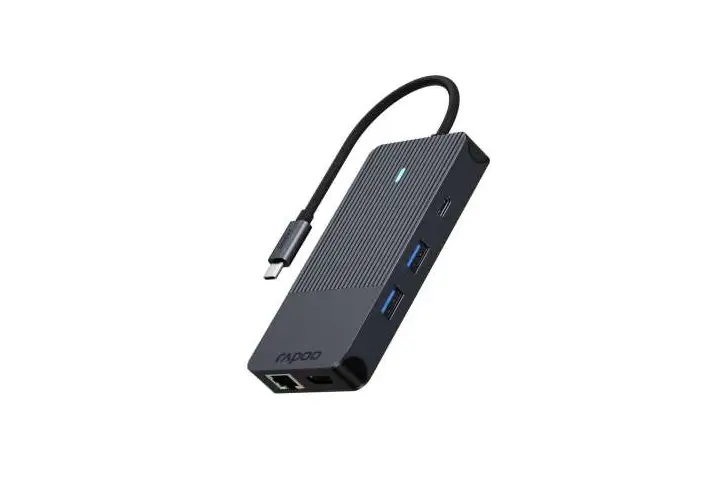
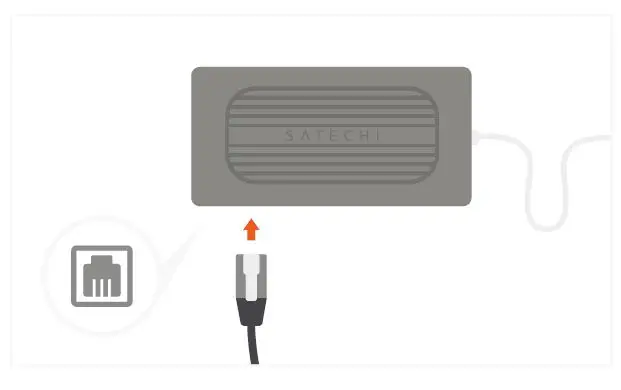
- Connect an RJ45 network cable to the adapter’s Gigabit Ethernet port.
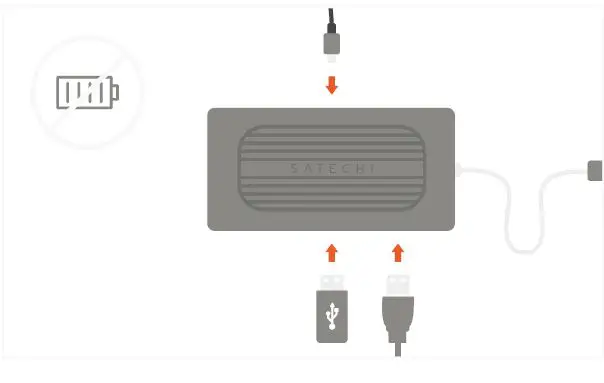
 Use the USB-C and two USB-A 3.0 ports for data transfer and file backup – up to 5 Gbps each. Does not support charging or CD readers, including Apple SuperDrive
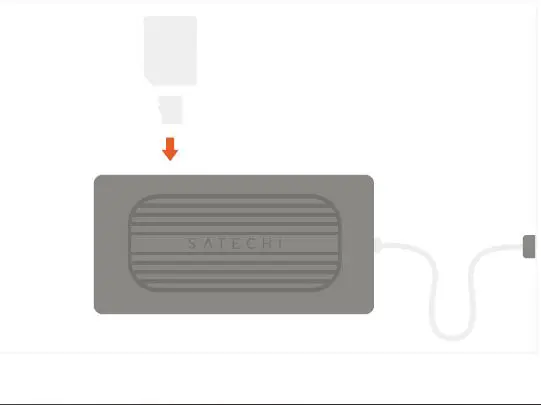
- Insert microSD or SD cards into the card reader slots.

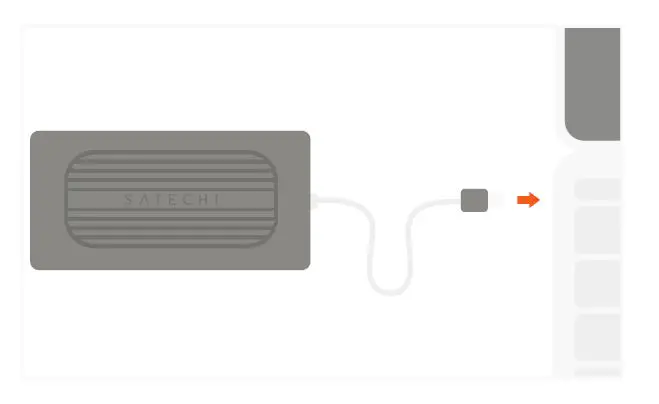
 Use the USB-C PD charging port to power your device – up to 100W ~15W of power used for operationUSB-C charging port does not support video or data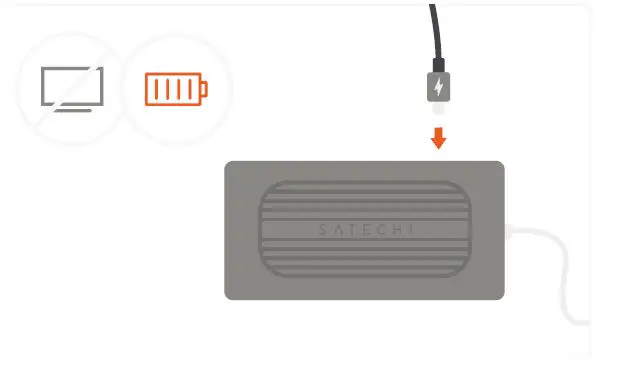
 Use the USB-C and two USB-A 3.0 ports for data transfer and file backup – up to 5 Gbps each. Does not support charging or CD readers, including Apple SuperDrive