
BAS Integration Manual
BACnet Snow/Ice
Sensor Interface 681
IS-T-681-BAS Integration
Introduction
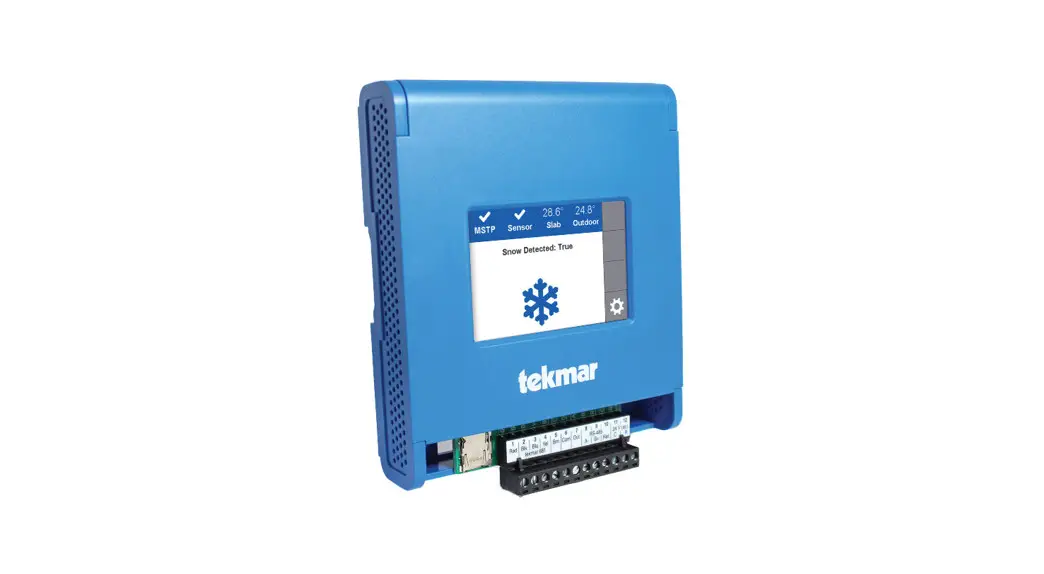
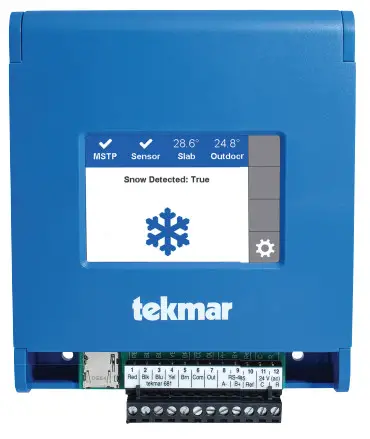
The BACnet Snow/Ice Sensor Interface 681 communicates with a Building Automation System (BAS) using BACnet® MSTP.
This manual provides information about control parameters that can be accessed by building automation or management systems that use BACnet.
BACnet Protocol Implementation Conformance Statement (PICS)
Vendor Name: tekmar Control Systems Ltd.
Vendor ID: 585
Product Name: BACnet Snow/Ice Sensor Interface 681
Product Model Number: 681
Application Software Version: J1297 Firmware Revision: 0.0.2 BACnet Protocol Revision: 14
Product Description:
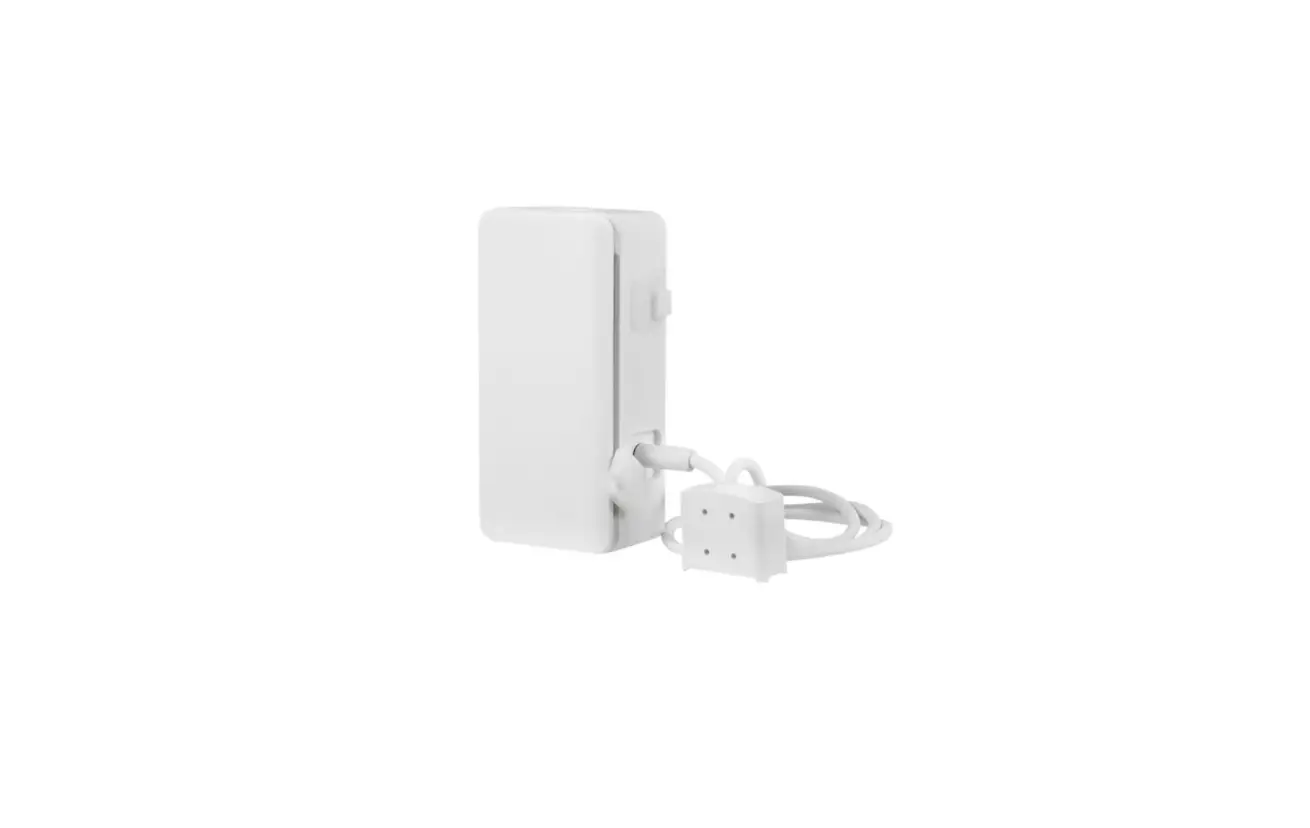
The 681 is an interface that automatically measures the presence of snow or ice and interfaces with a
Building Automation System through BACnet to operate an automatic snow melting system.
BACNET STANDARDIZED DEVICE PROFILE
BACnet Application Specific Controller (B-ASC)
| SUPPORTED BIBBS (ANNEX K) | NAME |
| DS-RP-B | Data Sharing-ReadProperty-B |
| DS-RPM-B | Data Sharing-ReadPropertyMultiple-B |
| DS-WP-B | Data Sharing-WriteProperty-B |
| DM-DDB-B | Device Management-Dynamic Device Binding-B |
| DM-DOB-B | Device Management-Dynamic Object Binding-B |
| DM-DCC-B | Device Management-Device Communication Control-B |
| SEGMENTATION CAPABILITY | SUPPORTED | WINDOW SIZE |
| Able to transmit segmented messages | No | |
| Able to receive segmented messages | No |
| STANDARD OBJECT TYPES SUPPORTED | CREATABLE | DELETABLE |
| Analog Input | No | No |
| Analog Value | No | No |
| Binary Input | No | No |
| Binary Value | No | No |
| Device | No | No |
| DATALINK LAYER | SUPPORTED |
| BACnet MSTP | Yes |
| NETWORK SECURITY OPTIONS | |
| Non-secure Device | – |
| DATALINK LAYER OPTION | SUPPORTED |
| BACnet MSTP | Yes |
| DEVICE ADDRESS BINDING OPTION | SUPPORTED |
| Device Address Binding | NO |
BACnet MSTP Connection
| SERVICE NAME | INITIATE | EXECUTE |
| real property | – | Yes |
| ReadPropertyMultiple | – | Yes |
| DeviceCommunicationControl | – | Yes |
| Who-Is | – | Yes |
| I-Am | Yes | – |
| Who-Has | – | Yes |
| I-Have | Yes | – |
Use the 681 terminal block to connect a shielded twisted pair wire from the BACnet RS485 connection point. Wire the A, B & G conductors from the BACnet point to the 681 A, B & Ref terminals.
- And should not be connected to the ground screws in the 681.
| STATUS FLAG | |
| In Alarm Flag | F |
| Fault Flag | F |
| Overridden Flag | F |
| Out of Service Flag | F/T |
| RELIABILITY | |
| No-Fault | 0 |
| No Sensor | 1 |
| Open Loop | 4 |
| Shorted Loop | 5 |
BACnet Analog Parameters
Analog Input Object = AI
Analog Value Object = AV
Read = R
Read/Write = R/W
| OBJECT ID | NAME | DATA TYPE | READ/ WRITE | STATUS FLAG | EVENT STATE | RELIABILITY | OUT OF SERVICE | UNITS | RANGE/ VALUE |
| Analog Input Objects | |||||||||
| 1 | Outdoor Air Temperature | AI | R | FFF(F/T) | Normal | 0, 1, 4, 5 | False or True | °F (64) | -76 to 266°F |
| 2 | Slab Temperature | AI | R | FFF(F/T) | Normal | 0, 1 | False or True | °F (64) | – |
| 3 | Slab Target Temperature | AI | R | FFF(F/T) | Normal | 0 | False or True | °F (64) | – |
| 4 | Error Code | AI | R | FFF(F/T) | Normal | 0 | False or True | No Units(95) | See Error Codes list |
| Analog Value Objects | |||||||||
| 1 | BAS Outdoor air temperature | AV | R/W | FFF(F/T) | Normal | – | False or True | °F (64) | -76 to 266°F |
| 2 | Melt Setpoint | AV | R/W | FFF(F/T) | Normal | – | False or true | °F (64) | 32 to 95°F |
| 3 | Snow/Ice Sensitivity | AV | R/W | FFF(F/T) | Normal | – | – | No Units (95) | 0 = Auto, 1 = Min, 2 = -2, 3 = -1, 4 = Mid, 5 = +1, 6 = +2, 7 = Max |
| 4 | Warm WeatherShut Down | AV | R/W | FFF(F/T) | Normal | – | False or True | °F (64) | 32 to 95°F |
| 5 | Cold WeatherCut Off | AV | R/W | FFF(F/T) | Normal | – | False or True | °F (64) | -30 to 50°F |
BACnet Binary Parameters
Binary Input Object = BI
Binary Value Object = BV
Read = R
Write = W
| 6 | NAME | DATATYPE | READ / WRITE | STATUS FLAG | EVENT STATE | OUT OF SERVICE | PRESENT VALUE |
| Binary Value Objects | |||||||
| 1 | Snow Detected | BI | R/W | FFF/(F/T) | Normal | False or True | 0 = False 1 = True |
| 2 | Cold Weather Cut Off | BI | R/W | FFF(F/T) | Normal | False or True | 0 = False 1 = True |
| 3 | Melt Pending Detected | BI | R/W | FFF(F/T) | Normal | False or True | 0 = False 1 = True |
| 4 | Wet Detected | BI | R/W | FFF(F/T) | Normal | False or True | 0 = False 1 = True |
| 5 | Sensor Mode | BI | R/W | FFF(F/T) | Normal | False or True | 0 = False 1 = True |
| 6 | Melt Pending Detected | BI | R/W | FFF(F/T) | Normal | False or True | 0 = 090 Sensor Configured 1 = 095 Sensor Configured |
| OBJECT ID | NAME | DATATYPE | READ / WRITE | STATUS FLAG | EVENT STATE | OUT OF SERVICE | PRESENT VALUE |
| Binary Value Objects | |||||||
| 1 | Outdoor Sensor Enable | BV | R/W | FFF(F/T) | Normal | False or True | 0 = Interface measures outdoor 1 = BAS sends outdoor temperature |
| 2 | Warm Weather Shutdown Type | BV | R/W | FFF(F/T) | Normal | False or True | 0 = Auto, 1 = Setting |
| 3 | Cold Weather Cut Off Type | BV | R/W | FFF(F/T) | Normal | False or True | 0 = Auto, 1 = Setting |
| 4 | Reset Snow Detection Request | BV | R/W | FFF(F/T) | Normal | False or True | 0 = Do nothing, 1 = Reset Snow Detection |
Refer to the Installation & Operation Manual 681_D for additional information.
BACnet MSTP Troubleshooting
If there is no communication, check the following:
- Check that the polarity on the BACnet MSTP A & B terminals is correct.
- Check that the BACnet MSTP Ref terminal is securely connected.
- Check that the baud rate is the same on both devices.
BACnet MSTP Specification
| Communication Protocol | MSTP over RS-485 |
| Physical Layer | TIA-485 two-wire plus signal ground |
| Baud Rate | 9600, 19200, 38400, 57600, 76800, 115200 (default: 76800 bps) |
| Recommended Cable | 18 AWG Shielded Twisted pair (STP) |
| Maximum Cable Length | 9600 bps: 1200 meters (4000 feet) 19200 bps: 1200 meters (4000 feet) 38400 bps: 1200 meters (4000 feet) 57600 bps: 1200 meters (4000 feet) 76800 bps: 1200 meters (4000 feet) 115200 bps: 1000 meters (3280 feet) |
| Parity | Even (1 stop bit) |
| Addressing | 0 to 127 (default: 60) |
Error Codes
| CODE | DESCRIPTION |
| 1 | Setpoint Menu Save Error |
| 2 | Sensors Menu Save Error |
| 3 | BAS Menu Save Error |
| 4 | Outdoor Sensor Error |
| 5 | Slab Sensor Error |
| 6 | Snow Sensor Yellow Wire Error |
| 7 | Snow Sensor Blue Wire Error |
| 8 | Snow Sensor Brown Wire Error |
| 9 | Snow Sensor Error |
| 10 | Snow/Ice Sensor |
Detailed information on how to correct the error is included in the Installation & Operation Manual 681_D available at watts.com/tekmar
S-T-681-BAS Integration 2139
Tel: 1-800-438-3903
Fax: (250) 984-0815
tekmarControls.com
© 2021 tekmar
 tekmar | Watts Brands
 tekmar | Watts Brands