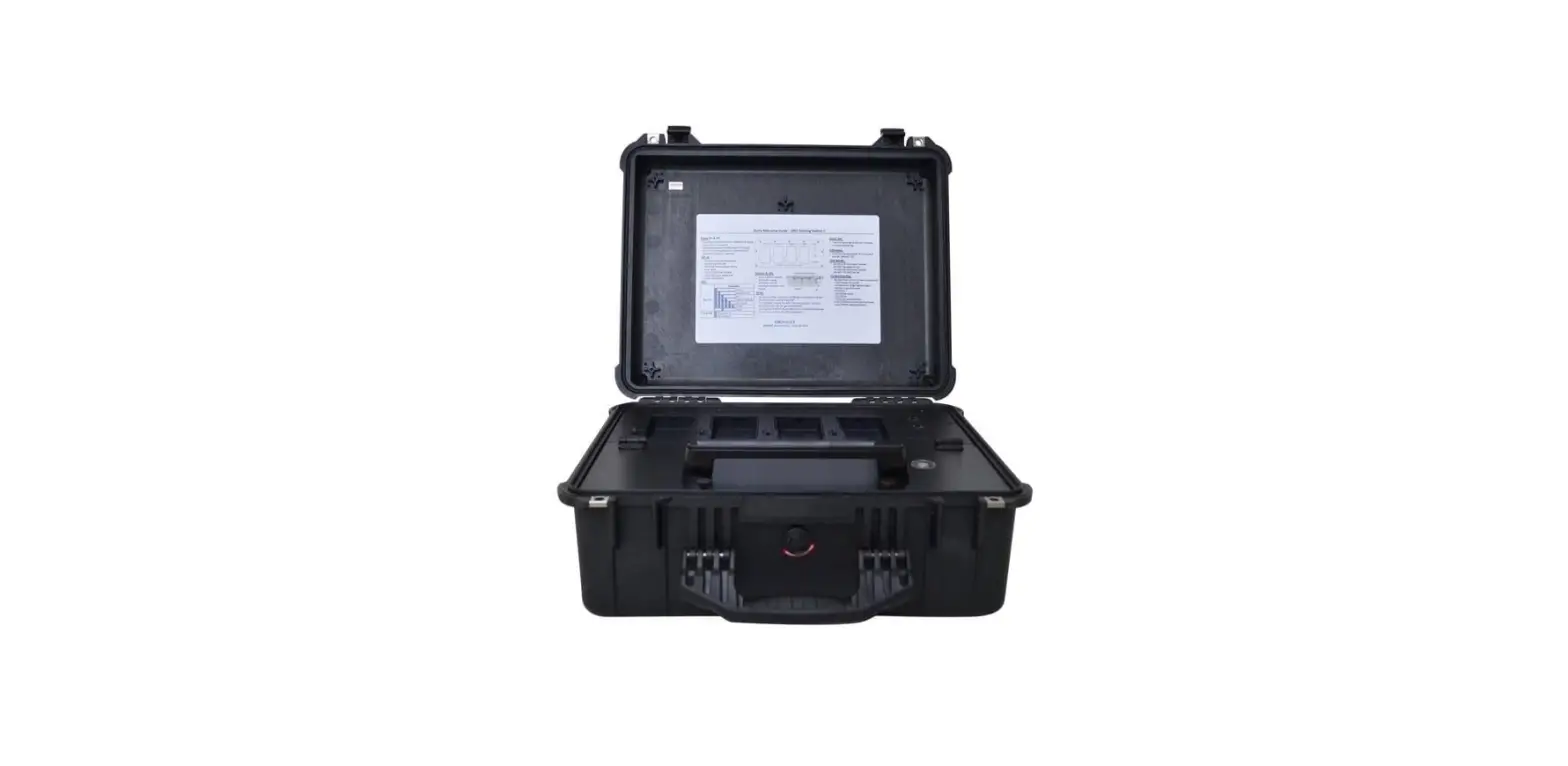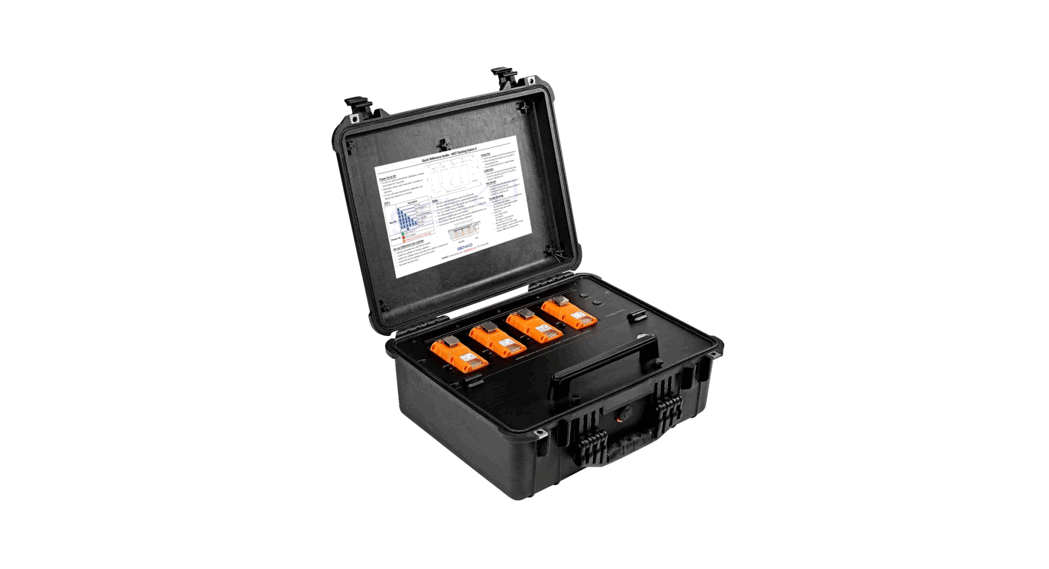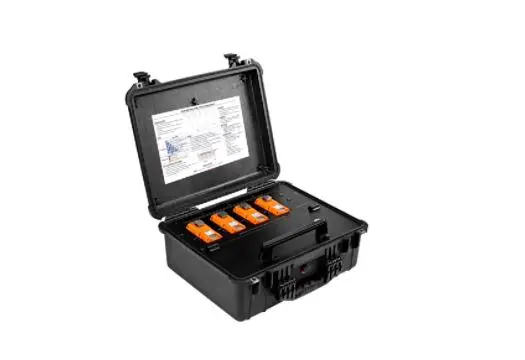

SENKO T2J 0M3 Docking Station II for SGT
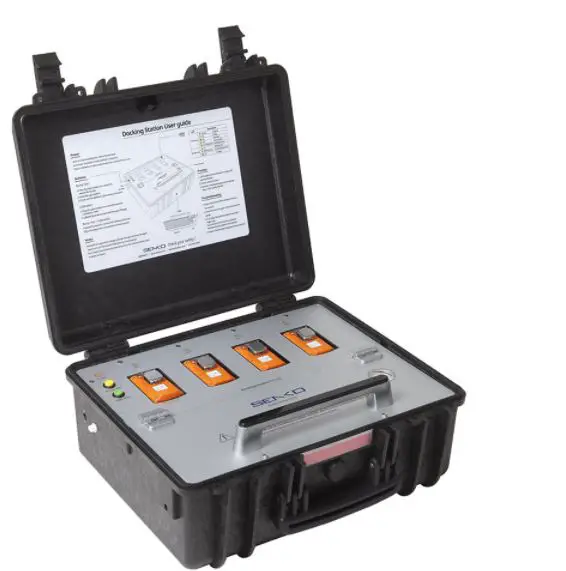
Power On & Off
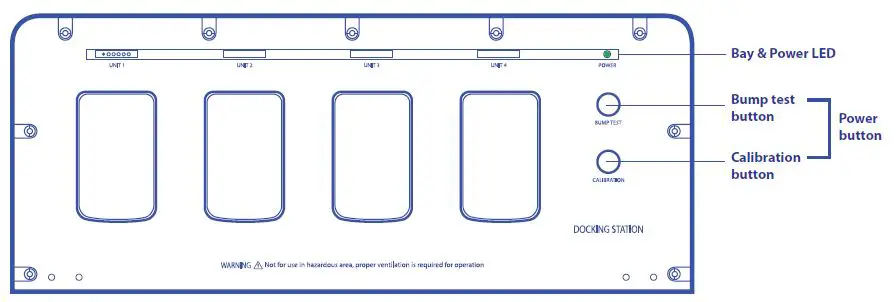
- To turn on, press and hold the Calibration or Bump Test button for 2 seconds.
- Automatic power save mode after 5 minutes of inactivity.
- To turn off, press and hold the Calibration and Bump Test button for 2 seconds.

Bump Test
- Insert the monitor(s) into the bay facing down.
- Press the bump test button for 2 seconds to execute. Bump Test
- Up to 1,000 bump tests on a single charge
Calibration
- Insert the monitor(s) into the bay facing down.
- Press the calibration button for 2 seconds to execute Calibration test.
Test Results
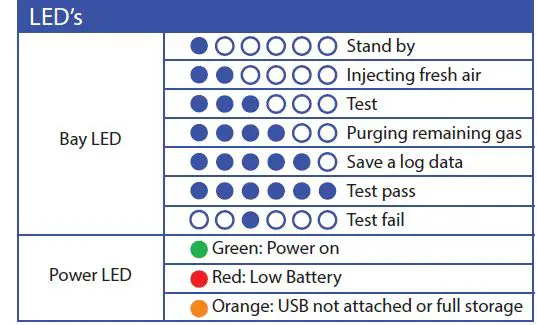
- All (six) blue Bay LEDs illumination indicates if the SGT has passed the test.
- The third blue Bay LED illumination indicates if the SGT has failed the test.

Set up Calibration Gas Cylinder
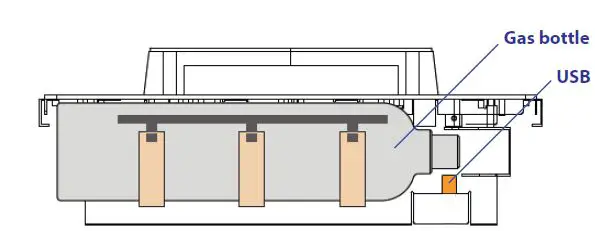
- Remove thumbscrews and lift the handle
- Install the cylinder to the gas regulator
- Fasten the cylinder straps and close the cylinder compartment
- Check the pressure gauge on the front panel
- Re-install thumbscrews

Trouble Shooting
- Bay Light does not turn on /test not performed
- Clean Monitor IR window
- IR interference (bright lights/sunlight)
- Monitor in gas alarm state
- All tests fail
- Gas cylinder empty
- Gas Expired
- Wrong gas concentration(s)
- Test results are not stored
- USB not attached or full storage
- If you’re unable to resolve technical issues, please contact the product’s authorized reseller or SENKO service center.
Important Notes
- USB drive must be installed to store the test results
- The latest SGT firmware will be updated automatically
- For bump testing, ensure the cylinder gas concertation is above the “Low Alarm” setting of the SGT
- For calibration, ensure the SGT “Cal Concentration” setting is the same as the cylinder gas concentration
- Any monitor that fails the bump test or calibration must be re-calibrated and perform the bump test and calibration again. If the attempt fails continuously, please do not use the detector and contact the product’s reseller or SENKO service center.
- When connecting SENKO IR Link, make sure “Write” button has clicked to save customized settings.
For more information
SENKO Canada
548 Lake Bonavista Drive, Calgary,
Alberta T2J 0M3, Canada
Email: [email protected], [email protected]
Web: www.senkocanada.com
Tel: 587-322-1616