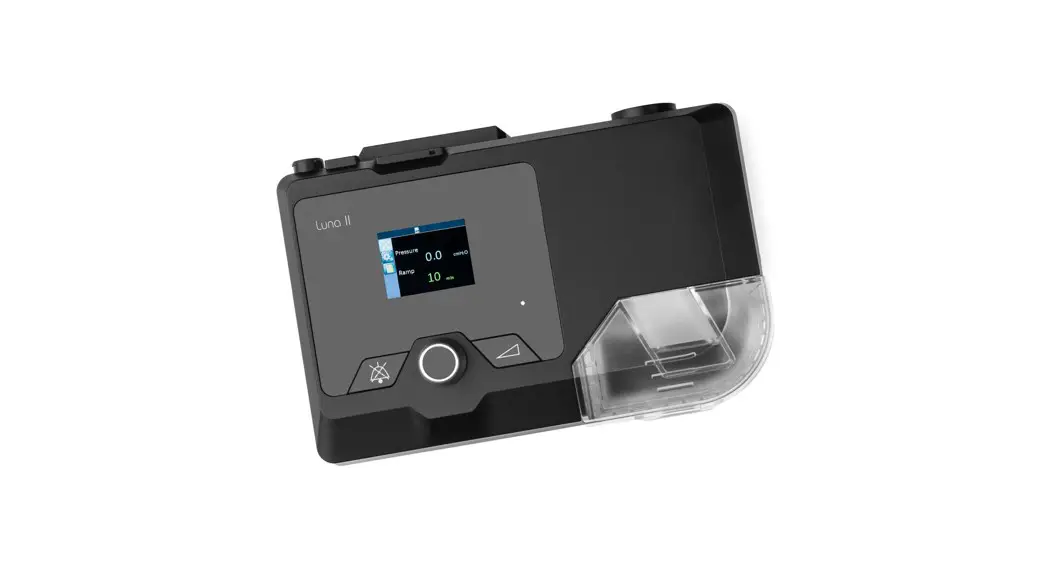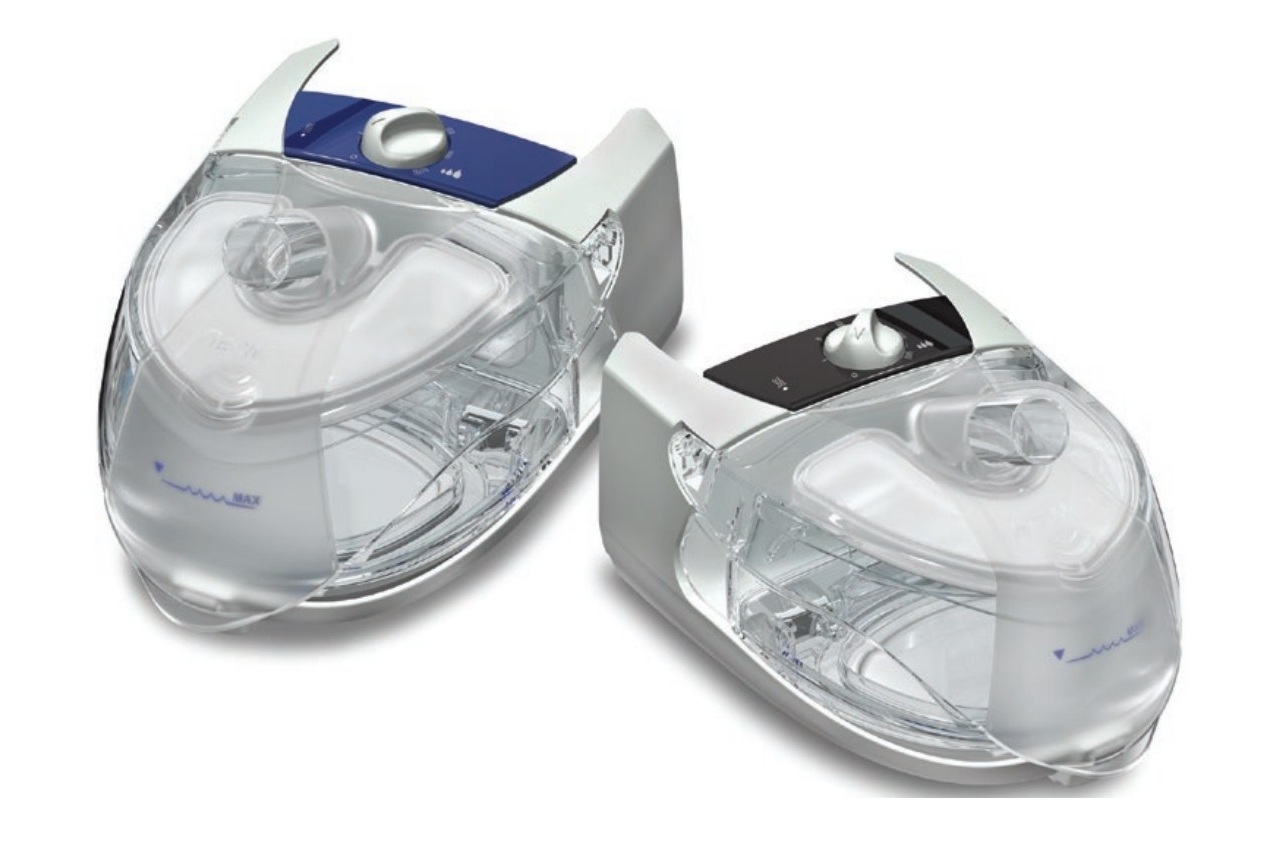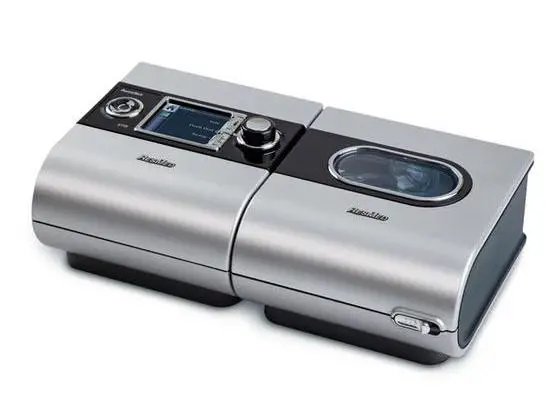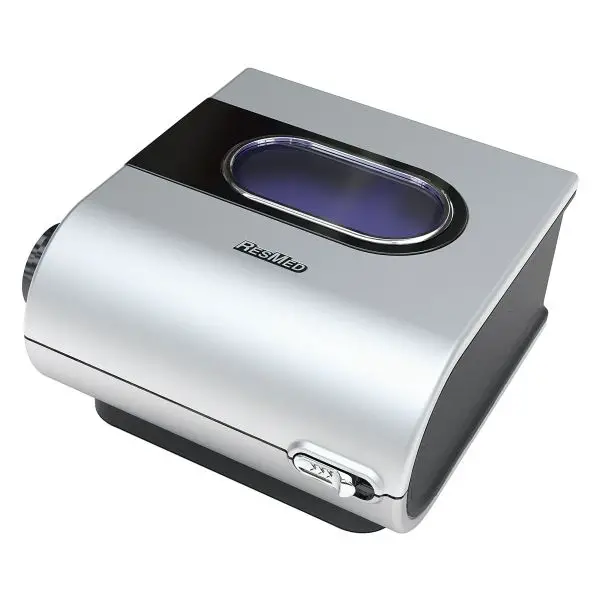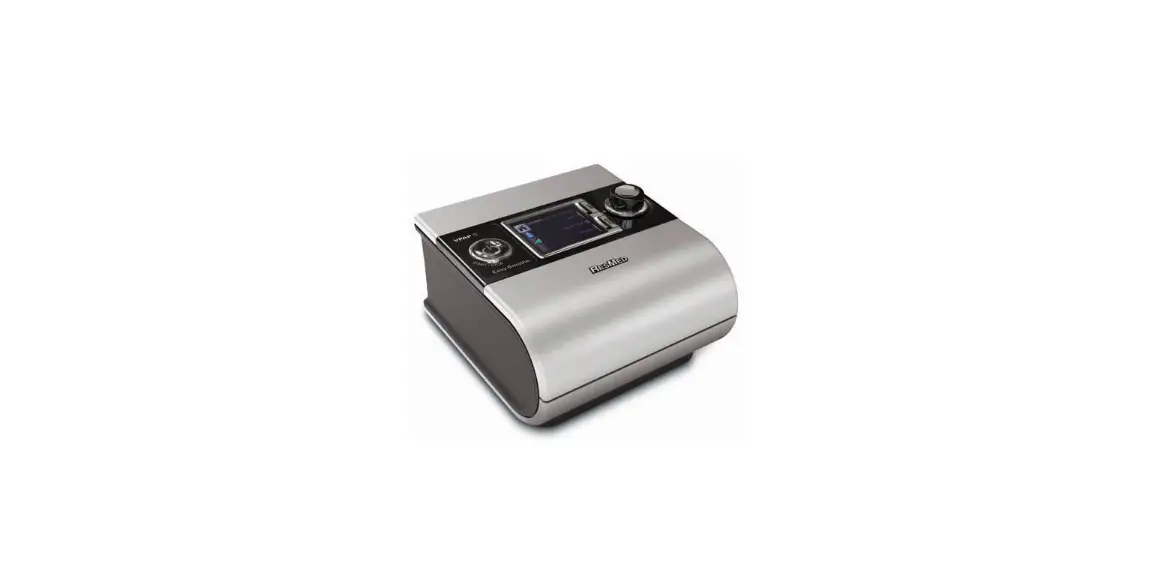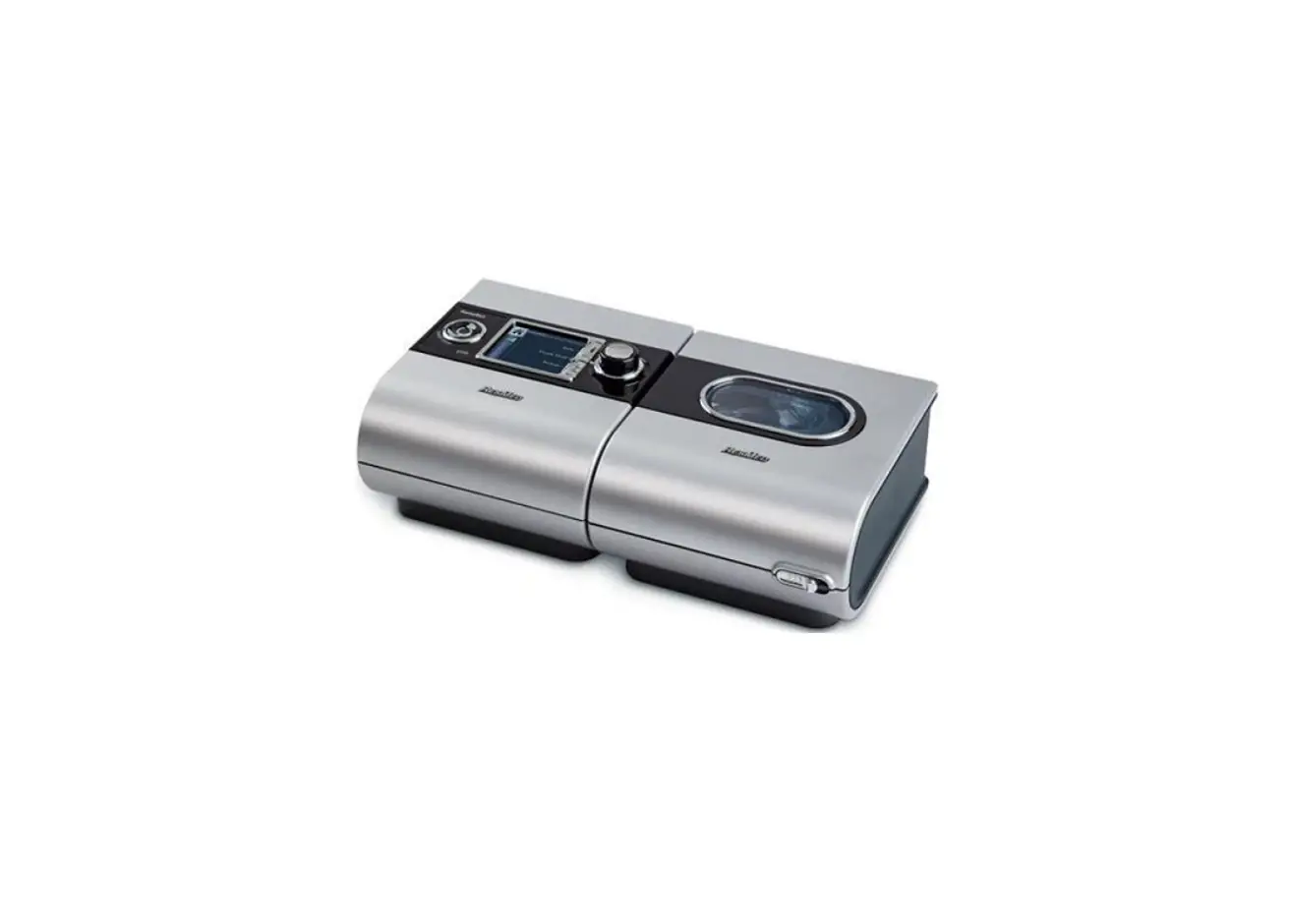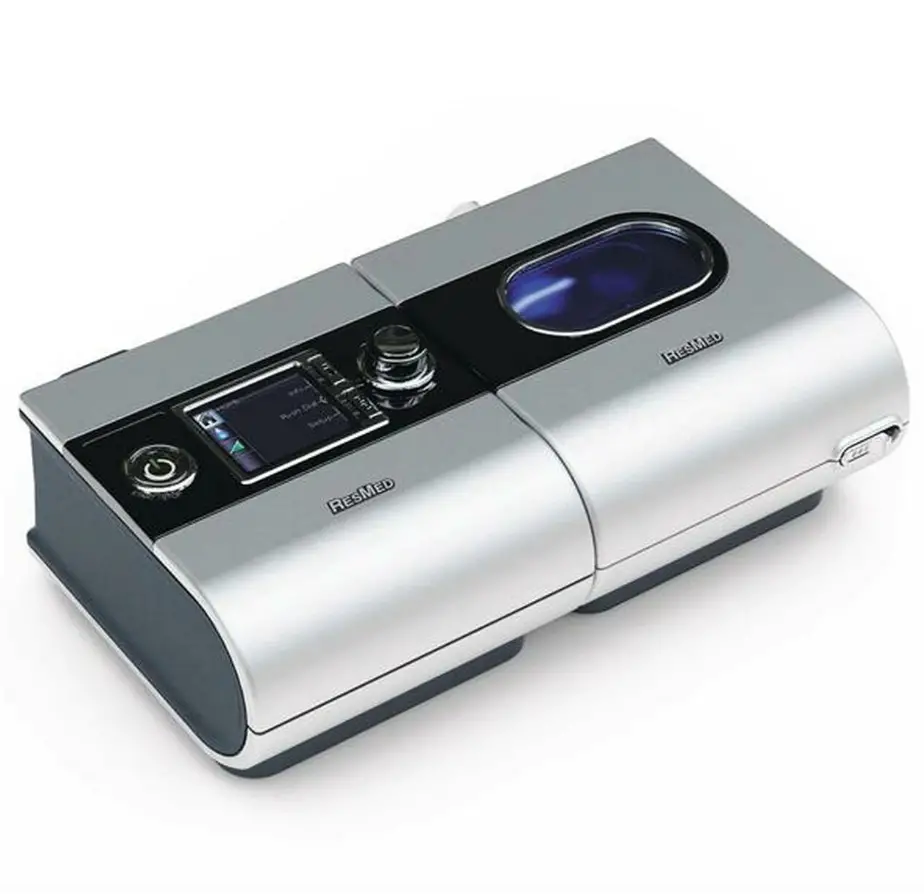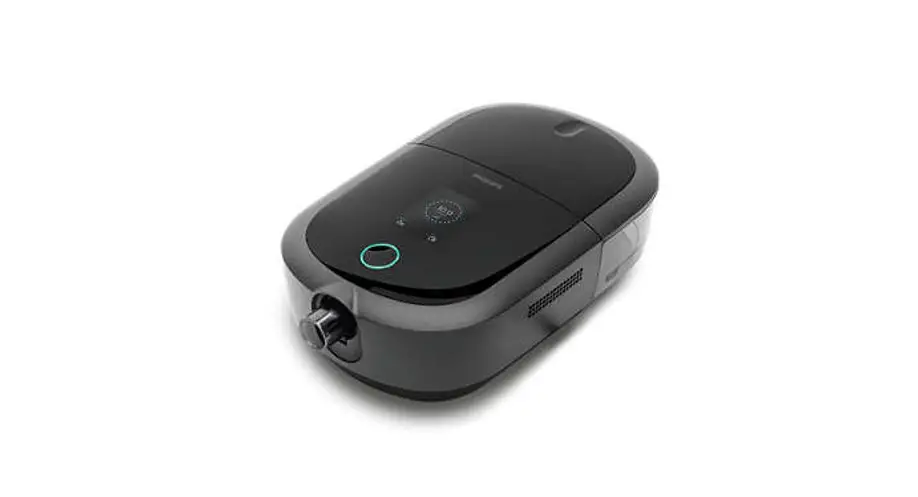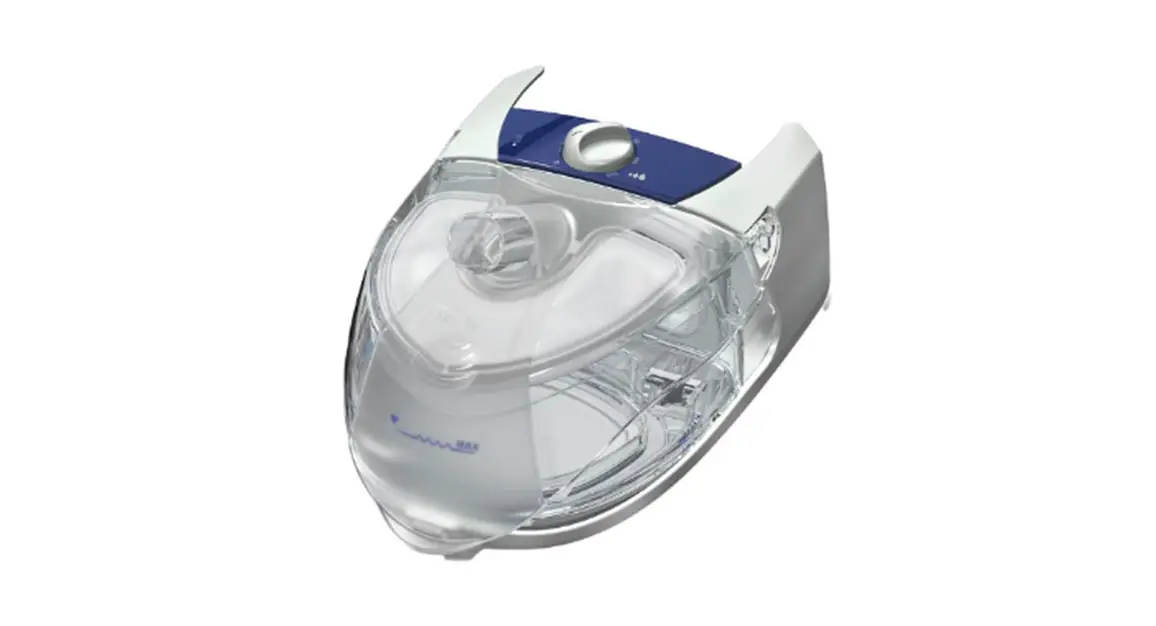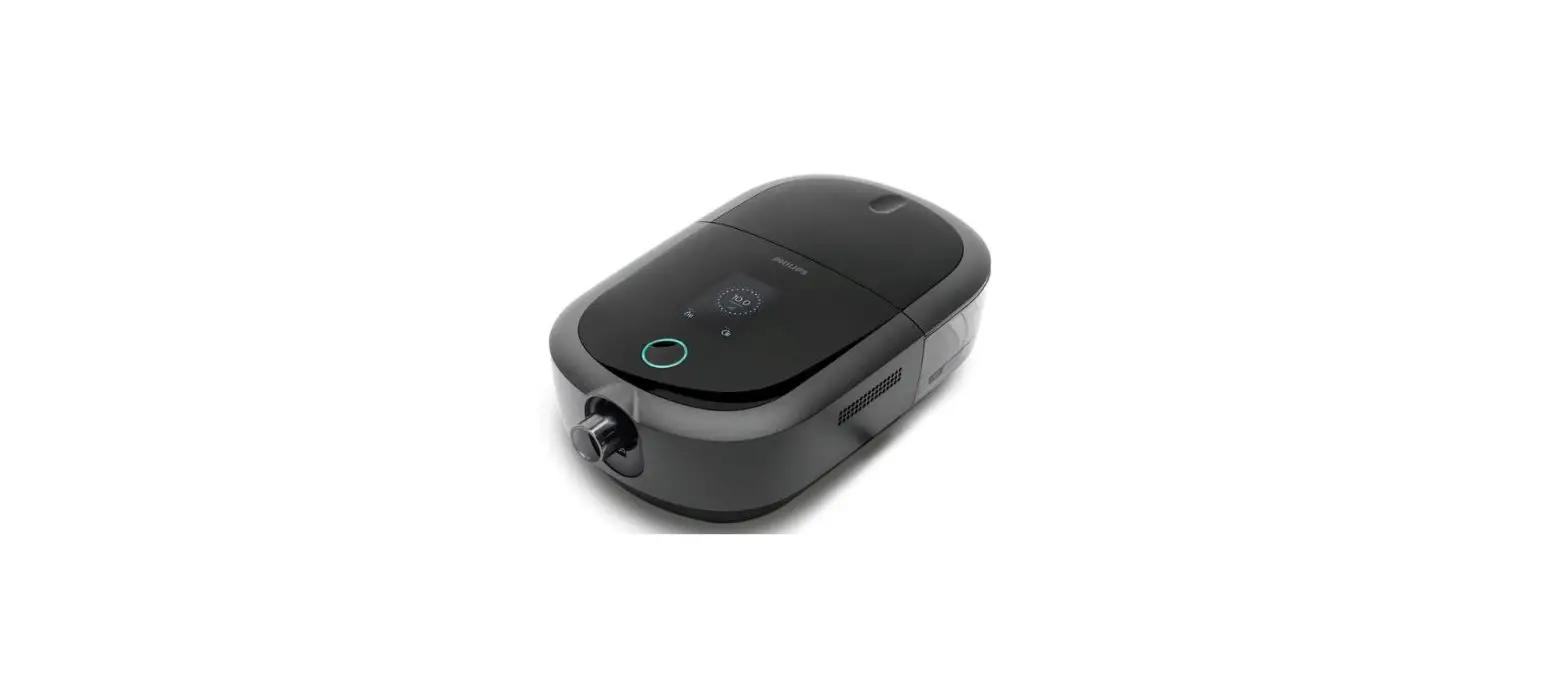

REATHEALTH Luna G3 APAP Machine Package with Heated Humidifier
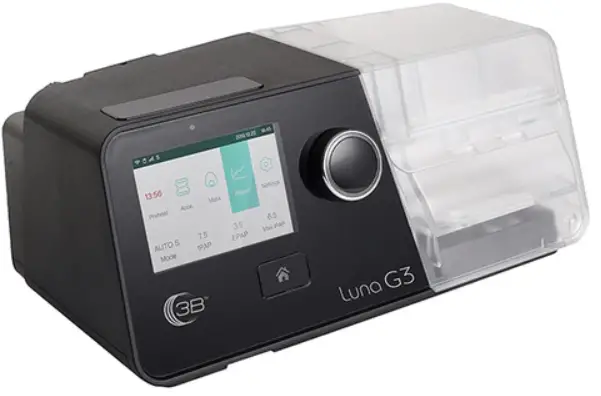
Product Information
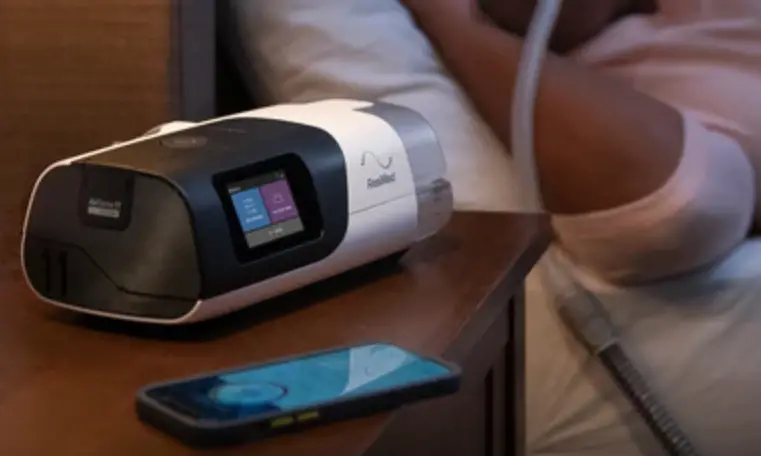
This product is a device that delivers air for treatment purposes. The device comes with a main device, mask, tube, power outlet, power cord, and power adapter. The device has a home button, knob, and start/stop button for controlling the device’s functions. The device also has a display screen that shows the main interface and patient menu interface.
Product Usage Instructions
- Button Functions: The home button returns to the previous menu or main interface. The knob adjusts device settings, and the start/stop button starts or stops delivering air.
- Setting up the Device:
- Connect one end of the tube to the assembled mask.
- Connect one end of the tube to the air outlet of the device. Alternatively, connect the heated tubing joint to the air outlet of the device and then insert the power plug of the heated tubing into the heated tubing port on the back of the device.
- Connect the power adapter to the DC inlet of the maindevice.
- Connect the power cord to the power adapter.
- Plug the power cord into the power outlet.
- Adjusting Device Settings:
- When the device is powered on, the display screen will show the main interface. If the heated tube is connected correctly, the icon will become a number in the main interface on the screen of the device.
- When the cursor is on the icon, press the knob to access the initial setup interface of the patient menu.
- Press the knob to select the option that will be adjusted.
- Turn the knob to adjust the option.
- Press the knob to confirm the adjustment to the option.
- The cursor switches among the options as you turn the knob. Refer to steps C-E to adjust other options. Press the home button to exit the setup interface.
- Starting Treatment: After adjusting device settings and returning to the main interface, press the start/stop button to start treatment.
- Scoring:
- The total score is 100 points.
- The user can score up to 60 points based on the total time of treatment received. For example, if the device is used for 30 minutes, the user gets 5 points, and if it’s used for 1 hour, the user gets 10 points.
- The user can score up to 20 points based on mask seal. If there is no extra leakage during treatment, the user scores 20 points. If the average leakage is less than 10 L/min, it scores 20 points, and 5 points will be deducted for every 5 L/min increase in leakage.
 Home Button: Return to the previous menu or main interface.
 Knob: Adjust device settings.
 Start / Stop Button: Start / Stop delivering air.
 Home Button: Return to the previous menu or main interface.
 Knob: Adjust device settings.
 Start / Stop Button: Start / Stop delivering air.
Setting up the Device
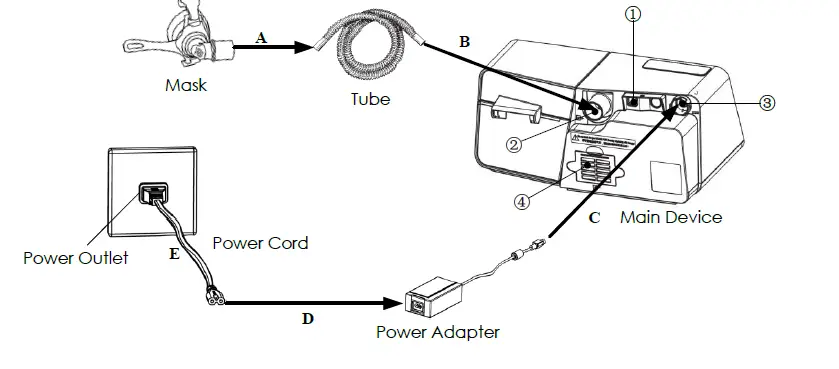
- Heated Tubing Port
- Air Outlet
- DC Inlet
- Filter Cap (Air Inlet)
- Connect one end of the tube to the assembled mask.
- Connect one end of the tube to the air outlet of the device, as shown in the figure above. Or Connect the heated tubing joint to the air outlet of the device, and then insert the power plug of the heated tubing into the heated tubing port on the back of the device.
- Connect the power adapter to the DC inlet of the main device.
- Connect the power cord to the power adapter.
- Plug the power cord into the power outlet.
Adjusting Device Settings
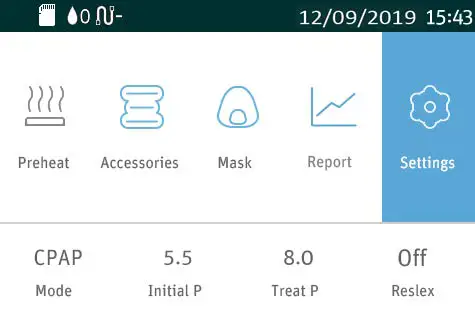
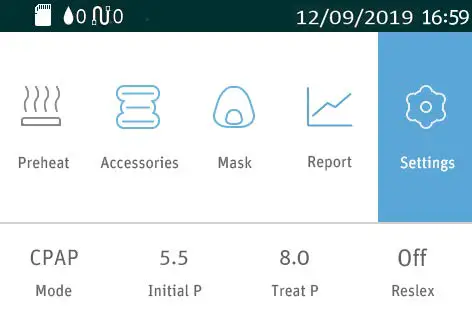
A. When the device is powered on, the display screen will display the Main Interface, as shown in the left figure below. If the heated tube is connected correctly, the icon  will become a number in the Main Interface on the screen of the device, as shown in the right figure below. will become a number in the Main Interface on the screen of the device, as shown in the right figure below. | |||||
 |  | ||||
B. When the cursor is on the icon  , press the Knob , press the Knob  to access the Initial Setup Interface of the Patient Menu, as shown in the figure below. The Heated Tubing option can only be adjusted when the device is connected to the heated tube, as shown in the figure right below. to access the Initial Setup Interface of the Patient Menu, as shown in the figure below. The Heated Tubing option can only be adjusted when the device is connected to the heated tube, as shown in the figure right below. | |||||
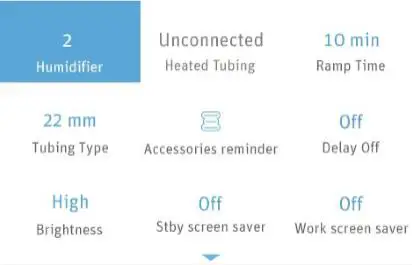 | 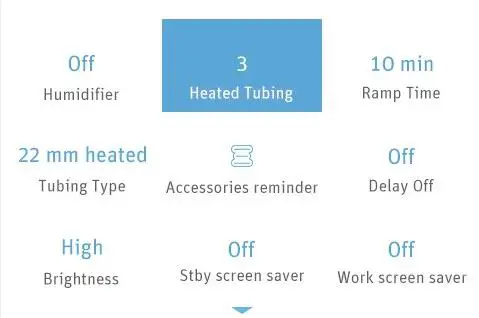 | ||||
| C. Press the Knobbelow. | to select option which will be adjusted, as shown in the figure | ||||
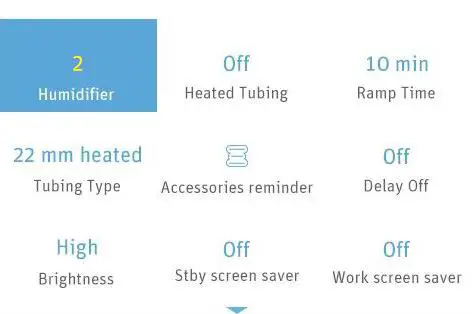 | |||||
| D. Turn the Knob | to adjust an option. | ||||
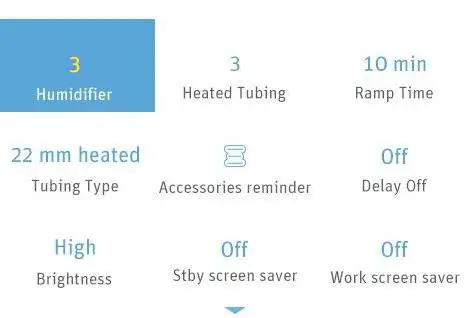 | |||||
| E. Press the Knob | to confirm your adjustment to the option. | ||||
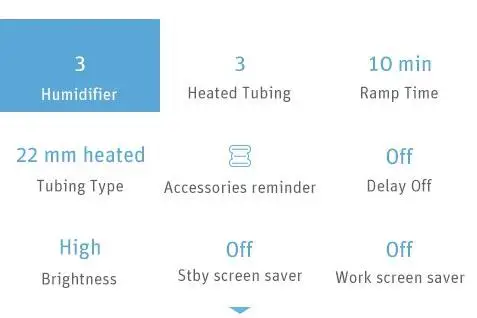 | |||||
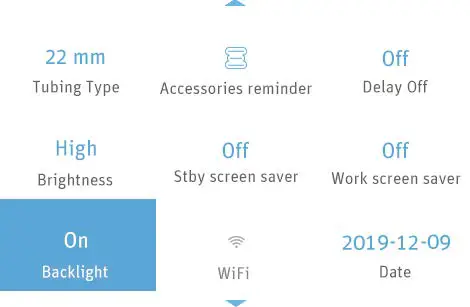
| F. The cursor switches among the options as you turn the Knob , as shown in the figure below. Refer to steps C-E to adjust other options. Press the Home Button to exit the Setup Interface. | |||||
 | |||||
Usage score of Luna® G3 APAP (LG3600) / Luna® G3 CPAP (LG3500)
After each treatment, Luna® G3 APAP (LG3600) / Luna® G3 CPAP (LG3500) will provide a Usage Score (for CPAP and AutoCPAP mode only) and Usage Summary on the screen for the user to get a quick understanding of the usage for the recent one day (from 12:00 noon of previous day to 12:00 noon of the day).
The total score is 100 points, with the below breakdown:
| Total score | Status | Display |
| ≥ 75 | Good | 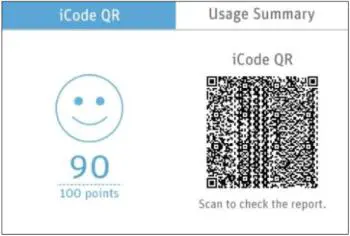 |
| 55 – 74 | Acceptable | 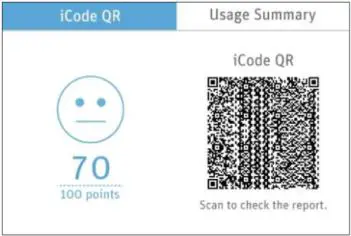 |
| ≤ 54 | Needs Improvement | 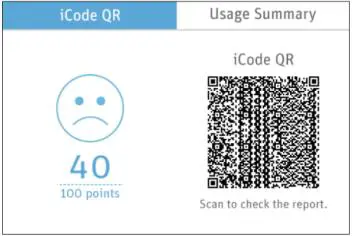 |
Used time (60 points)
The more time of treatment the user received, the more points the user scores. If the device is used for 30 minutes, get 5 points, or for 1 hour, get 10 points. The user can score up to 60 points.
| Used time (min) | ≥390 | 360-389 | 330-359 | 300-329 | 270-299 | 240-269 | 210-239 |
| Score | 60 | 55 | 50 | 45 | 40 | 35 | 30 |
| Used time (min) | 180-209 | 150-179 | 120-149 | 90-119 | 60-89 | 0-59 | |
| Score | 25 | 20 | 15 | 10 | 5 | 0 |
Mask seal (20 points)
If the user is wearing the mask well without extra leakage during treatment, then the user can score up to 20 points. If the average leakage is less than 10 L/min, it scores 20 points, and 5 points will be deducted for every 5 L/min increase in leakage.
| Leak (L/min) | <10 | 10-14 | 15-19 | 20-24 | ≥25 |
| Score | 20 | 15 | 10 | 5 | 0 |
Respiratory events (20 points)
The fewer the respiratory events (apneas and hypopneas), the higher the score.
If AHI is less than 5, it scores 20 points, when AHI ≥ 5 and for every 5 increase in AHI, 4 points is deducted.
| AHI | <5 | 5-9 | 10-14 | 15-19 | 20-24 | ≥25 |
| Score | 20 | 16 | 12 | 8 | 4 | 0 |
React Health • 5101 Fruitville Road • Suite 200 Sarasota, FL 34234 • (863) 226-6285
[email protected] • www.reacthealth.com
 Sleep, Oxygen and Ventilation Solutions | React Health
 Sleep, Oxygen and Ventilation Solutions | React Health