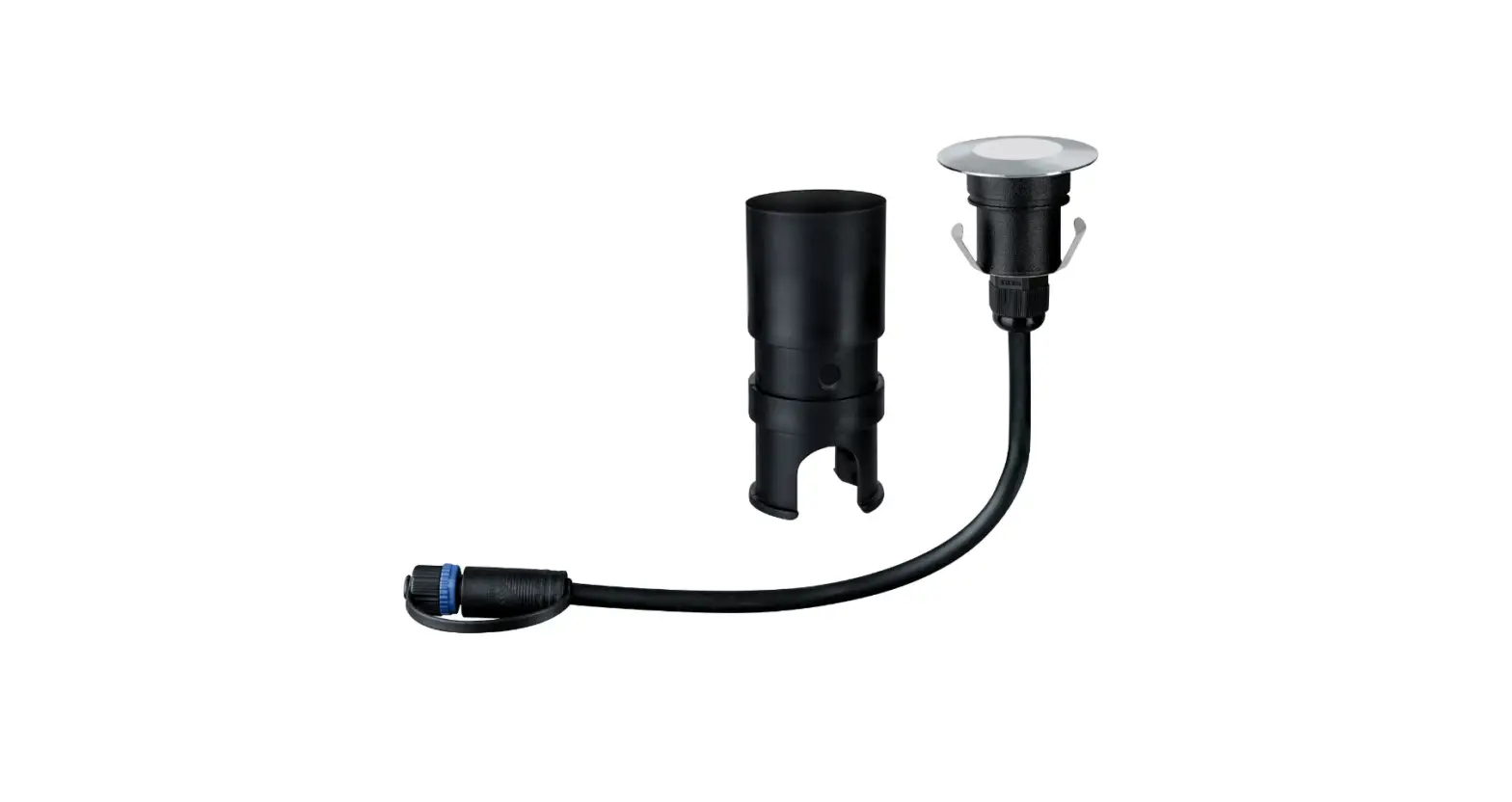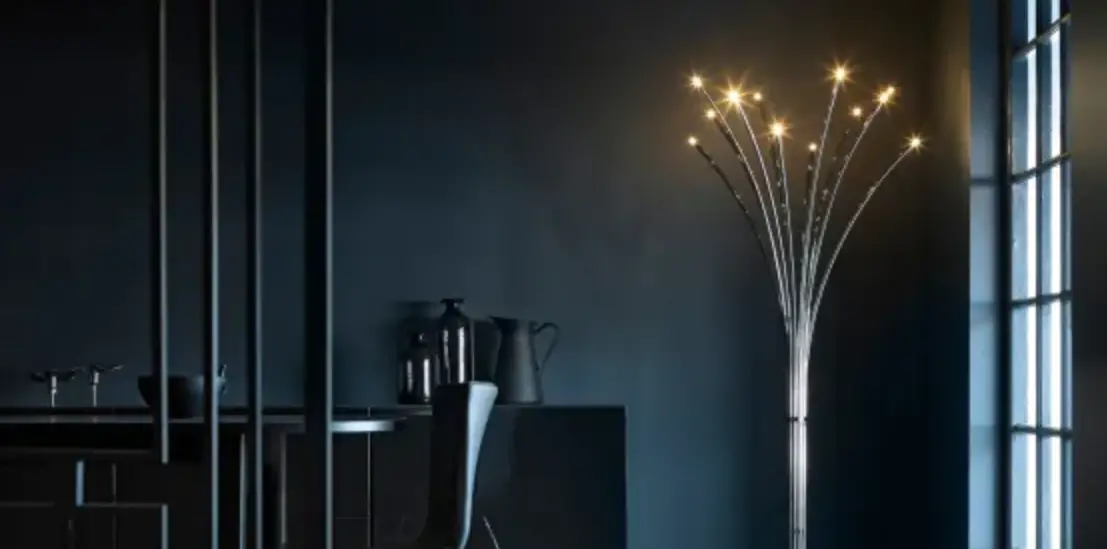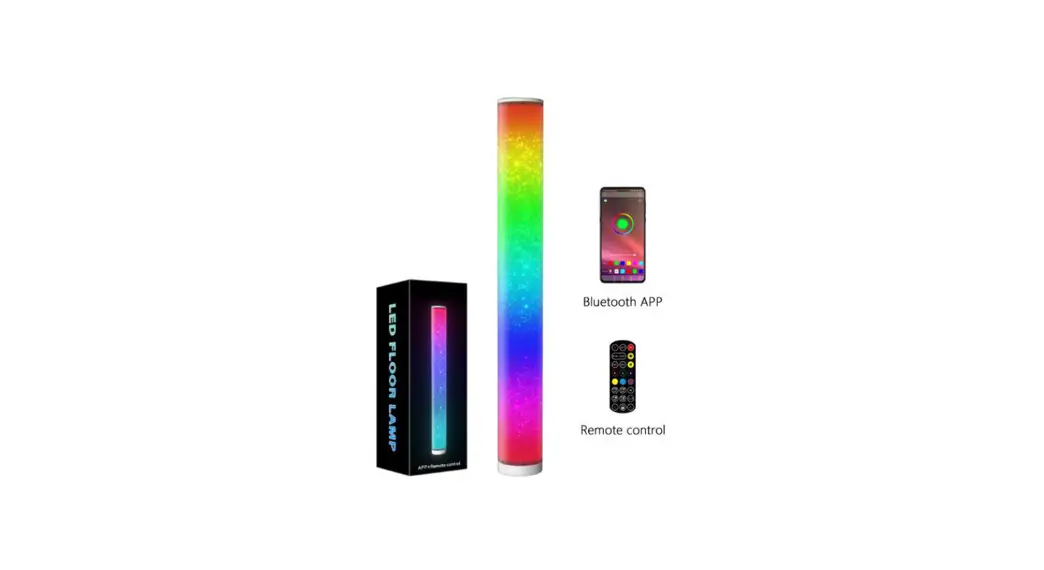
 Floor Mood LED Light
Instruction Manual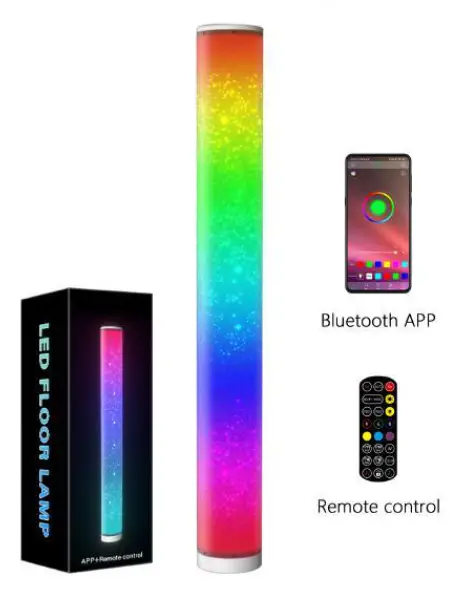
How to install APP
1.1 105 and Android or Apple system mobile phone can download the APP by scanning the QR code.Open a browser orother apps with the ‘Scan QR Code’ function and scanfollowing QR code to download the APP. APP name: HappyLighting
With cell phone Scan QR code
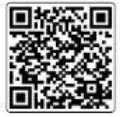 http://download.appglobalmarket.com/happylightingdownload.html
 HappyLighting
1.2 IOS system need 1058.0 or higher; Android system need Android 4.3 or higher.
1.3 Please note that Bluetooth and WIFI must be turned on when connecting to the APP, Otherwise the connection will fail
Connect APP
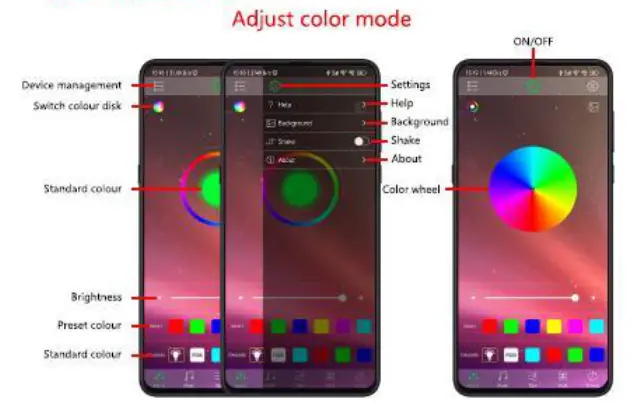
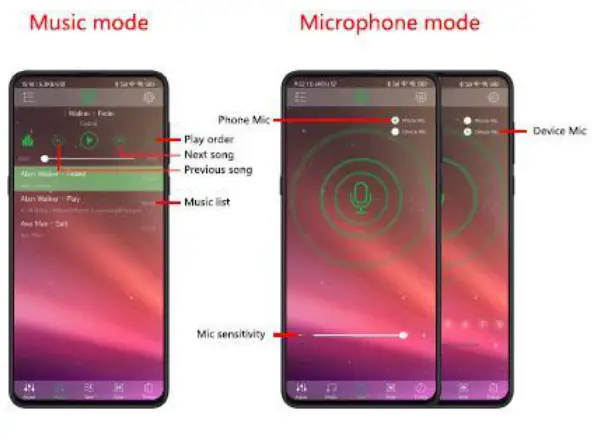
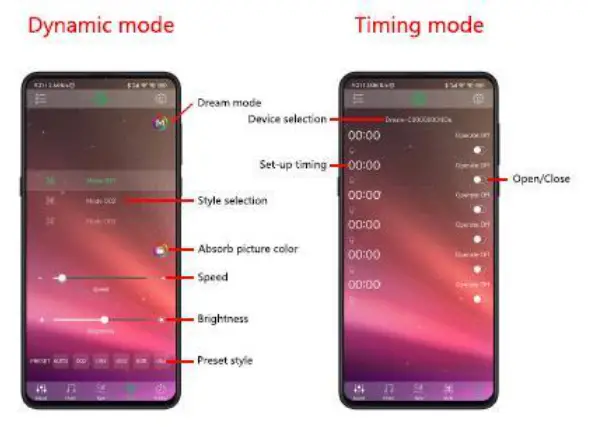
Bracket installation method
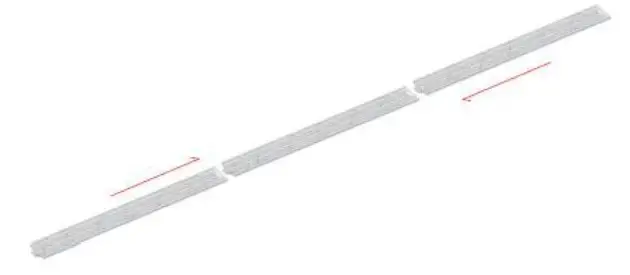
31. Splicing the three brackets together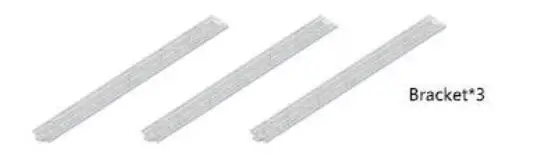 3.2. Glue the light strip to the stand
 3.3. Stick it along the slot of the bracket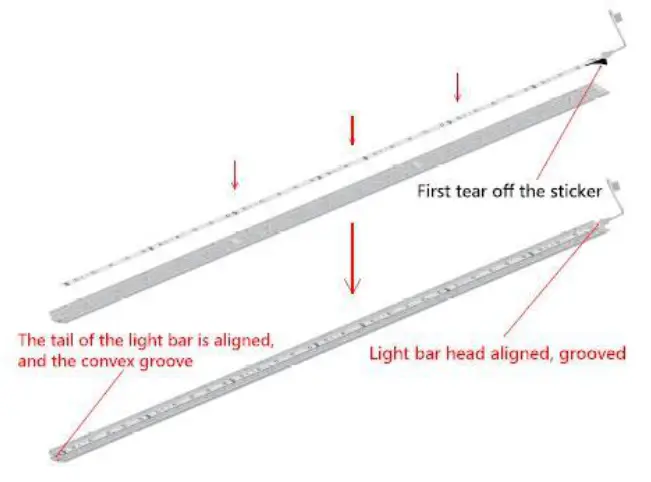
Install the lampshade
4.1. First turn the stand over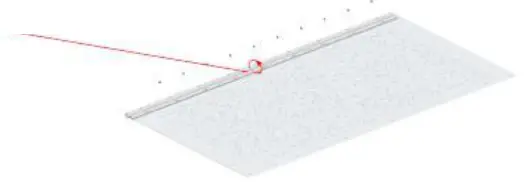 4.2. Fix one side of the lampshade with nylon rivets first Fixed on the stand
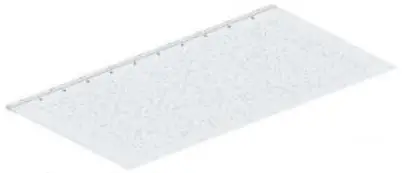 4.3. Align the edge of the lampshade with the slot in the bracket
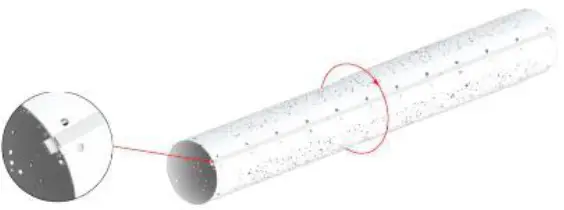 4.4. Then fix the lampshade with nylon rivets The other side is fixed to the bracket .
4.5. After the product is fixed, It is the same as the picture above.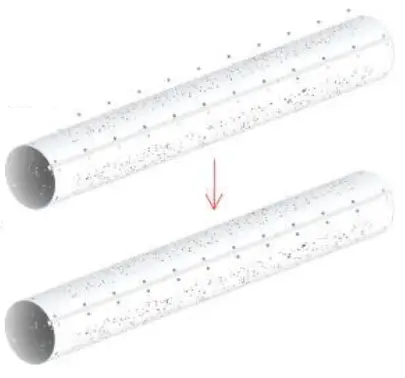
Product assembly
5.1. Align the assembled lampshade with the circular chassis
5.2. Put the top cover with Lampshade top aligned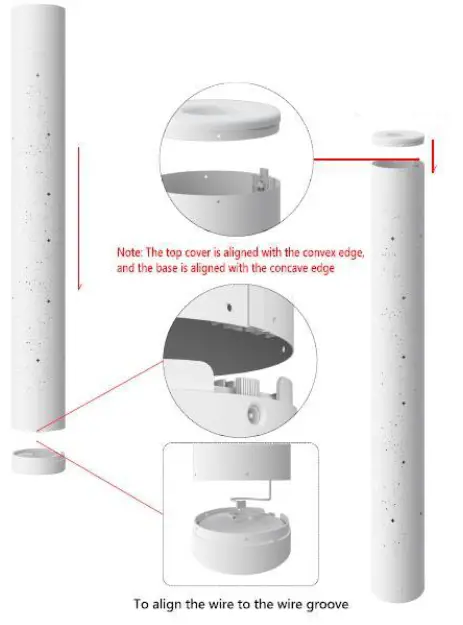
5.3. Fasten nylon rivets into small holes
5.4. Assembly is complete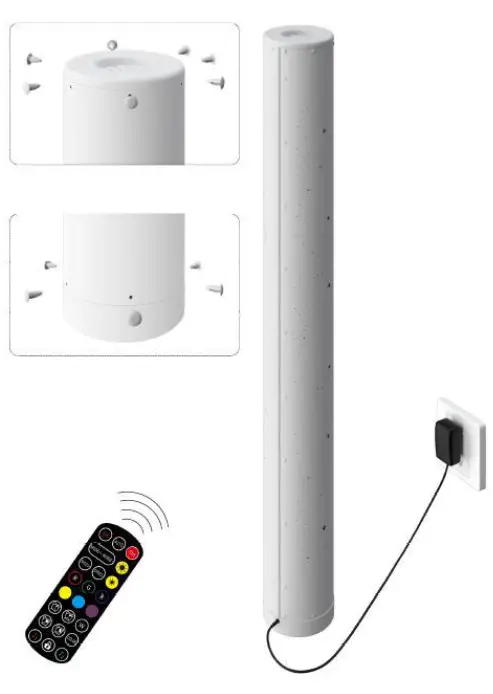
Remote control
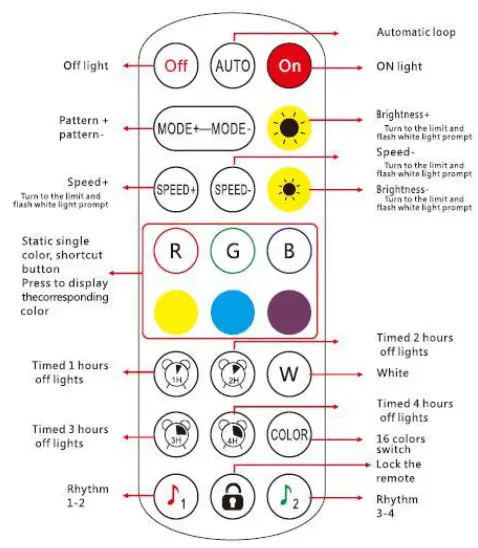
Rhythm 1-2: Single click to switch to 1-2 rhythm mode
Rhythm 3-4: Click to cycle through the 3-4 rhythm mode
Remote control lock: After pressing, the remote control is locked, pressing the switch is available, other keys are invalid. After pressing once, the unlock button can be used. After the remote control is locked, press the switch to unlock the remote control.
This equipment has been tested and found to comply with the limits for a Class B digital device, pursuant to part 15 of the FCC Rules. These limits are designed to provide reasonable protection against harmful interference in a residential installation. This equipment generates, uses and can radiate radio frequency energy and, if not installed and used in accordance with the instructions, may cause harmful interference to radio communications. However, there is no guarantee that interference will not occur in a particular installation. If this equipment does cause harmful interference to radio or television reception. which can be determined by turning the equipment off and on, the user is encouraged to try to correct the interference by one or more of the following measures:
- Reorient or relocate the receiving antenna.
- Increase the separation between the equipment and receiver.
- Connect the equipment into an outlet on a circuit different from that to which the receiver is connected.
- Consult the dealer or an experienced radio/TV technician for help.
RF exposure compliance statement
This device complies with FCC RF radiation exposure requirement set forth for an uncontrolled environment this transmitter must not be co-located or operating in conjunction with any other antenna or transmitter
This device must operate with a minimum distance of 20 cm between the radiator and user body.