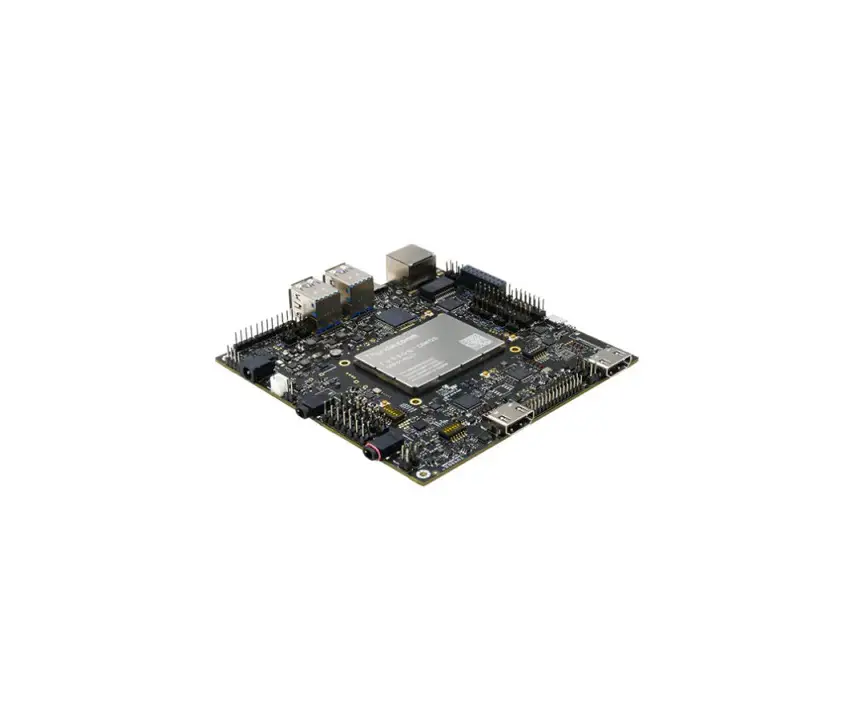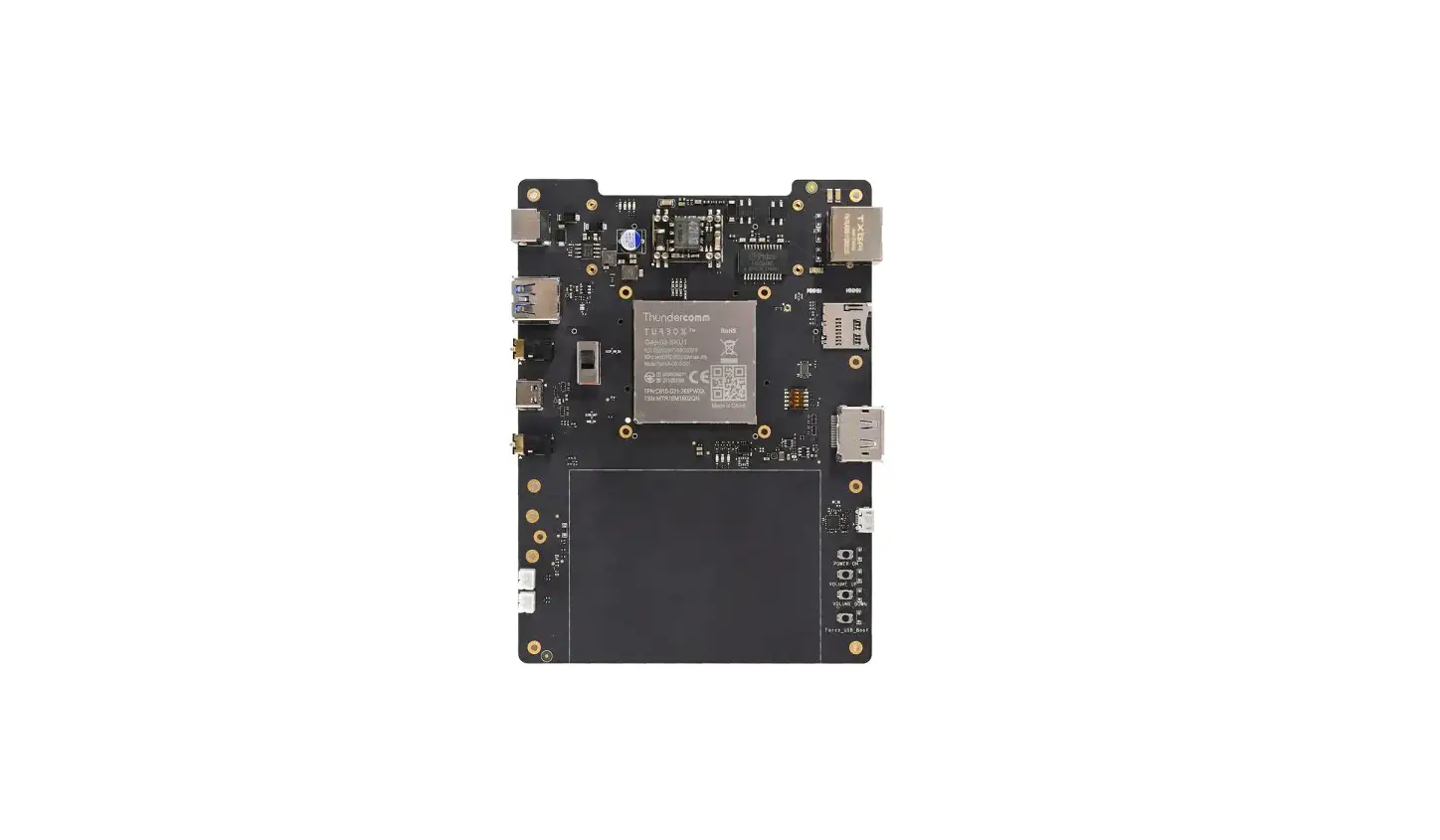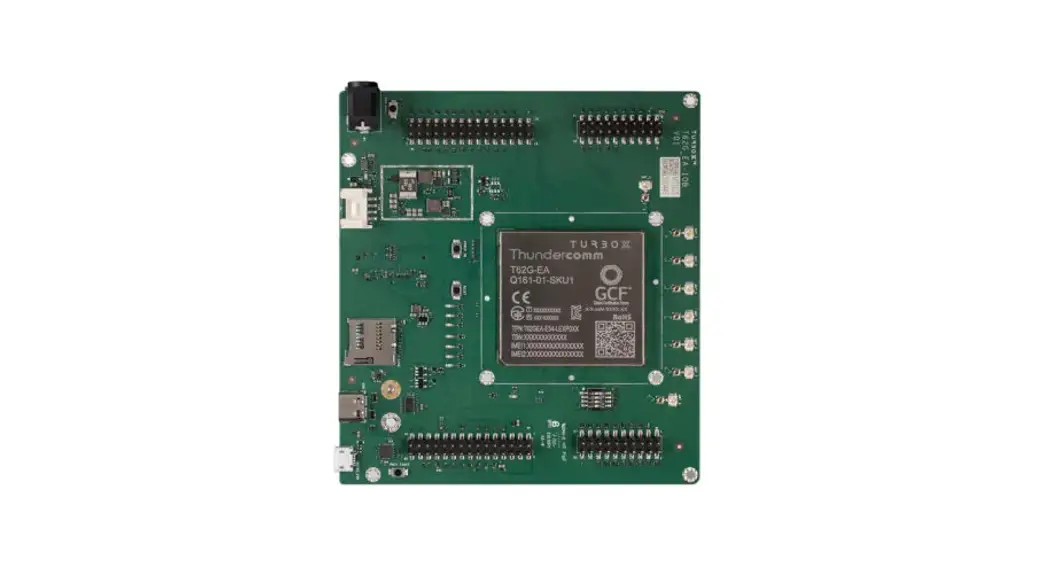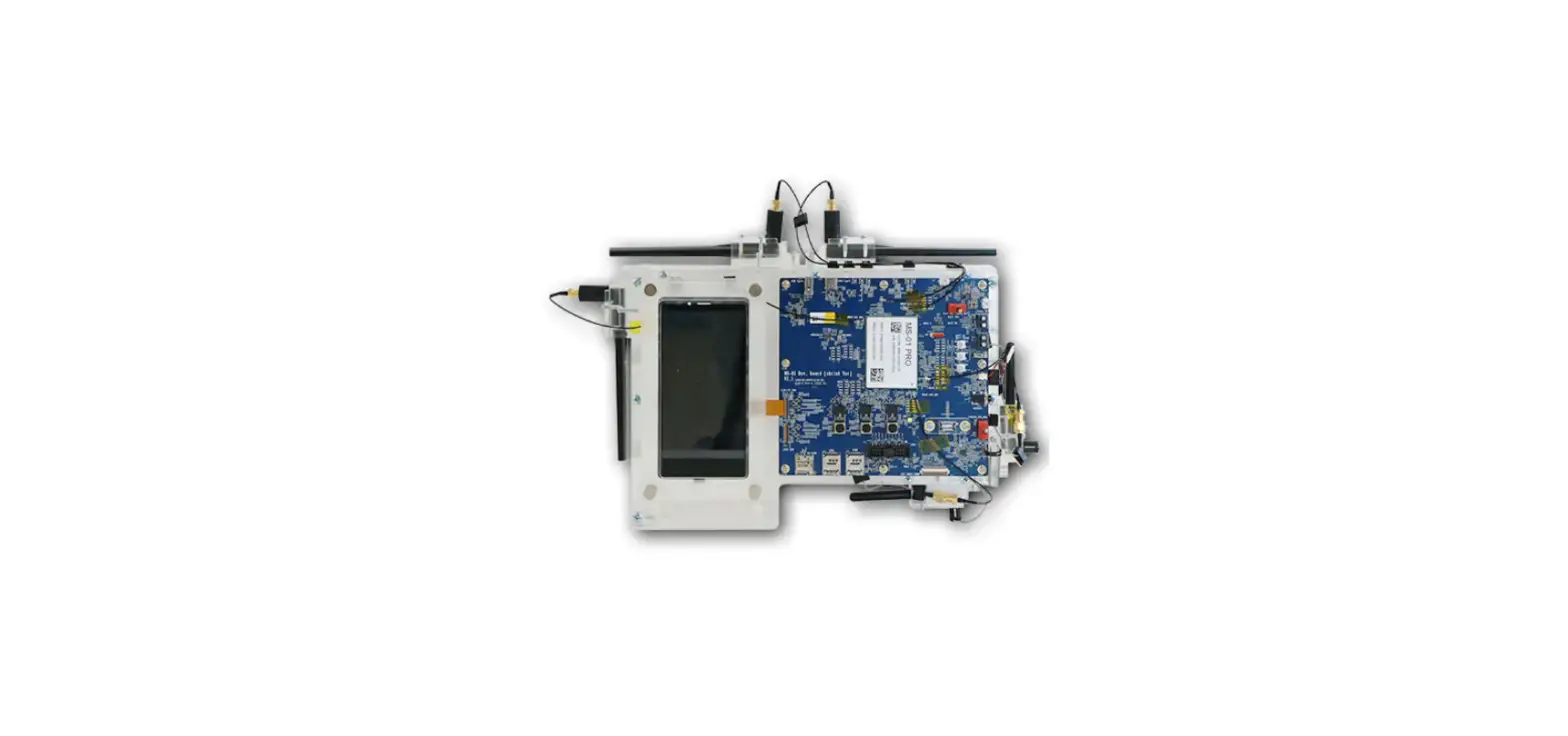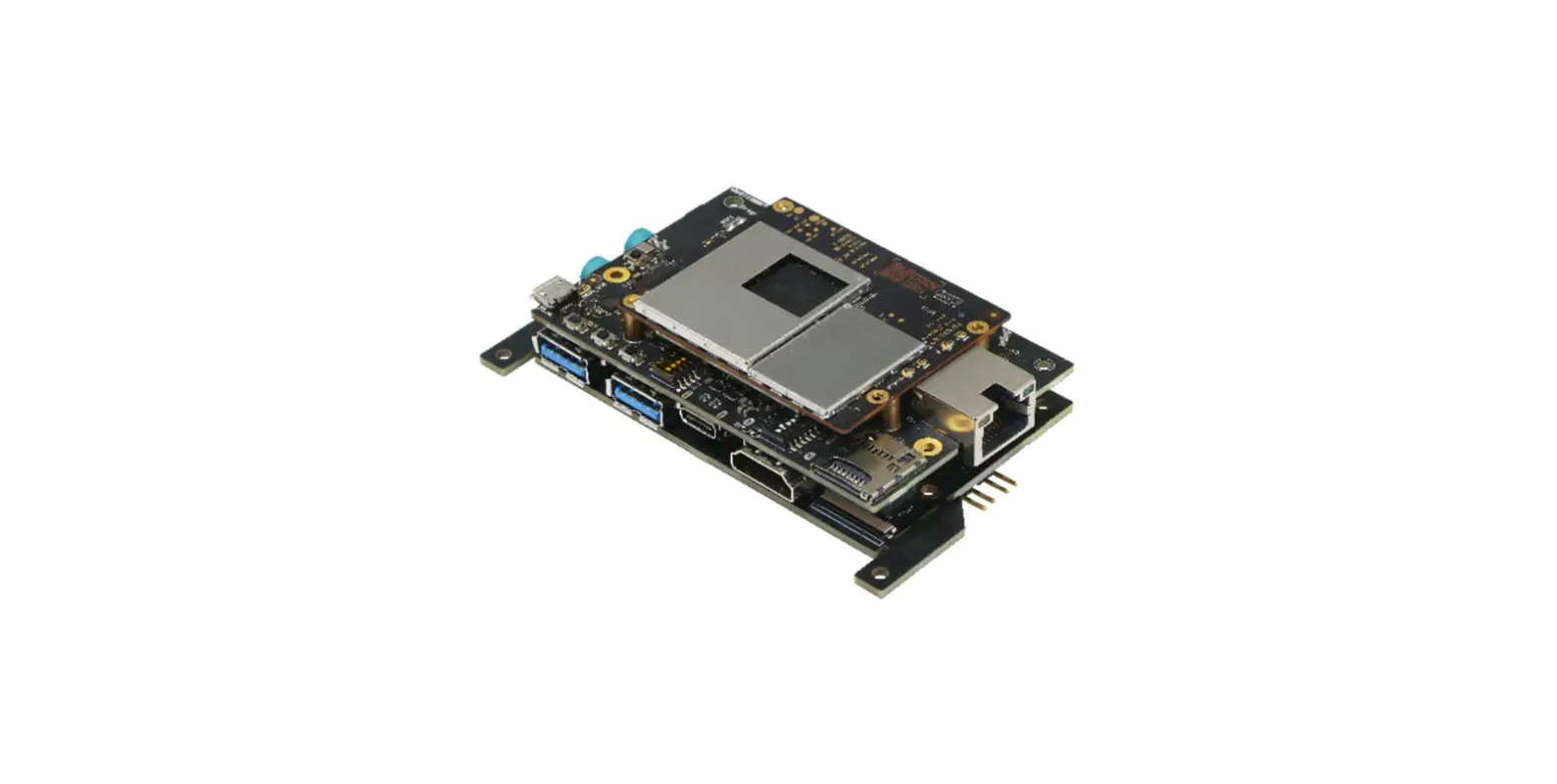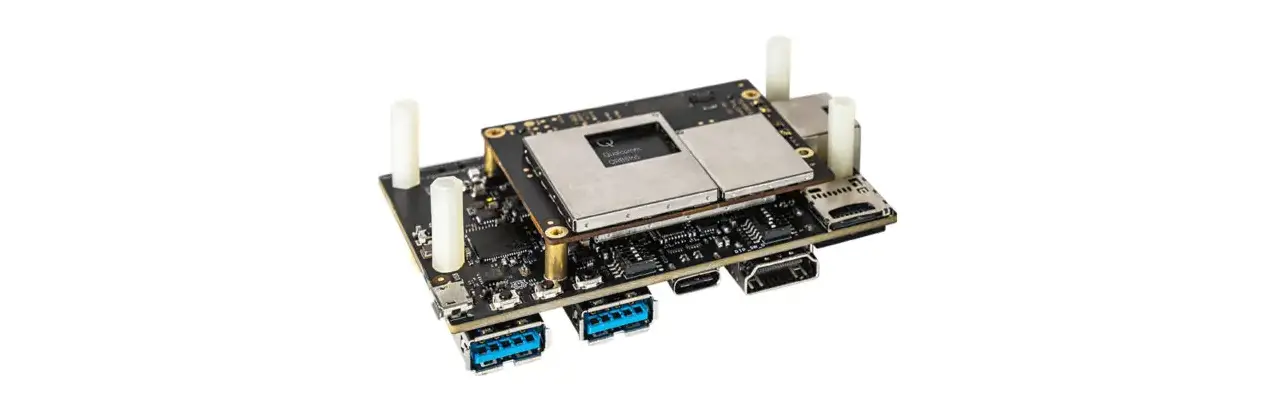

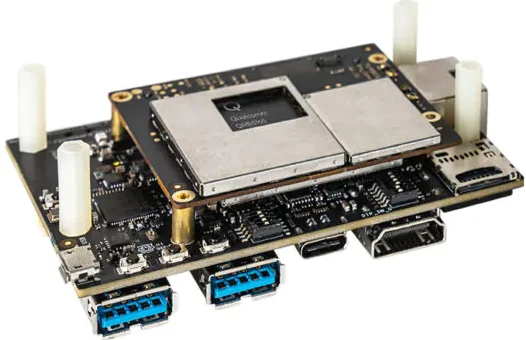
Thundercomm TurboX C865 Development Kit
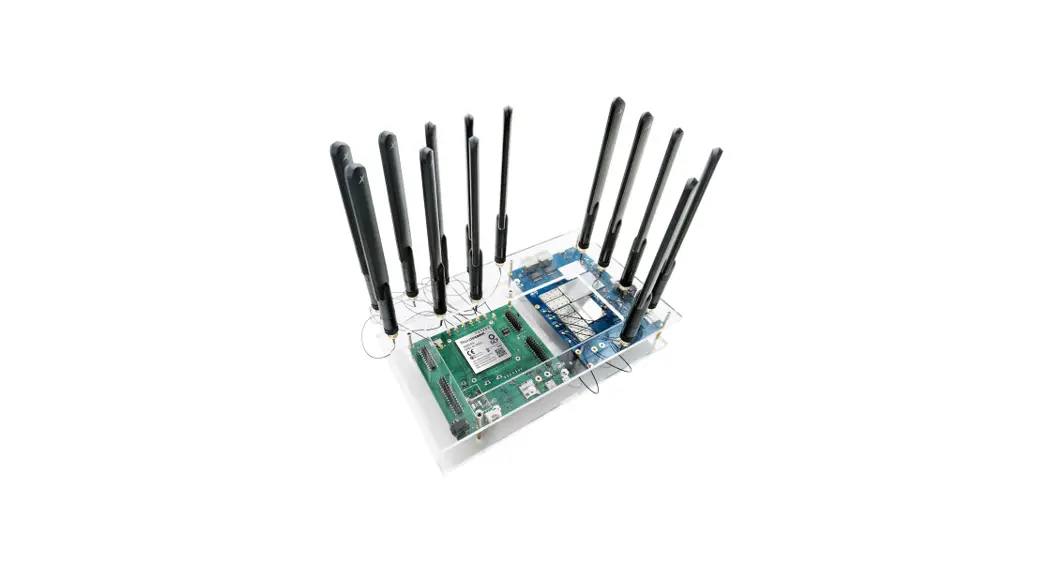
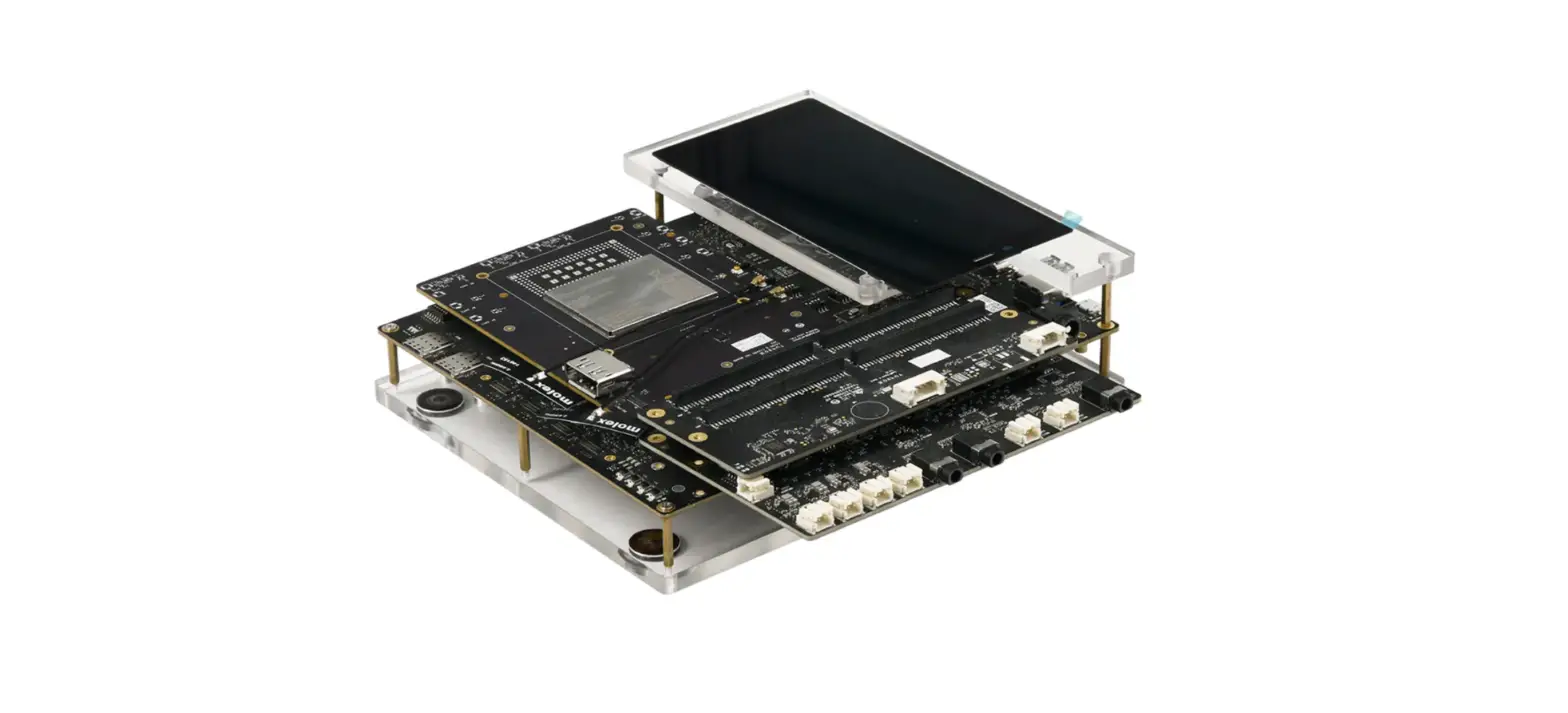
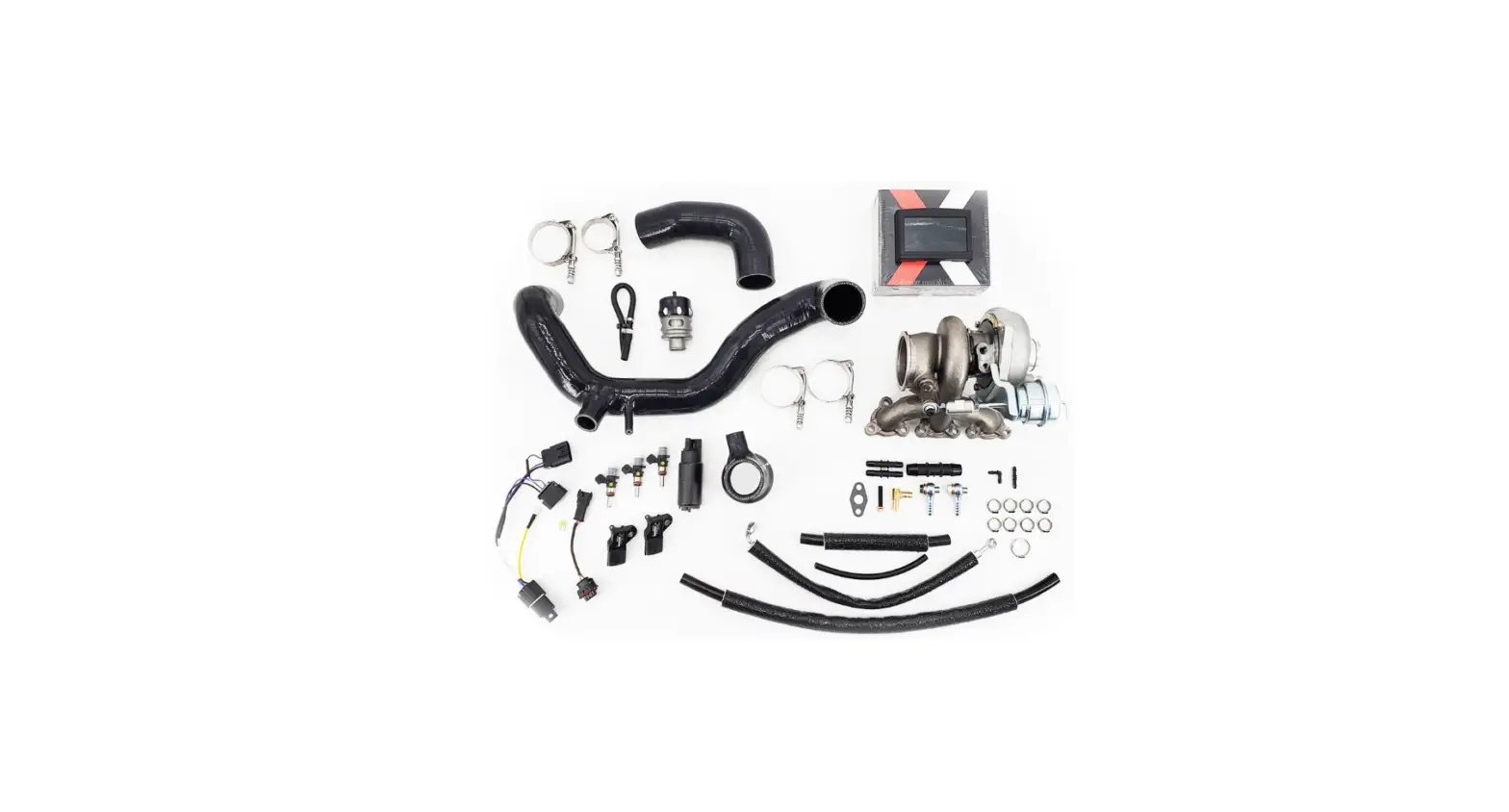
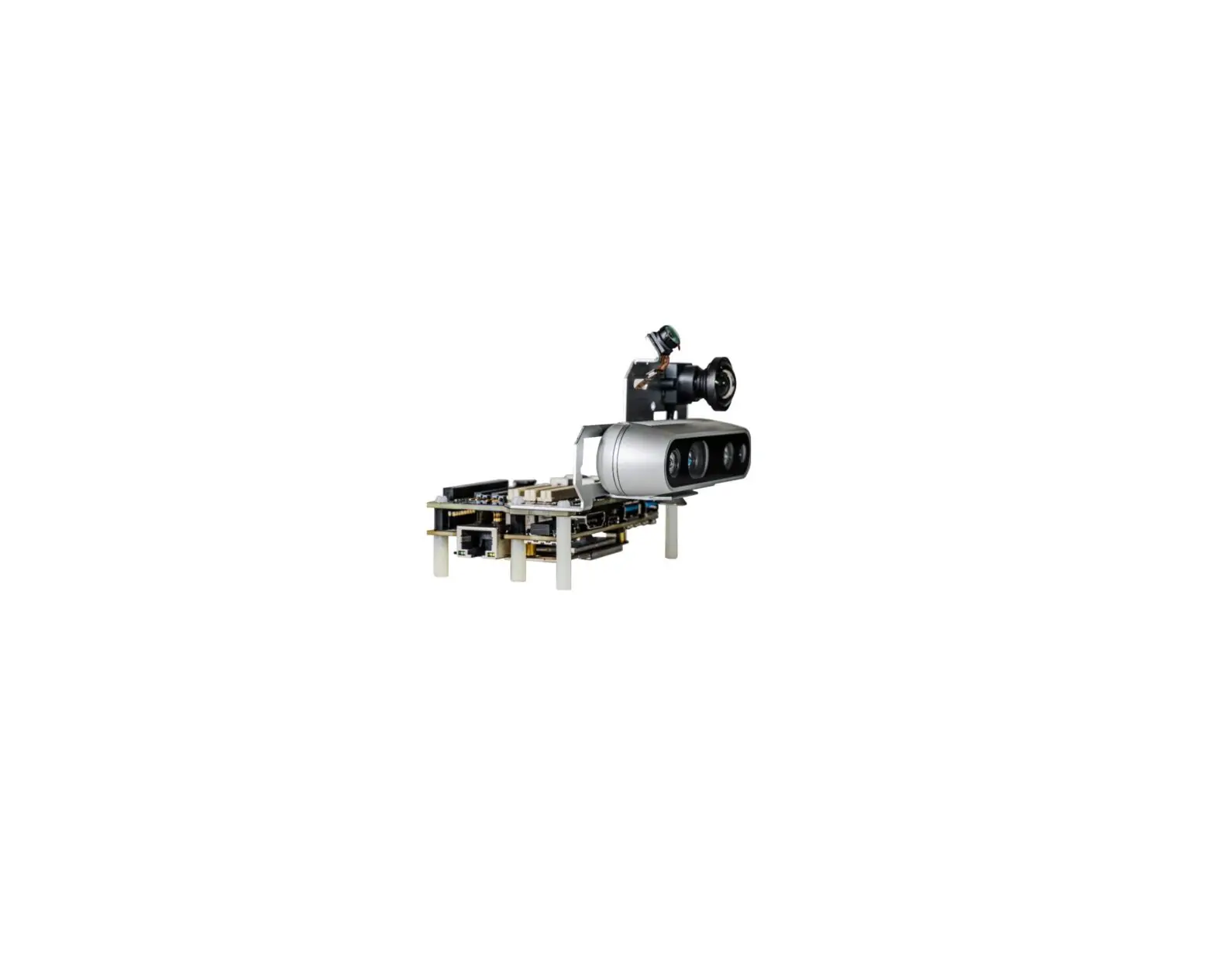
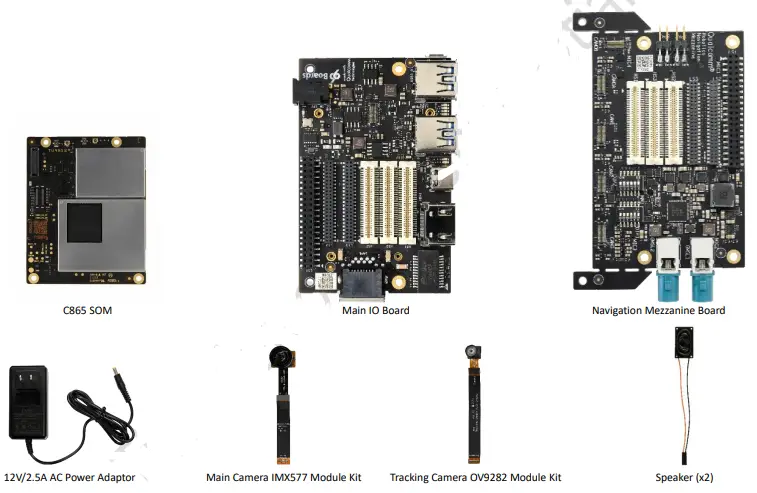
Package List
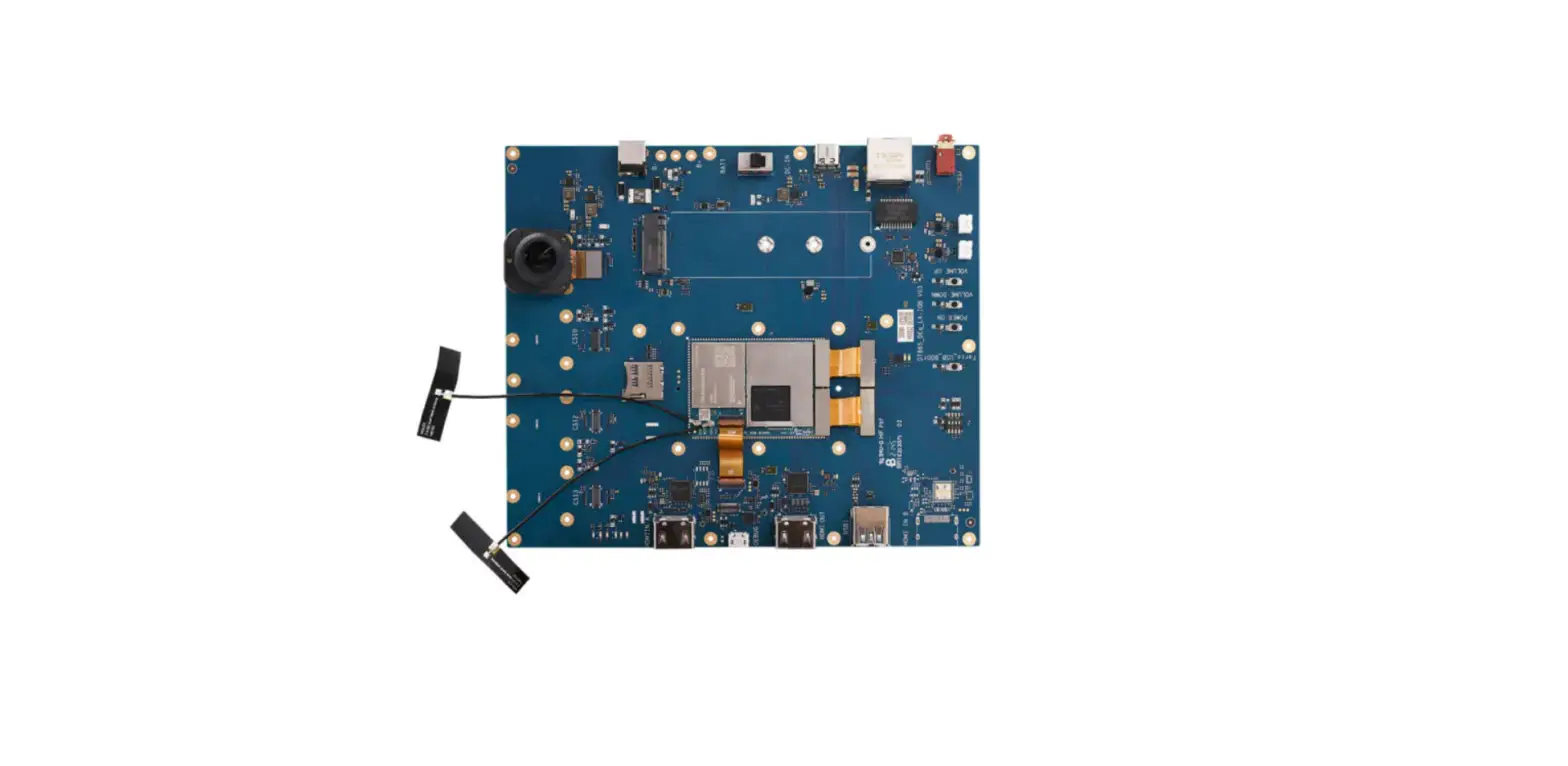
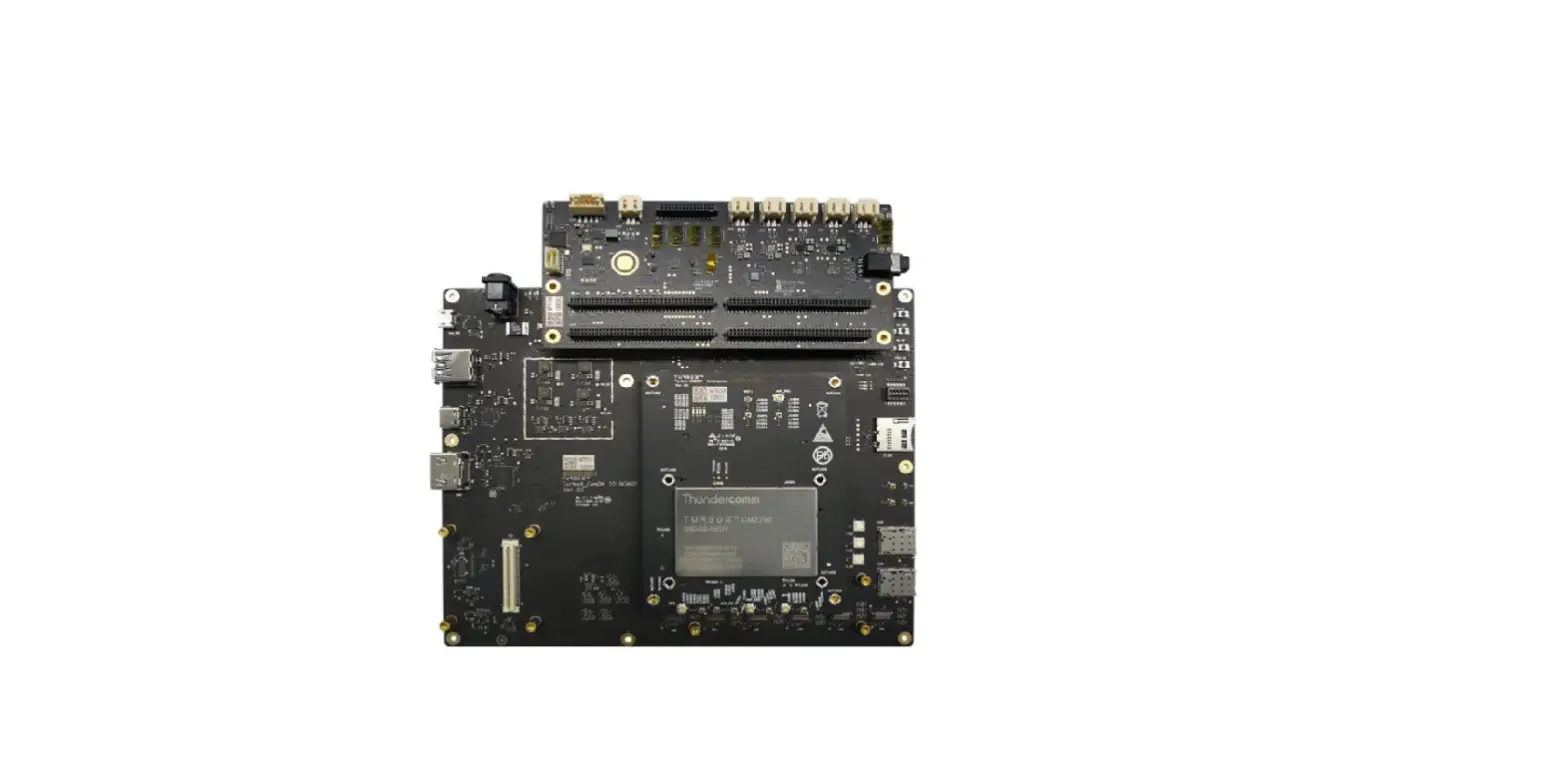
Main IO Board Interface List
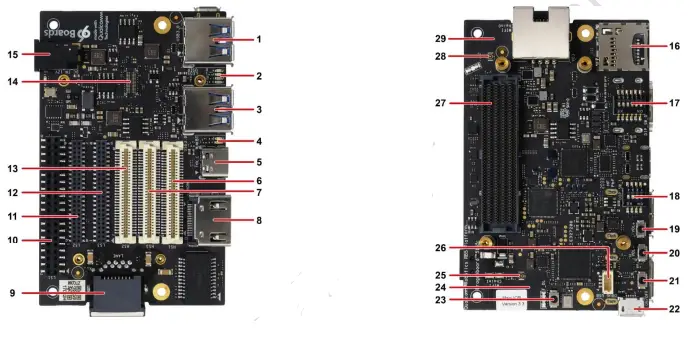
| 1. Type-A USB 3.0 connector | 11. LS2 low speed connector | 21. Power on button |
| 2. User LEDs | 12. LS2 low speed connector | 22. USB 2.0 debug connector |
| 3. Type-A USB 3.0 connector | 13. HS2 high speed connector | 23. Force USB connector |
| 4. BT/Wi-Fi LEDs | 14. NA | 24. Wi-Fi Ch1 on-board antenna |
| 5. Type-C USB 3.1 connector | 15. DC jack | 25. Wi-Fi Ch1 RF receptacle |
| 6. HS1 high speed connector | 16. Micro SD card slot | 26. GAN connector |
| 7. HS3 High Speed connector | 17. Dip Switch#1 | 27. B2B connector for C865 SOM |
| 8. HDMI connector | 18. Dip Switch#2 | 28. Wi-Fi Ch0 RF receptacle |
| 9. Ethernet connector | 19. Volume up button | 29. Wi-Fi Ch0 on-board antenna |
| 10. LS1 low speed connector | 20. Volume down button | – |
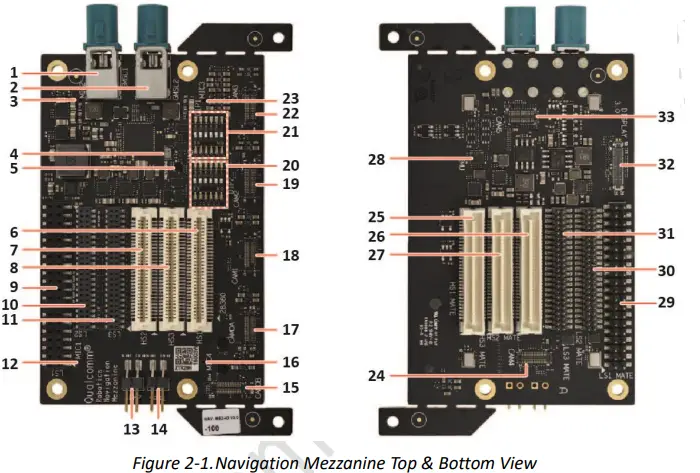
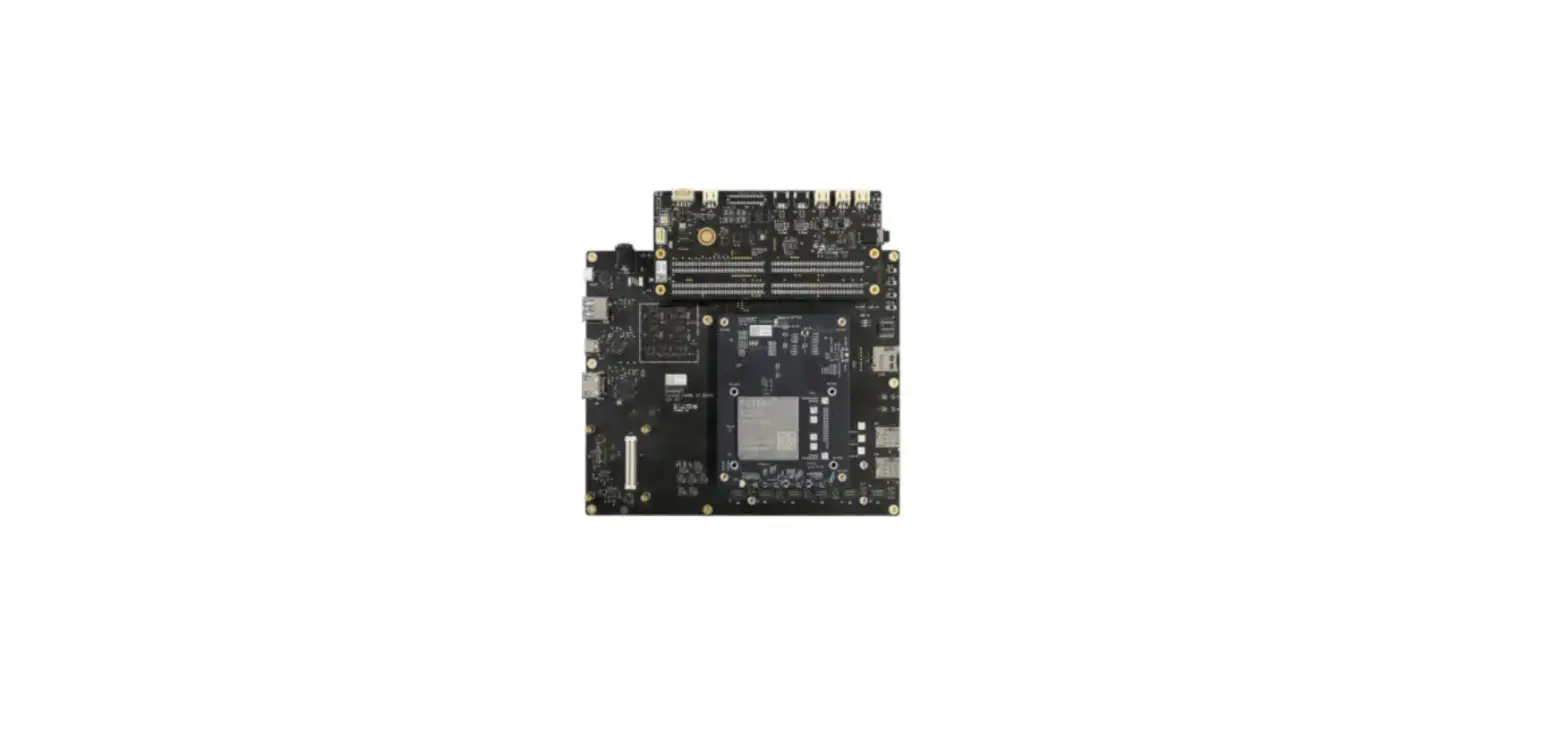
Table 2-1. Navigation mezzanine interface list
| 1. GMSL1 connector | 12. MIC1 sound pickup hole | 23. MIC3 sound pickup hole |
| 2. GMSL2 connector | 13. Speaker connector 2 | 24. A+G IMU sensor |
| 3. MIC2 sound pickup hole | 14. Speaker connector 1 | 25. HS1 mate connector |
| 4. Pressure sensor | 15. CAM0B connector | 26. HS2 mate connector |
| 5. Compass sensor | 16. MIC4 sound pickup hole | 27. HS3 mate connector |
| 6. HS1 connector * | 17. CAM0A connector | 28. Cam4 connector |
| 7. HS2 connector | 18. Cam1 connector | 29. LS1 mate connector |
| 8. HS3 connector | 19. Cam2 connector | 30. LS2 mate connector |
| 9. LS3 connector | 20. DIP switch 2 | 31. LS3 mate connector |
| 10. LS2 connector | 21. DIP switch 1 | 32. Display connector |
| 11. LS3 connector | 22. CAM3 connector | 33. CAM5 connector |
* LS/HS mate connectors on navigation mezzanine goes to main IO LS/HS connectors
Let’s Get Started
Follow the steps below to boot up your device.
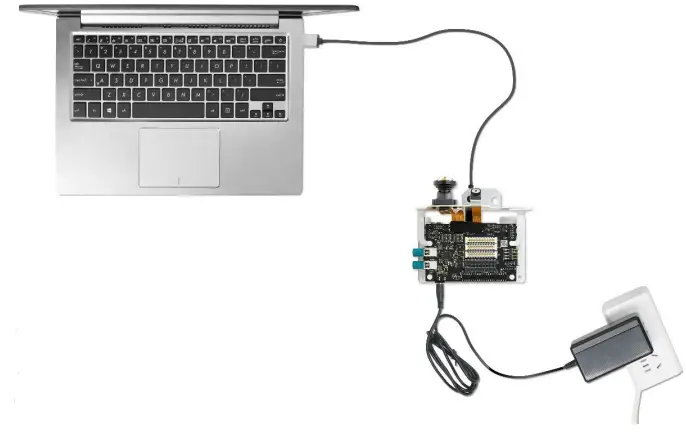
- Remove C865 DK board carefully from the package.
- Connect the power adapter to the board via DC jack (connector 15 on Main IO Board).
- Connect the board assembly to a computer via
- Type-C USB 3.1 connector (connector 5 on Main IO Board) if adb tool is needed.
- USB 2.0 debug connector (connector 22 on Main IO Board) if debug function is needed.
- Press Power on button (connector 21 on Main IO Board) for three seconds to boot up the device.
Contact us
Email: [email protected]
Address: 1601 McCarthy Blvd Suite R-12 Milpitas CA,95035
Support software and documentation downloads: www.thundercomm.com
Notices and trademarks
- Thundercomm may have patents or pending patent programs covering subject matter described in this document. The furnishing of this document does not give you any license to these patents. You can send license inquiries to [email protected].
- THUNDERCOMM PROVIDES THIS PUBLICATION “AS IS” WITHOUT WARRANTY OF ANY KIND, EITHER EXPRESS OR IMPLIED, INCLUDING, BUT NOT LIMITED TO, THE IMPLIED WARRANTIES OF NON-INFRINGEMENT, MERCHANTABILITY OR FITNESS FOR A PARTICULAR PURPOSE. Some jurisdictions do not allow disclaimer of express or implied warranties in certain transactions; therefore, this statement may not apply to you.
- Changes are made periodically to the information herein; these changes will be incorporated in new editions of the publication. To provide better service, Thundercomm reserves the right to improve and/or modify the products and software programs described in the manuals, and the content of the manual, at any time without additional notice. The software interface and function and hardware configuration described in the manuals included with your development board or system on module might not match exactly the actual configuration of that you have purchased. For the configuration of the product, refer to the related contract (if any) or product packing list, or consult the distributor for the product sales. Thundercomm may use or distribute any of the information you supply in any way it believes appropriate without incurring any obligation to you.
- The products described in this document are not intended for use in implantation or other life support applications where malfunction may result in injury or death to persons. The information contained in this document does not affect or change Thundercomm product specifications or warranties. Nothing in this document shall operate as an express or implied license or indemnity under the intellectual property rights of Thundercomm or third parties. All information contained in this document was obtained in specific environments and is presented as an illustration. The result obtained in other operating environments may vary.
- The information of this document should not be as any invitation for offer or any advice to the visitors. Please consult the professional comments from the sales consultant prior to do any actions of investment or purchase. Thundercomm may use or distribute any of the information you supply in any way it believes appropriate without incurring any obligation to you.
- Any references in this publication to non-Thundercomm Web sites are provided for convenience only and do not in any manner serve as an endorsement of those Web sites. The materials at those Web sites are not part of the materials for this Thundercomm product, and use of those Web sites is at your own risk. Thundercomm shall not be responsible for the content of the third party.
- Any performance data contained herein was determined in a controlled environment. Therefore, the result obtained in other operating environments may vary significantly. Some measurements may have been made on development-level systems and there is no guarantee that these measurements will be the same on generally available systems. Furthermore, some measurements may have been estimated through extrapolation. Actual results may vary. Users of this document should verify the applicable data for their specific environment.
- This document is copyrighted by Thundercomm and the property right of the date mentioned in this document, including but not limited trademarks, patents, copyrights, trade name etc. is/are not covered by any open-source license. Thundercomm may update this document at any time without notice.
Anyone doesn’t have the right to amend, reprint, republication, reproduce, transmit, distribute or any other way to use this document in business or public purpose without the prior written consent by Thundercomm. E-mail messages sent to Thundercomm via the Internet are not guaranteed to be completely secure. Thundercomm shall not be liable for any loss incurred by the surfer when transmitting any information over the Internet or for any loss incurred by Thundercomm when sending any information over the Internet at your request. - Thundercomm has all rights under other relevant exemptions provided by laws and regulations, and Thundercomm’s failure to claim or delay in claiming such rights shall not be deemed to be a waiver of such rights by Thundercomm. Thundercomm reserves the right of final interpretation of this document.
- Thundercomm, Thundercomm Turbox, TURBOX, Thundersoft turbox are trademarks of Thundercomm Corporation or its associate companies in China and/or other countries. All other trademarks are the property of their respective owners.
 Thundercomm - World leading IoT product and solution provider