
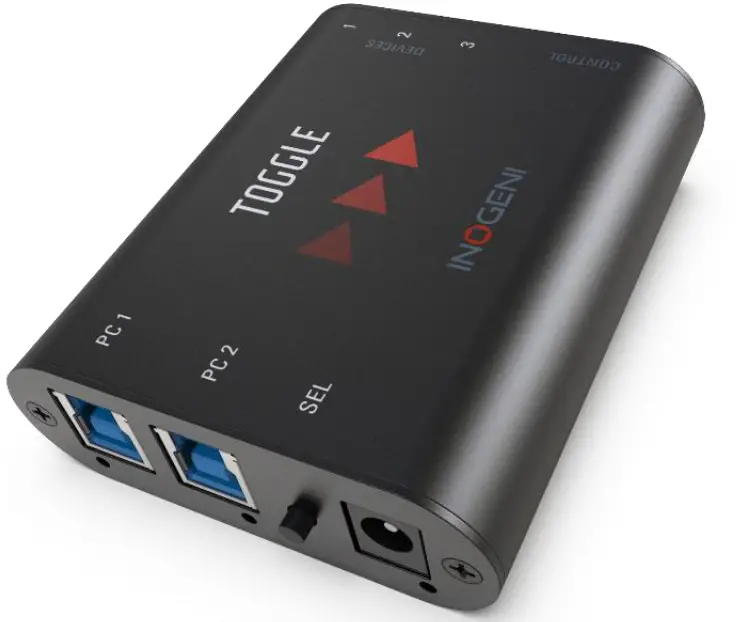
IMOGENE TOGGLE
User guide
Version 1.0 4/9/21
VERSION HISTORY
| Version | Date | Description |
| 1 | 9-Apr-21 | First release |
TYPICAL APPLICATION
Here is a typical connection diagram used for the TOGGLE device in a video conferencing setup.
Room USB Devices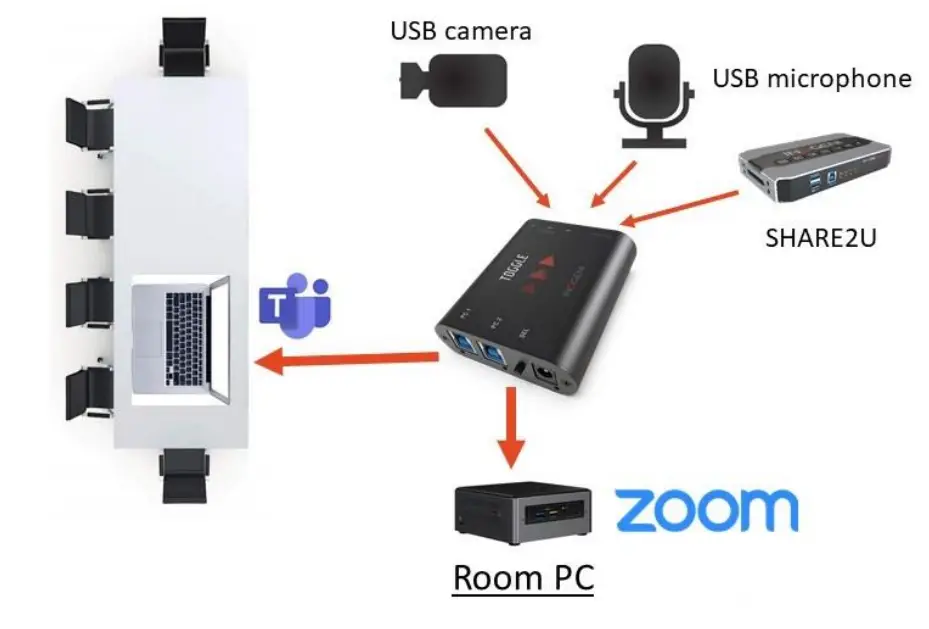
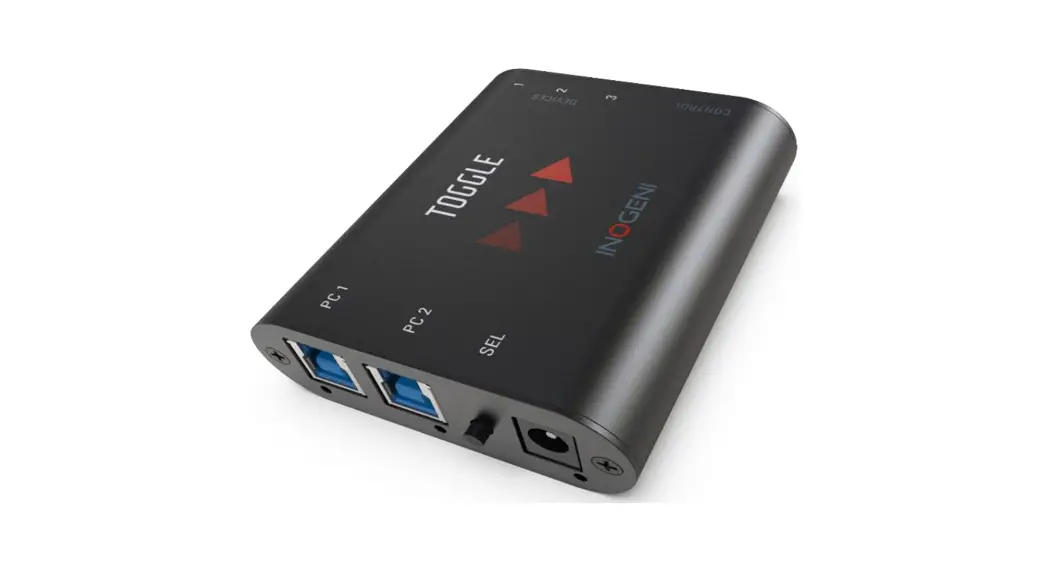
DEVICE INTERFACES
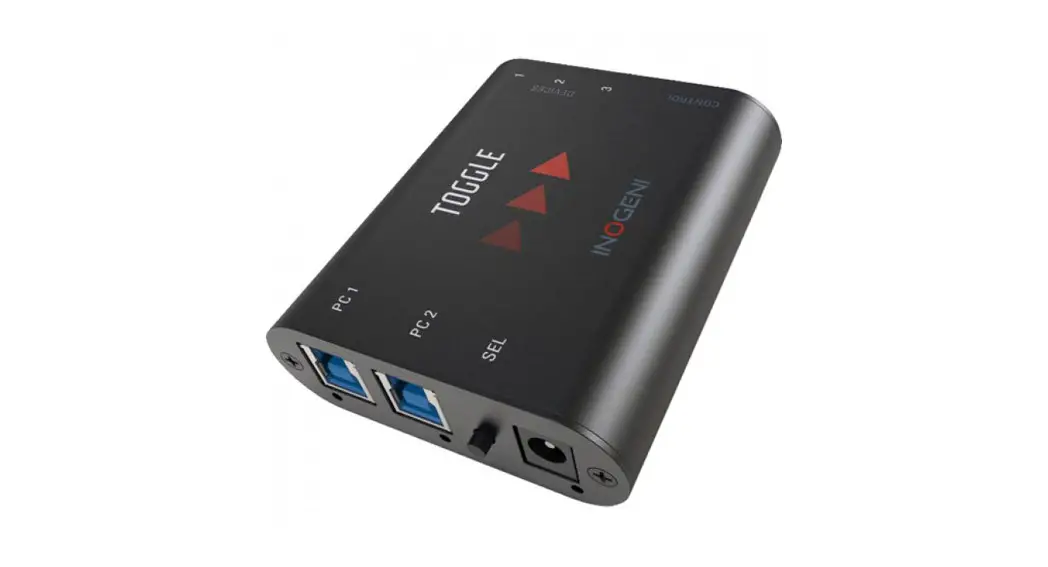
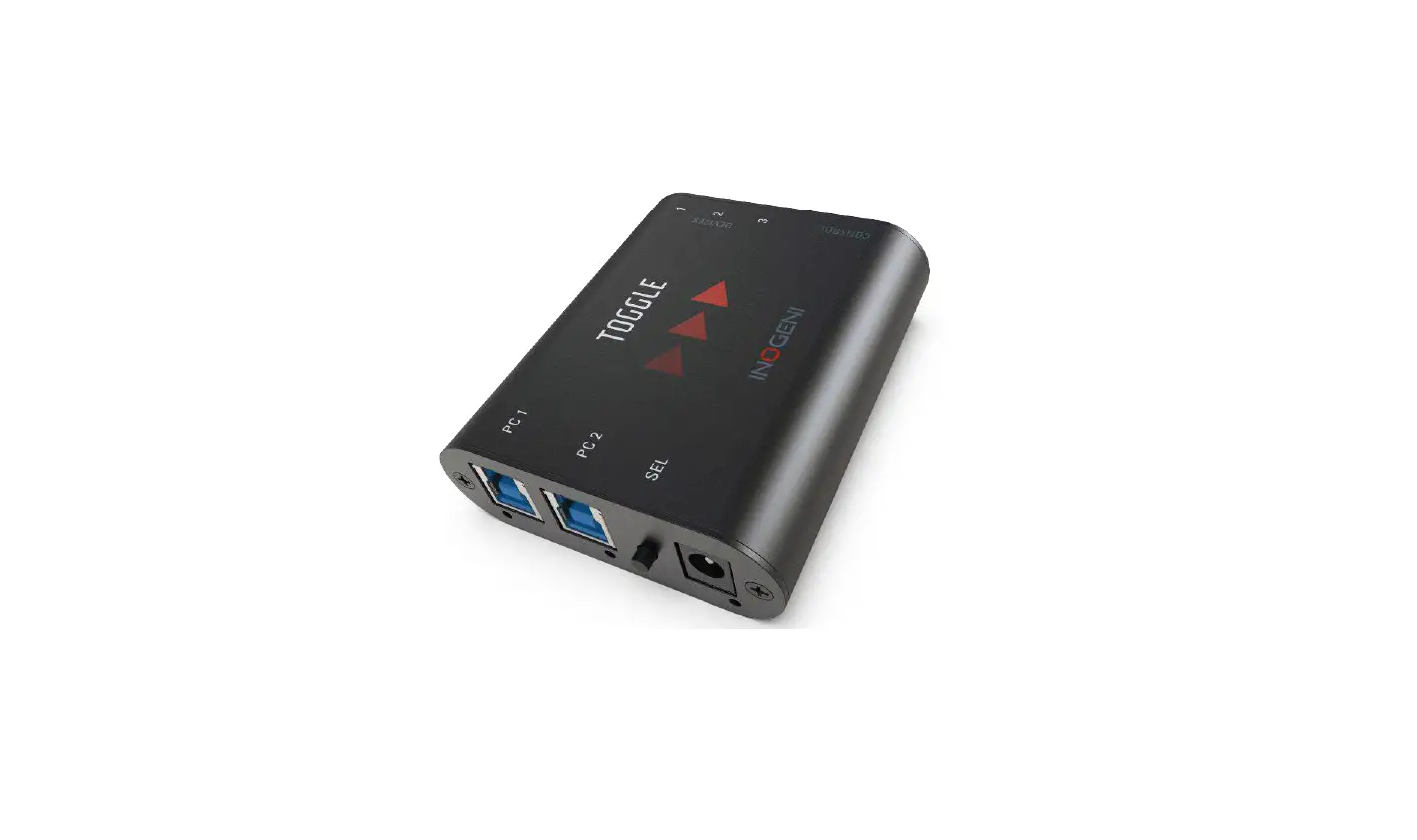
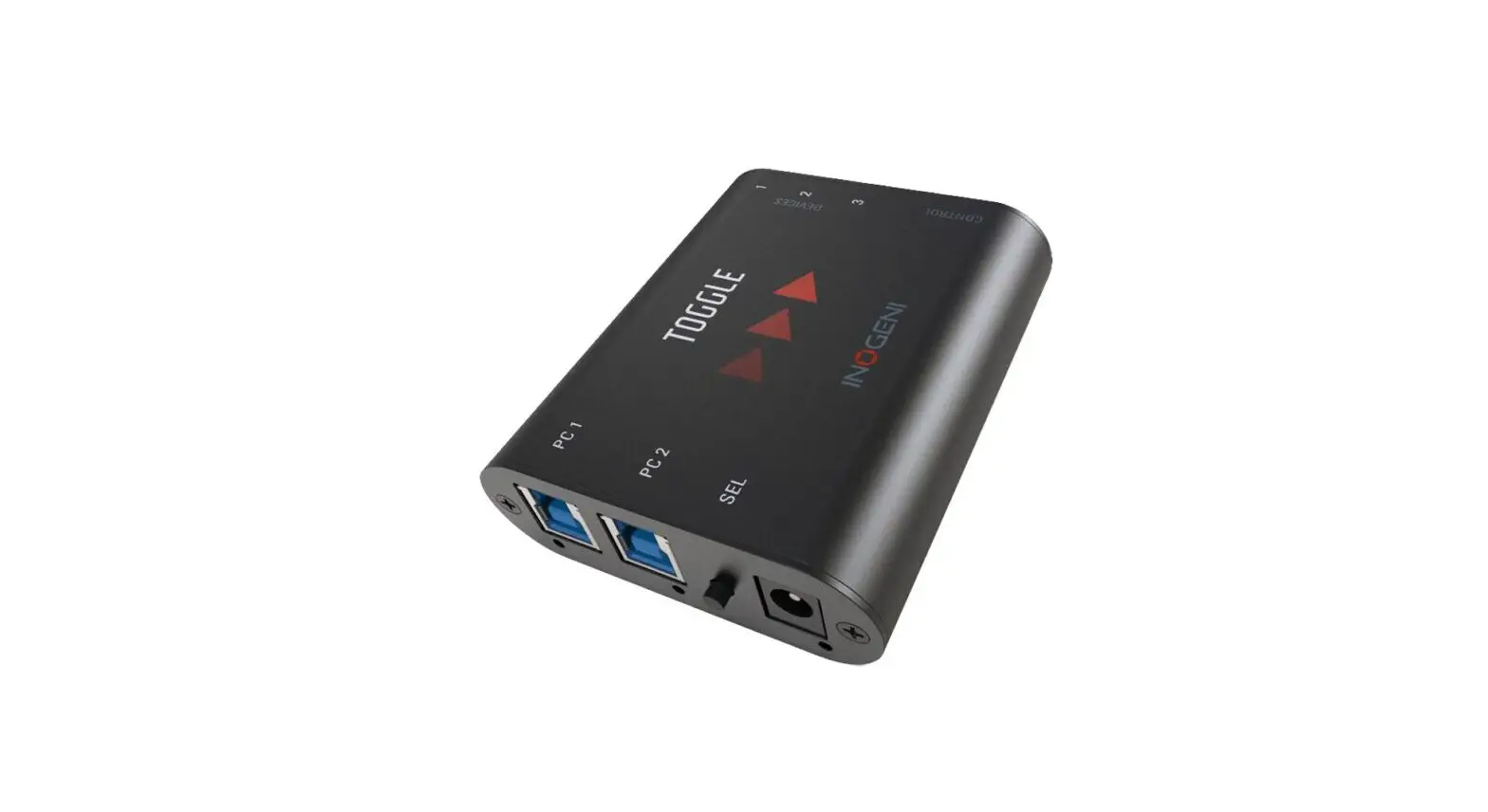
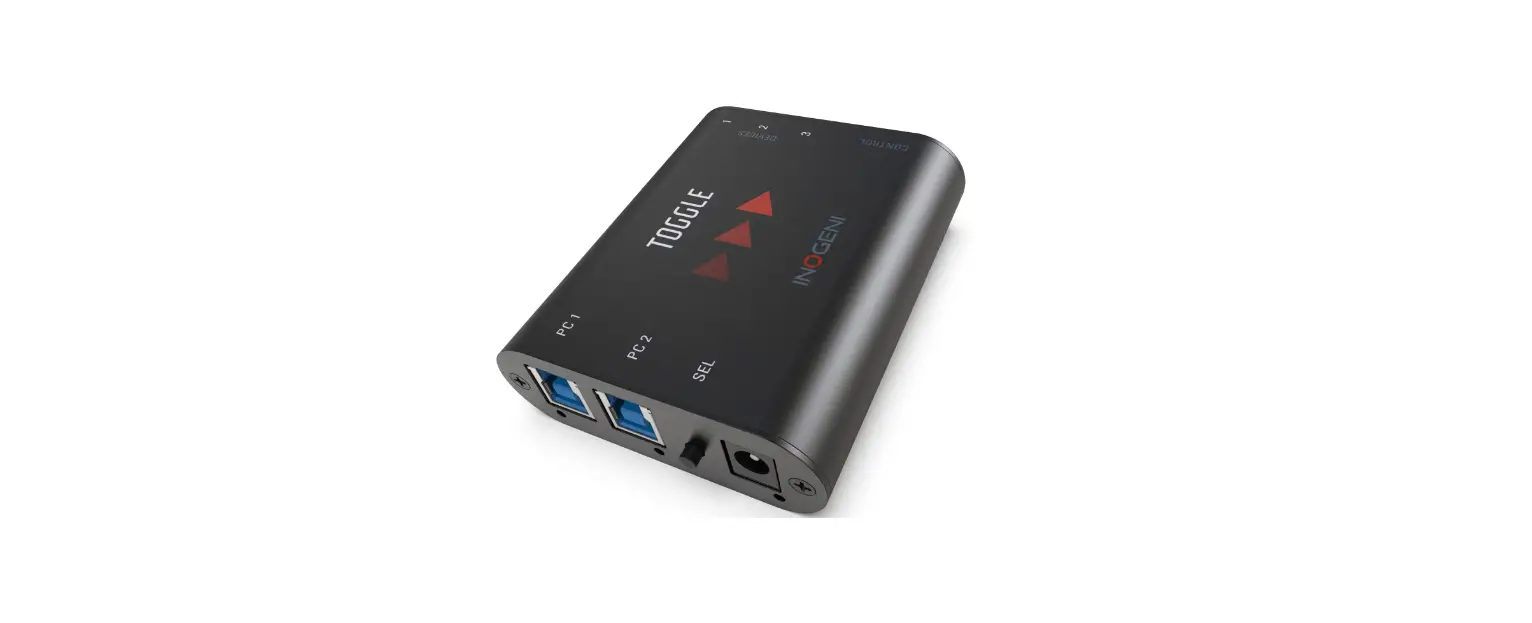
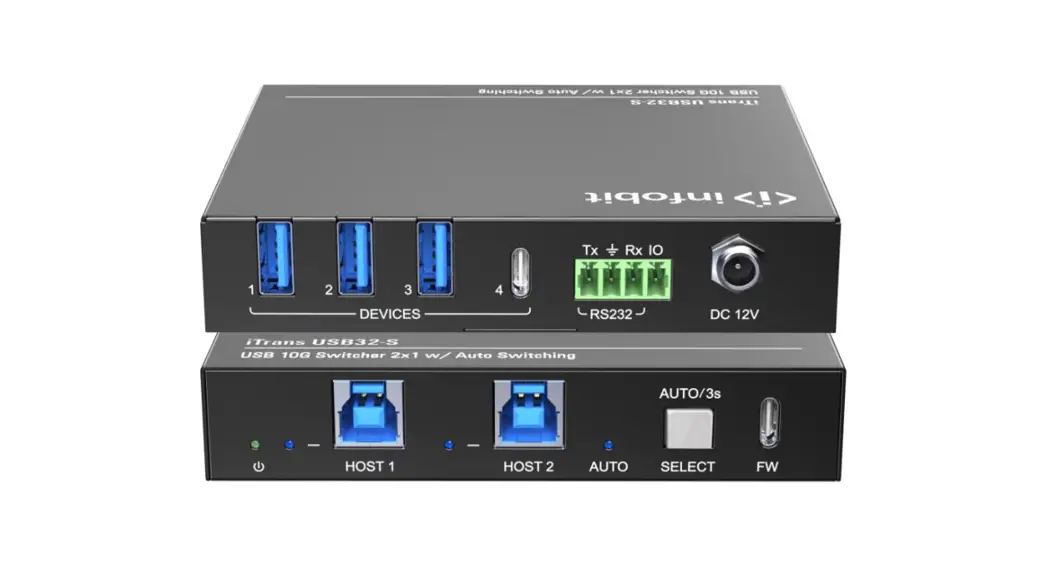
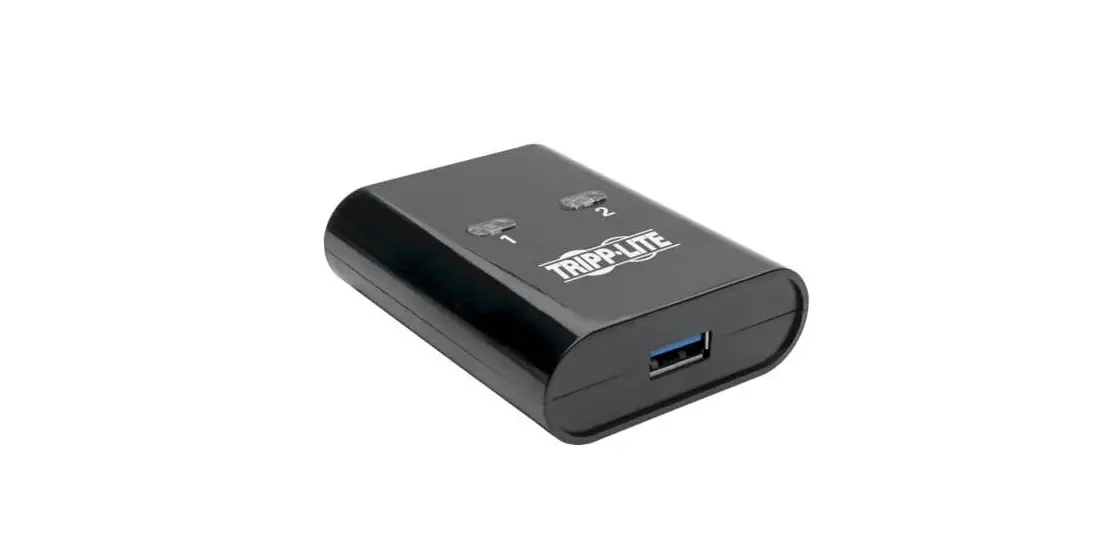
Here are the device’s interfaces.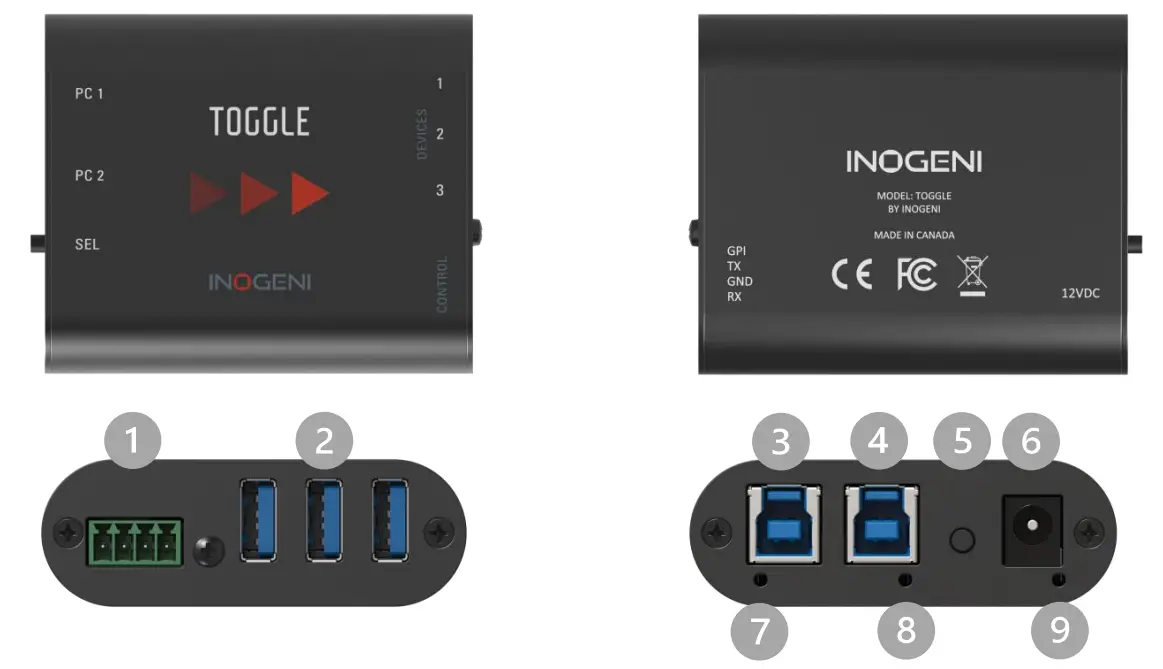
- RS232 and GPIN interfaces
- 3 x USB-A ports for devices
- Host #1 USB-B port
- Host #2 USB-B port
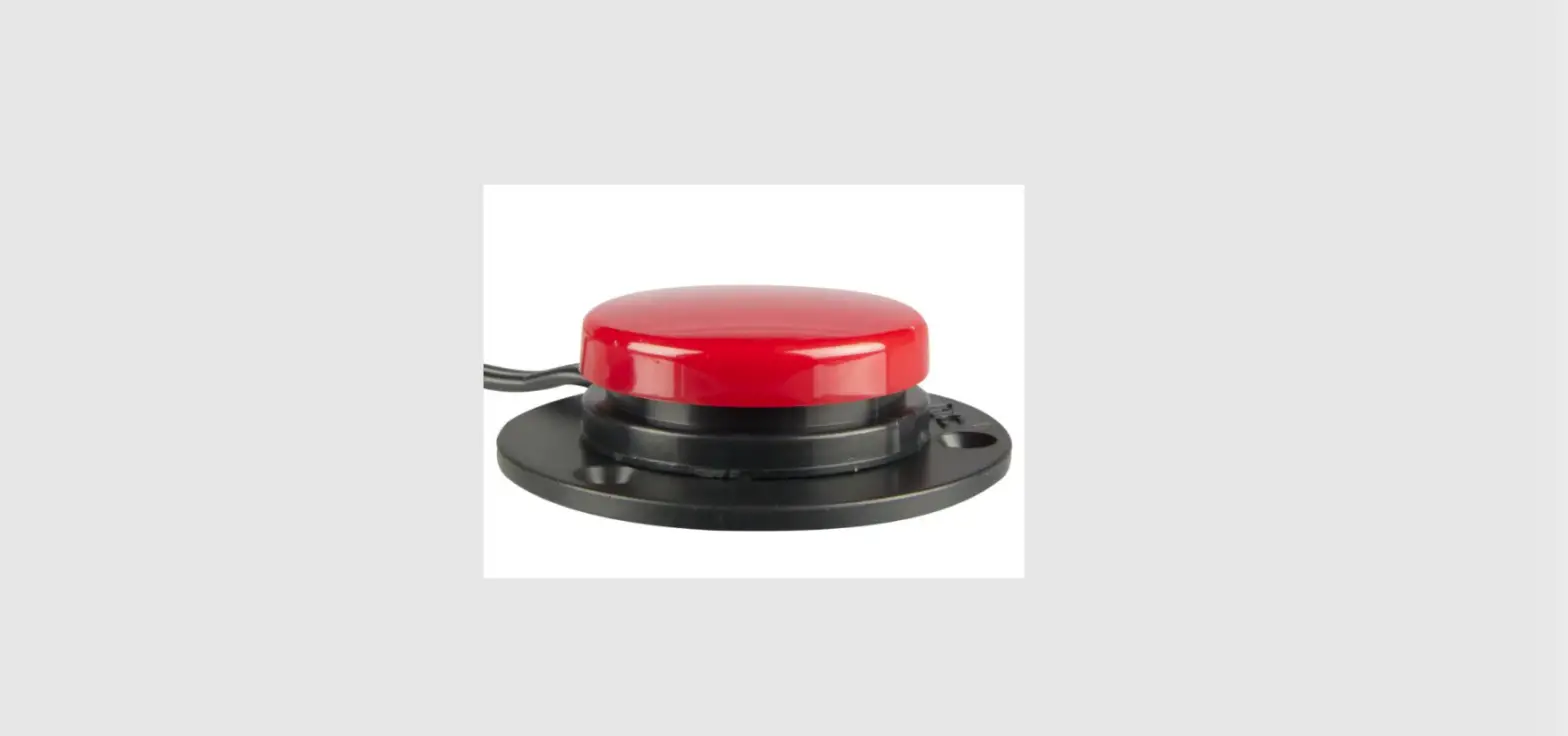
- Push-button +12V power input
- Host #1 led indicator
- Host #2 led indicator
- Power indicator
LEDs BEHAVIOR
Here is the LEDs behavior:
Host LEDs
| OFF | No host connected. |
| SOLID | The host is currently selected. |
| BLINK | Host detected but not currently selected. |
Power led
| OFF | No power present on board. |
| SOLID | Power detected. |
| BLINK | Over-current detected on USB devices. |
| LED intensity | FULL intensity if power is provided through an external power supply. MEDIUM intensity if power is provided through USB host connections |
 IMPORTANT: If all LEDs are blinking in sync, this means the unit is in the upgrade process. This happens only while you upgrade the unit.
OPERATING MODES
There are two modes supported by the device. They will be explained here.
Automatic
This is the default mode. This mode will switch automatically to the last connected host. If the current host is disconnected, the device will switch back to the other USB host connection if it is detected. Push-button action and remote control are also supported.
Manual
The manual mode will enable you to force a specific USB host. Push-button action and remote control are also supported.
These modes can be set through our INOGENI Control App or through the RS232 interface. The mode will be saved onboard the device.
SPECIFICATIONS
Here is the complete specification.
Physical details
| Dimensions (W x L x H) | 70 x 83 x 23 mm |
| Power supply | 12V |
| Power consumption | Up to 1.2A |
| Weight | 113 g |
| Package content | 2 x USB 3.0 Type-B to Type-A cables. 1 x terminal block connection. 1 x 12V power supply. |
| Operating temperature | 0° to 45° C (32° to 113° F) |
| Storage temperature | -40° to 105° C (-40° to 221° F) |
| Origin | Canada |
| Warranty | 2 years |
General specifications
| USB host ports | 2 x Type-B USB 3.0/2.0 compatible. |
| USB device ports | 3 x Type-A USB 3.0/2.0 compatible. |
| Serial interface | Baud rate: 9600 For control purposes. See the Serial communication protocol section for more details. |
| Push-button | Physical switch to select hos |
| GPS | Contact-closure control. Controlled by open-drain IO (short to ground) or driven IO. Supported voltage range: 0V to +12V max. |
| Device current limit | 1.8A shared current limit for all 3 x USB device ports. You can monitor current consumption through RS232 and our Control App |
Software
| Operating systems | Compatible with any operating system Windows 7 and above macOS 10.0 and above Linux |
| Upgrade | Field upgradeable through our INOGENI Control App. |
| Control | Automatic, manual, or remote control. The current configuration is saved onboard. |
SERIAL COMMUNICATION PROTOCOL
Here is the complete list of commands provided through the serial connection:
The pinout is indicated on the enclosure.
Baud rate: 9600
| Commands | Arguments | Function description |
| FW | NA | Get firmware version. |
| SLCK | 0,1 | Set/unset button LOCK. |
| GLCK | NA | Get button LOCK status. |
| SH | 1,2 | Select USB host number. |
| GH | NA | Get USB host selected. |
| BECAUSE | NA | Get last USB host switching cause. |
| GHV | 1,2 | Get USB host voltage. |
| GDI | 1,2,3 | Get USB device current. |
| GDOC | 1,2,3 | Get device over-current status (HUB). |
| SAVE | NA | Save settings. |
| SEV | 0,1 | Set/clear events (prints). |
| SM | 0,1 | Set/unset manual mode. |
| GM | NA | Get manual mode status. |
| RST | NA | Reset MCU. |
| H | NA | Get user help. |
All commands will return 2 possible answers: “ACK” or “NACK” with “/n/r” chars.
INOGENI CONTROL APP
You can use our Control App to monitor firmware information, upgrade your unit using the latest firmware and configure your unit. 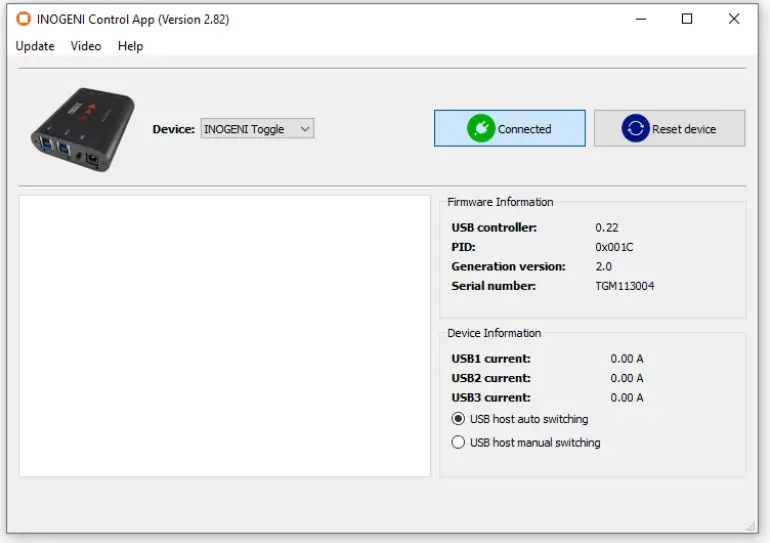
SUPPORT
Engineered by video professionals, for video professionals, it is your most compatible USB 3.0 device. INOGENI expertise at your fingertips:
- Expert Technical Support team at [email protected] for immediate help or if you have any technical questions about our products.
- Extensive Knowledge Base to learn from other customers’ experiences.
© Copyright 2021 by INOGENI INC. All Rights Reserved.
INOGENI name and logo are trademarks or registered trademarks of INOGENI. Use of this product is subject to the terms and conditions of the license and limited warranty in effect at the time of purchase. Product specifications can change without notice.
INOGENI, Inc.
979 de Bourgogne avenue, suite 530
Québec
G1W 2L4 (QC) Canada