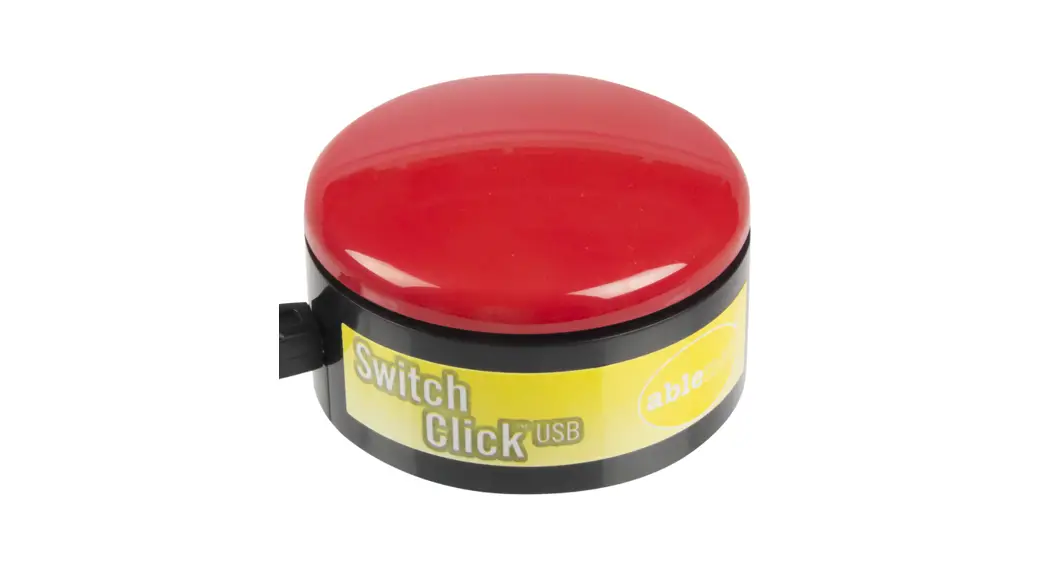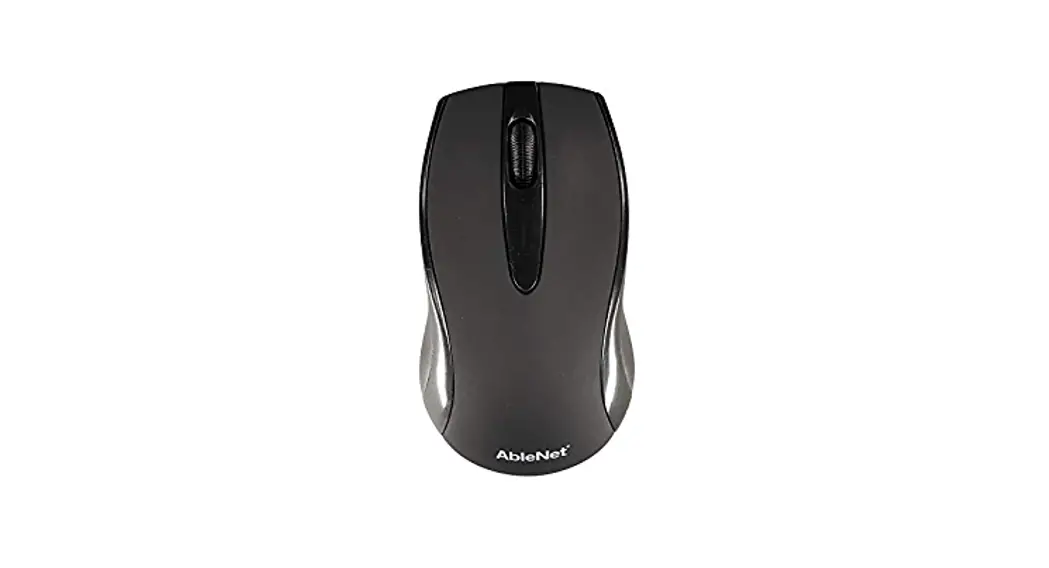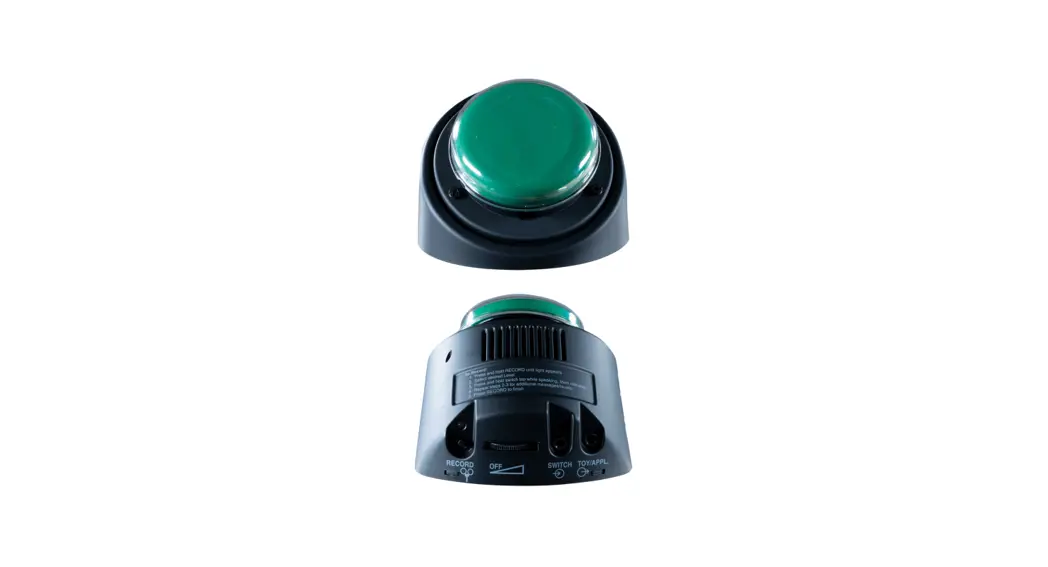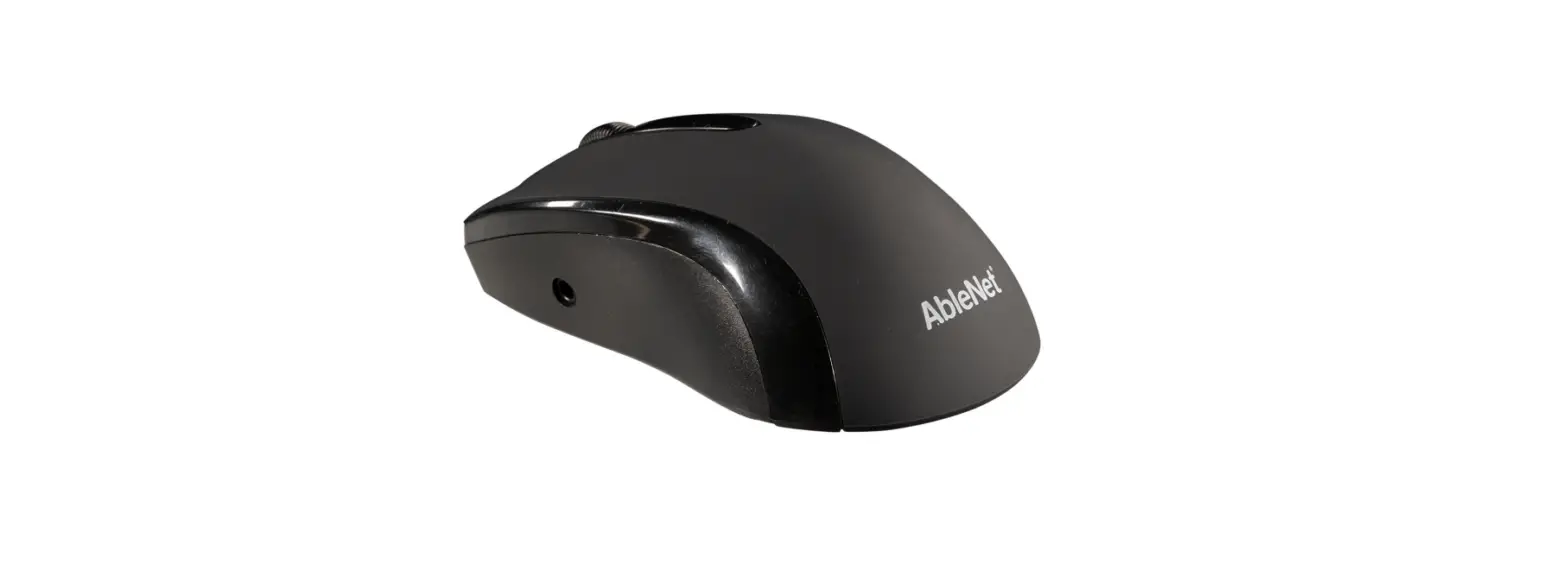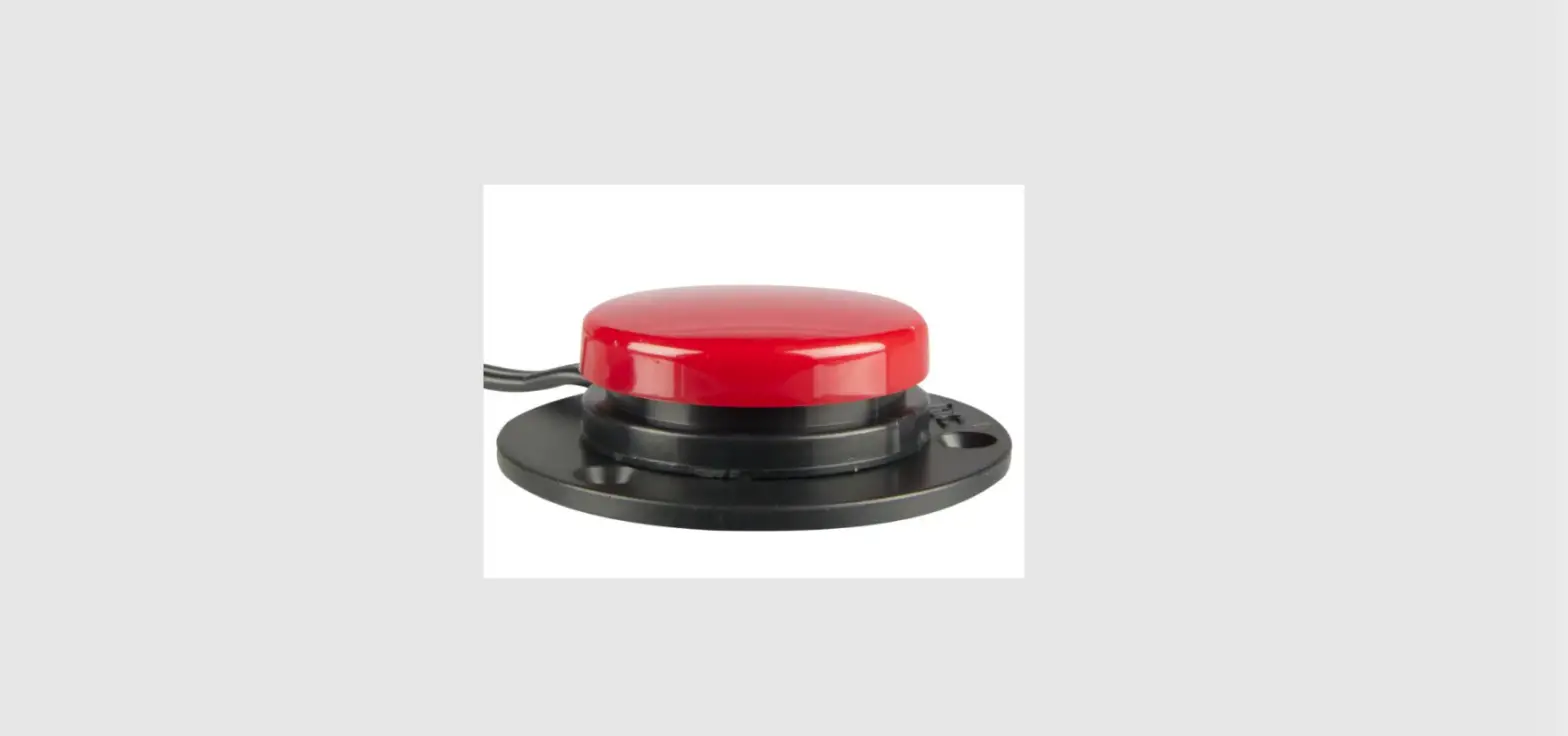
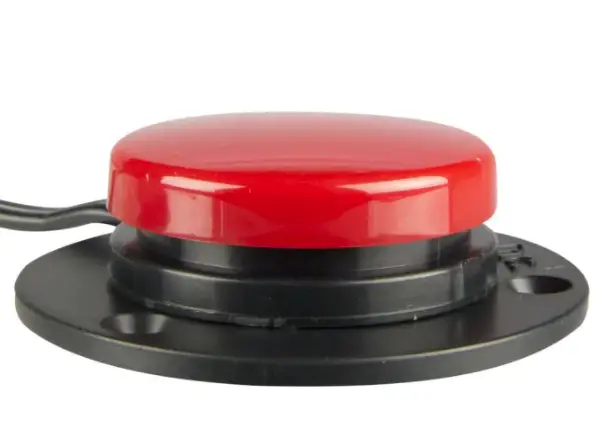
 AbleNet 10034601 Switch Click USB Interface

Product Registration
Registering your product provides you access to AppleCare, product updates, and resources for your product. Scan the QR code below to register your product.
INTRODUCTION
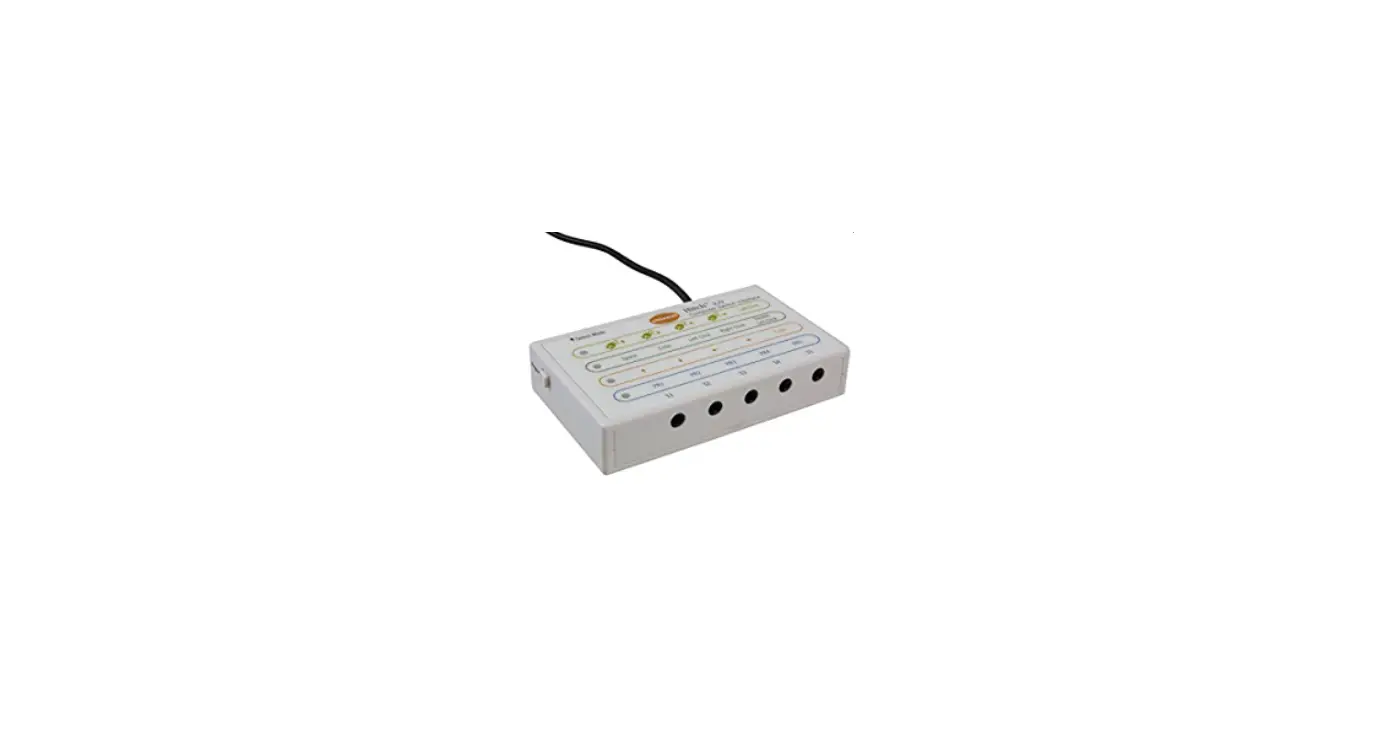
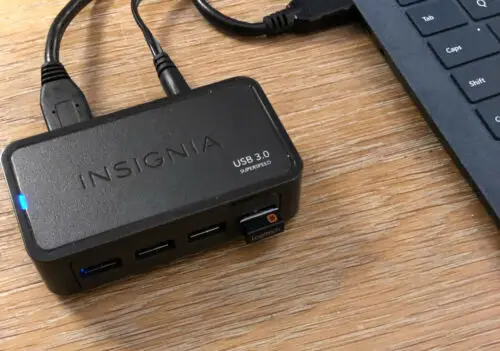
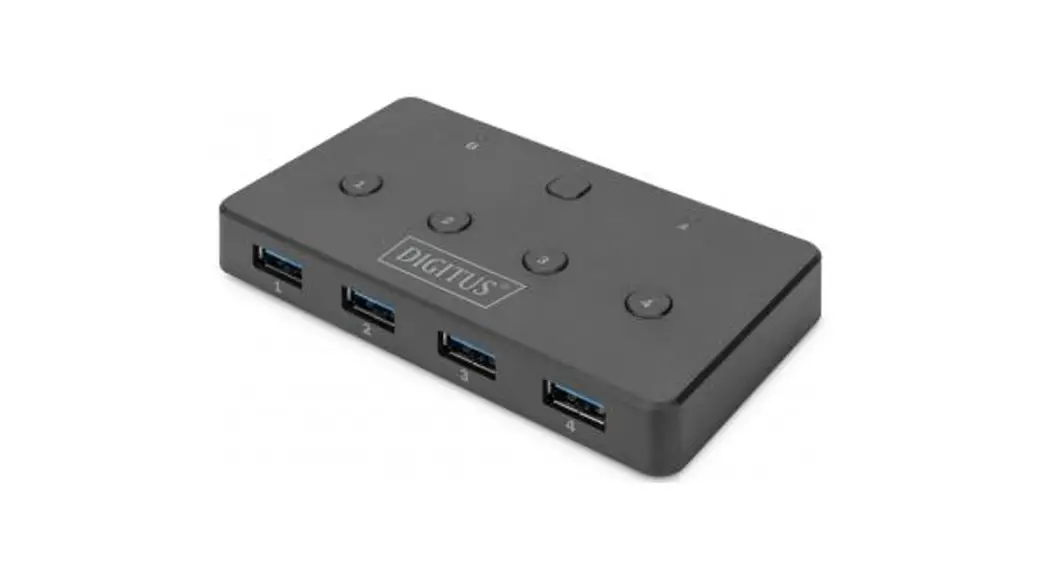
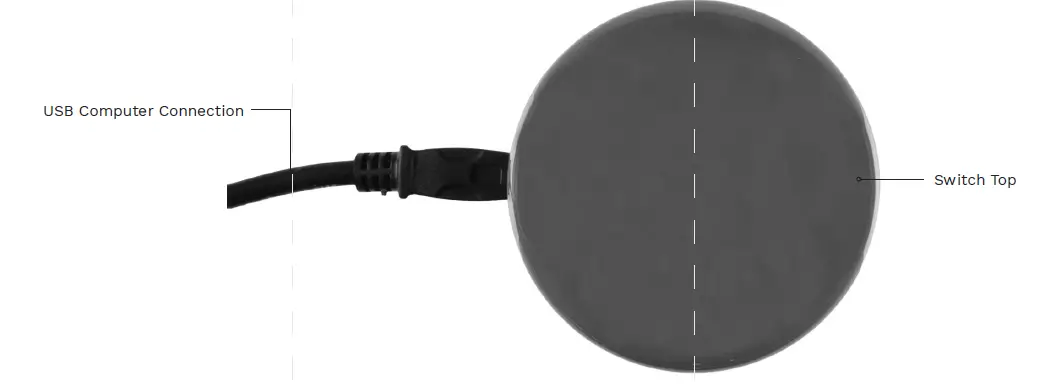
- Connect the Switch Click USB to any available USB port on your computer.
- Switch Click USB is now ready to use. Press the switch top to send a mouse to left-click to your computer.
- Download the AppleCare app to access live support from the AppleCare Product Success team, an online knowledge base filled with videos and getting started information, and other resources.
- Scan the QR code below to download the free AppleCare app to your phone or tablet.


 Home - AbleNet