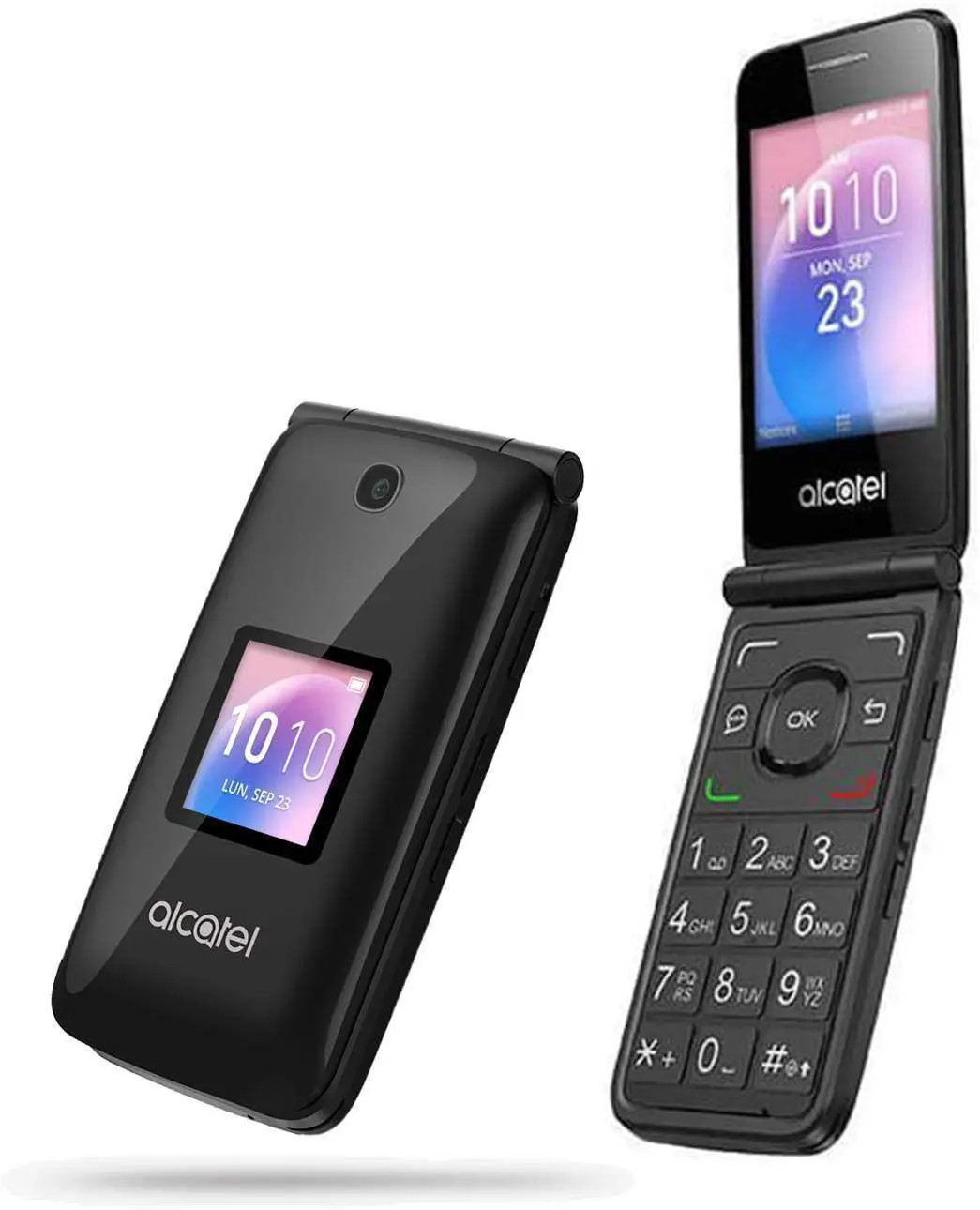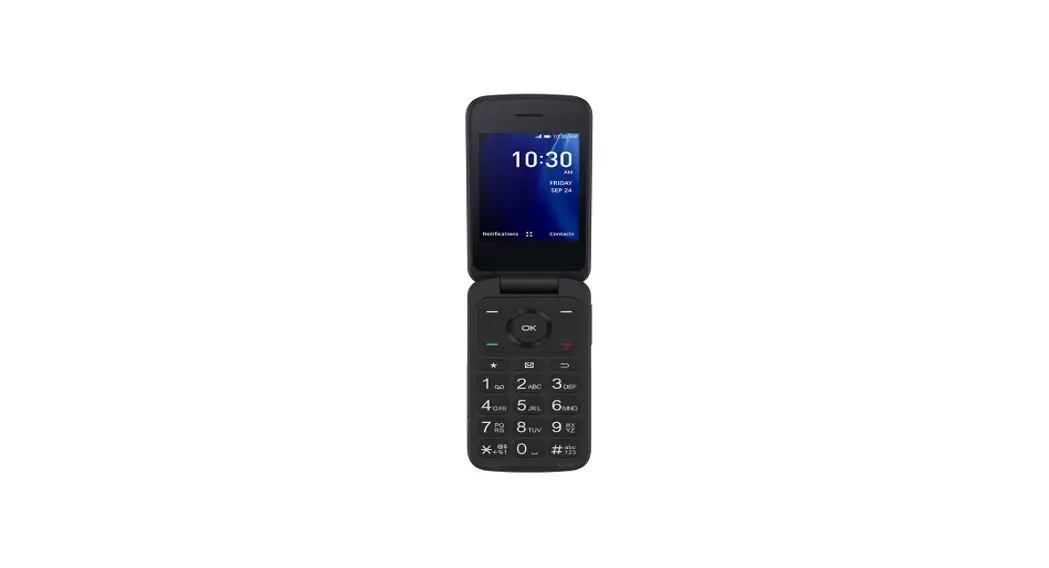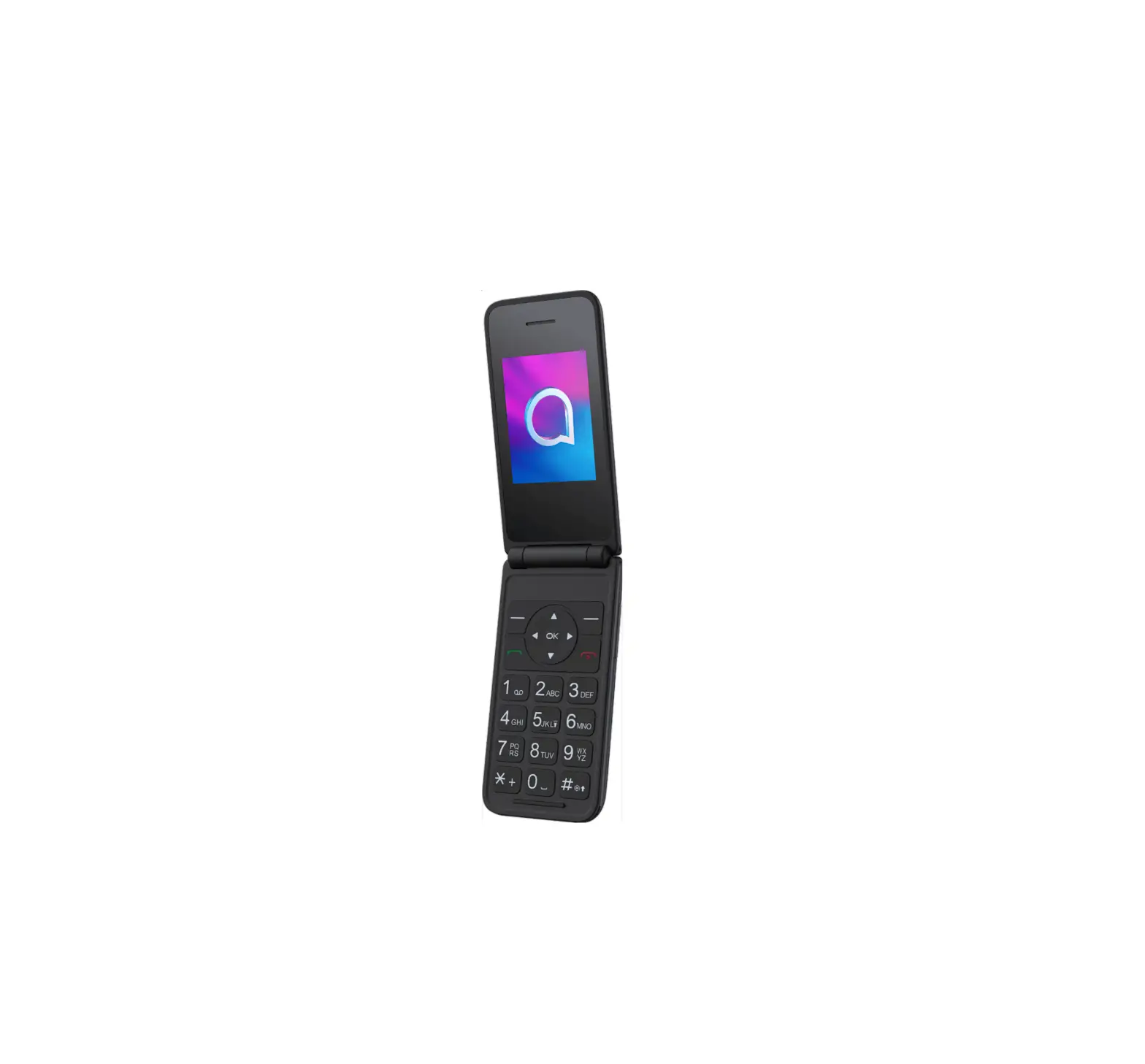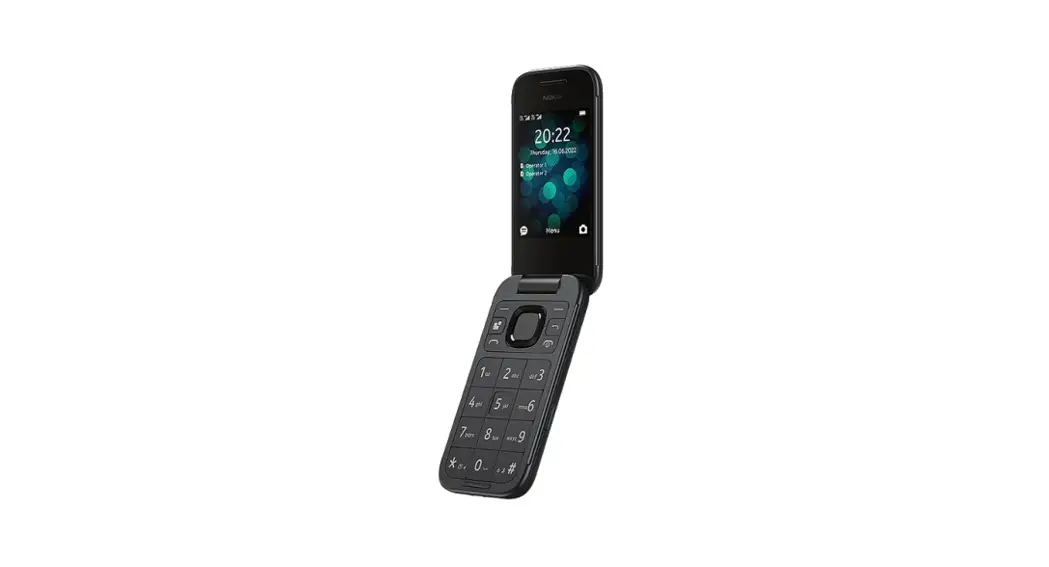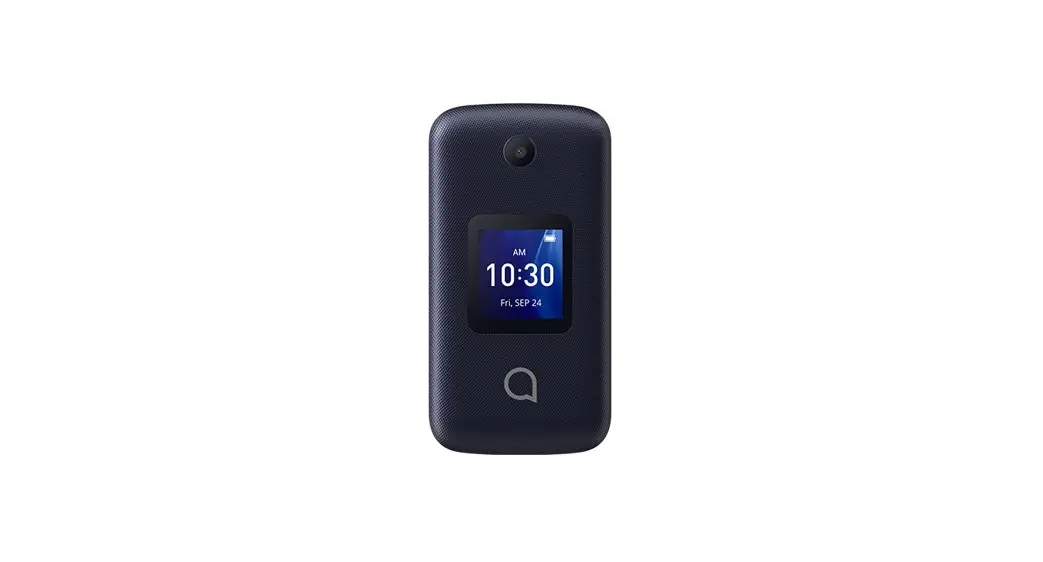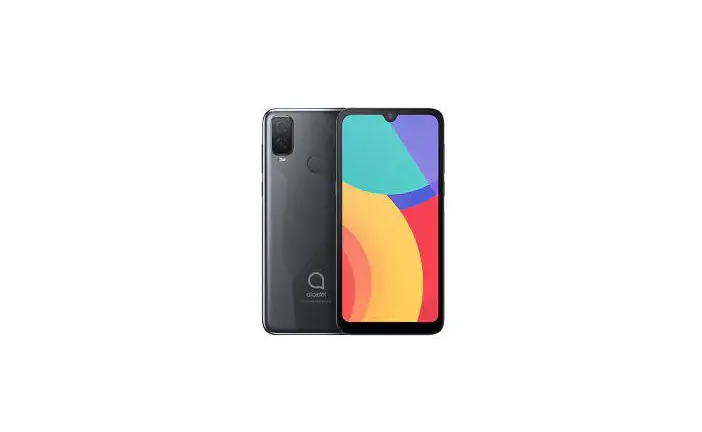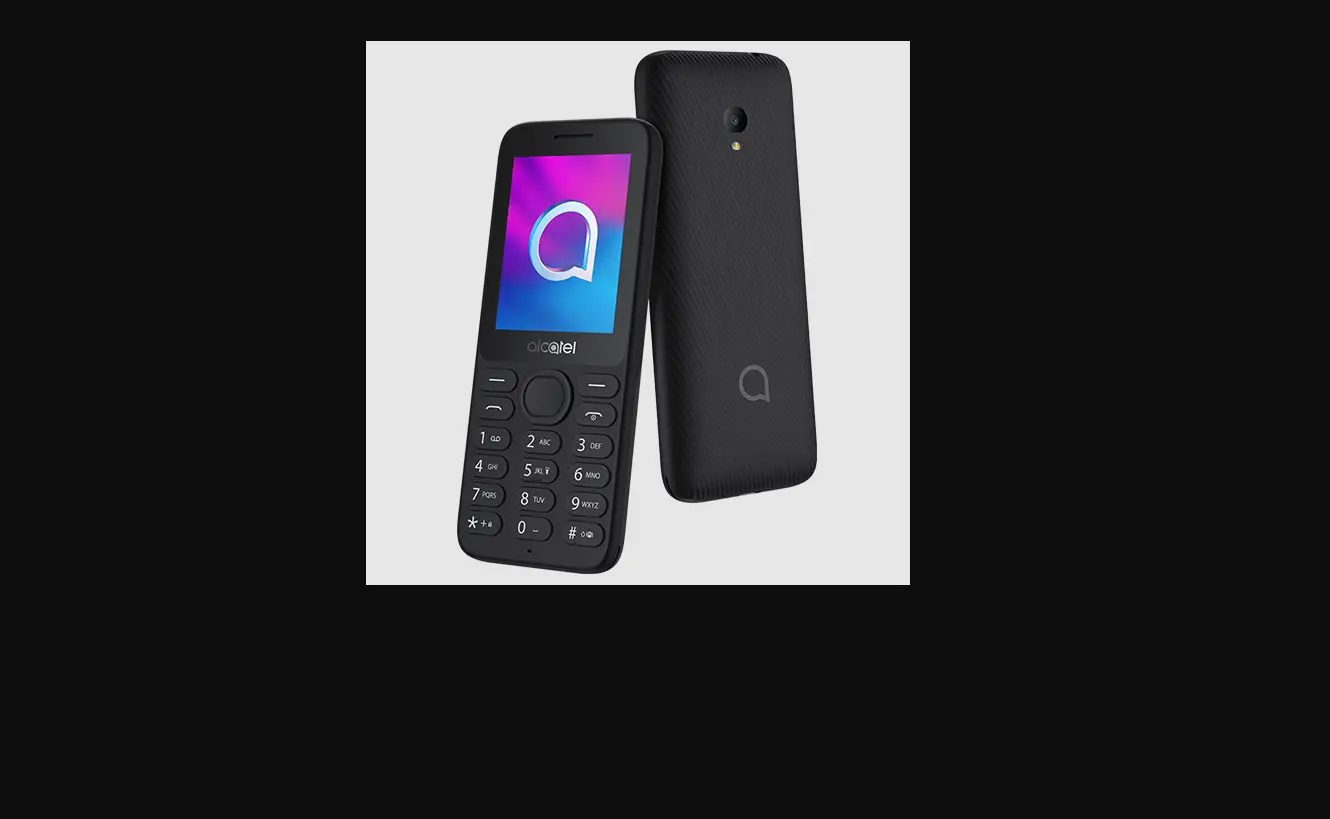

Alcatel GO FLIP 4 1-Color-in 4GB Mobile Phone
Overview
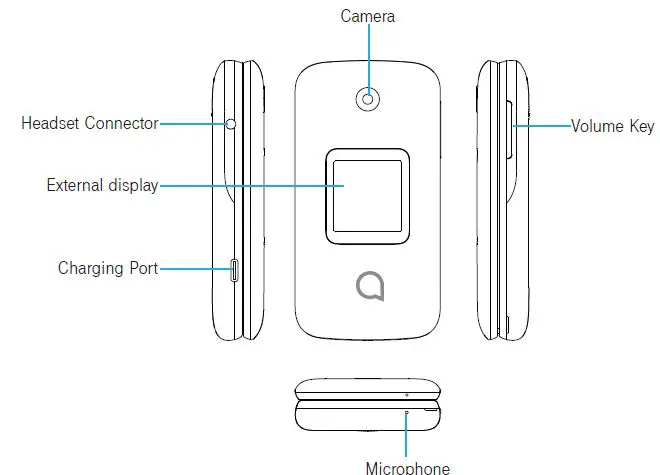
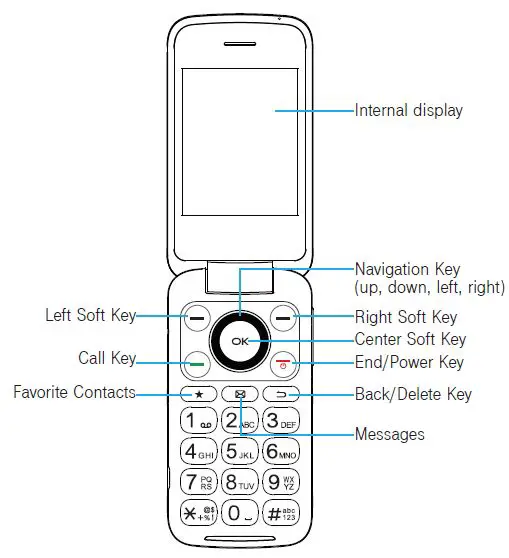
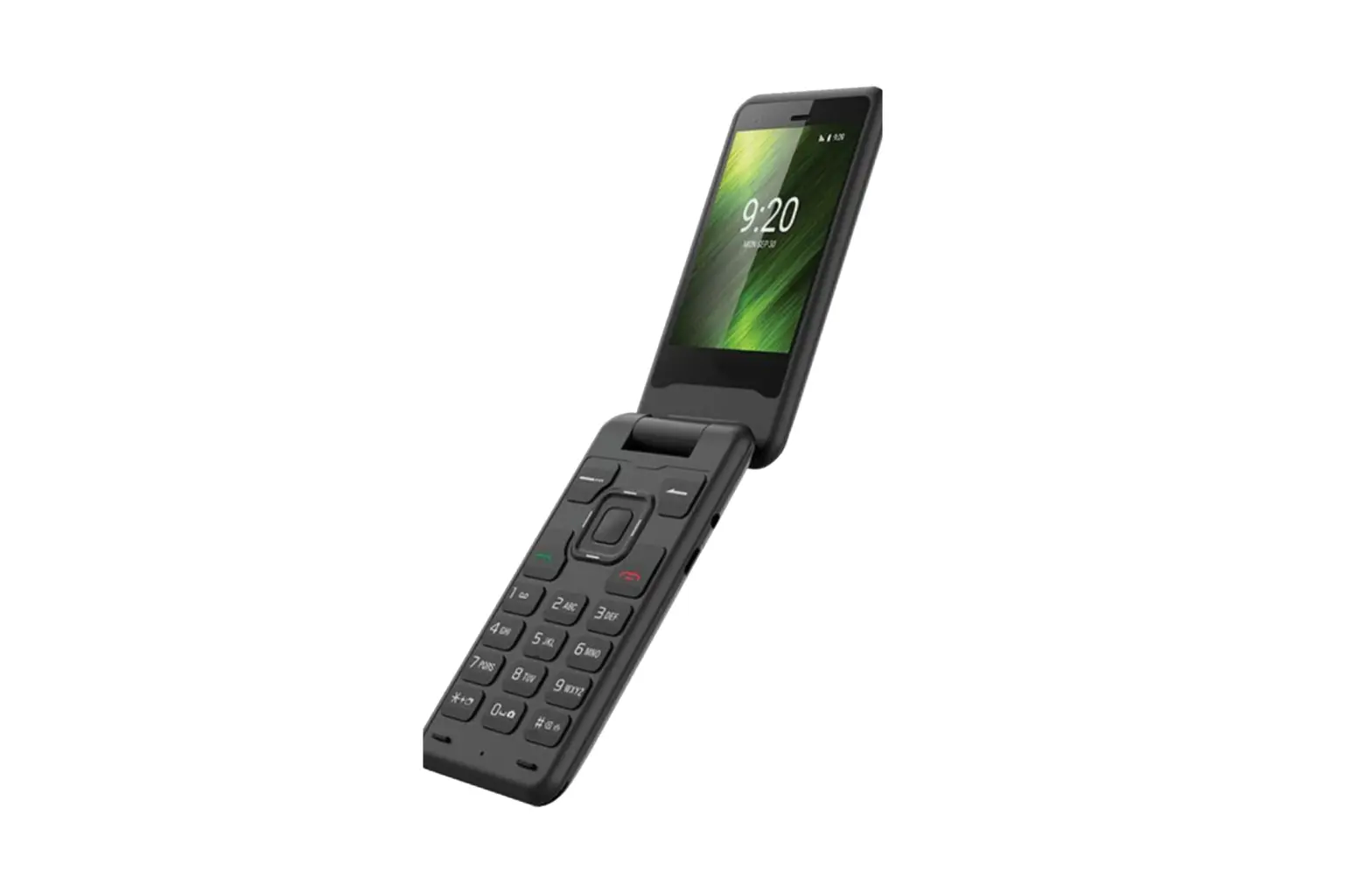
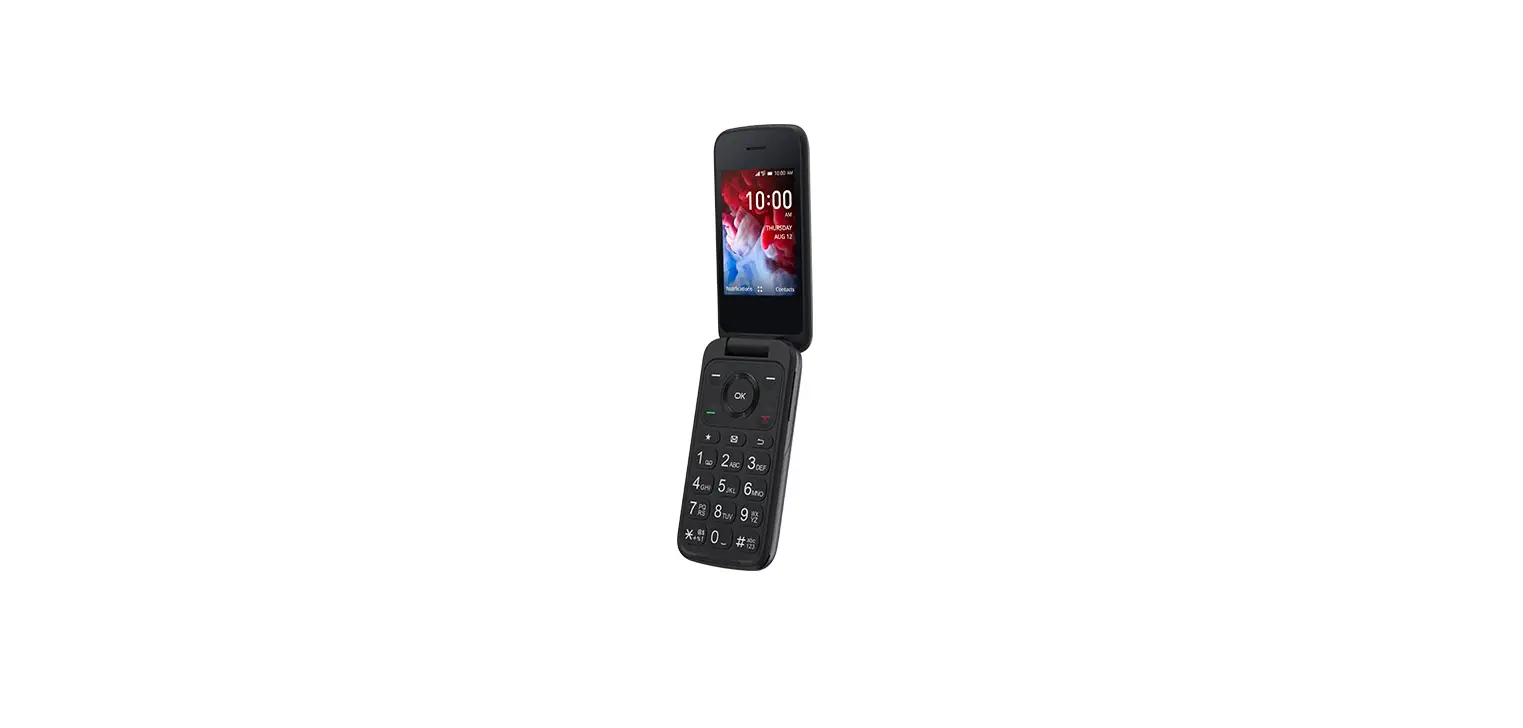
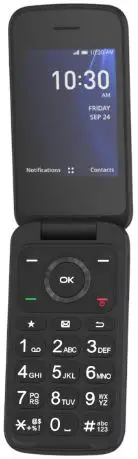
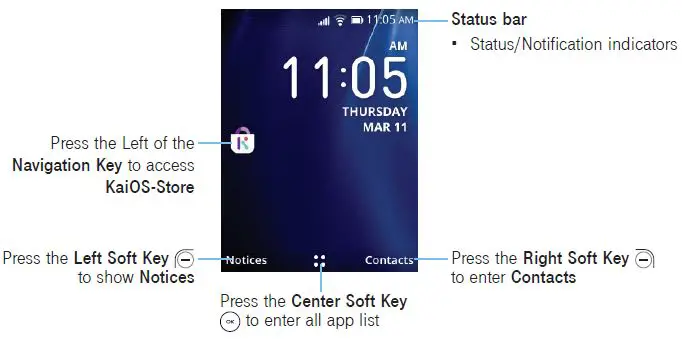
- Left Soft Key
- Press: access Notices
- Right Soft Key
- Press: access Contacts
- Center Soft Key
- Press: access app list (from the Home screen)
- Confirm an option at the middle of the bottom of the screen
- Navigation Key
- Menu selection moves up, down, right, and left
- Press Up: access Ringtones & Alerts settings
- Press Left: access KaiOS-Store
- Press Right: access Camera
- Call Key
- Press: end a call, return to the Home screen
- Press and hold: to Restart and Power on/off
- Back/Delete Key
- Move back wards through Menus
- Delete entered number or letter
- Volume Keys
- Incall mode, adjusts the earpiece or headset volume
- In Music/Video/Streaming mode, adjusts the media volume
- In general, mode, adjusts the ringtone volume
Set up
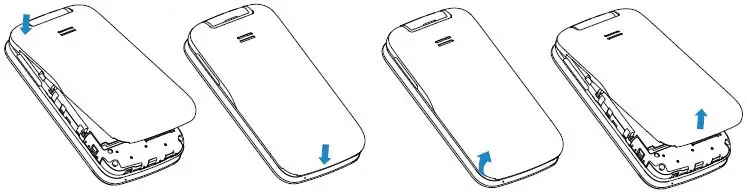
- Attaching or removing back cover

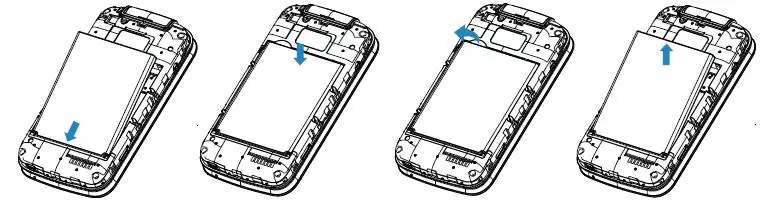
- Inserting or removing battery

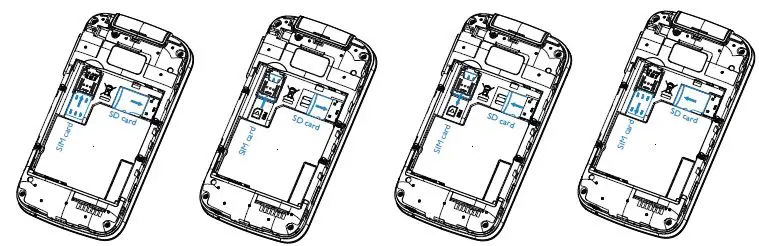
- Inserting or removing Nano SIM card and microSD™ You must insert your Nano SIM card to make phone calls using your network.
- Insert a SIM or microSD™ card into the card slot with the gold-colored contacts facing down.
- To remove the SIM or microSD™ card, push down on the plastic spring and pull the SIM or microSD™ card out.

- Your phone only supports Nano SIM cards. Do not attempt to insert other SIM types, otherwise you may damage your phone.
Home Screen
Status Bar
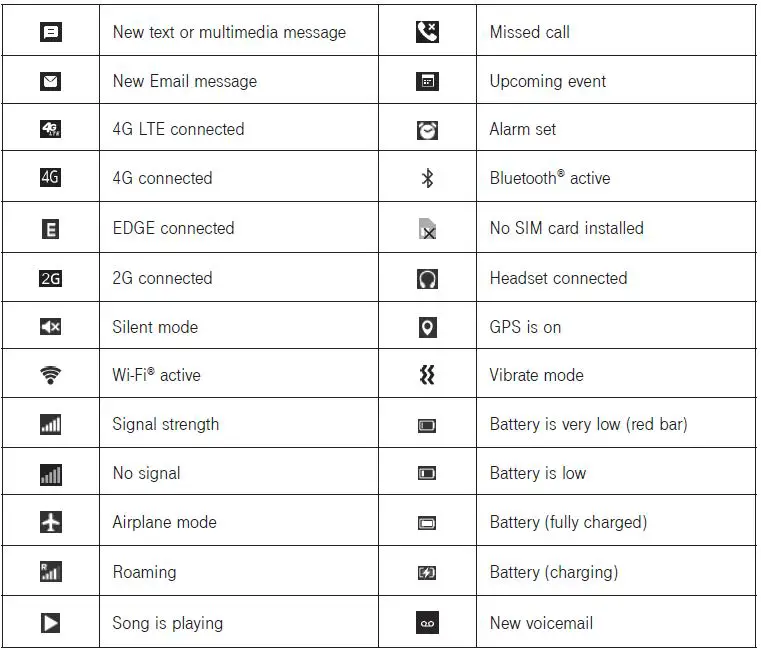
From the status bar, you can view both phone status (to the right side) and notification information (to the left side). Here is a list of the icons you might see and their meanings: