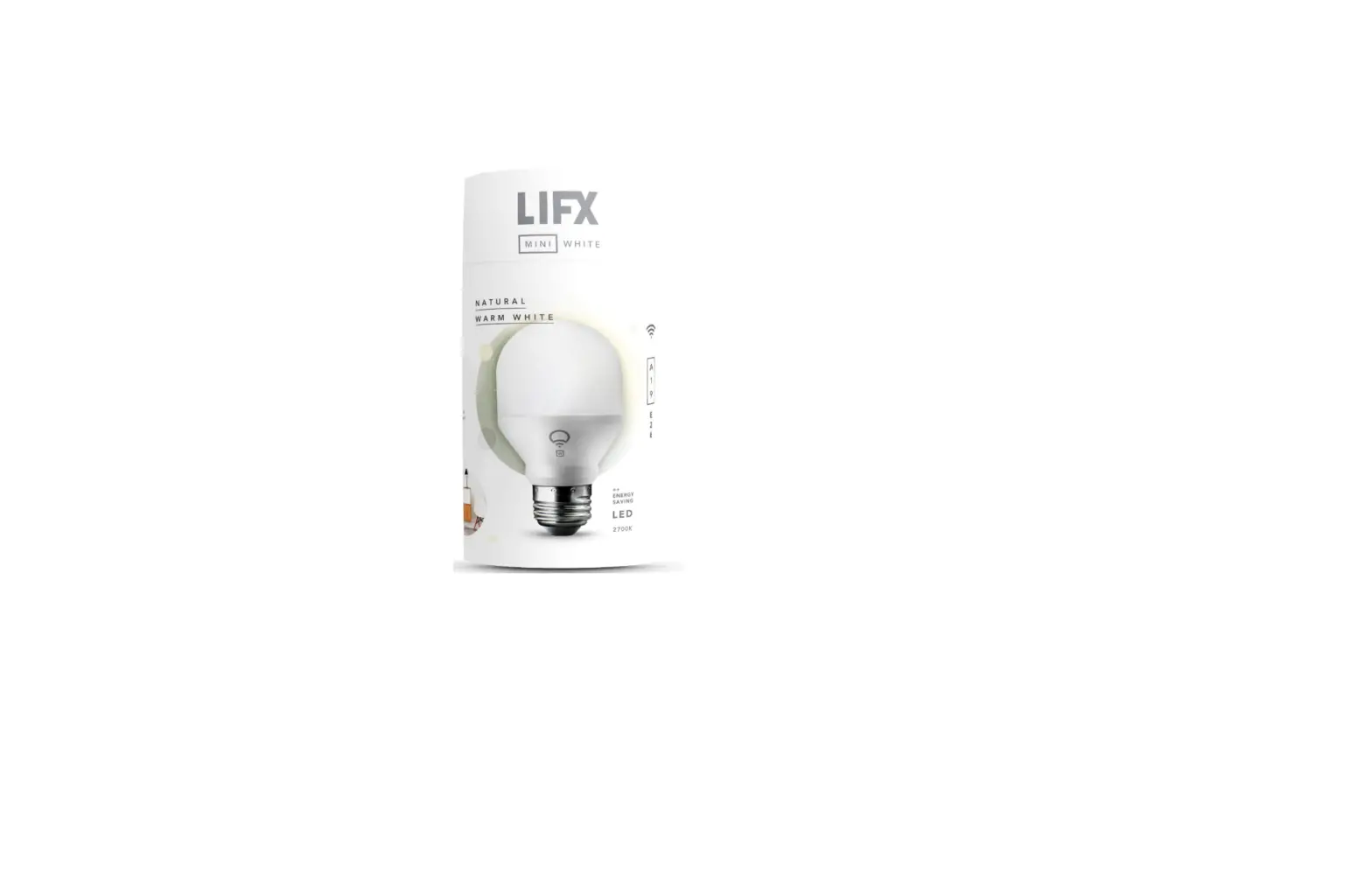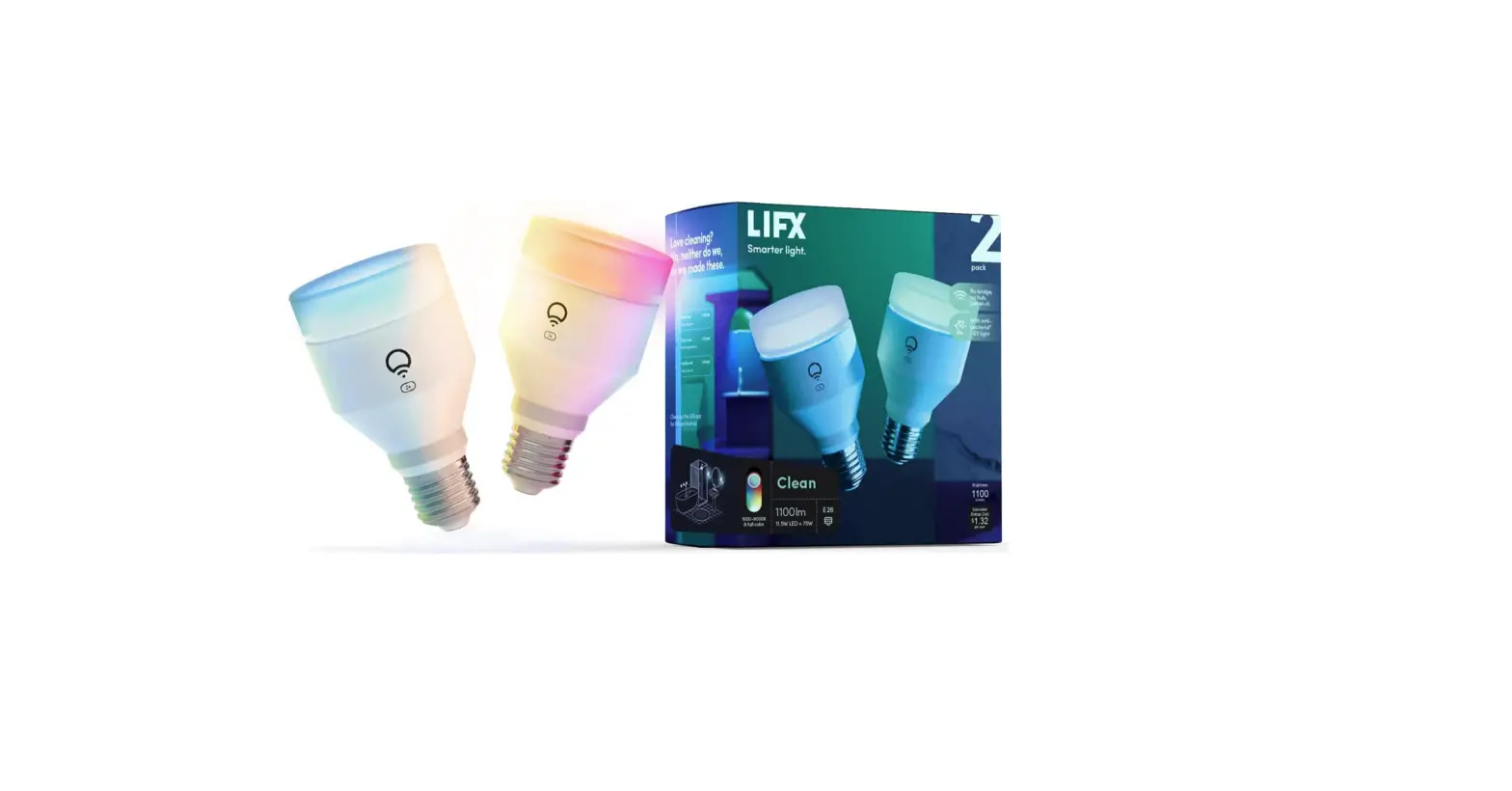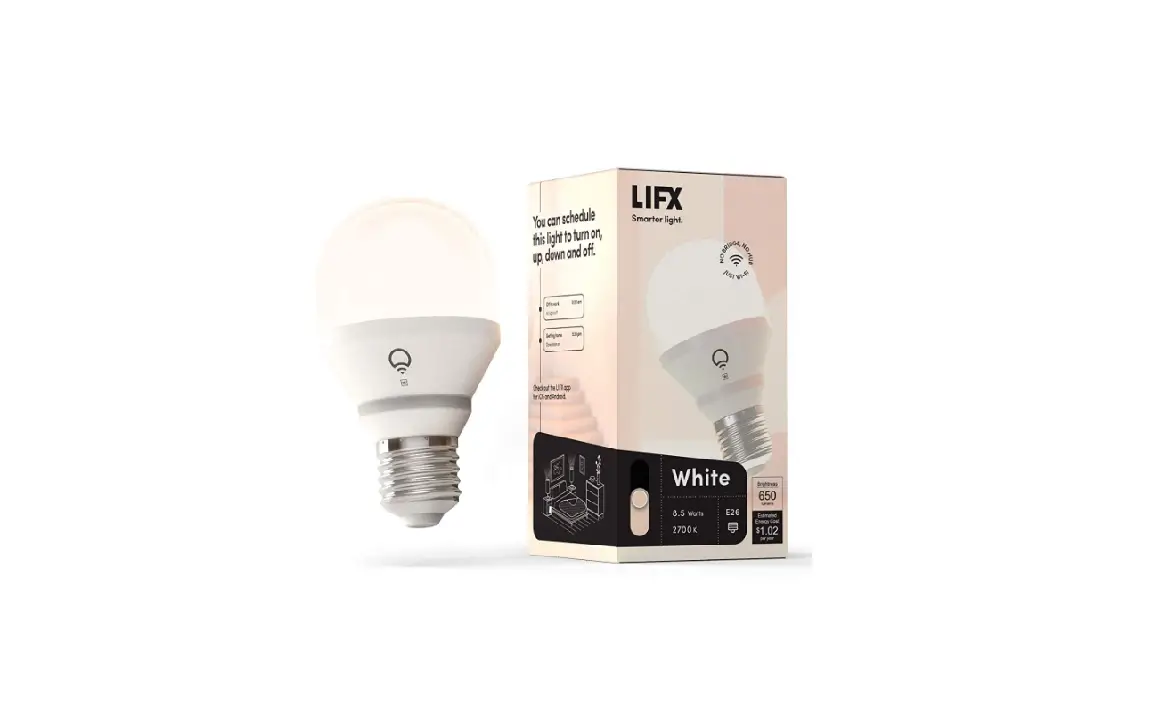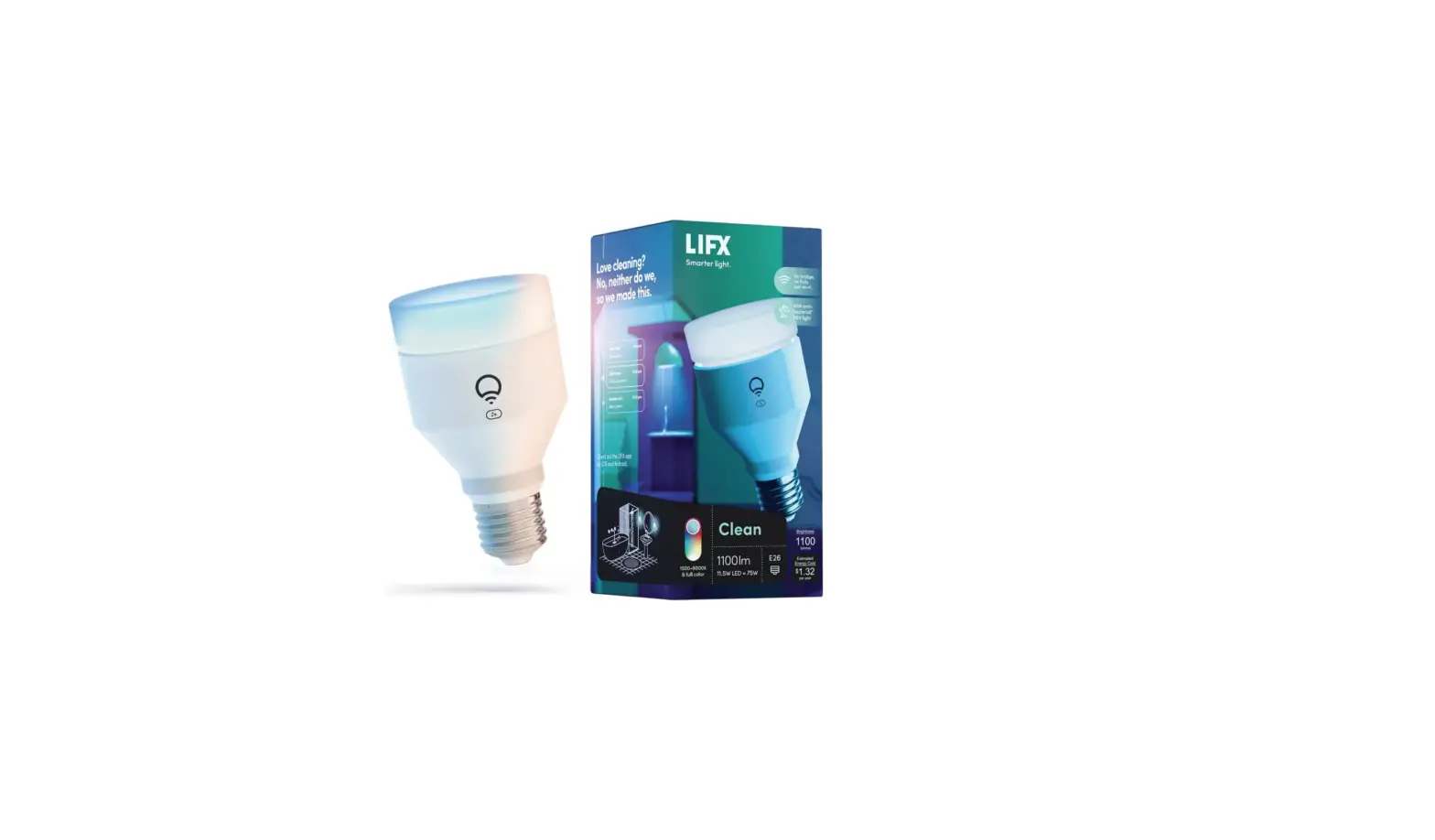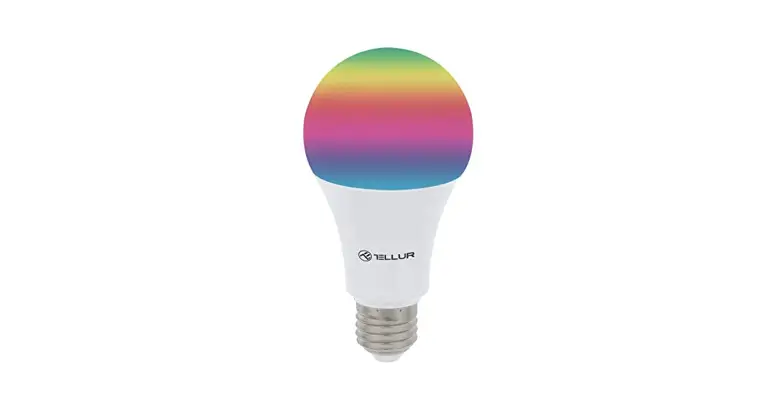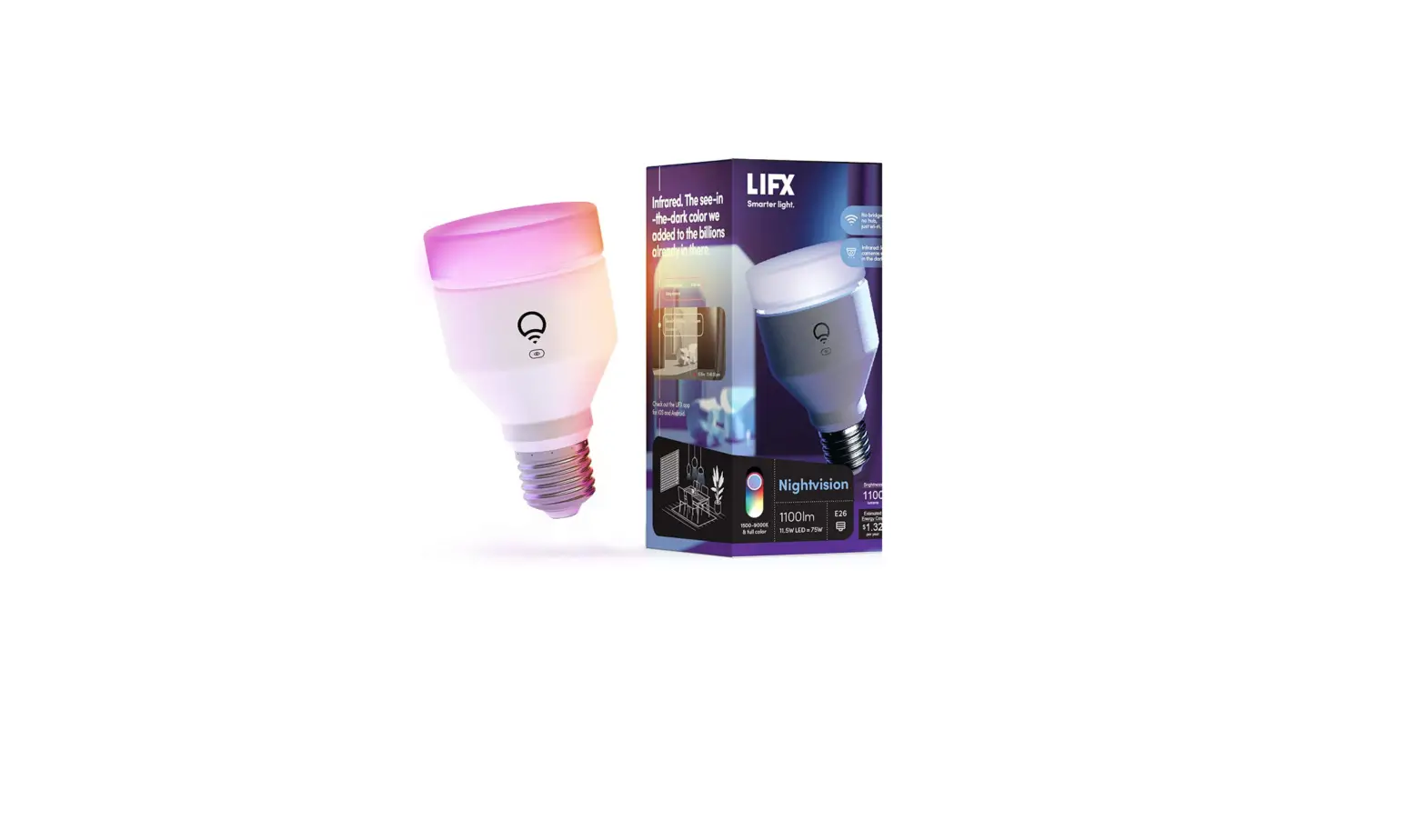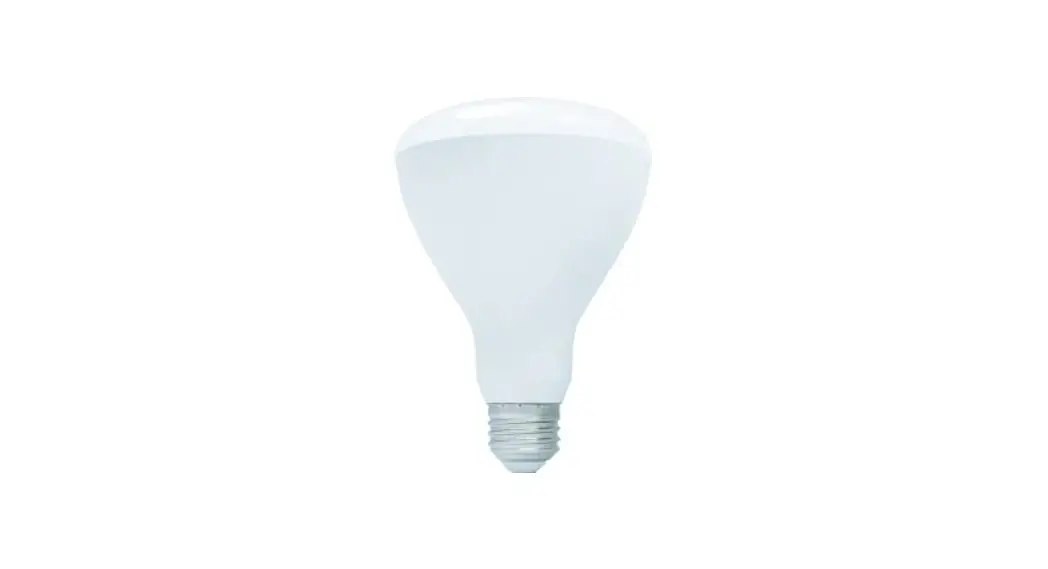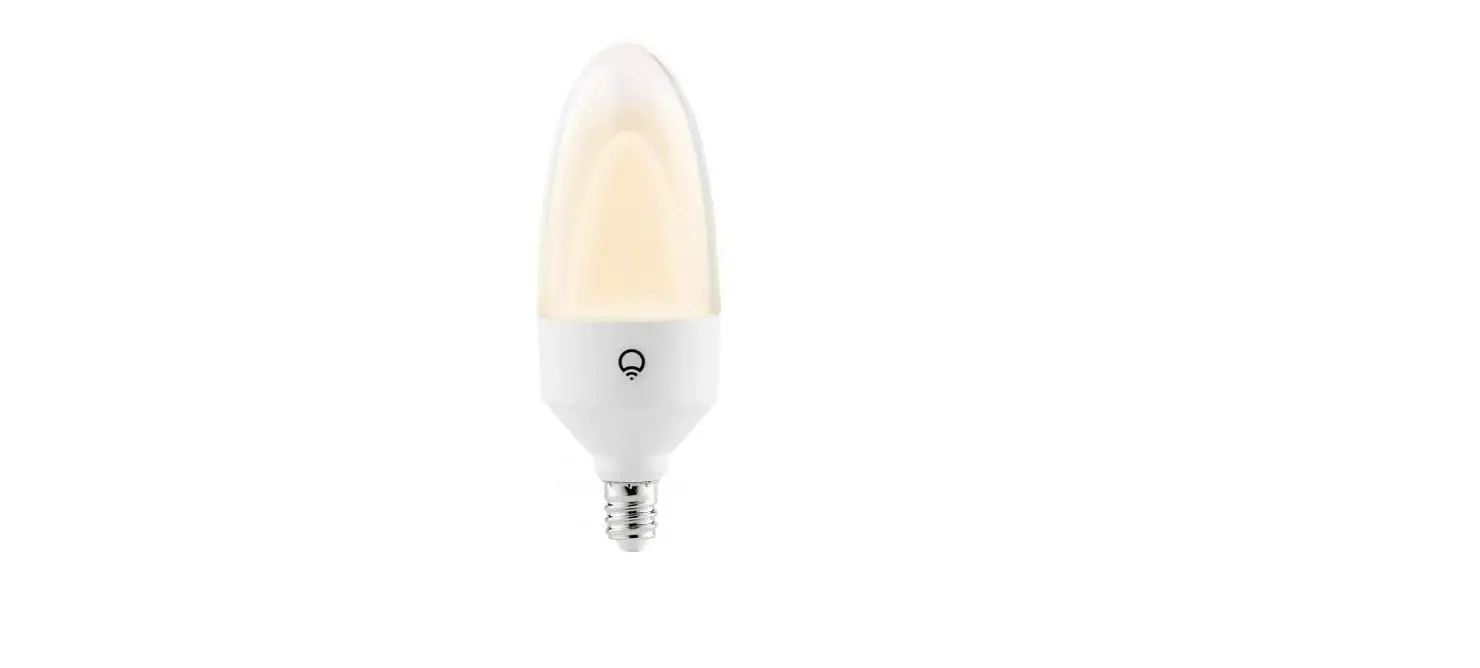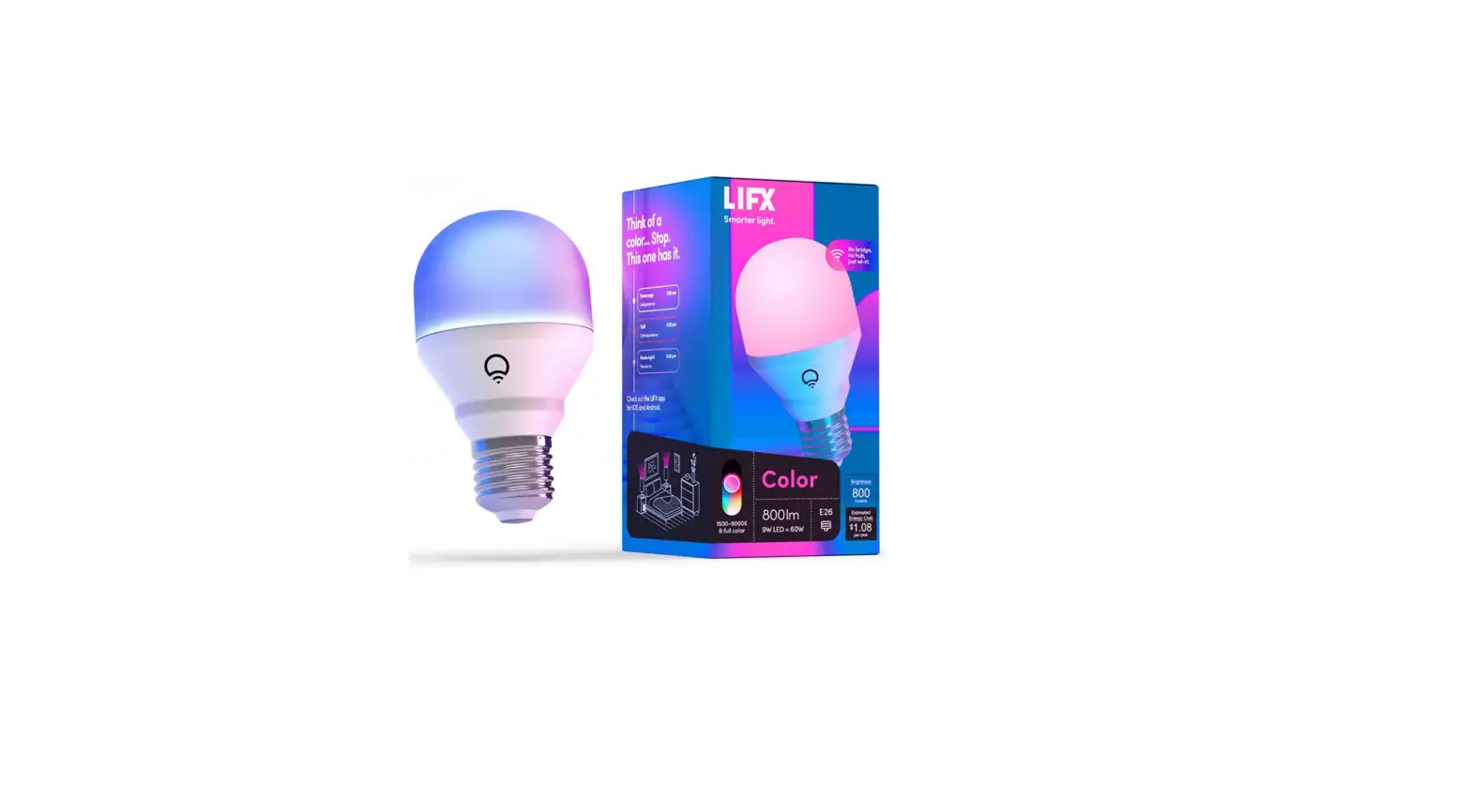

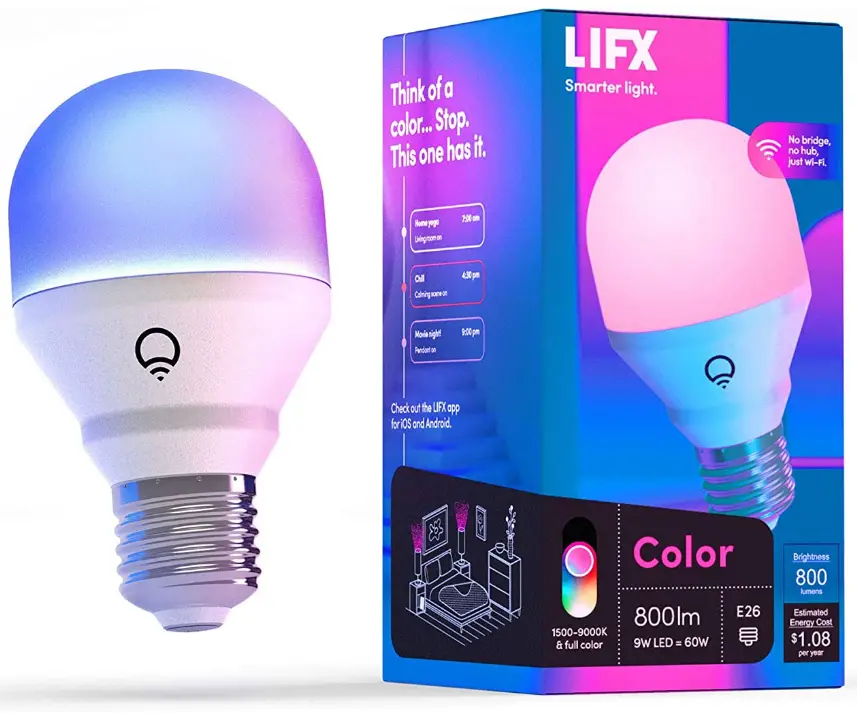
LIFX 800lm Wi-Fi Smart LED Light Bulb
Specification
- BRAND: LIFX
- LIGHT TYPE: LED
- SPECIAL FEATURE: Dimmable
- WATTAGE: 9 watts
- BULB SHAPE SIZE: A19
- BULB BASE: E26
- LIGHT COLOR: White
- VOLTAGE: 110 Volts
- UNIT COUNT: 1.0 Count
- COLOR TEMPERATURE: 9000 Kelvin
- LUMINOUS FLUX: 800 Lumen
- MATERIAL: Aluminum, Plastic
- MODEL NAME: LIFX Color – 800 Lumens
- CONNECTIVITY TECHNOLOGY: Wi-Fi
- INDOOR/OUTDOOR USAGE: Indoor
- CONTROLLER TYPE: homekit, Vera, Google Assistant, Amazon Alexa
- COLOR RENDERING INDEX: 80
Introduction
LIFX Color, please a smart light that is small but has an impressive 800 lumen output. The LIFX Color has a broad cool-to-warm spectrum of whites in addition to having billions of colors. Take advantage of the countless integration opportunities if you enjoy upgrading.
HOW TO SETUP
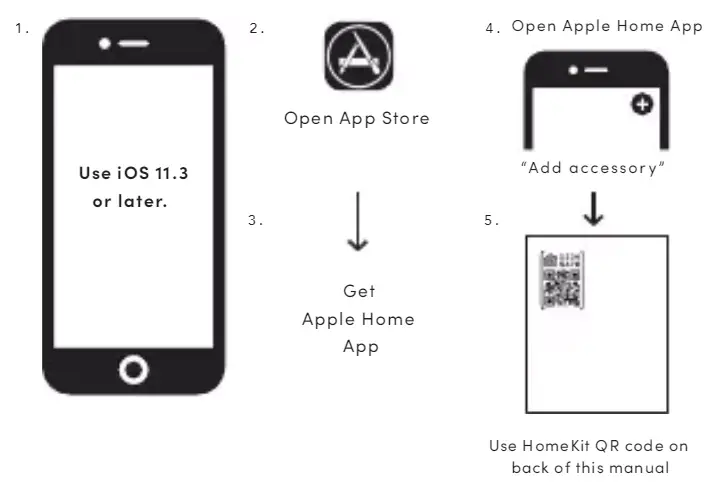
- Open the app store on your smartphone and get Apple Home App.
- Open the Apple Home App and click on “add accessories”
- Use HomeKit QR code on the back of the manual.
HOW TO INSTALL
You have three choices on how to assemble your LIFX light:
- The LIFX app – suitable for all users.
- Alexa Simple Set-up – recommended for consumers who have an Alexa device compatible with their Amazon purchases.
- Apple HomeKit – suitable for Apple HomeKit users.
LIFX APP SET-UP
- Turn on your LI FX lamp.
- Install the LIFX app.
- Open the app, then adhere to the on-screen instructions.
HOMEKIT
- Turn on your LI FX light first.
- Download the Apple Home app.
- Scan the Homekit QR code on the back of this handbook using the camera on your iOS device.
- You can also click O, “add accessory,” or open the Apple Home app.
HOW TO MAKE LIFX LIGHT BRIGHTER
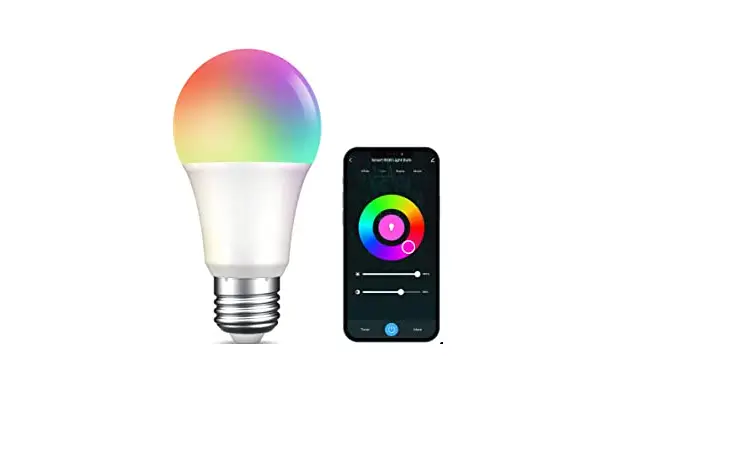
- The saturation level can be changed by moving your finger up and down the color wheel.
- You may adjust the brightness of your lights using the central slide. The color picker will reflect what is in your light.
HOW TO ADD NEW DEVICE IN APP
Make sure the light is set to pair. Wait for the red, green, and blue lights to rotate before turning on and off five times. Press “+” in the app to bring up a new device, lights, and light bulb.
FAQs
Yes. Voltage range: 50/60 Hz, AC 100-240V
Yes, however if you turn the light switch on and off five times, the light will come back on, so watch out for children who like to play with light switches.
Brighter, more vivid, and with in-app capabilities like a music visualizer, strobe, color cycle, etc.
“Allow the app to run in the background” must be enabled.
A 100% dark setting would not be appropriate. True, they switch off.
Third-generation Echoes do operate with LIFX lights. The Alexa app must be used to configure the skill.
It only functions on 2.4 GHz networks.
Without internet or Wi-Fi, the lights can operate as regular lights when turned on and off. The lights can still be controlled by the app even if the internet is down but you still have Wi-Fi. Only cloud-based functionality, such schedules and remote access, will be turned off.
Nothing else differs from their website, which you may view (they just updated range and packaging). I have the latest models of the A19 1100 and the BR30 1100- even if I don’t have this particular mini. By following the directions on their website, I was able to link both devices using the official LIFX app. I was concerned after reading the other comment that I would be compelled to use HomeKit, but I can confirm that the lights connect and function without HomeKit.
1 bulb equals 1 pack.
Based on screws, it. It resembles a standard lightbulb. Screw-in style. Just a little bit larger.
My system operates in three steps. Simply flip the switch on your three-way lamp to the position that will turn on the Lifx bulb, and then leave it there without touching it again. The Lifx app or your smart home assistant like Alexa or Google will handle the rest. Of course, you also have the option of speaking. Mine functions flawlessly.
It is not advised to use these lights in an enclosed fixture. These lights do produce some heat, and if the heat can’t be removed, the light may stop working.
Its origin is listed as China on the packaging.
It will. The hardware switch would need to be turned off and then back on. The last hue or brightness will then be illuminated by the light bulb.