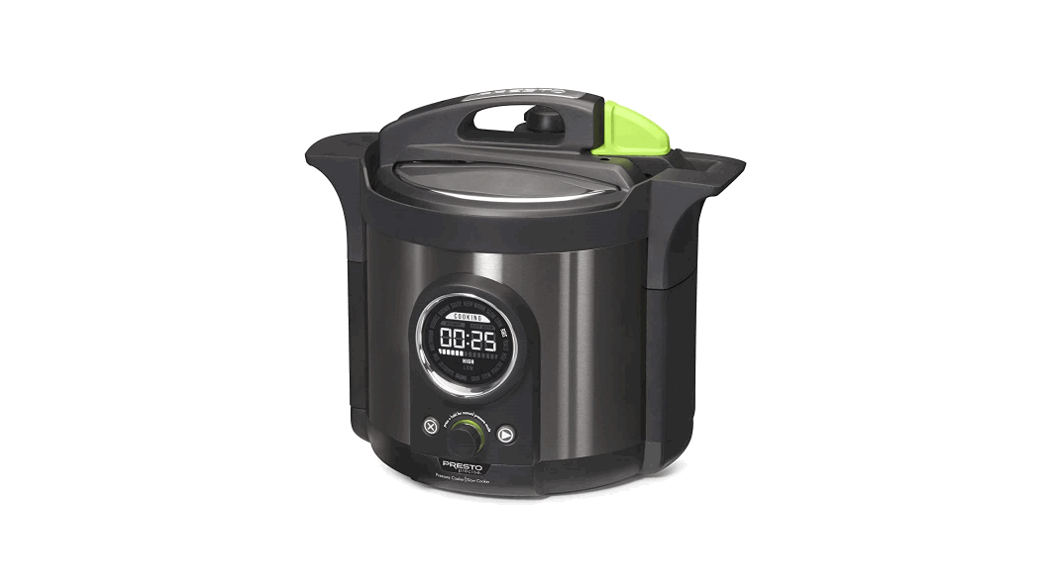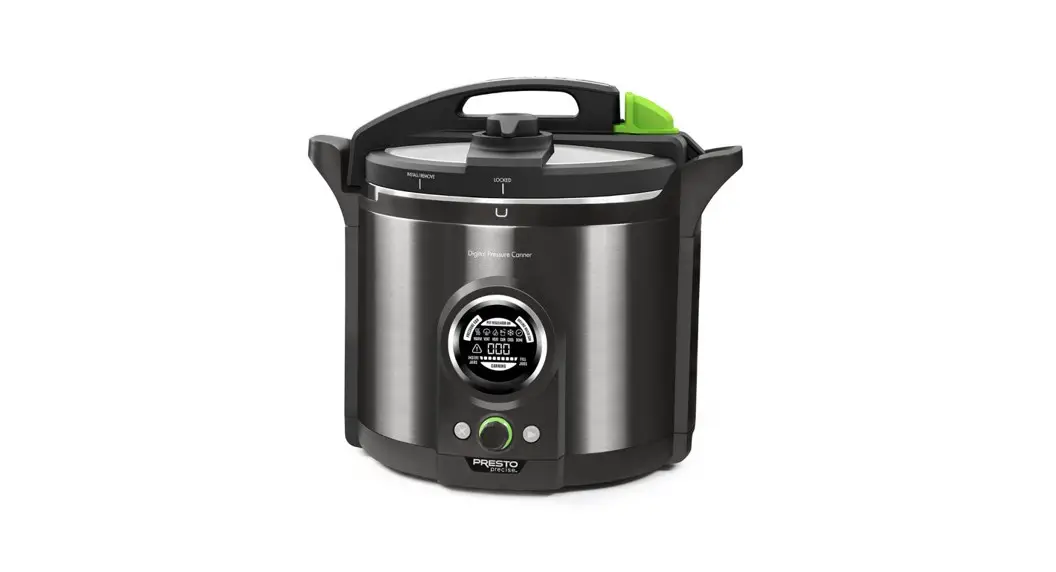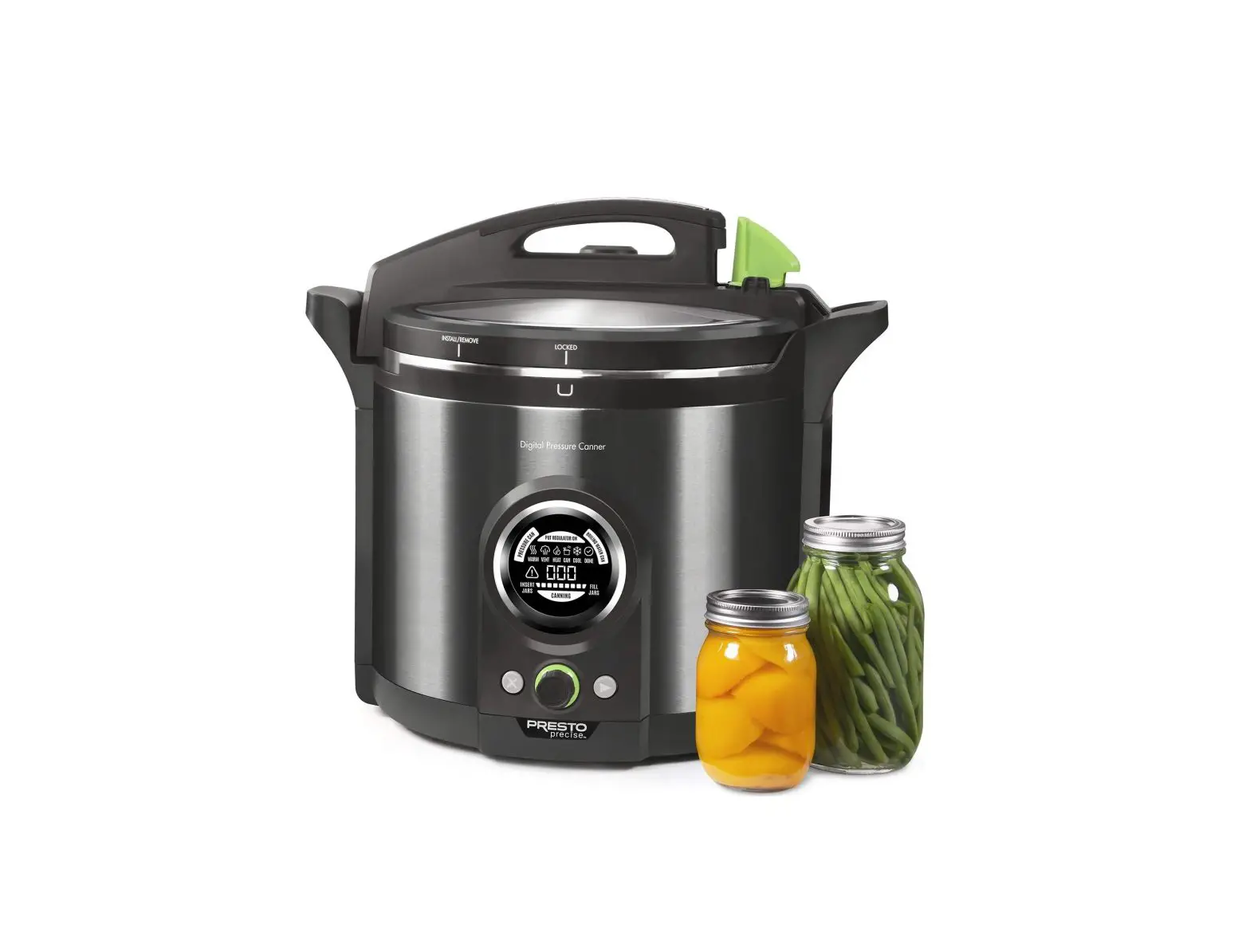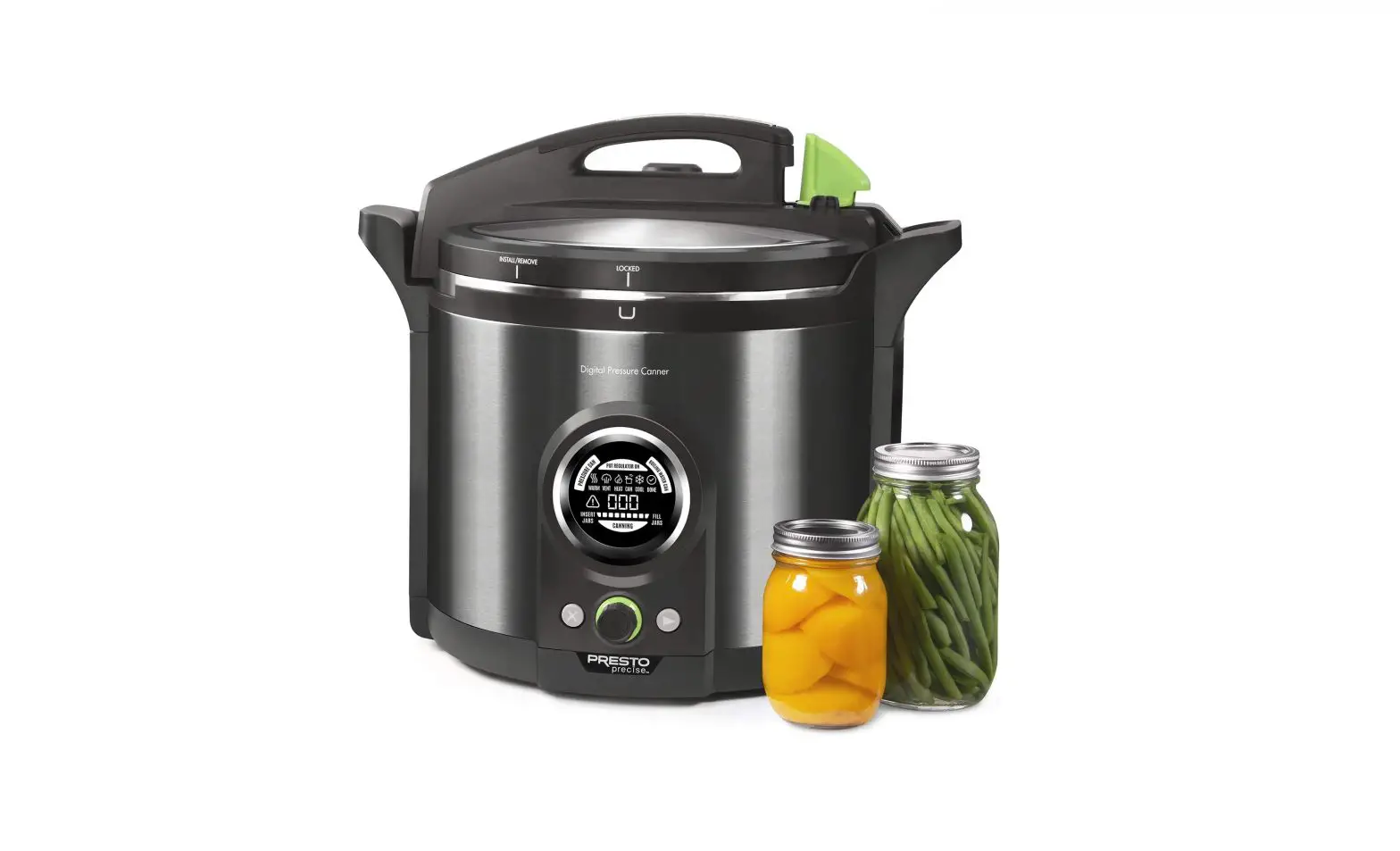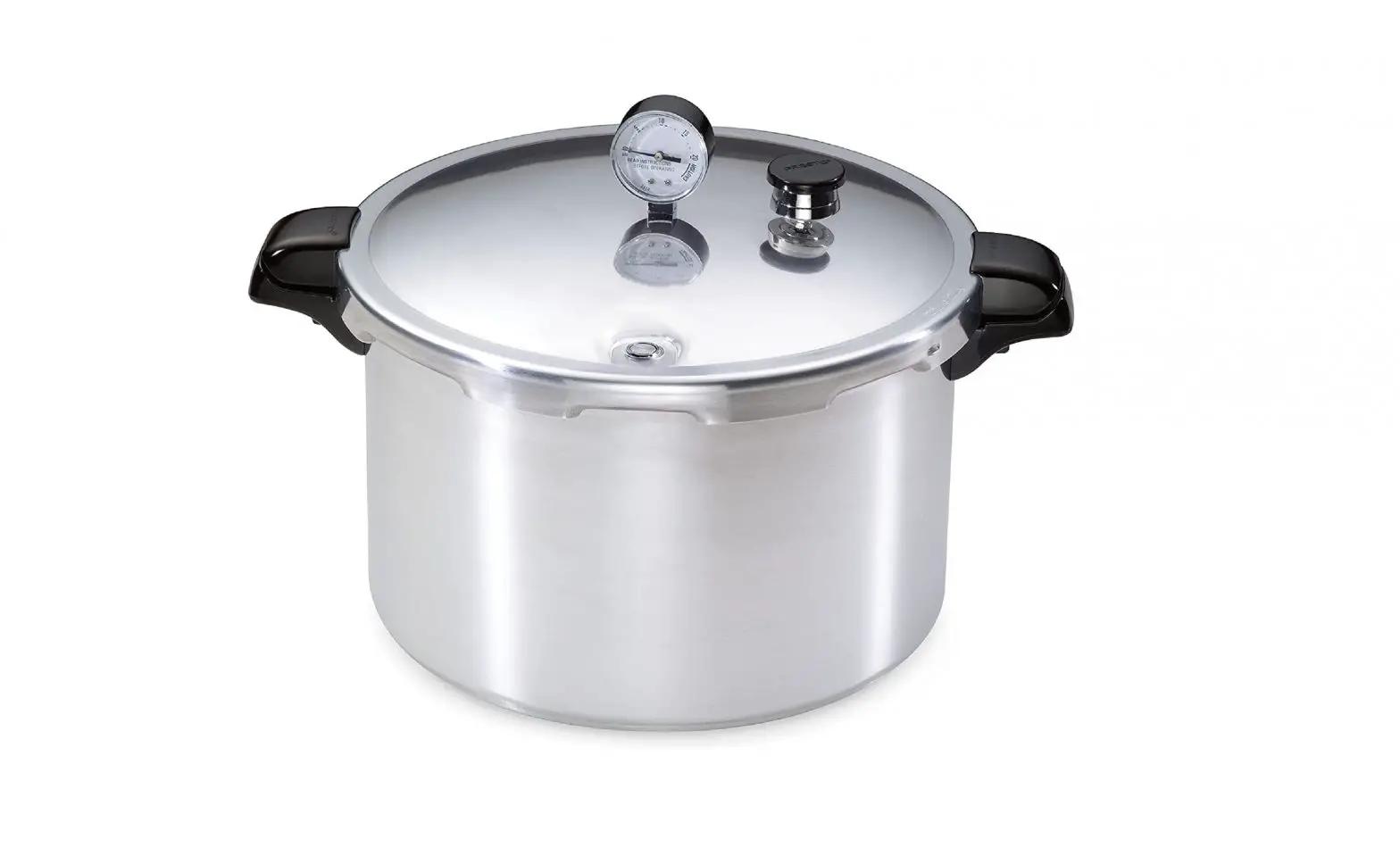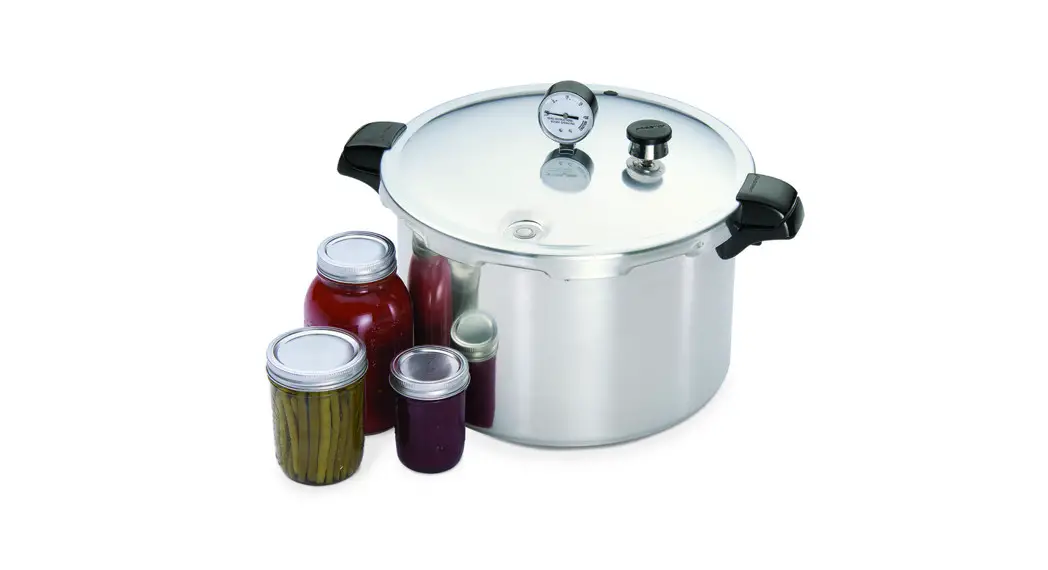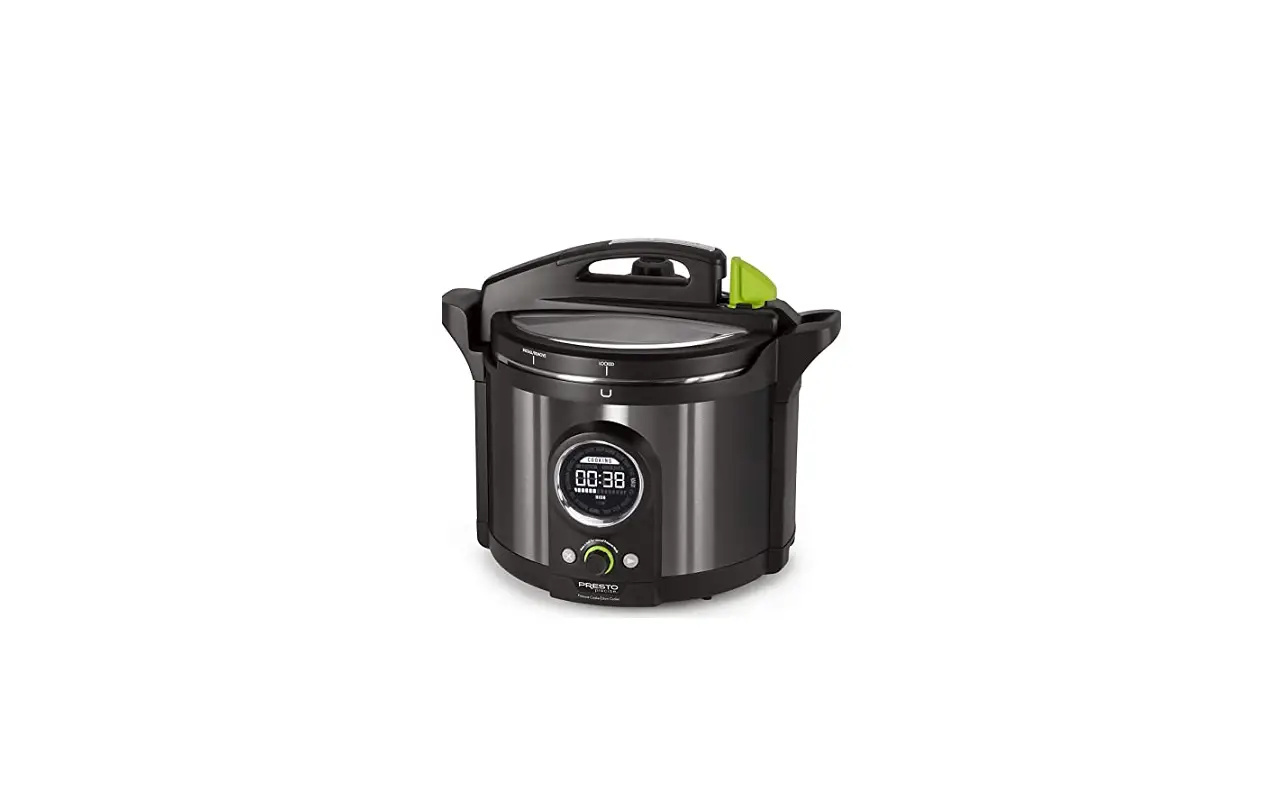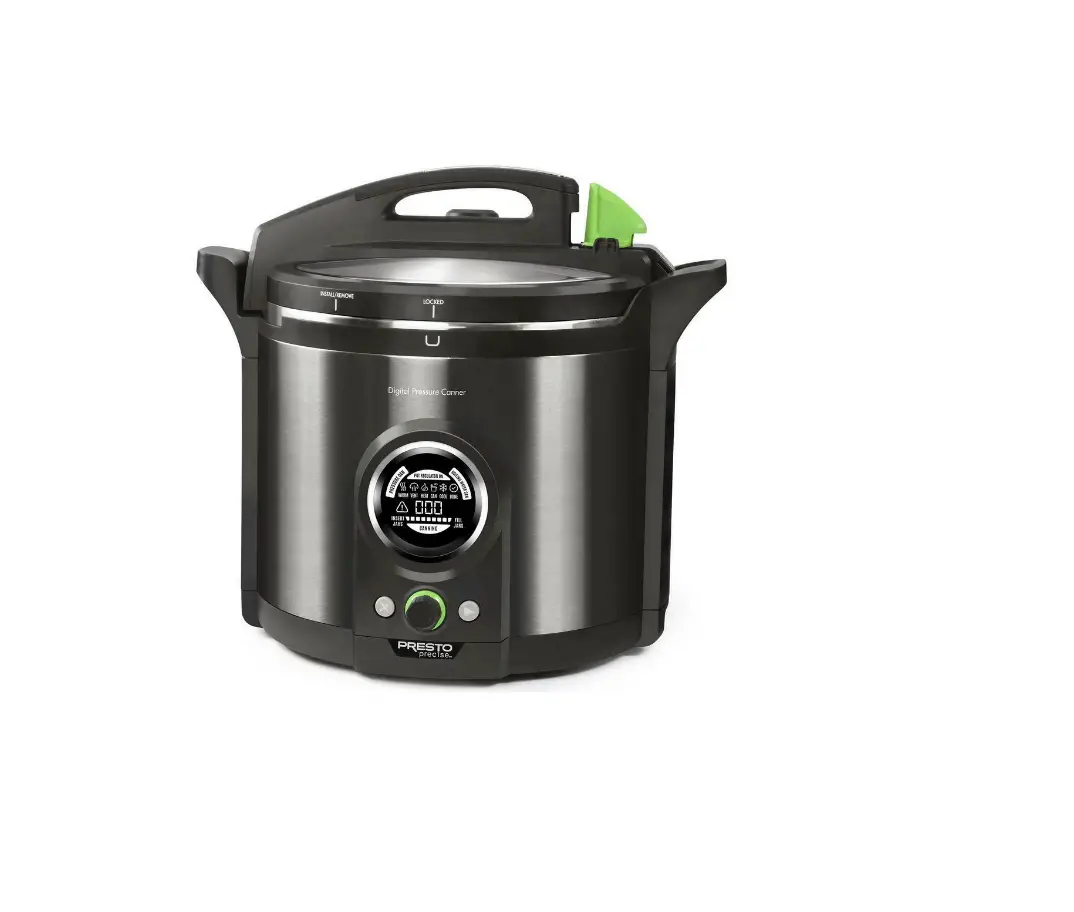

PRESTO 02144 12 Qt Electric Pressure Canner
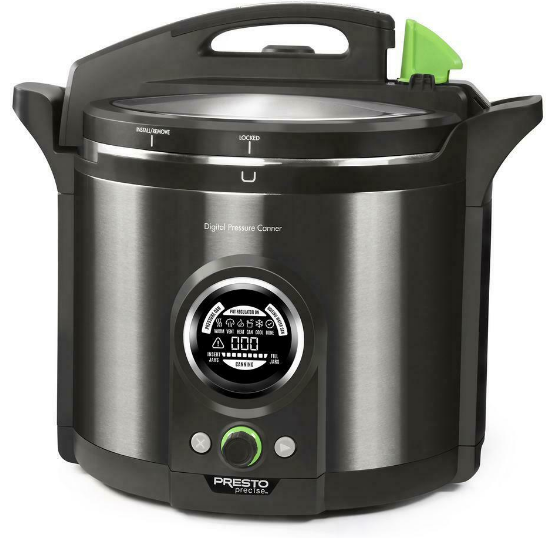
IMPORTANT: Read your Instruction/Recipe Manual carefully before each use for important operating instructions. Once you have become familiar with how your Presto Precise® Digital Pressure Canner operates, this condensed guide will become a convenient reference tool.
Getting Ready
- Select canning recipe from Instruction Manual. Prepare jars, lids, and bands. Prepare food as directed for canning.
- Place removable pot in canner. Put canning rack in pot.
- Pour 3 quarts of water into pot, up to fill line.
- Fully insert power cord and plug into 120VAC wall outlet.
- PRESSURE CAN will flash.
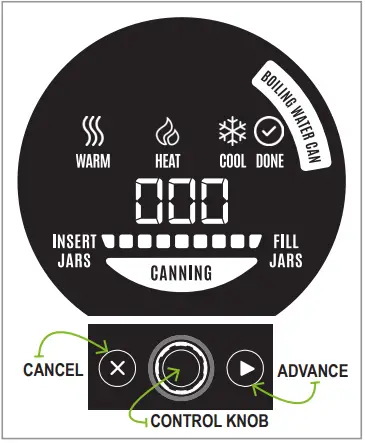
- Slowly rotate the control knob until BOILING WATER CAN flashes on display. Press control knob to select Boiling Water Can mode.
- 005 lights up. Rotate control knob adjusting to specific processing time for recipe and jar size (pints or half-pints).
- Verify you have set the right program and time.
- Press . INSERT JARS lights up. Fill jars half full with water and place on canning rack.
Jar Warming
- Remove regulator from canner cover. Never use the regulator when using the Boiling Water Canning method.
- Place cover on canner and lock. Confirm gasket is on sensor.
- Lower sensor arm and turn green latch clockwise to lock in place.
- Press . WARM lights up. Jar warming will take about 20 minutes. At this time, complete food preparation and heat at least 3 quarts of water to boiling in a large kettle for later use. More water will be needed if canner is not filled to jar capacity.
Fill Jars
- Canner will beep twice and FILL JARS lights up.
- Unlock and lift sensor arm. Remove cover.
- Lift out one jar at a time. Discard water from jar and immediately fill jar according to canning recipe. Position lid and secure with band.
Canning
- Place filled jar on canning rack and repeat until all jars are filled.
- Pour boiling water into canner so water level is 1 inch above the jars.
- Place cover on canner and lock. Lower sensor arm and turn green latch clockwise to lock in place.
- Press . HEAT lights up. The processing time set in phase 1 appears.
- Once the boiling water canning temperature is reached, the unit will beep twice and CANNING will light up. Timer begins counting down.
Cooling
- When processing time expires, the canner beeps 4 times.
- COOL and 005 will light up. At this time, unlock and lift sensor arm and carefully remove cover for cooling period. The timer will count down during cooling period.
Done
- When time expires, canner beeps 10 times and DONE lights up.
- Press and hold for 3 seconds.
- Using a jar lifter, carefully remove jars by lifting straight up. Place jars upright on a towel. Do not retighten bands. Allow jars to cool naturally. Check seals no earlier than 12 hours, but no later than 24 hours.
| BOILING WATER CANNING METHOD | ||
| Maximum Mason Jar Capacity | ||
| JAR TYPE | Regular mouth | Wide mouth |
| Half-pints | 10 | 7 |
| Pints | 8 | 7 |
| Quarts do not fit in this model. At least 1-inch of water above jars is required for boiling water canning. | ||
| ERROR CODES | Boiling Water Canning |
| Reference Instruction Manual for a detailed explanation on how to remedy the following error codes. See Troubleshooting section. | |
| POSSIBLE CAUSE | |
| E3 Insufficient liquid. EI0 Regulator was not removed from canner cover in jar warming phase. E30 Regulator was not removed from canner cover during boiling water canning phase. | |
Contact Presto Consumer Service at 1-800-877-0441 for the error codes below. Unplug canner. See Consumer Service Information section in Instruction Manual.