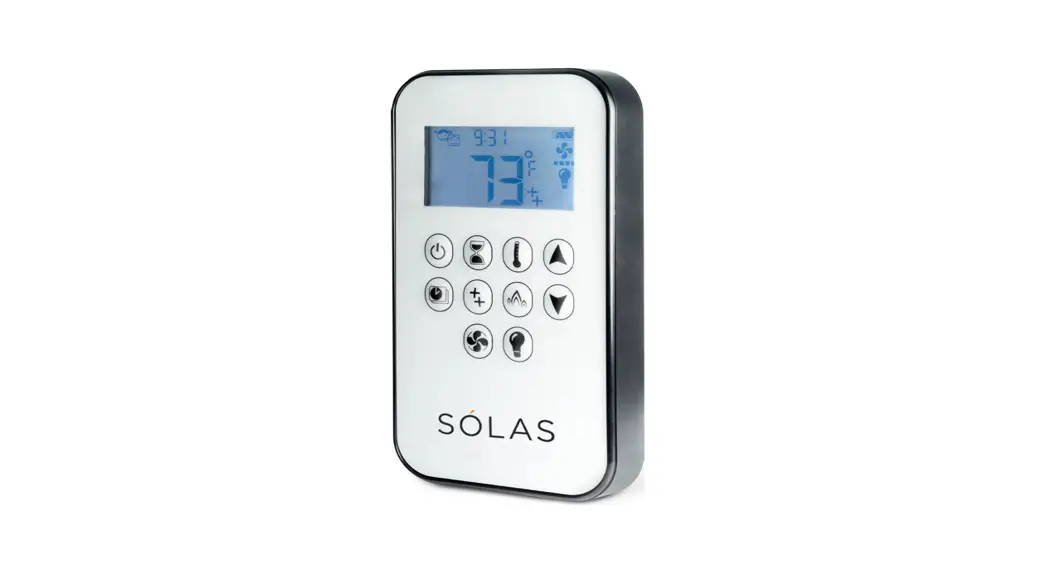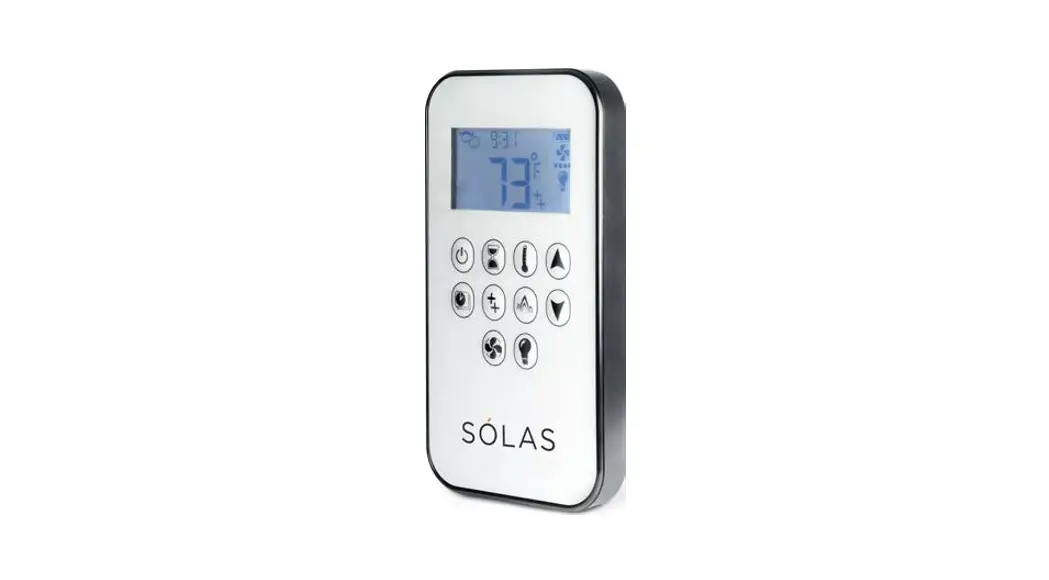

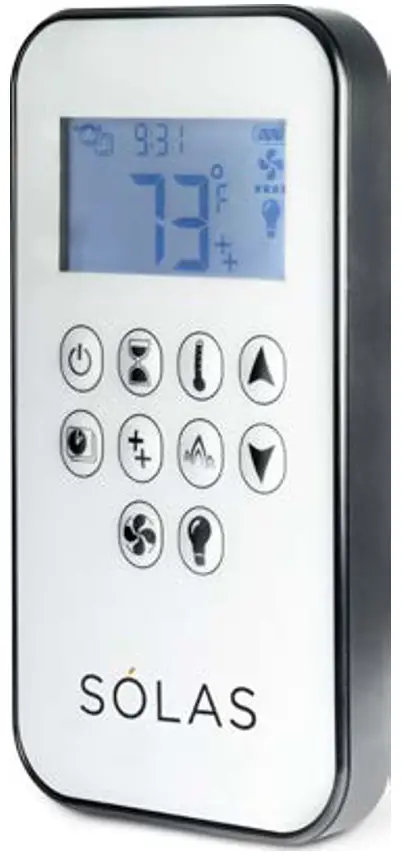
One-Touch Remote
Quick Start Guide
Turn Fire ON
Press until you hear beeping and
 appears. Takes about 20 seconds. Pilot and flames go too high.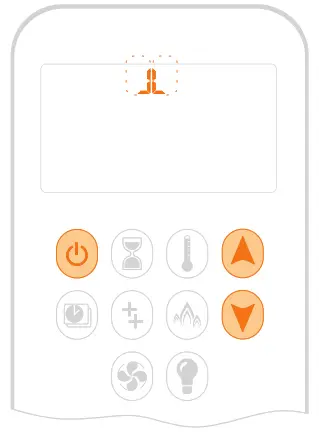
Adjust Flames
Press  .
.
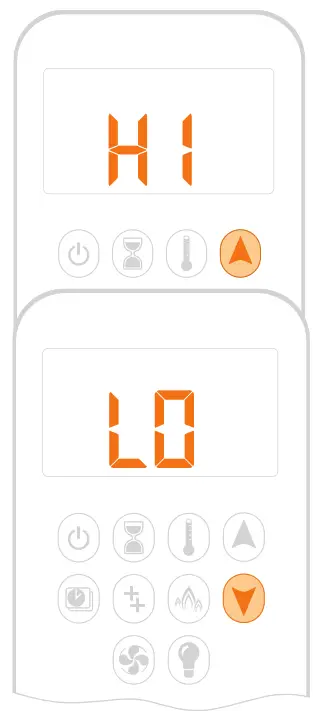
High or Low Flame
Double-click .
HI or LO appears.
The flame goes to a high flame first before going to a low flame.
Pilot Only
Press until you see the fireplace pilot flame only.
Turn Fire OFF
Press until OFF flashes.
TIP
If you recently turned the pilot off, give your fireplace a few minutes before starting up again.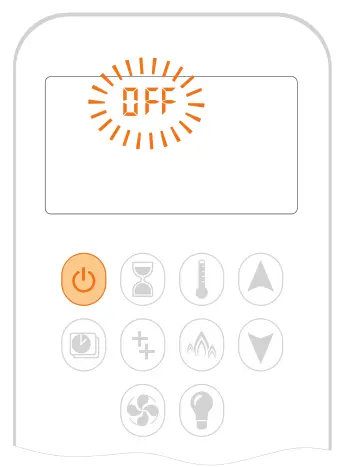
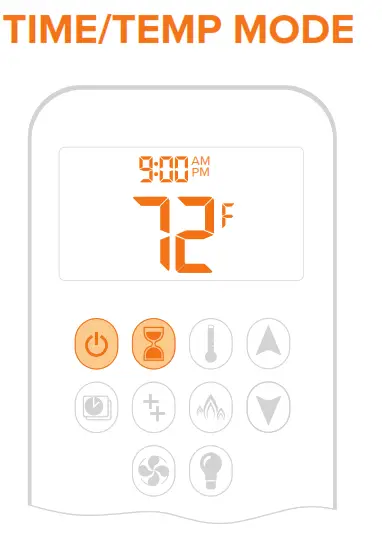
Choose Time & Temperature 
To switch between °C and °F, press together until mode changes.
Set Time
- Press

 together until -day- appears.
Press to select the day of the week:
1 = Mon 2 = Tues 3 = Wed 4 = Thur
5 = Fri 6 = Sat 7 = Sun - Press together until hour flashes. Press to select hour.

- Press together until minutes flash. Pressto select minutes.
- To finish, press together.
 together until -day- appears.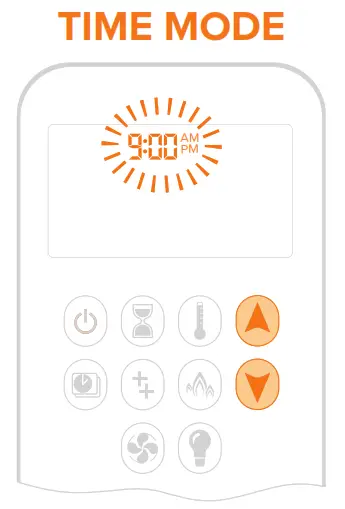
TIP
°F = 12-hour clock
°C = 24-hour clock
Set Thermostat 
The remote’s thermostat automatically adjusts the fire to maintain the thermostat temperature you set.
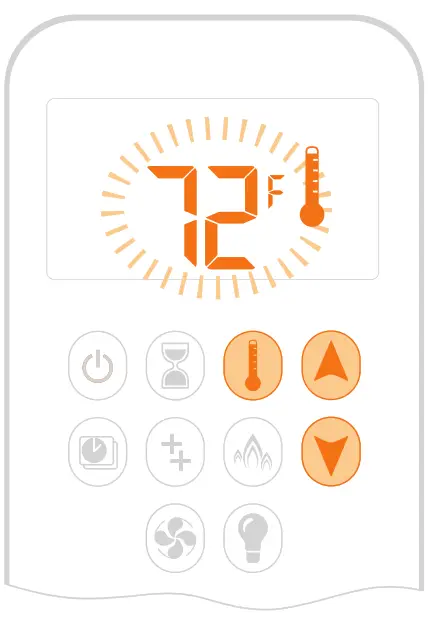
- Press
 until
until appears and the temperature flashes.
 - Press adjust.
- Press to complete.
Turn-ON/OFF
Click  to switch the thermostat on or off.
TIP
Your remote works like a thermostat.
Keep it an ideal distance from the fireplace: 3–15 feet from the fireplace and other heat sources, including the sun. Use the Remote wall mount holder provided.
To create a preset schedule, see Program Mode in your Homeowner’s Manual.
Comfort Blower (if equipped)
1. Press until flashes.
2. Press adjust the blower.
3. To turn off the blower, click until all four-speed level bars disappear.
TIP
The fan will stop 10 minutes after the fire is off or at the pilot.
Child Safety Lock
This safety set locks all commands, except the button.
Turn-ON/OFF
Press together until appears or disappears.
3–Hour Turndown
If your fireplace and remote are inactive for three hours—for example, if the remote is another room—your fireplace automatically turns down to pilot.
Benefit
This will help save fuel and is an environmental benefit. Program the temperature and timer modes to maximize your heating efficiency.
7–Day Pilot Shutdown
If there is no activity for seven days, the SÓLAS fireplace automatically shuts down the pilot.
Benefit
The 7-day pilot shutdown is ideal if you happen to be away from home for an extended period of time or don’t need the heat during the warmer Spring and Summer months— you could save up to 5 months of unnecessary pilot consumption per year.
Remote Batteries
Your remote display indicates when the battery is low.
The remote uses a (2) AAA alkaline batteries—we recommend a name brand such as Duracell or Energizer.
The batteries should last one full season, depending on usage.
Remove the batteries in the off-season to extend battery life.
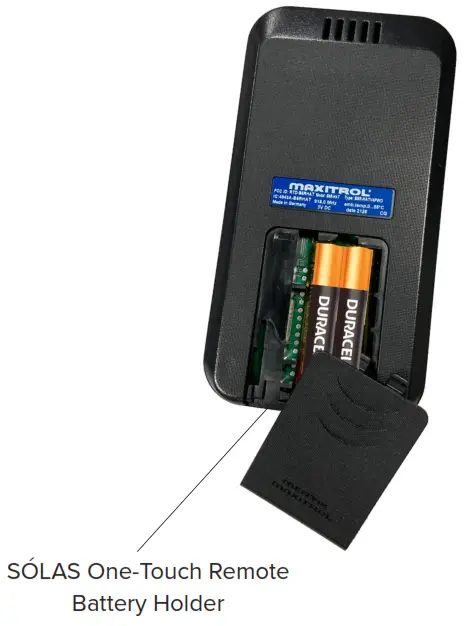
For the Control Module batteries see the following page
Control Module Batteries
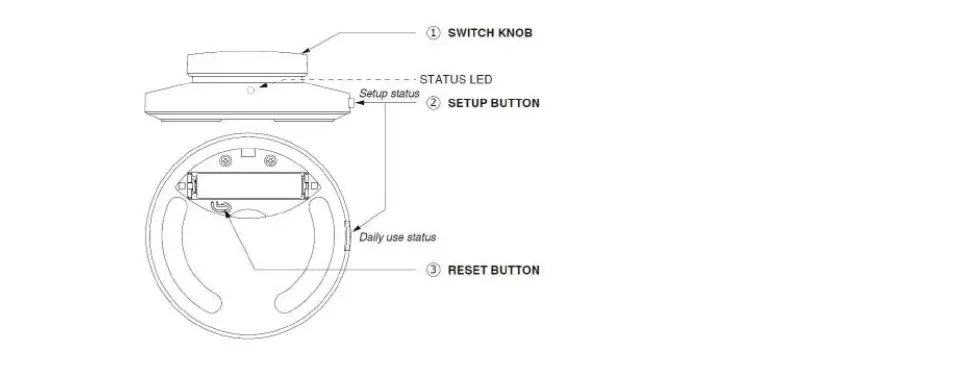
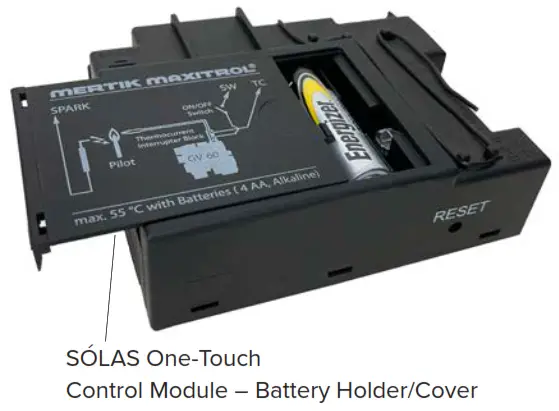
Inside your fireplace, there are (4) batteries installed in the Control Module.
Frequent beeps for 3 seconds when the motor turns indicate the batteries inside the Control Module are low. Replace with (4) AA alkaline batteries.
- Remove the battery access plate on the Control Module.
- Replace the batteries with (4) AA alkaline batteries Duracell or Energizer) orienting them as indicated inside the holder.
- Put the cover back in place.
Congratulations on your purchase of an SÓLAS Fireplace!
We welcome you to the SÓLAS family of gas fireplaces. Each of our products is skillfully designed and expertly manufactured in the USA. We take great pride in every fireplace we make, with every product being fully tested throughout the production process to ensure your safety and warmth throughout the years.
Sincerely,
The SÓLAS Team
SÓLAS is here to help if you have any trouble with your SÓLAS Fireplace
or SÓLAS One-Touch Remote. Please contact your local dealer for
support or contact SÓLAS directly at solasfires.com/contact.