
Quick Start Guide
How to Use ADAMM-RSM
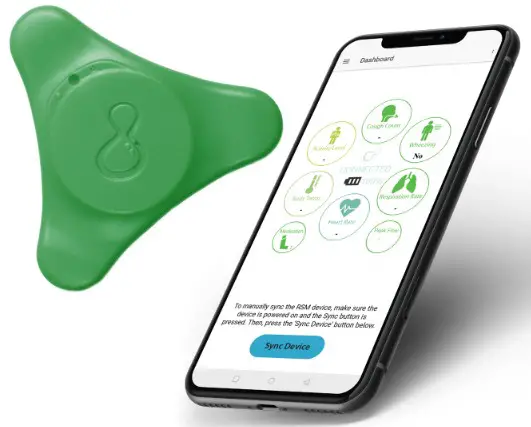
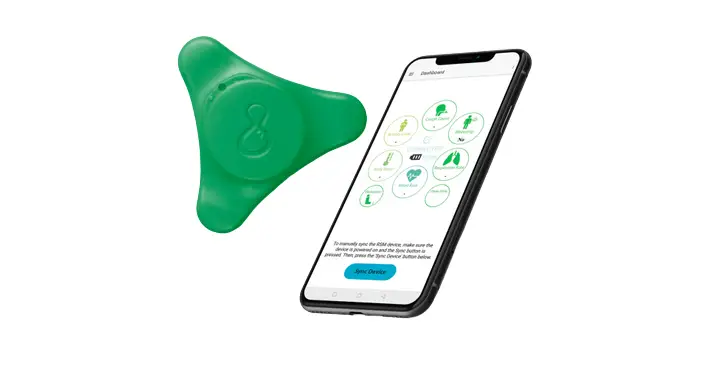
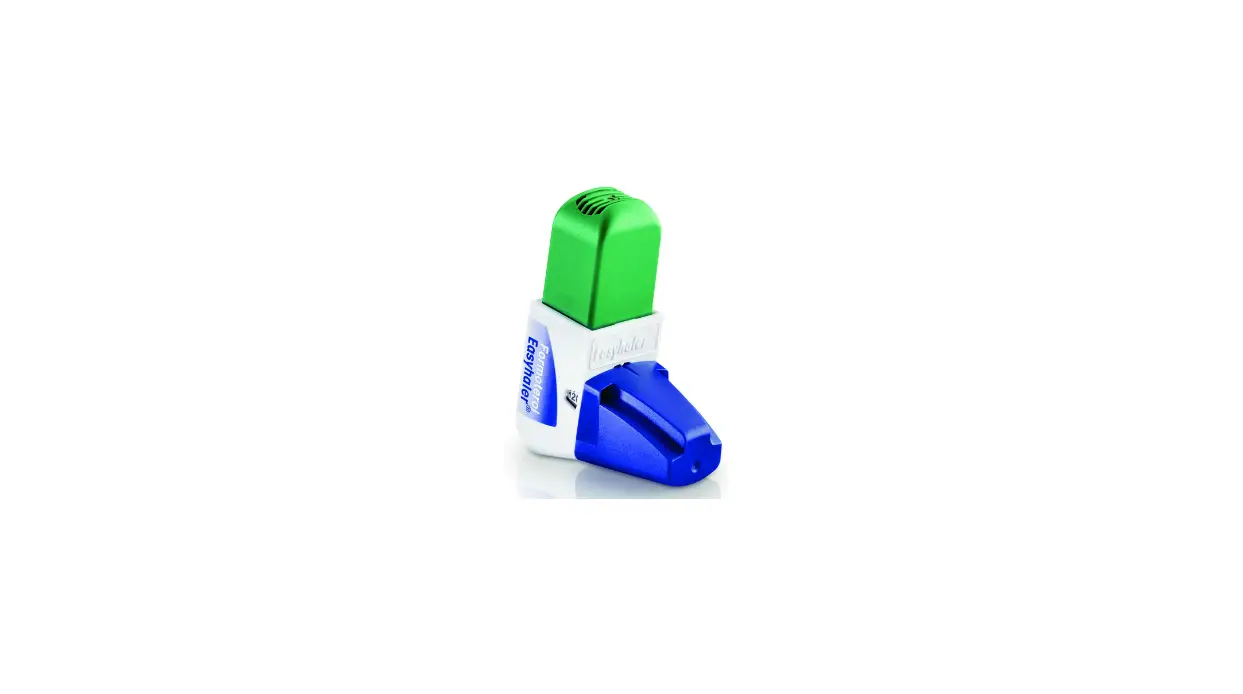
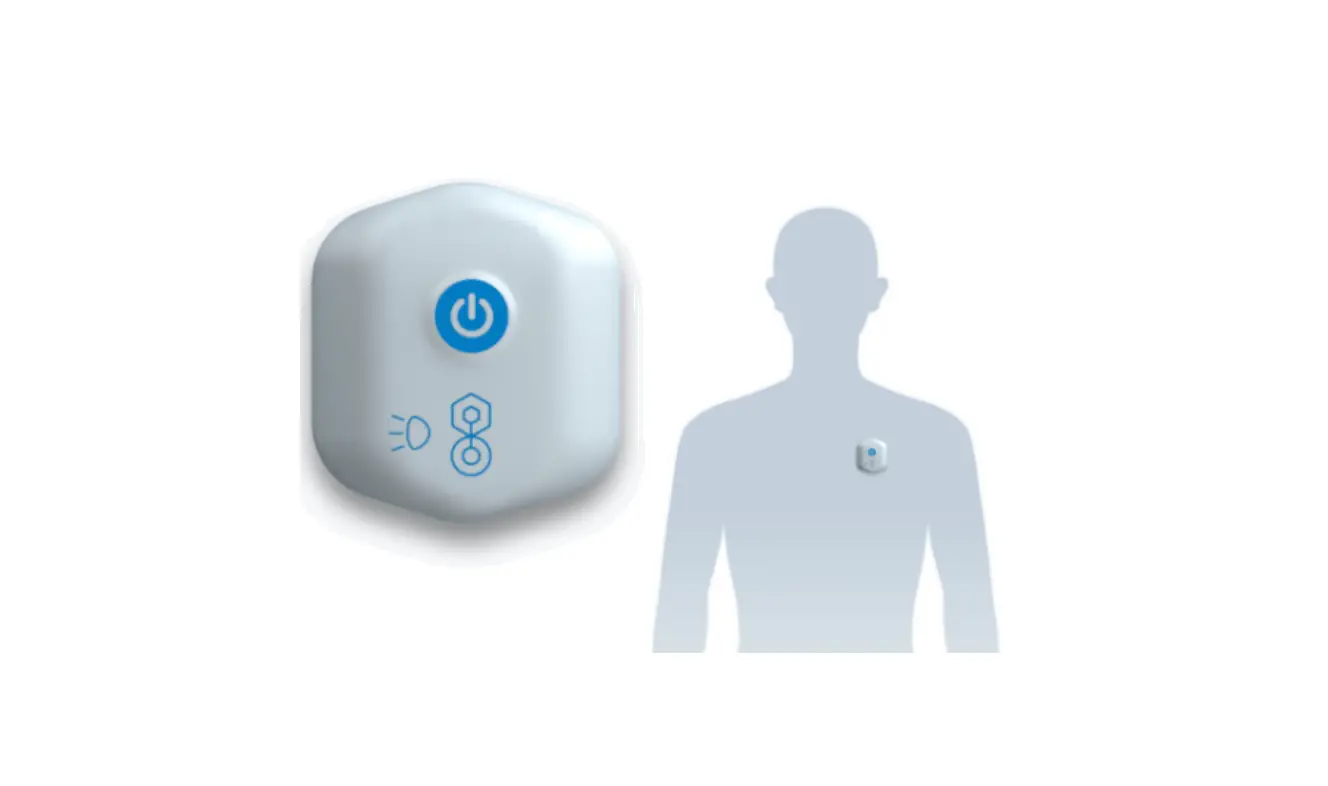
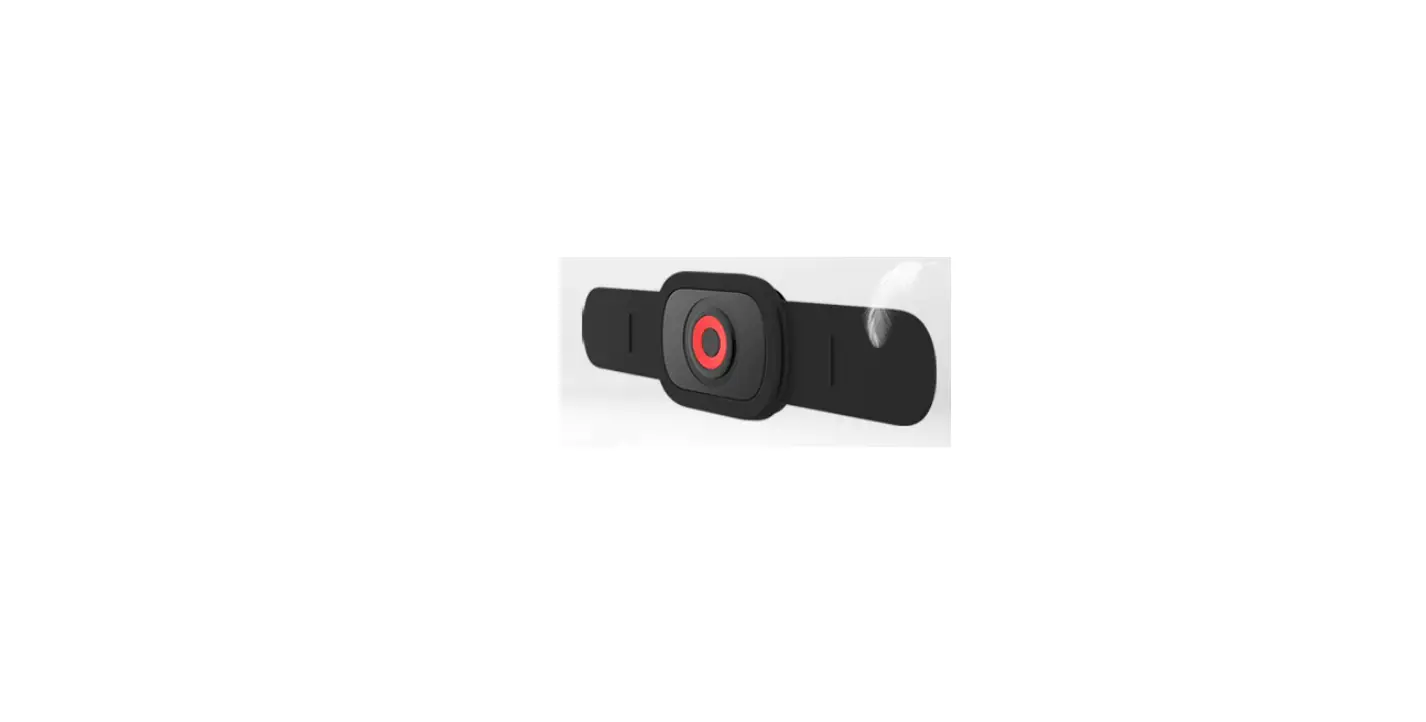
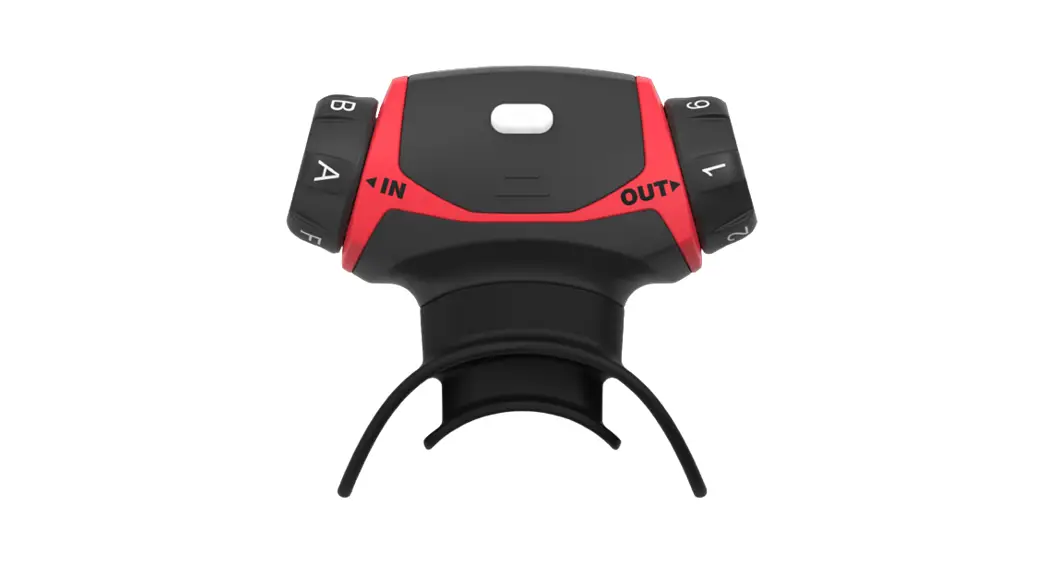
You should have
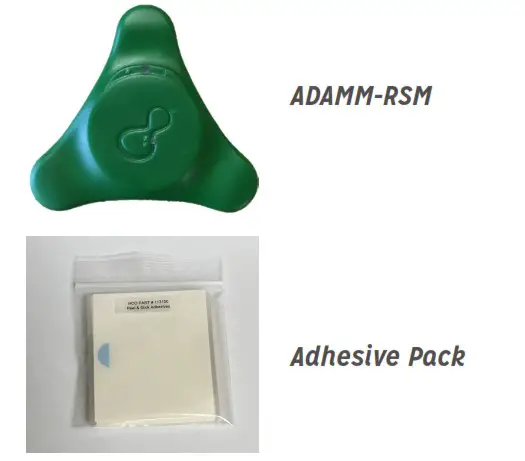 | 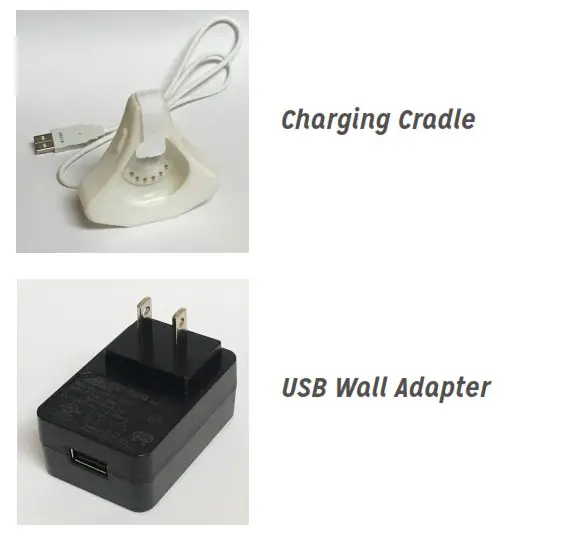 |
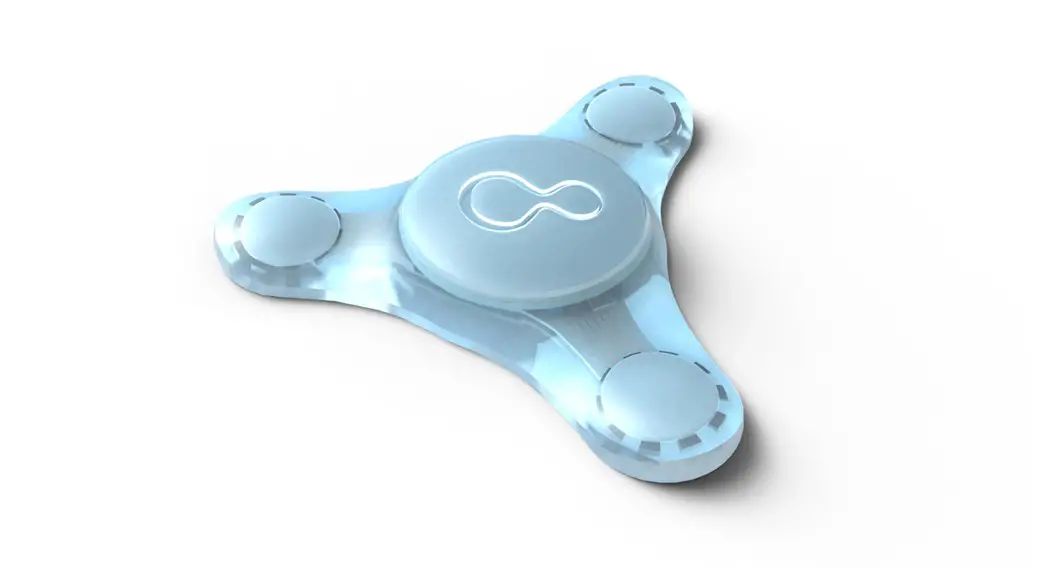
Quick Reference for using ADAMM-RSM
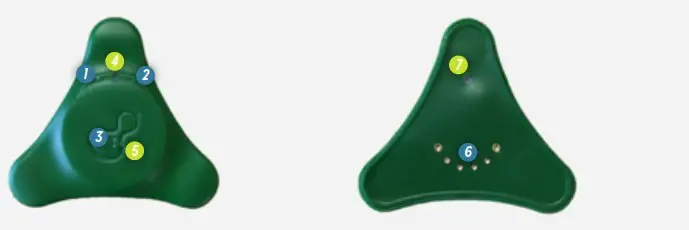
| 1. ‘ON’ Check Button 2. Power Button 3. Wi-Fi Sync Button 4. Indicator Light Indicator | 5. Light 6.Charging Contacts 7. Indicator Light |
Turning ON and Turning OFF ADAMM-RSM
- Turning ON: Press and hold
2for4seconds and then release.5blinks blue and then green as it powers UP. - Turning OFF: Press and hold
2until the device vibrates (approximately 10 seconds) and release as soon as the device starts to vibrate. If5lights up during this time, stop and repeat in one minute. - Reset If Not Turning ON: Press and hold
2for 20 seconds. If5lights up during this time, stop the reset, as the light means the device is now turning ON.
Tip: A vibration will occur when you press1if the device is ON.
Applying the Adhesives
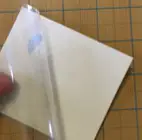
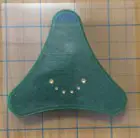
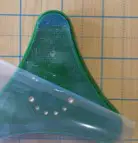
- Hold the clear liner and peel the white liner away from the adhesive pad.

- Hold the clear liner and match the adhesive shape with the device.
- Press the adhesive pad onto the device as shown.

- Peel the clear liner off without lifting the adhesive off the device.

Placing Device on Body
Place the ADAMM-RSMTM wearable anywhere on the upper torso (the area below the base of the neck and above the stomach on the front, side, or back).
Tip: Do not slouch when sticking on the ADAMM-RSM.
Tip: Figure out a few comfortable positions to wear the ADAMM-RSM and alternate wearing it in those positions from day to day.
Charging
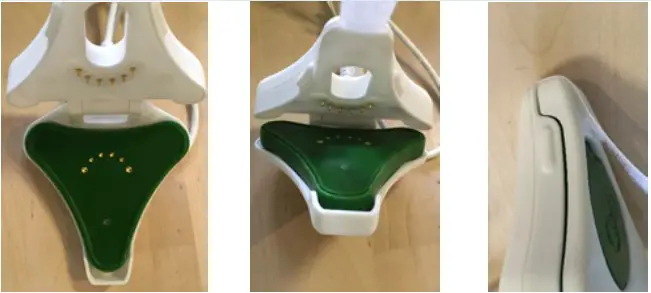
- Remove any adhesive from the back of the wearable.
- Place the wearable in the charging cradle with the gold points lined up as shown.
Close the cradle and secure it with the strap. - Make sure the cradle is connected to the wall adapter and the wall adapter is plugged into the electrical outlet.
NOTE: Only use the provided USB Adapter. - The indicator light
7will light on the wearable (it may take a few seconds). If the lights do not show, power ON the wearable. Reset if required.- Flashing RED – indicates the wearable is charging
- Steady RED – indicates the wearable is fully charged
- The device should NEVER be worn while charging.
Wi-Fi Syncing
- Press the wi-fi sync button
3to enable Wi-Fi Sync feature on the ADAMM-RSMTM device. During this time the indicator light4will flash BLUE in color.
NOTE: Use Wi-Fi to upload data to cloud nightly or at least a few times a week.
QSG-A0002
Office: 585-471-8215
Email: [email protected]
1 Pleasant St, Ste 442
Rochester, NY 14604 USA