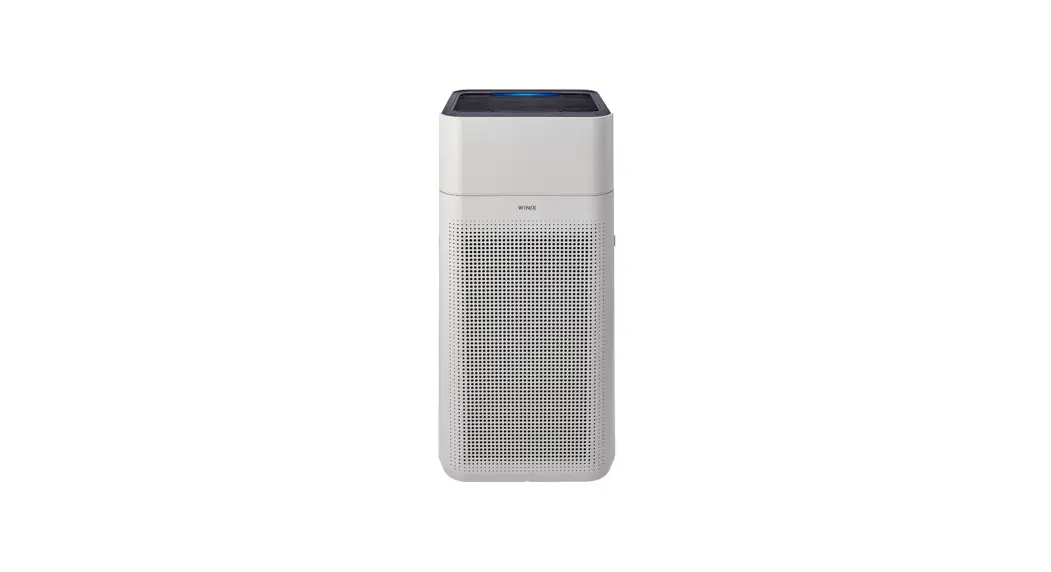
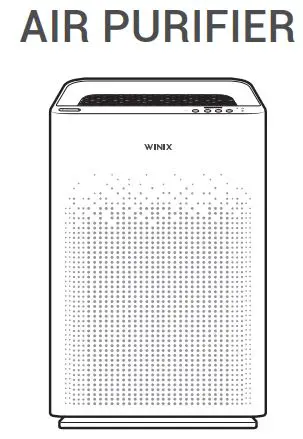
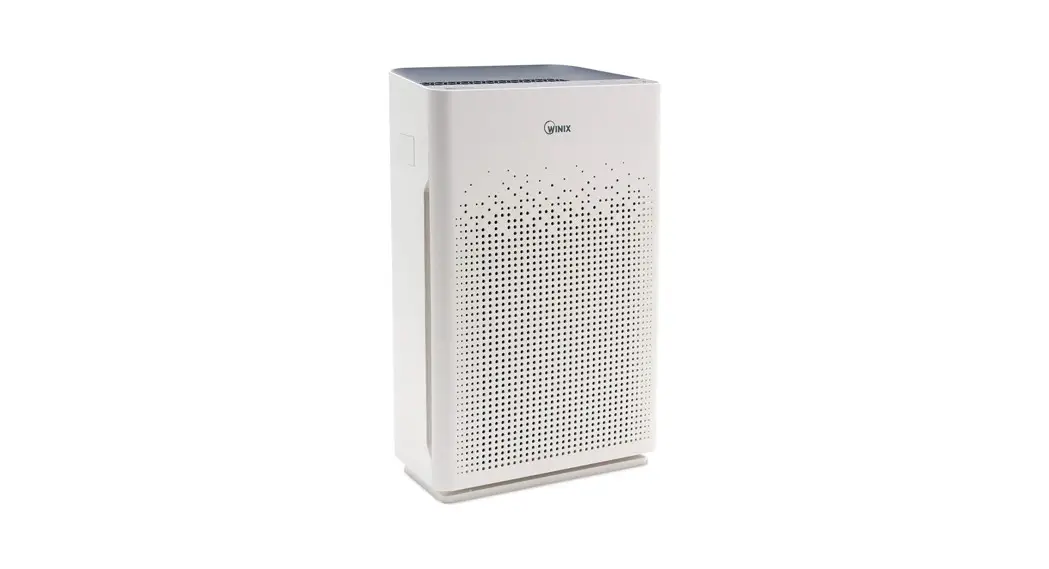
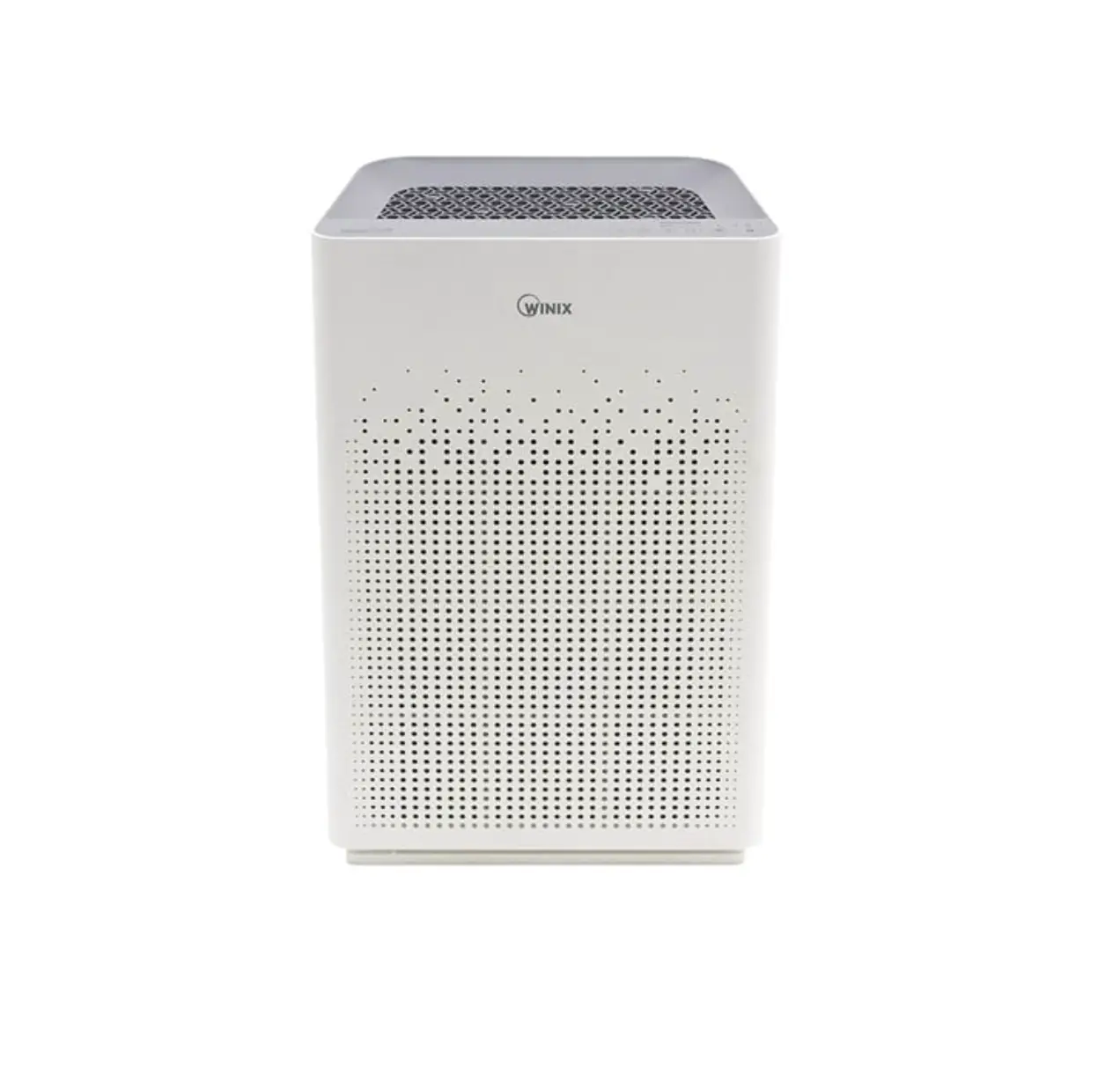
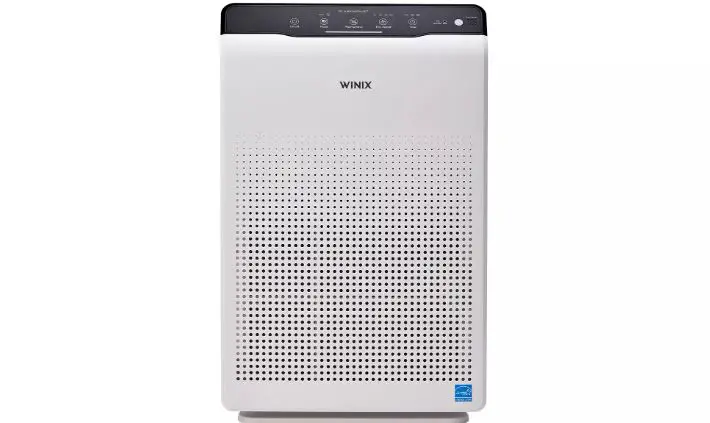
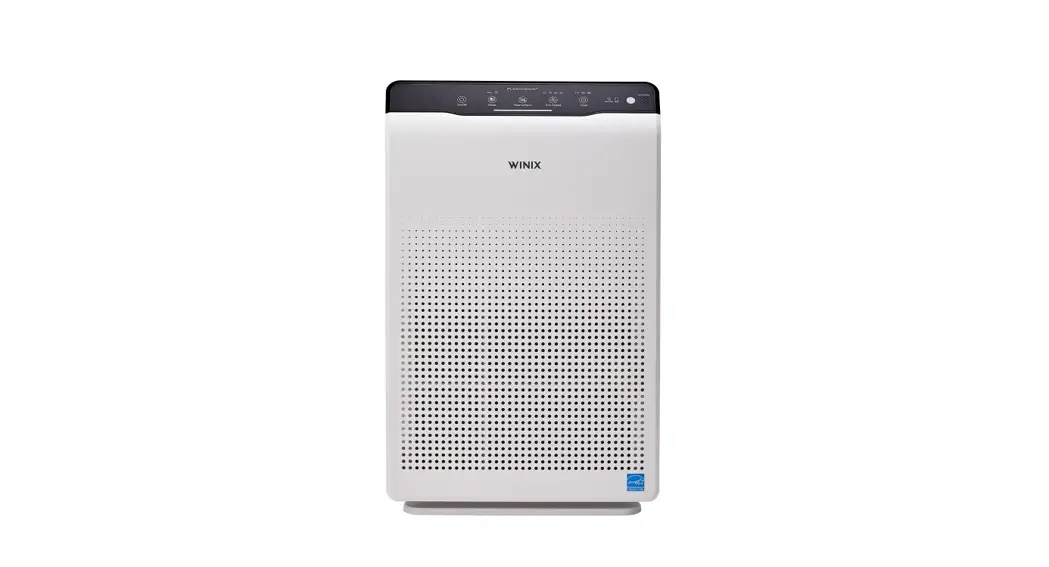
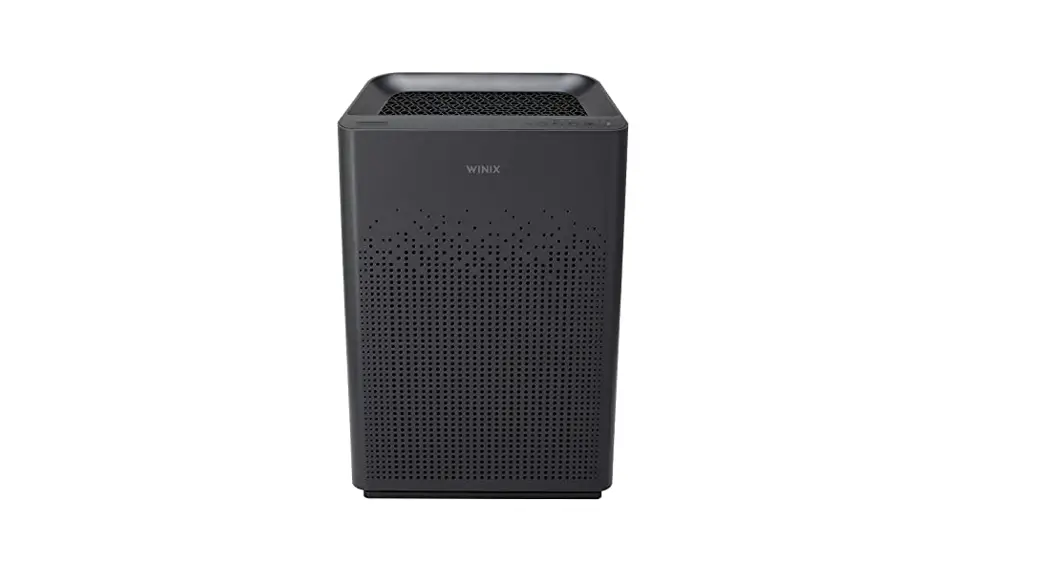
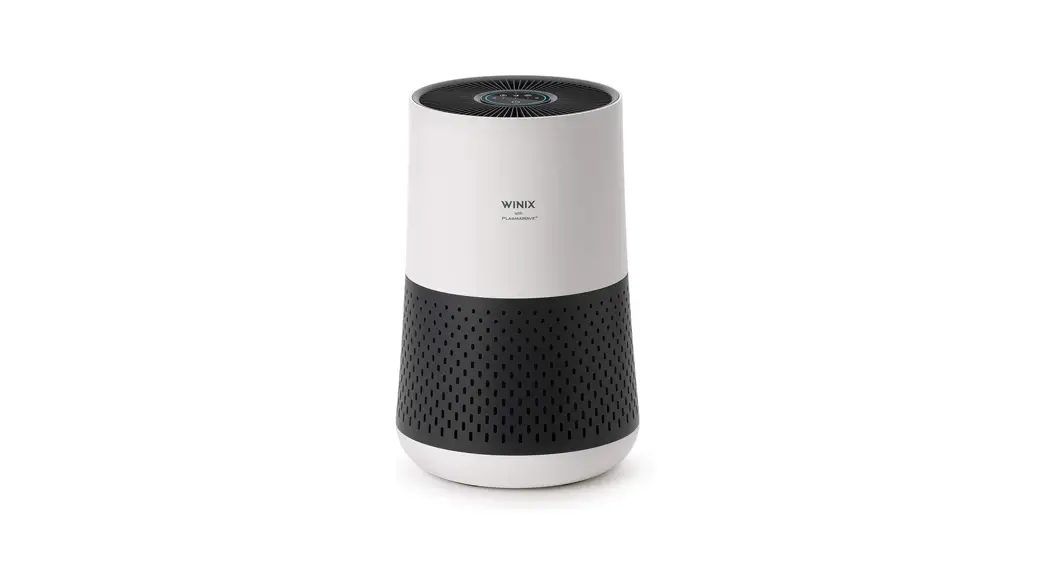
XLC 4 Stage Dual Filtration Smart Wi-Fi HEPA Air Purifier
Product Information
Model: [Model Name]
Part Diagram:
- Grill Button Control Section
- Unit
- Side Vent Rear Panel
- Front Panel
- (2) Pre-Filter
- (2) Washable AOCTM Carbon Filter
- (2) True HEPA Filters
- User Manual
Where to Use:
Allow 12 ~ 18 in. of space between TVs, radios, and other
electronics. Electromagnetic interference from certain electronics
may cause product malfunction. Place indoors away from direct
sunlight. Direct exposure may cause product malfunction or failure.
Only place on hard, flat surfaces. Flimsy or slanted surfaces may
result in abnormal noise and vibrations. Allow at least 12 ~ 18 in.
from walls for maximum air flow.
4-Stage Air Purification:
- Pre-Filter: Designed to catch larger airborne
particles found indoors. - Washable AOCTM Carbon Filter: Reduces VOCs and
household odors from cooking, pets, and smoke. - True HEPA Filter: Winix True HEPA captures
99.99%* of airborne allergens including pollen, dust, smoke, pet
dander, and other ultrafine particles as small as 0.003 microns.
*Based on independent laboratory tests conducted on inanimate
particles as small as 0.003 microns.
Maintenance:
When to Replace Filters:
| Filter | Pre-Filter | Washable AOCTM Carbon Filter | True HEPA Filter |
|---|---|---|---|
| Indicator Light | none | none | LED light indicates when it is time to change the filter |
| When to Service | Clean once every 14 days | Clean once every 3 months. Can NOT be washed. | Lasts approx. 12 months |
Control Panel:
- Auto Mode Indicator: The LED Auto light will
indicate when Auto Mode is activated. - Fan Speed Indicator: Indicates the current fan
speed. - Filter Replacement Indicator: LED light
indicates when it is time to change the filter. - Light Sensor: Detects the amount of ambient
light in the environment. When in Auto Mode, the Light Sensor
detects when to put the unit into Sleep Mode. - Filter Reset Button: After replacing the True
HEPA Filter, use a small object such as a clip, to press and hold
the Filter Reset Button for at least 5 seconds until the Filter
Replacement Indicator turns off.
Product Usage Instructions
- Initial Operation:
- Remove the front/rear panel by grasping its upper edge and
gently pulling forward. To remove the front/rear panel, release the
latch at the lower edge of the panel. - Remove the Pre-Filter, then the plastic bag of filters behind
it. - Remove filters from protective plastic bag.
- Install the filters until they fit securely in place:
- Pre-Filter (front)
- Washable AOCTM Carbon Filter (middle)
- True HEPA Filter (back)
- After filters are installed, close the front panel.
- Insert the power cord into an electrical outlet.
- Remove the front/rear panel by grasping its upper edge and
- Resetting Filter Life:
After replacing your True HEPA Filter, place the Pre-Filter back
in and close the Front Panel. While the unit is on, use a small,
thin object (such as a paperclip) to hold the Filter Reset Button
for at least 5 seconds until you hear the beep. After the beep, the
Filter Replacement Indicator will disappear. Your Winix True HEPA
is now reset.
MODEL PART DIAGRAM
Grill Button Control Section
Unit
Side Vent Rear Panel
Front Panel
(2) Pre-Filter (2) Washable AOCTM
Carbon Filter (2) True HEPA Filters
User Manual
WHERE TO USE
12~18 in
12~18 in
Alexa Setup Guide / Wi-Fi Setup Guide
Allow 12 ~ 18 in. of space between TVs, radios, and other electronics Electromagnetic interference from certain electronics may cause product malfunction. Place indoors away from direct sunlight Direct exposure may cause product malfunction or failure. Only place on hard, flat surfaces Flimsy or slanted surfaces may result in abnormal noise and vibrations. Allow at least 12 ~ 18 in. from walls for maximum air flow
1
4-STAGE AIR PURIFICATION
01 Pre-Filter
02 Washable AOCTM Carbon Filter 03 True HEPA Filter
04 PlasmaWave®
01. Pre-Filter
Designed to catch larger airborne particles found indoors.
03. True HEPA Filter
Winix True HEPA captures 99.99%* of airborne allergens including pollen, dust, smoke, pet dander, and other ultrafine particles as small as 0.003 microns. *Based on independent laboratory tests conducted on inanimate particles as small as 0.003 microns.
02. Washable AOCTM Carbon Filter
Reduces VOCs and household odors from cooking, pets, and smoke.
04. PlasmaWave®
Winix PlasmaWave® Technology may help to reduce airborne contaminants*. *Tested by an independent third-party laboratory. Visit www.winixamerica.com for more details.
MAINTENANCE
When to Replace Filters
Filter Pre-Filter Washable AOCTM Carbon Filter
Indicator Light none
none
True HEPA Filter
When to Service Clean once every 14 days Clean once every 3 months
Can NOT be WASHED
When to Replace Permanent
Lasts Approx. 12 months
· When the Check Filter Indicator LED is on, it is time to replace the True HEPA Filter and Washable AOCTM Carbon Filter. · Intervals between filter replacement may vary depending on environment. * Filter performance may decrease after each wash and depending on contamination level prior to washing.
4
CONTROL PANEL
01. Auto Mode Indicator The LED “Auto” light will indicate when Auto Mode is activated.
02. Fan Speed Indicator Indicates the current fan speed.
03. Sleep Mode Indicator When Sleep Mode is activated, the Air Quality Indicator LED light is disabled. Fan speed will automatically set to minimum speed(lower than ‘Low’) which will be nearly silent. When Sleep Mode is active, Plasmawave® will be disabled, but it can be turned back on.
04. Air Quality Indicator Color coded LED light indicates one of three levels of Air Quality: Red (poor), Amber (fair), Green (average), and Blue (good). 05. PlasmaWave® Indicator Indicates whether PlasmaWave® is enabled or disabled.
06. Wi-Fi Indicator · Enables or disables the Wi-Fi feature. · When in the pairing state, the Wi-Fi LED flashes.
07. Filter Replacement Indicator LED light indicates when it is time to change the filter.
2
INITIAL OPERATION
03 02 01
Latch
1. Remove the front/rear panel by grasping its upper edge and gently pulling forward. – To remove the front/rear panel, release the latch at the lower edge of the panel.
4. Install the filters until they fit securely in place. 03. True HEPA Filter (back) 02. Washable AOCTM Carbon Filter (middle) 01. Pre-Filter (front)
Latch
2. Remove the Pre-Filter, then the plastic bag of filters behind it.
5. After filters are installed, close the front panel.
3. Remove filters from protective plastic bag.
6. Insert the power cord into an electrical outlet. 5
08. Light Sensor Detects the amount of ambient light in the environment. When in Auto Mode, the Light Sensor detects when to put the unit into Sleep Mode.
09. Power Button Turns the unit on or off. During the first 30 seconds of powering up, the Air Quality Indicator will cycle through Blue, Green, Amber, and Red colors. · Smart Sensor takes approximately 4 minutes to detect the air quality in the environment before normal operation
begins.
10. Mode Button Press to cycle through to set the mode of operation (Auto, Sleep). The unit will default to Auto with PlasmaWave® enabled when first powered on. · Auto Mode automatically adjusts fan speeds according to your indoor air quality.
The fan speed will adjust to low when air quality is good, medium when fair, and to high when poor.
11. Sleep Mode Button When Sleep Mode is activated, the Air Quality Indicator LED light is disabled. · Fan speed will automatically set to minimum speed (lower than ‘Low’) which will be nearly silent. · When Sleep Mode is active, PlasmaWave® will be disabled, but it can be turned back on.
12. Plasmawave® Button Press the Plasmawave® button when the unit is on to enable or disable this feature. By default, Plasmawave® is enabled whenever the unit is powered on. “When the unit is running, you may hear a chirping or buzzing sound. The sound is from large particles passing through Plasmawave®, it is normal and does not signify product failure.”
13. Wi-Fi Button · Press for 3 seconds to activate pairing mode. · When Wi-Fi is paired, press the button to turn Wi-Fi off or back on.
14. Filter Reset Button After replacing the True HEPA Filter, use a small object such as a clip, to press and hold the Filter Reset Button for at least 5 seconds until the Filter Replacement Indicator turns off.
3
REPLACING FILTERS
CLEANING CARE
Cleaning the Filters:
Resetting Filter Life: After replacing your True HEPA Filter, place the Pre-Filter back in and close the Front Panel. While the unit is on, use a small, thin object (such as a paperclip) to hold the Filter Reset Button for at least 5 seconds until you hear the beep. After the beep, the Filter Replacement Indicator will disappear. Your Winix True HEPA is now reset.
Cleaning the Exterior & Interior:
Use a vacuum cleaner or soft brush to clean the Pre-Filter · If it is excessively soiled, rinse in room temperature
water.
· Do not use detergent or soap.
· Allow the filter to dry for 24 hours or more before using.
· Intervals between filter cleaning may vary depending on the air quality in the environment.
Wipe with a soft damp cloth using room temperature water. · Afterwards, wipe it down with a clean, dry cloth.
Open the front panel and clean the interior with a vacuum cleaner. · For optimal performance, clean every 1 – 2 months.
NOTICE
To clean the Washable AOCTM Carbon Filter, remove from the unit and rinse under lightly running room temperature water. · Do not use detergent or soap. · Allow the filter to dry for 24 hours or mote before
using. · Do not use hot water over 104ºF.
NOTICE
· When cleaning the unit, always unplug the power cord first and then wait until the unit has cooled down.
· Never disassemble, repair, or modify this unit yourself.
· Do not use flammable sprays or liquid detergents.
· Do not allow children to clean or maintain the unit.
· Before cleaning or maintaining, ensure unit is unplugged.
· Do not use benzene, alcohol, or other volatile fluids, which may cause damage or discoloration.
6
SAFETY AND CAUTIONS
Before operating this equipment, carefully read and follow these safety cautions. Ensure filters are inserted before running unit. Running the unit without filters can shorten the lifespan of the unit and cause electric shock or injury. Be sure foreign objects are NOT inserted into the vents on the unit. Objects can include pins, rods, and coins. Do not touch any part of the interior of the unit with wet hands. The high voltage may cause electric shock. Ensure unit intake and outlet vents do not become blocked. Blockage may lead to increased internal temperatures, causing product failure and deformation. Do not use the unit as a step stool or place heavy objects on the unit. Personal injury may occur or product failure and deformation.
WARNING
Follow these instructions to reduce the risk of serious injury or death and to reduce risk of damaging the unit.
· If the power cord is damaged, it must be replaced by a special cord. Reassembly is available from the manufacturer or its service agent.
· This appliance is not intended for use by a person (including children) with reduced physical, sensory or mental capabilities, or lack of experience and knowledge of the unit, unless they have been given supervision or instruction concerning use of the appliance by a person responsible for their safety.
· Children should be supervised to ensure that they do not play with the appliance.
· This unit is not intended to be used to preserve documents or art conservation.
7
Do not pull on the power cord when unplugging the unit.
Do not tie or knot the power cord when unit is in operation.
If the unit becomes submerged in water, unplug it and contact customer service.
Do not unplug or move the unit while in operation.
Do not plug additional appliances into the same outlet or power supply.
Do not touch the plug with wet hands.
Unplug the unit when not in operation for extended periods of time.
Do not place around heating elements.
Do not use around mist or fumes from industrial oil or around large quantities of metallic dust. The cord can become damaged by forcefully bending, pulling, twisting, bundling, pinching or placing heavy objects on it. Do not install in any sort of motor or transport vehicle (trucks, boats, ships, etc.). Do not place in an area with excessive amounts of noxious gases. Do not place near any flammable materials (aerosols, fuel, gases, etc.).
Do not have the unit facing into wind or drafts.
Do not place below any electrical outlet.
Do not place in excessively humid areas where the unit may become wet. To reduce the risk of fire or electric shock, do not use this fan with any solid-state speed control device. Do not place unit closer than 12 inches from the wall during operation. It may cause condensation on the wall and the surrounding area.
FREQUENTLY ASKED QUESTIONS
The unit does not turn on at all · Is the plug securely attached to the outlet?
– Make sure the outlet has power going to it and ensure the plug is secured.
· Is there a power outage? – Check to see if other lights and electrical equipment are working and try again.
The unit doesn’t work in Auto Mode · Has Auto Mode been selected?
– Press the Fan Speed button until Auto Mode is selected.
· Is the sensor blocked or clogged? – Wipe Smart Sensor with wet cloth, then dry.
It vibrates and makes a lot of noise · Is it running on a slanted or uneven surface?
– Move the unit to a hard, flat, even area.
The power plug and outlet feel hot · Is the plug securely plugged in?
– Make sure the plug is properly plugged into the outlet.
There is a strange smell · Is it being used in a place with a lot of smoke, dust,
or odors? – Clean the air intakes on either side and clean
the Pre-Filter. – Replace the Washable AOCTM Carbon Filter and
the True HEPA filter.
The fan strength is weak. The unit is not purifying the air · Is the Check Filter Indicator light on?
– Change the filters as required.
The display panel is dim · Is the Light Sensor blocked by debris?
– When Auto Mode is on, Sleep Mode is automatically activated when the Light Sensor detects that the room is dark.
PRODUCT WARRANTY
The terms of the warranty are as follows:
1. This product is manufactured under stringent quality control and inspections.
2. The warranty will be voided if product failure is a result of negligence or misuse by the consumer.
3. A proof of purchase must be presented upon claiming a Product Warranty.
4. Store the proof of purchase in a safe place or register your product on winixamerica.com to upload your proof of purchase.
5. This warranty is valid only in the USA and Canada.
* for more information visit https://winixamerica.com/terms-and-conditions/
Product Name Model Name Purchase Date Warranty Period Place of Purchase Place of Purchase
tel. Address
Customer Name Tel.
Air Purifier XLC
Two (2) Years
9
SAFETY INSTRUCTIONS
Thank you for purchasing a Winix air purifier. This product is for household use only.
IMPORTANT CAUTIONS FOR USING YOUR AIR PURIFIER:
WARNING: Follow the instructions in this manual to reduce the risk of electric shock, short circuit, and/or fire.
· Do not repair or modify the unit. All repairs should be completed by a qualified technician.
· If the power plug is damaged, it must be replaced by the manufacturer or a qualified technician.
· The plug for this unit is polarized with one blade wider than the other. Do not force the plug into an electrical outlet. Do not alter the plug in any way. If the plug does not fit into the outlet, reverse the plug. If it still does not fit, contact a qualified technician to install a proper outlet.
· Do not use if the power cord or plug is damaged or the connection to the wall outlet is loose.
· Use AC 120V only.
· Remove the power plug from the outlet when not in use.
· Do not handle the power plug with wet hands.
· Do not operate the unit when using indoor smoke-generating insecticides.
· Do not clean unit with benzene or paint thinner. Do not spray insecticides on the unit.
· Do not use the unit where it is humid or where the unit may become wet, such as the bathroom.
· Do not damage, break, forcefully bend, pull, twist, bundle, coat, pinch, or place heavy objects on the power cord.
· Do not insert fingers or foreign objects into air intake or outlet.
· Periodically remove dust from the power plug. This will reduce the risk of shock due to humidity build up.
· Remove the power plug from the outlet before cleaning the unit. When removing the power plug, grasp by holding the plug itself, never hold by the cord.
· Do not use the unit near flammable gases. Do not use near cigarettes, incense, or other spark-creating items.
· Unit will not remove carbon monoxide emitted from heating appliances or other sources.
· Unplugging the product disconnects the remote functions.
IMPORTANT PRECAUTIONS FOR USING YOUR AIR PURIFIER:
· Do not block the intake or outlet vents.
· Do not use detergent to clean the unit.
· Do not use near hot objects, such as a stove.
· Do not operate without a filter.
· Do not use where the unit may come into contact with steam.
· Do not use the unit on its side.
· Keep away from products that generate oily residue, such as a deep fryer.
· Do not wash and reuse the True HEPA Filter. · Hold the handle on the back of the unit to transport. · Do not hold by the front panel. · Do not stick any small objects into the air outlet vents
or fan.
8
UNIT SPECIFICATIONS
Model Name Power Voltage Power Rate Verified Room Size Dimensions Weight Replacement Filter
XLC AC120V/60Hz
b: bVTIW bLQ:bLQ’bLQ+ bOEV Filter X2 / SKU: 1712-0089-03
The exterior, design, and product specifications may be changed without prior notice to improve product performance.
Warning: Changes or modifications to this unit not expressly approved by the party responsible for compliance could void the user’s authority to operate the equipment.
Note: This equipment has been tested and found to comply with the limits for a Class B digital device, pursuant to Part 15 of the FCC Rules. These limits are designed to provide reasonable protection against harmful interference in a residential installation. This equipment generates, uses and can radiate radio frequency energy and, if not installed and used in accordance with the instructions, may cause harmful interference to radio communications. However, there is no guarantee that interference will not occur in a particular installation. If this equipment does cause harmful interference to radio or television reception, which can be determined by turning the equipment off and on, the user is encouraged to try to correct the interference by one or more of the following measures:
· Reorient or relocate the receiving antenna. · Increase the separation between the equipment and receiver. · Connect the equipment into an outlet on a circuit different from that to which the receiver is connected. · Consult the dealer or an experienced radio/TV technician for help.
This device contains license-exempt transmitter(s)/receiver(s) that comply with Innovation, Science and Economic Development Canada’s license-exempt RSS(s). Operation is subject to the following two conditions:
· This device may not cause interference. · This device must accept any interference, including interference that may cause undesired operation of the device.
“In French: Cet appareil contient des émetteurs/récepteurs exemptés de licence et conformes aux normes Innovation, Science et Economic. RSS(s) sans licence de Développement Canada. Le fonctionnement est soumis aux deux conditions suivantes:
· cet appareil ne doit pas causer d’interférences nuisibles, et · cet appareil doit accepter toute interférence reçue, y compris les interférences pouvant provoquer un fonctionnement
non souhaité.”
10
AIR PURIFIER
User Manual
Model
Use & Care Guide
XLC
· The product warranty is printed on the back of this guide. · This product is manufactured for use only in USA / CA. · This product is suitable for 120V only.
The energy efficiency of this ENERGY STAR certified model is measured based on a ratio between the model’s CADR for smoke and the electrical energy it consumes, or CADR/Watt.
Contact Winix for
· Dedicated Call Center: ñ (877) 699-4649
product related inquiries · Website: www.winixamerica.com
and customer service
To expedite service, please specify the model name and number, the nature of the problem, your
contact information, and your address.
2610-0277-00 Rev.0
 Winix Air Purifiers - Healthy Home Appliances - Improve Your Indoor Air Quality
 Winix Air Purifiers - Healthy Home Appliances - Improve Your Indoor Air Quality