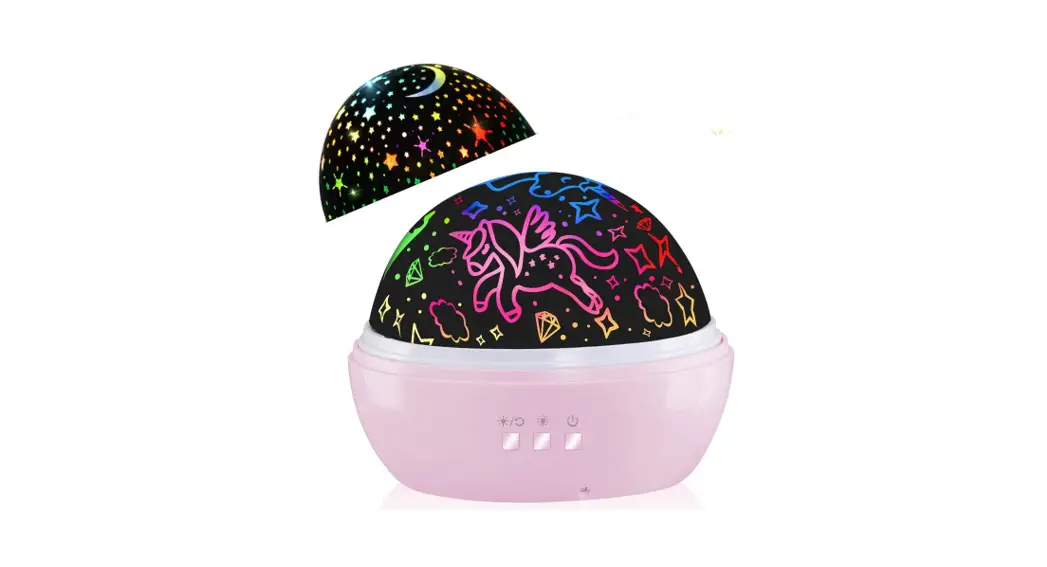
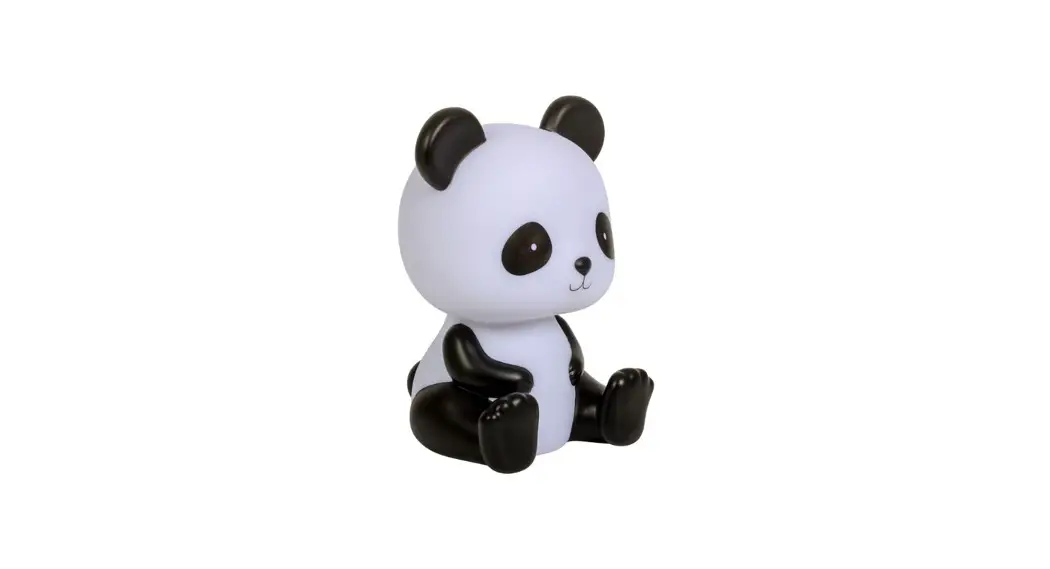
BY-01 Panda Basketball Star Light
Panda Basketball Star Light – User Manual
Product Information
| Product Model | BY-01 |
|---|---|
| Projector Power | 3W |
| Laser Power | N/A |
| Night Light Power | N/A |
| Power Supply | 2A |
| Product Dimensions | 150x115x255mm |
| Working Environment | N/A |
- Power: Long press to switch on/off (with working point
memory). - Bluetooth: Long press to turn on/off the Bluetooth
mode. - Colorful Light: Short press to change the color of the
light cyclically. Long press to turn off the colorful light. - Ambient Light: Short press to change the color of the
ambient light cyclically. Long press to turn off the ambient
light.
| Button | Function |
|---|---|
| Power | Short press to change the ambient light mode. Long press to turn off the ambient light. |
| Bluetooth | N/A |
| Ambient Light Up | N/A |
| Ambient Light Down | N/A |
| Next Song | N/A |
| Previous Song | N/A |
| Pause/Play | N/A |
| Volume Up | N/A |
| Volume Down | N/A |
| Ambient Light Switch | N/A |
| Rhythm Light | Change the light with the music. |
| Light Color | Short press to change the color mode of the light cyclically (Pure color, breathing, gradient). Long press to turn off the colorful light. |
Getting Started
- Press and hold the power button until the light is on.
- Connect the Bluetooth BY-01 with smartphone or laptop to play
music. - Choose your favorite projection or colorful light mode.
Troubleshooting
Occurrence: The light is not working.
Confirmation: Check whether the power plug and power
socket are tightly plugged.
Treatment: Ensure that the power plug and the power
socket are tightly plugged together.
Warning
- Please use a power adapter that complies with safety
regulations. - Do not disassemble or repair the product by yourself.
- This product is a high-power LED and laser.
Certificate
This device complies with part 15 of the FCC Rules. Operation is
subject to the following two conditions: (1) This device may not
cause harmful interference, and (2) this device must accept any
interference received, including interference that may cause
undesired operation. Any changes or modifications not expressly
approved by the party responsible for compliance could void the
user’s authority to operate the equipment.
Panda basketball star light User’s Manual
PRODUCT LIST
Star Projector×1, remote control×1,
user’s manual×1, USB type-C cable×1.
PRODUCT SPECIFICATION
Product Model
BY-01
Projector Power
3W
Laser Power Night light Power Power Supply
<5mW 8×0.2W Max
USB DC5V>2A
Product Dimensions 150x115x255mm
Working Environment
Temperature: 0 40 °C. Humidity: 0-95%
Projection Coverage 10-40 m²
FUNCTION BUTTON
1. PowerLong press to switch on/off (with working point memory).
2. BluetoothLong press to turn on/off the Bluetooth mode.
3. Colorful light Short press to change the color of the light cyclically. Long press to turn off the colorful light.
4.Ambient light Short press to change the color of the ambient light cyclically. Long press to turn off the ambient light.
Product schematic diagram
4
1
3
2
REMOTE CONTROL
. Power button(with working point memory) . Bluetooth . Ambient light up . Ambient light down . Next song . Previous song . Pause/Play . Volume up . Volume down . Ambient light switch
Short press to change the ambient light mode. Long press to turn off the ambient light. . Rhythm light (Change the light with the music). . Light color. Short press to change the color mode of the light cyclically (Pure color, breathing, gradient). Long press to turn off the colorful light.
GETTING START
1.Press and hold the power button until the light is on.
2. Connect the Bluetooth “BY-01” with smart
phone or laptop to play music.
3. Choose your favorite projection or colorful light mode.
Schematic diagram of remote control
1
B
2
3
B+
6
5
B-
7
4
8
V+ V-
9
L M
10
12
L C
11
TROUBLESHOOTING
Occurrence: the light is not working. Confirmation: whether the power plug and power socket are tightly plugged. Treatment: the power plug and the power socket should be tightly plugged together.
WARNNING
1.Please use a power adapter that complies with safety regulations.
2.Do not disassemble or repair the product by yourself. 3.This product is a high-power LED and laser
combination projector.Do not look directly at the projectoror laser light. Please switch if off immediately if you feel uncomfortable.Do not let children use the product alone. 4.It is recommended to use the product in a dark environment. Strong ambient light may affect the projection effect. 5.It is recommended to use the product indoor. Outdoor environments with a roof height of more than 5 meters or without a roof may affect the projection effect. 6.The light source of this product is not replaceable. When the light source reaches its end of life, the entire projector should be replaced.
CERTIFICATE
This device complies with part 15 of the FCC Rules. Operation is subject to the following two conditions: (1) This device may not cause harmful interference, and (2) this device must accept any interference received, including interference that may cause undesired operation.
Any Changes or modifications not expressly approved by the party responsible for compliance could void the user’s authority to operate the equipment.
Note: This equipment has been tested and found to comply with the limits for a Class B digital device, pursuant to part 15 of the FCC Rules. These limits are designed to provide reasonable protection against harmful interference in a residential installation. This equipment generates uses and can radiate radio frequency energy and, if not installed and used in accordance with the instructions, may cause harmful interference to radio communications. However, there is no guarantee that interference will not occur in a particular installation. If this equipment does cause harmful interference to radio or television reception, which can be determined by turning the equipment off and on, the user is encouraged to try to correct the interference by one or more of the following measures: -Reorient or relocate the receiving antenna. -Increase the separation between the equipment and receiver. -Connect the equipment into an outlet on a circuit different from that to which the receiver is connected. -Consult the dealer or an experienced radio/TV technician for help.