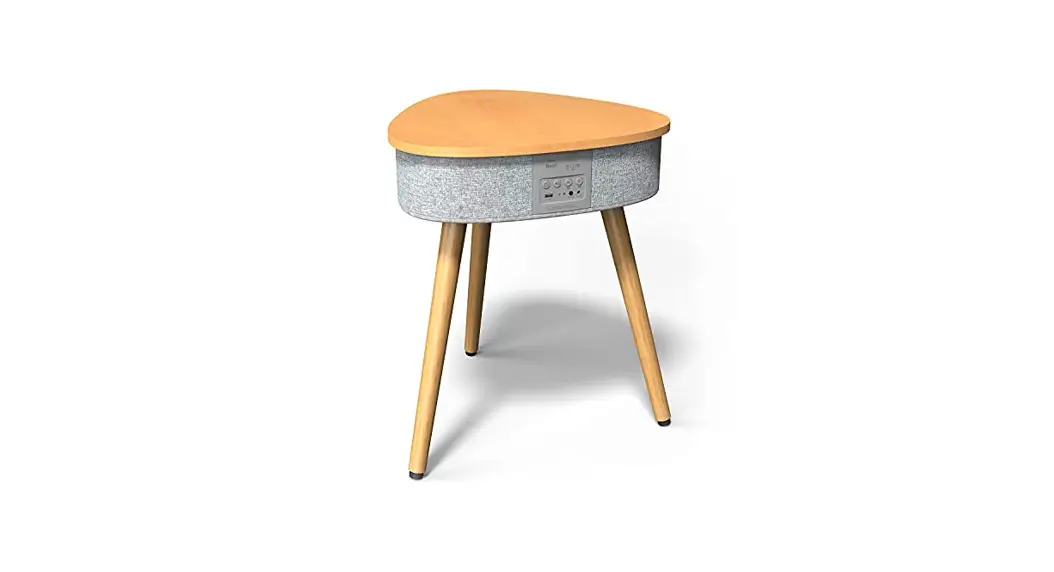
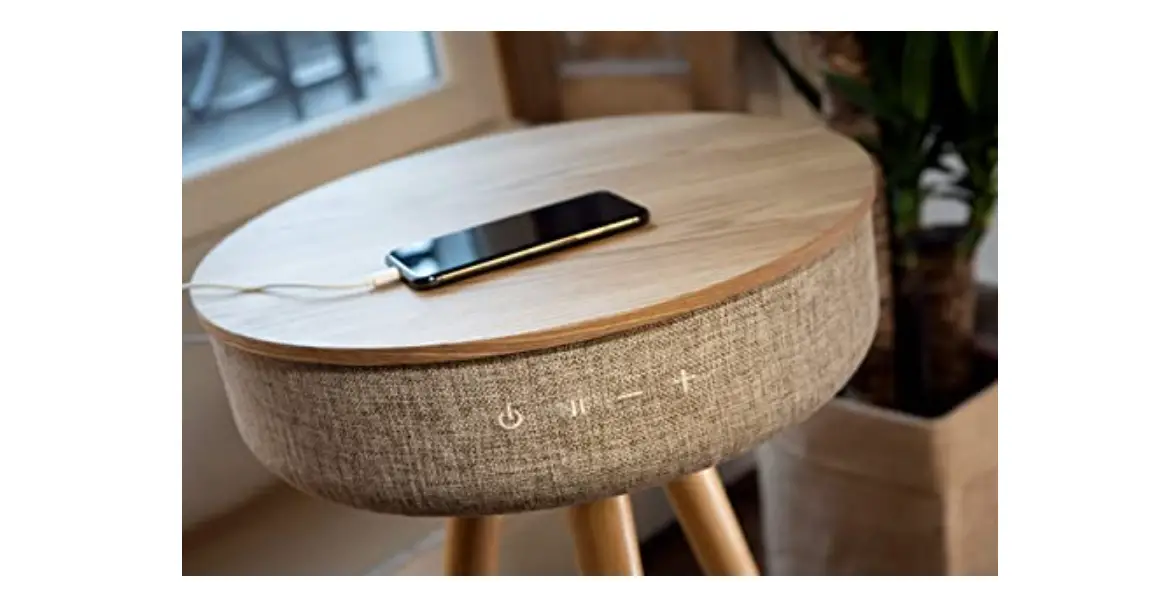
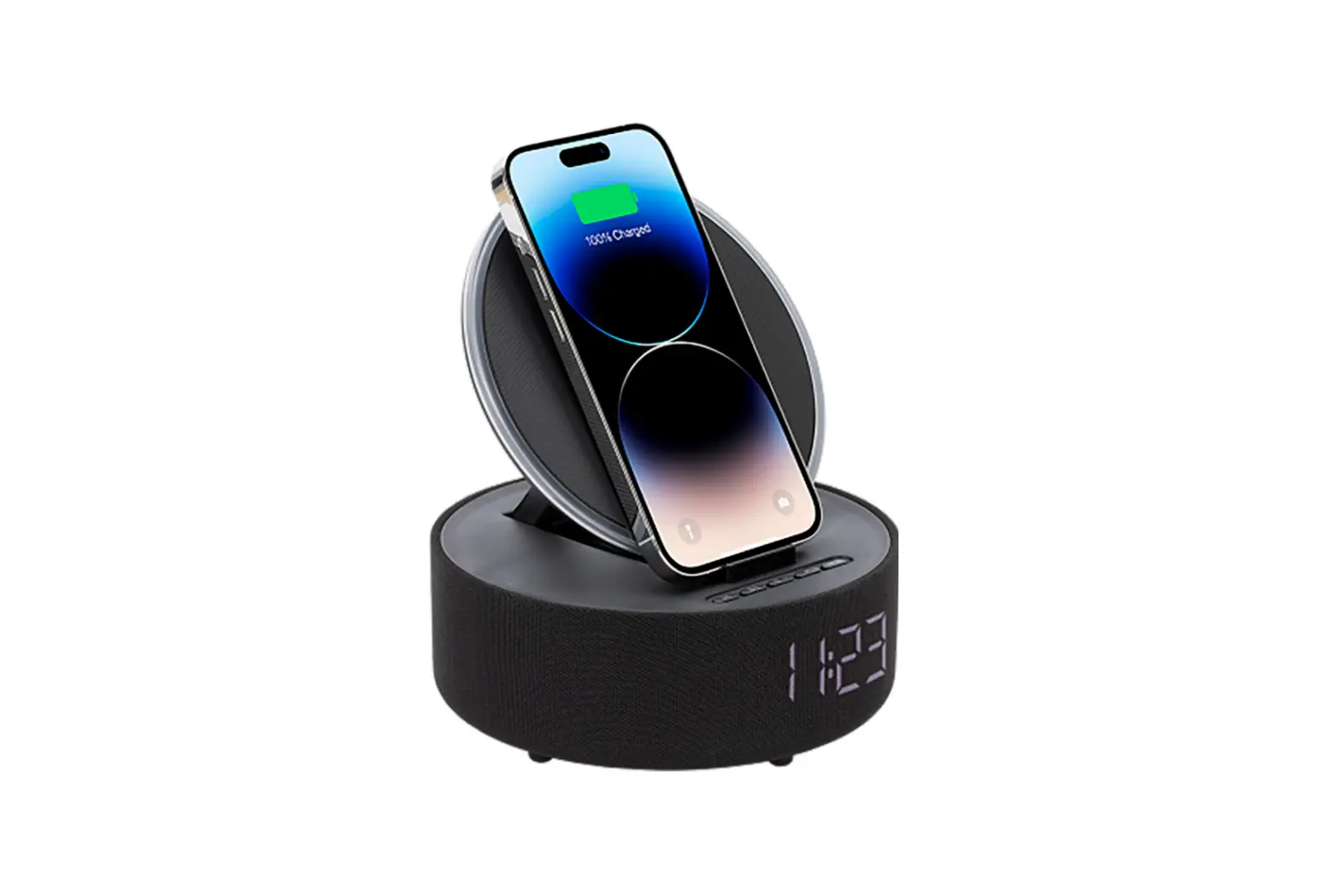
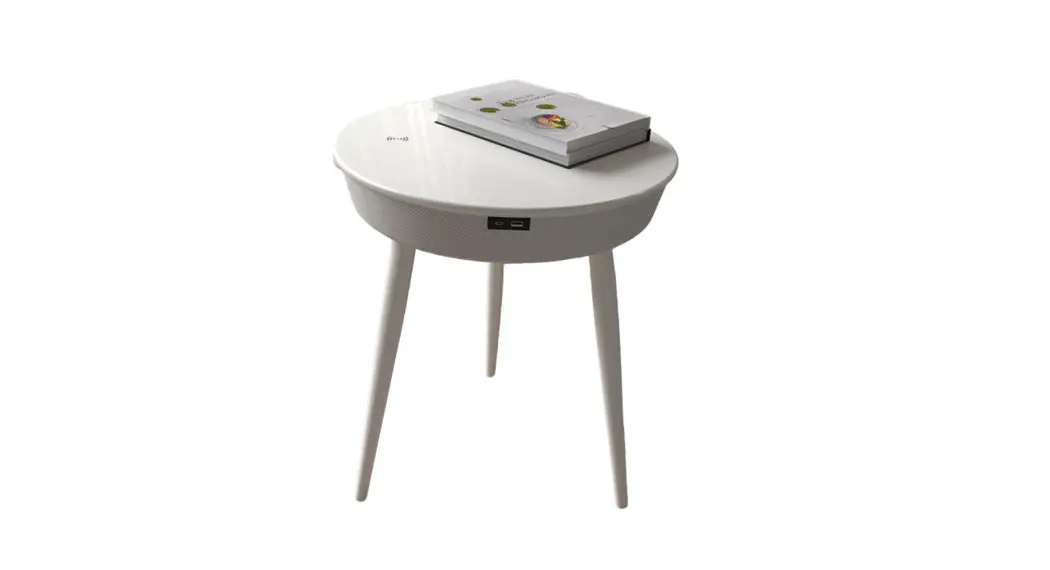
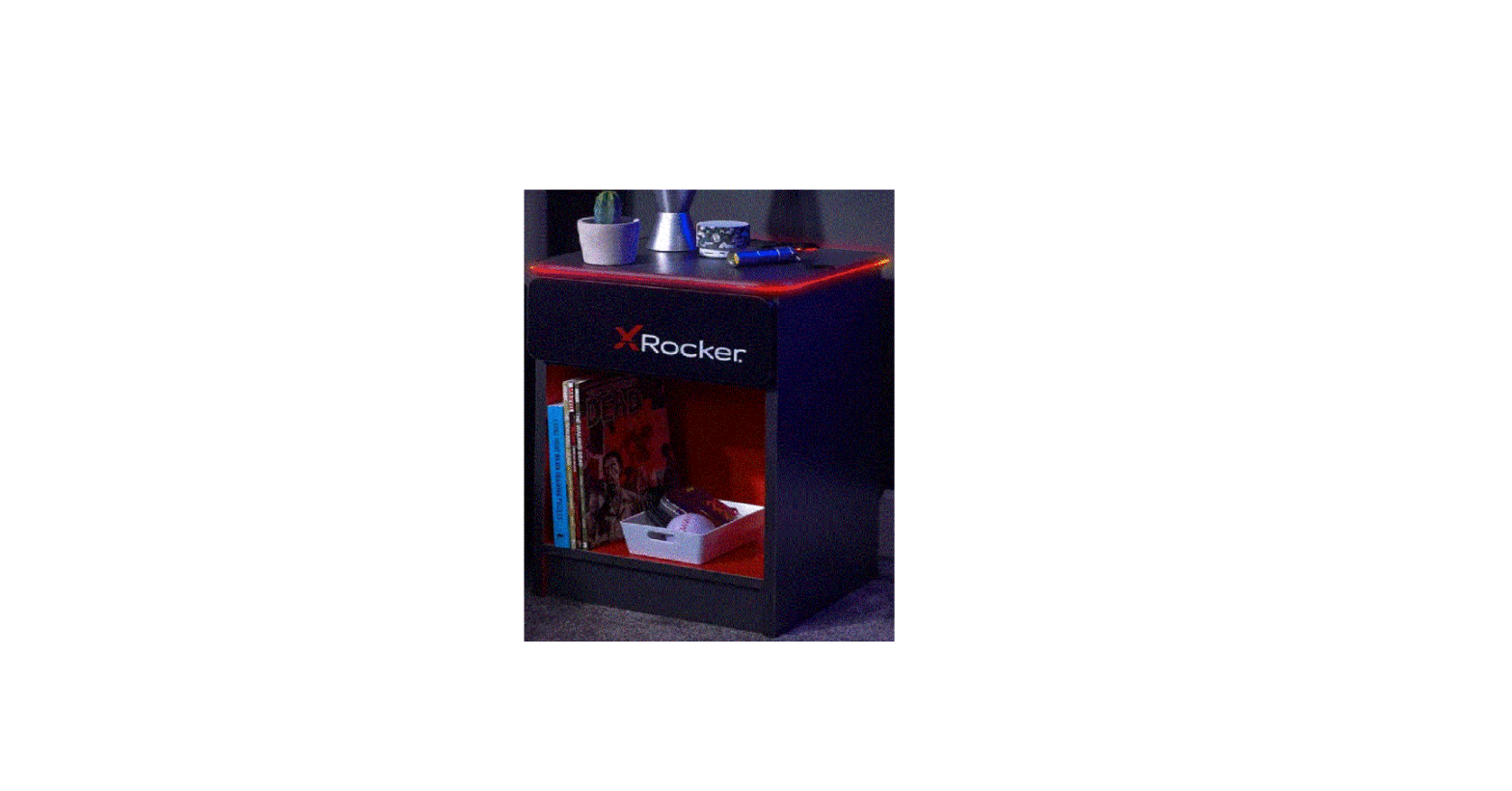
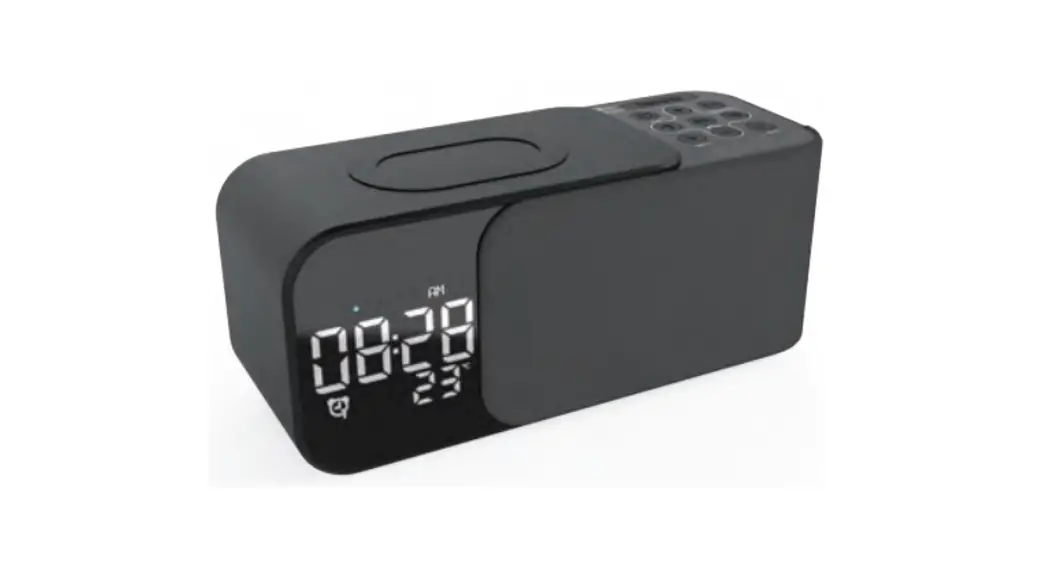
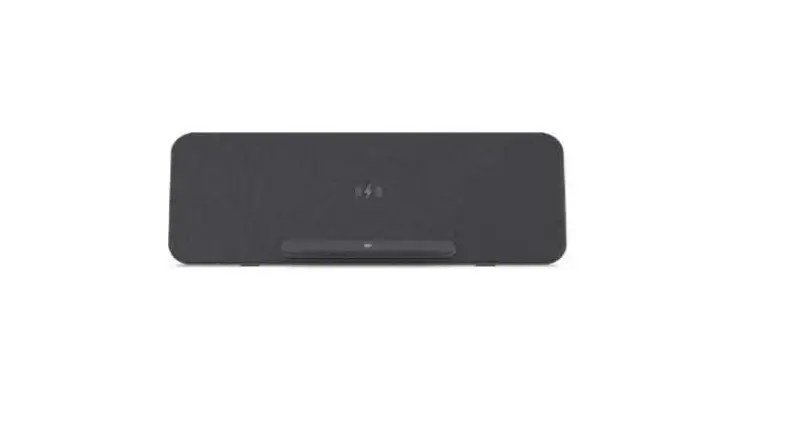
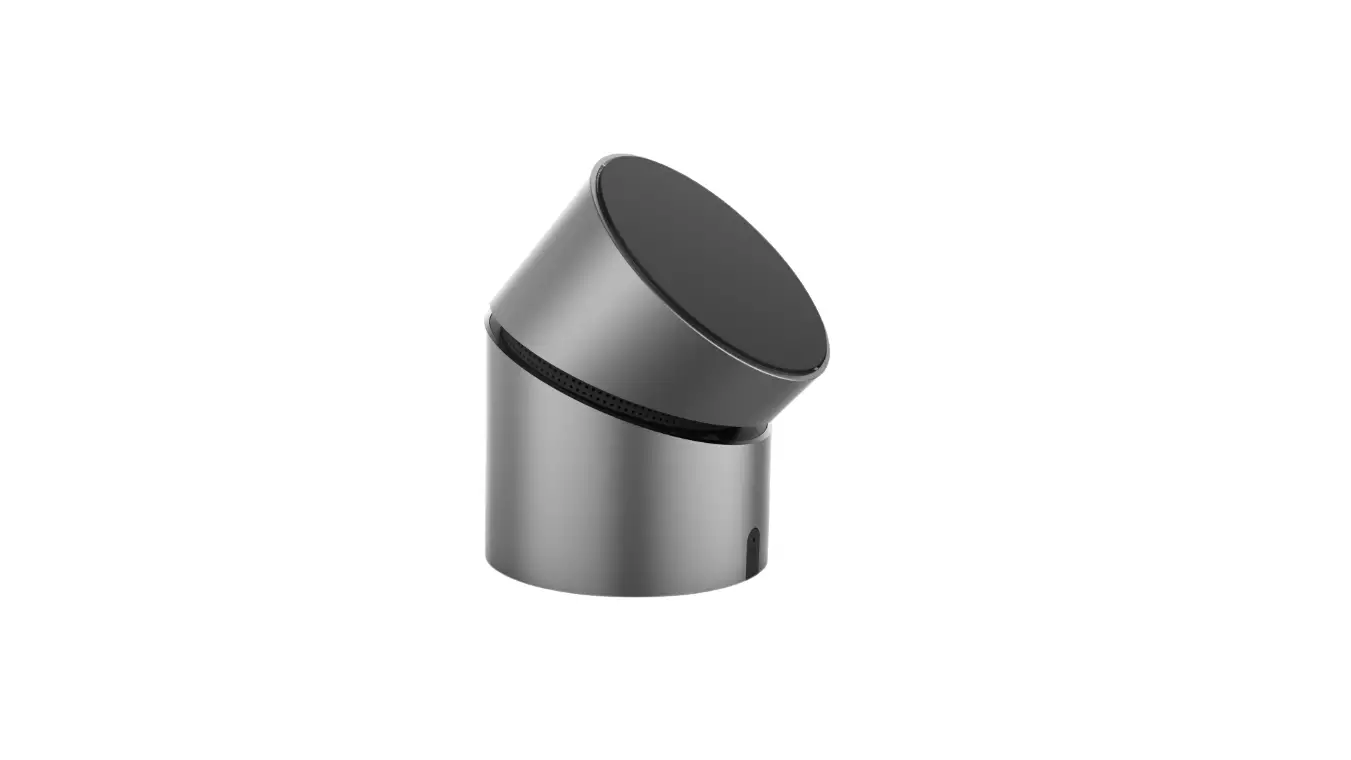
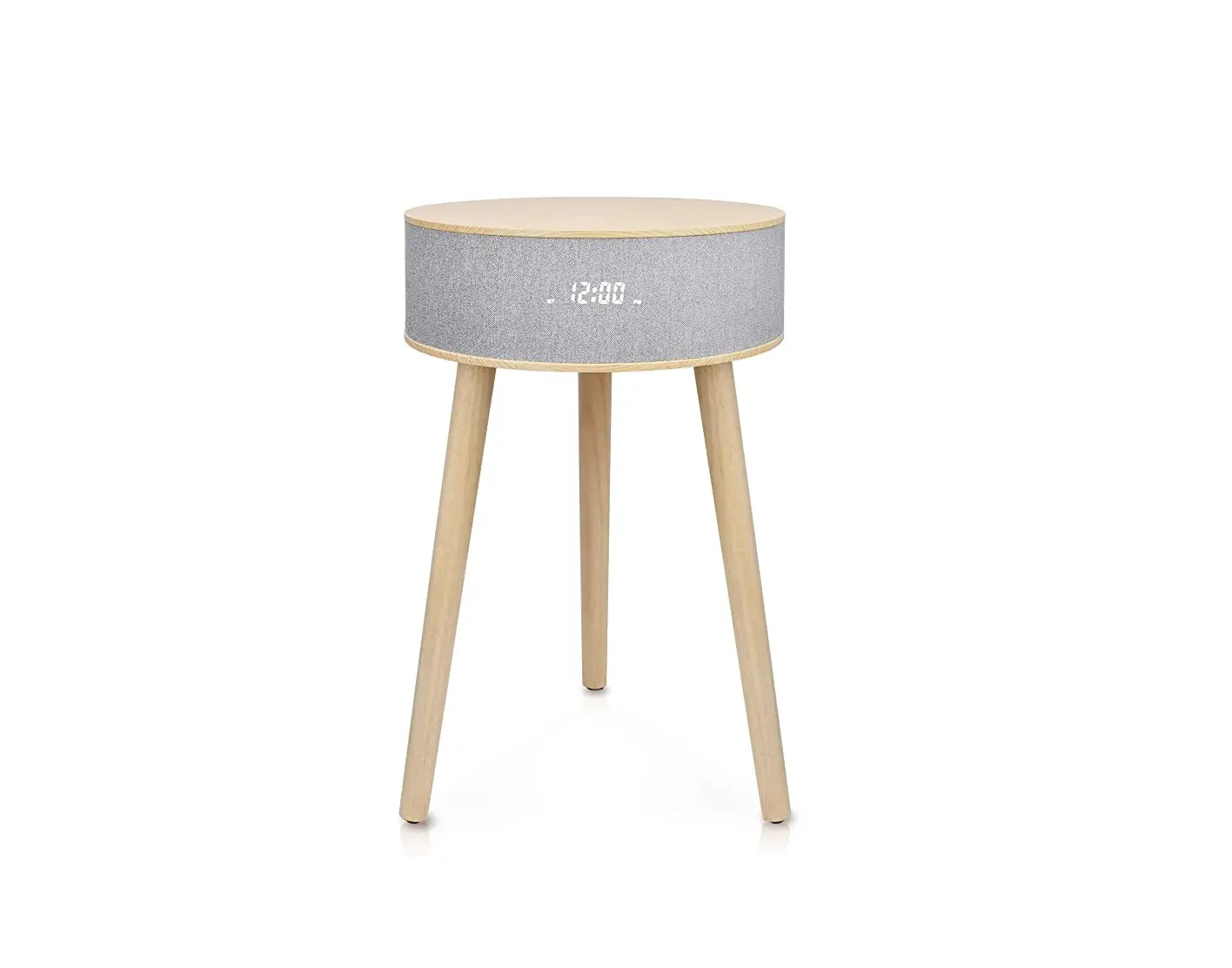
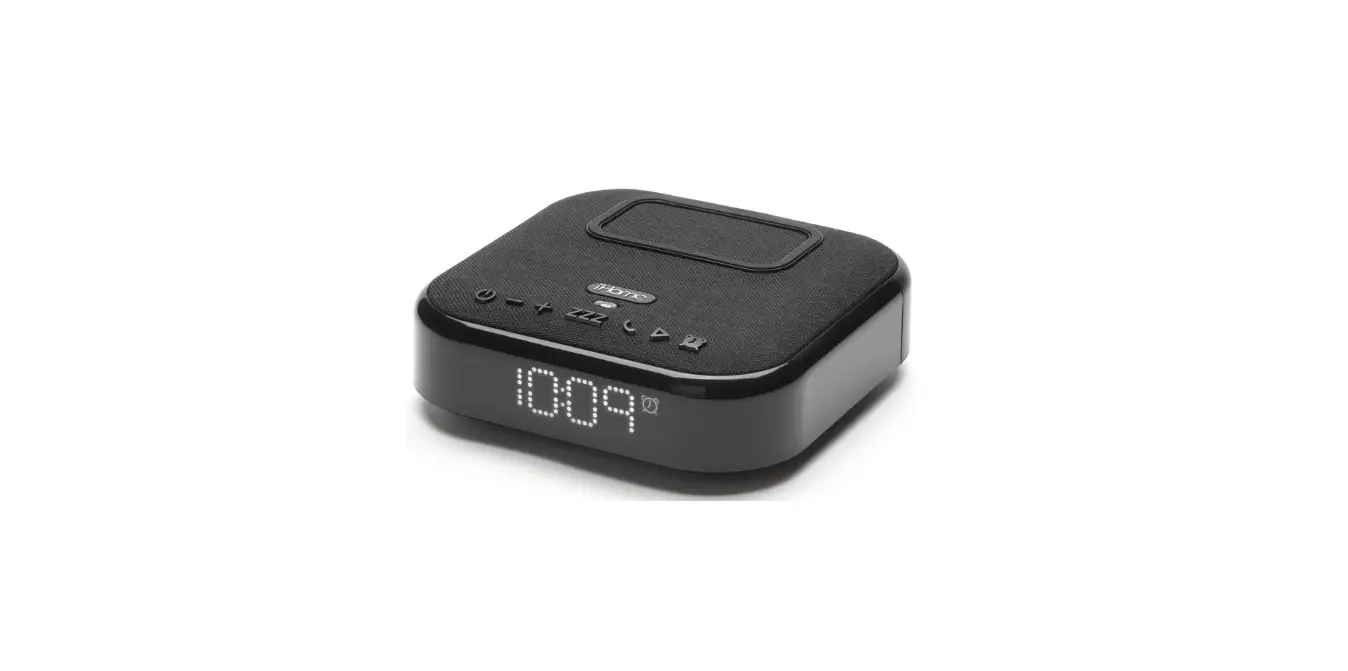
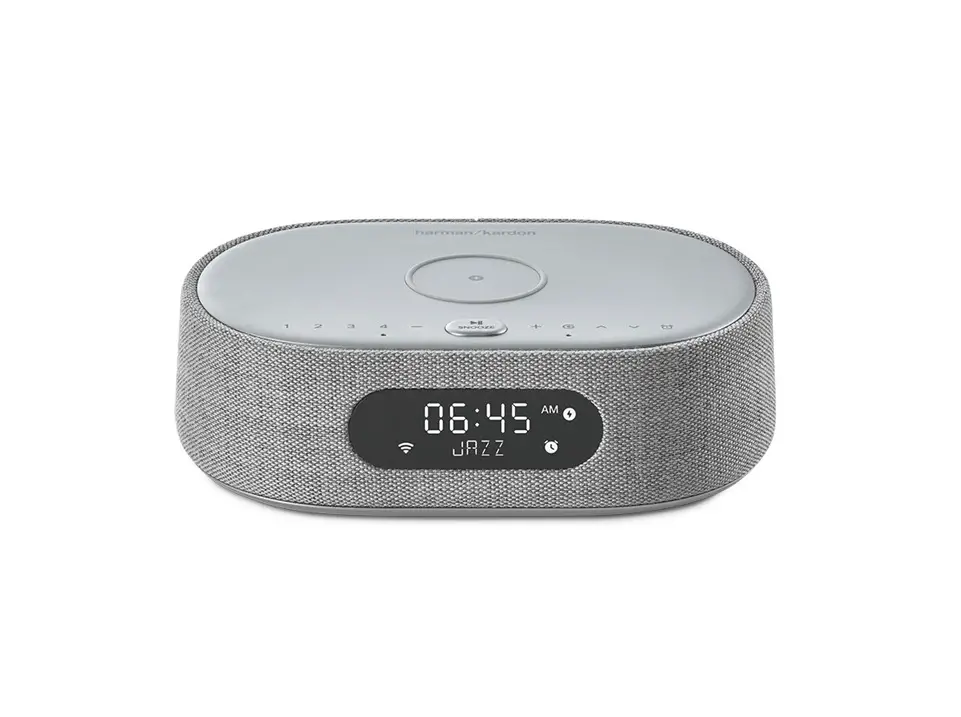
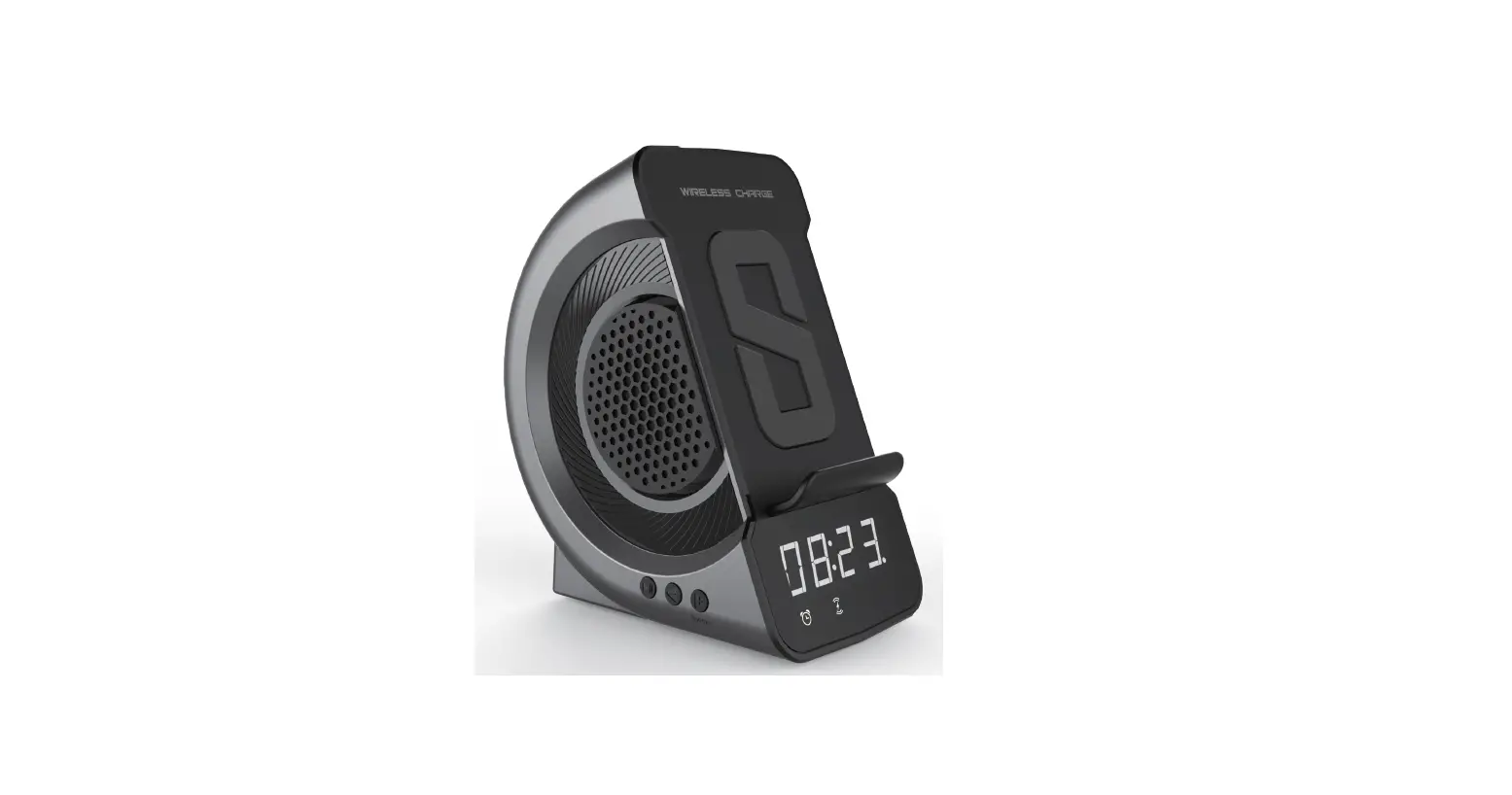
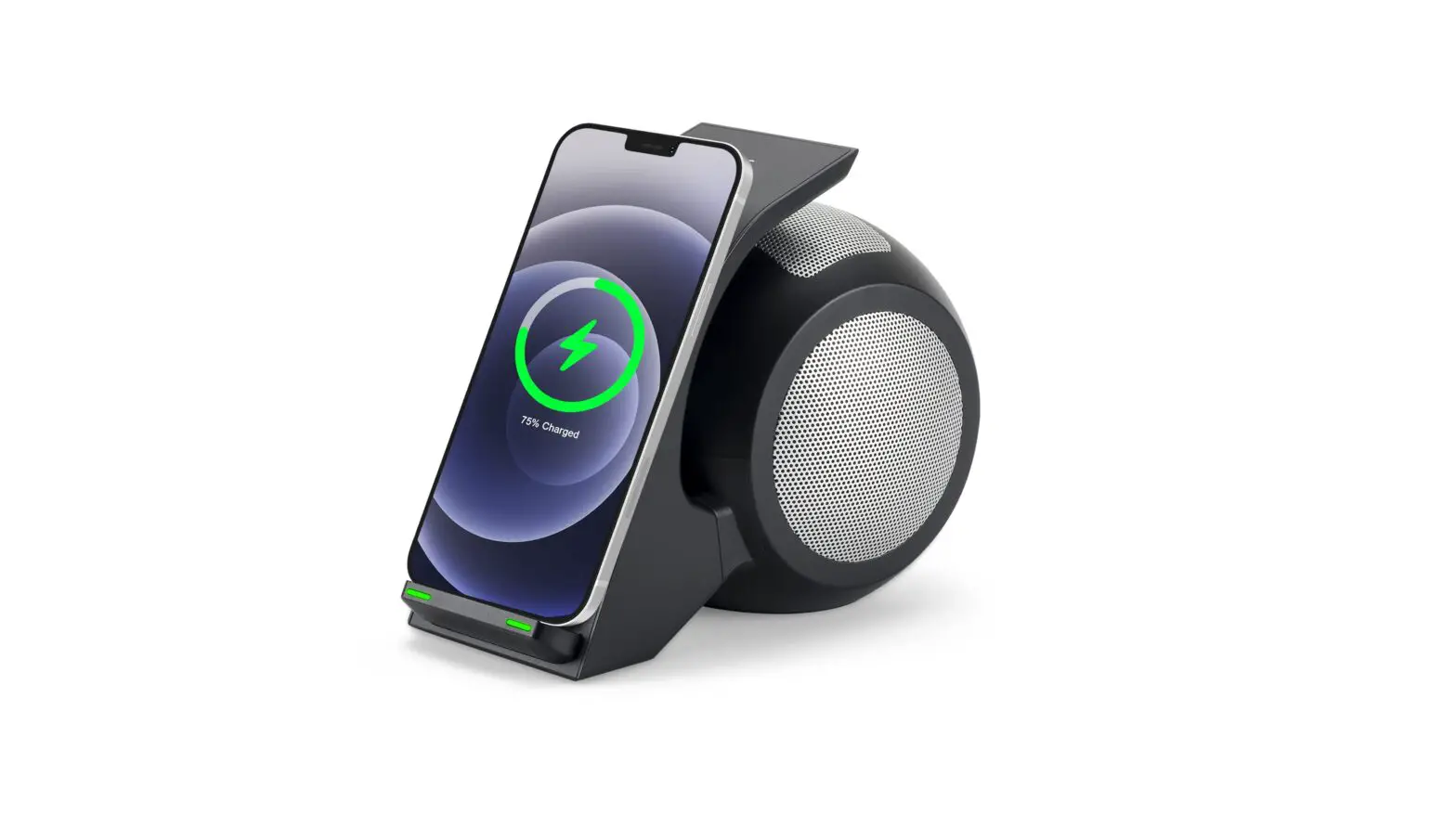
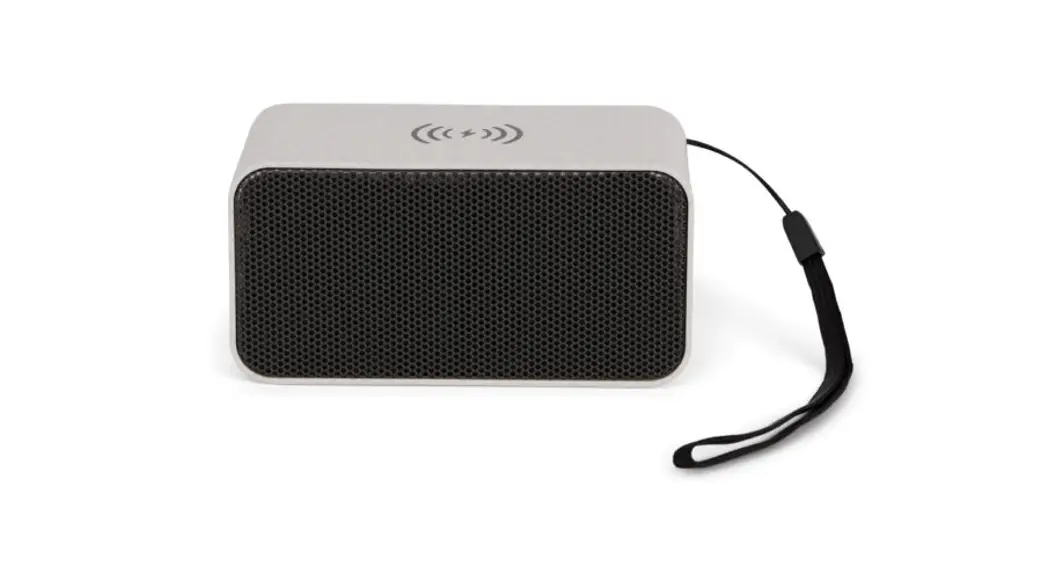
DY-706 Wireless Speaker Table with Built In Wireless Charger
Product Information
The product is a versatile device that offers a wide range of
features and functions. It is designed to provide convenience and
efficiency in various tasks.
Main Features:
- Advanced technology for enhanced performance
- Multiple modes for different applications
- Intuitive user interface for easy operation
- Durable construction for long-lasting use
- Compact and lightweight design for portability
Specifications:
- Model: [Insert Model Number]
- Power: [Insert Power Rating]
- Dimensions: [Insert Dimensions]
- Weight: [Insert Weight]
- Color: [Insert Color]
- Warranty: [Insert Warranty Information]
Product Usage Instructions
Please follow the steps below to use the product
effectively:
- Ensure that the product is connected to a power source or has
sufficient battery charge. - Refer to the user manual for specific instructions on how to
turn on the device. - Once turned on, familiarize yourself with the different modes
and functions available. - Select the appropriate mode for your desired application.
- Follow the on-screen prompts or refer to the user manual for
further instructions on using each mode. - If necessary, adjust the settings according to your preferences
or requirements. - When you have finished using the product, turn it off following
the recommended procedure. - Clean and store the product in a safe and dry place after
use.
For more detailed information on the product’s features and
usage, please refer to the complete user manual provided with your
purchase.
5″#-&41&”,&3
800%
FCC Warning This device complies with part 15 of the FCC Rules. Operation issubject to the following two conditions: (1) This device may not cause harmful interference, and (2) this devicemust accept any interference received, including interference that maycause undesired operation. Class B device: NOTE: This equipment has been tested and found to comply with thelimits for a Class B digital device, pursuant to part 15 of the FCC Rules.These limits are designed to provide reasonable protection againstharmful interference when the equipment is operated in a commercialenvironment. This equipment generates, uses, and can radiate radiofrequency energy and, if not installed and used in accordance with theinstruction manual, may cause harmful interference to radiocommunications. Operation of this equipment in a residential area islikely to cause harmful interference in which case the user will berequired to correct the interference at his own expense. Warning: Changes or modifications not expressly approved by theparty responsible for compliance could void the user’s authority tooperate the equipment.
RF Exposure Information for bluetooth This equipment complies with FCC radiation exposure limits set forth for an uncontrolled environment. This equipment should be installed and operated with minimum distance 20 cm between the radiator and your body. Wireless charging Radiation Exposure Statement for WPT This device complies with FCC RF radiation exposure limits set forth for an uncontrolled environment. This transmitter must not be co-located or operating in conjunction with any other antenna or transmitter. During the operation of device a distance of 15 cm surrounding the device and 20 cm above the top surface of the device must be respected.
![Soundstream Soundtable Bluetooth Home Speaker & Charging Table [stsw-180mcm-g] User Manual](https://static-data1.manualsee.com/1/img/64/16992/2020/12/SoundStream-SoundTable-Bluetooth-Home-Speaker-Charging-Table-STSW-180MCM-G-Image.png "Soundstream Soundtable Bluetooth Home Speaker & Charging Table [stsw-180mcm-g] User Manual")