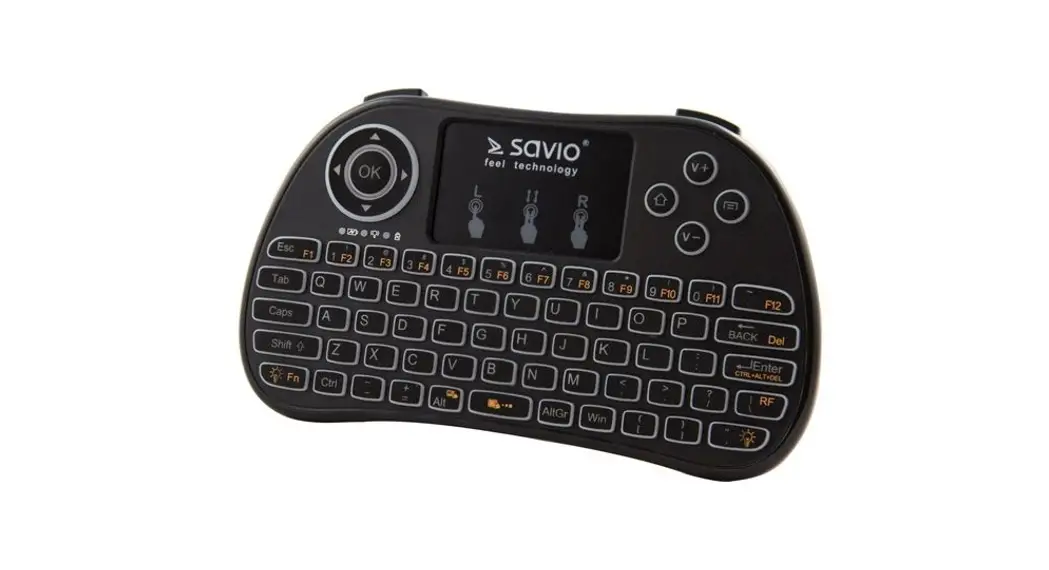
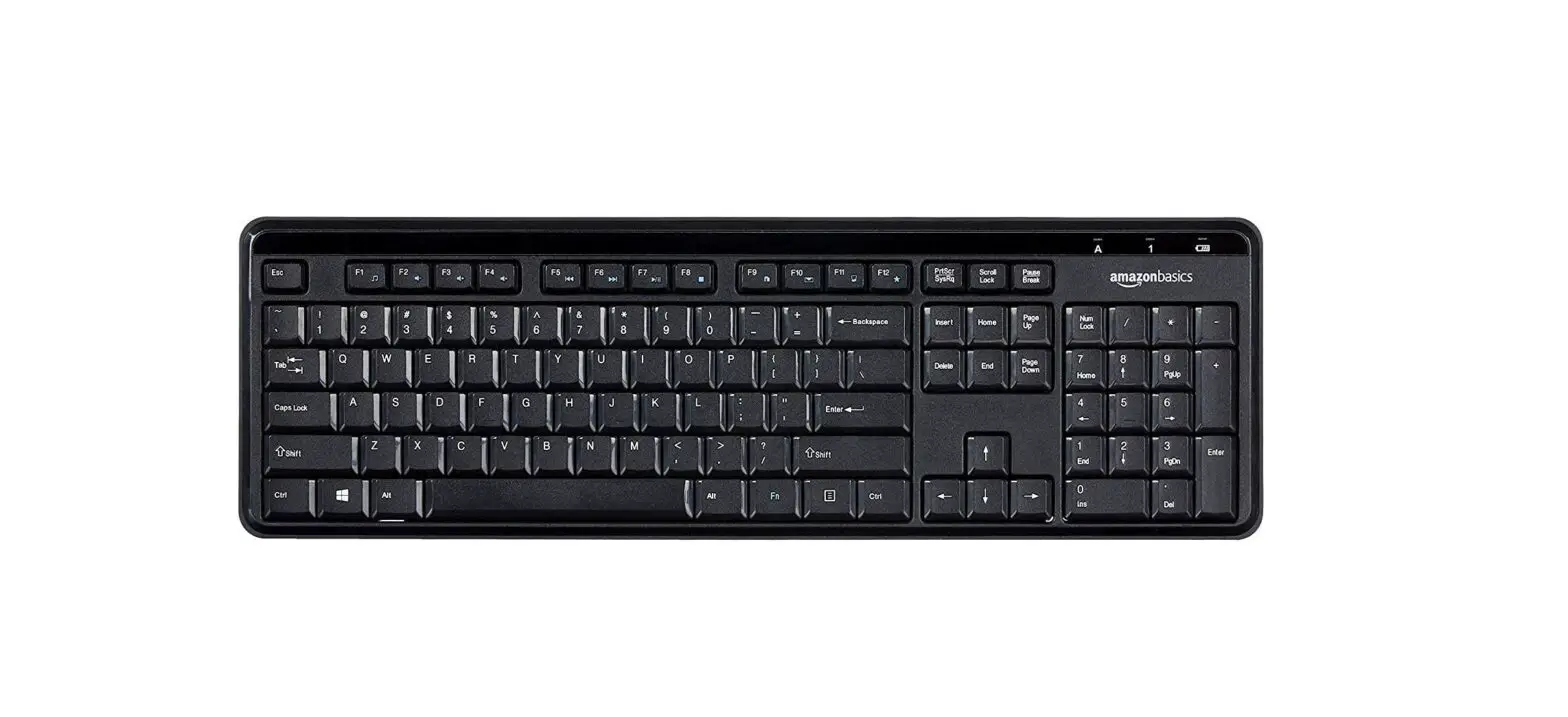
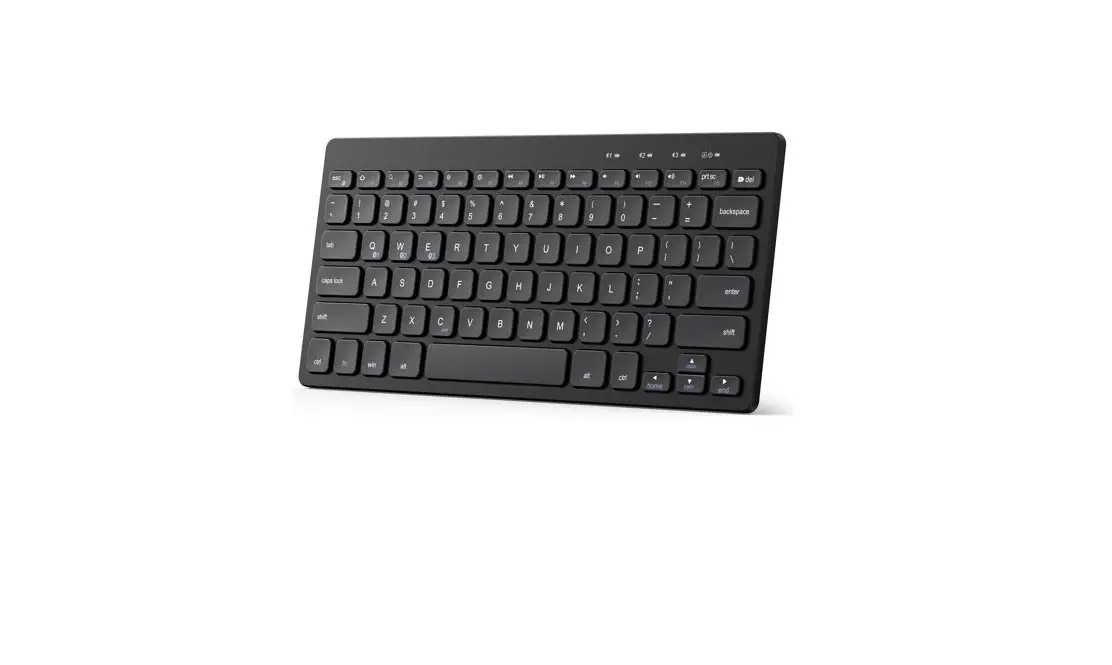
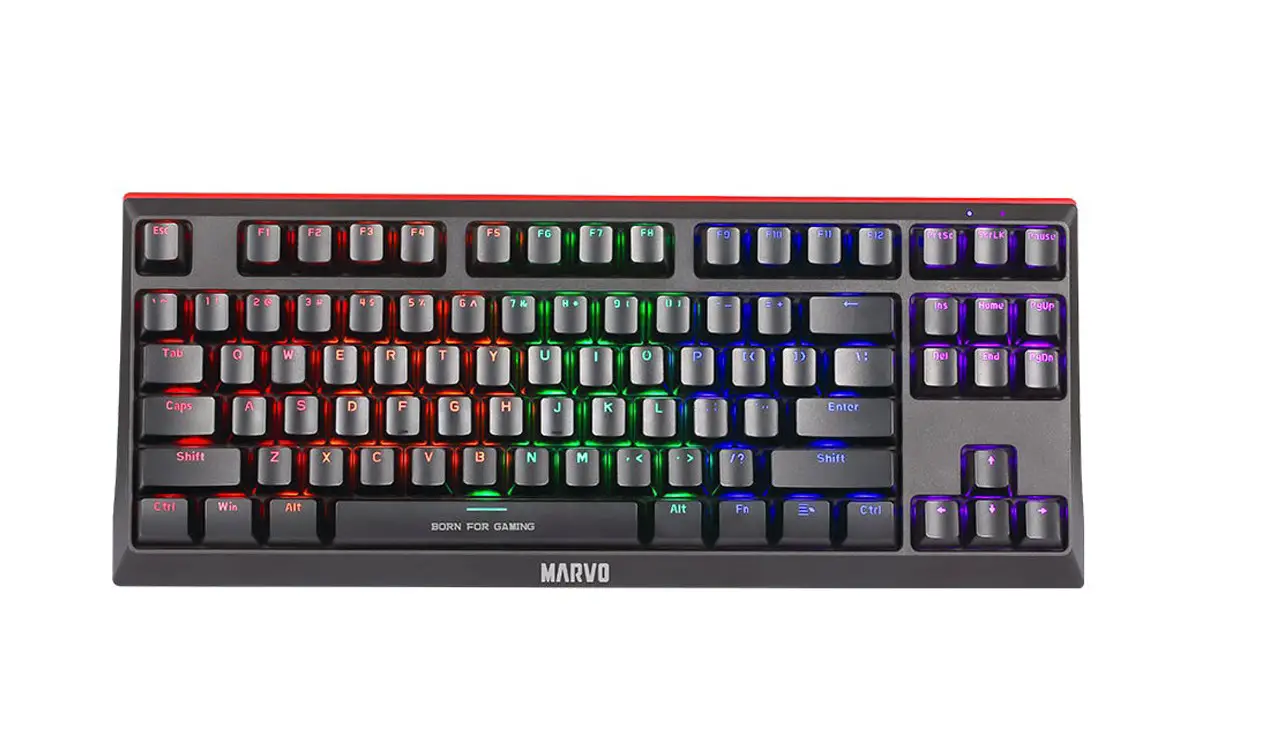
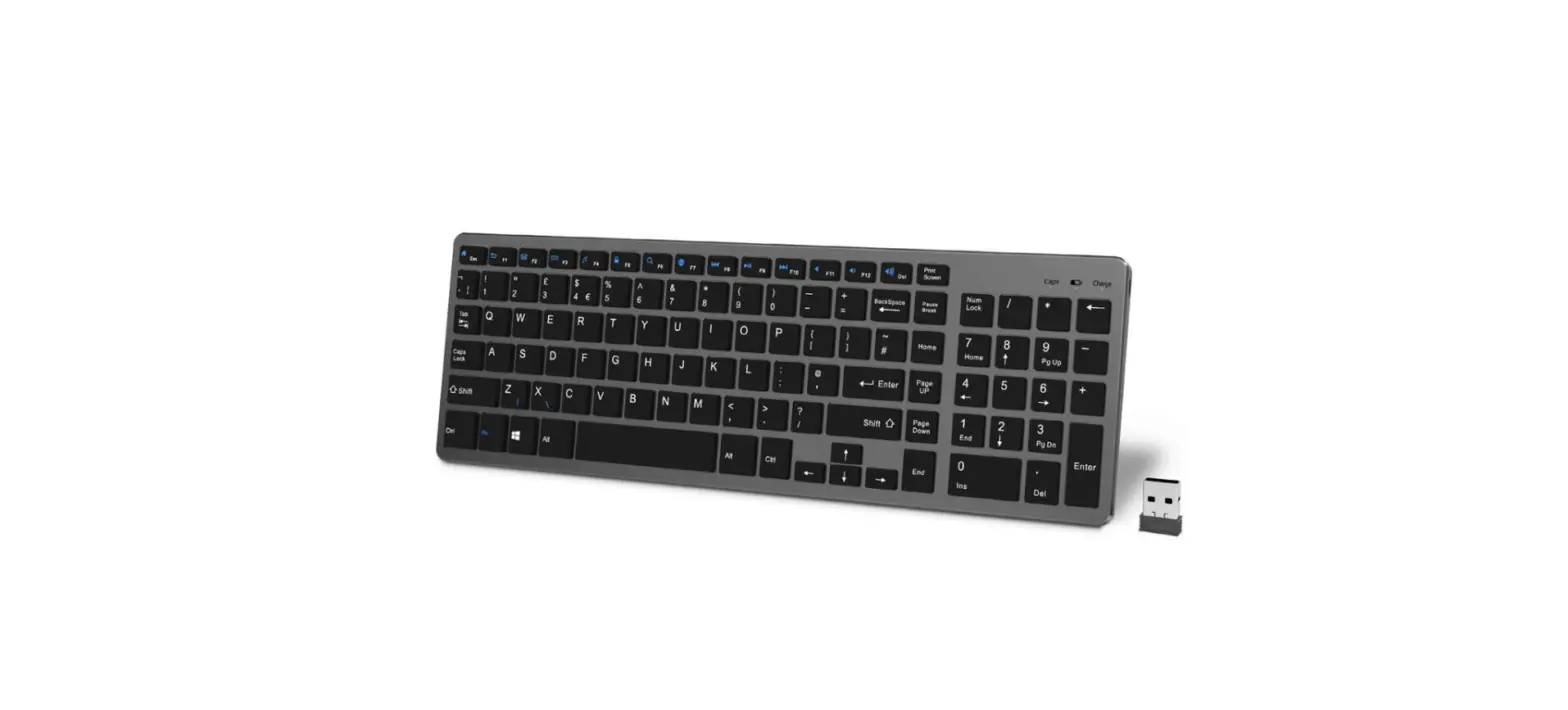
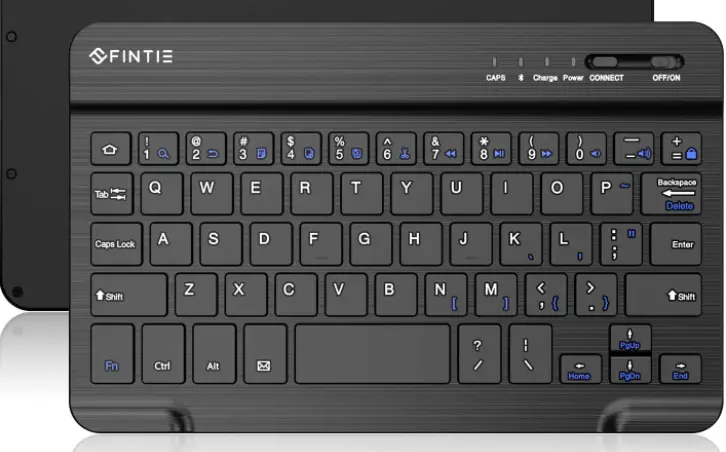
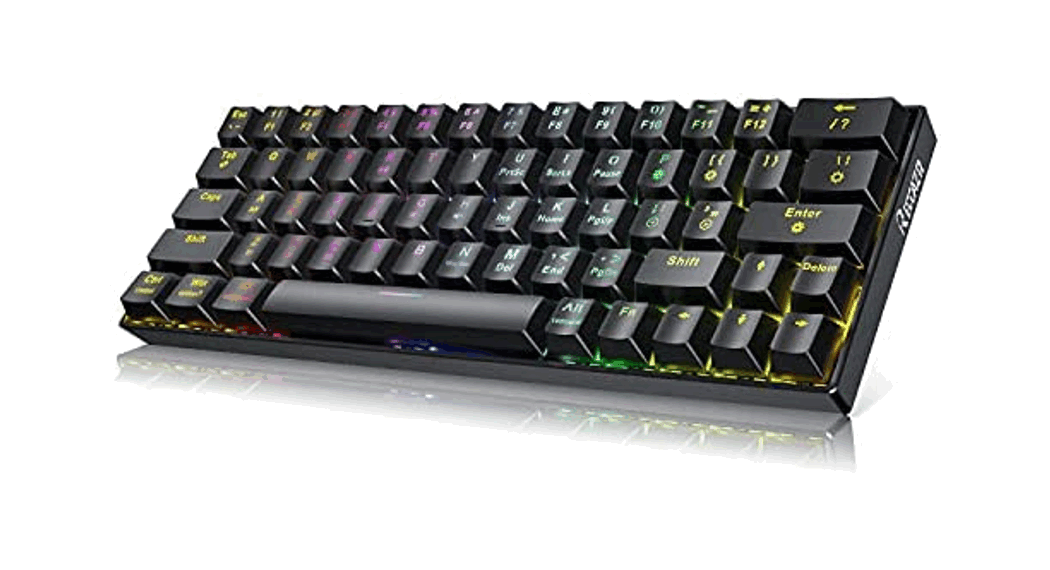
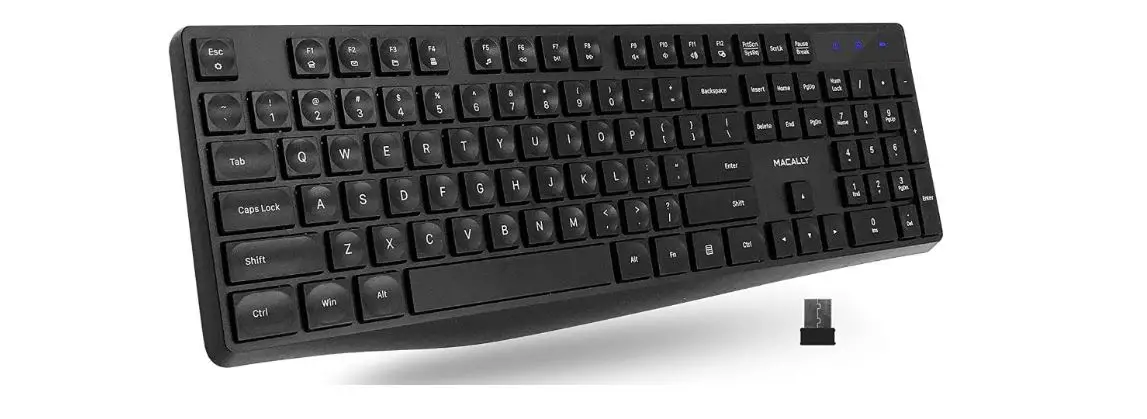
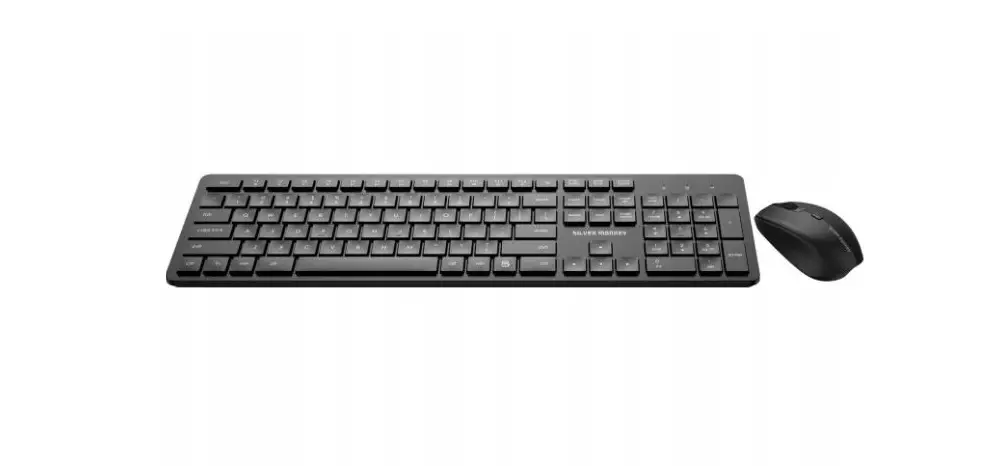
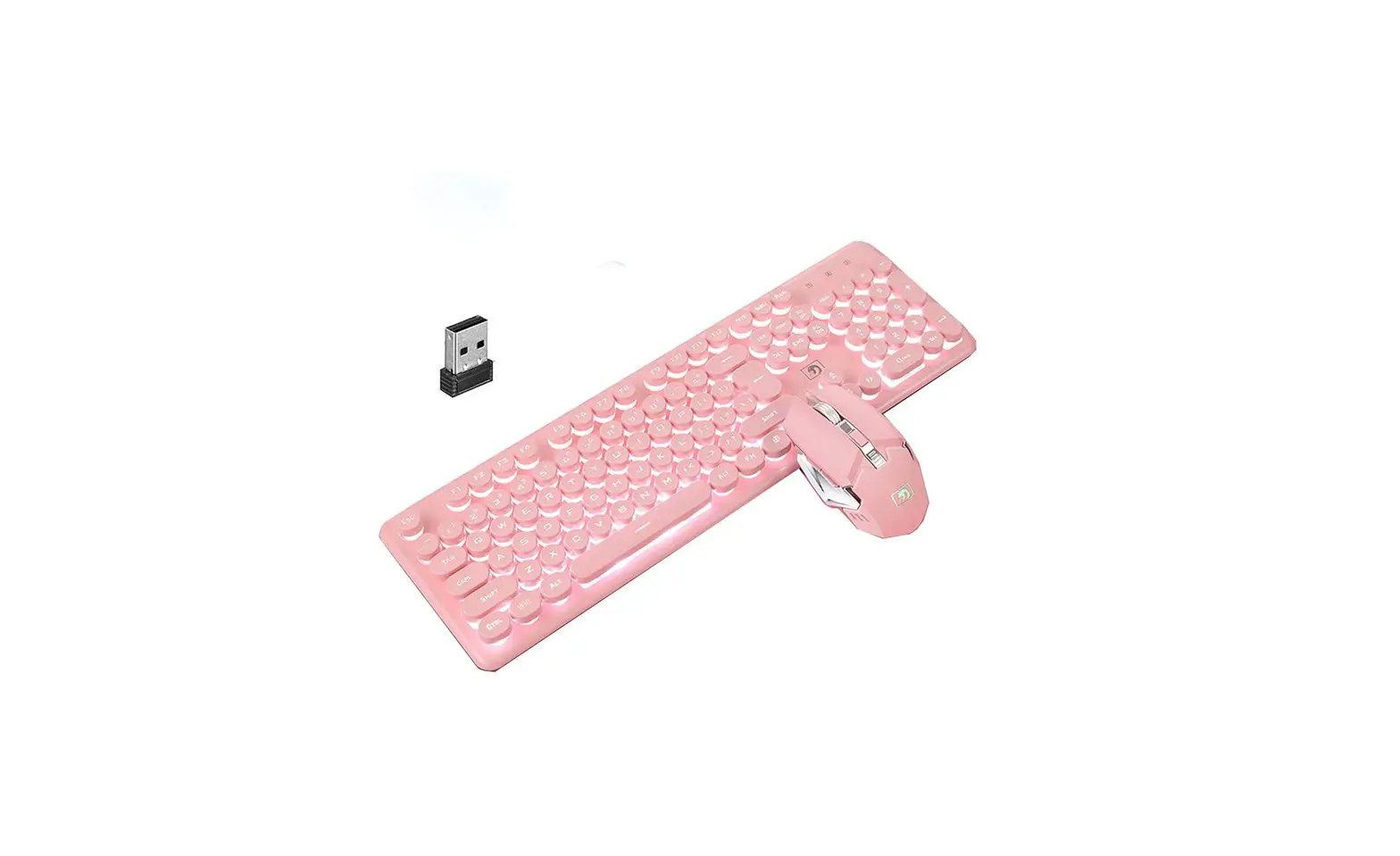
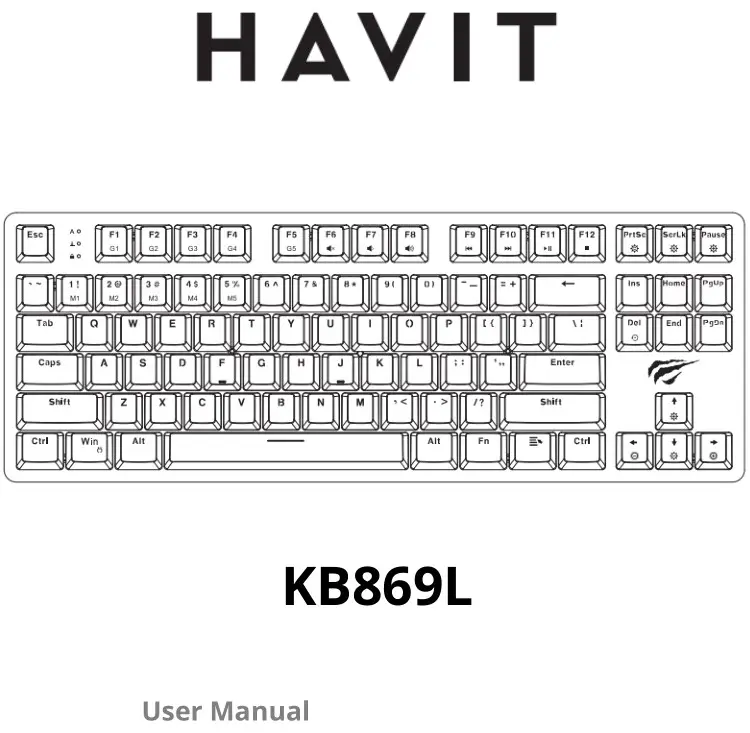
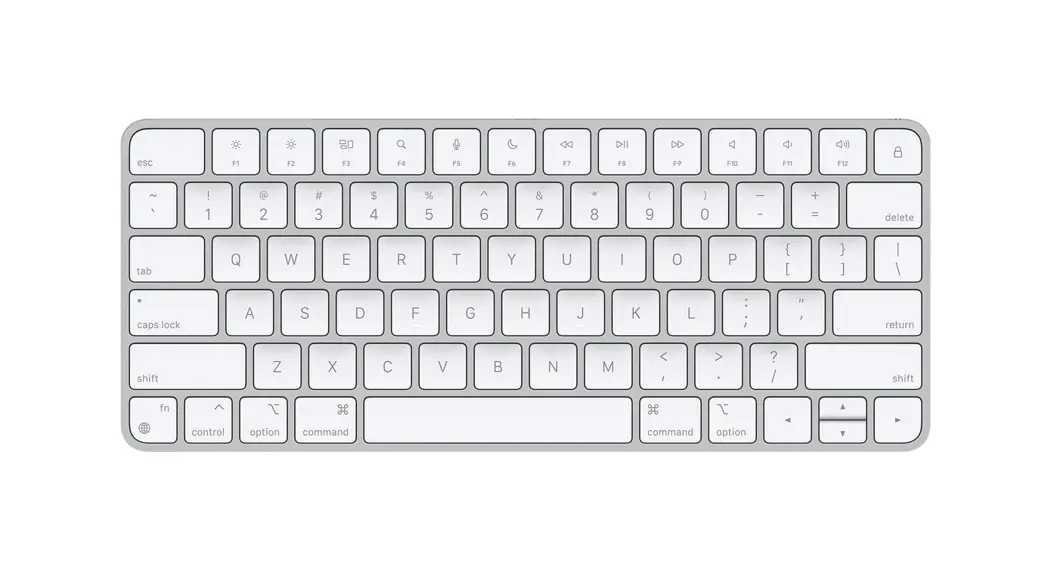
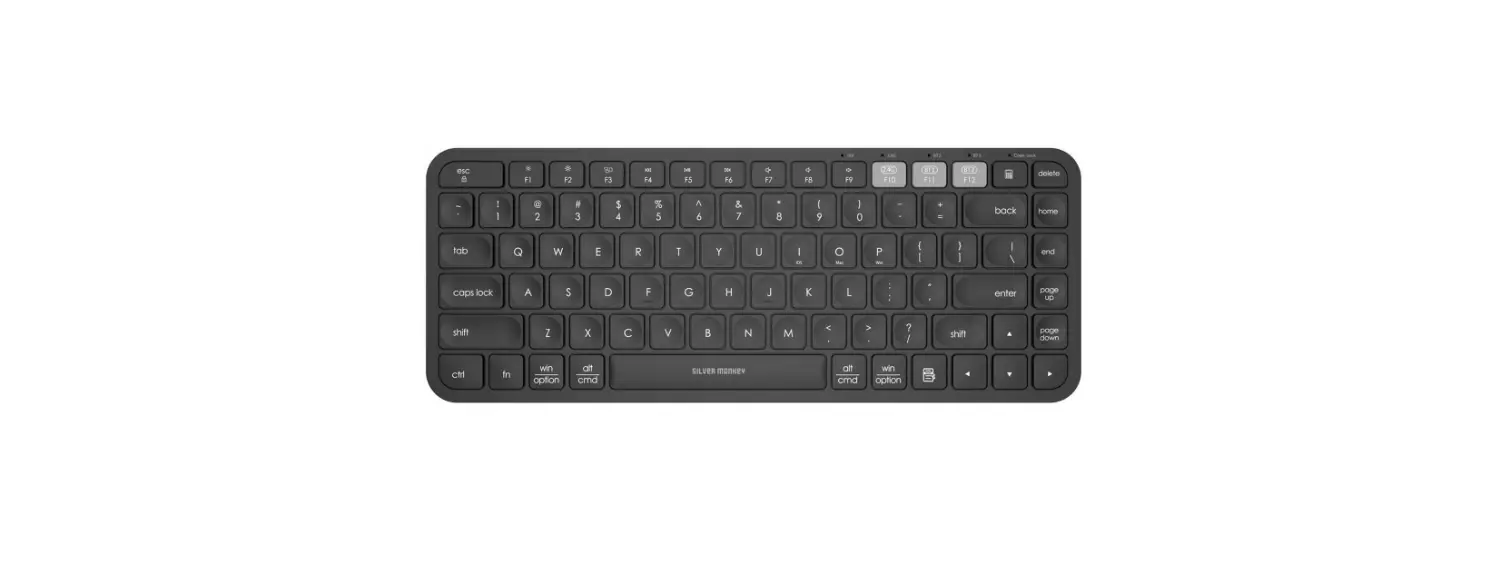
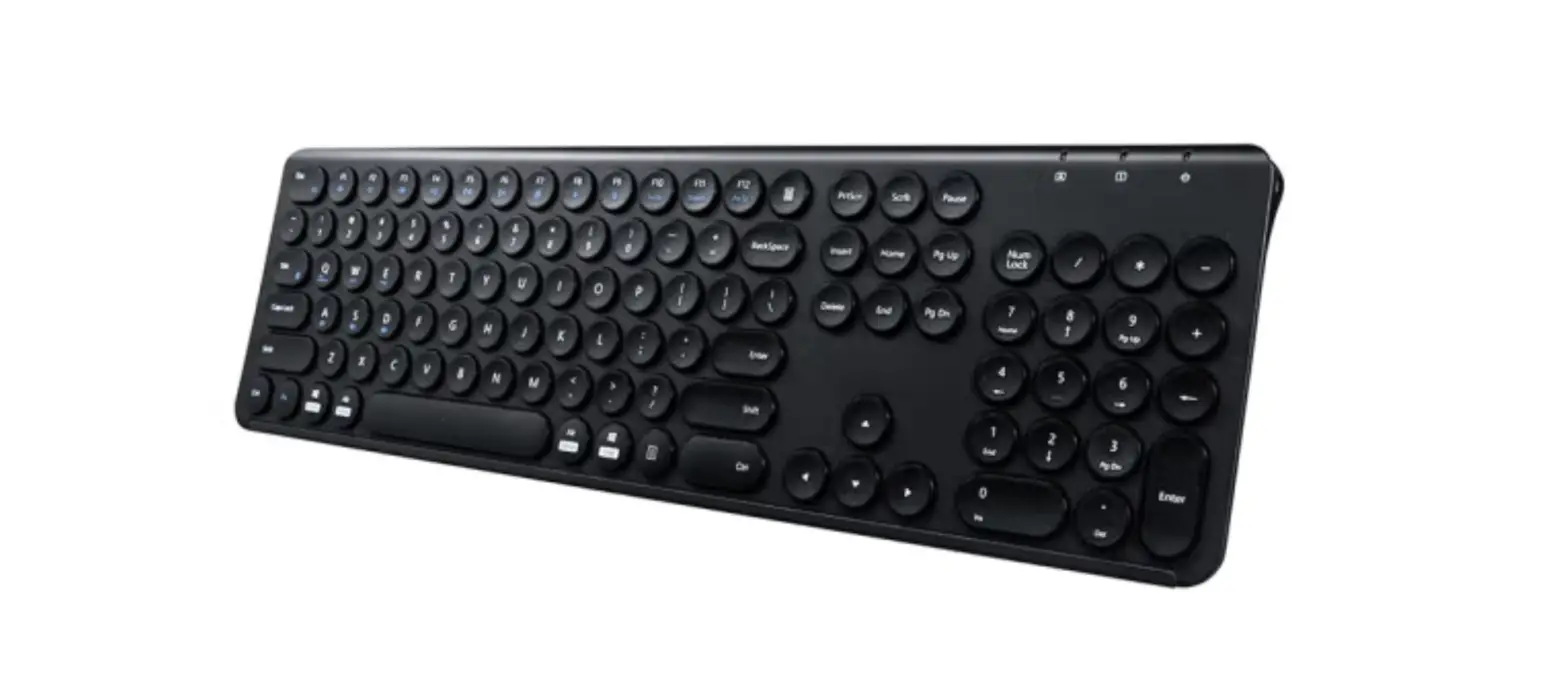
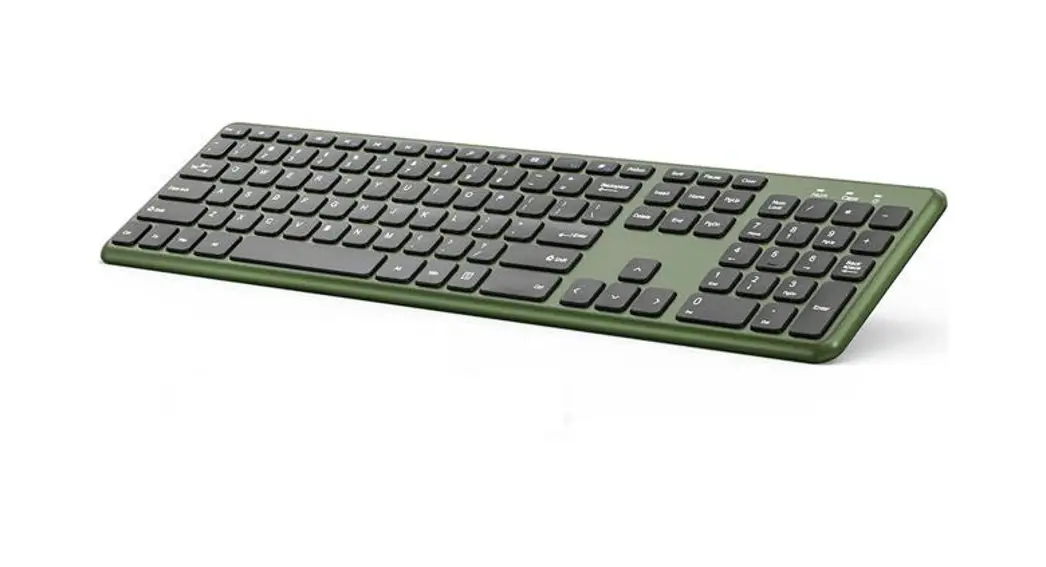
SI-2583 Wireless Keyboard
Product Information:
- Product Name: Wireless Keyboard
- Model Number: SI-2583
- Color: Pantone 699C
- Keyboard Type: Wireless
- Multimedia Key: Yes
- Rating: DC 1.5V 3mA
Product Usage Instructions:
- Ensure that the battery slot is accessible and open.
- Insert the required batteries into the battery slot, ensuring
correct polarity. - Close the battery slot securely.
- Locate the on/off switch on the keyboard.
- Switch on the keyboard using the on/off switch.
- Ensure that the receiving device (e.g., computer) is turned on
and in range for wireless connectivity. - Pair the keyboard with the receiving device according to the
instructions provided by the device manufacturer. - Once paired, you can start using the wireless keyboard for
typing and other functions. - If you experience any interference with radio or television
reception, try the following measures:- Reorient or relocate the receiving antenna.
- Increase the separation between the keyboard and the
receiver. - Connect the keyboard to an outlet on a different circuit from
the receiver. - If the interference persists, consult a dealer or an
experienced radio/TV technician for assistance.
128G PANTONE 699C
Product Description
Wireless Keyboard
SI-2583
Wireless Keyboard
4
4. Multimedia key Rating DC 1.5V3mA
FCC STATEMENT :
This device complies with Part 15 of the FCC Rules. Operation is subject to the following two conditions: (1) This device may not cause harmful interference, and (2) This device must accept any interference received, including interference that may cause undesired operation. Warning: Changes or modifications not expressly approved by the party responsible for compliance could void the user’s authority to operate the equipment.
NOTE:
This equipment has been tested and found to comply with the limits
for a Class B digital device, pursuant to Part 15 of the FCC Rules. These limits are designed to provide reasonable protection against
harmful interference in a residential installation. This equipment
generates uses and can radiate radio frequency energy and, if not installed and used in accordance with the instructions, may cause harmful interference to radio communications. However, there is no
guarantee that interference will not occur in a particular installation.
If this equipment does cause harmful interference to radio or
television reception, which can be determined by turning the
equipment off and on, the user is encouraged to try to correct the
interference by one or more of the
following measures:
Reorient or relocate the receiving antenna. Increase the separation between the equipment and receiver. Connect the equipment into an outlet on a circuit different from that to which the receiver is connected. Consult the dealer or an experienced radio/TV technician for help.
RF warning statement: The device has been evaluated to meet general RF exposure requirement. The device can be used in portable exposure condition without restriction.
Battery slot On & off switch