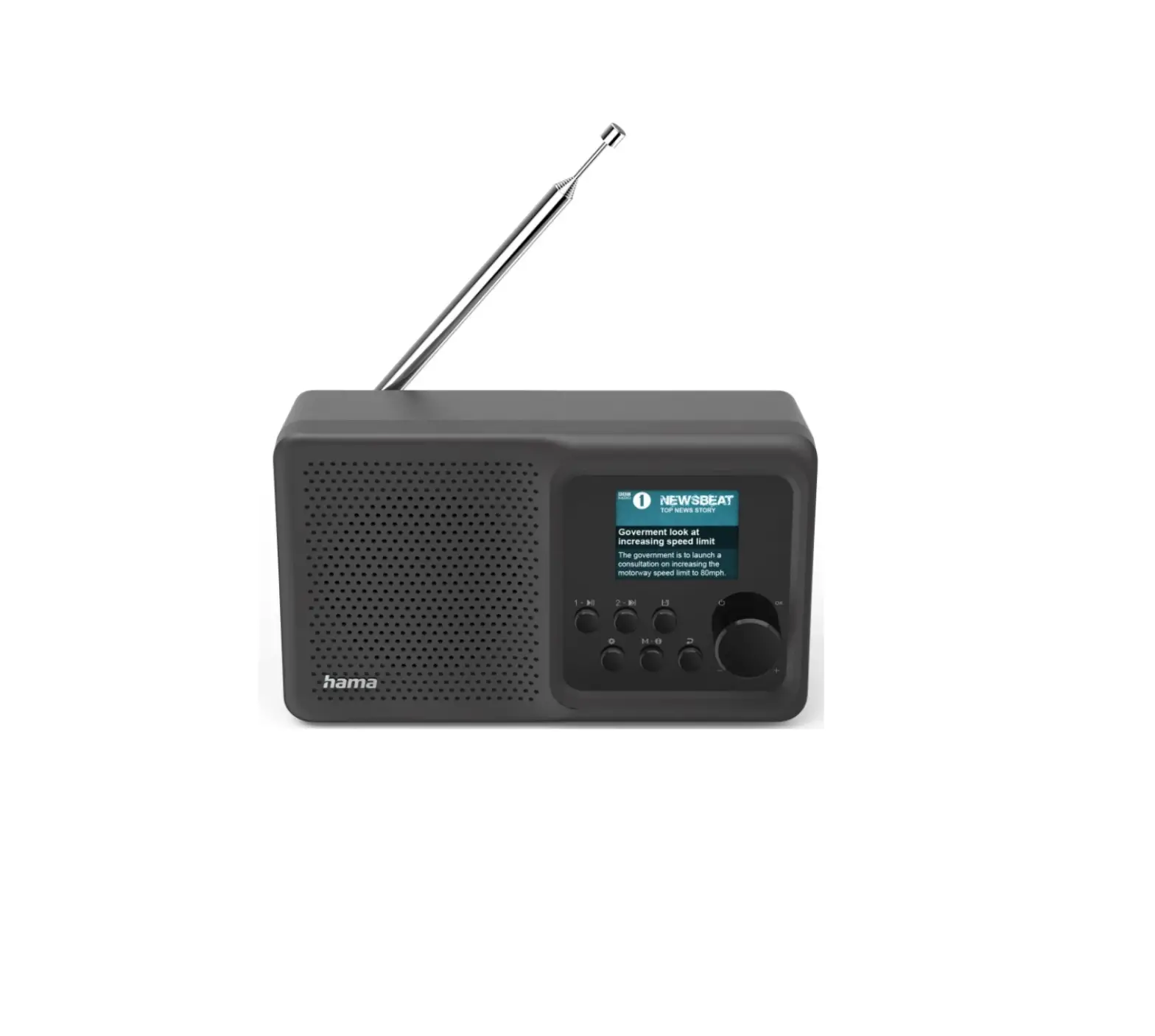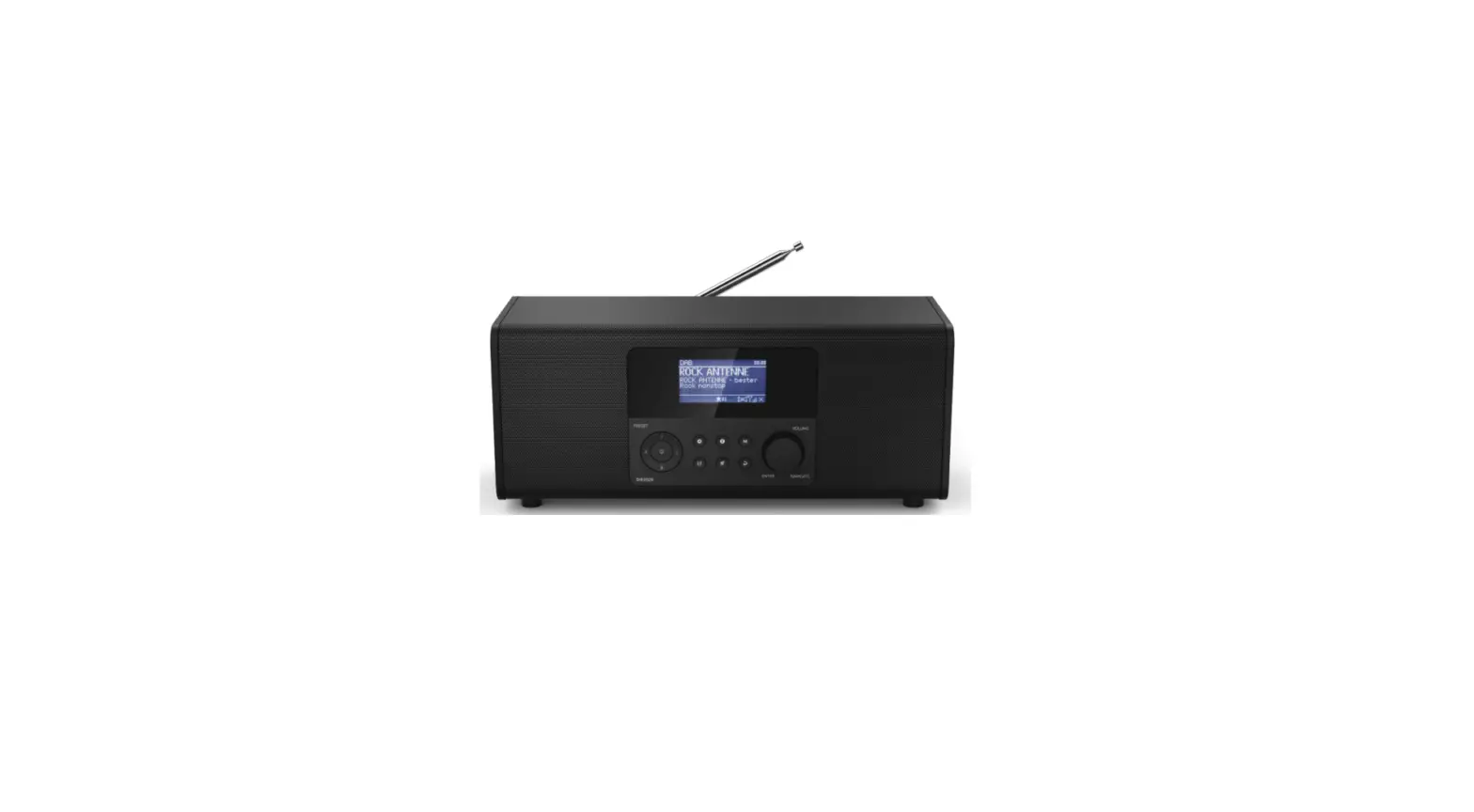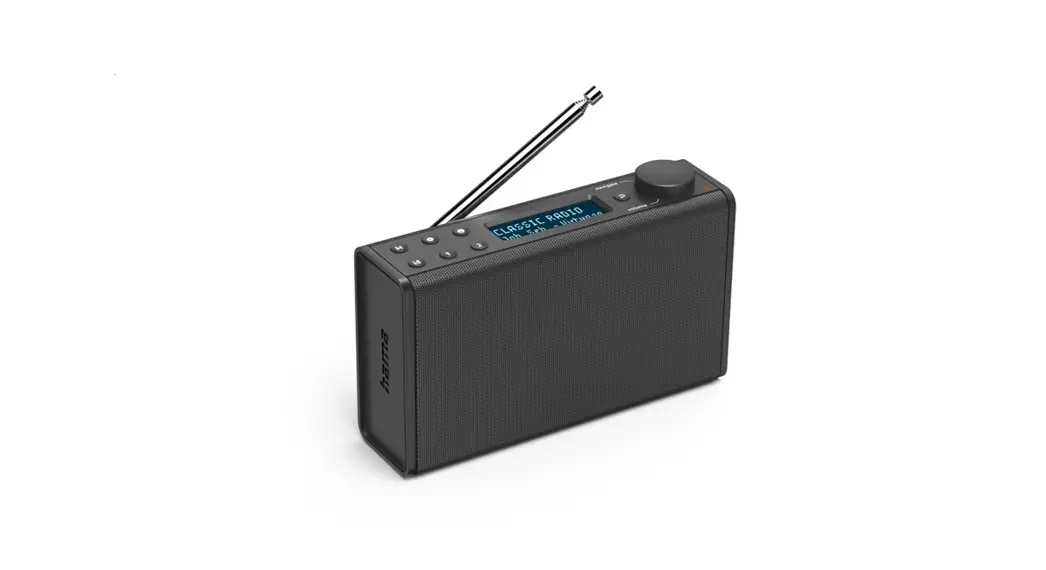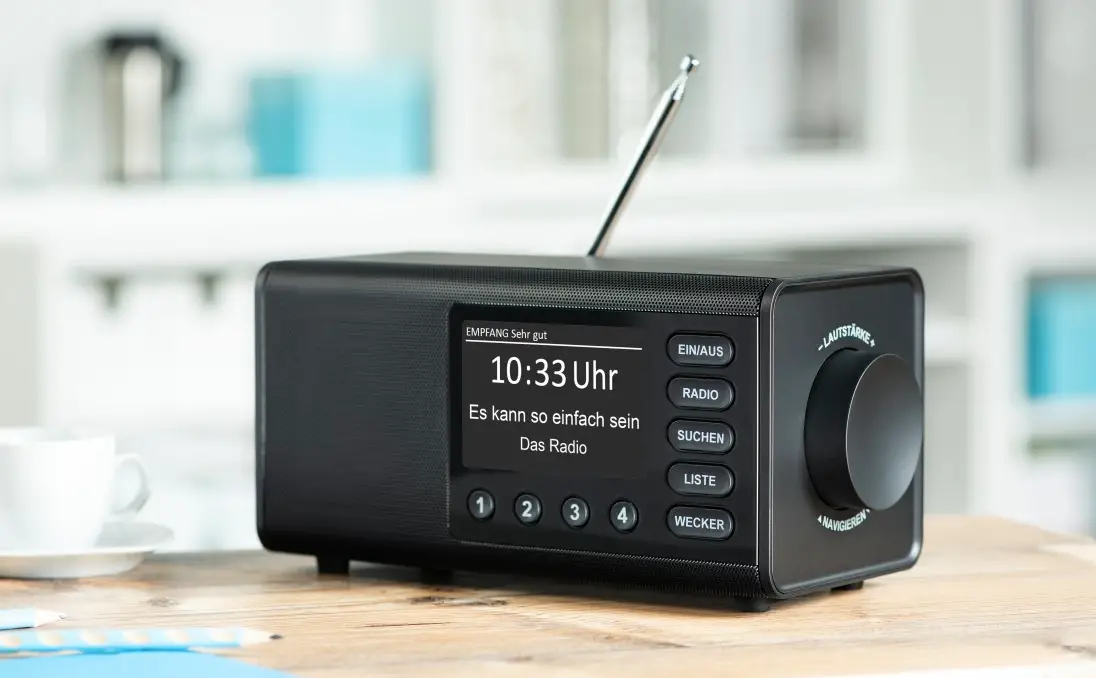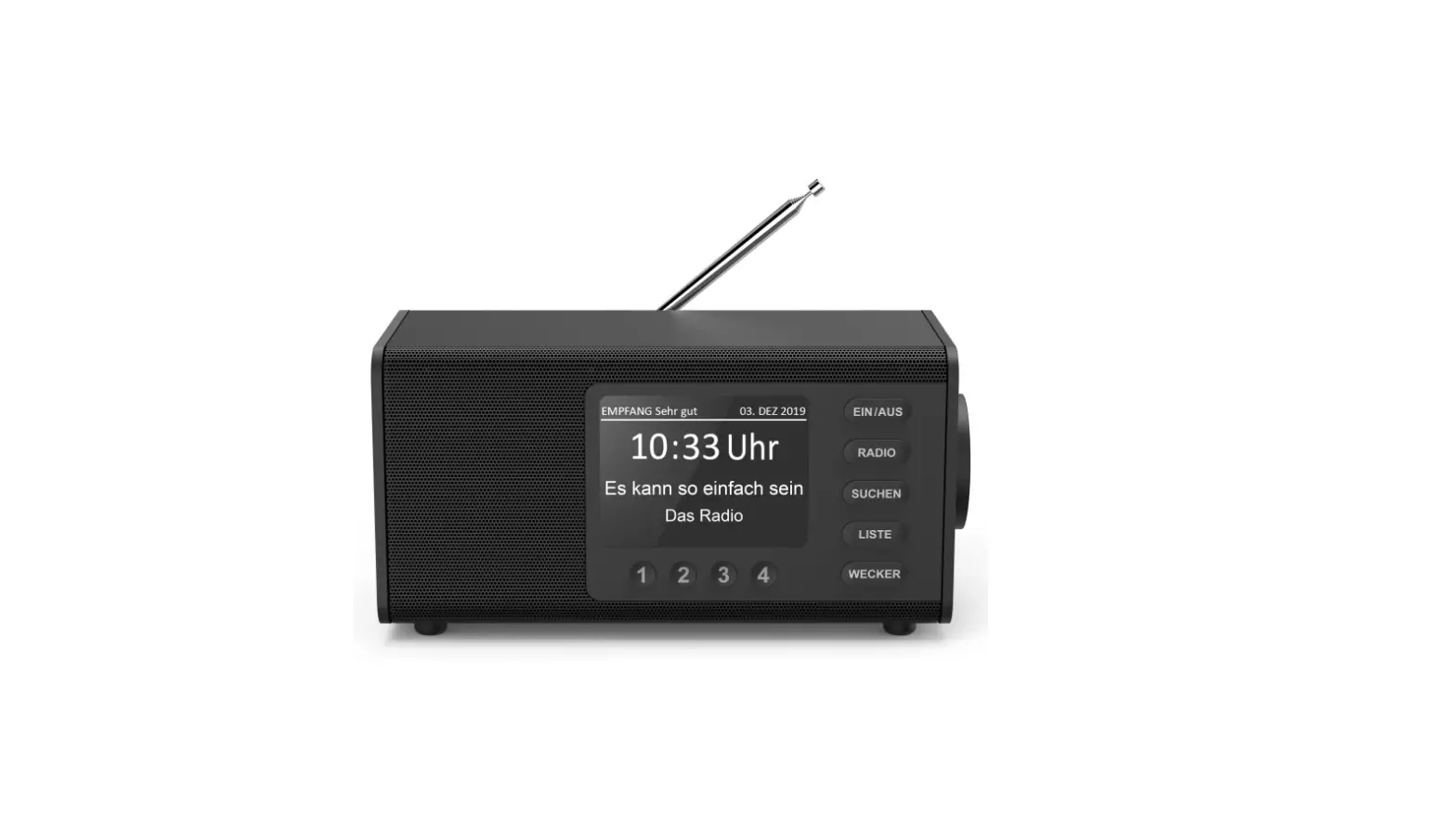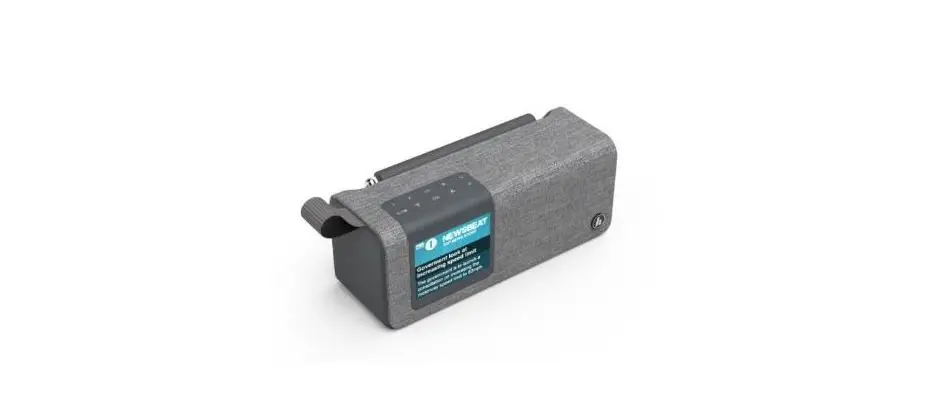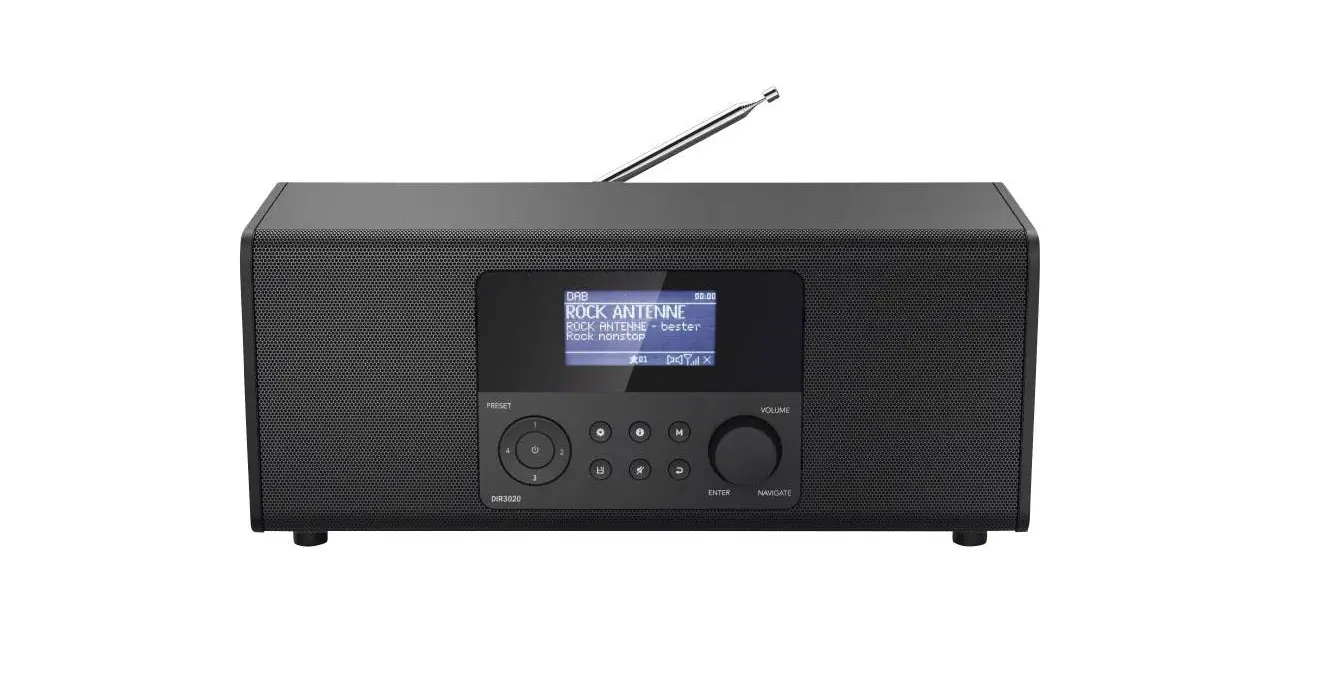
hama DR1550CBT Digital Radio Instruction Manual

Radio
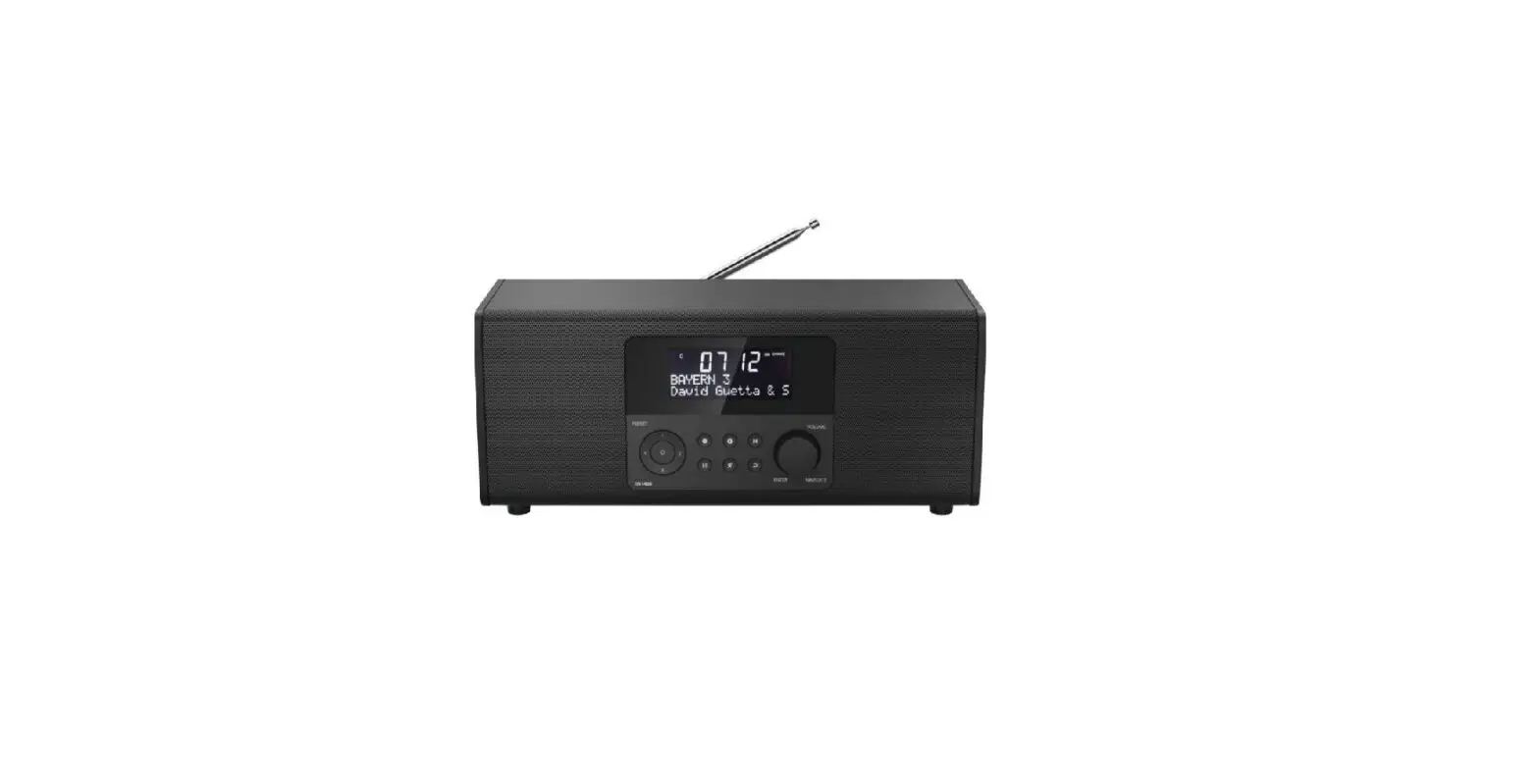
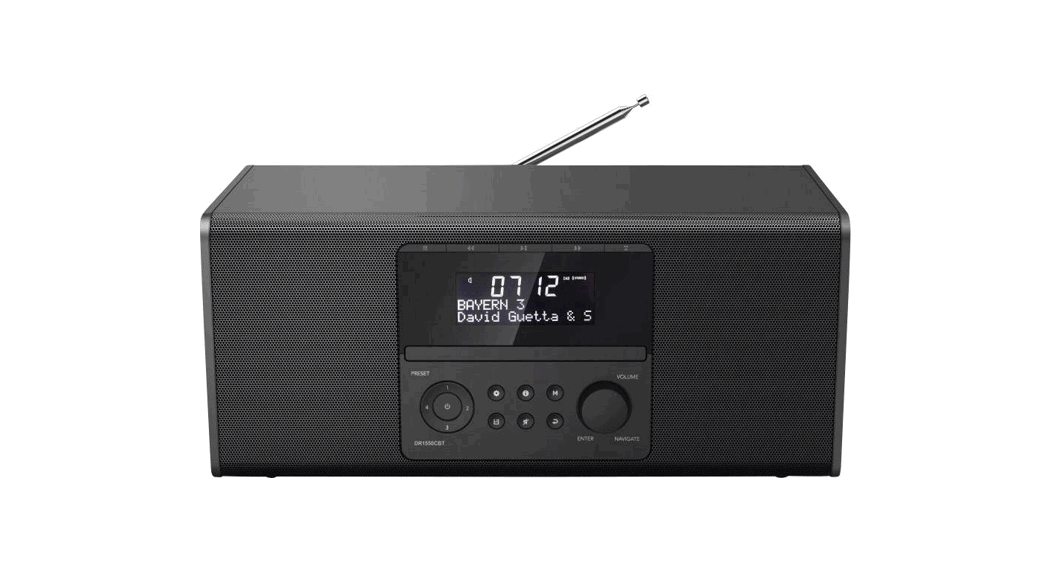
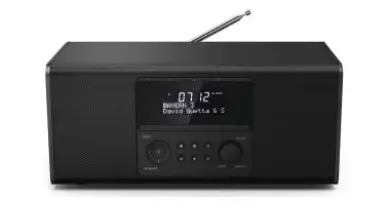
Front
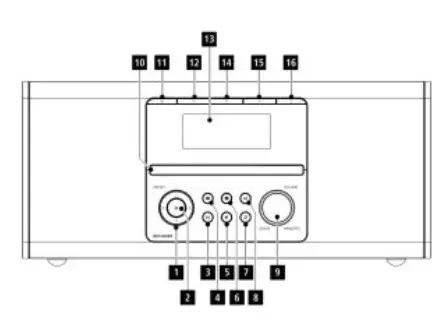
- Presets 1-4
- [POWER] button
- [MEMORY] button
- [MENU/SETTINGS] button
- MUTE] button
- [INFO] button
- [BACK] button
- [MODE] button
- [NAVIGATE/ENTER/VOLUME] button
- CD tray
- Stop
- Back/Rewind
- Display
- Play/Pause
- Forward/Fast forward
- Ejector/loader
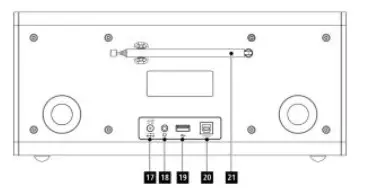
Rear
- Mains lead
- Headphone socket
- USB interface
- Update port
- Telescopic antenna
 Important note – Quick Guide:
- This is a quick guide to provide you with the most important basic information, such as safety warnings and how to get started using the product.
- For the sake of protecting the environment and saving valuable resources, Hama dispenses with a printed instruction manual and provides this only in the form of a PDF file available for download.
- The complete instruction manual is available at: www.hama.com -> 00054874 -> Downloads
- Save the instruction manual to your computer’s hard drive for future reference, or print it out if necessary
Explanation of Warning Symbols and Notes
 Warning
This symbol is used to indicate safety instructions or to draw your attention to specific hazards and risks.
Note
This symbol is used to indicate additional information or important notes.
 Risk of electric shock
This symbol indicates product parts energized with a dangerous voltage of sufficient magnitude to constitute a risk of electric shock.
Package Contents
- Digital radio “DR1550CBT”
- AC/DC adapter
- Quick guide
Safety Notes
- The product is intended for private, non-commercial use only.
- Protect the product from dirt, moisture and overheating and use it in dry rooms only.
- As with all electrical devices, this device should be kept out of the reach of children.
- Do not drop the product and do not expose it to any major shocks.
- Do not operate the product outside the power limits given in the specifications.
- Keep the packaging material out of the reach of children due to the risk of suffocation.
- Dispose of packaging material immediately according to locally applicable regulations.
- Do not modify the device in any way. Doing so voids the warranty
Risk of electric shock
- Do not open the device or continue to operate it if it becomes damaged.
- Do not use the product if the AC adapter, adapter cable or power cable is damaged.
- Do not attempt to service or repair the device yourself. Leave any service work to qualified experts.
Before starting
Notes on use
- When a selection among menu items is to be made (such as Y or N), the one currently selected flashes.
- In menus offering a variety of different options (such as DRC, language and so on), the currently selected option is marked with.
Navigation and controls
[VOLUME/ENTER/NAVIGATE] (9) has two different functions:
- Turn [VOLUME/ENTER/NAVIGATE] (9) to select among menu items.
- Confirm the selection by pressing [VOLUME/ENTER/ NAVIGATE] (9).
Press [BACK] (7) to return to the previous menu level.
Volume adjustment
Turn [VOLUME/ENTER/NAVIGATE] (9) to increase/reduce the volume.
Getting started
Note – Optimal reception
- Pull the antenna out completely.
- We recommend you adjust the antenna vertically to ensure optimal reception.
Switching the device on
Connect the power cable to a properly installed power socket.
Warning
- Only connect the product to a socket that has been approved for the device. The electrical socket must always be easily accessible.
- Disconnect the product from the power supply using the on/off switch – if this is not available, unplug the power cord from the socket.
Wait until the radio initialisation procedure has finished.
The station search in the operating mode DAB starts
up automatically when the radio is turned on for the first
time.
By default, the radio starts with the English menu navigation. Set up your desired language as described in Language.
Language
The first time the system starts the radio uses English. To change this, proceed as follows:
Press [MENU] > Settings > Language>Select language
Confirm your selection by pressing the [VOLUME/ENTER/ NAVIGATE] button.
Note
You can choose from the following languages:
English, German, Dutch, French, Italian
Care and Maintenance
- Only clean this product with a slightly damp, lint-free cloth and do not use aggressive cleaning agents.
- If you do not use the product for a long time, turn off the device and disconnect it from the power supply. Store it in a clean, dry place out of direct sunlight.
Warranty Disclaimer
Hama GmbH & Co KG assumes no liability and provides no warranty for damage resulting from improper installation/ mounting, improper use of the product or from failure to observe the operating instructions and/or safety notes.
Service and Support
Please contact Hama Product Consulting if you have any questions about this product.
Hotline: +49 9091 502-115 (German/English)
Further support information can be found here:
www.hama.com
The complete instruction manual is available at:
www.hama.com -> 00054874 -> Downloads
Recycling Information
Note on environmental protection: After the implementation of the European Directive 2012/19/EU and 2006/66/EU in the national legal system, the following applies: Electric and electronic devices as well as batteries must not be disposed of with household waste. Consumers are obliged by law to return electrical and electronic devices as well as batteries at the end of their service lives to the public collecting points set up for this purpose or point of sale. Details to this are defined by the national law of the respective country. This symbol on the product, the instruction manual or the package indicates that a product is subject to these regulations. By recycling, reusing the materials or other forms of utilising old devices/Batteries, you are making an important contribution to protecting our environment.
Declaration of Conformity
Hereby, Hama GmbH & Co KG declares that the radio equipment type [00054874] is in compliance with Directive 2014/53/EU. The full text of the EU declaration of conformity is available at the following internet address:
www.hama.com->00054874 ->Downloads.
| Frequency band(s) | Bluetooth: 2.402 – 2.480GHz |
| Maximum radio-frequency power transmitted | 4dBm (EIRP) |
Technical Data
| Technical Data | |
| Display | 3.0″ (7.62 cm) Liquid Crystal Display (LCD) |
| Speaker | 2x3W (RMS) |
| Power Supply | DC 12.0V / 1.0A |
| Supported Languages | English, German, Dutch, French, Italian |
| Packaging Content | Digitalradio, Power Supply, Quick Start Manual |
| Connectivity | |
| Bluetooth | Receiver (RX): Bluetooth V2.1 + EDR |
| USB (FAT32 File System) | Playback: MP3, WMA, WAV |
| Audio Connectors | |
| Outputs | Headphone 3.5mm |
| Sources | Presets | |
| DAB/DAB+(174.928 – 239.2 MHz) | 30 | |
| FM(87.5 – 108 MHz) | 30 |
Further information and features are available on/
www.hama.com -> 00054874
Specifications in accordance with Regulation (EU) 2019/1782
| Manufacturer’s name or trade mark, commercial registration number and address | Hama, HRA12159, Dresdner Str. 9, 86653 Monheim |
| Model identifier | SW1201000-W02 |
| Input voltage | 100 – 240 V |
| Input AC frequency | 50 / 60 Hz |
| Output voltage / Output current / Output power | 12.0 V DC/ 1.0 A/ 12.0 W |
| Average active efficiency | 83.9 % |
| Efficiency at low load (10 %) | 80.2 % |
| No-load power consumption | 0.09 W |
| Manufacturer’s name or trade mark, commercial registration number and address | Hama, HRA12159, Dresdner Str. 9, 86653 Monheim |
| Model identifier | BQ12E-1201000-G |
| Input voltage | 100 – 240 V |
| Input AC frequency | 50 / 60 Hz |
| Output voltage / Output current / Output power | 12.0 V DC/ 1.0 A/ 12.0 W |
| Average active efficiency | 83.0 % |
| Efficiency at low load (10 %) | 76.3 % |
| No-load power consumption | 0.07 W |
Hama GmbH & Co KG
86652 Monheim/Germany
www.hama.com
The Spotify software is subject to third party licenses found here:
www.spotify.com/connect/third-party-licenses
The Bluetooth® word mark and logos are registered trademarks owned by Bluetooth SIG, Inc. and any use of such marks by Hama GmbH & Co KG is under license. Other trademarks and trade names are those of their respective owners.
All listed brands are trademarks of the corresponding companies. Errors and omissions excepted, and subject to technical changes. Our general terms of delivery and payment are applied.
 hama.com
 Third Party Licenses | Spotify for Developers