Contents hide

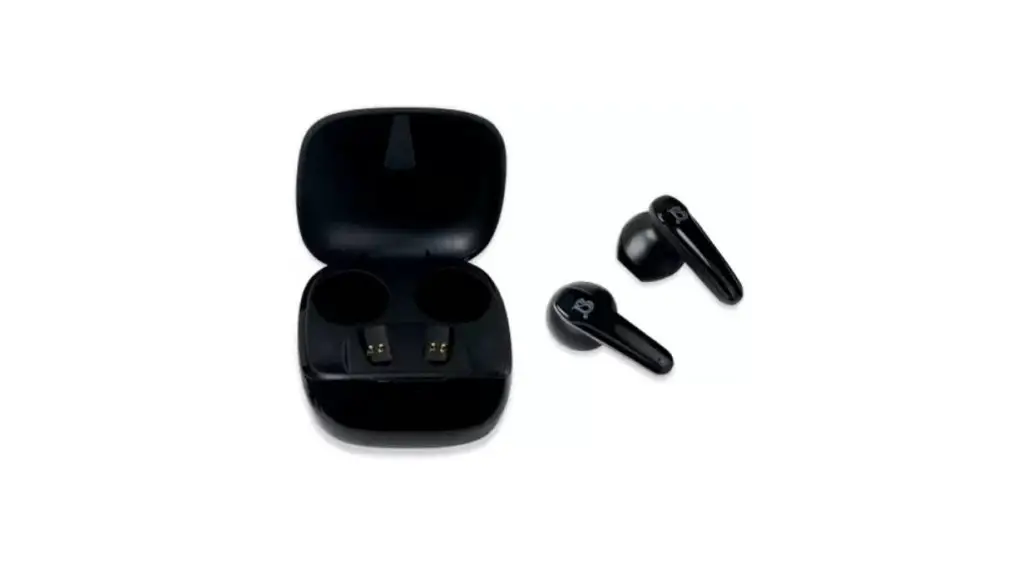
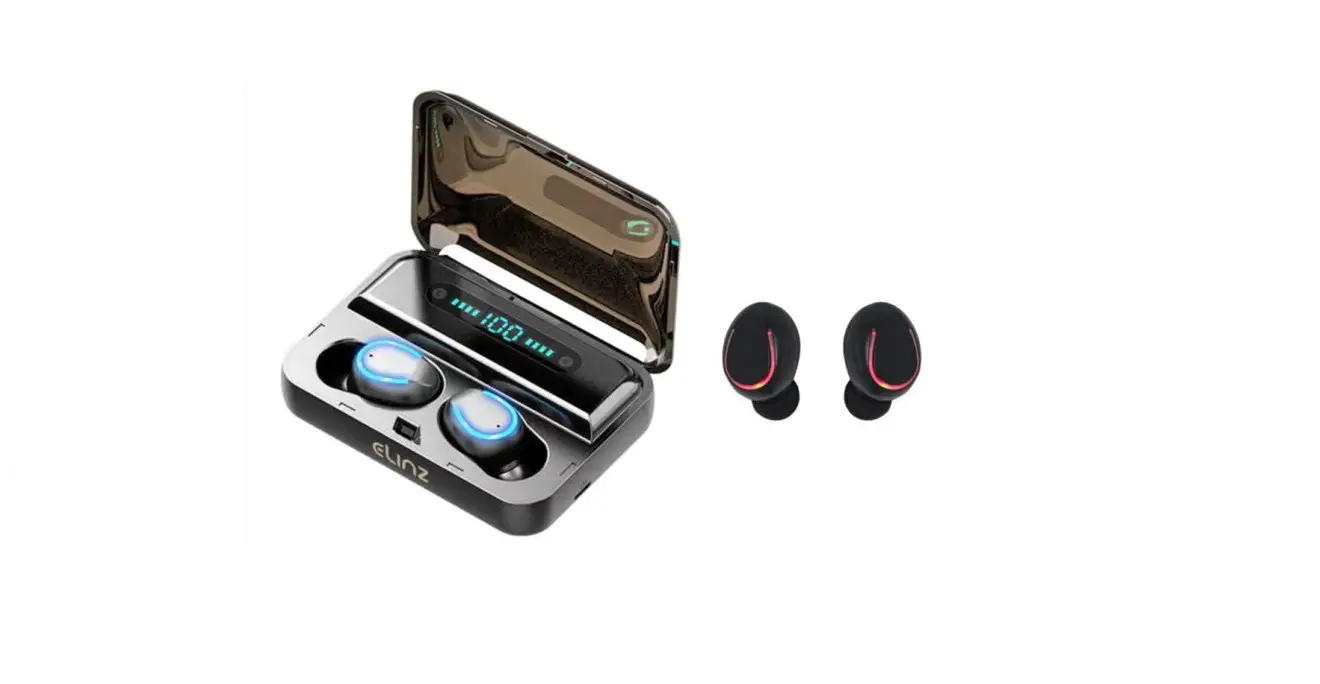
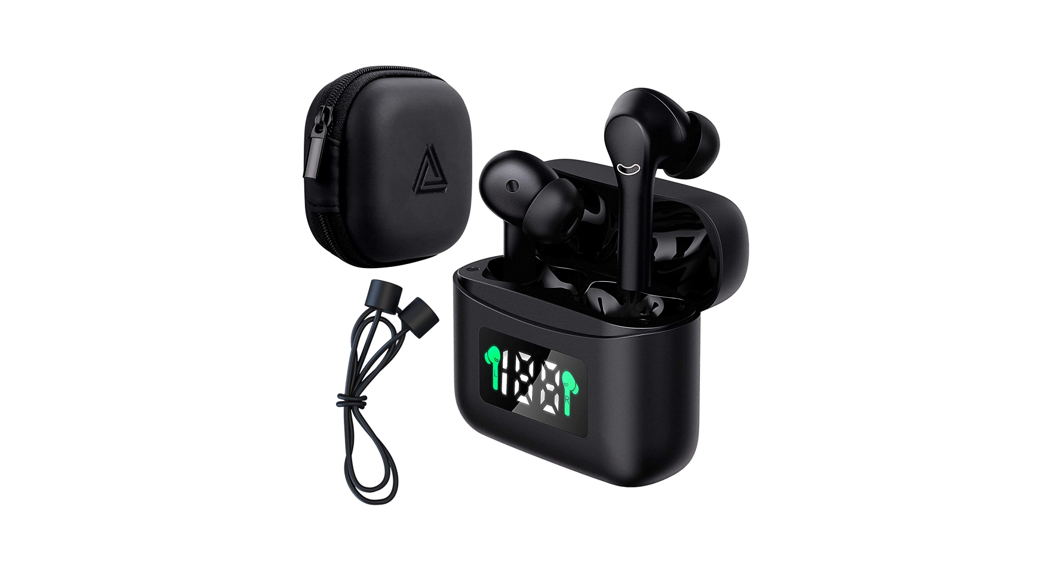
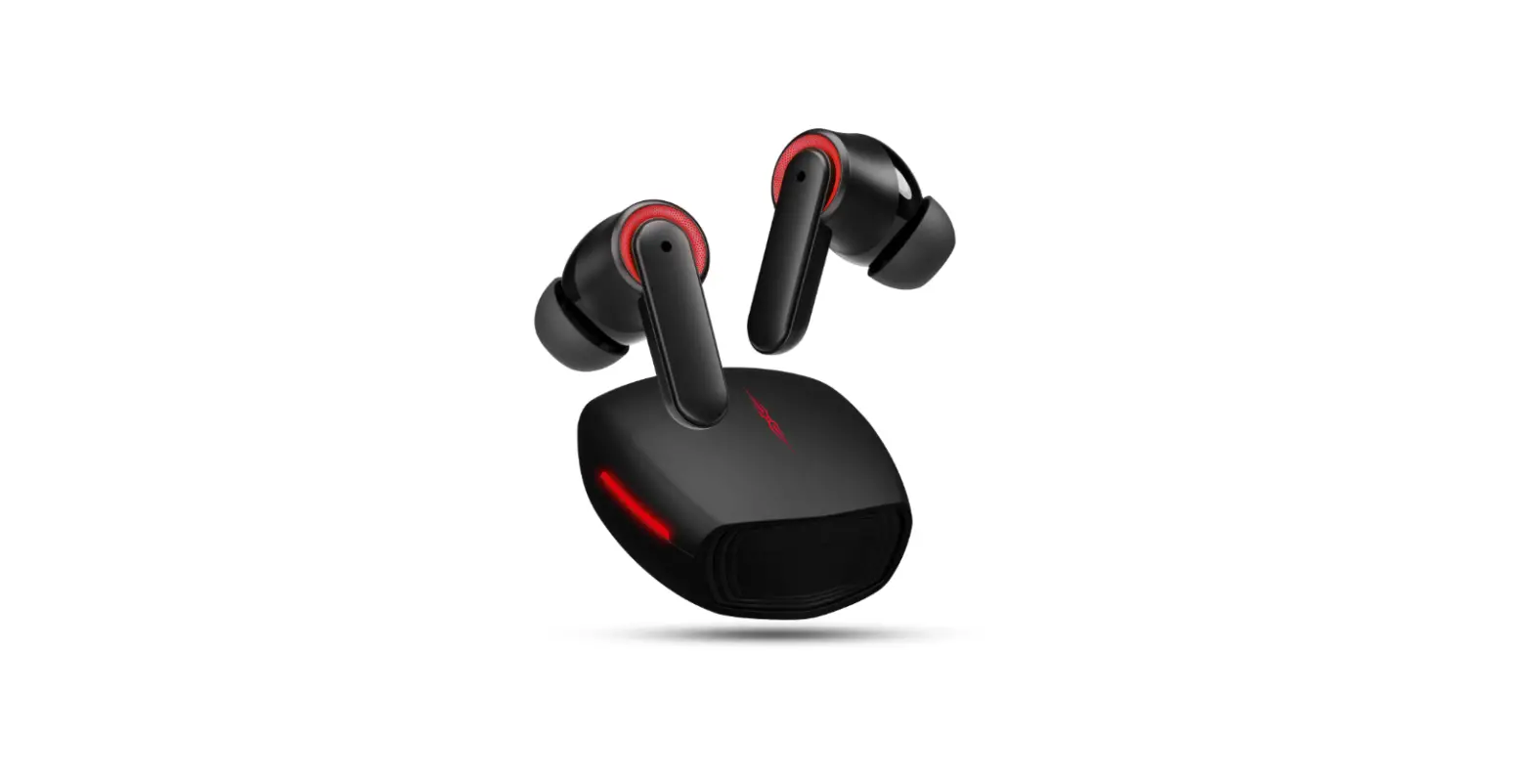
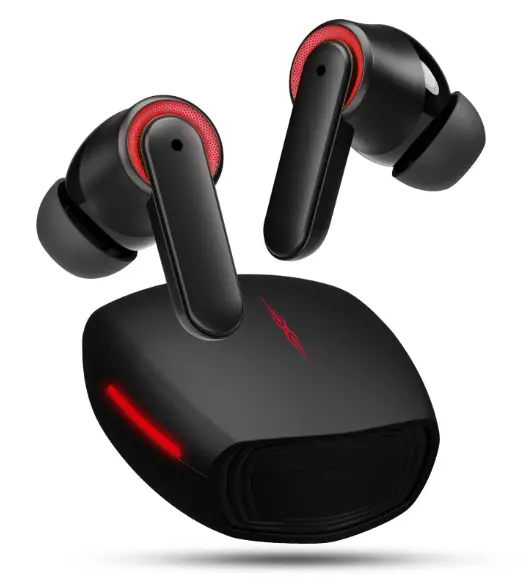
Jelanry 00597 Bluetooth 5.3 Headphones for Samsung Z Fold 4 Flip 3 True Wireless Earbuds  Paring(iOS/Android)
 Paring(iOS/Android)
- Open Bluetooth on mobile phone.
- Open the earphone box and approach the unlocked mobile phone.
- Search for Bluetooth device ACA-i21 and click to Connect.
Left Earbud Operation
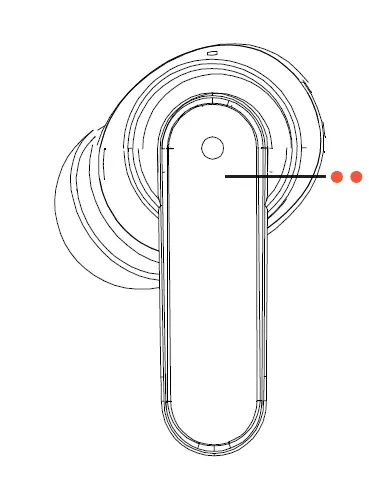
- Pause / Play
(Touch twice) - Previous Track
(Press and hold 2 seconds) - Voice Assistant
(Touch three times) - Answer / End a Call
(Touch twice) - Reje ct Call
(Press and hold 2 seconds) - Turn on / off Led
(Touch four times)
Right Earbud Operation
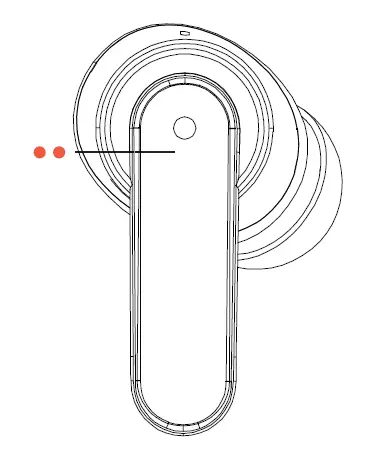
- Pause / Play
(Touch twice) - Next Track
(Press and hold 2 seconds) - Music Mode / Game Mode
(Touch three times) - Answer / End a Call
(Touch twice) - Reje ct Call
(Press and hold 2 seconds) - Turn on / off Led
(Touch four times)
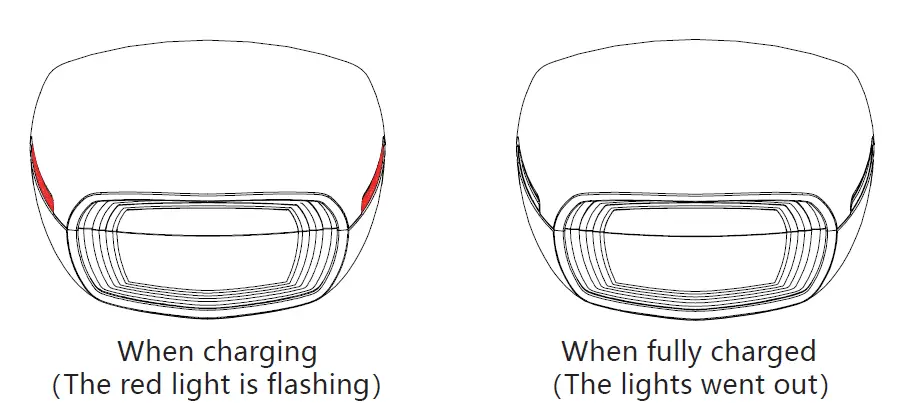
Charge Indicator Status
Function Description
Basic Functions of Headset
Power on: after opening the cover of the charging box, it will start up automatically and match automatically
Turn off: put it into the charging box and close the cover, and the headset will turn off automatically
Mono Mode: open the charging box, and pair the headset with your device. After paring successfully, take out one earbud and cover the charging box to use a single earbud.
Auto connection: The headset will automatically connect to the last paired device by simply opening the charging box. If the paring record is not cleared
Basic Functions of Charging Box
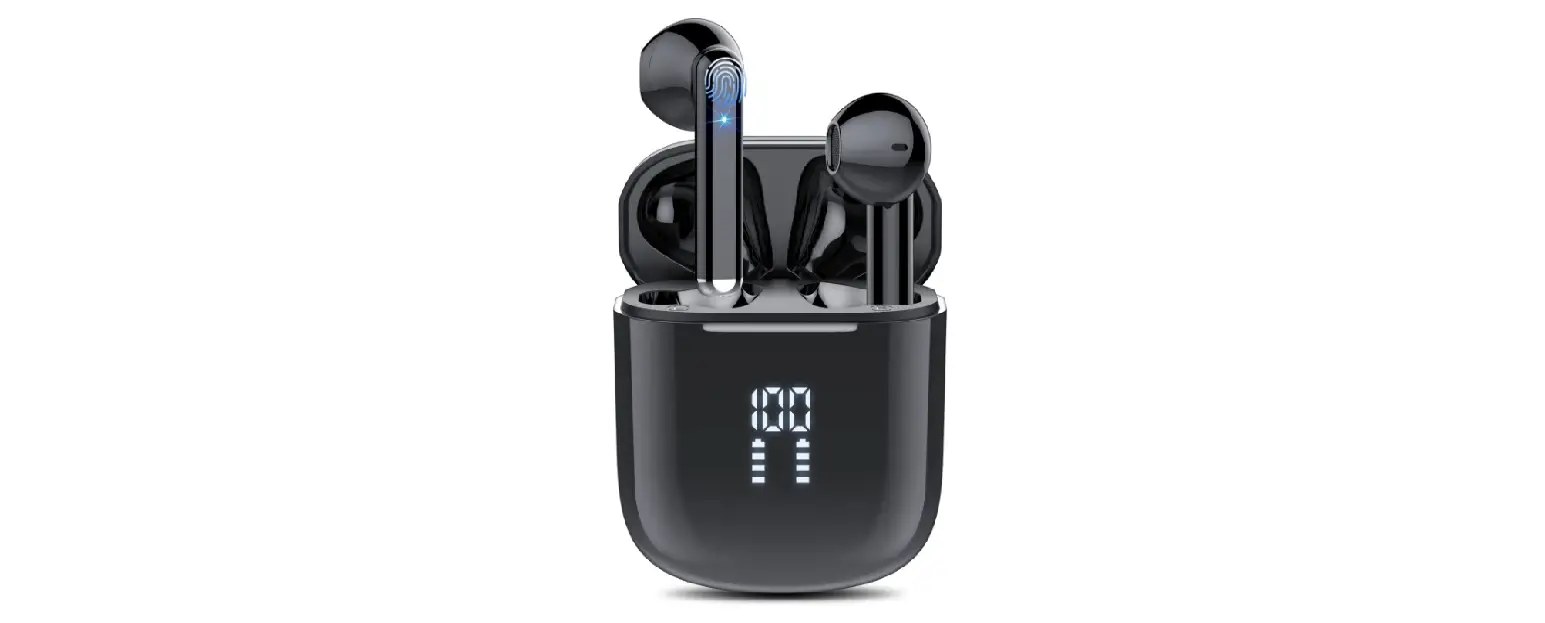
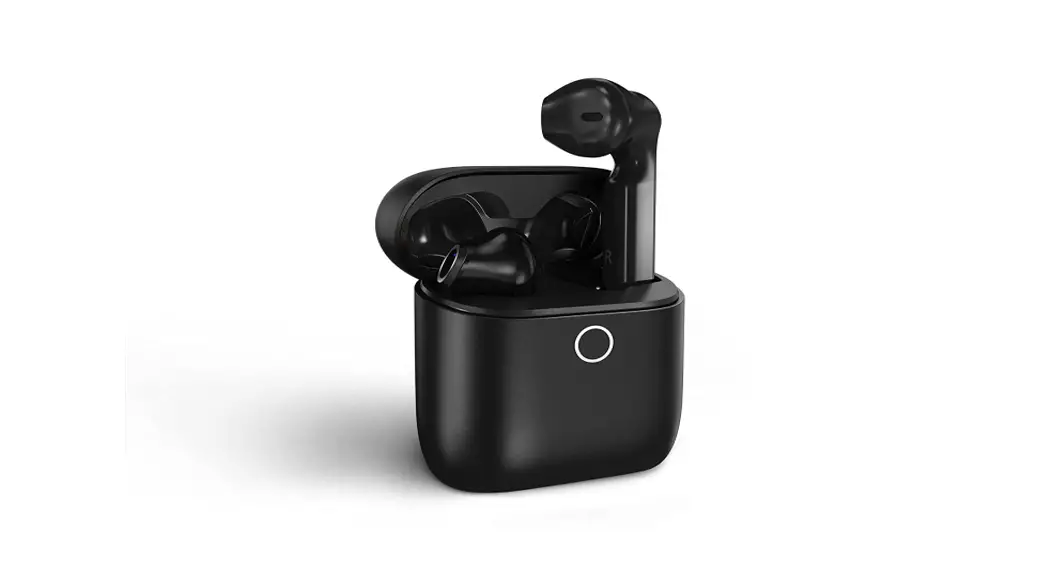
- Turn Off LED Indicator: Double-click the button on the case to turn off the LED.
- Turn On LED Indicator: Click the button on the case once to turn on the LED.
- Charging box led indicator: when open or closing the charging box, the indicator will breathe for 4 rounds, double-click the button after opening the cover to turn off the indicator. When charging, the red light will keep flashing. When fully charged, the light went out.
Main Parameters
| Bluetooth Version | V5.3 |
| Speaker Frequency Response | 20Hz-10KHz |
| Sensitivity | 103±3dB |
| Support Agreement | SBS, AAC |
| Charging Port | USB Type-C |
| Control Method | Touch Control |
| Product Size (charging box) | 54*59*30.5mm |
| Product Weight | 47.5±1g |
| Headset, S/L Silicone Tips, | |
| Packing List | Charging Cable, User Manual |
Use Attention
- The earphone should be stored in a dry and ventilated environment to avoid contact with oil, water and steam, so as not to affect the product performance.
- Avoid using irritating, organic solvents or articles containing these ingredients
- The headset needs to be used correctly, pay attention to the use of the environment on the earphone, to ensure smooth connection, it is recommended that the distance between the phone and the headphones is within 10 meters.
- If there is any other problem with the earphone, please do not remove the headphone body and its accessories privately, otherwise it will not be warranty.
- To charge the headset, please use the standard car charger or the charger specified by our company.
- To ensure your normal use of the headset, please make sure the headset is fully charged.
Any Problem? Let us know!
Login to Amazon Account > Your Orders > Problem with Order > Choose the specific issue > Contact seller