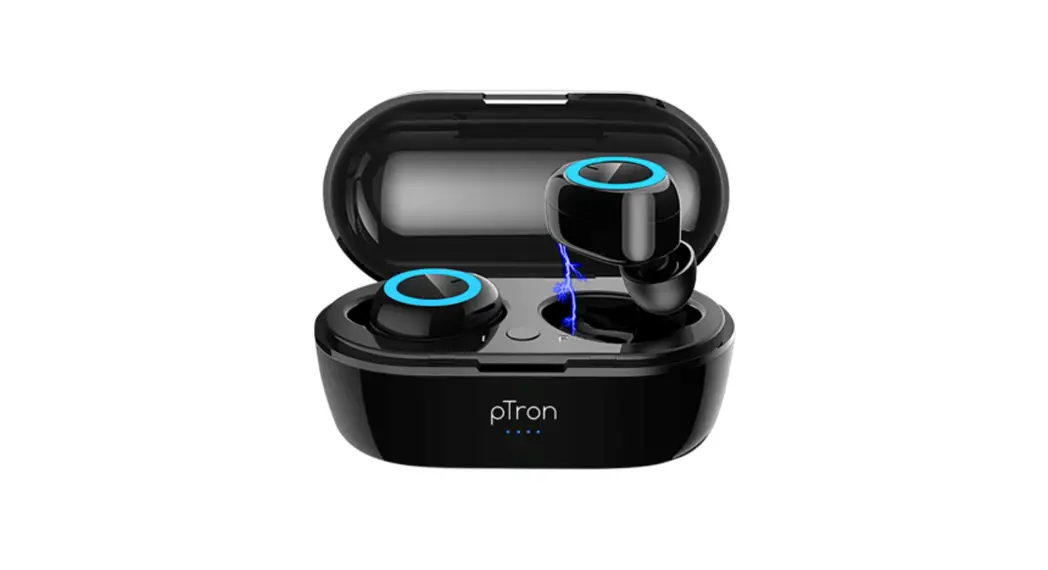
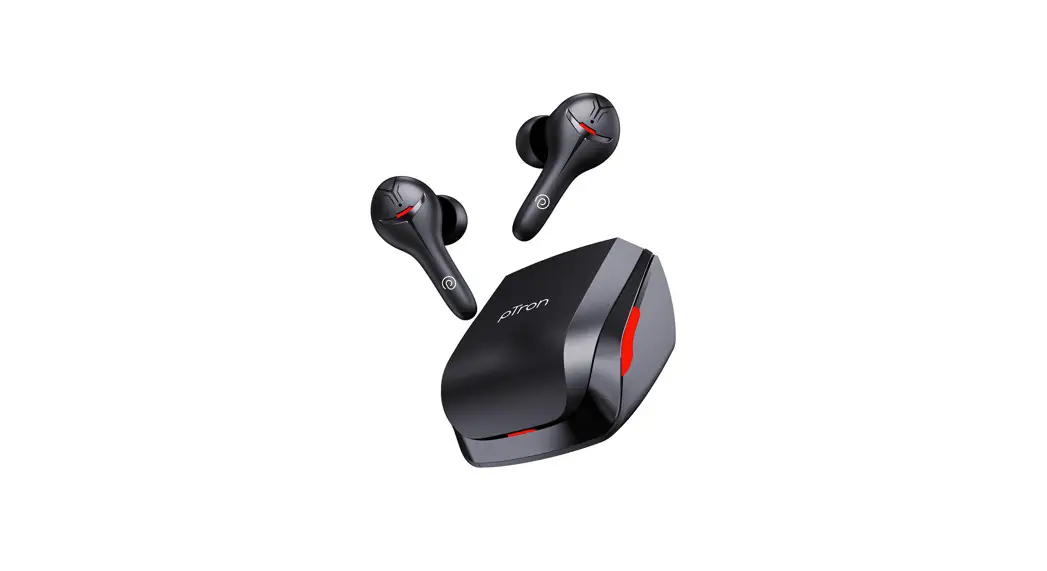
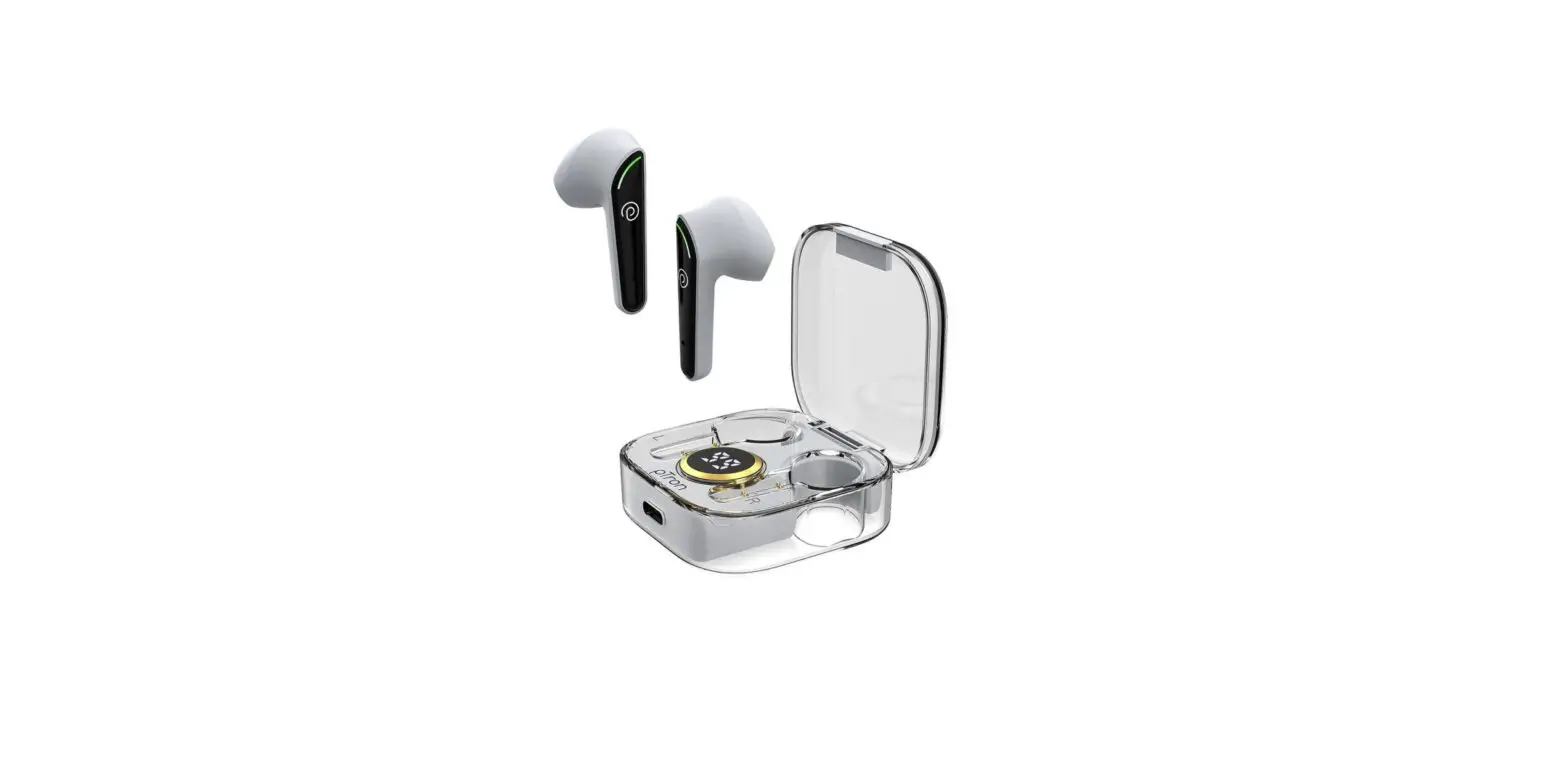
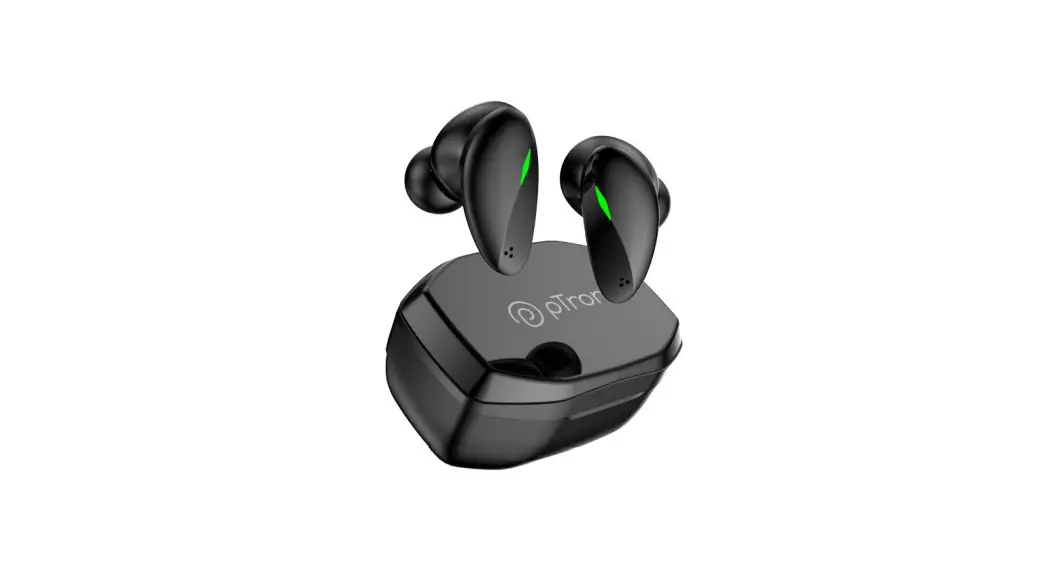
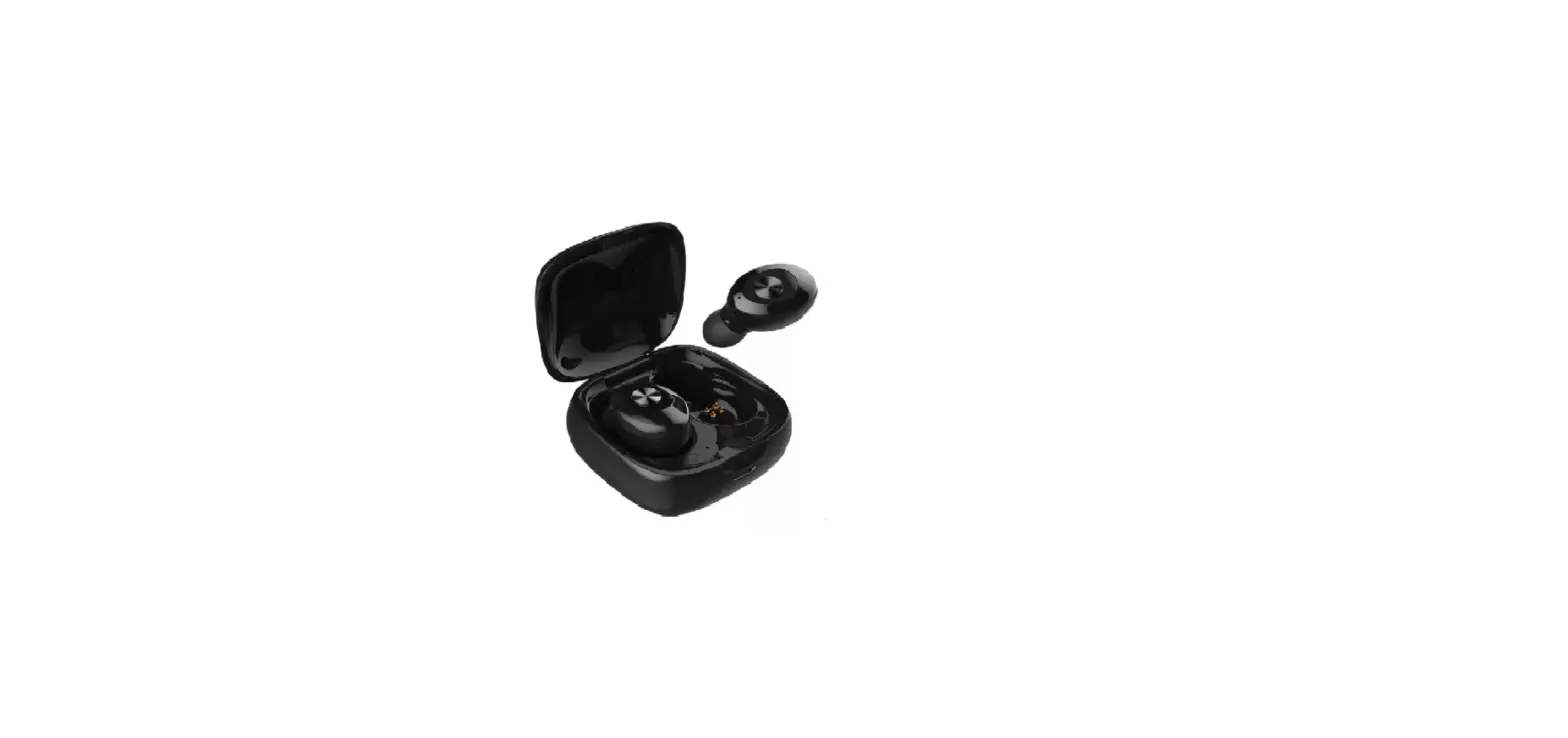
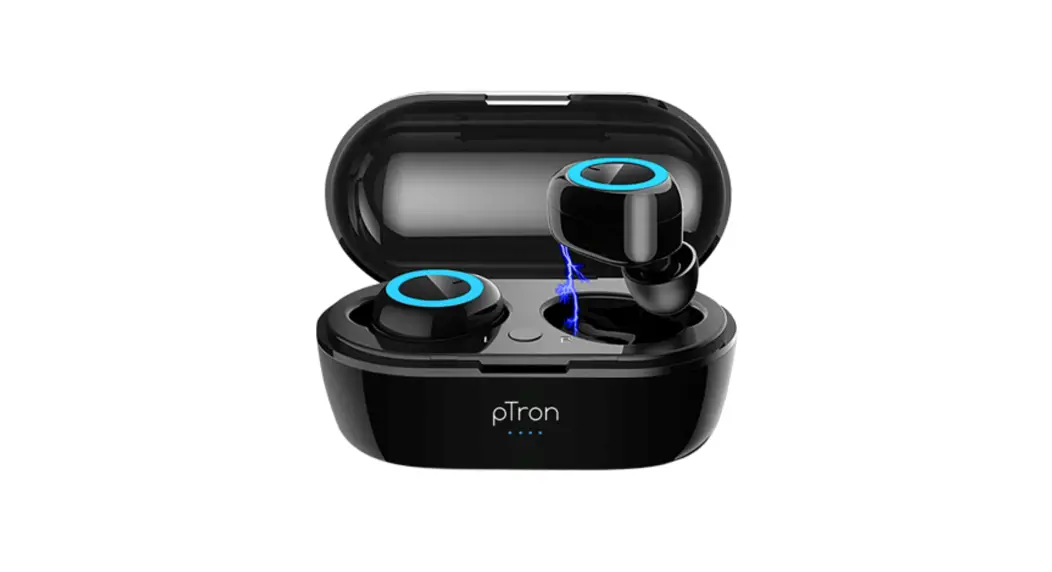
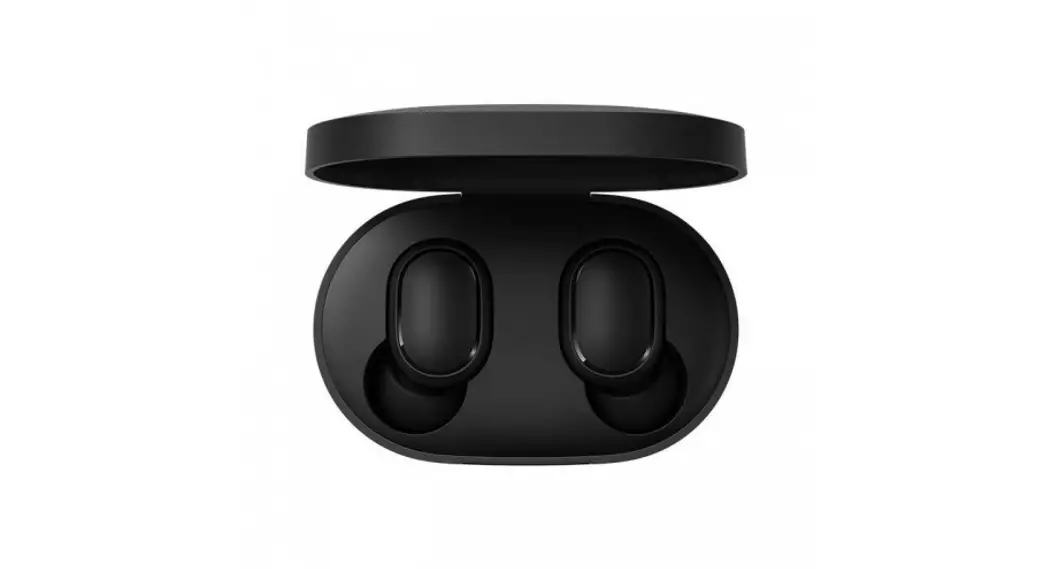
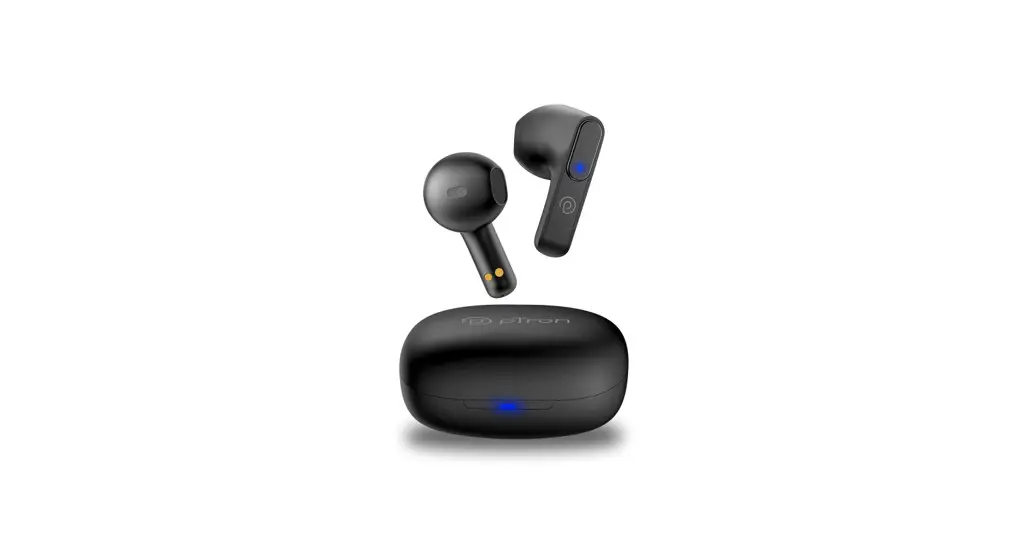
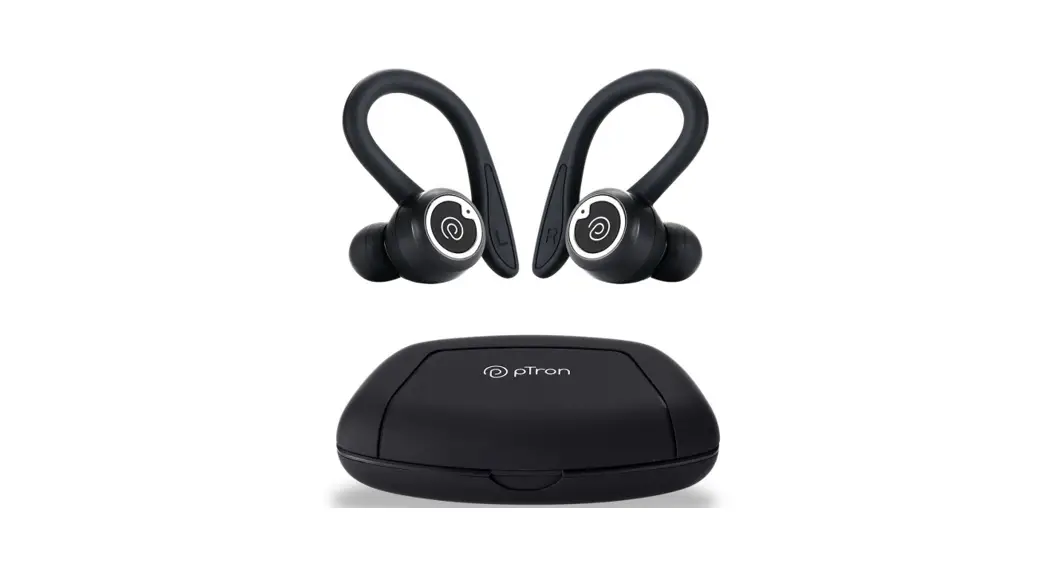
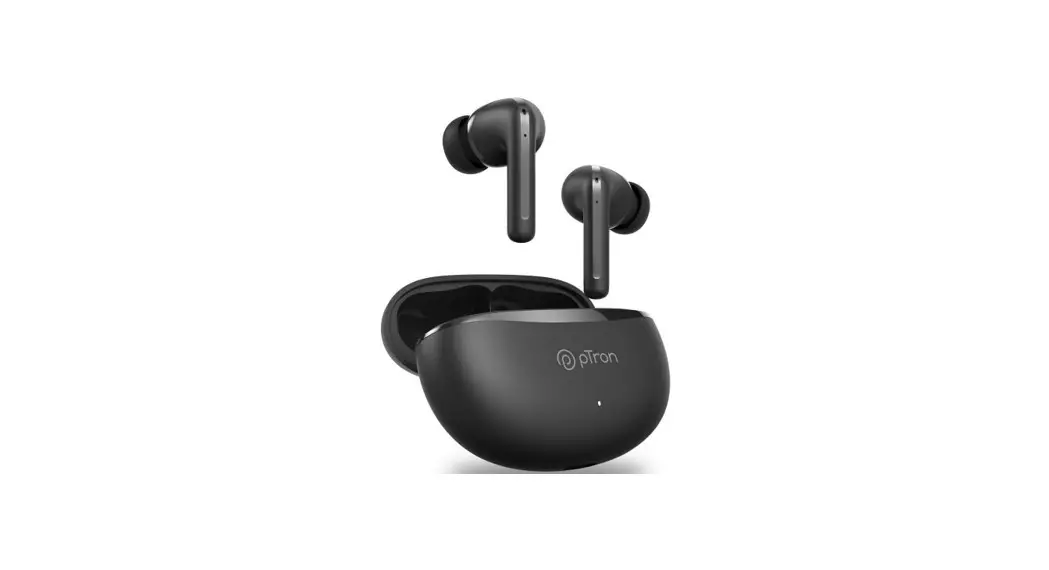
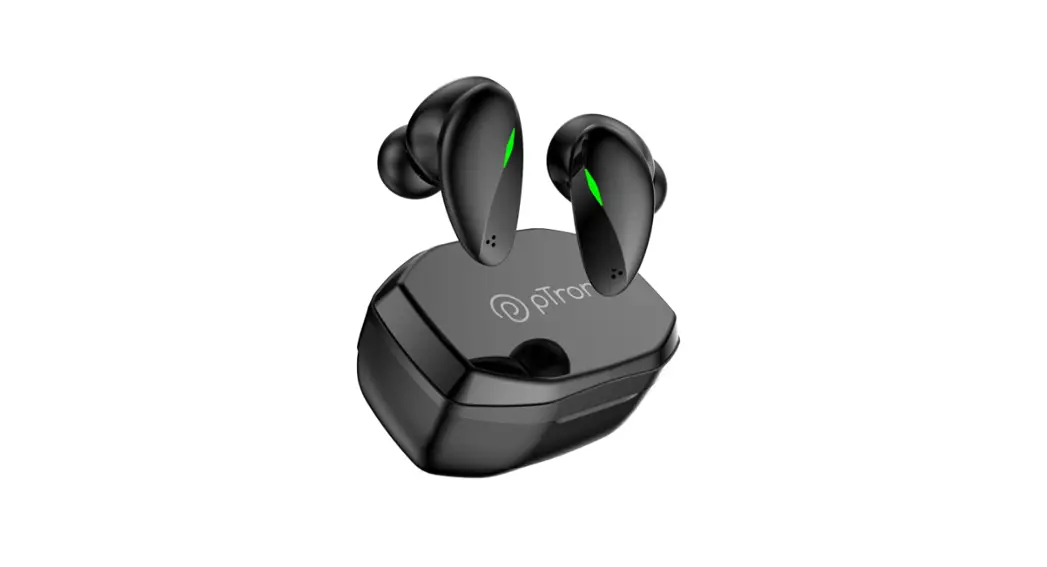
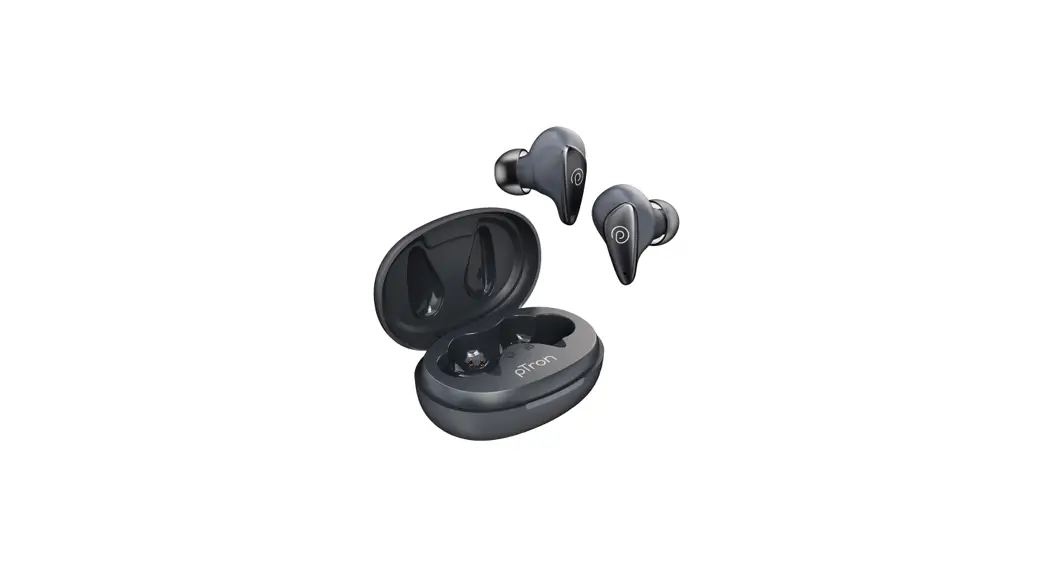
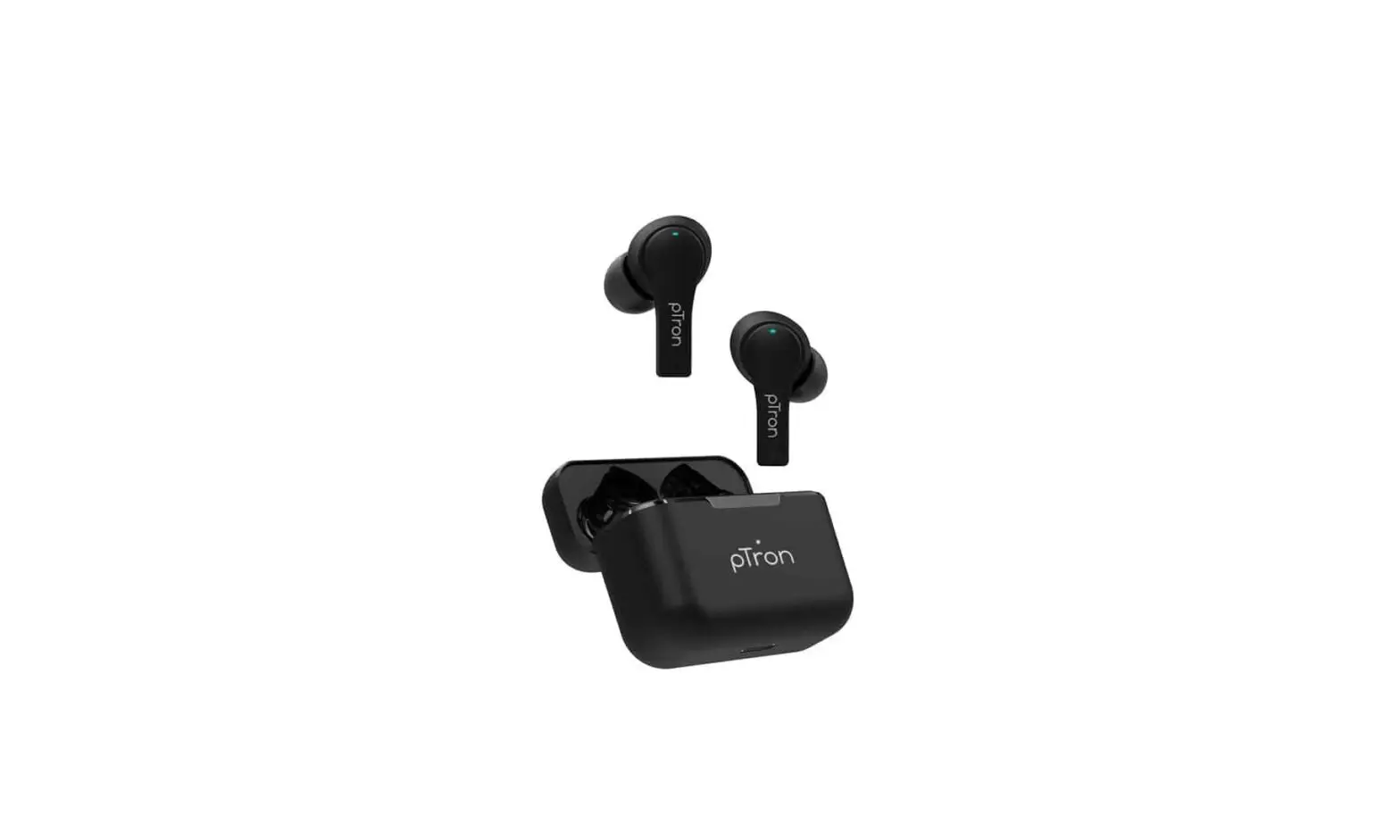
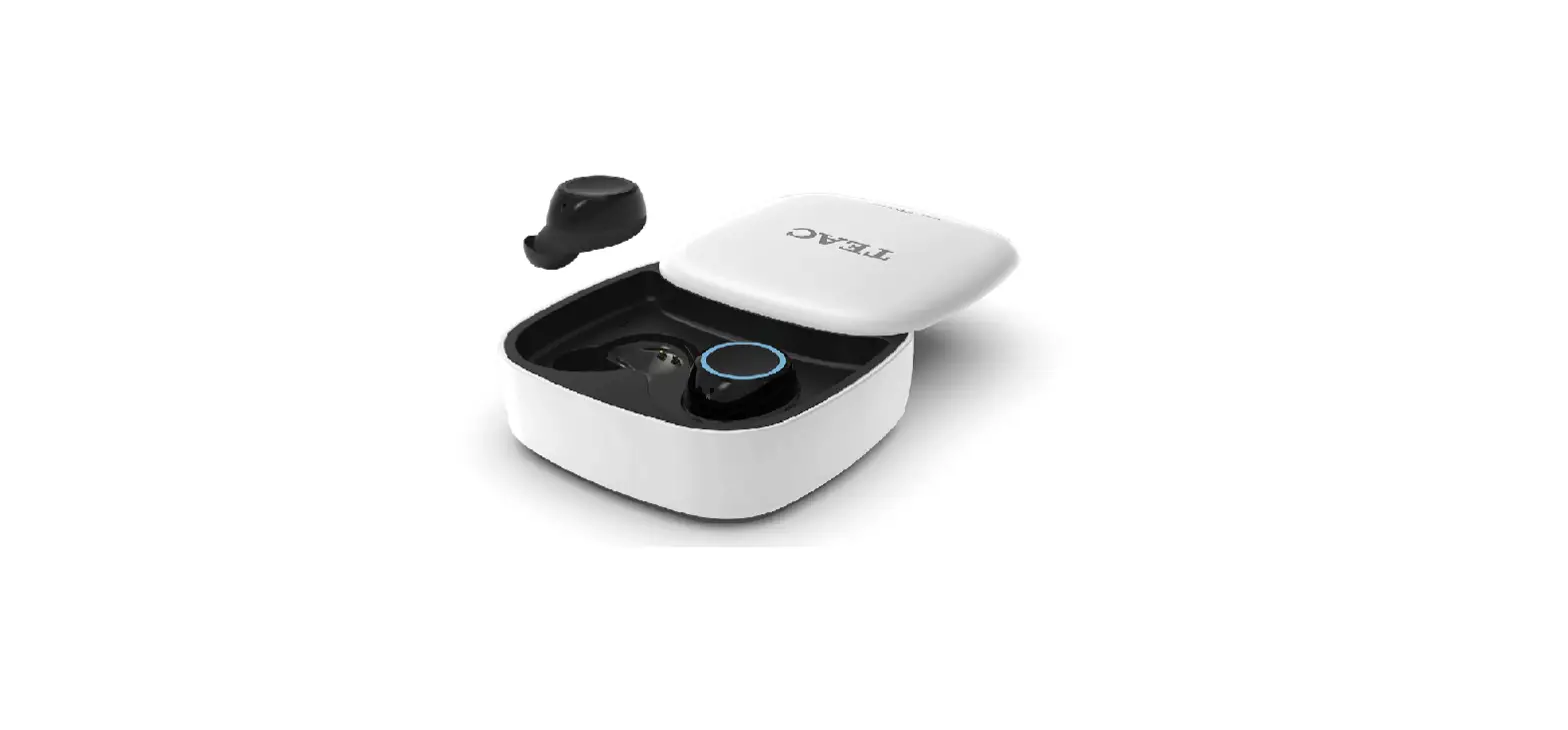
Zenbuds Evo X1 TWS Earbuds
Zenbuds Evo X1 TWS Earbuds – User Guide
Product Information
The Zenbuds Evo X1 TWS Earbuds are wireless earbuds that provide a
comfortable and convenient audio experience. They come with a
touch-sensitive area (TSA) for easy control and offer features such
as smart power on and pairing, smart power off, mode change,
automatic connectivity, voice assistant activation, call and music
functions, and troubleshooting solutions. The earbuds have a
default volume set at 50% and do not support volume adjustment.
They can be charged using the included charging case and USB C-Type
cable.
Product Usage Instructions
Smart Power On & Pairing
- Open the charging case cap and take out both earbuds
together. - The earbuds will switch on automatically.
- Wait for 2-3 seconds until the left (L) and right (R) earbuds
pair with each other. - Turn on the Bluetooth on your phone and search for “pTron TWS”
to connect with the device.
Smart Power Off
There are two ways to power off the earbuds:
- Touch the TSA on both earbuds for 3-5 seconds.
- Keep both earbuds into the charging case and close the charging
case cap properly.
Mode Change
To change the modes between Movie Mode and Music Mode:
- Long touch the TSA on the right earbud.
Connectivity Bluetooth – Automatic
- Open the charging case cap and take out both earbuds
together. - The earbuds will switch on automatically.
- The earbuds will automatically connect to the last connected
device using instant wake and pair technology. - Note: The last connected device must be within 10 meters
wireless range and have Bluetooth function turned on.
Calling or Music through Mono & Dual Buds
To use the earbuds in different modes:
- Mono Bud Use: Just place the right or left earbud back into the
charging case and close the cap properly. - Dual Buds Use: Use both the left and right earbuds
together.
Voice Assistant Activation – Google/Siri
To activate the voice assistant (Google/Siri):
- Touch the TSA on the left earbud for 2-3 seconds.
- You will hear a beep sound indicating successful
activation.
Call & Music Functions
Use the TSA on the earbuds for various call and music
functions:
- Answer/Hangup a Phone Call: Touch the TSA on either earbud
once. - Reject a Phone Call: Touch the TSA on either earbud for 2-3
seconds. - Music Play/Pause: Touch the TSA on either earbud once.
- Next Song: Touch the TSA twice on the right earbud.
- Previous Song: Touch the TSA twice on the left earbud.
Charging the Earbuds
- Place both earbuds into the charging case properly and close
the cap. - The earbuds will power off automatically and start
charging. - While charging, the Red LED light will flash constantly.
- The Red LED light will turn off when the earbuds are fully
charged.
Charging the Case
- Connect the USB C-Type cable to the charging case and the USB
end to a 5V power source. - The White LED indicator will blink in the case when the
charging case is getting charged. - The White LED light will become steady when the case is fully
charged.
Caution: Using an incompatible USB cable or
high voltage chargers can damage the product and void the product
warranty. It is recommended to use a good quality DC5V-1A charger
and the USB cable included in the package.
Troubleshooting Scenario 1: One Earbud is Not Working
- Place both earbuds in the charging case and close the cap
properly. - Take out both earbuds together from the charging case.
- Wait until the left (L) and right (R) earbud pair with each
other. After successful matching, only one earbud will flash a
green light. - Turn on the Bluetooth on your phone, search for “pTron TWS,”
and connect.
Troubleshooting Scenario 2: Earbuds Not
Connecting/Scanning
- Place both earbuds in the charging case and close the cap
properly. - Take out both earbuds together from the charging case.
- Restart your Bluetooth device or phone.
- Now, search for “pTron TWS” on your Bluetooth device and
connect.
Zenbuds Evo X1 TWS Earbuds – User Guide
Important: pTron `Zenbuds Evo X1′ is set at 50% default volume, and the earbuds does not support volume adjustment. Please control the volume via the connected phone.
Touch Sensitive Area (TSA)
Smart Power On & Pairing 1. Open the charging case cap & take out both the earbuds together from the charging case, buds will switch ON automatically. 2. Wait for 2-3 seconds until L & R earbuds pair with each other. 3. Turn on the Bluetooth on your phone & search “pTron TWS” to connect with the device. Note: TSA stands for Touch Sensitive Area.
Smart Power Off Touch TSA on both the earbuds for 3-5 seconds Or Keep both the earbuds into the charging case and close the charging case cap properly. Note: TSA stands for Touch Sensitive Area.
Mode Change Long Touch TSA on Right earbud to change the modes – Movie Mode & Music Mode. Note: Music mode will be ON by default.
Connectivity Bluetooth – Automatic Open the charging case cap & take out both the earbuds together from the charging case, buds will switch ON automatically. Then, buds will automatically connect to the last connected device (Instant wake & pair technology). Note: The last connected device must be in 10 meters wireless range and Bluetooth function must be On.
Calling or Music through Mono & Dual Buds Mono Bud Use – Just place the right or left earbud back into the charging case and close the cap properly. Dual Buds Use – Use left & right earbuds together.
Voice Assistant Activation – Google/Siri Touch TSA on Left earbud for 2-3 seconds, you will hear a “beep” sound.
Call & Music Functions Answer/Hangup a Phone Call – Touch TSA on either earbud once. Reject a Phone Call – Touch TSA on either earbud for 2-3 seconds. Music Play/Pause – Touch TSA on either earbud once. Next Song – Touch TSA twice on Right earbud. Previous Song – Touch TSA twice on Left earbud. Note: TSA stands for Touch Sensitive Area.
Charging the Earbuds 1. Place both the earbuds into the charging case properly and close the cap. 2. The earbuds will power off automatically and they will start charging. 3. While charging the earbuds the Red LED light will flash constantly. 4. Red LED light will turn off when earbuds are fully charged.
Charging the Case 1. Connect the USB C-Type cable to the charging case and the USB end to a 5V power source. 2. The White LED indicator will blink in the case when the charging case is getting charged. 3. White LED light will get steady when the case is fully charged. Caution: Using incompatible USB cable or high voltage chargers can damage the product & void the product warranty. We strongly recommend using a good quality DC5V-1A chargers & the USB cable included in the package.
Troubleshooting Scenario 1 : One Earbud is Not Working 1. Place both the earbuds in the charging case and close the charging case cap properly. 2. Take out both the earbuds together from the charging case. 3. Wait until L & R earbud pair to each other. After successful matching, only 1 earbud will flash Green light. 4. Turn ON the Bluetooth on your phone, search for “pTron TWS” & connect.
Troubleshooting Scenario 2 : Earbuds Not Connecting/Scanning 1. Place both the earbuds in the charging case and close the charging case cap properly. 2. Take out both the earbuds together from the charging case. 3. Restart your Bluetooth device or phone. 4. Now, search for “pTron TWS” on your Bluetooth device & connect.
Troubleshooting Scenario 3 : Earbuds Disconnecting During a Phone Call 1. Charge earbuds 100% before use. 2. Restart the earbuds and reconnect with your device.
Safety Precautions 1. Please keep this device away from extreme heat, liquids, humidity or corrosive environment. 2. Please don’t over-charge the product as it will decrease the service life of battery. 3. Using incompatible USB cable or high voltage chargers can damage the product & void the product warranty. We strongly recommend using a good quality DC5V-1A chargers & the USB cable included in the package. 4. This product or the Bluetooth function should not be used during charging. 5. Don’t jam the ports such as charger port, LED port, etc. 6. It is recommended to utilize the product below the maximum volume in order to protect your hearing. 7. Please don’t open/temper the product or product’s battery. 8. Please keep the product out of children’s reach. 9. Dispose the product responsibly and adhere to your local authority guidelines.
Disclaimer The colors and specifications shown or mentioned in the user manual may differ from the actual product. Images shown are for representation purpose only. Other product logos and company names mentioned herein may be trademarks or on trade names of their respective owners.
Customer Care Details: [email protected] and 040-040 – 67138888 Product Registration/Warranty Registration: https://ptron.in/apps/product-registration Service Centers List: https://ptron.in/pages/ptron-service-centers
 pTron India