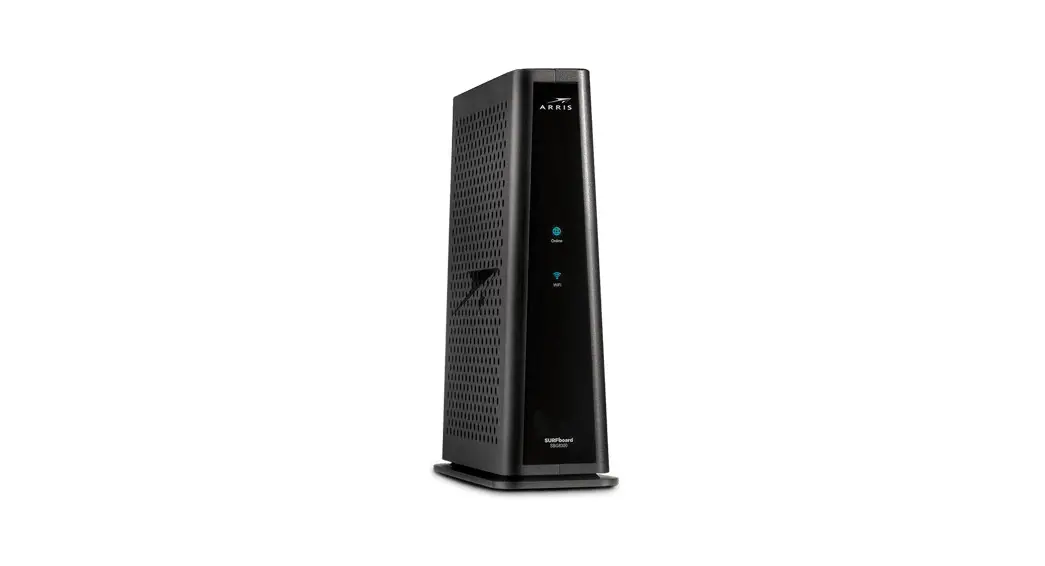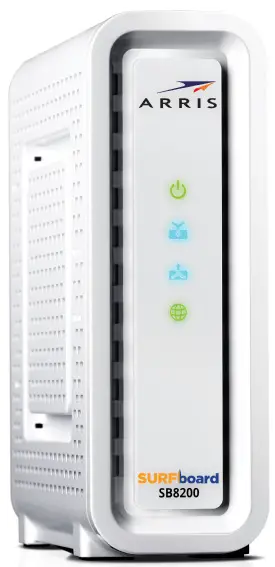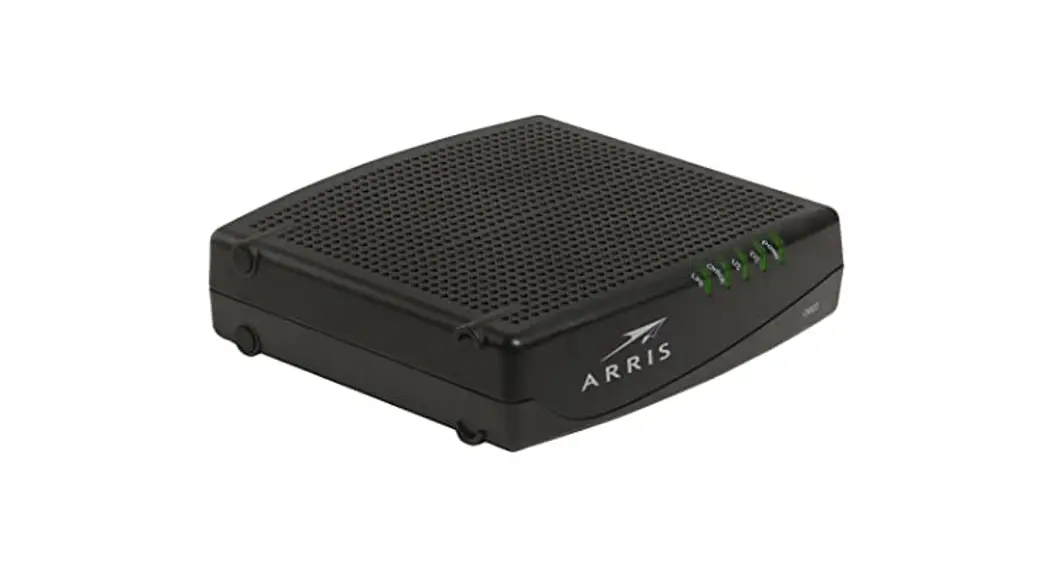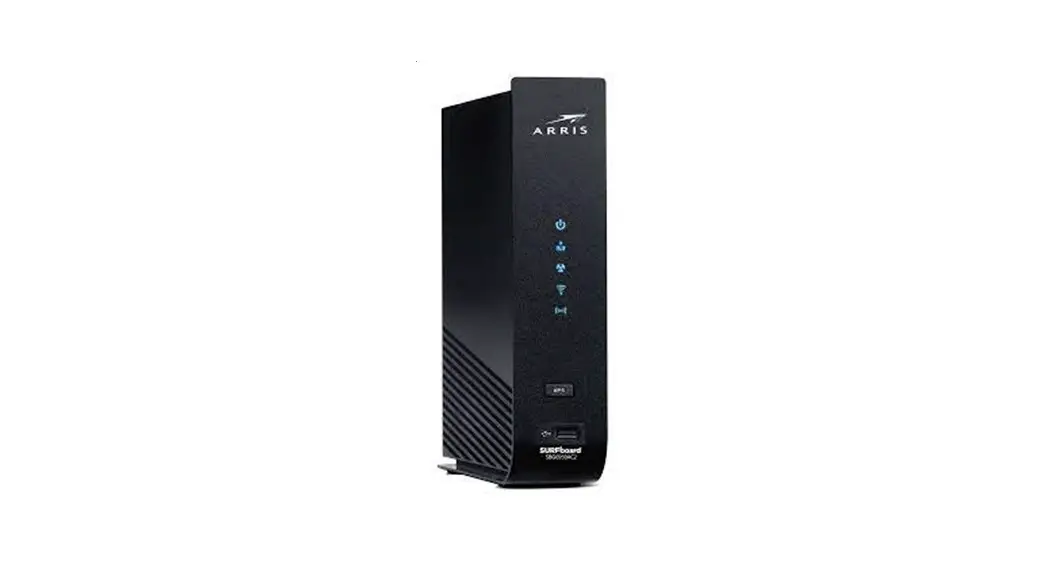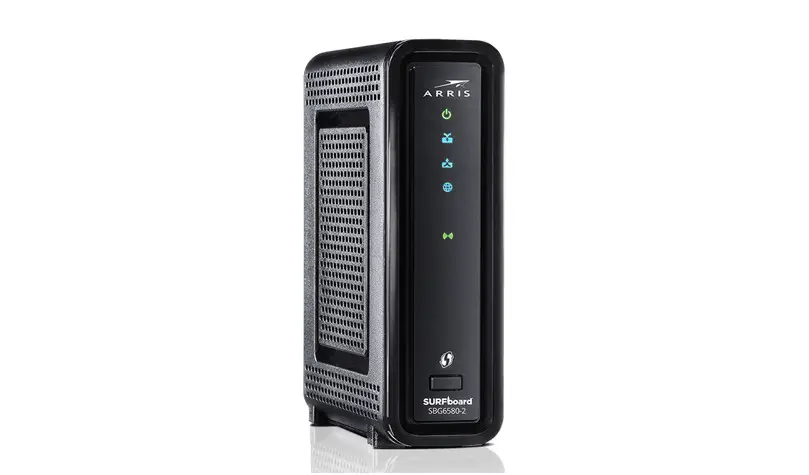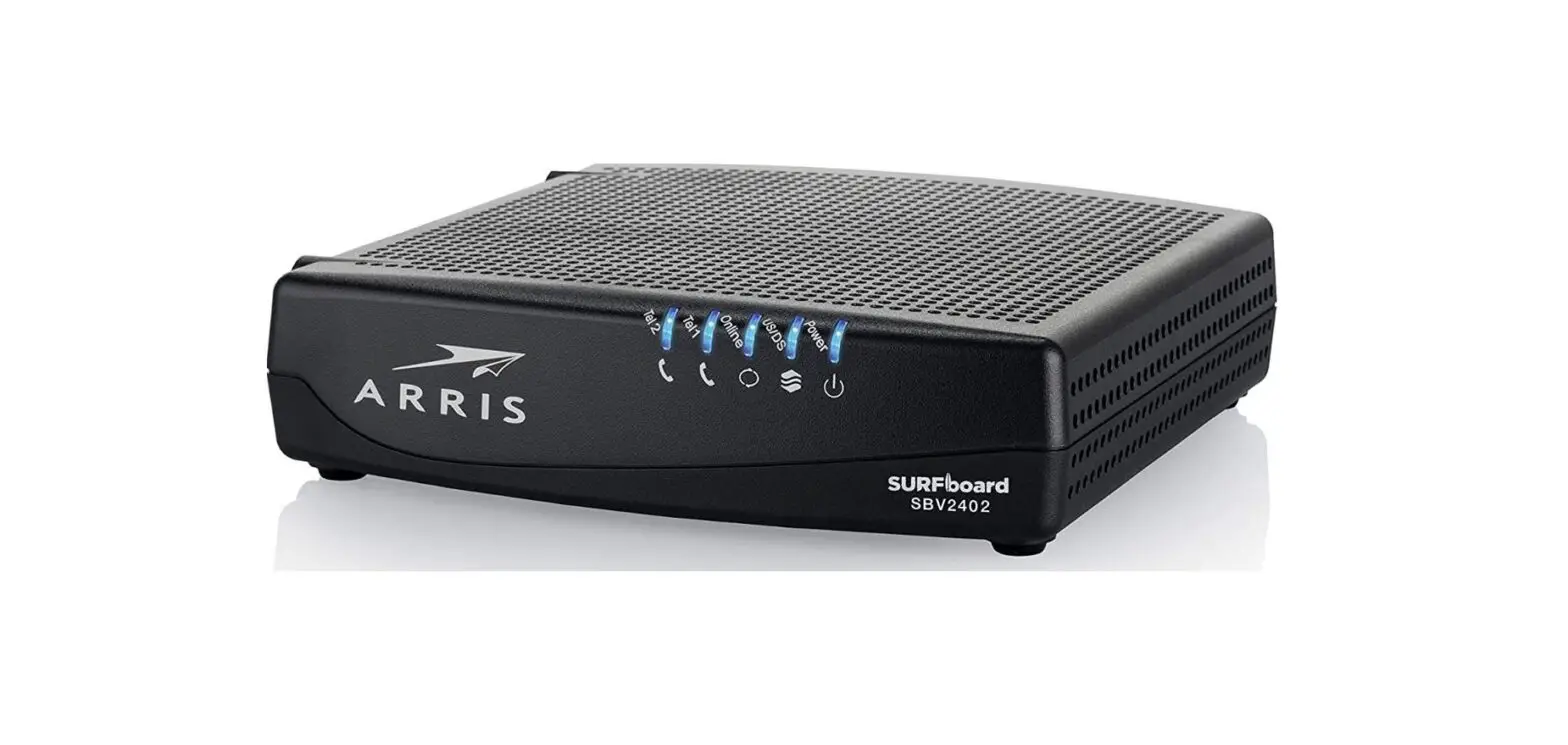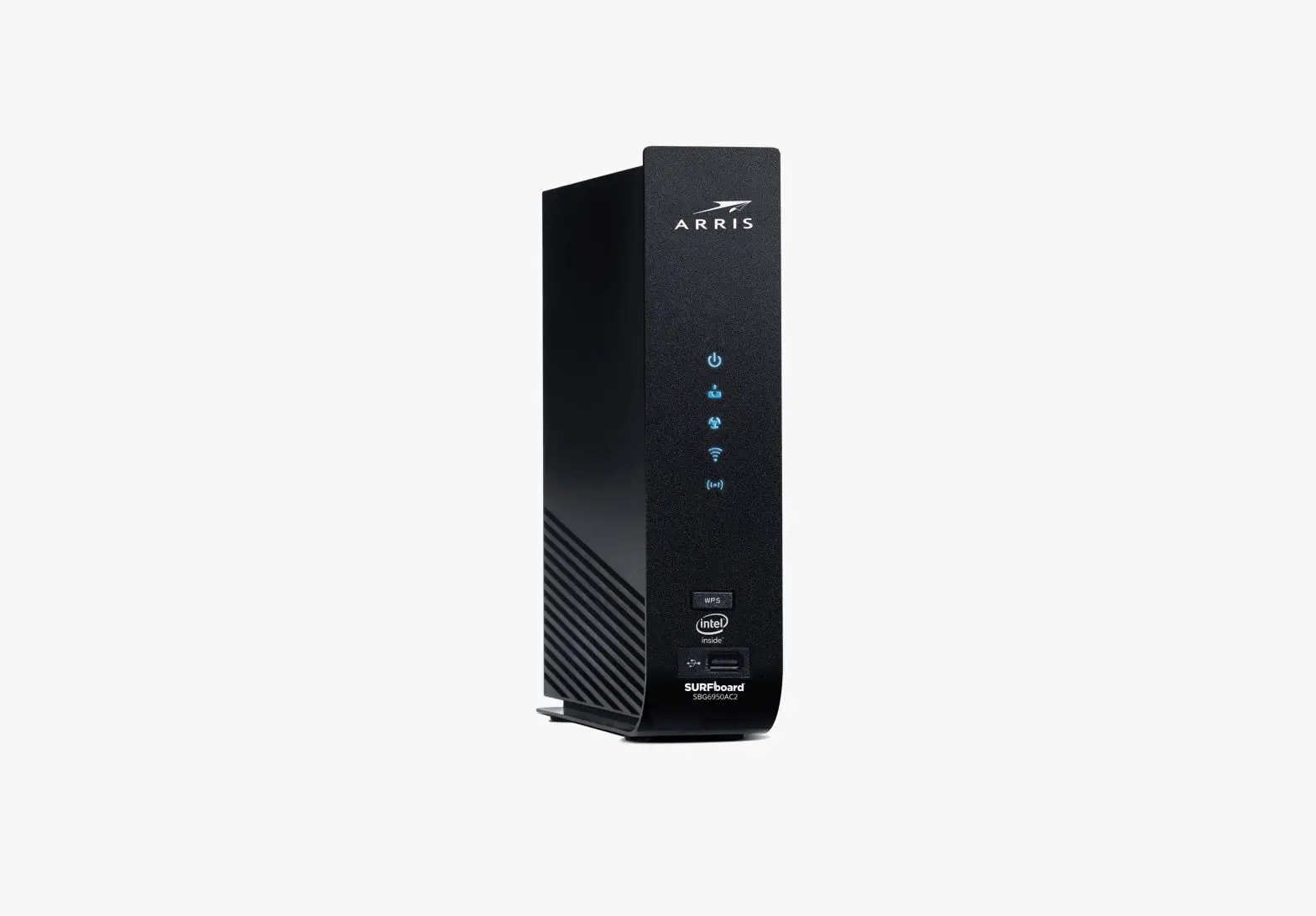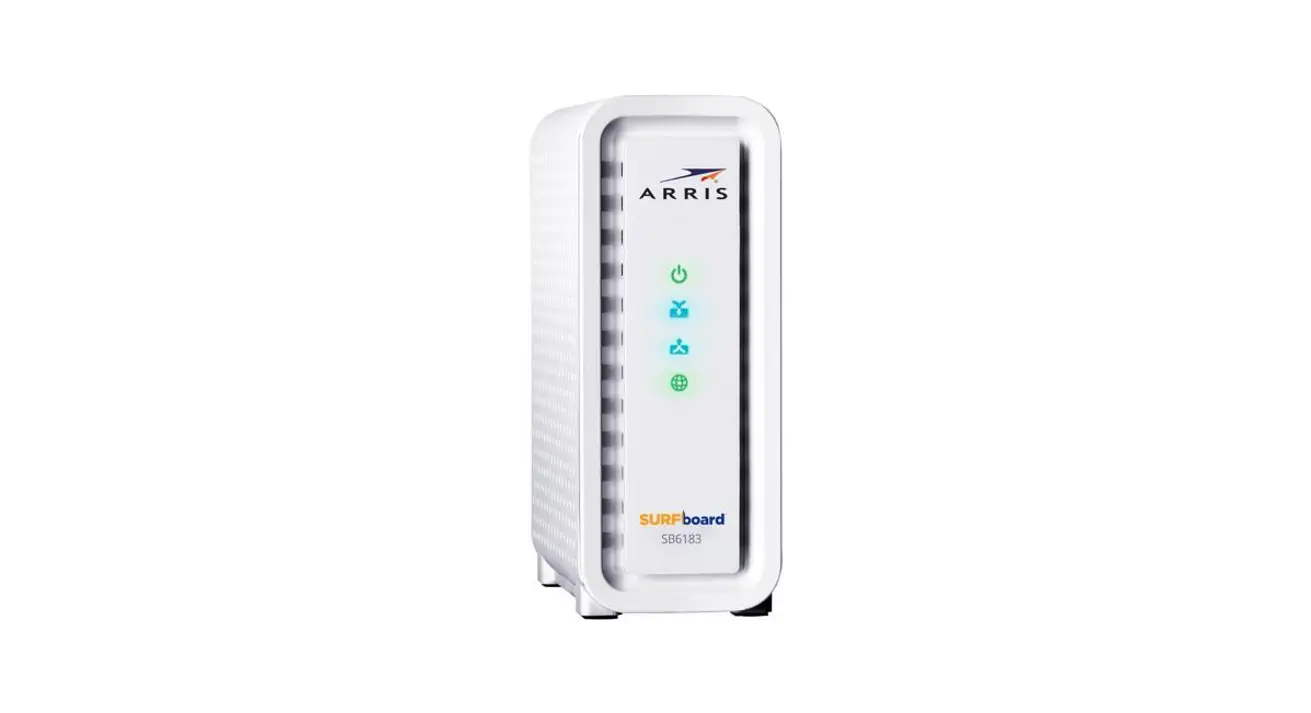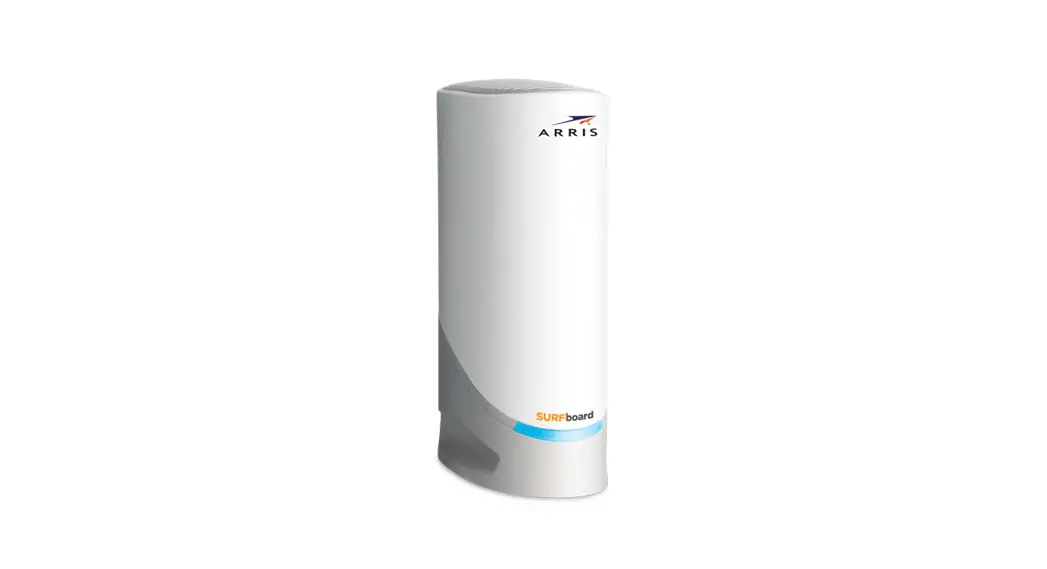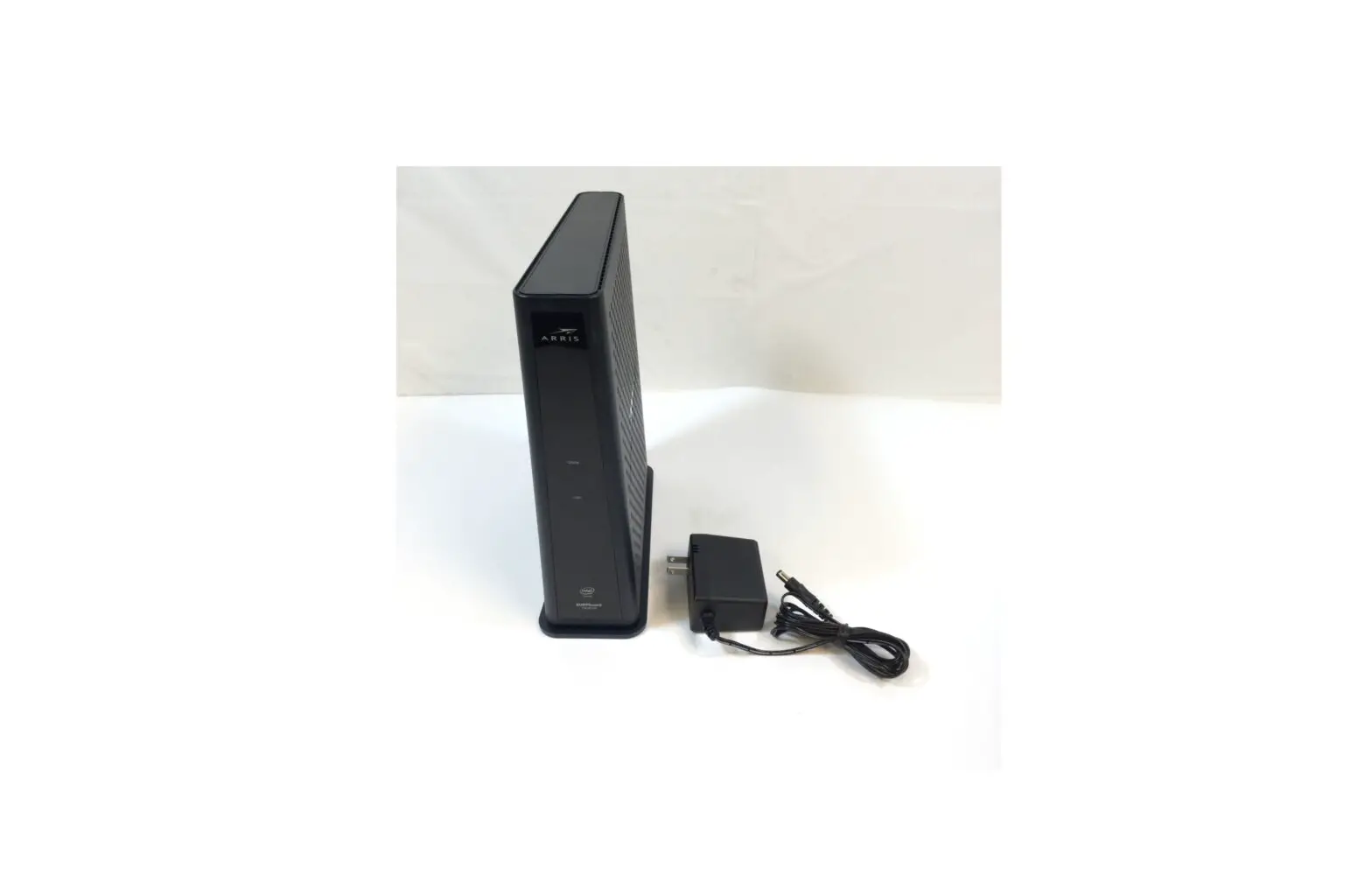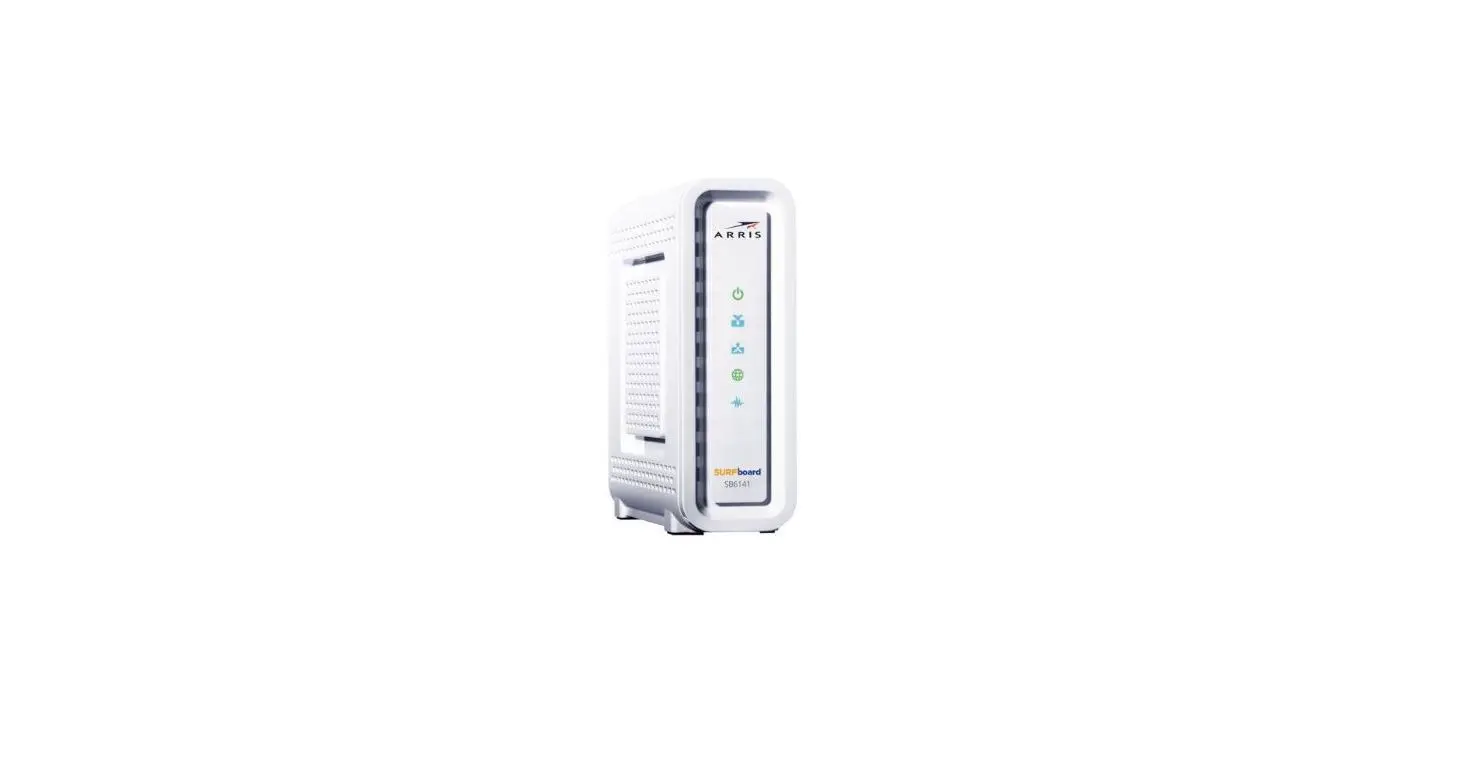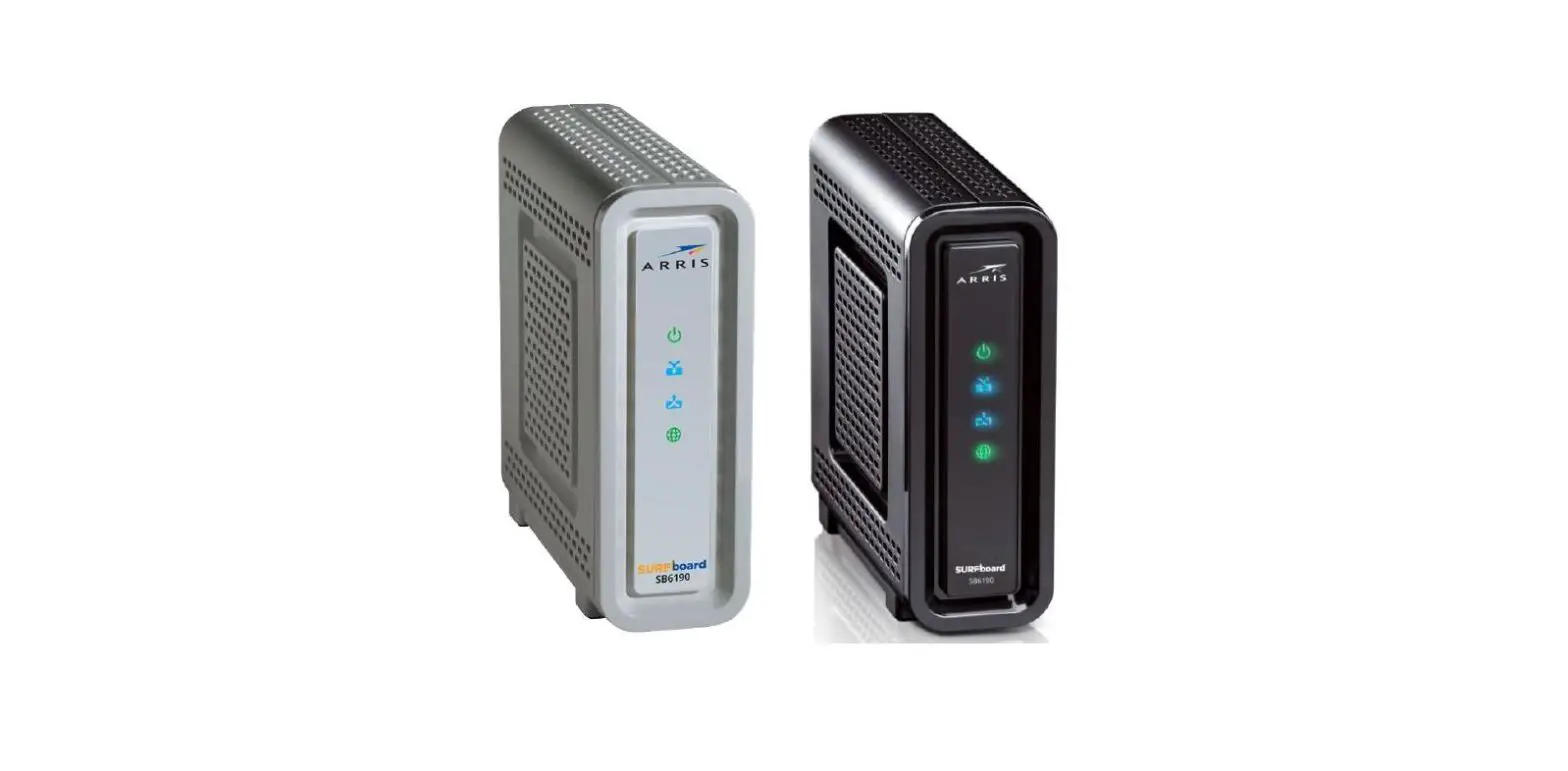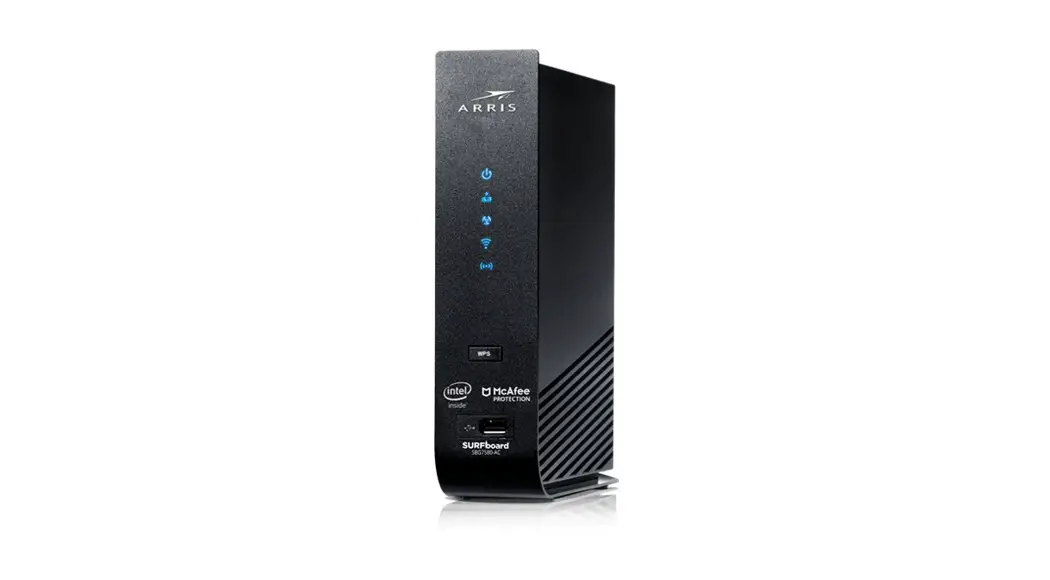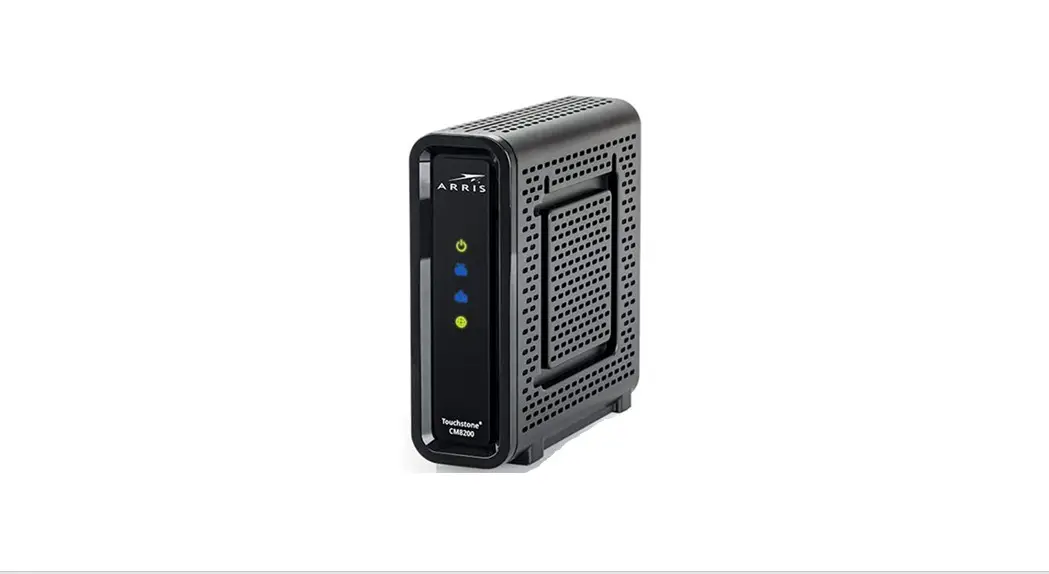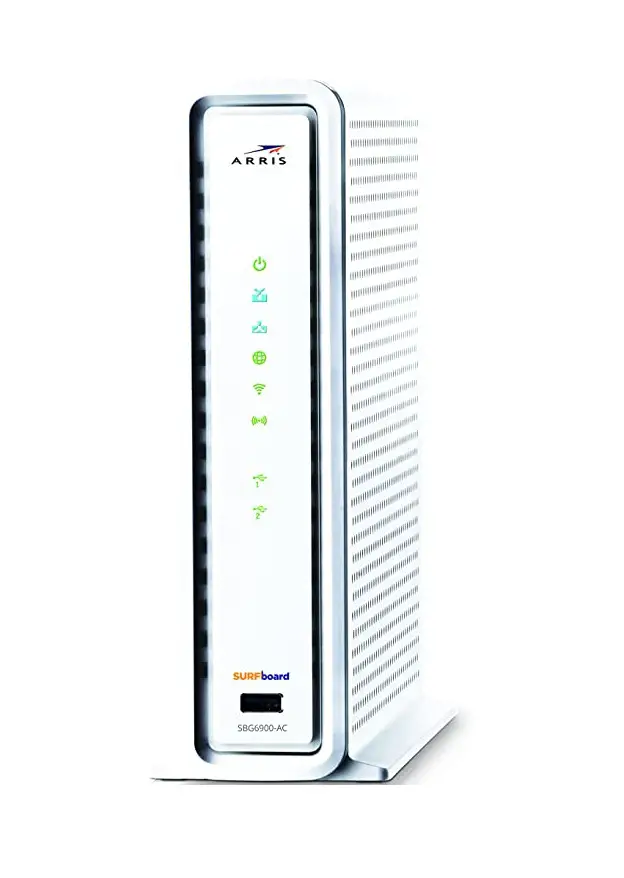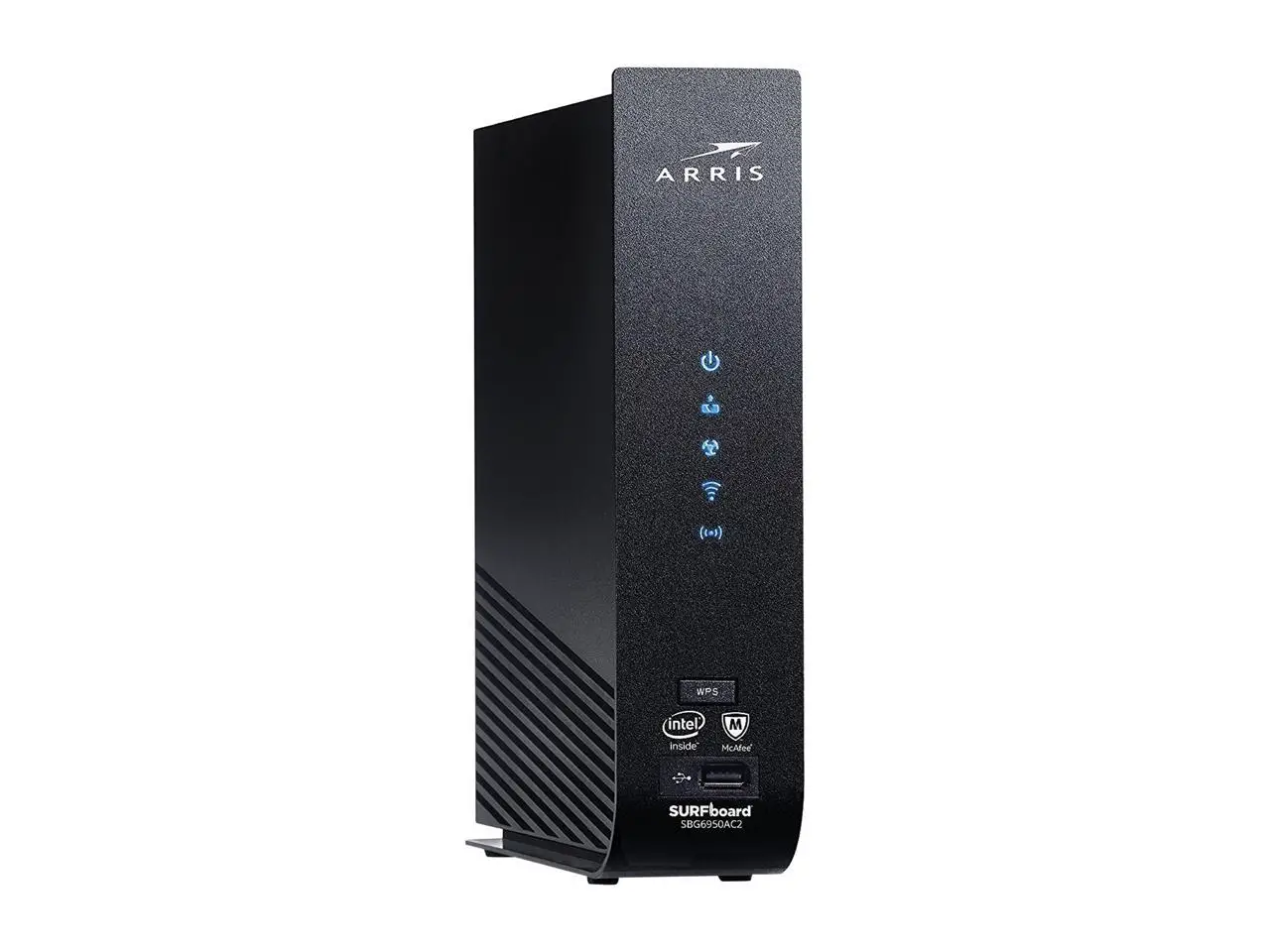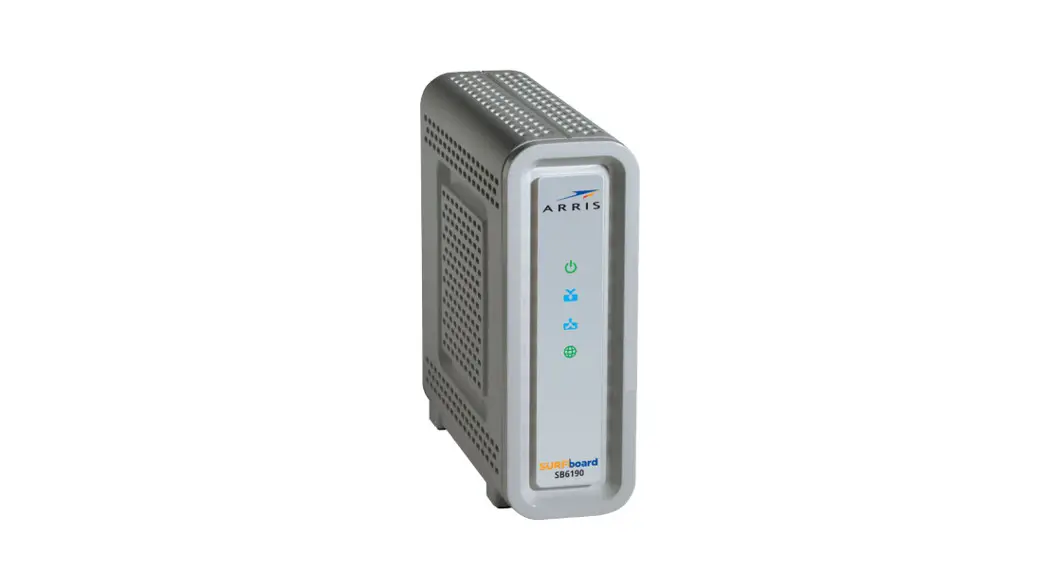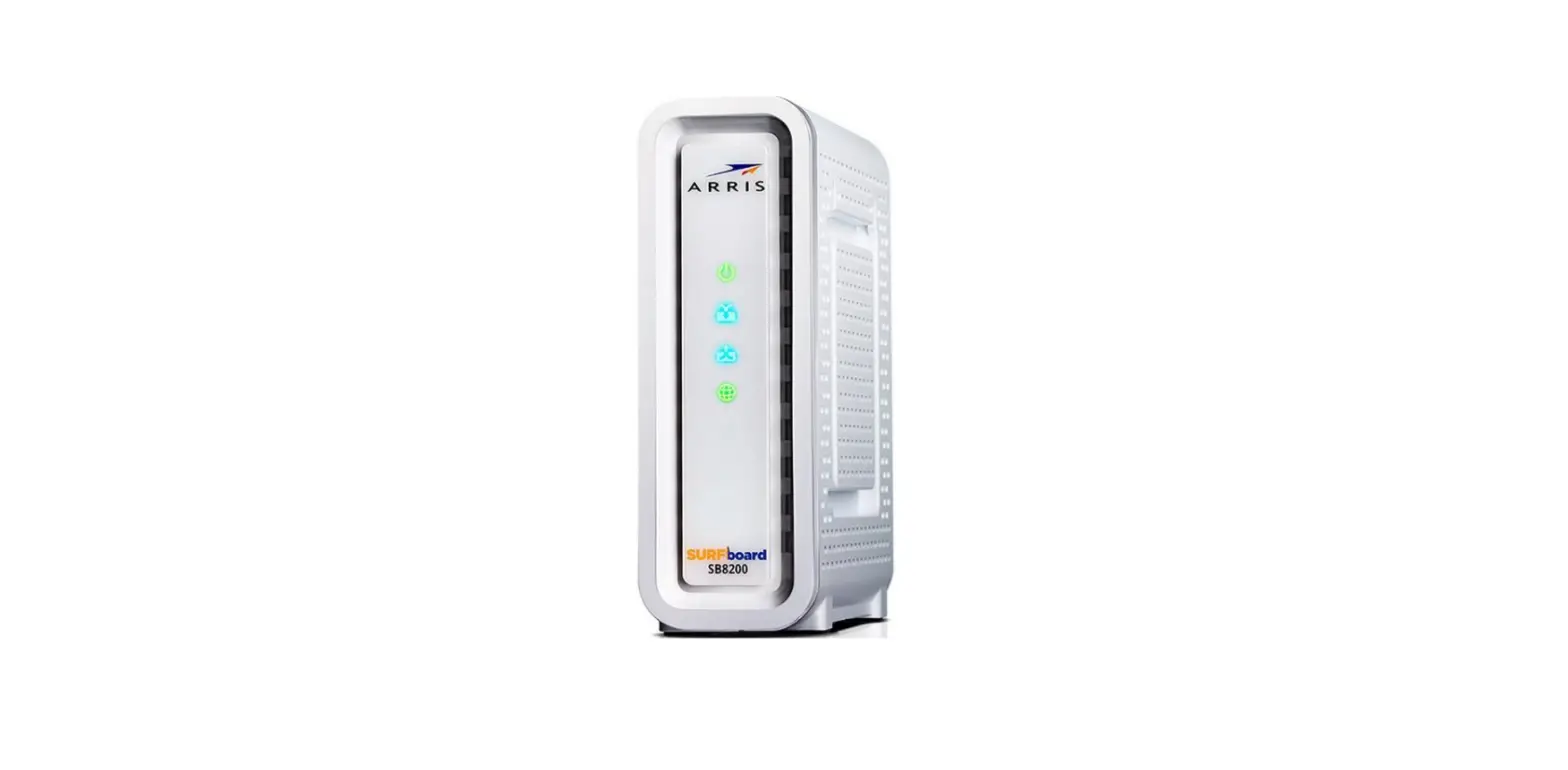

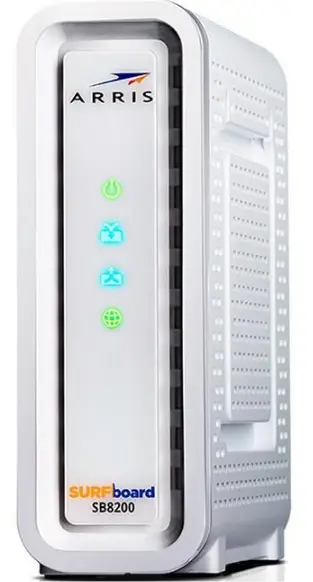
ARRIS SB8200 Cable Modem

INSTRUCTIONS
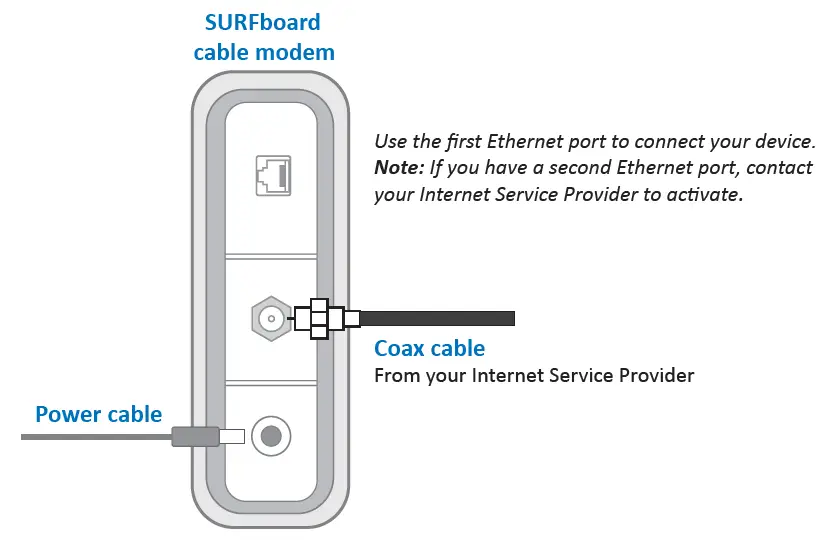
- Unbox the device; plug in the power cable (included) and a coax cable (not included).

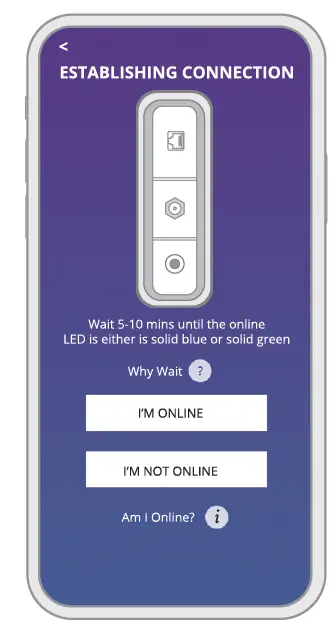
- Download and install the SURFboard Central mobile app to set up and manage your device.

- With the mobile app, you get:
- Step-by-step installation instructions
- Activation support for your specific service provider
- Automatic device registration for warranty
- Product documentation, Tech Support, and FAQs
- Software License and Warranty information
- With the mobile app, you get:
 ARRIS Consumer Care