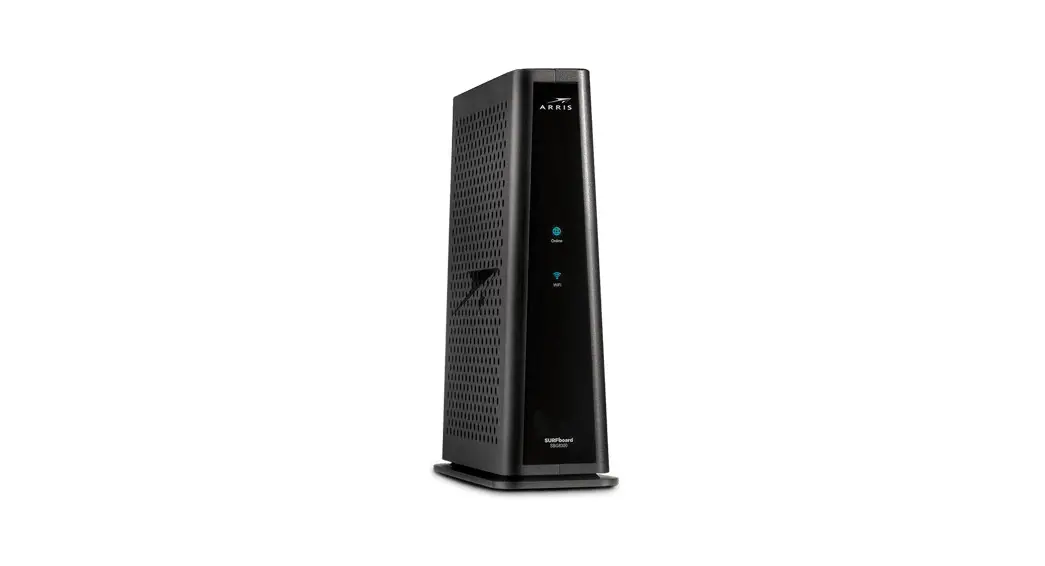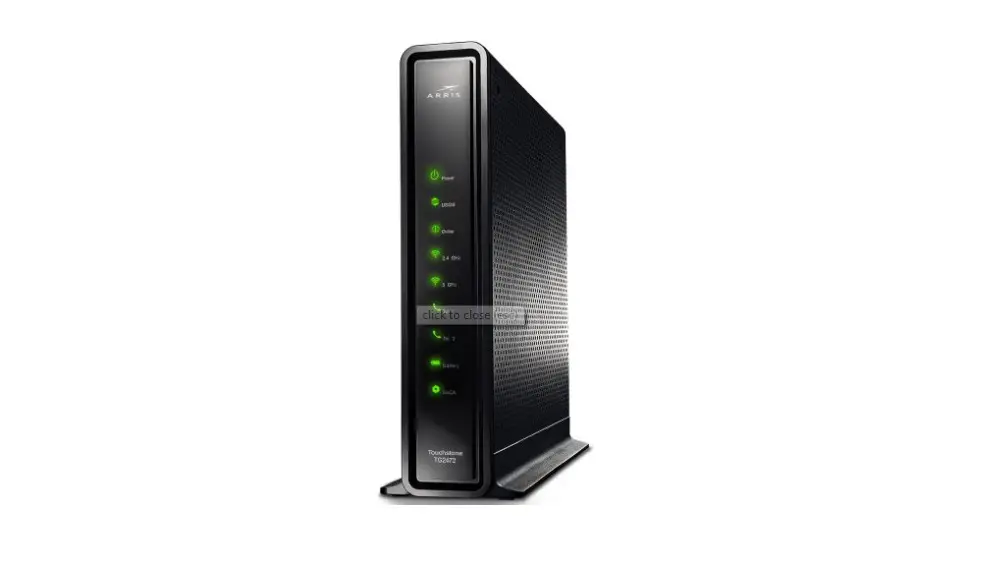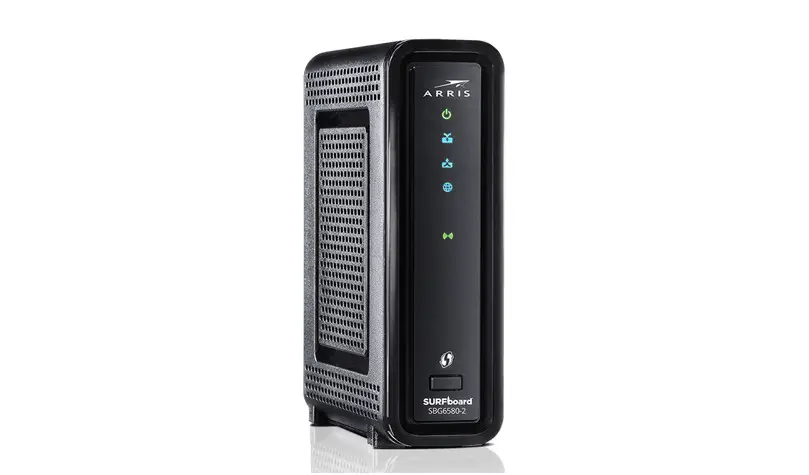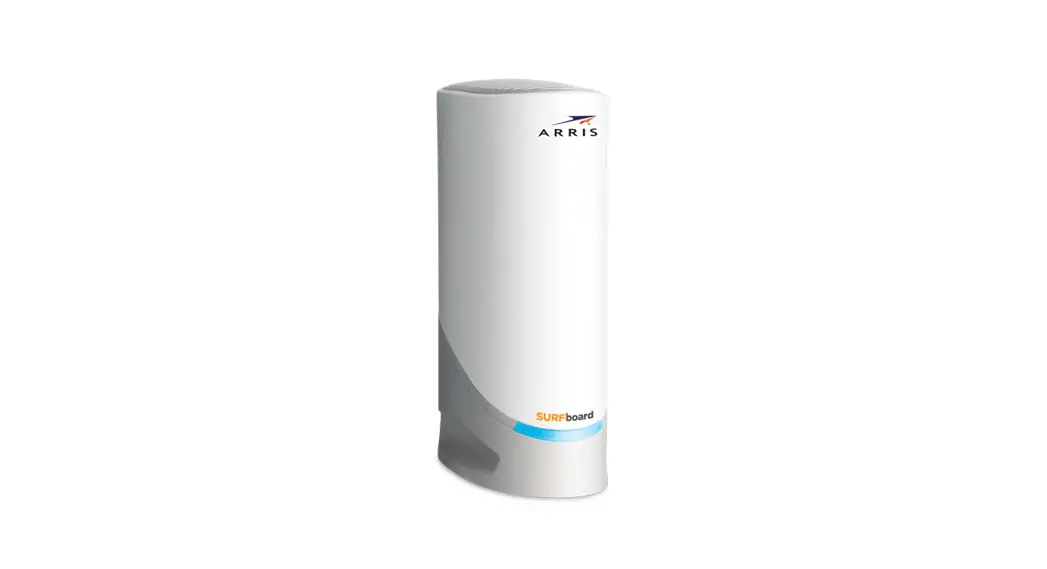

BYO ROUTER SETUP
HFC CONNECTIONS
Step 1.
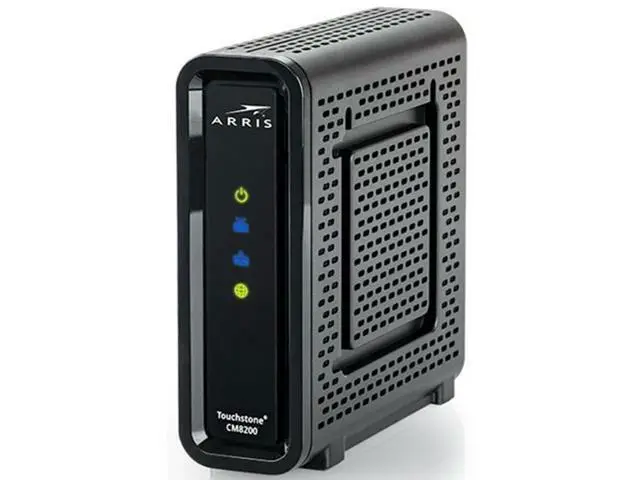
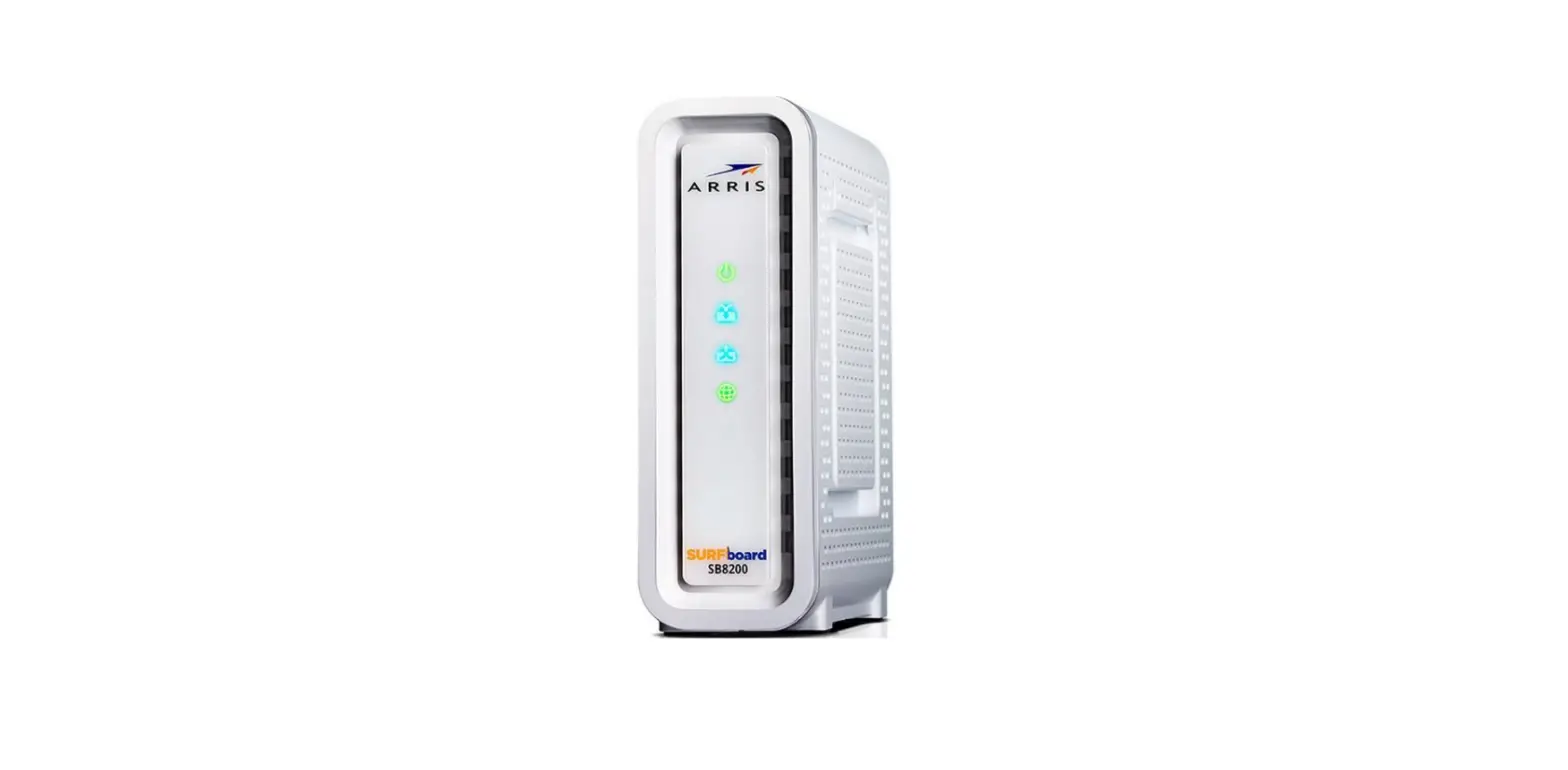
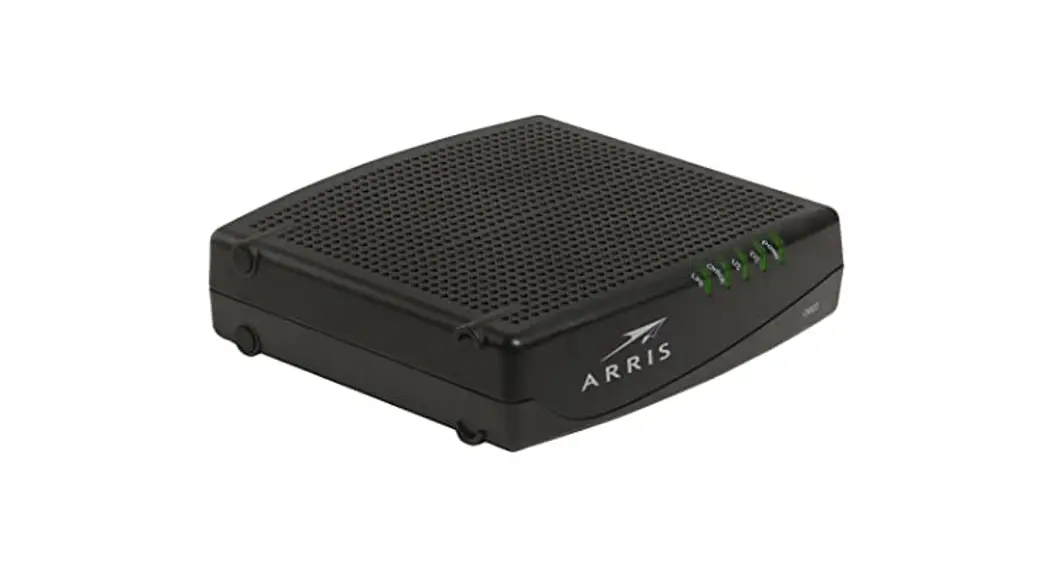
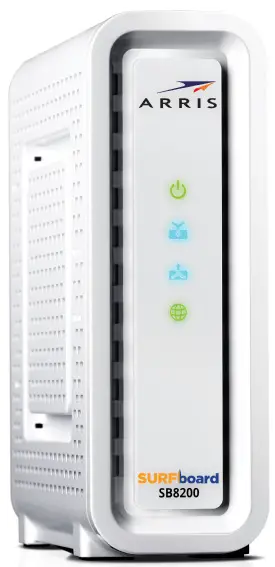
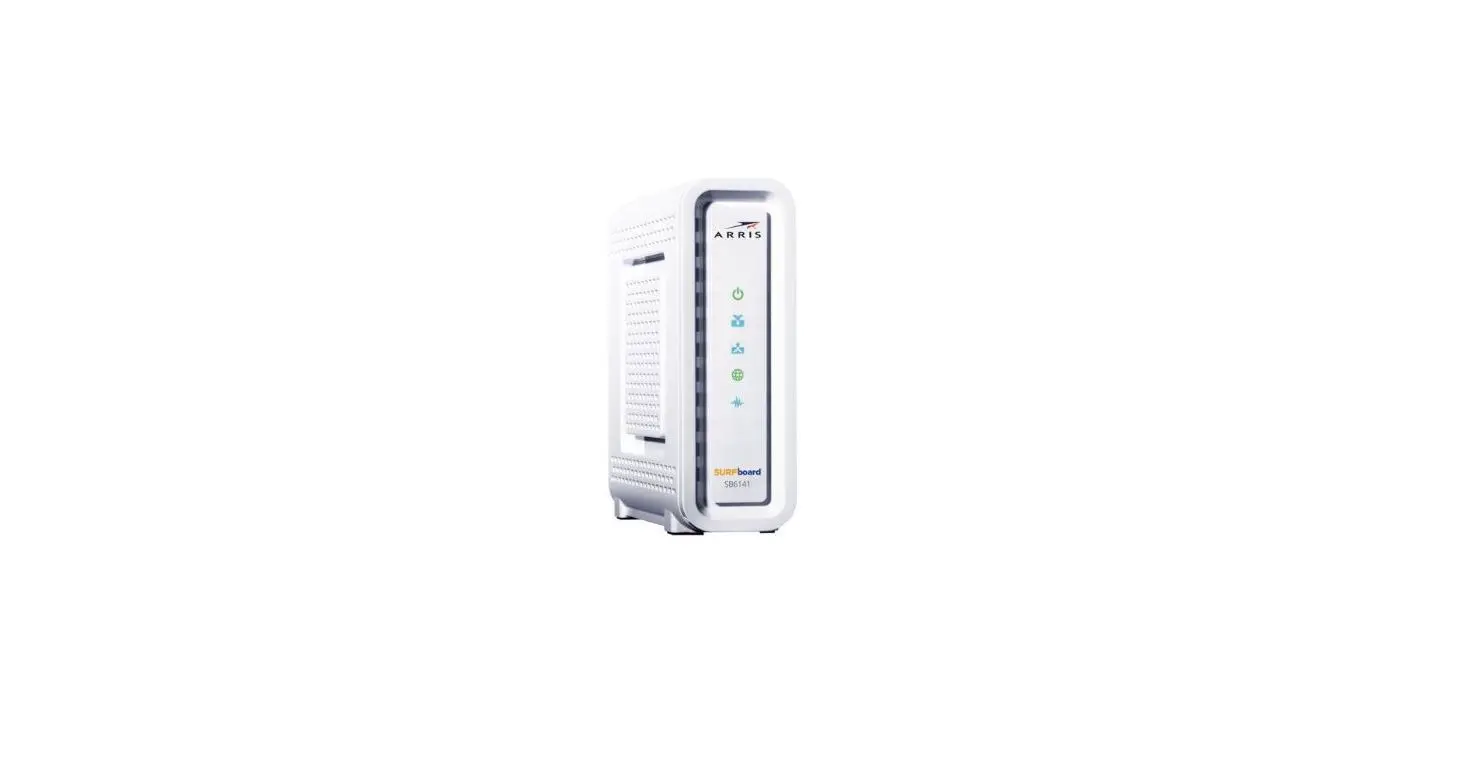
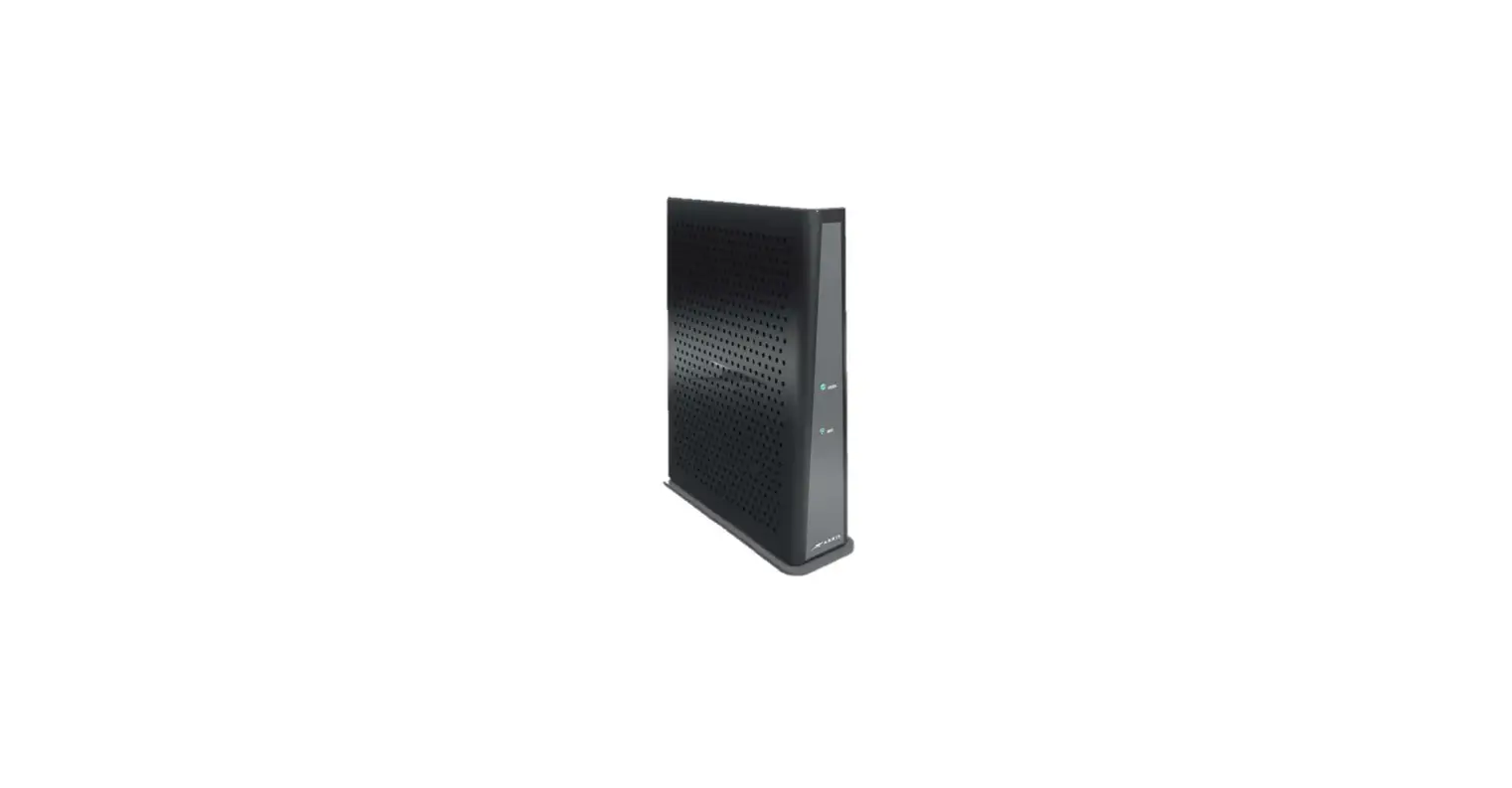
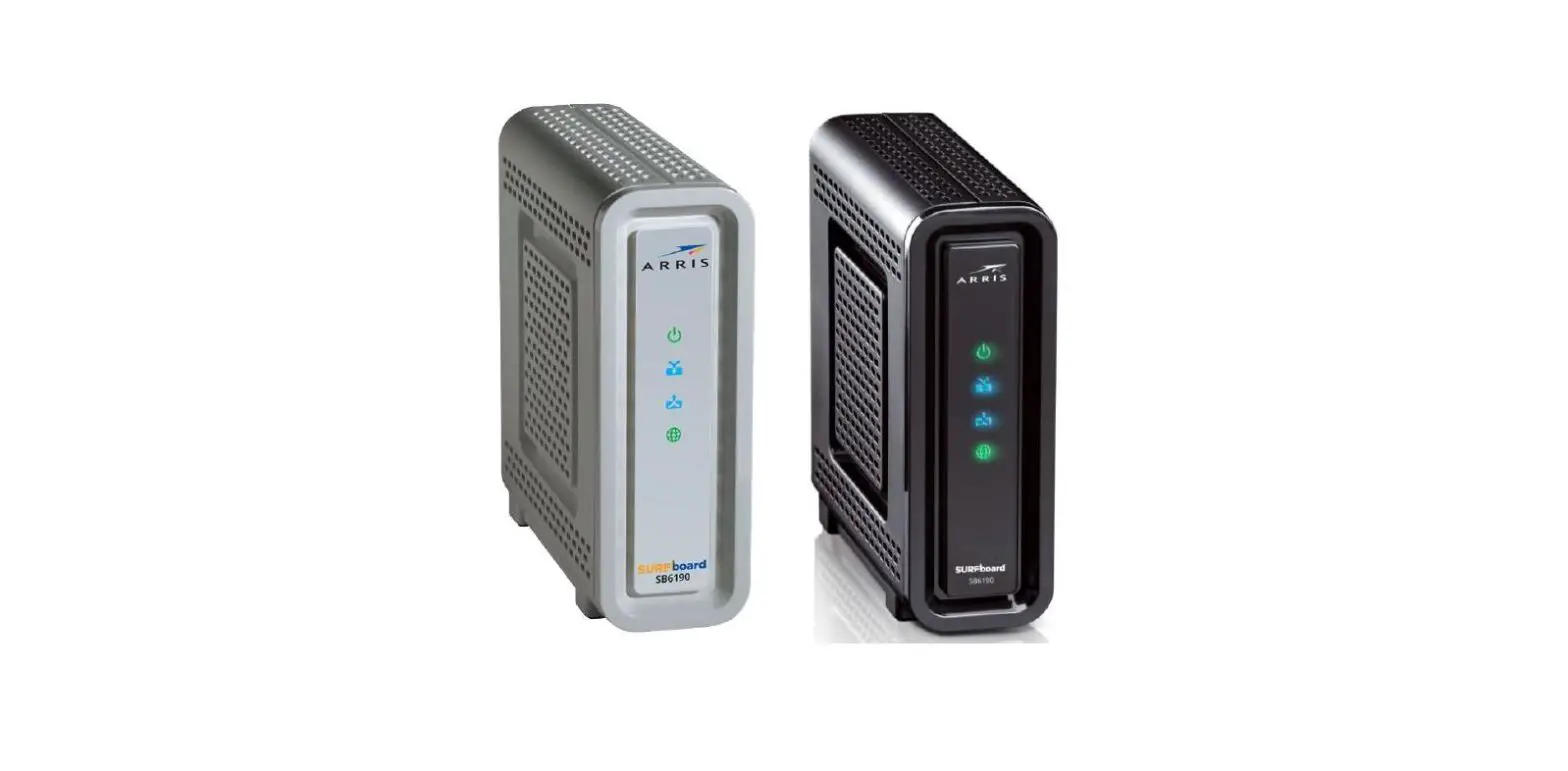
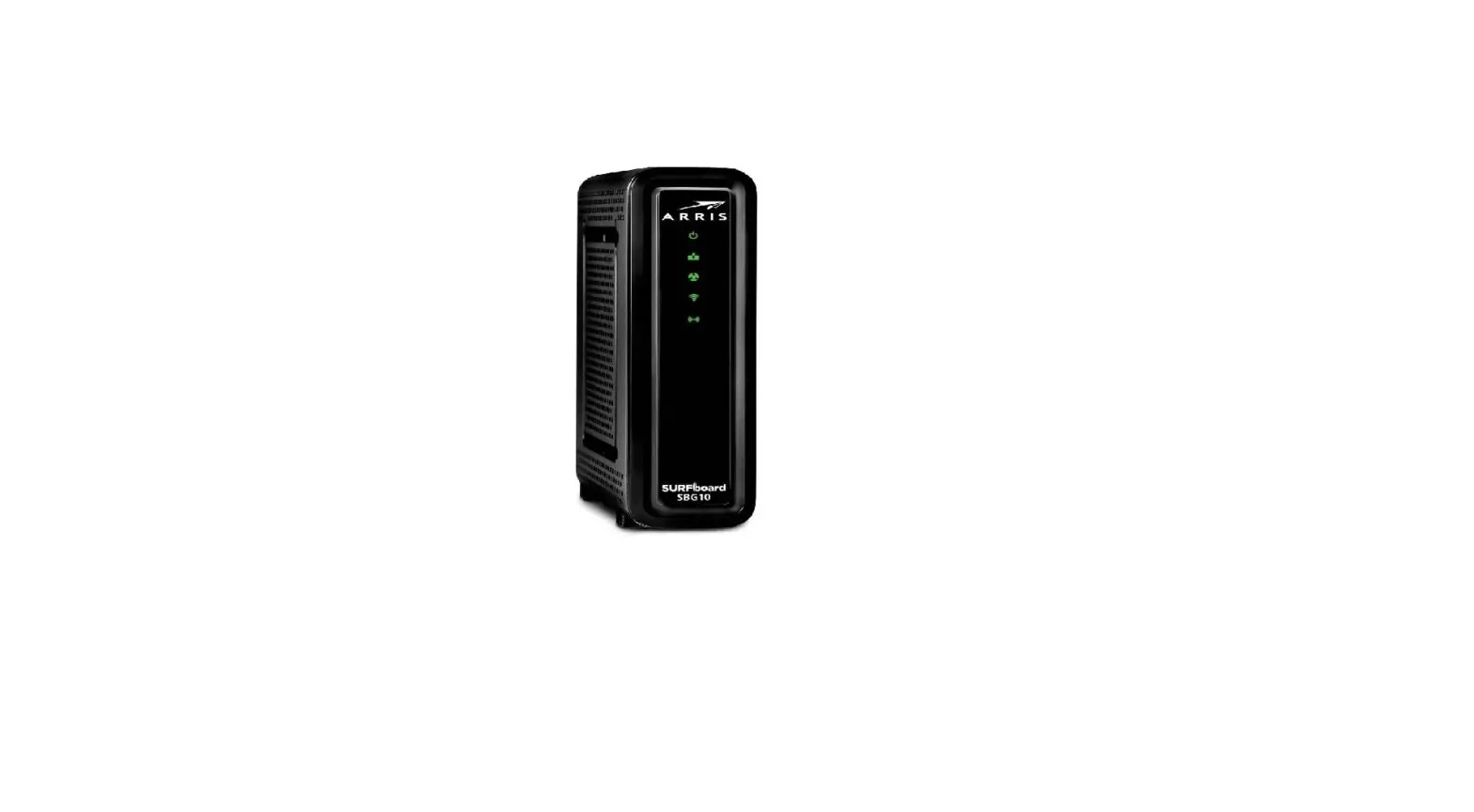
Locate the NBN Connection Box that has been installed inside your property.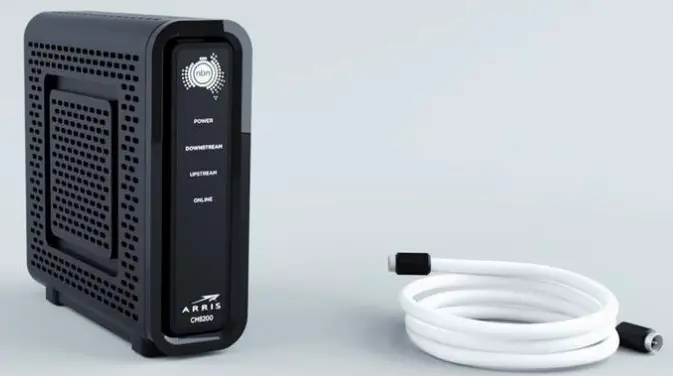
Step 2.
Ensure that the NBN Connection Box is connected using the white HFC cable to the cable wall socket. This should have been completed during the NBN activation appointment.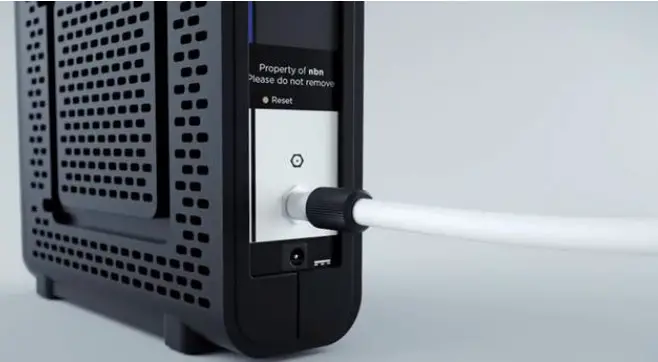
Step 3.
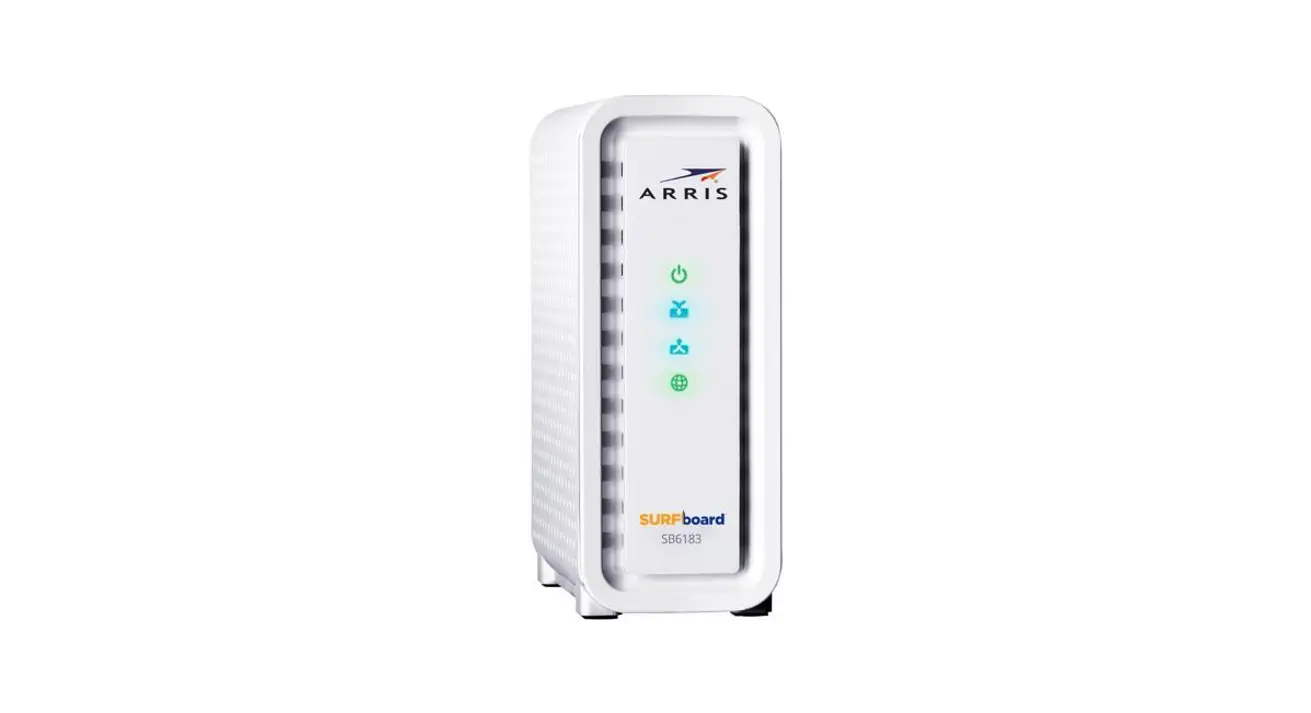
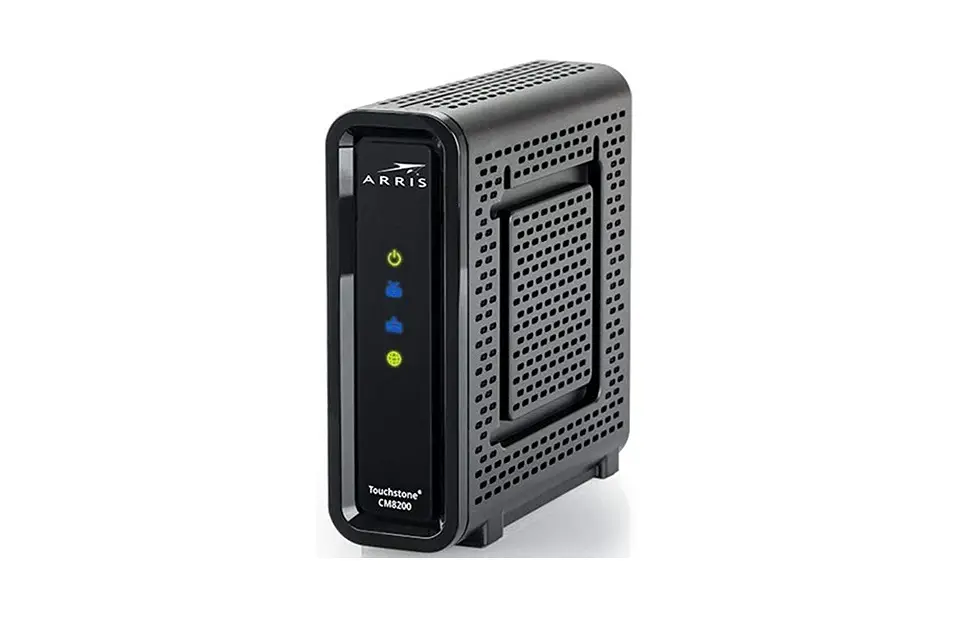
Ensure that power is connected to the NBN Connection Box. The POWER, DOWNSTREAM, UPSTREAM, and ONLINE lights should be on.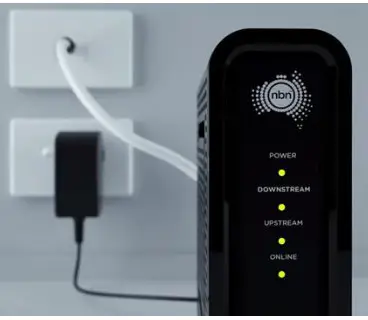
Step 4.
Use a network cable to connect your router from the WAN port on the back of the NBN Connection box to the WAN port on your router.
Step 5.
Connect a computer or laptop to your BYO router via a cable or by WIFI and access the router configuration page. If you are unsure how to do this, please consult the router user guide.
Step 6.
Most routers will provide a Quick Start Guide or Setup Wizard – please try and follow these steps. Ensure that your router is configured in WAN mode and encapsulation is set to PPPoE. On most devices, you should leave all other settings as default. Then configure your BYO router using the ISP username and password that we will have emailed and SMS’d to you.
Due to the number of router brands available it is hard to give precise setup information here. We recommend consulting your router user guide or speaking to the manufacturer of your device.
Step 7.
After you have successfully configured your BYO router please wait a couple of minutes for it to connect to the network. After a couple of minutes, you should see the authentication light on the router become lit and steady (not flashing). The authentication light is often labeled ‘Internet’ or ‘www’ or ‘Web’. Please consult your router user guide if you are unsure which light is the authentication light.
TROUBLESHOOTING
| Symptom | Things to try |
| Lights on the NBN Connection Box is not on | 1. Turn the power off to the NBN Connection Box for 10 seconds and turn it back on. Wait 10 minutes and see if the lights restored. 2. Contact our support team as we may need to log a fault with NBN. |
| Router authentication light does not come on | 1. Ensure that the router has been correctly configured with the ISP username and password. Triple check for any spelling mistakes or typos. 2. Ensure that you are connected to the WAN port on your router. 3. Try an alternative network cable to connect your router to the NBN box. 4. Ensure that the router is configured in WAN mode. |
Technical Support
If you require assistance setting up your BYO device our team is available.
Live Chat: www.moretelecom.com.au
Phone: 1800 733368
© More Telecom 2020 1800 733368
www.moretelecom.com.au