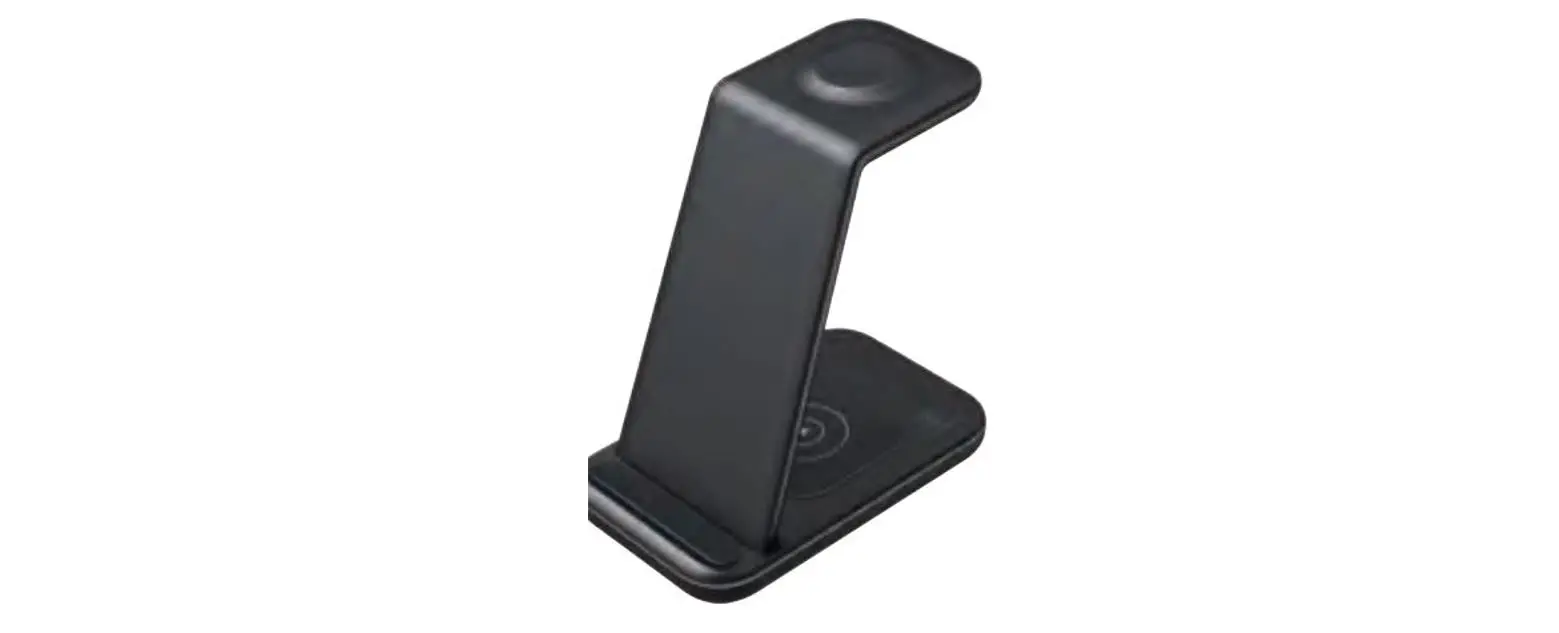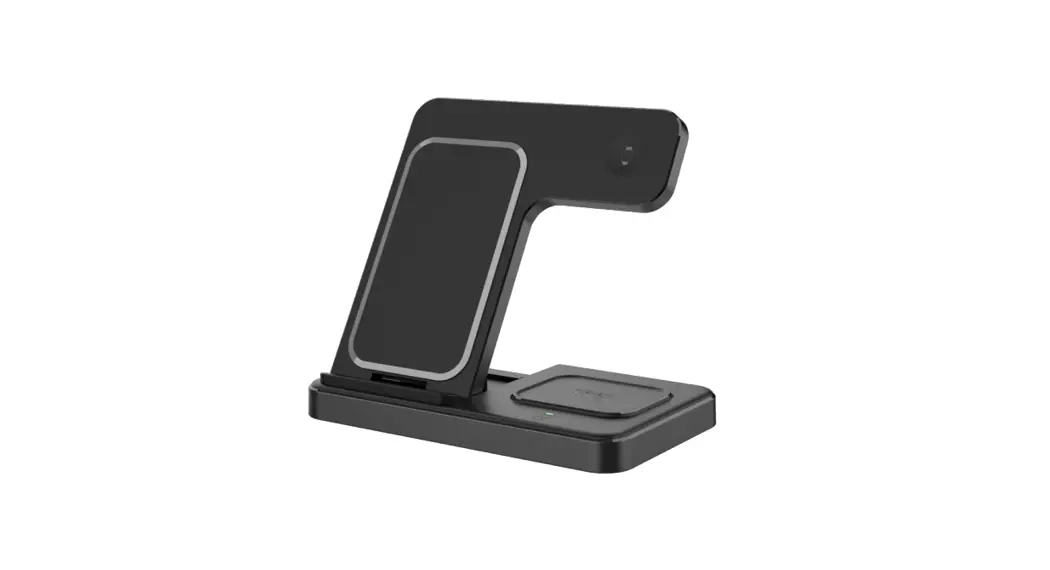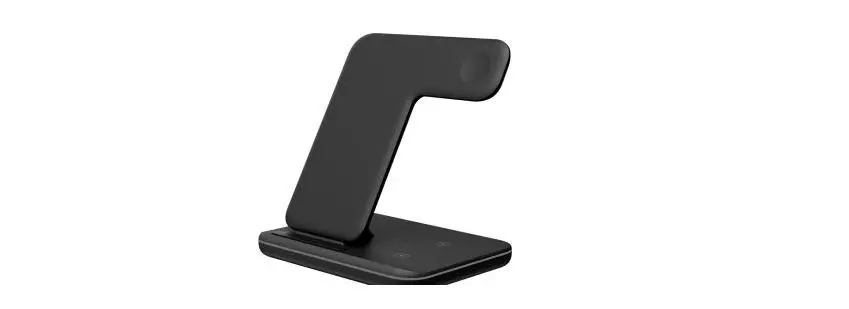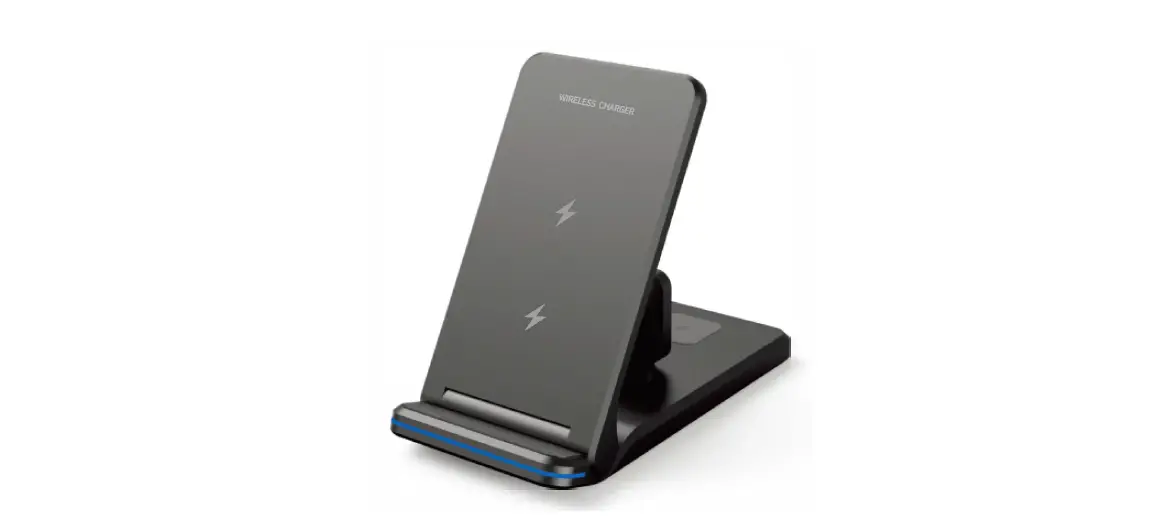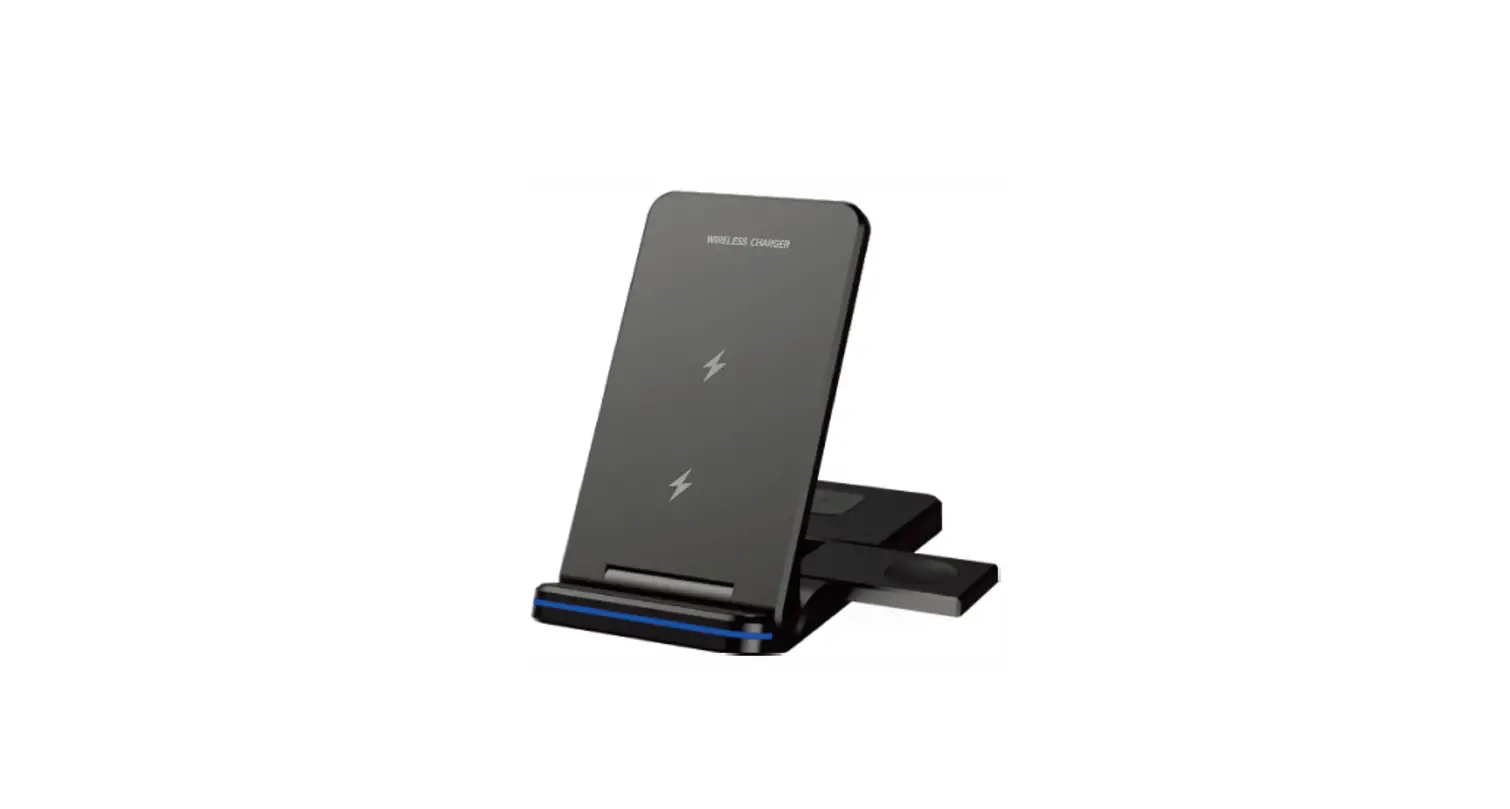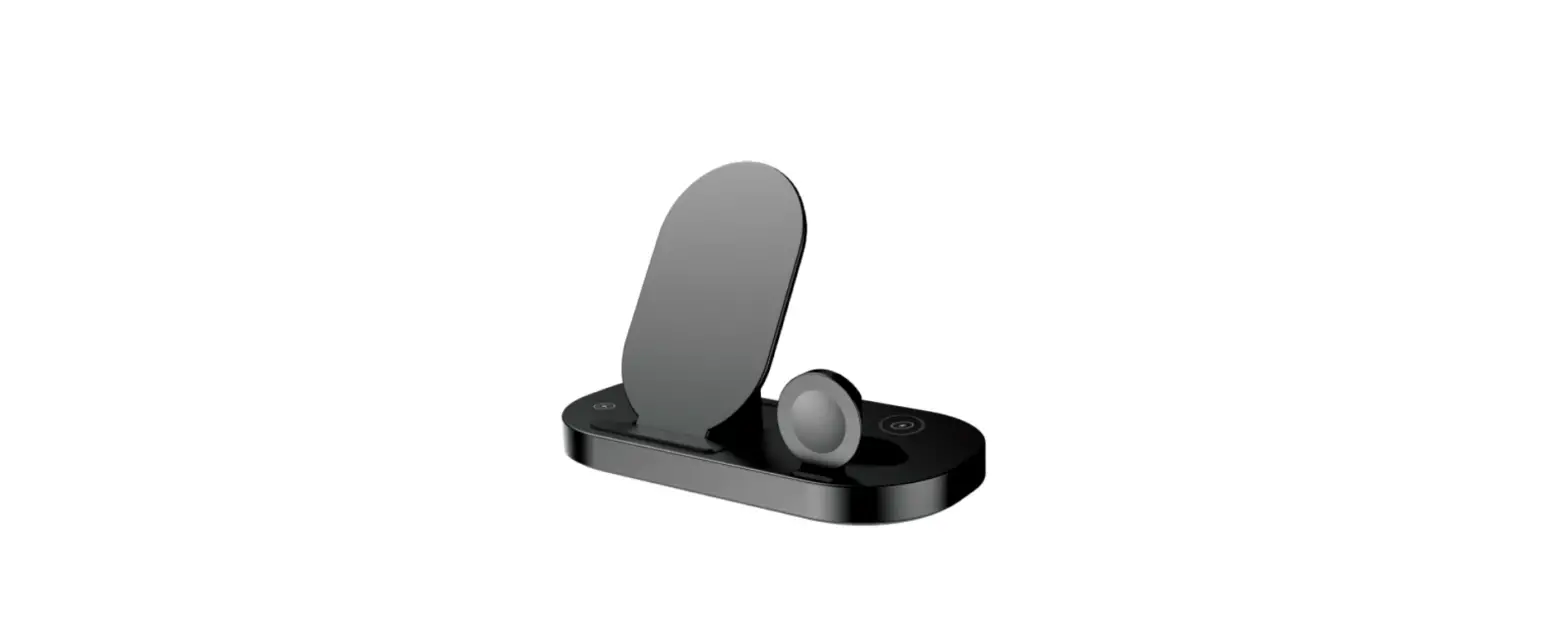

Guanyu GY-Z12-1 3 In 1 Magnetic Wireless Charger
Note
To ensure the safe and efficient charging of 3 devices, you must use a 9V/2A adapter(Qualcomm Quick Charger 2.0 or S.O) and fast charging cable (you don’t use a 5uitclble c1dapl&r c1nd fast chc1rging t=c1-be, the charger may not be c1ble to charge the phone or may not Charging 3 devices at th& same time or may even damage the charger).
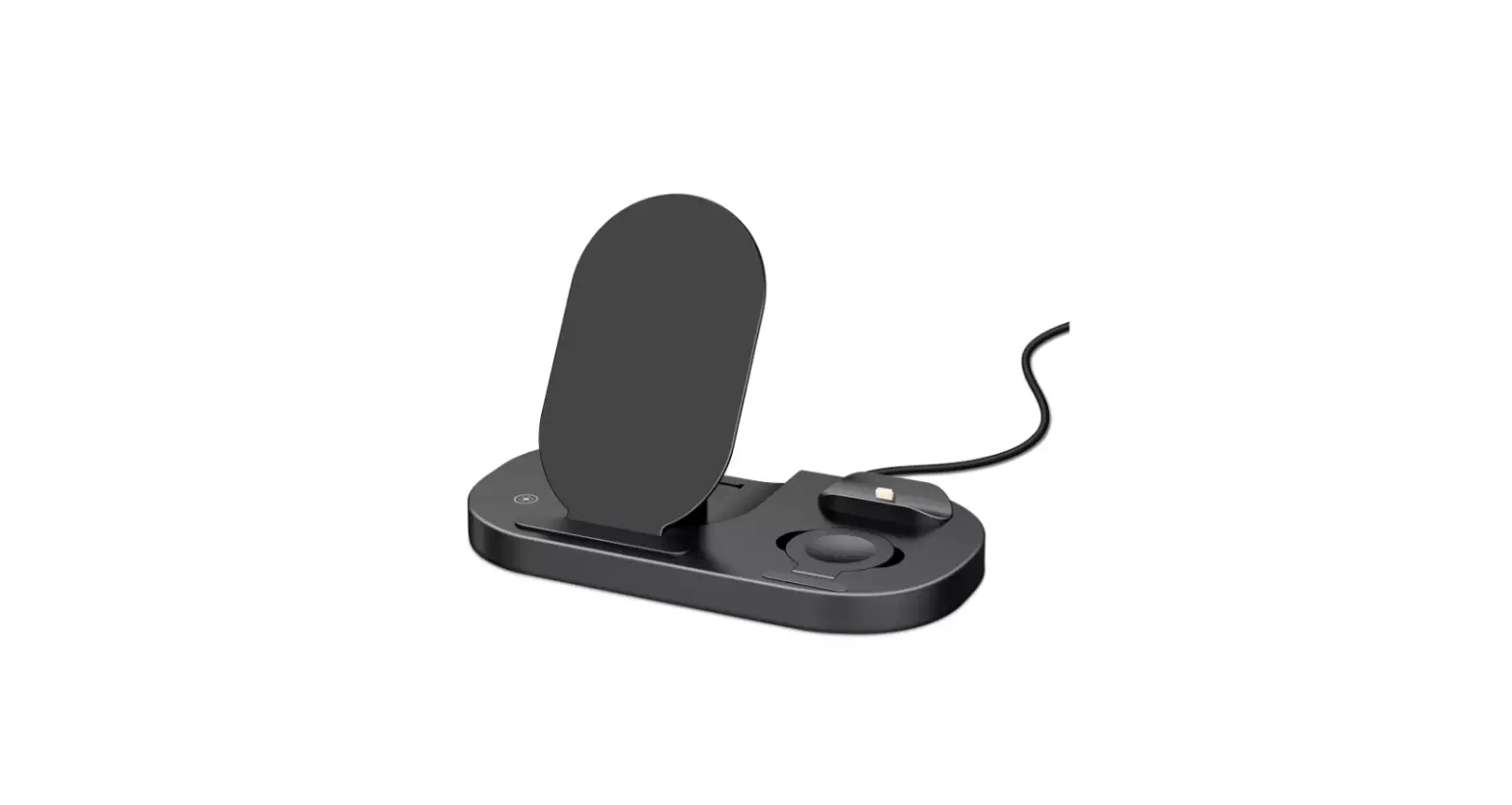
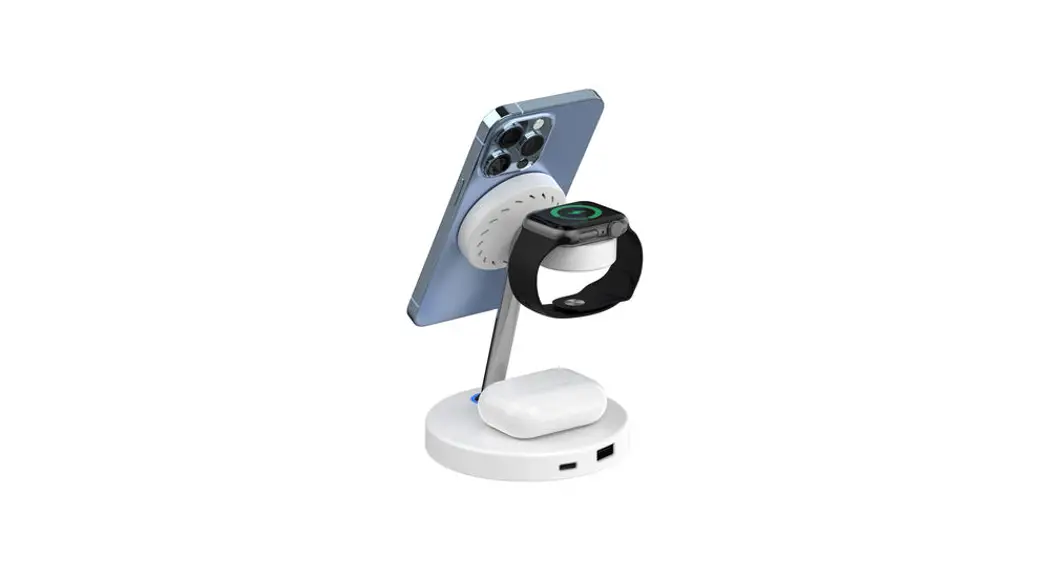
PRODUCT INTRODUCTION
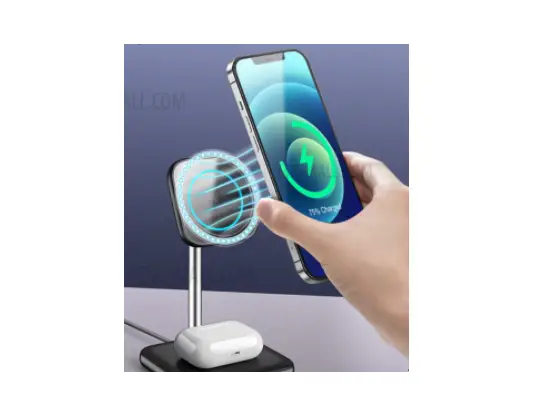
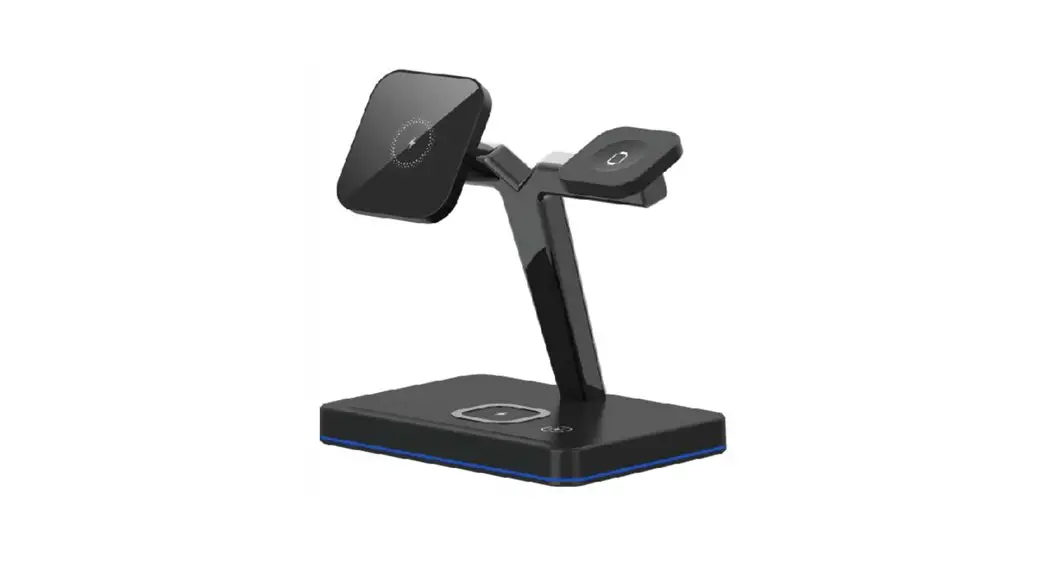
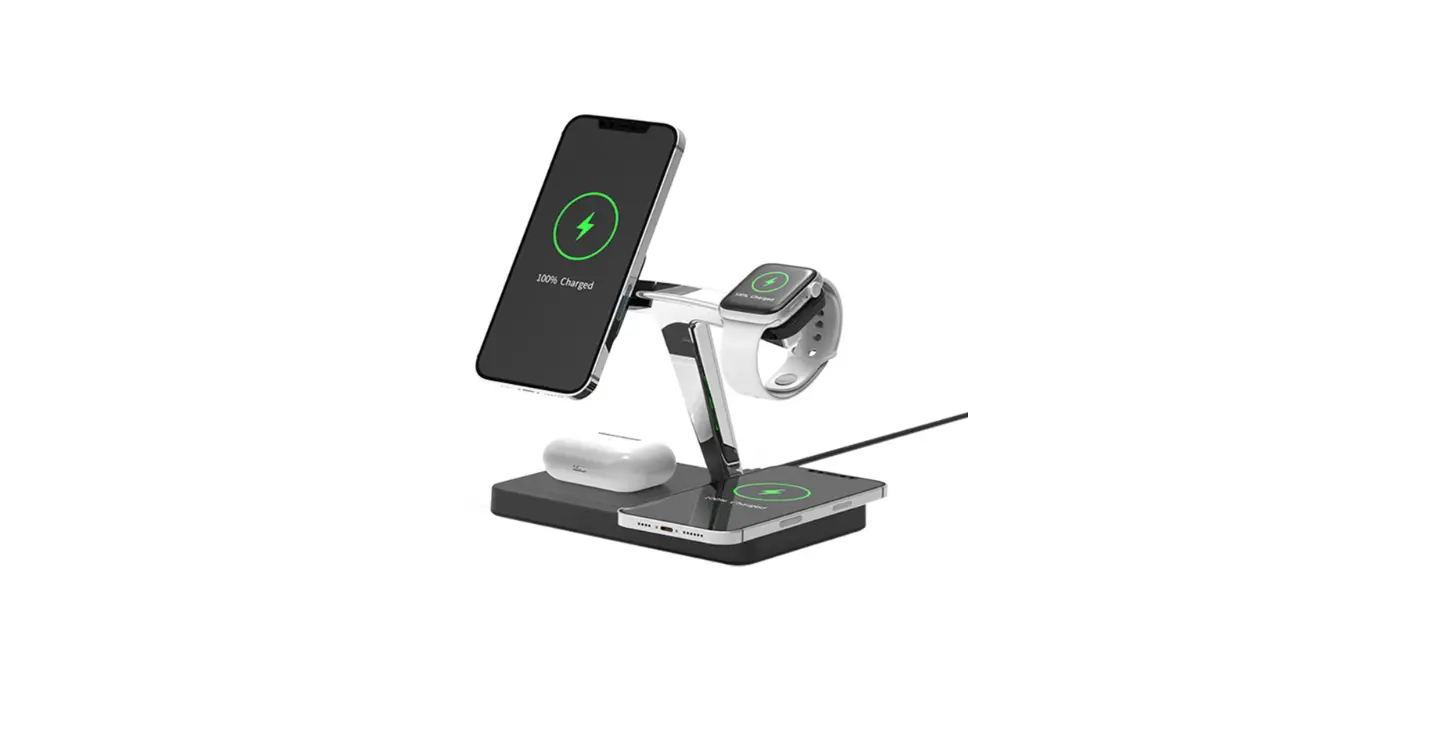
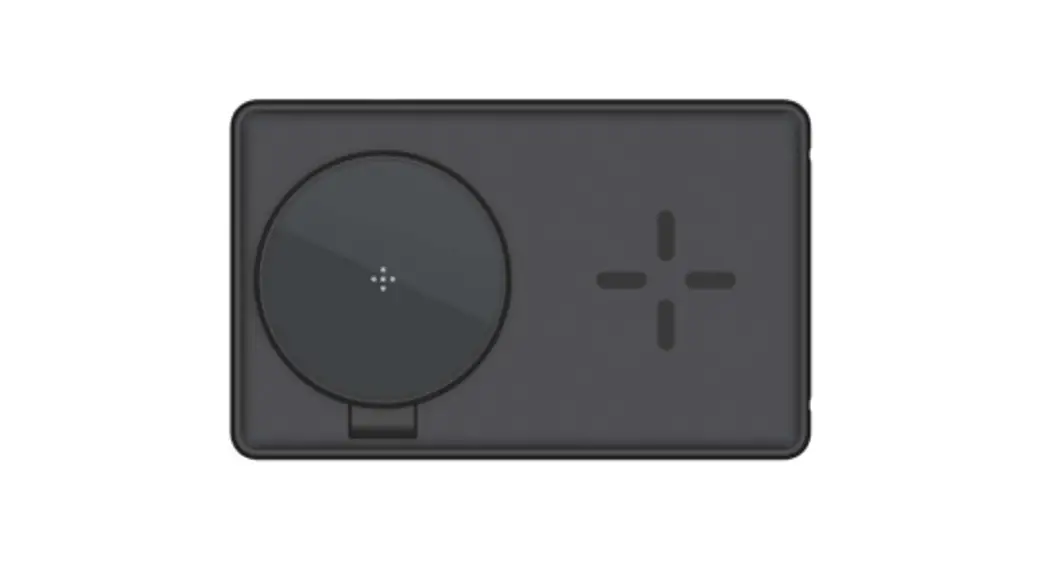
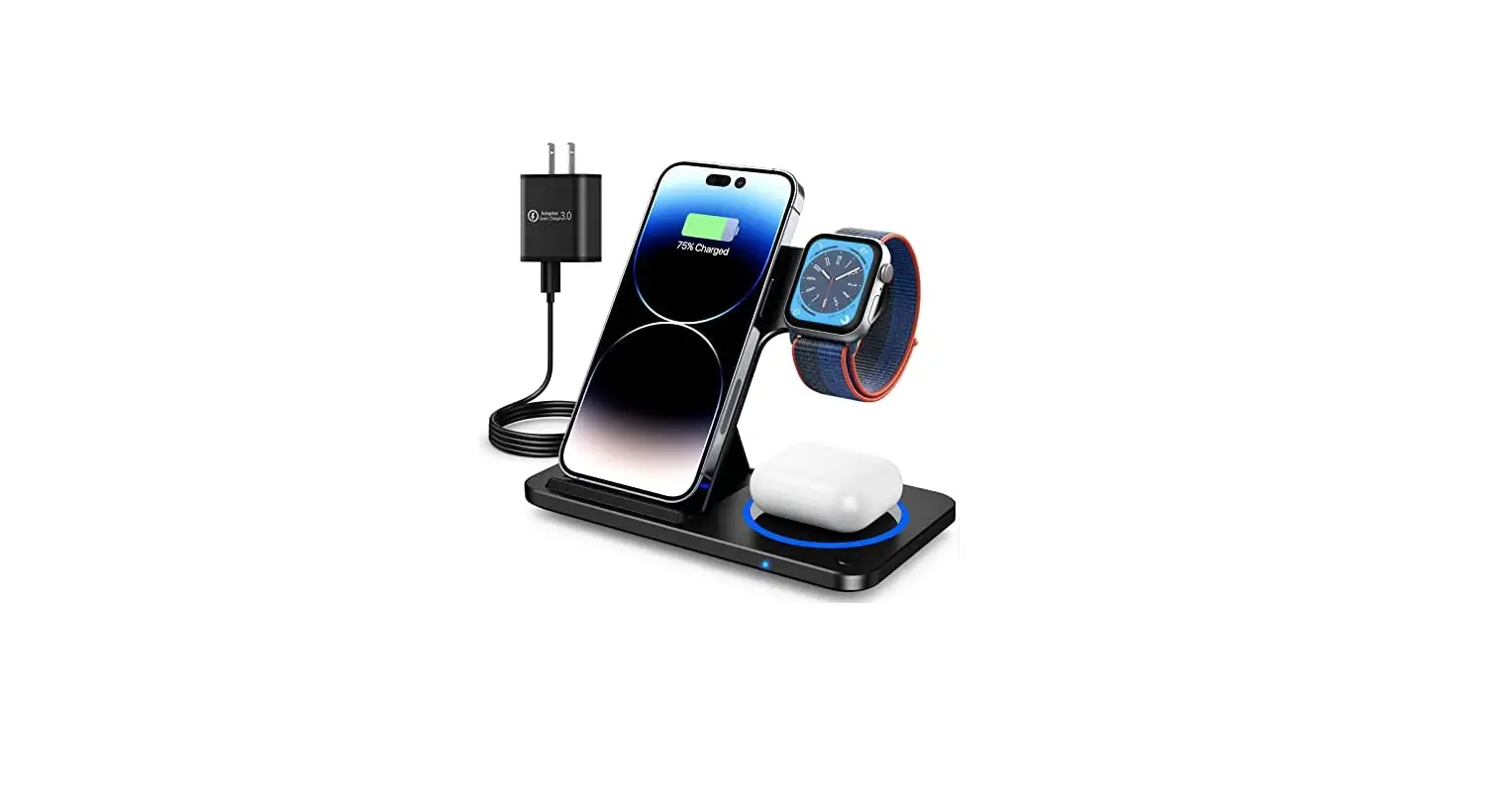
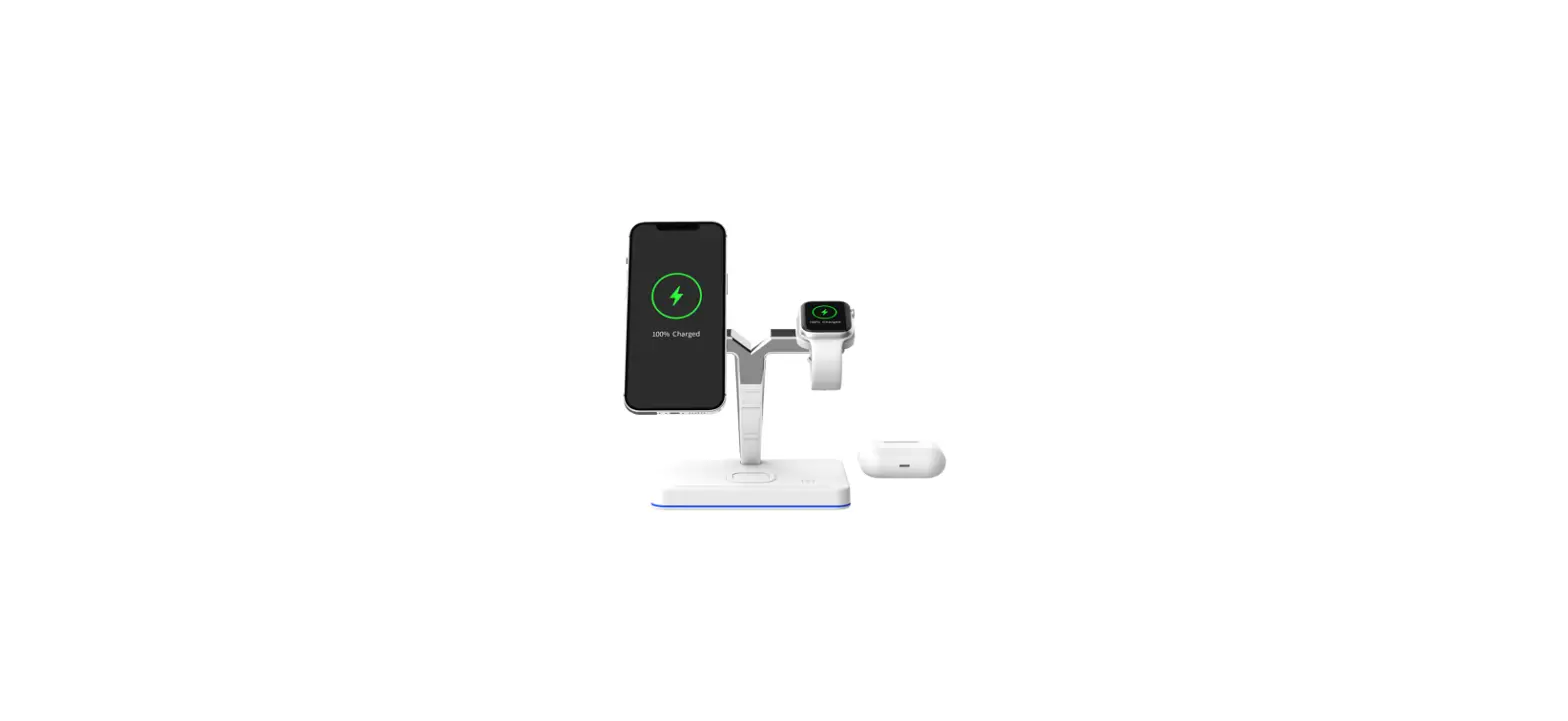
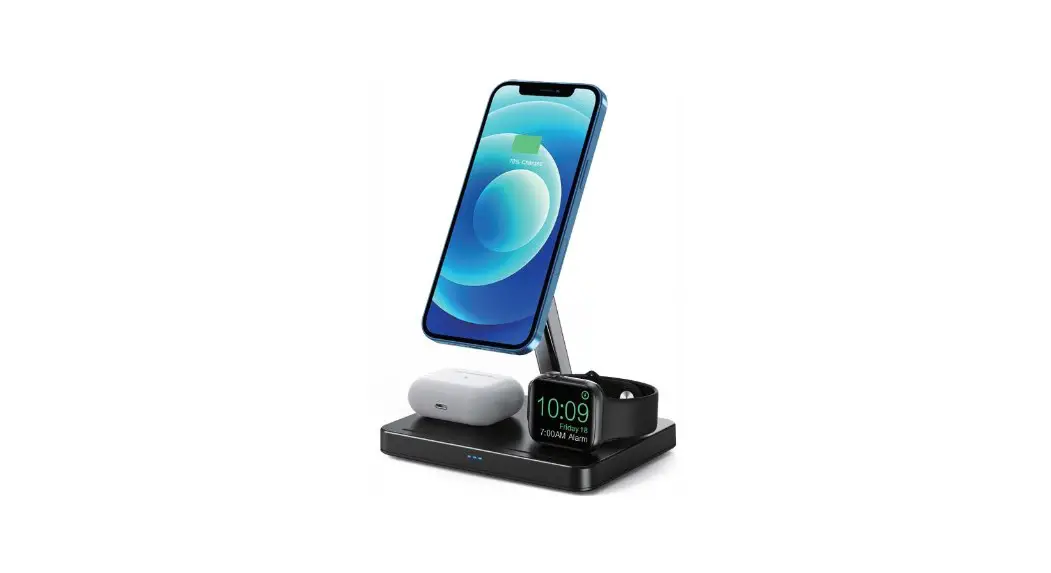
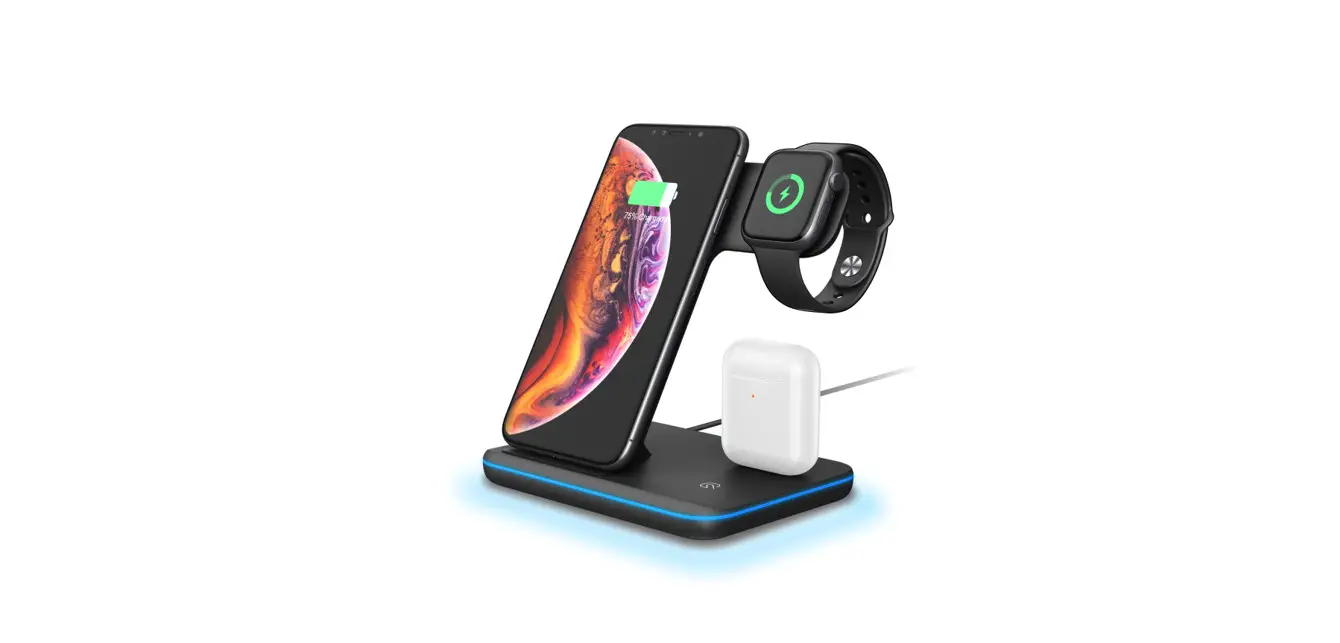
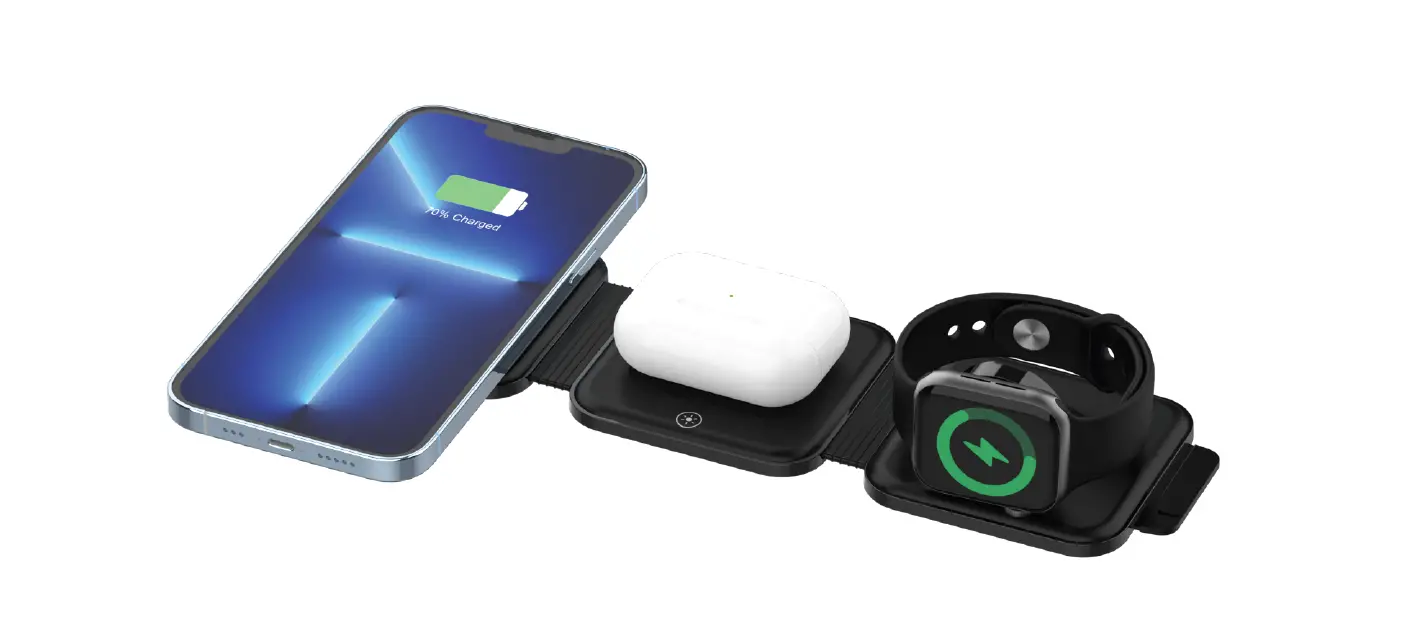
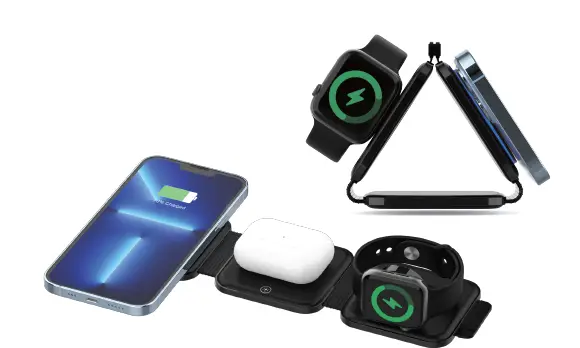
The 3-in-1 Wireless Charger is a multi-function charging station, you can charge 3 smart devices {iPhone12/13!14series, iWatch, and earbuds) on our product at the same time. II is compatible with the iPhone12/13/14 series, iWatch, AirPods, and most of TWS. It is a unique design with an elegant appearance, and perfect to use at the office or at home. It is very convenient to charge your smart devices on our product, especially for Apple user. There is the protection of over-charge and FOD function, you can enjoy your charging experience.
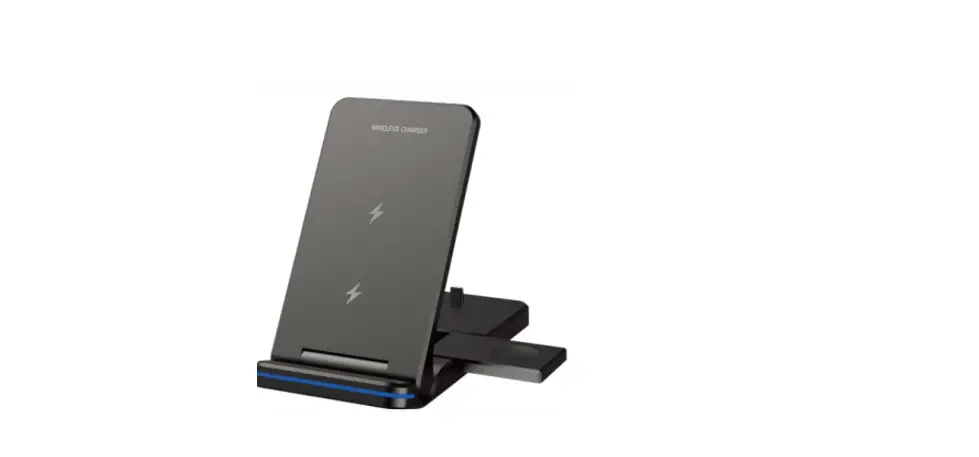
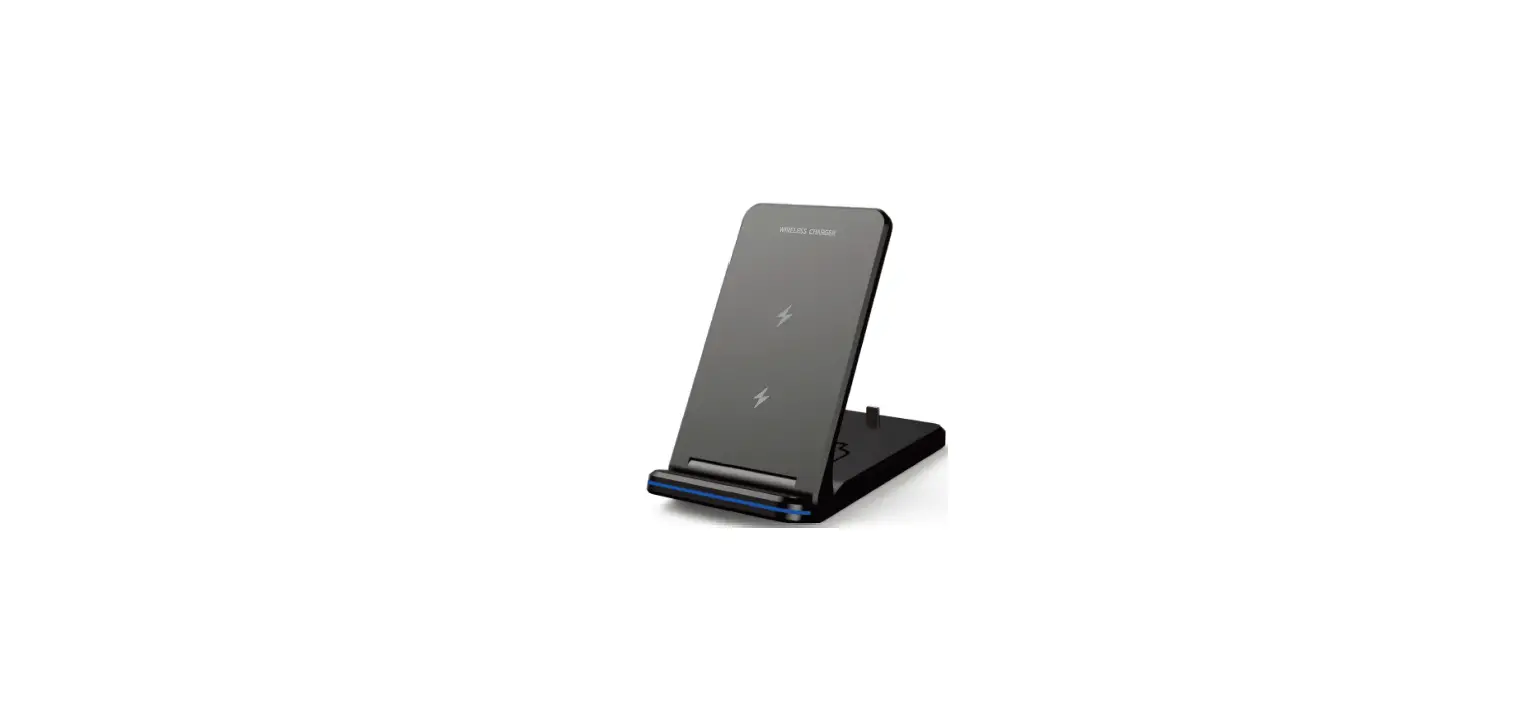
APPEARANCE INTRODUCTION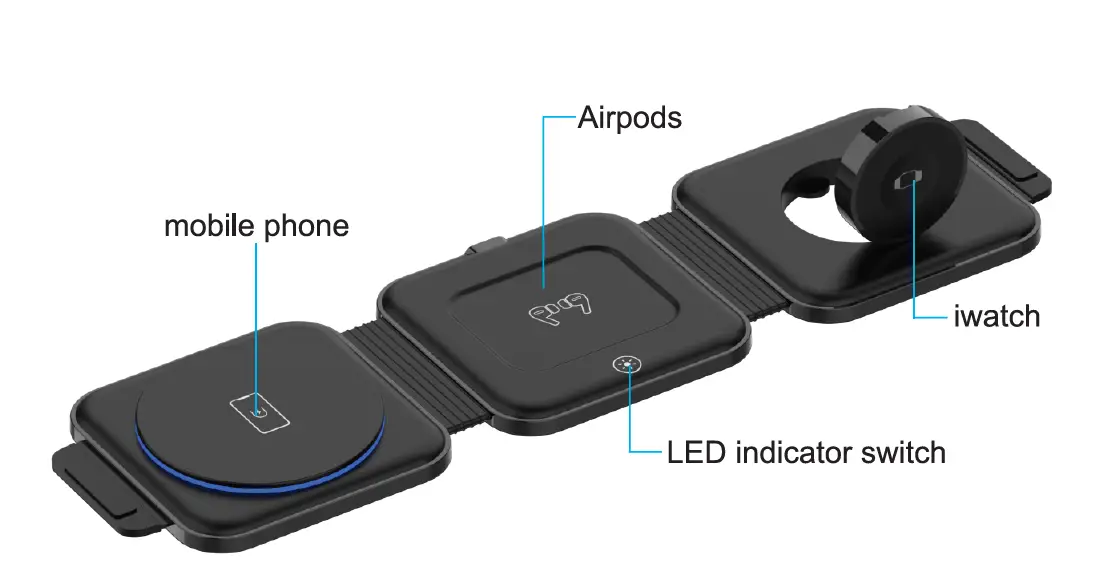
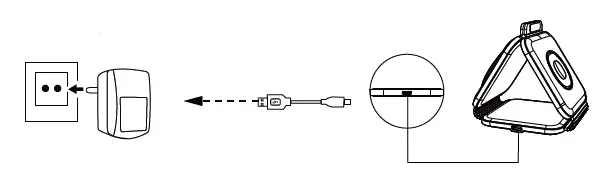
CHARGING METHOD
How to use
LED LIGHT INSTRUCTIONS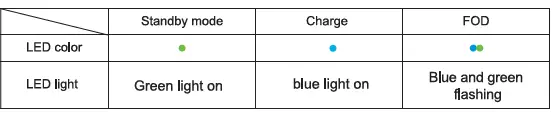
COMPATIBLE DEVICES
- iPhone
- iPhonel4, 14 Pro,14 Pro Max,14 Plus iPhone
- 13, 13 Pro, 13 Pro Max, 13 mini iPhone
- 12,12 Pro,12 Pro Max,12 mini
- iPhone Leather Wallet with Magnetic
- iPhone 14 Series Case with MagSafe
- iPhone 13 Series Case with MagSafe
- iPhone 12 S&ries case with MagSafe
- Apple Watch
Apple Watch 58/ Ultra/ Hermes/SJ /S6/S5/S4/S3/S2/SE - Earbuds
AirPods Pro 2/AirPodlil (2nd geoi.1rt1tion) f AJrPods Pro f AirPods (3nd ) The Qi 1o1nable earbud5
PRODUCT SPECIFICATION
- Input: 9V/2A
- Output(PhOne): 15W
- (Mex)/10Wf7.5Wf5W Outpl.lt
- (with): 2. SW(MclX)
- Output(EarbUds): 3.0W(Max)
- Input Port TyptrC
- Conversion Rate: ;?73%.
- (PhOne) Product Size: 97 .0•12A• 25mm(fold)
PACKING LIST
- Magnetic wirele55 charging X 1
- User manual X 1
- typical quick charging cable X 1
FAQ
If you’re experiencing interrupted or slow charging, check the following
- The back: of your phone & !! should not have any metal, pop, or CMdit
- Put the Charging surface let the charging in your phone line up with the one inside the wireless charger).
- Phone cases should be no thicker than 5 mm for effective charging.
- Check whether the adapter is QC 3.0 fast charger.
If you fall Ing to charge your device, please try out the following
- Please restart your cell phone Md et with another charging cable.
- Please check: whether the Iha indicator Wms is on or not.
- Please Chee! whether < the Adapter is QC3.0 Quiel< Charger (Output:9V/2A) or not, iPhone critical does not match the wireless charger.
- Please check your Phone case thickness(<=Smm). Metal ling or Magnetic Pad will not be available.
- If you’re using the recommended wireless charger with the QC3.0 Adapter and removed any potential charging obstructions, but are all experiencing ls1uea, try this:
- Replacing the cable connecting your wireless charger.
- Rebooting your phone.
- Unplug,IQ the 8d8pter .i.nd 11,1in$tlrt.
- If the LED light and the wiraleH charging stand cannot charge your device, how can t deal with the problem?
- Before using! this wireless & iPhone charger, please make sure that your device supports Qi W1reless charging function.
- Check whether the 3.0 adapter i$ used for charging
- Check whether 11191’8 are metal foreign matl8n. in the shell, cf )’O’Jr equipment. Magnetic and metaJ accessories will flash the LED end to prevent c.11erglng.
- . Charging slow.
- Charging efficiency depends on the receiving power of your d9’11ices, and do not keep those apps keep running during charging.
- The phone charging l or the Indicator llgM t1nshe1.
- If 1he charging current Is not enough, please use an adapter ‘Nh:h stuff power 9V/2A or 1 ‘ZV/2A
- Charging fever. It generates hea1 dlJl’lng wireless charging. If Iha wireless charger is too hot, please take:e your phone o!’f ii, when the wireless charger is 000100 down, please charge It again.
- The Charger does not work. Do not put metal debris or magnetic cards in the charging area. tf the product does not work due to overheating. please take off for,e and charge ii again when cooled down.
- For iPhone 14 I 13112 gorges iPhone can not be charged?
TIPS
- This 3-in-1 wireless charging station only supports Apple watch 58/ Ultra/ Hermil!s/S7 /SE/ S6 / 55/54/ S3 {S2. (Note: Apple watch series 1 is not supported)
- Do not drive the charge station of Apple products:b:i from the computer USB interface or another power convert.
- When charging Ing, place the QI enabled In the center of each wireless charge ng area.
- Make sure your device is in the middle of the charger area.
- The silicone shell of iWatc:h and AirPods may cause e.tlnormal charging. It i8 belt. to take it off before Ch&rging.
WARNING
- Avoid using the product at places that are wet. or have & a high temperature.
- Avoid dropping the product from high places.
- Do not disassemble the product by yourselves. Please contact os If necessary.
- Do not dean the product unless the ‘-N’lil is powered off.
- It Is recommended to use an 18W or above adapter to charge 3 smart devices at the same time. All product brands:s and trademarks are the property of their respective owners.
FCC WARNING
- Reorient or relocate the receiving antenna.
- Increase the separation between the equipment and the receiver.
- Connect the equipment to an outlet on a circuit different from that to which the receiver is connected.
- Consult the dealer or an experienced radio/TV technician for help.