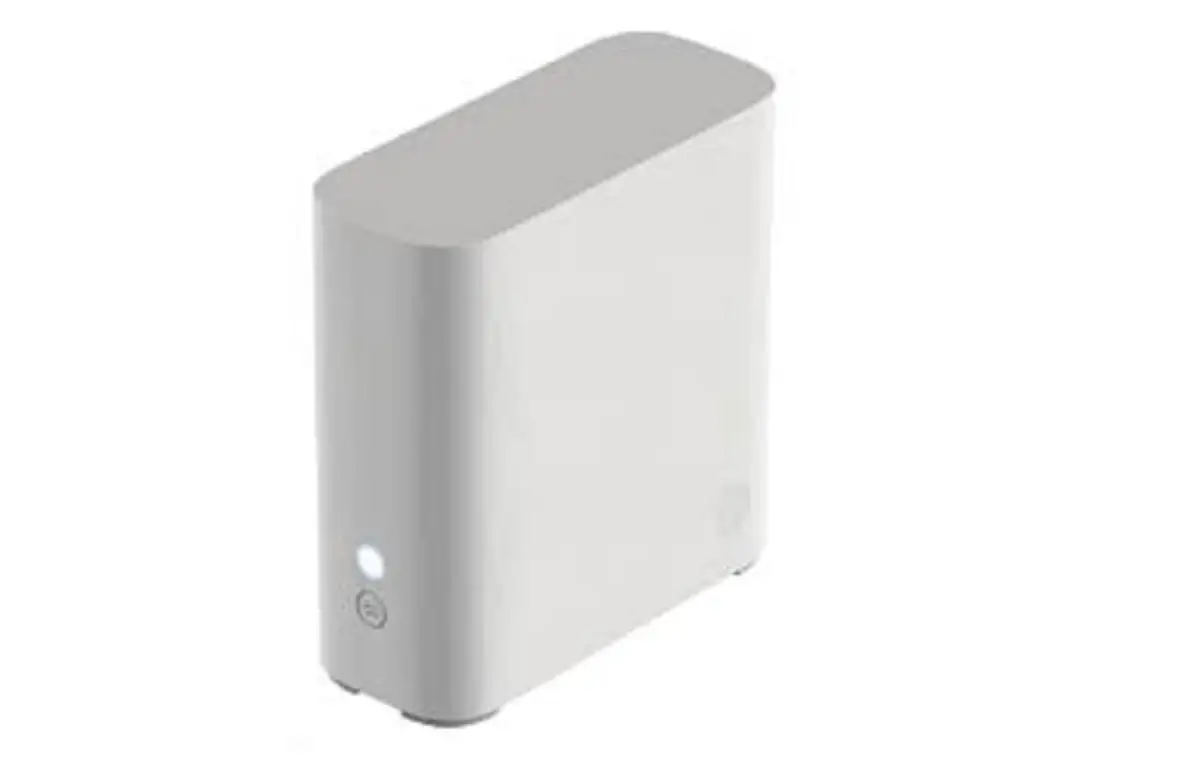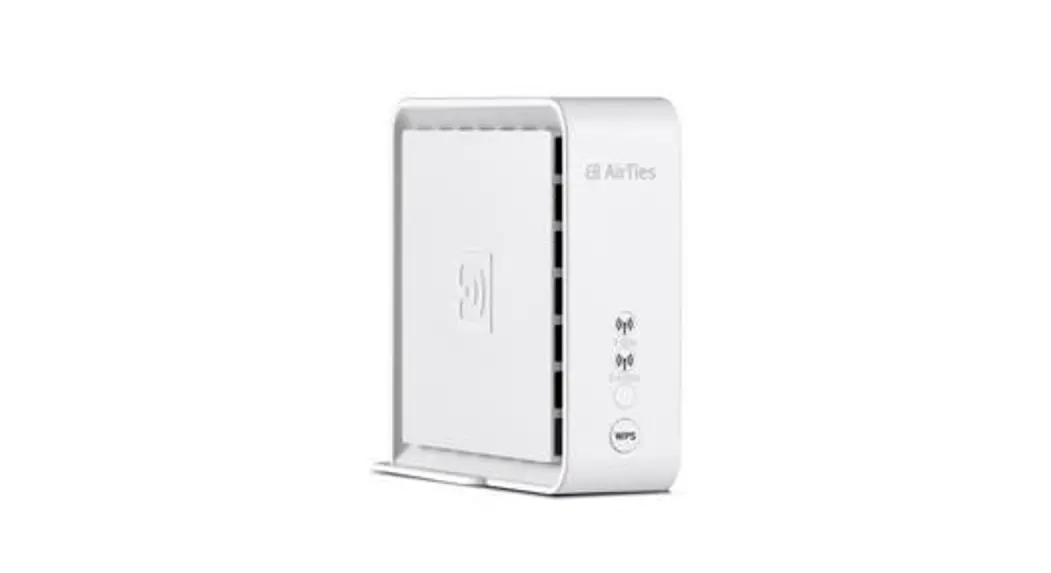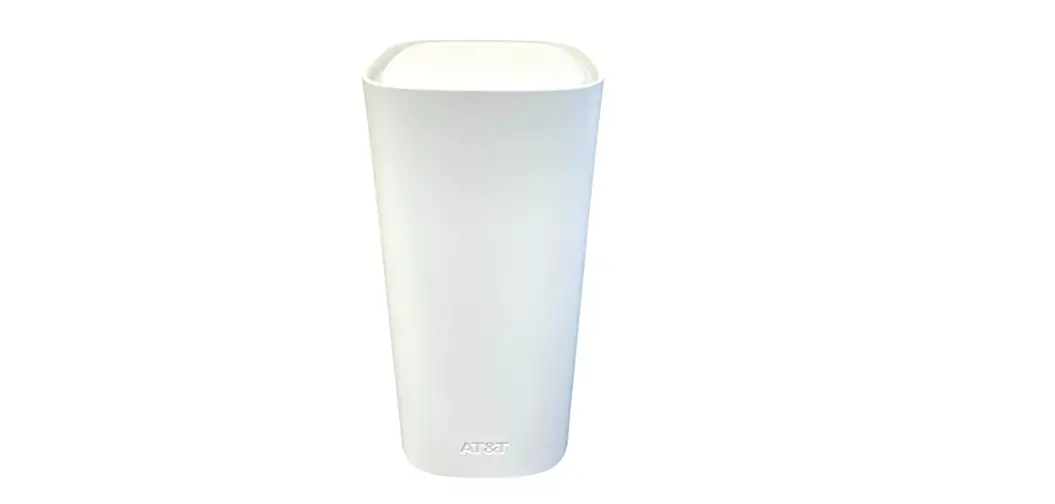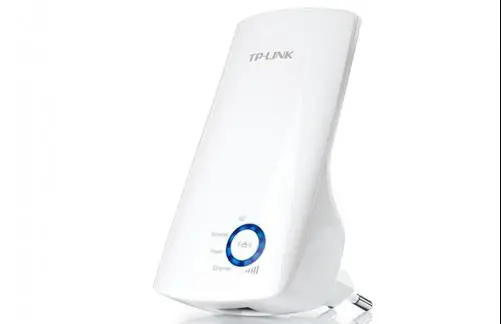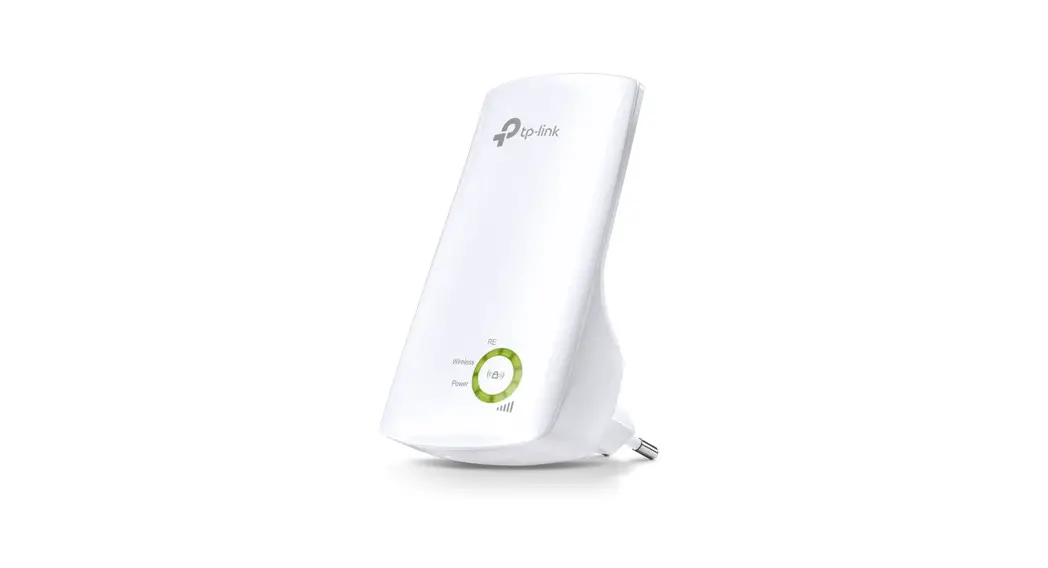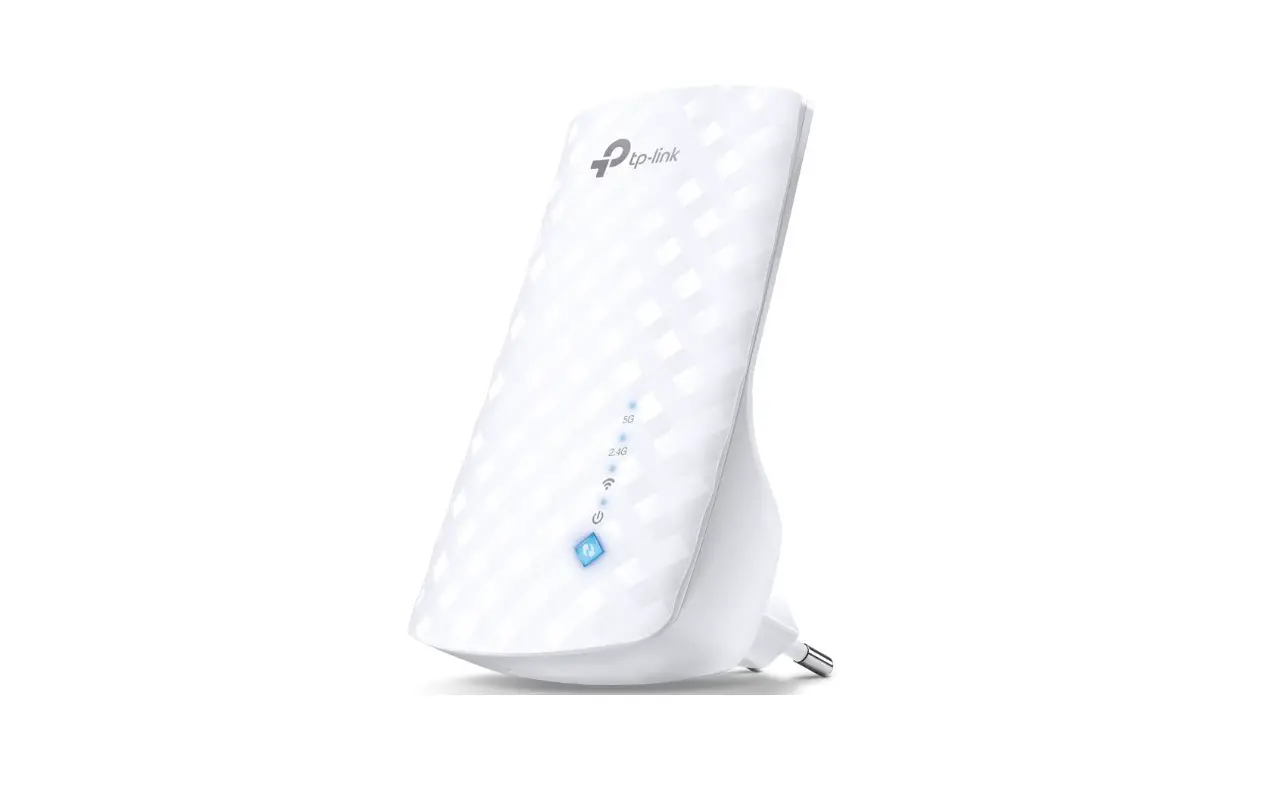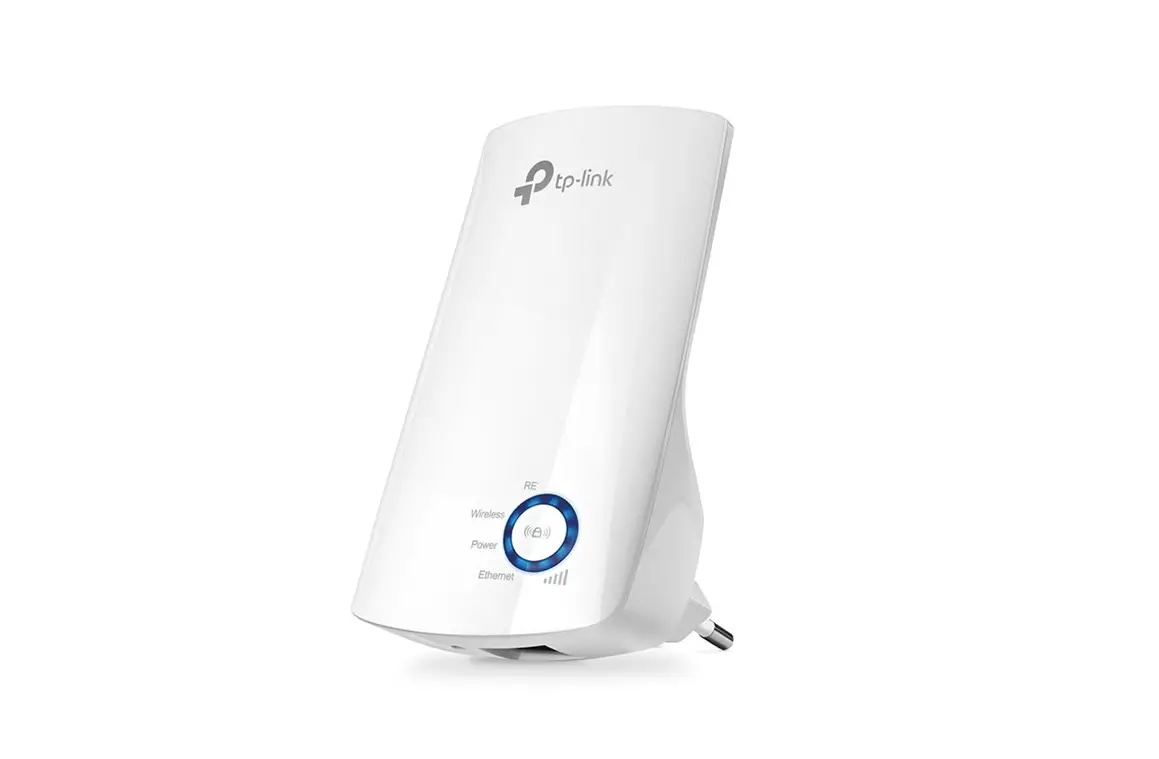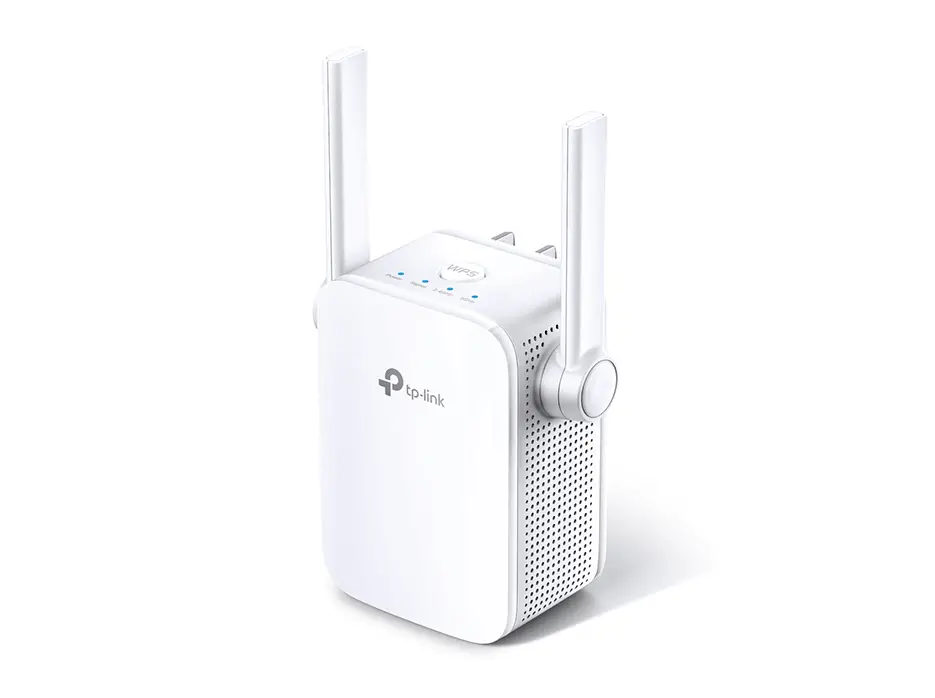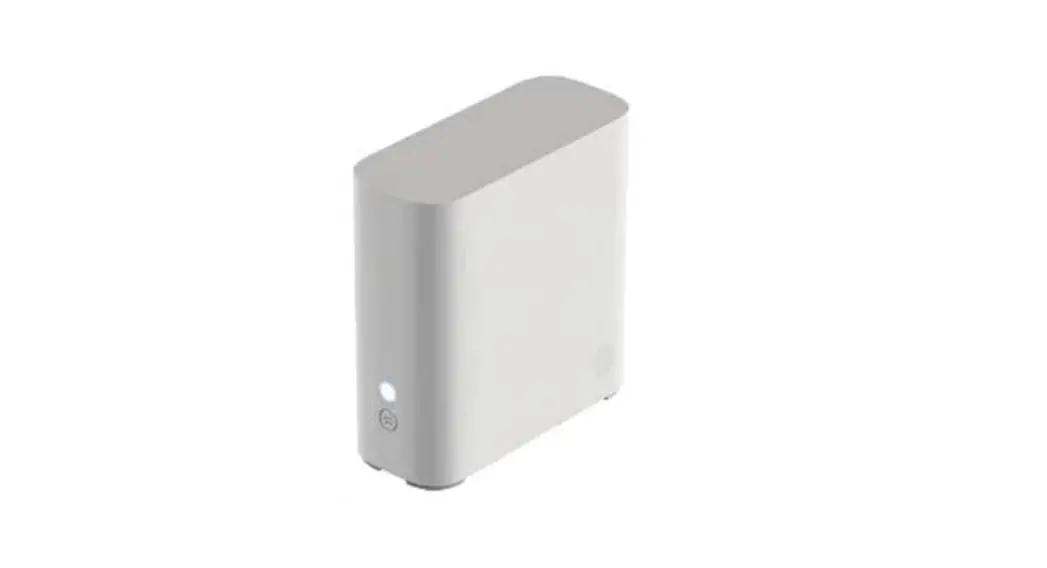
 AT&T Smart Wi-Fi Extender
A simple setup guide

You need to have AT&T Internet service for your new Wi-Fi Extender to work.
Check the compatibility with your Gateway at att.com/wifiextender
Easy setup method
- Download the Smart Home Manager app from your app store or at att.com/smarthomemanager
For quick setup, scan the QR code with the camera on your smartphone. http://myhomenetwork.att.com/#/login?extender=true&extId=guide
 - Sign in with your user ID and password
- Select Network > Home Network Hardware >Add Extender
- To install your Extender, follow the instructions in the Smart Home Manager app

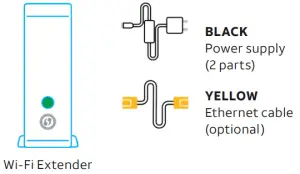
 The Smart Home Manager app
Smart Home Manager helps you manage your home network from pretty much anywhere. In addition to setting up your Wi-Fi ® Extender, you can check your Wi-Fi connection strength, see what devices work on your network, set up parental controls, and more.
Note: AT&T Smart Home Manager is available to AT&T Internet service customers with a compatible AT&T Wi-Fi Gateway. Features may depend upon Gateway models. Data rates may apply for download and usage.
How to know your Wi-Fi Extender is working
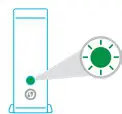
- Solid GREEN = Paired and functioning
 Use the AT&T Smart Home Manager app to see if The extender is on your network (visible in the Devices section or through the Assistant).
Troubleshooting
 Your AT&T Internet service needs to be active.
 Flashing RED = Out of range
Move Extender closer to Gateway or another connected Extender. Solid RED = Not paired
Try to pair with WPS or use included Ethernet cable to connect Extender to Gateway and pair manually.
See alternate setup method. Blinking AMBER = Software updates
Don’t move the Extender or turn it off. Check all cables and cords to ensure connection.
 Unplug power from Gateway for 15 seconds, then plug back in. Do the same with Extender. It may take 10 minutes for Gateway or Extender to reboot.
 Need more help?
Go to att.com/smarthomemanager or att.com/support Go to att.com/wifiextender for additional Extender support and a list of compatible Gateways.
Alternate setup method
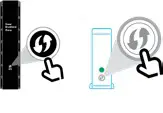
- POWER UP. The plug-in power cord to Extender and then plug into an outlet near Gateway. Push-button on the back and watch for the light to blink GREEN.

- PAIR. Press and release the WPS button on Gateway, then press and release the WPS button on Extender. Wait 3 minutes for the solid GREEN light.
Your Ethernet cable may be connected directly to the Gateway in place of the WPS method for pairing.
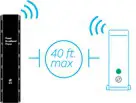
- PLACE. Unplug the Extender from the outlet. Move it (40 ft., 2 walls max, and up off the floor) between Gateway and the area where you want a stronger signal. Plug Extender into an outlet and wait for the GREEN light.
Tip: Make sure both the 2.4GHz and 5GHz radio bands are enabled on the Gateway and with the same SSID. For help, use the Smart Home Manager app or go to att.com/enhancedwifi
Additional information
 Manage your account.
Available 24/7, download the myAT&T app at att.com/myattapp Accessibility support.
Braille or large print: Call 800.288.2020 and request guide number ATT180180946-3. Accessible tagged PDF: Visit att.com/userguides
© 2020 AT&T Intellectual Property. All rights reserved. AT&T, the AT&T logo, and all other marks contained herein are trademarks of AT&T Intellectual Property and/or AT&T affiliated companies. All other marks are the property of their respective owners.
WIFI EXTNDR INSTALL GDE 08/20