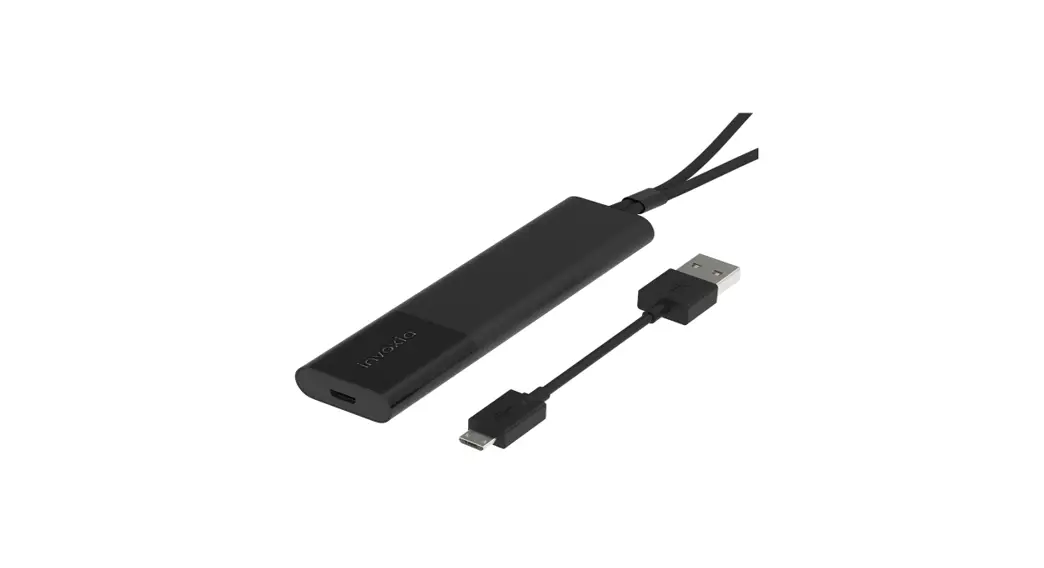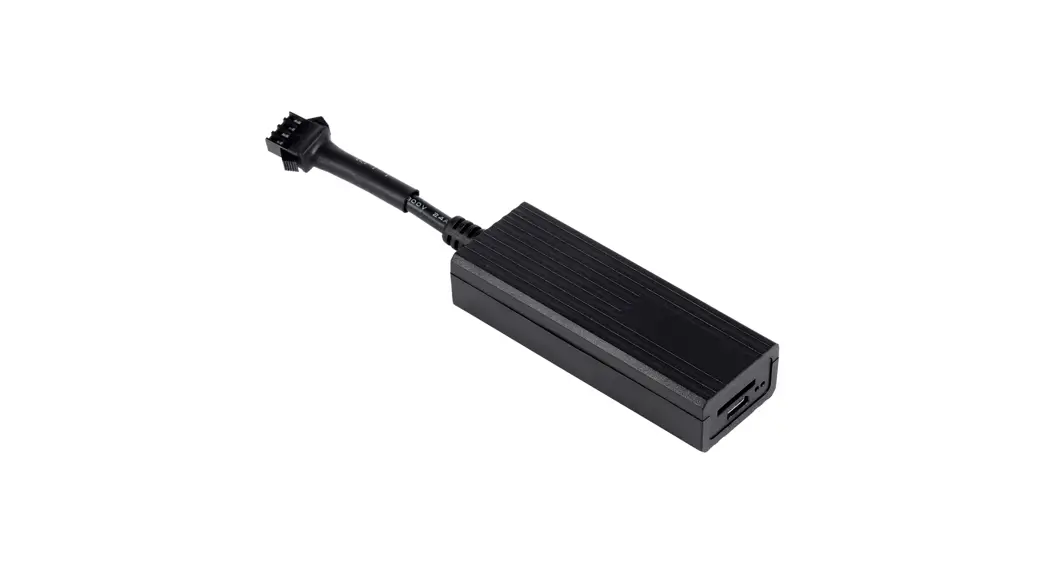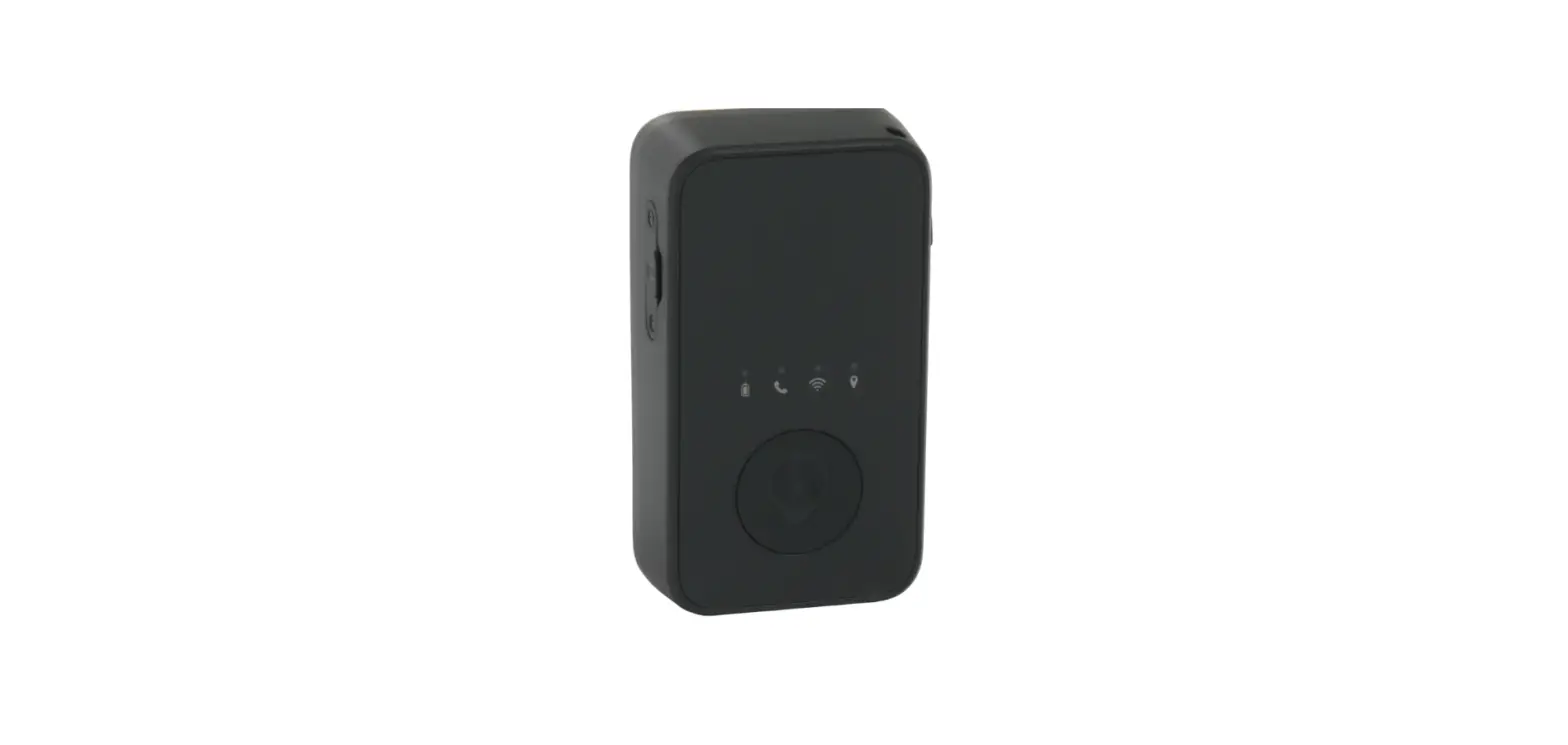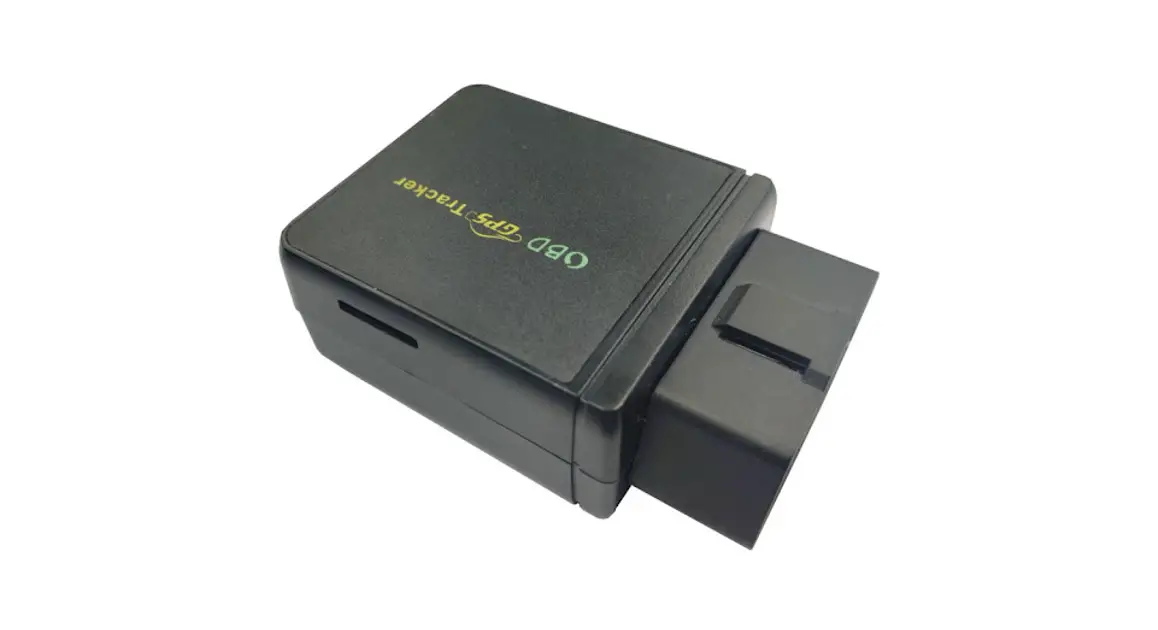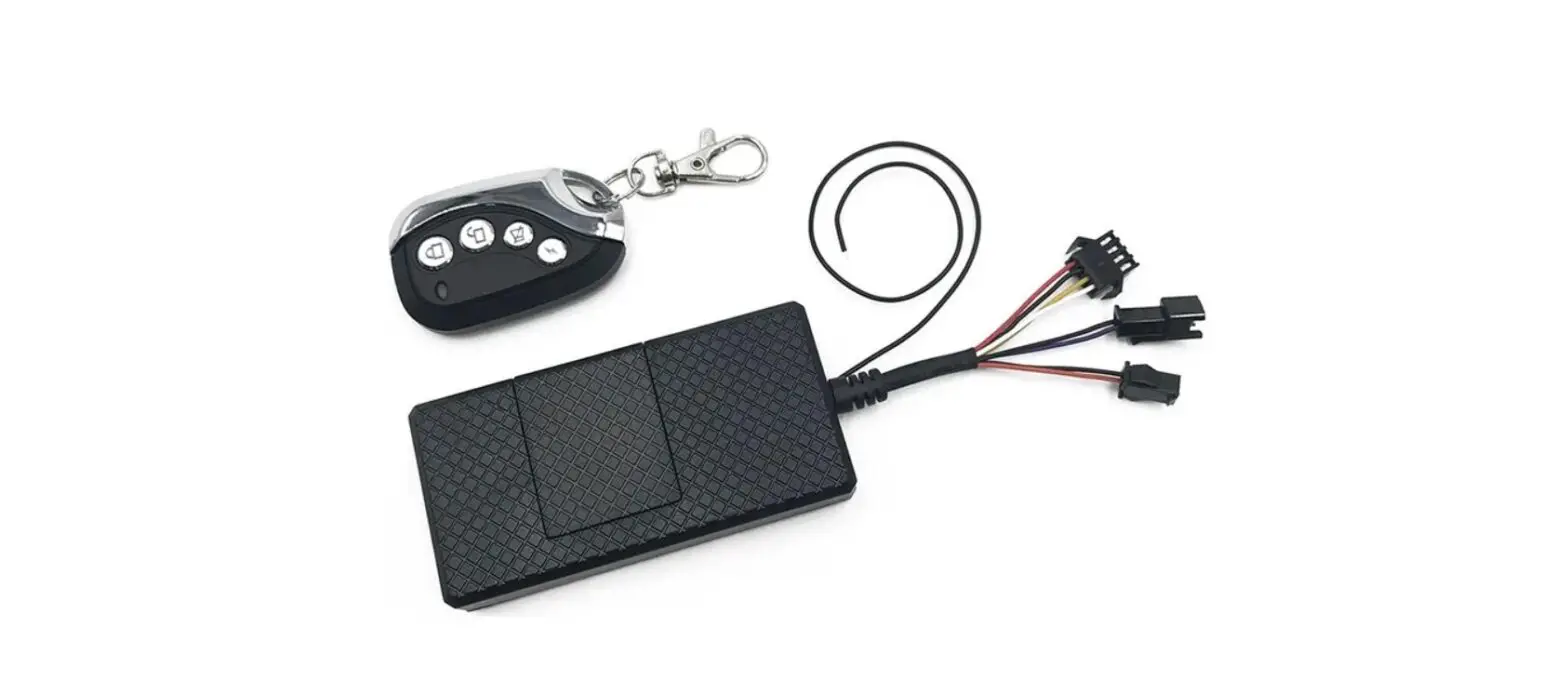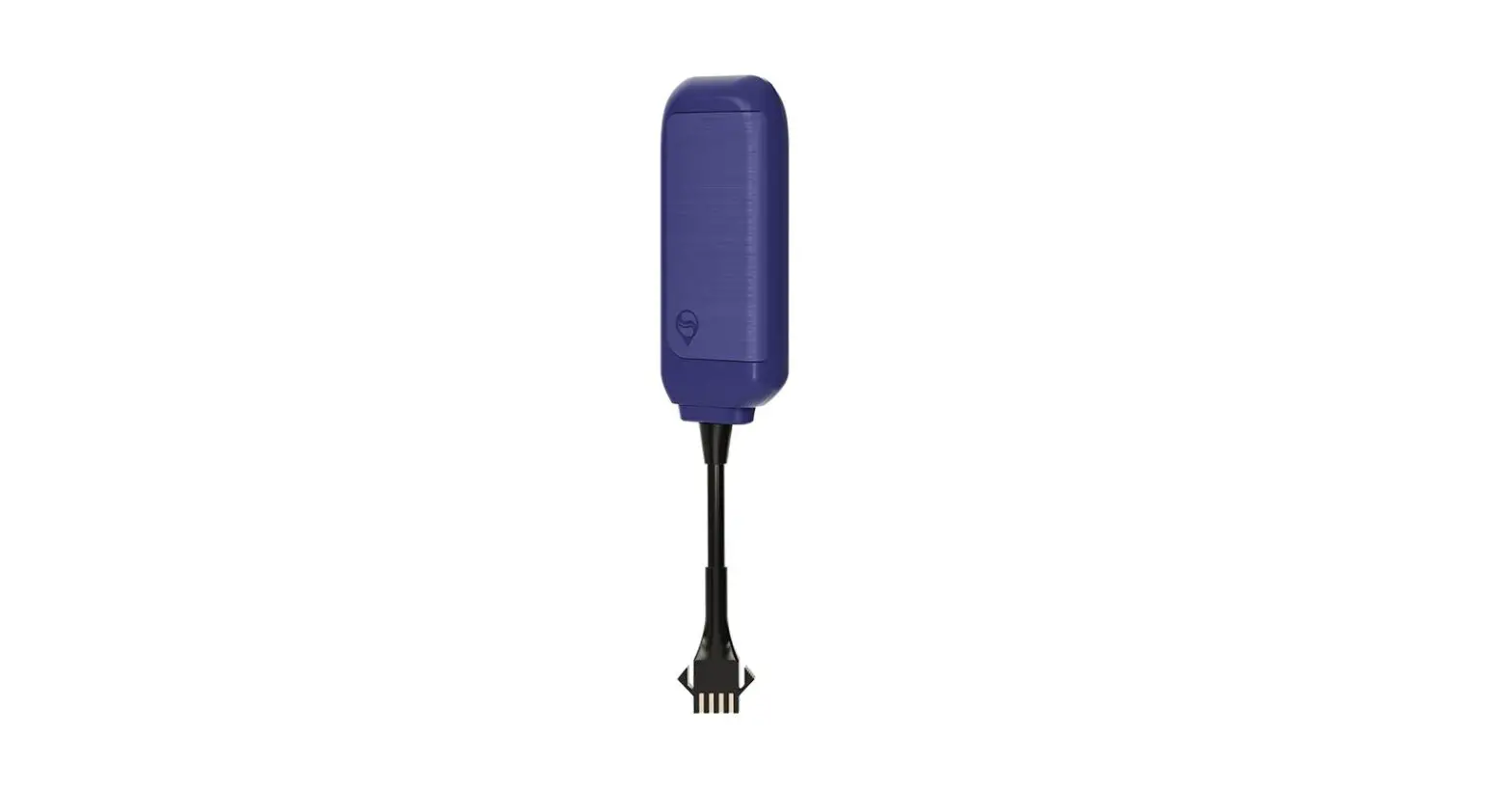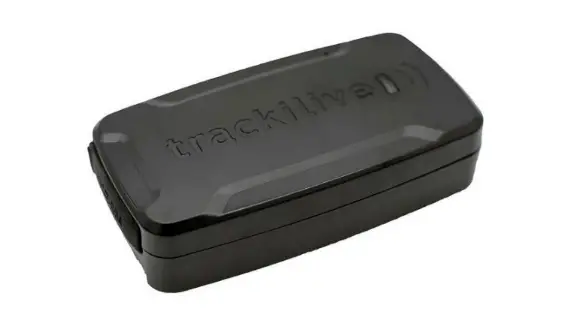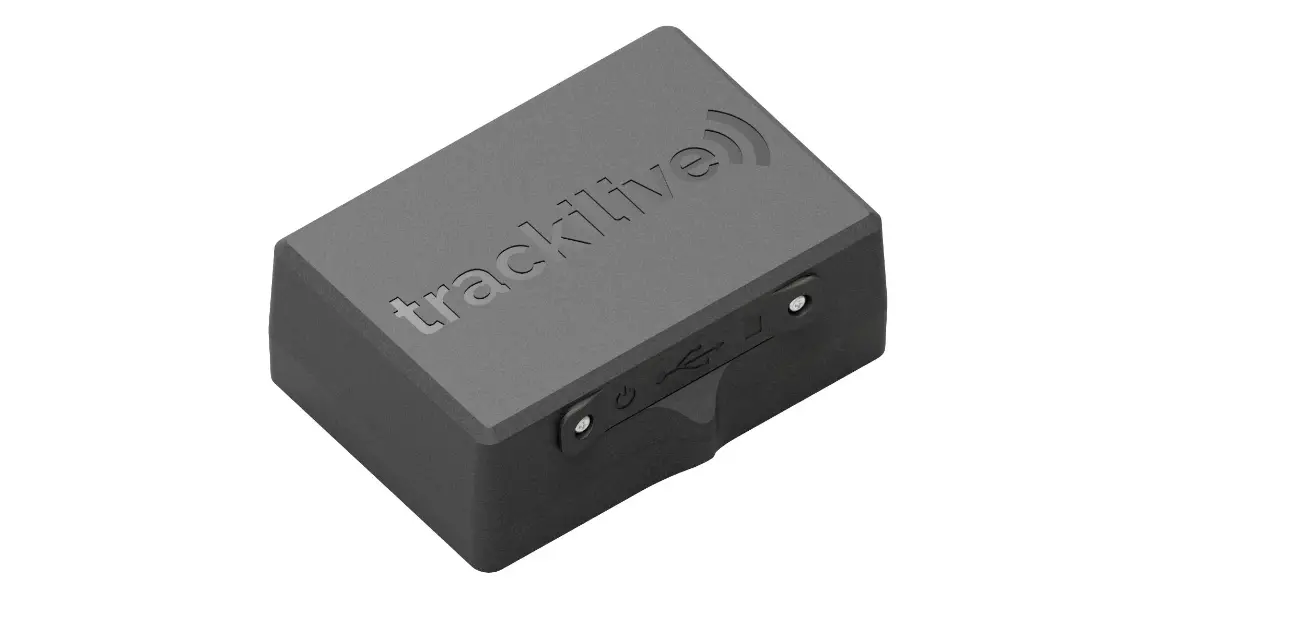

Invoxia 4G Real Time GPS Tracker
Specifications
- BRAND: Invoxia
- SPECIAL FEATURE: 4G, LTE-M, Wi-Fi, Bluetooth
- COLOR: Black
- CONNECTIVITY TECHNOLOGY: Bluetooth, 4G, LTE-M
- SUPPORTED APPLICATION: Alarm, GPS
- PRODUCT DIMENSIONS:1 x 1.1 x 0.4 inches
- ITEM WEIGHT:05 ounces
- BATTERIES: 1 Lithium Ion batteries required
- SPECIAL FEATURES: 4G, LTE-M, Wi-Fi, Bluetooth
- OTHER DISPLAY FEATURES: Wireless
Introduction
A portable GPS tracker for the entire United States. Use the accompanying app to easily get going. Lightweight, tiny, concealable, and compact. A revision in August 2022. Reduce crime. Vehicle tracking gadget. If your automobile, motorcycle, bike, van, boat, truck, or tools are stolen, act swiftly. US-based customer service. Micro GPS tracker that is independent and covert. You may feel secure with our constant monitoring. Personal locator for elderly people, adolescents, children, and loved ones. Smartphone-compatible car tracking device. Every 30 seconds, 2, 5, 10, or 30 minutes, the location is updated. 90 minute recharge time. Portable and concealable No need for a credit card! Integrated SIM card. Renewal at 2.49 per month. Use 4G networks throughout Hawaii and the continental US. Among all tracking gadgets, the cheapest for cars.
WHAT IS INVOXIA CELLULAR GPS TRACKER AND HOW DOES IT WORK?
Invoxia Cellular GPS Tracker is a small standalone GPS Tracker that you can easily hide in your vehicle or with any goods that you wish to protect from theft or loss.
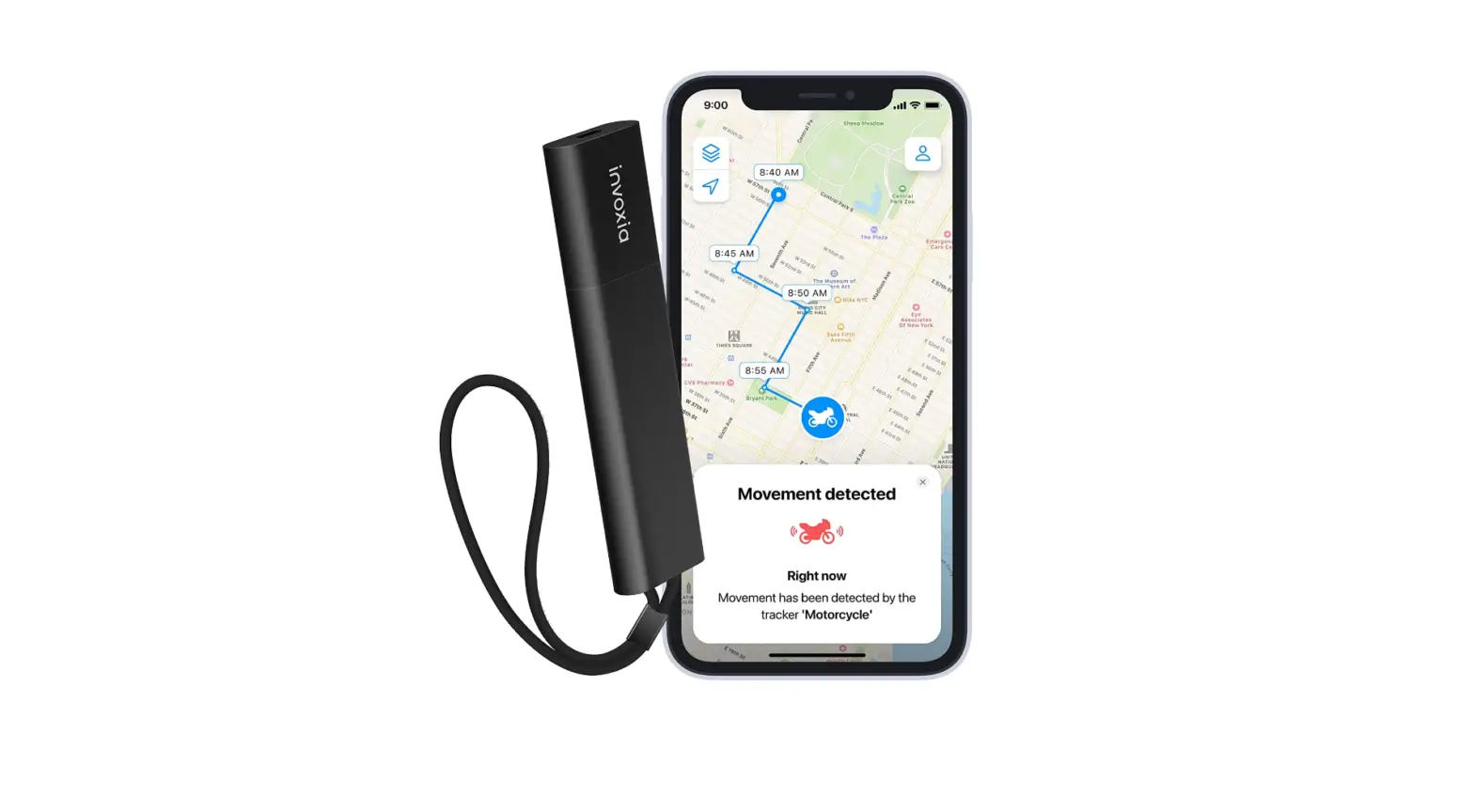
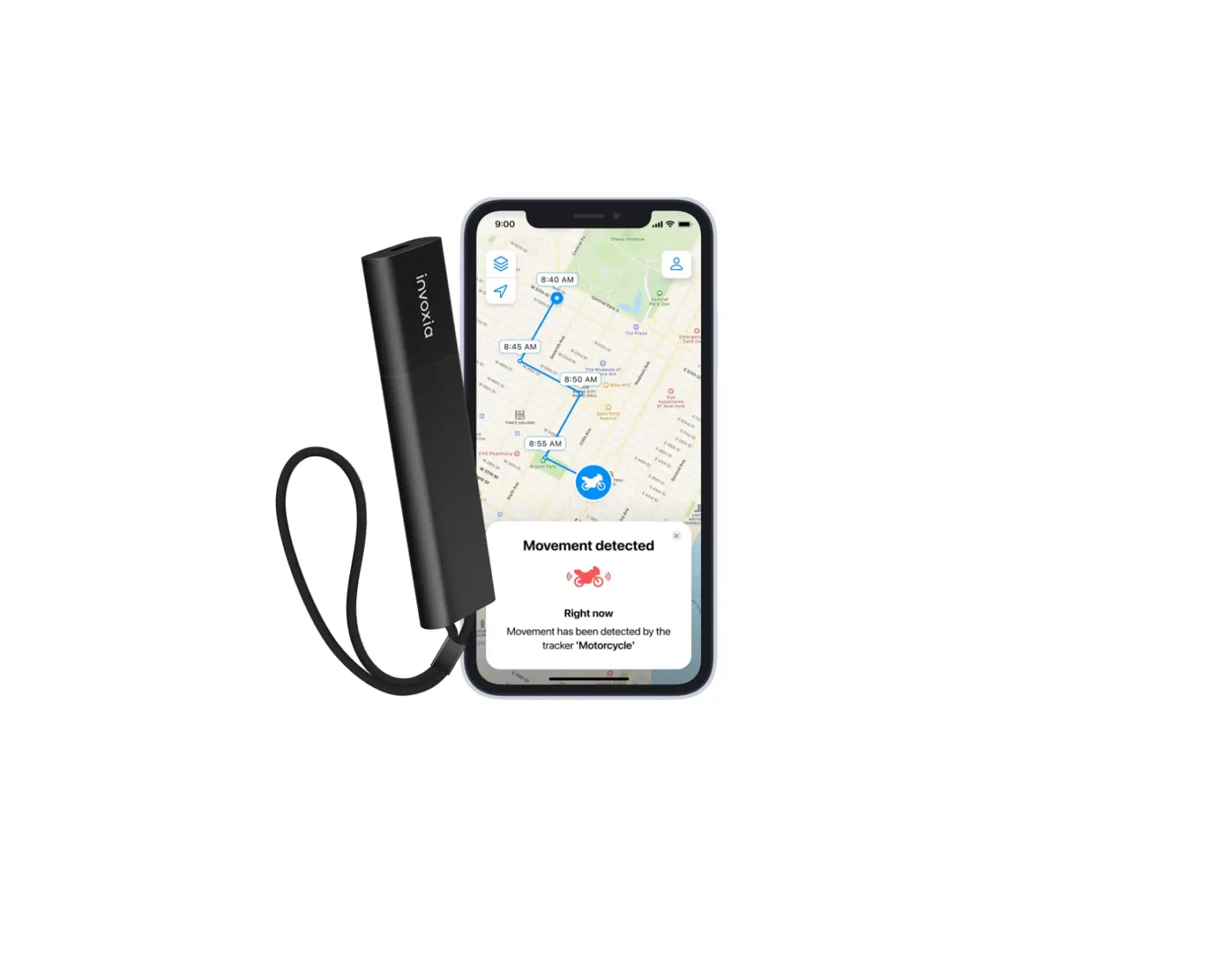
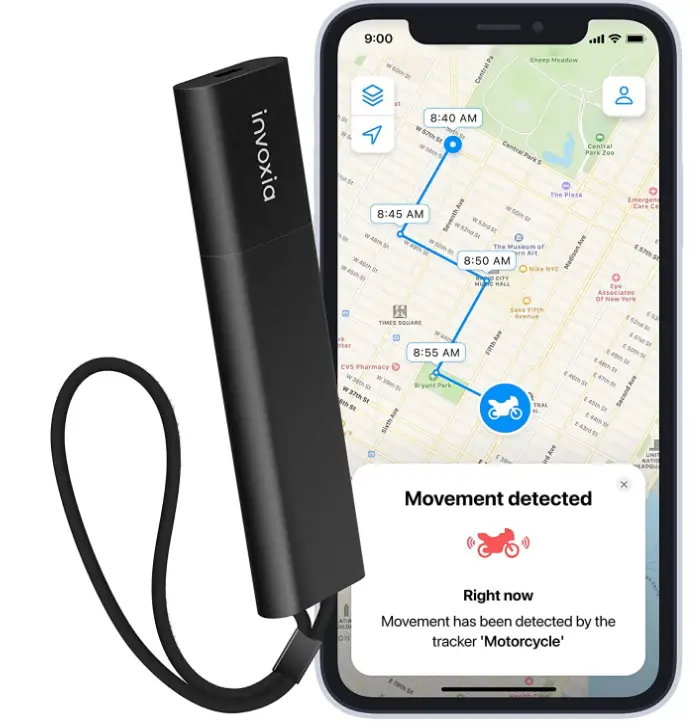
When the GPS Tracker is moving, it will send its position regularly that you can visualize in the Invoxia GPS app, available for iOS and Android.
From the app, you can see the history of movements, and setup alerts to be notified:
- In case of suspicious movement or if your vehicle gets tipped over (anti-theft alerts)
- If your Tracker leaves or enters a given zone (geofencing alerts)
- If your Tracker has moved significantly in terms of distance.
The Tracker intelligently combines different technologies to locate itself: Bluetooth when your smartphone is nearby, Wifi positioning/triangulation in urban areas (by detecting the Wifi hotspots around and deducting its position), and GPS as a last resort.
It then sends its position through the cellular LTE-M network. Please note that it does not use Wifi to communicate its position.
You will need your smartphone to be connected to the Internet to visualize your Tracker’s latest positions.
HOW DOES THE GPS TRACKER’S SUBSCRIPTION WORK?
Depending on the option you bought, you have 1 or 2-year data plan included. This leaves you plenty of time to judge if the product fits your needs.
After this period is over, you will be notified in the app and by email that it is time to renew your subscription, which will cost you just $39.90 per year.
Just follow the instructions to renew. You will have the option to buy a several-year data-plan for an interesting price.
The Cellular GPS Tracker comes with a built-in SIM-card and an included data plan.
You will not be able to open the Tracker to access or change the SIM-card as there is no need to.
WILL INVOXIA CELLULAR GPS TRACKER WORK ANYWHERE?
Invoxia Cellular GPS Tracker uses the brand new LTE-M (or LTE Cat M1) network, supported by AT&T in the USA. Your GPS Tracker will thus work anywhere where there is AT&T 4G coverage, except in the extra inhabited territories (Puerto Rico, the U.S. Virgin Islands, Guam, the Northern Mariana Islands, and American Samoa).
Please note that the product might not work where there is typically no cellphone coverage: in the mountains, in underground parking lots, within very thick walls etc.
Contrary to Bluetooth-only trackers, Invoxia Cellular GPS Tracker is completely standalone and will work even where there is no smartphones around.
USING THE GPS TRACKER
INSTALLING THE GPS TRACKER
Installing the GPS Tracker is very easy; just follow these simples’ steps:
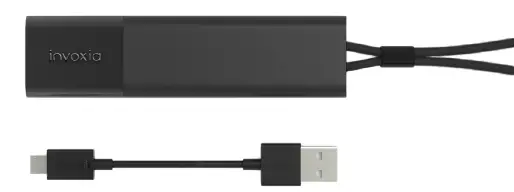
- Charge the tracker using the provided USB Cable to power up the device we recommend that you fully recharge the device on the first use, which will take about 80 minutes.

- Download the Invoxia GPS App on your smartphone It is available on iOS App Store and on Android Play Store

- LAUNCH THE INVOXIA GPS APP. Follow the instructions to create an account and to pair and configure your tracker. This manual can give you additional information on the available settings to make the best use of your tracker.

- STARTS TRACKING YOUR BELONGING Place the tracker on the belonging you want to track following the placement tips that you can find on this manual and that will guarantee a good reception.




Should you experience any difficulty installing or using the tracker, please contact us. The best way to do so is using the application, that way our support team is able to receive the diagnostic information that will guarantee you to receive the best help possible. Just click on Contact Us on the account settings menu.
You can also visit our help center at the following address : support.invoxia.com or contact us at the following address : https:// labs.invoxia.io/contact_us/
Our support team is always available to help you make the best use of your tracker, so feel free to contact us if you have any questions or if the tracker is not working ashas you expected. There often is a solution that will make sure the tracker fully fits your needs.
UNDERSTANDING THE DIFFERENT ALERT TYPES
It is very important to distinguish between the different alert types. We will therefore explain to you the differences between each of them.

- THE ANTITHEFT ALERT, OR ALERT FOR SUSPICIOUS MOVEMENT WHILE STATIONARY The anti-theft or “movement while stationary” alert warns you after a period of immobility when the tracker is tilted or shaken to warn you of any suspicious movement that may be a sign of theft or vandalism. It is particularly suitable for vehicles. For this alert to work, your tracker must have been stationary for more than 5 minutes. Use case: The alert also works in the event of an accidental fall of your stationary motorbike, which can harm the engine. By activating the Smart Alarm option, make sure to receive anti-theft alerts only when your vehicle is moving and you are not within reach, thus filtering out unnecessary notifications.

- THE GEOFENCING ALERTS This is a geofencing alert. It is triggered when the tracker either leaves or enters an area that you predefine from the Invoxia GPS application. Use this alert to be notified if your vehicle is stolen from your house for instance, or to be reassured when your kids arrive to school or home after the day.

- THE “SIGNIfiCANT JOURNEY” ALERT This is an alert that is triggered when your vehicle has been stationary for at least 5 minutes and a new location is detected because the tracker has changed its location. E.g.: Your vehicle has been at your home for 4 hours. A journey is noted following a location 600 meters from your home. You then receive a “significant journey” alert.


UNDERSTANDING THE TRACKER’S BATTERY LIFE
Depending on your using conditions, your GPS Tracker’s battery will last between 15 days and 4 months between charges. This is to be compared with competitor products’ 2-5 days battery life which takes a lot of peace of mind away. You will be notified when your Tracker’s battery life gets low so you can recharge.
Your GPS Tracker’s battery life depends on the following:
- If you track your own vehicle, and you have allowed the app to always locate you, our smart energy management mode will significantly extend the battery life by relying on your smartphone whenever possible and keeping the battery for the important things, like locating your stolen vehicle. In this mode battery life will last up to 4 months. Otherwise, it will last up to 15 days.
- Your Tracker regularly sends positions while moving. When stationary, it will only send one position a day, until it starts moving again. You can set the frequency of positions that you wish to have while moving, from the app settings. The more positions you want, the shorter the battery life between charges.
- As the GPS Tracker sends positions while moving, the longer you move during a day, the shorter the battery life between charges. Our battery life estimates above are based on 2 hours of movement a day.
- The GPS Tracker uses several technologies to locate itself: Bluetooth, Wi-Fi positioning or GPS. If you are in a dense urban area with a lot of Wi-Fi hotspots around, the battery life will last longer than if you’re in the countryside and the GPS Tracker has to rely a lot on the GPS.
CHANGE THE FREQUENCY OF POSITIONS
You have the possibility to choose between 3 modes on the mobile App: high, standard, or low. Make sure your Bluetooth is on and you are near your tracker, then follow these steps:
- In order to change the sending frequencies –
- Open the Invoxia GPS mobile app
- Choose your tracker and click on the settings icon then wait for the Bluetooth link to be made
- Click on “update rate”
- Choose the desired frequency The GPS Tracker will send you its location according to the chosen mode. Here is the estimated battery life, according to the frequency of the positions if you use a tracker with SIM card and running on the LTE-M network:
- Low (Every 30 to 32 minutes) = Battery life: 3 to 7 weeks
- Standard (Every 10 to 12 minutes) = Battery life: 9 days to 3 weeks
- High (Every 5 to 7 minutes) = Battery life: 4 days to 2 weeks These are estimates for trips of 1 to 5 hours per day under standard reception conditions. If you have any doubts, do not hesitate to contact us so that we can help you.
The different parameters to be taken into account:
- The fact that your phone is close to the tracker while having the Bluetooth on
- Daily travel time
- The geographical area (Wi-Fi networks available)
- The different spaces : spaces where GPS location is complicated (basement/garages/etc.) and therefore energy consuming
HOW TO SET UP THE ANTI-THEFT ALERT, TO BE WARNED OF SUSPICIOUS MOVEMENT WHILE STATIONARY?
The Invoxia GPS Tracker allows you to be alerted in case of suspicious movement on your vehicle when it is stationary.
If the tracker detects movement after a period of immobility of more than 5 minutes, you will receive a push notification from the Invoxia GPS app.
In addition, if the tracker has detected that your vehicle is likely to have tipped over, you will be alerted to a change in inclination.
The Anti-Theft Alert allows you to be notified of a possible theft in real time.
HOW TO ACTIVATE IT?
This feature will be proposed for the first time when installing your tracker. No worries, if you did not activate it during the installation you can always do it later using the following steps:
- Open your Invoxia GPS application and go to the settings of the concerned tracker while having the Bluetooth of your phone activated and the tracker close to you.
- Wait for the application to connect to the tracker so that the complete settings options are available
- Activate or deactivate the anti-theft alert by checking or unchecking the “movement detected” option.
HOW DO I KNOW IF MY CELLULAR GPS TRACKER IS CHARGING?
When plugged to the charger the white LED on the tracker enabled you to know the charging state of your tracker:
- When the tracker is charging the LED flashes
- When the tracker has finished charging, the LED stops flashing and remains static until it is unplugged
IMPORTANT: how and where to place your Cellular GPS Tracker, especially on a bike
The GPS tracker will only work well if you follow certain rules:
- METAL IS NOT YOUR FRIEND The tracker (like any other electronic system) is sensitive to metal and magnets, which can prevent it from communicating properly. It is therefore important to avoid placing it in an all-metal compartment at the risk of creating a so-called Faraday cage.
ON A BIKE: If you are using your Tracker to protect a bike, it is strongly recommended not to place the tracker in the bike frame, handlebars or seat tube unless your bike is made entirely of carbon fibre. The most reliable option is under the saddle if you can, so place it in a plastic bag or plug the connector to prevent any infiltration. You can also slip it into a piece of bicycle equipment such as a saddlebag. You can also try to place the tracker inside the plastic cover for your bike’s engine.
IN A CAR: If you are using a Tracker in a vehicle, make sure that the Tracker is a few inches away from metallic parts of the vehicle, and that it does not have metal right above or around it. The tracker should ideally lay flat with the Invoxia logo facing upwards. In any case, after placing your GPS Tracker where you intend to use it, perform a first test by taking your vehicle on a ride while making sure that your smartphone’s Bluetooth is switched off. - WATER IS YOUR WORST ENEMY The GPS Tracker is not waterproof. If water enters through the connector or if the tracker is exposed to a high level of humidity, this can lead to malfunctions. It is therefore necessary to ensure that the tracker never enters in contact with any liquid and that it is in a watertight compartment. If you are using your Tracker outdoors, wrap it in a watertight plastic bag, or use our waterproof pouch accessory (coming soon). Important: which App authorizations should you activate. Here are the authorizations that are necessary for an optimal experience with your GPS Tracker:
ON IOS
- Bluetooth: it is used for setting up and updating your Tracker, which cannot function without it. It will also allow for smart alerts: you won’t be notified if you are moving your own vehicle and your smartphone is nearby. Bluetooth should be authorized and activated at all times on your iPhone.
- Location: you should set location authorization to always in your phone settings, as this will significantly maximize your Tracker’s battery life, especially if you track your own vehicle and your Tracker is within range of your iPhone. Your iPhone’s location should be activated at all times.
- Notifications: you should allow push notifications on your iPhone in order to receive the different alerts (anti-theft, geofencing etc.).
- Authorize Face ID if you want to remove a GPS Tracker from your account without entering a password.
- Authorize access to your Camera and Photo Library if you want to customize the Tracker’s picture in the app. We will never store or use your pictures for purposes other than displaying the picture you have chosen in the app.
ON ANDROID
- Authorize location and location in background, so that the Tracker can rely on the app when nearby to save its battery life. This will provide you the best experience with your GPS Tracker. This is also necessary on Android for Bluetooth to work well.
- Bluetooth should always be activated on your smartphone.
- Location should be activated at all times on your smartphone.
HOW TO UPDATE THE TRACKER’S FIRMWARE
Every once in a while we release a new version of your tracker’s firmware. These updates contain improvements to the stability and reliability, new features and bug fixes which will ensure you get the most out of our products.
Updating your tracker will take no more than a couple of minutes.
TO UPDATE THE TRACKER:
- Ensure it is charged, then bring your tracker close to your phone.
- Open the Invoxia GPS App.
- Select your tracker from the list at the bottom of the screen. You may notice a small red badge on the icon. Once you click on it, you’ll be prompted to update its firmware.
SPECIFIC ISSUES WITH YOUR GPS TRACKER
In this section you will find a description of the common issues that you can experience with your tracker and how to solve them.
Should you not find an answer to your question in this document, feel free to contact us. Our support team is always available to help.
Please refer to the section How can I get support from Invoxia to find the best ways of contacting us.
MY GPS TRACKER ONLY SEEMS TO WORK IN BLUETOOTH / WHEN NEAR MY PHONE
Your GPS Tracker is completely standalone, which means that it does not work only when your smartphone is nearby contrary to Bluetooth-only trackers.
If you have the impression that your GPS Tracker only works when near your phone:
- Check that you have not placed your GPS Tracker in a place where it does not have cellular signal. For instance if you put your Tracker in a metal tube of your Bike, it can happen that it won’t get cellular signal but will still be able to reach your smartphone. Never surround your GPS Tracker with metal as it won’t work in case of theft.
- If it is not the case, try taking the GPS Tracker for a ride while shutting off your smartphone’s Bluetooth. You will be able to check that the Tracker works properly. If not, try rebooting your Tracker by pushing the button for 5 seconds, and check AT&T’s 4G coverage in your area.
MY GPS TRACKER IS NO LONGER SENDING ANY POSITIONS
If your GPS Tracker has not sent any position for a while, it can happen that:
- It has run out of battery: it can happen that the battery drops too fast for us to warn you of a “low battery” alert. Press the button on your Tracker to check if it still blinks, which would mean it is still alive. If not, try charging it.
- It is placed somewhere with no signal: it can either not locate itself (underground, with no Wifi hotspots around…) or it has no cellular signal to send its position. This can happen if you placed the GPS Tracker in a metal tube for instance. Try taking the GPS Tracker out and pressing the button to see if you receive a notification. If your GPS Tracker is in an underground parking space, it will start emitting again once the vehicle leaves it.
If your GPS Tracker is charged and in a place where it should normally get enough signal (outdoors in clear view of the sky for instance), and it still doesn’t work, try restarting it by keeping the button pressed for 5 seconds.
If you’ve charged your GPS Tracker and it still doesn’t turn on (no blinking light when you press the button), and you are sure that your micro-USB cable is not defective, your GPS Tracker may be broken. Make sure that it has not been in prolonged contact with water and contact us.
MY GPS TRACKER IS SKIPPING SOME POSITIONS, SOME LOCATIONS ARE MISSING
Your GPS Tracker sends its location regularly while moving, based on the frequency you chose in the app settings.
To send a position, your GPS Tracker needs 4 things:
- To be physically moving: when the Tracker starts physically moving, it sends positions at the frequency you have chosen in your app settings. When it stops moving, it will only send its position every 4 hours as opposed to the frequency you chose in the settings, to improve its battery life.
- To be moving outside of a fixed place: the Tracker sends the same position every 4 hours as long as it is within reach of the same Wi-Fi hotspot, even if it is moving, as we consider that it is staying in the same place. When the Tracker starts moving again, it will automatically resume sending positions at your chosen frequency.
- To be able to locate itself with good enough precision: it needs to detect either your smartphone nearby, or enough Wifi hotspots around, or to be outdoors in clear view of the sky to fetch a GPS position. It may happen that the Tracker is unable to detect where it is, or with a precision so low that we prefer to filter out the position. In this case you will not see any position on the map, until the Tracker is able to locate itself again.
- To be able to send the position using the network, which depends on the quality of signal: it may happen that the GPS Tracker is out of reach of the network (underground, in areas not yet covered by the network, in rural areas, in the mountains, too close to metal elements…). Do not forget to check network coverage in your target area. Also please note that these networks can sometimes experience downtime.
So if you notice that your GPS Tracker sometimes skips positions, it means that it was unable to locate itself or to send the position at the time. You can wait to see if the latest location appears when the Tracker retries, or increase the frequency of positions in your app settings to ensure that you have an accurate history of movements (it will impact battery life).
Please also note that if you do not open the Invoxia app very often, it might take a while for all the past positions to appear, especially if you do not have optimal Wifi / cellular connection on your smartphone.
Invoxia’s GPS Trackers are not real time, and it can happen that some positions are missing or imprecise, but the monitoring offered and the best-in-class battery life should be enough to know where your Tracker was heading to, and to find it in case of theft or loss, by combining the Tracker’s indicated position and the “proximity radar” functionality on the last meters.
I CAN NOT INSTALL MY CELLULAR GPS TRACKER
We are sorry that you are experiencing an issue installing your GPS Tracker.
Here are a few things to try:
Make sure your smartphone model is compatible (the hardware configuration needs to support our product), by checking the list of incompatible smartphones here : support.invoxia.com
Make sure your smartphone Bluetooth is on. Try switching your phone’s Bluetooth off and on again. Make sure to keep your GPS Tracker close to your smartphone. Avoid trying to install several GPS Trackers in the same room, and avoid having several smartphones or tablets with the Invoxia GPS app installed in the vicinity of the Tracker you are trying to install.
Make sure the GPS Tracker has enough battery and is plugged to a power source. The Tracker light should be on, otherwise make sure that your micro USB cable is not faulty.
As a last resort, try restarting the GPS Tracker via a long press (5 seconds) on the button, and restarting your smartphone, before trying again.
If you have bought a Tracker that may have been refurbished or installed before by someone else, you will be asked to contact us so we can solve the issue. For security reasons, we do not generally allow a GPS Tracker to be uninstalled and reused by someone who is not the primary owner.
If the above steps did not solve the problem, feel free to contact us by visiting our help center.
FREQUENTLY ASKED QUESTIONS
Should you experience any difficulty installing or using the tracker, please contact us. The best way to do so is using the application, that way our support team is able to receive the diagnostic information that will guarantee you to receive the best help possible. Just click on Contact Us on the account settings page.
You can also visit our help center at the following address:
support.invoxia.com or
bit.ly https://bit.ly/CellularGPSTracker
or contact us at the following address:
https://labs.invoxia.io/contact_us/
Our support team is always available to help you make the best use of your tracker, so feel free to contact us if you have any questions or if the tracker is not working ashas you expected. There often is a solution that will make sure the tracker fully fits your needs.
As of today, the only way for you to share your GPS Tracker with someone is for this other person to install the Invoxia GPS app on their smartphone and log in with the same login info as your account.
It is not possible to install a Tracker on 2 separate accounts as of now.
In case of theft, the first thing you should do is warn the Police and tell them that your stolen belonging is equipped with a GPS Tracker, which dramatically increases the chances of recovering the stolen property.
You can share your account with them so they have access to the Tracker’s latest positions and history. Ensure that the Tracker’s remaining level of battery will allow you to monitor the thieves.
You can also contact our customer support team by explicitly stating that your vehicle was stolen, so we can assist you and the Police in the process of trying to retrieve the stolen vehicle, as we regularly do.
The quicker you react, the higher the chances of recovering your vehicle.
Please do not try to go and retrieve the stolen property by yourself as this may be dangerous.
Warning: the GPS Tracker should in no case be connected directly to the vehicle’s electric system. An appropriate adapter is required.
If the vehicle is frequently used, you can use a Cigarette Lighter Power to micro-USB adapter (charger for Android phones for instance).
If the vehicle is seldom used (once every 3 months), it is preferable to use a car battery to micro-USBadapter.
If a USB plug is available in your vehicle, use a USB to micro-USB adapter.
SPECIfiCATIONS:
· Input voltage: 12, 24 or 48V depending on vehicle type
· Output voltage: 5V
· Output current: minimum 500mA and more
· Output connector: micro-USB
How to place the Tracker:
Since the GPS Tracker uses radio-frequency technologies, for an optimal experience please keep the Tracker at least a few a few inches away from metallic elements in the vehicle. ideally the Tracker should be placed flat, with the Invoxia logo facing upwards.
Invoxia never uses your location data for other purposes than providing you the best user experience with your GPS Tracker.
When your Tracker is moving and within range of your smartphone, it will ask the Invoxia App to provide a location for it, thus saving significant battery life – that can then be of use when the Tracker moves when you are not around. This will not take too much of your smartphone’s battery and will make a big change in your battery charging cycle.
This is why you should authorize the App to always locate you, even in background.
Sending a location takes a lot of battery, and at Invoxia we strongly believe that when you discover that your vehicle has been stolen, you had better have as much battery as possible remaining.
This is why the GPS Tracker does not send locations in real-time when moving, but on a certain frequency that you can set from the app settings. The higher the frequency of positions, the more precise the history of positions, but the shorter the battery life.
In our experience this should be more than enough to know precisely where your things have traveled, and to find them in case of loss or theft.
However, we are always working on improving the product, and our team is working on a mode with a higher frequency that you would be able to set on the go, for instance in case of theft.
In order to remove a GPS Tracker from your account:
· Put the GPS Tracker near your smartphone. Make sure that it is sufficiently charged. Your smartphone’s Bluetooth must be switched on.
· Go into the advanced settings of the GPS Tracker in your app, and select remove from account.
To truly protect your valuables, we make it impossible for someone who finds your GPS Tracker, to dissociate it from your account and install it on their own. Which is why it is necessary that you have your GPS Tracker near you in order to dissociate it from your account.
Please make sure to remove the Tracker properly from your account before handing it to someone else for them to use, otherwise they will be unable to install it.
If you want to remove a GPS Tracker from your account but no longer have access to it, please contact our support team.
How do I deactivate my GPS Tracker?
If you want to temporarily disable your GPS Tracker, for instance because you will not be using it for a while, follow the steps:
· Keep your GPS Tracker close to your smartphone, and make sure that it is charged enough. Your smartphone’s Bluetooth must be switched on.
· In the Tracker’s settings in the Invoxia app, activate the “standby” toggle.
Beware that your GPS Tracker will stop sending any positions, and can only be reactivated when you have it nearby. Make sure to deactivate the toggle as soon as you want to start using your Tracker again, by following the same steps, as it will otherwise be stuck in standby mode.
Following feedback from our community of users, we no longer recommend installing the Cellular GPS Tracker within a Carbon bike frame. While some configurations may function, user experiences are degraded significantly.
Yes it works anywhere in the USA (depending on AT&T’s 4G coverage)
The Invoxia GPS App can be installed on multiple devices and you can all track your mom’s movements using your own phones. You’ll just need to share the account details with the other person. Once they connect to the app, they’ll have the same access to the tracking details as you.
unfortunately at this time the Cellular GPS Tracker is not yet available in Canada. We’re working hard to bring our products to new countries all the time so please do keep an eye on our website.
Invoxia GPS Tracker includes a SIM card and 2 years subscription to the brand new LTE Cat-M1 networks (relying on 4G and 5G) operating among others on AT&T in the USA.
Here are the frequency of the position while moving you can select to be notified : every 5 minutes, every 10 minutes or every 30 minutes or putting it in Energy Saving Mode. You can have access to more information on our website.
Unfortunately the tracker does not work in Panama at the moment.
Wi-Fi Positioning or Wi-Fi sniffing is one of the several location technologies used by the Cellular GPS Tracker. According to its location and environmental conditions the tracker will automatically choose the technology that best ensures an accurate location. For this reason, it is not possible to turn off Wi-Fi Positioning.
Yes the tracker can detect shocks and changes in inclination when the vehicle is stationary.
Yes, the tracker will work in both places. However, it should not be forgotten that the tracker is not waterproof and will not withstand extreme heat. It is also important to avoid putting it in an entirely metallic and closed compartment.
The two year data plan is for the device to the cell company. (Basically it is a cellphone). The data your phone used is from your cell company to your phone.