Raven2 Onboard Air-Data Measuring System for R/C Aircraft with Telemetry
Product Information
The Raven2 is an onboard air-data measuring system designed for
R/C aircraft with telemetry. It allows users to monitor and measure
air data information during flight. The Raven2 module has the
following key features:
- Dimensions: 63 mm x 22 mm x 13 mm
- Weight: Not specified
- Temperature Range: Not specified
- Input Voltage Range: Not specified
- Input Current: Not specified
- Measured Voltage: Not specified
- Memory Capacity: Not specified
Product Usage Instructions
Powering the Module
To power the Raven2 module, follow these steps:
- Plug the 3-pin female connector cable into the servo connector
of the module. - Connect the other end of the cable to the R/C aircraft
receiver. - Ensure proper polarity when plugging the connector into the
module and receiver. - If desired, the module can also be powered directly from a
battery. - Important: Respect the maximum voltage input of 12V and ensure
correct polarity.
Mounting the Module
To mount the Raven2 module, ensure the following:
- Place the GPS antenna where there is no metal or carbon above
it. - Ensure the GPS label written on the antenna is facing towards
the sky.
Connecting the Module to Android RC Electronics App
To connect the Raven2 module to the Android RC electronics app,
follow these steps:
- Connect the module to any Android device where the RC
electronics app is installed. - Use a USB cable that supports OTG mode on the Android device
side (micro USB or USB-C). - Such cables can be purchased from the www.rc-electronics.eu
web-shop. - Run the RC electronics app and confirm the USB connection.
- You will be able to see basic information of the connected
device, adjust settings, and download IGC flight data if
needed.
Raven2
Onboard air-data measuring system for R/C aircraft with telemetry.
Manual version: 1.1
RC Electronics
[email protected]; www.rc-electronics.eu
Contents
Introduction ……………………………………………………………………………………………………………………………….. 3 Key features of the Raven………………………………………………………………………………………………………… 3 Specifications………………………………………………………………………………………………………………………….. 3
Physical overview………………………………………………………………………………………………………………………… 4 Using the Raven 2 module ……………………………………………………………………………………………………………. 6
Powering the module………………………………………………………………………………………………………………. 6 Mounting the module ……………………………………………………………………………………………………………… 6 Connecting module to PC …………………………………………………………………… Error! Bookmark not defined. Firmware update……………………………………………………………………………….. Error! Bookmark not defined. Revision history…………………………………………………………………………………. Error! Bookmark not defined.
Raven 2 – Onboard air-data measuring system for R/C planes with telemetry.
Page 2
Introduction
The “Raven 2” is one component of RC Electronics model aircraft telemetry system. The unit is the “onboard” unit intended to be used with the “Snipe / Finch” “ground station”. The unit is designed to measure many parameters of an R/C model aircraft and transmit them to the ground station via the telemetry link working on 433 MHz frequency. The unit is capable of measuring sink/climb rate (Vario), altitude, acceleration of the plane in all axes, noise level, servo pulse on servo input, GPS data with 18Hz refresh rate and supply voltage. For storage it has internal fast solid state storage which is will record up to 20h of flying.
Key features of the Raven 2
· Integrated fast solid state memory for up to 20h of logging · Latest pressure sensor for ultra fast detection of climb / sink · Two pressure sensors for altitude and Vario measuring · 3 axes accelerometer · Enl – Environment noise level detection to detect working electric, impeller or jet motor. · FHSS – Frequency Hopping Spread System on 433MHz telemetry channel to eliminate frequency
conflicts. · 18 Hz GPS working with GNSS, Glonass and prepared for Galileo global positioning satellites. · Various telemetry protocol supported over one of servo input (JetiEx, PowerBox System, Hott …)
Specifications
Unit Dimensions Weight Temperature Range1 Input Voltage Range Input Current Measured Voltage Memory capacity
63 mm x 22 mm x 13 mm
16 grams (without GPS antenna) -10°C ~ +60°C 4.0 12.0 volts DC 80 milliamps @ 8V DC 4.0 12.0 volts DC Up to 20h of flying
1 Specifications are taken from component ratings and system limits and may not have been tested to the full extent of the specified ranges.
Raven 2 – Onboard air-data measuring system for R/C planes with telemetry.
Page 3
Physical overview
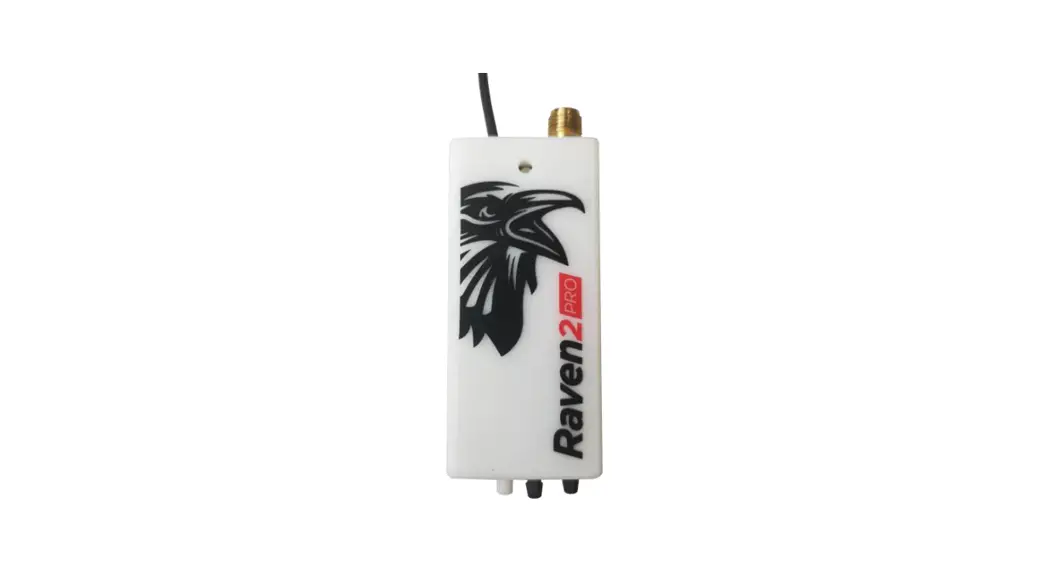
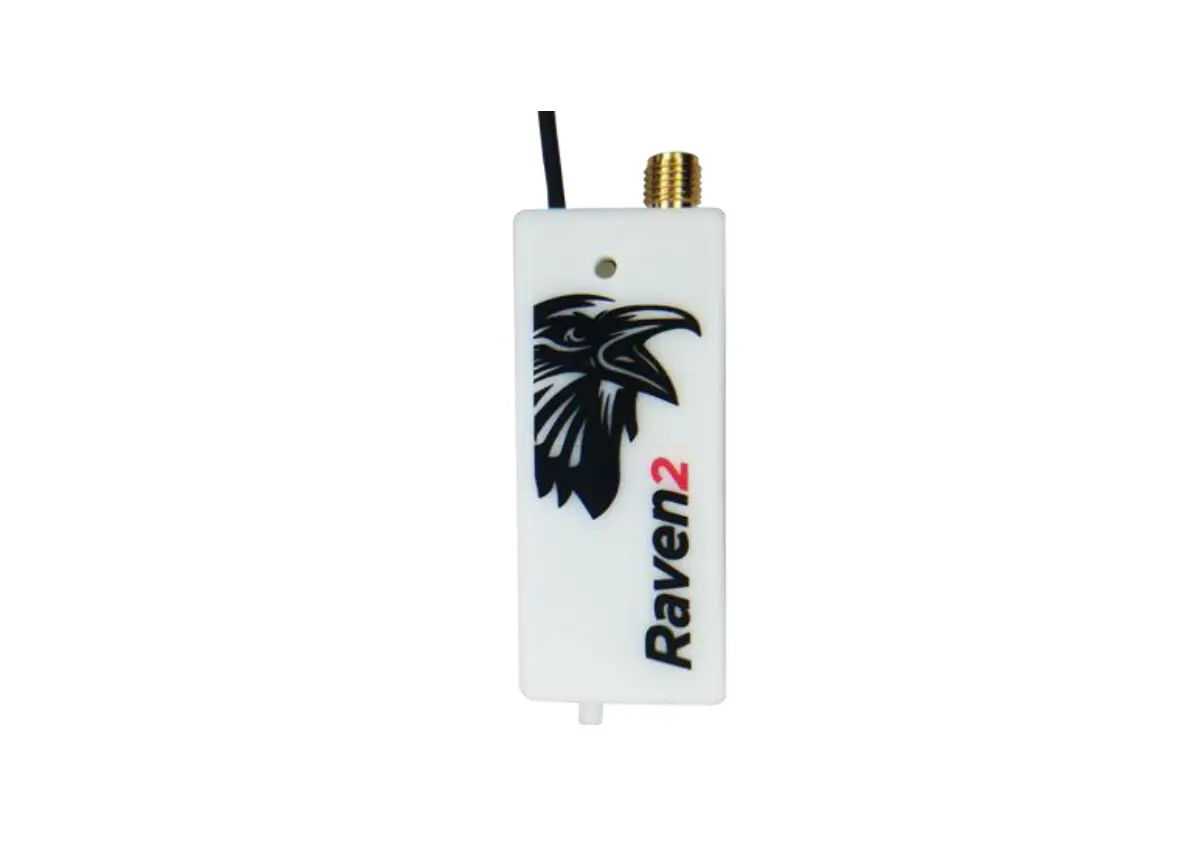
Pictures bellow are showing the Raven 2 unit. It has one SMA connectors for active GPS antenna, one pressure port (Pte total energy compensated pressure from TEK probe) and a multi-color LED to show the status of the unit. It also has 3 connectors. The micro USB is used for future updates, settings and flight log download. The 4 pin connector is prepared for future use (extended bus). JR 3-pin servo input is used to measure normal PWM servo pulse or to transmit 3rd party telemetry protocol on it (depends on unit setting). The Raven 2 gets power from USB or JR connector.
Important: Be careful on polarity when connecting power to the unit. Improper connection can damage unit! Correct polarization is marked on side of the unit by the servo connector!
extended bus connector servo connector
micro USB
Raven 2 – Onboard air-data measuring system for R/C planes with telemetry.
Page 4
SMA connector for GPS antenna Multi color LED
Connect TEK probe to Pte port and vario will be calculated from measuring compensated pressure at TEK probe.
Raven 2 – Onboard air-data measuring system for R/C planes with telemetry.
Page 5
Using the Raven 2 module
Powering the module
To power the module plug the 3 pin female connector cable into servo connector and the other end to the R/C aircraft receiver. Be sure to observe proper polarity when plugging the connector into the module and receiver. You can also power it directly from a battery. Please respect max voltage input of 12V and correct polarity.
When power on the LEDs will flash red, green, blue and white to confirm its operation. During operation LED status is: red module is waiting for GPS signal green module is ready for flight blue onboard logger is running white not yet implemented.
Mounting the module
The Raven 2 module and the gps antenna can be mounted using double-sided tape, cable ties or Velcro. Velcro is recommended, so that the module can be easily removed and interfaced with the PC for downloading flight data. Be sure that the module is not touching any metal surfaces. Although unlikely, there is a possibility of shorting the metal contacts on the module, which could result in a radio system failure. The Raven 2 RF antenna should be located so there is no carbon or large metal items blocking its line of sight to the ground station. Do not mount the module on top of power batteries when using electric motors, because they get hot and this can affect the altitude readings by up to 30m. Be sure to keep the module away from water, fuel and other liquids. Always range check and test the aircraft’s radio systems before flying with the Raven 2 module installed, to verify that all connections have been made correctly and there is no system interference.
Raven 2 – Onboard air-data measuring system for R/C planes with telemetry.
Page 6
GPS antenna has to be mounted where there is no metal or carbon above it and must be turned in such direction that GPS label written on antenna is facing towards the sky.
Correct position of GPS antenna
Raven 2 – Onboard air-data measuring system for R/C planes with telemetry.
Page 7
Connecting module to Android RC electronics app
Connect the unit to any Android device where RC electronics app was installed from Google Play using a USB cable which has OTG mode supported on Android device side. Such cables (micro USB or USB-C can be purchased from www.rc-electroncis.eu web-shop)
Run RC electronics App and confirm USB connection.
You will be able to see basic info of the connected device, set the settings and download the IGC flight from device if needed.
Raven 2 – Onboard air-data measuring system for R/C planes with telemetry.
Page 8
Important settings: Telemetry pair key: Enter your ground unit serial nr to have a valid RF link.
Telemetry: Select which 3rd party telemetry protocol will be used on Servo connector.
Servo channel: Servo channel for servo control. If disabled then normal PWM servo input on device is used, else servo channel from 3rd party telemetry data will be used for servo pulse measurements.
Other settings are set in Albatross and will be synced via RF link. Set them only in case of standalone usage or no RF link usage.
Electronics compensation: Not supported on Raven 2 module, it is common setting for Raven 2 PRO.
Vario filter: Vario response time in seconds.
Servo trigger: Servo trigger in % for arming the task for GPS triangle flying. When such level of servo pulse is detected, additional record is stored in IGC file
Raven 2 – Onboard air-data measuring system for R/C planes with telemetry.
Page 9
Firmware update
For updates, please use Android RcElectonics app. Provide internet access and app will automatically download latest firmware from our cloud.
Connect the unit to any Android device where RC electronics app was installed from Google Play using a USB cable which has OTG mode supported on Android device side. Such cables (micro USB or USB-C can be purchased from www.rc-electroncis.eu web-shop)
Run RC electronics App and confirm USB connection.
If there is any newer version available, then “UPDATE TO NEW VERSION” button will be visible. Click on it and update will start. Unit will reset 2 times in this process so you will need to confirm USB connection to the Android device for 2 times. During update blue LED is turned on. After update, the update button will disappear.
Bellow is an example of what user will see during update process. Update from v1.5.B20 to 1.5.B30 for example:
Welcome screen
Connect the device
Confirm USB connect
Raven 2 – Onboard air-data measuring system for R/C planes with telemetry.
Page 10
Click “UPDATE” button
Confirm USB connect
Wait ….
Confirm again after update
New version is installed
Raven 2 – Onboard air-data measuring system for R/C planes with telemetry.
Page 11
Revision history
28.03.2023
v1.1
03.01.2023
v1.0
– RC electronics app is replacing RC electronics PC tool – initial version
Raven 2 – Onboard air-data measuring system for R/C planes with telemetry.
Page 12
 Price request of this domain - Domeinenbank
 Home ~ RC Electronics