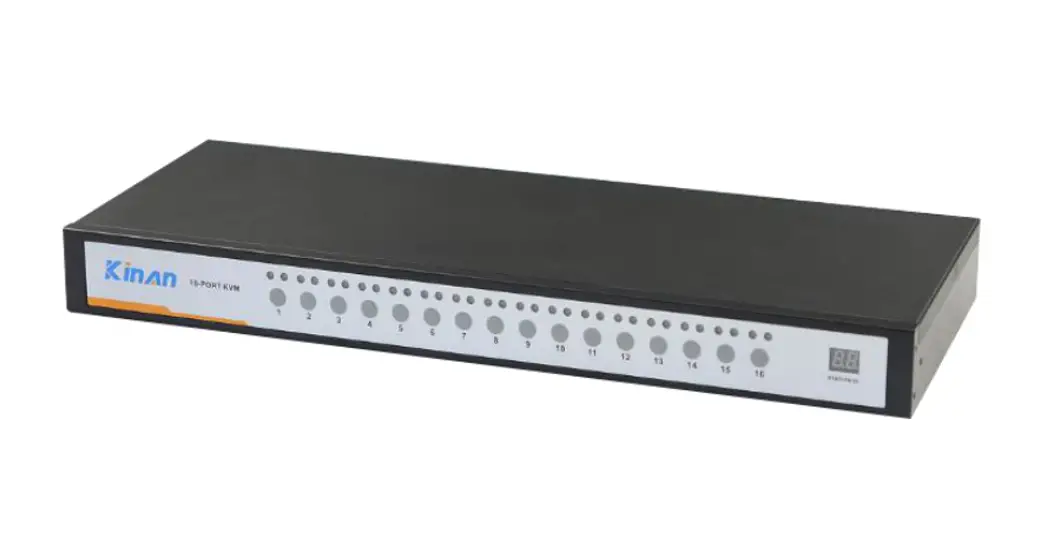
F1DN-KVM-MOUNT Secure KVM Switch
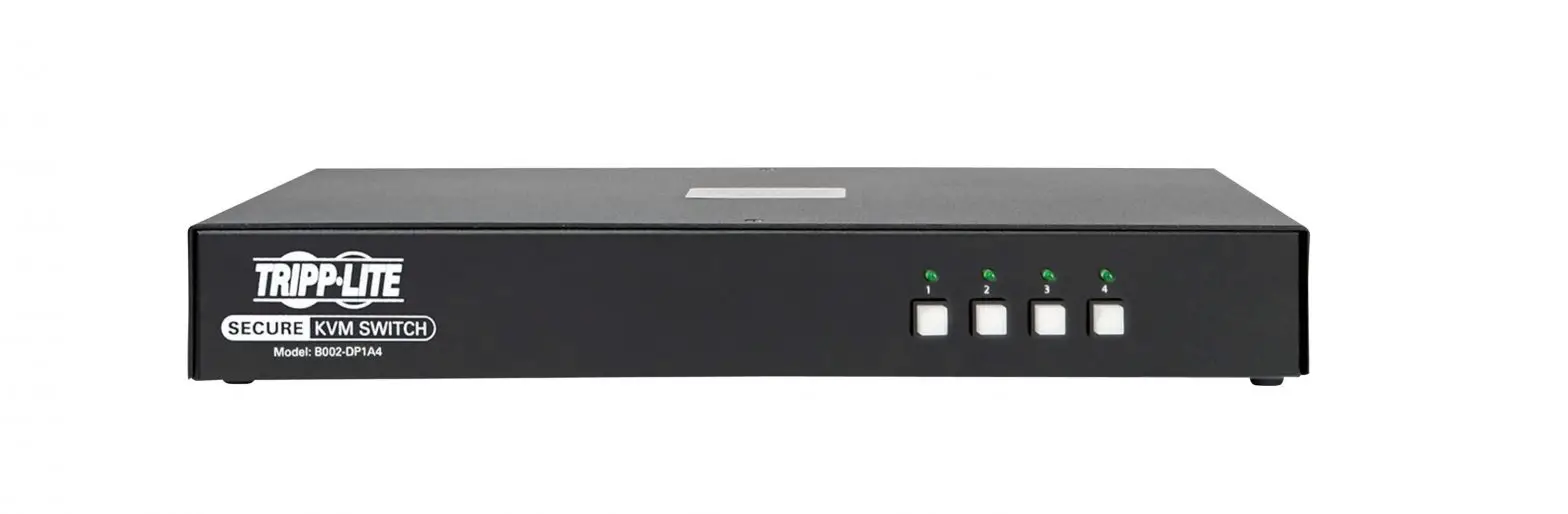
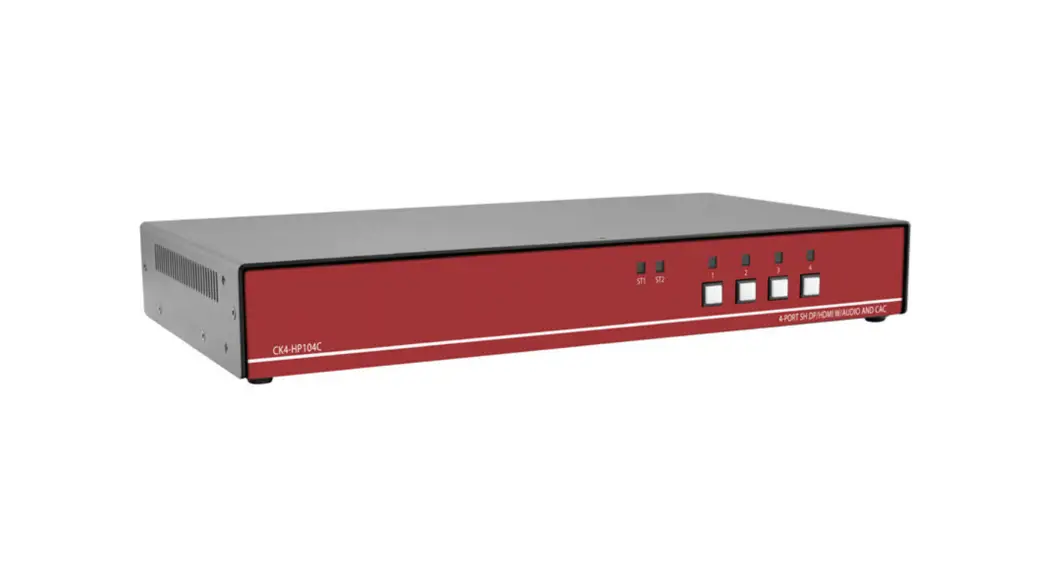
Product Information: Secure KVM Switch
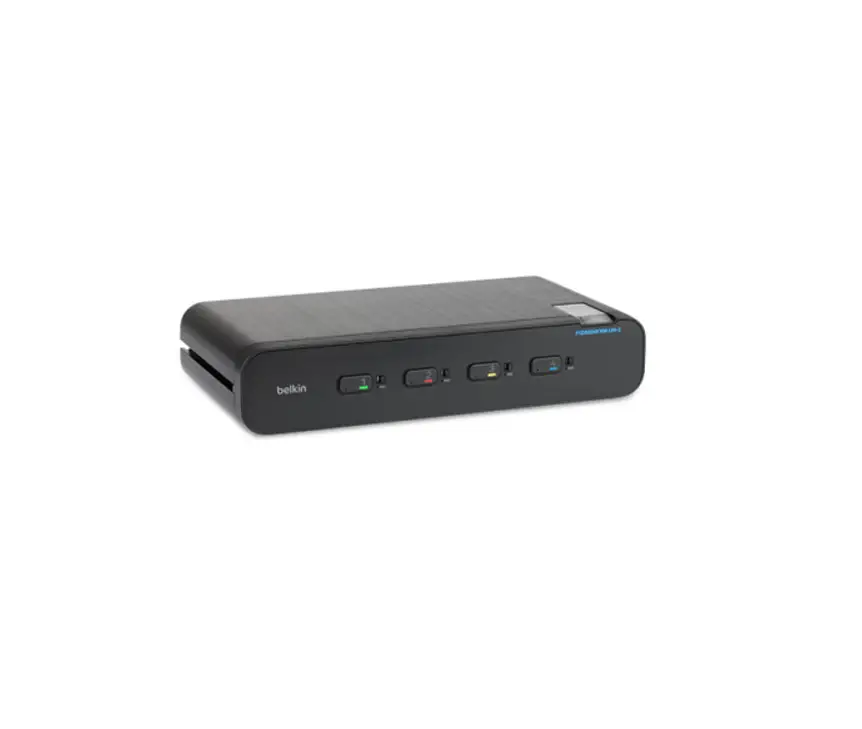
The Belkin Secure KVM Under Desk Mount is a versatile and
easy-to-install solution for securely mounting your KVM switch.
This mount is a replacement for the F1D006 and F1D008 models,
offering improved functionality and convenience. With its
tension-based attachment mechanism, no screws are needed to fasten
the KVM switch to the bracket.
Mounting Options:
- Under the desk
- Vertically on the side of the desk
The Secure KVM Switch provides a secure and organized setup for
your KVM switch, allowing you to efficiently manage multiple
computers or servers from a single console.
Product Usage Instructions
Installation:
- Determine the desired location for the mount under the
desk. - Using the provided screws, securely attach the mount to the
underside of the desk.
Mounting the KVM:
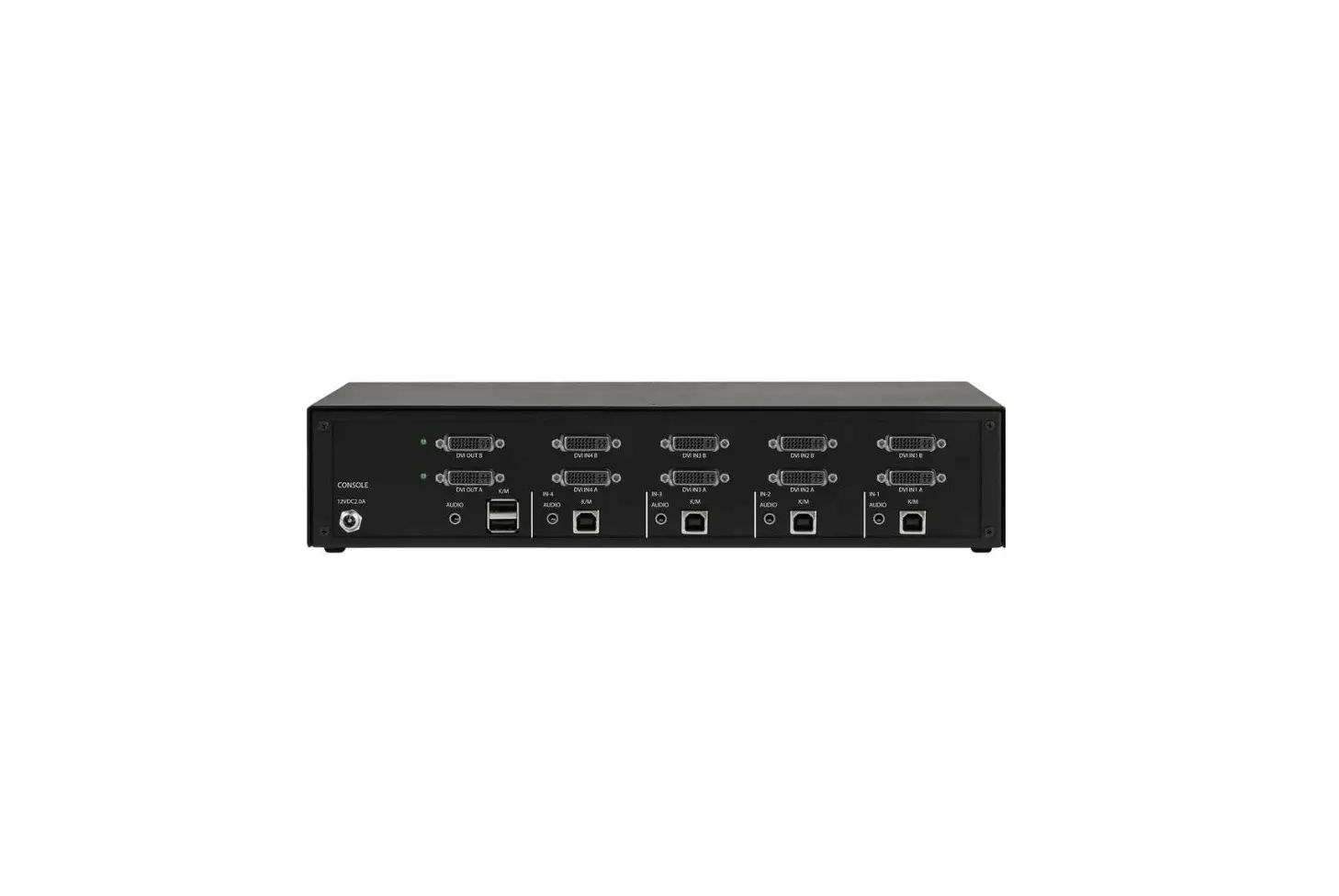
- Connect all necessary cables to the back of the KVM
switch. - Position the KVM switch in a forward-facing orientation.
- Align the rails of the mount with the side-tracks on the KVM
switch. - Gently slide the KVM switch back until it stops and is securely
in place. - Tighten the thumb screws on each side of the mount to ensure a
stable connection.
Following these instructions will enable you to easily install
and mount your Secure KVM Switch, providing a secure and efficient
solution for managing multiple computers or servers from a single
console.
Secure KVM Switch
Belkin Secure KVM Under Desk Mount Quick Start Guide F1DN-KVM-MOUNT: (Replacement for F1D006 and F1D008) The Belkin Secure KVM Under Desk Mount is designed for quick deployment and attaches to the KVM via tension. There are no screws required to fasten the KVM to the bracket.
Included Contents: 1 SKVM Under Desk Mount 4 ¾-inch screws
Pre-Installation Guidelines · Determine where you will be placing the mount and orientation of the mount. (see below)
Mounting under the desk
Desktop Mounting vertically on the side
KVM mounting options
· Ensure the mount will be installed on a flat, clean, and dry surface. This mount is not intended for exposed outdoor installation.
· Ensure that maximum distance between the KVM mount and each computer does not exceed your cabling lengths.
· Ensure that the keyboard, mouse, and display cables will reach the mounted KVM. · Ensure that the KVM port buttons are easily visible and accessible by the intended user. · Ensure that the included screws are adequate size and type for the designated installation area.
8820-00349 Rev A00
Secure KVM Switch
Installation 1. Once you have determined the location, screw the mount to the desk using the screws provided.
Mounting the KVM 1. Connect all necessary cables to the back of the KVM. 2. With the KVM forward facing, align the rails to the side-tracks on the KVM. 3. Slide the KVM back until it stops. 4. Tighten thumb screws on each side.
8820-00349 Rev A00