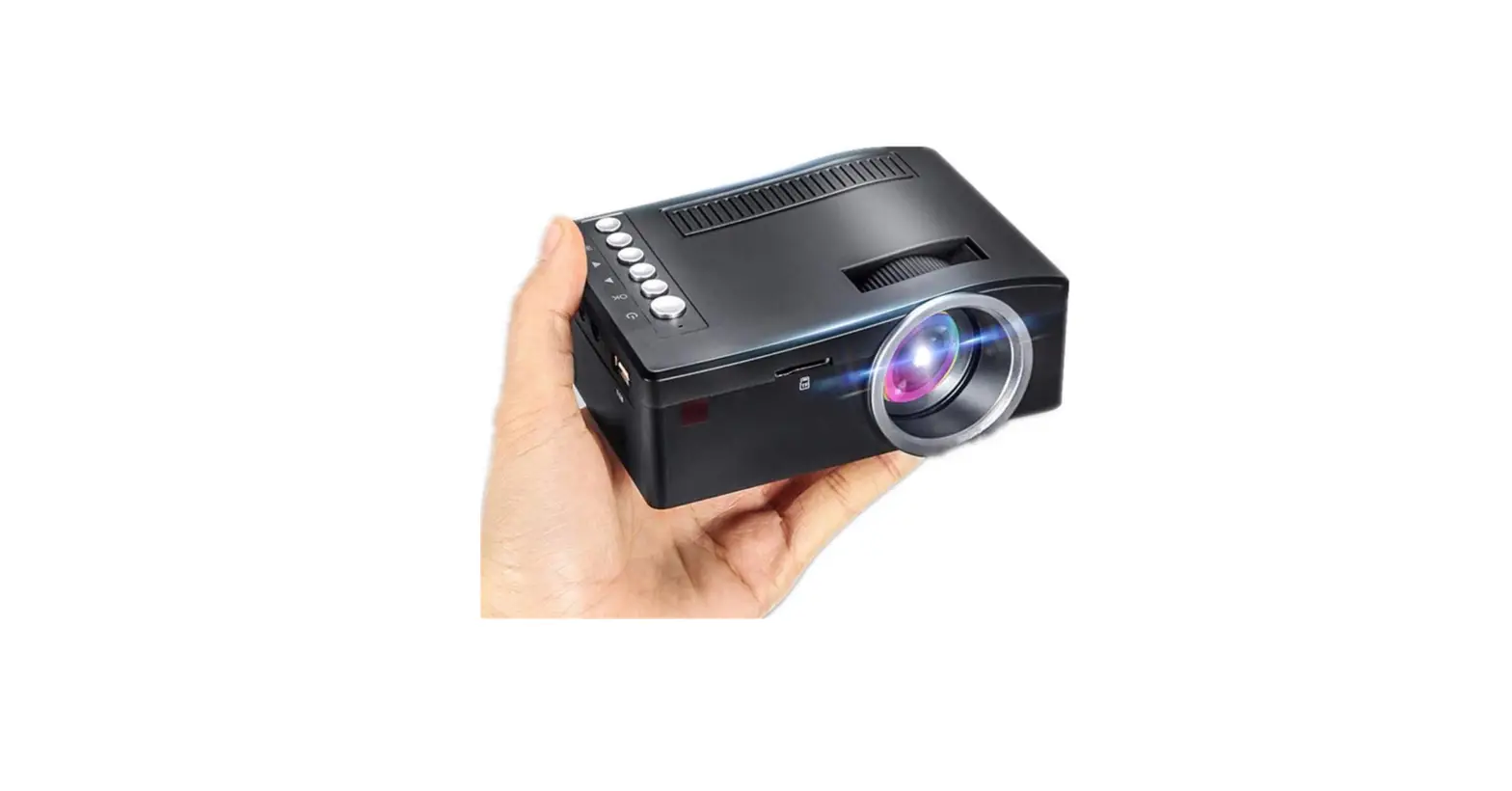
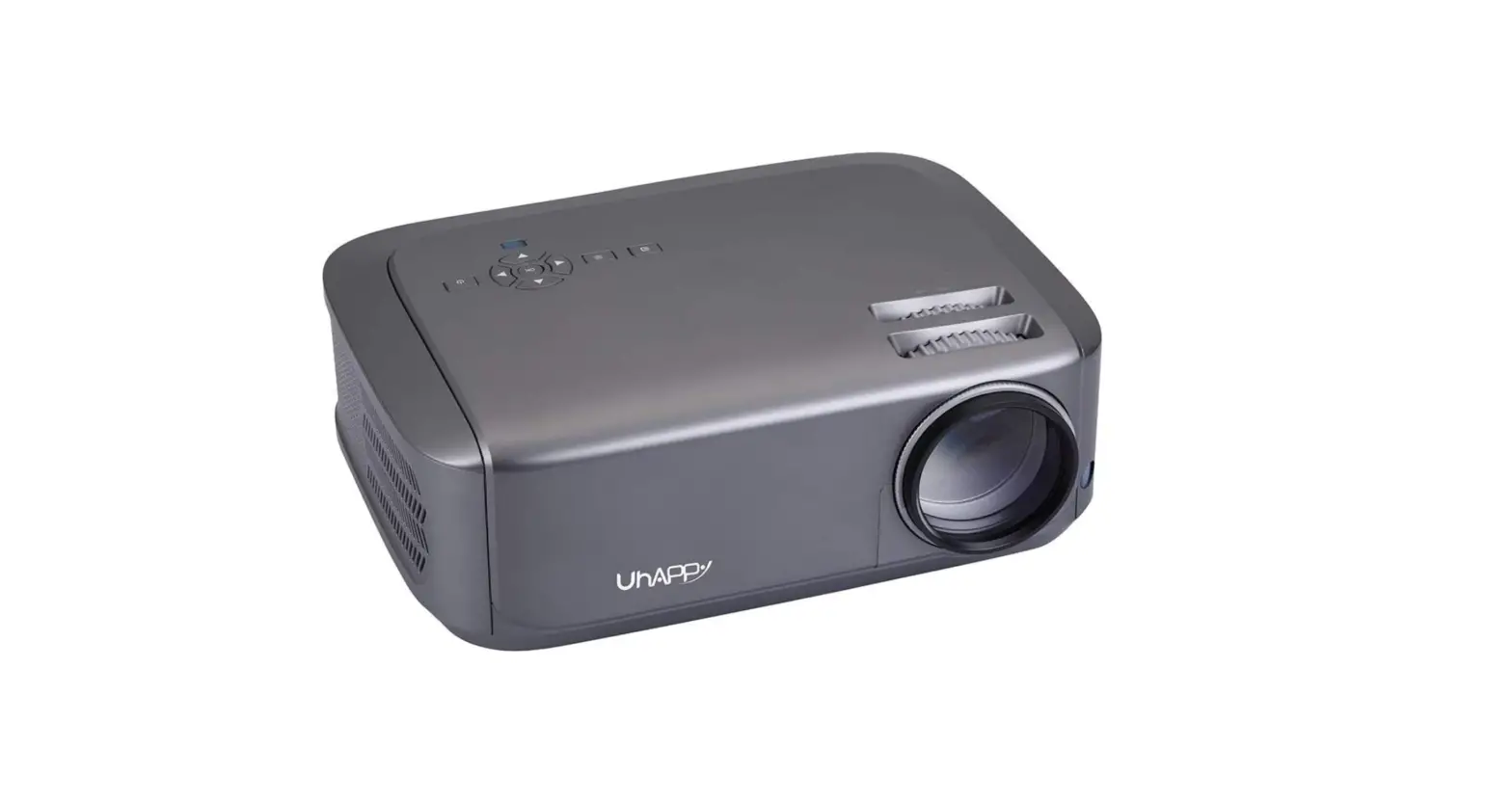
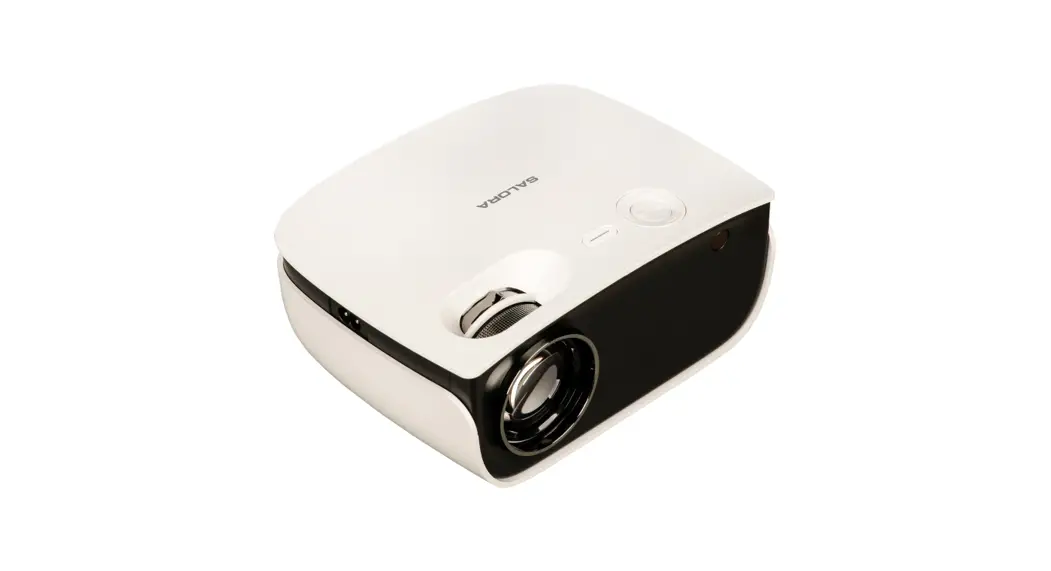
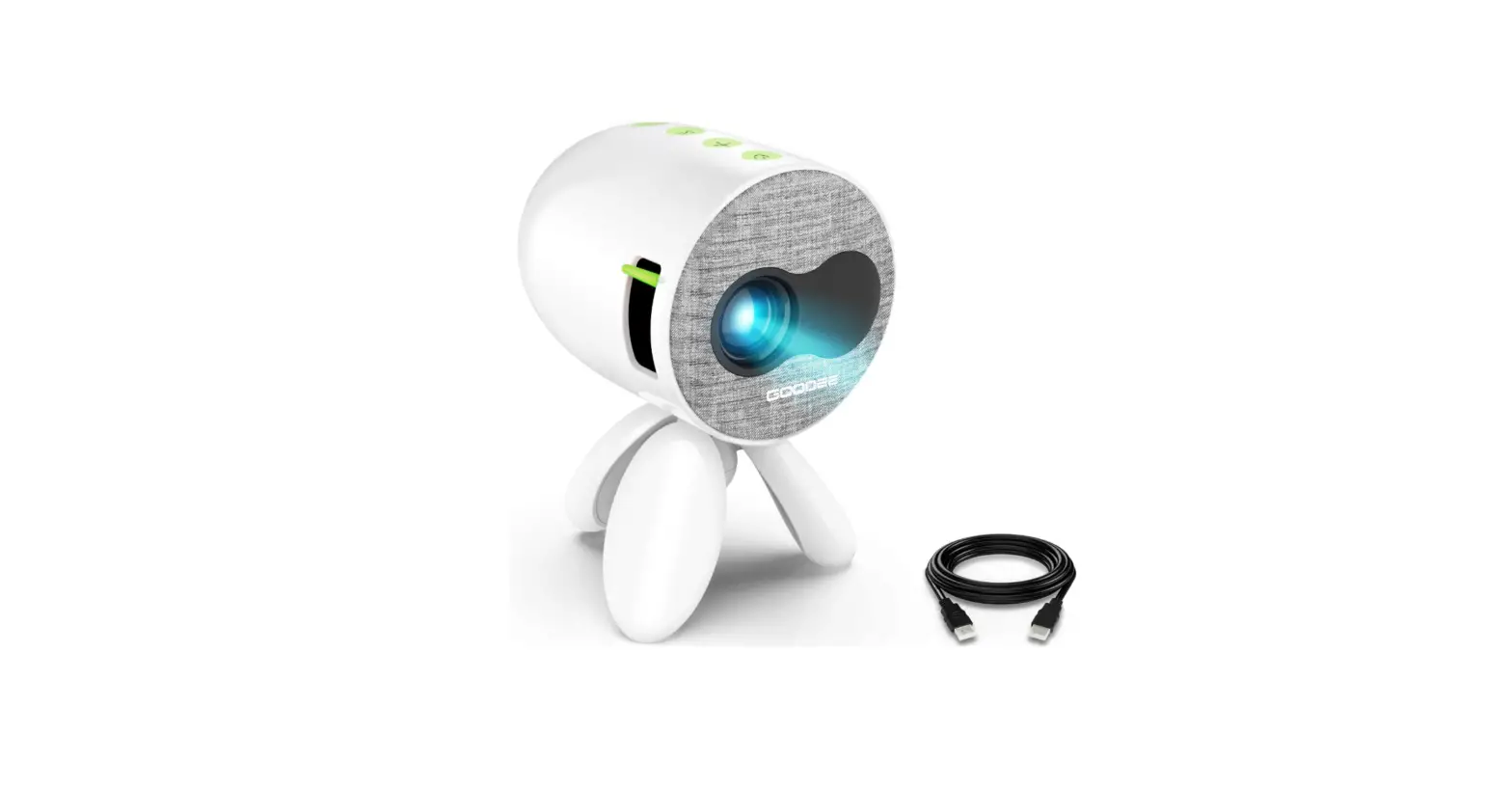
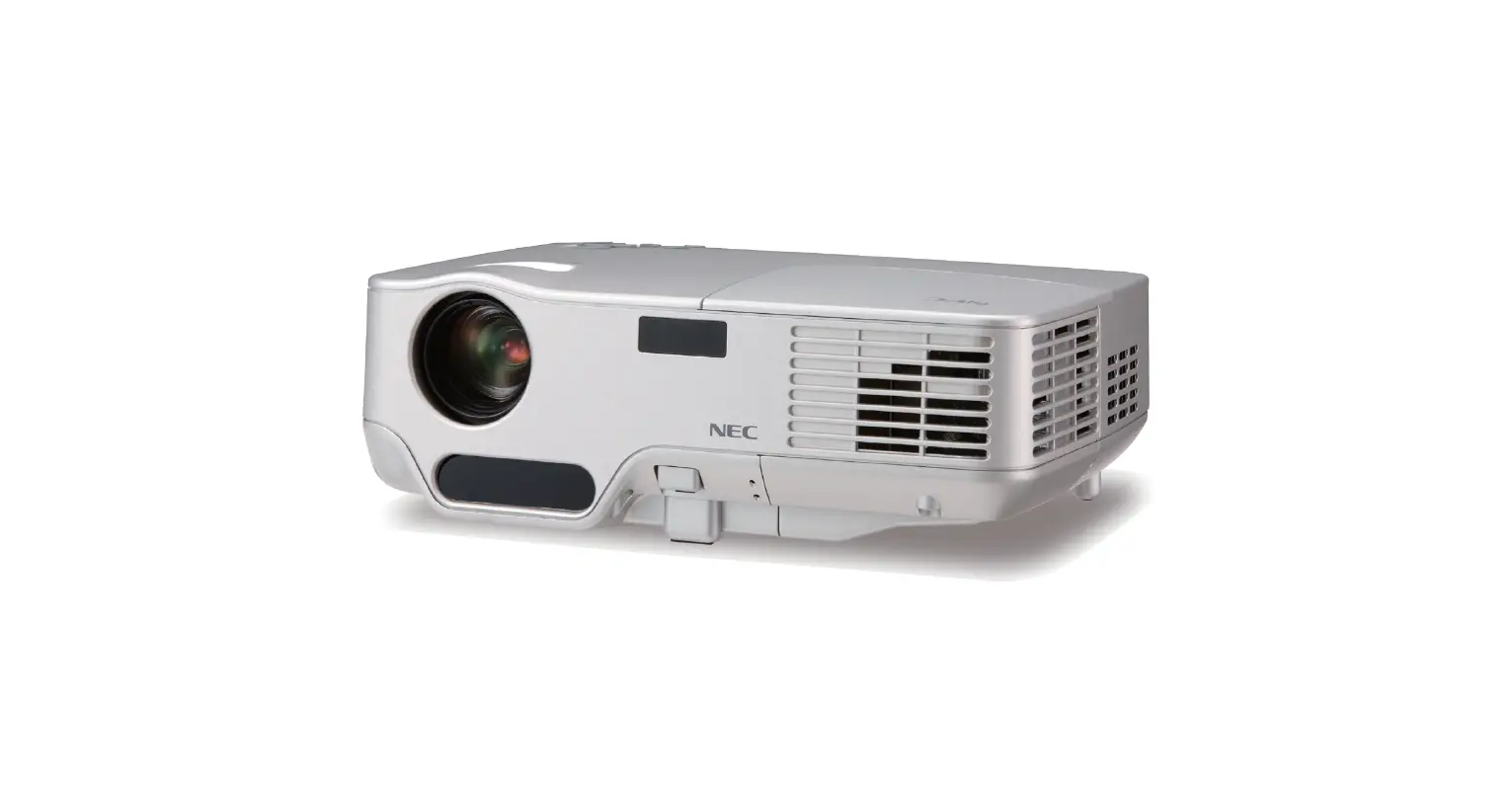
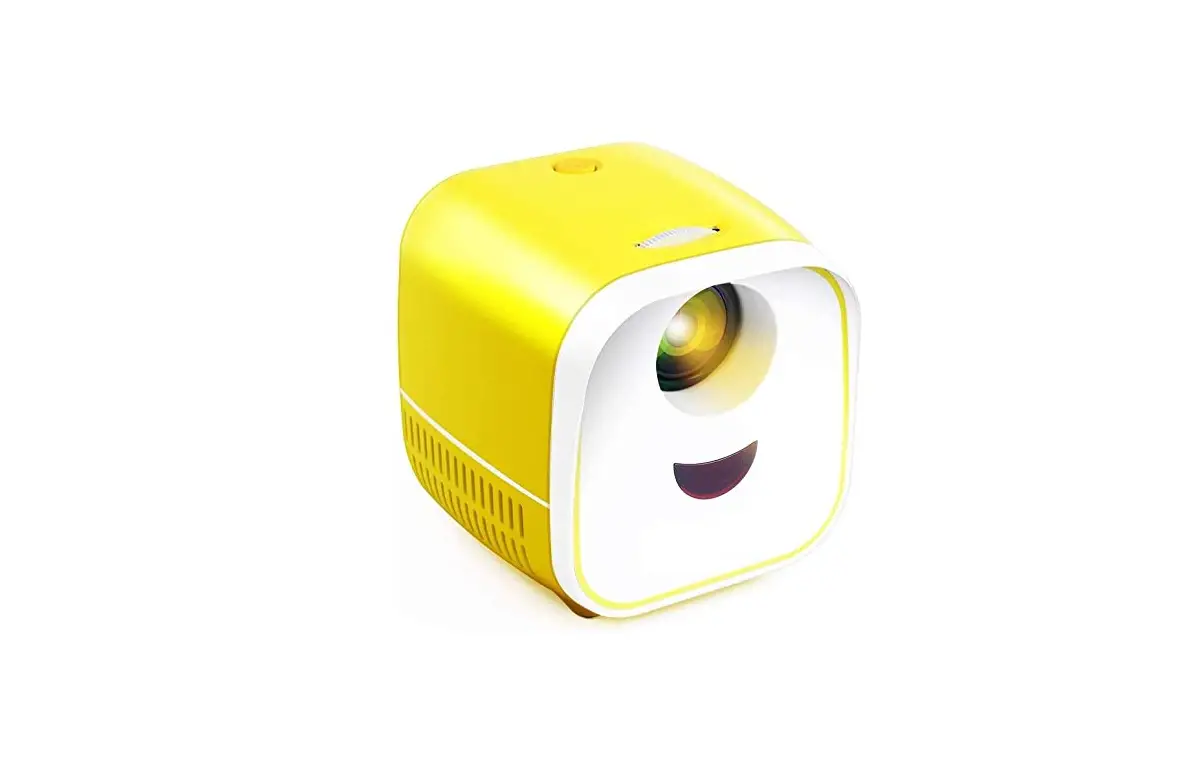
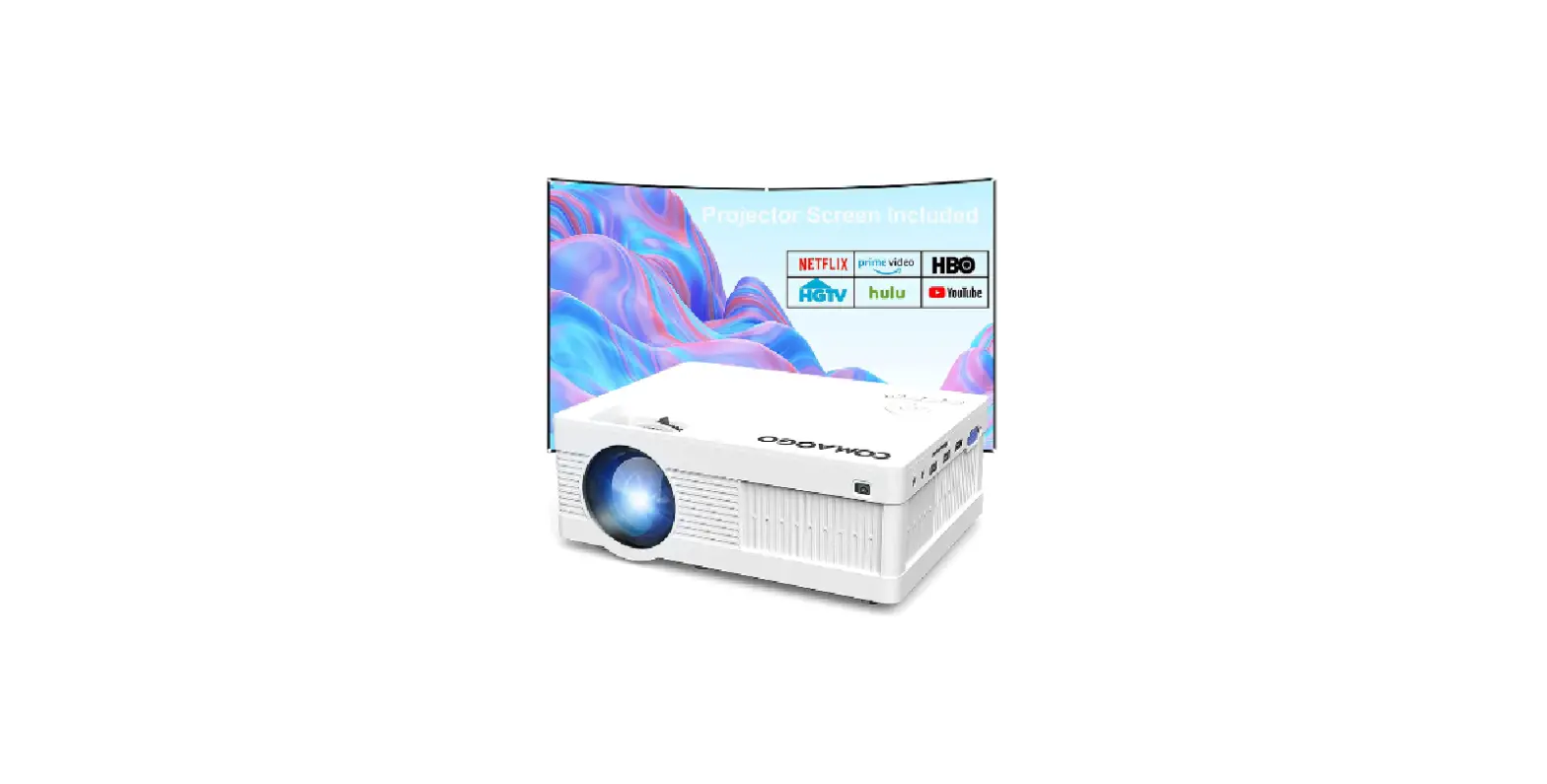
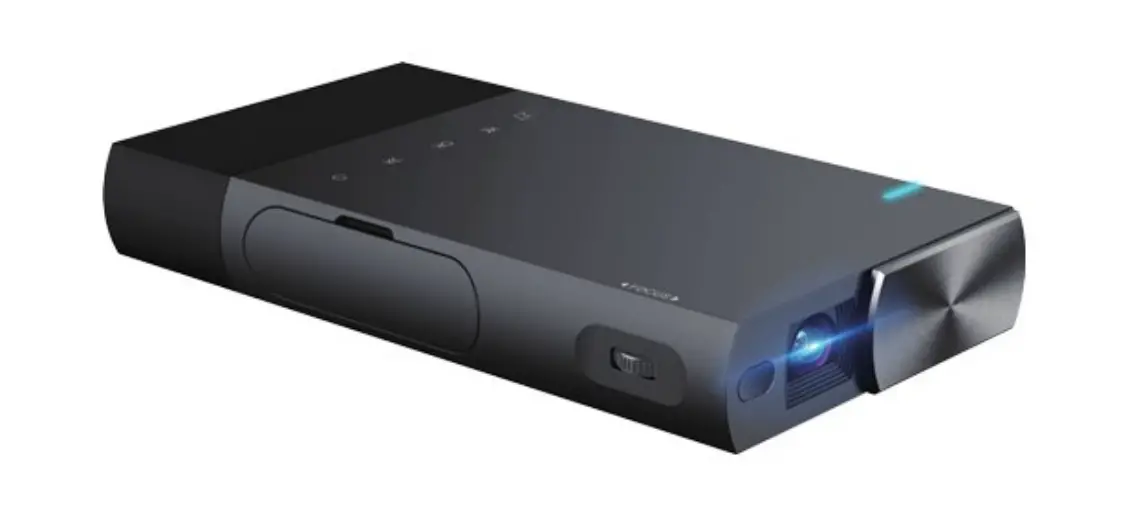
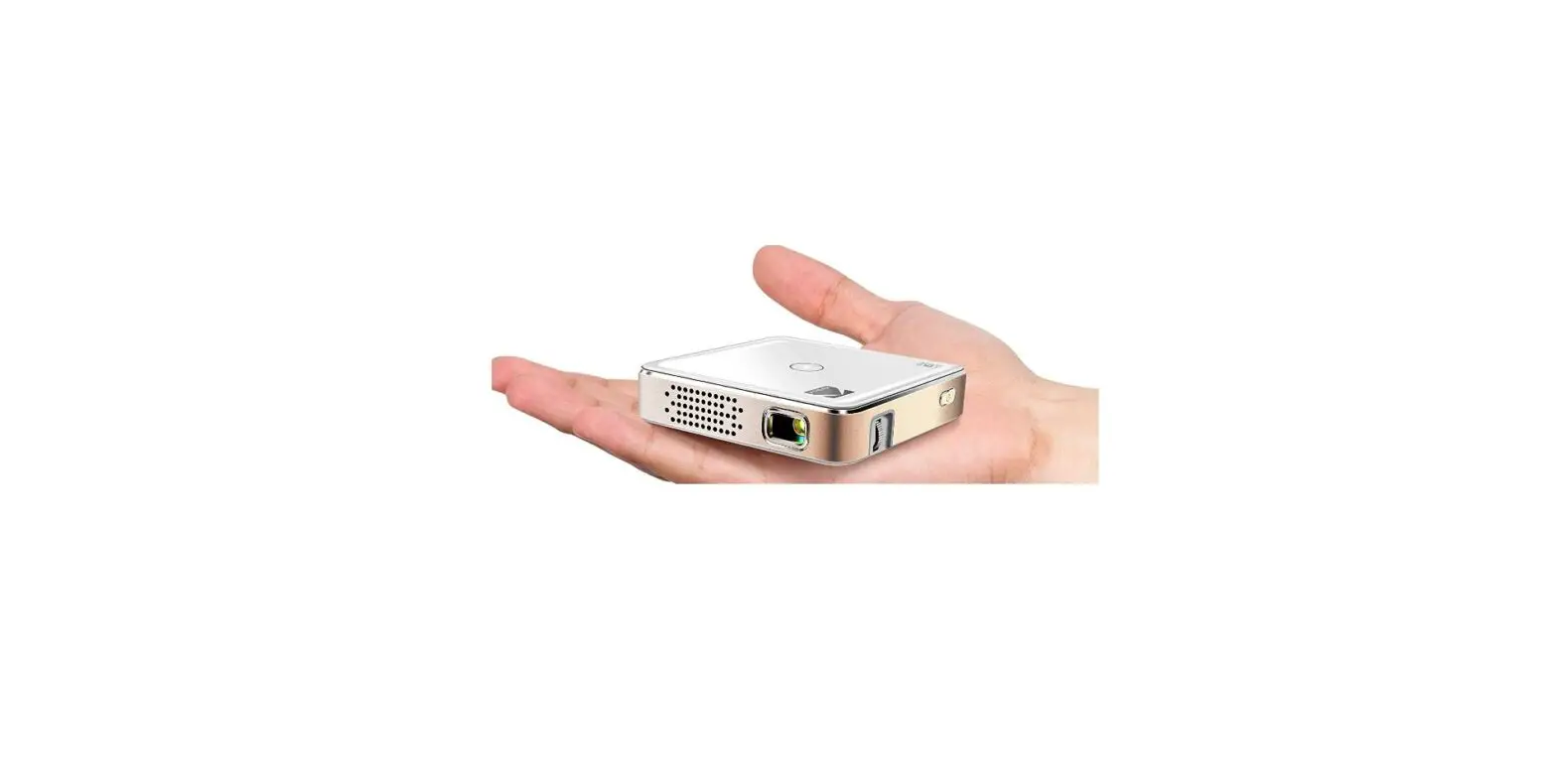
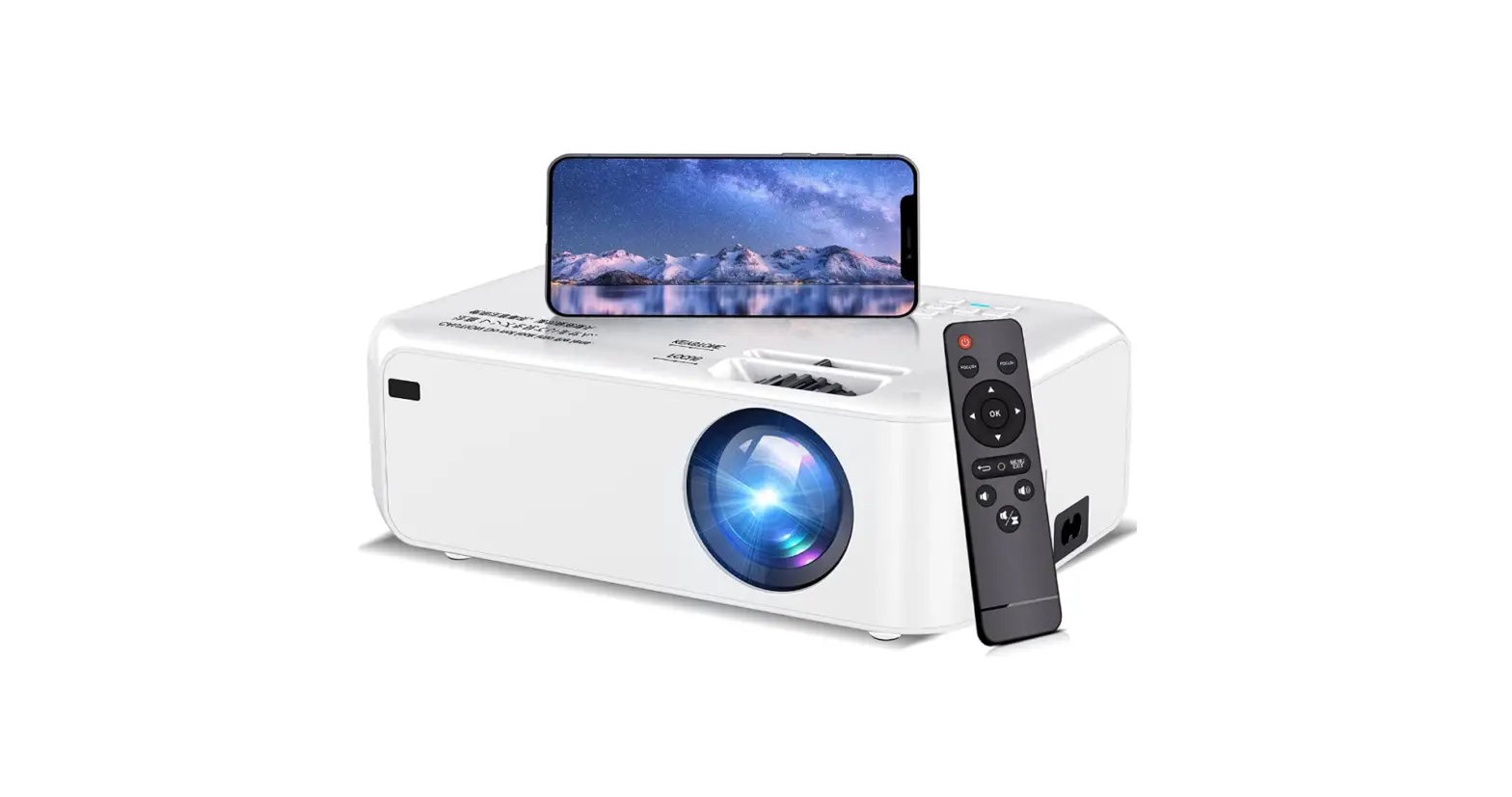
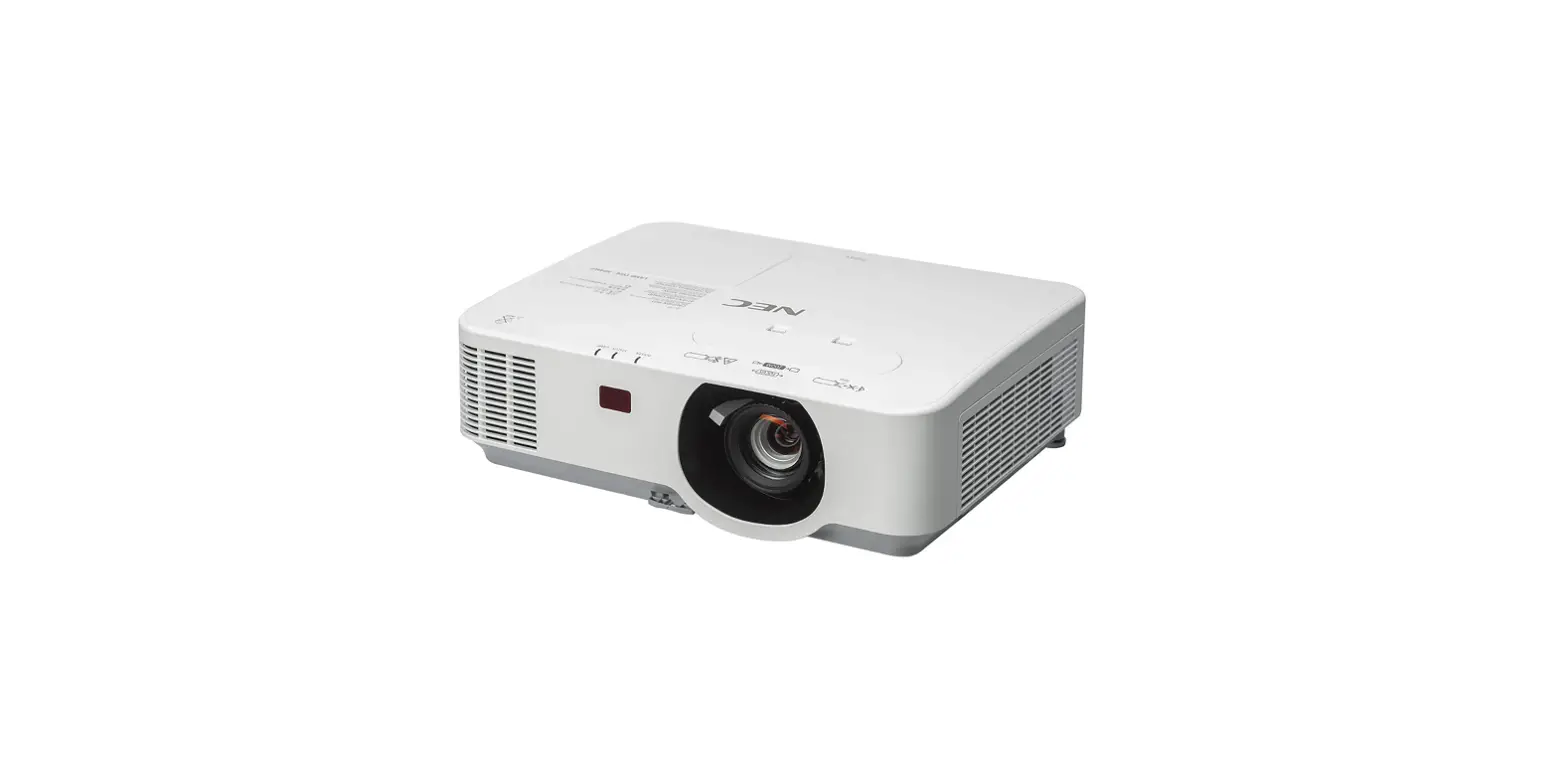
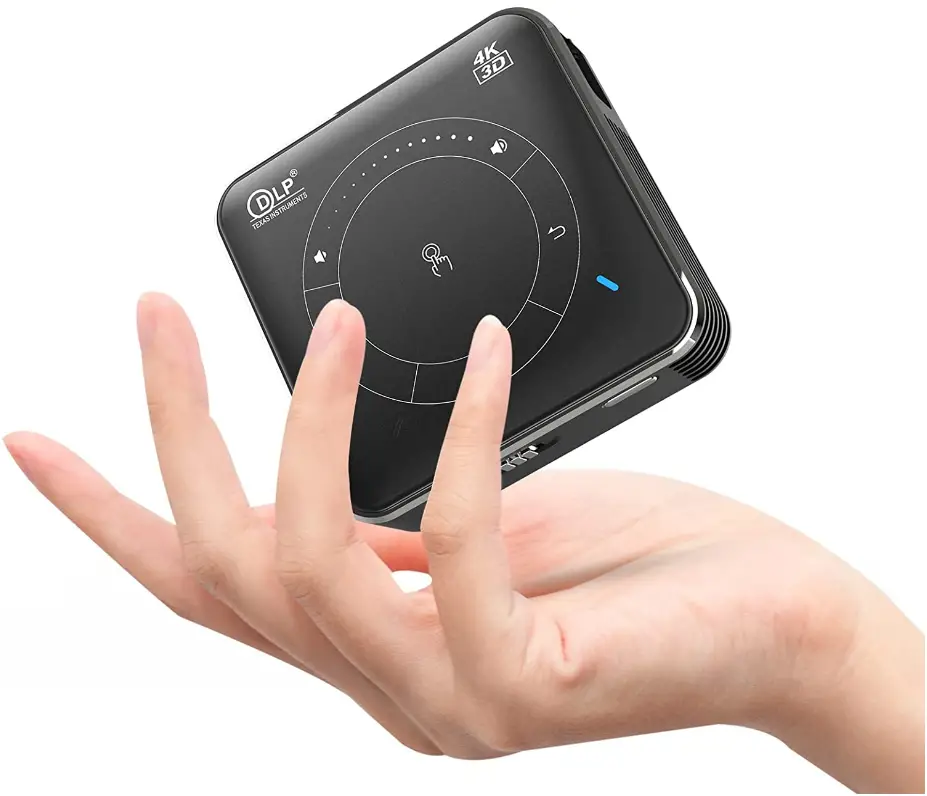
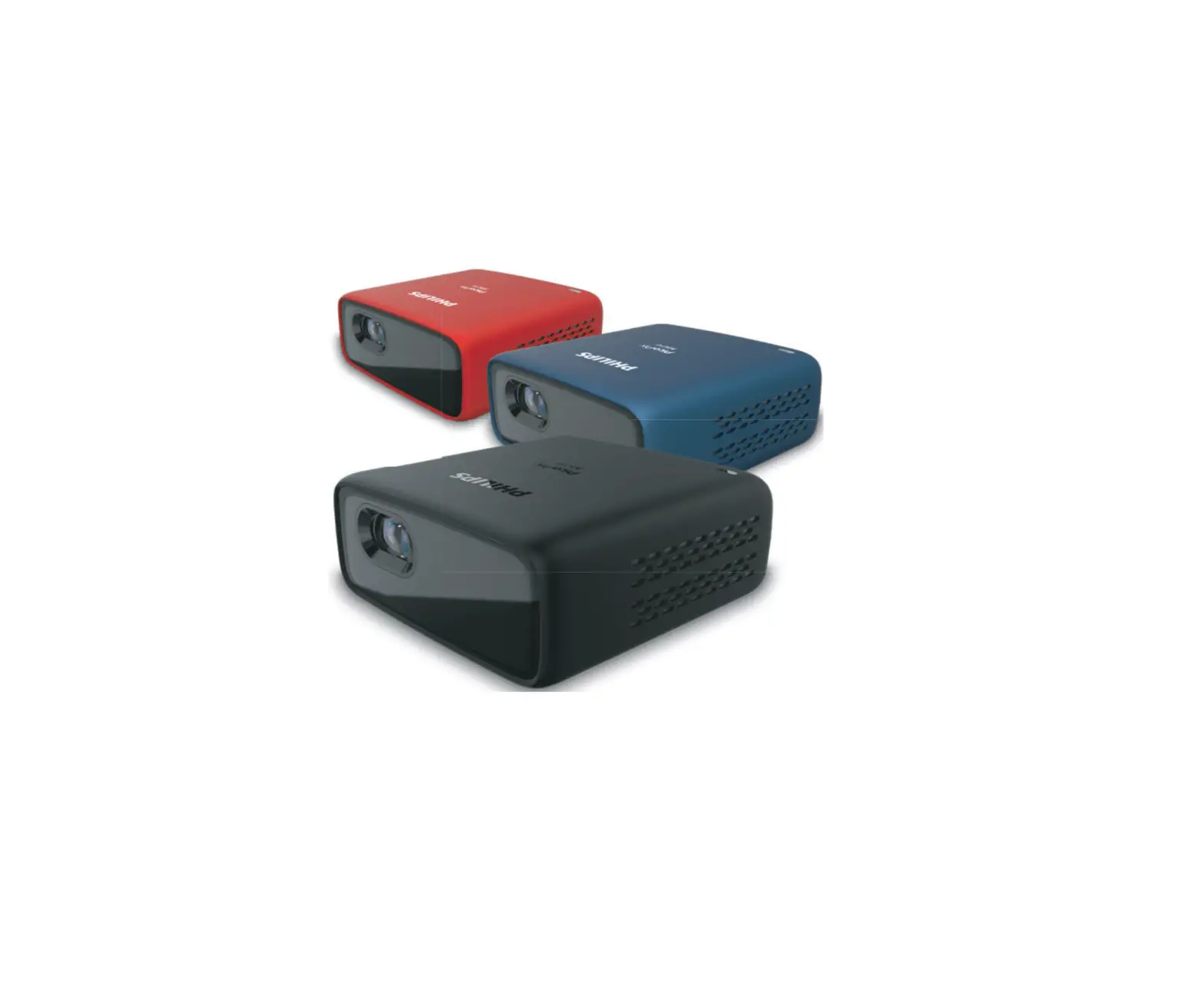
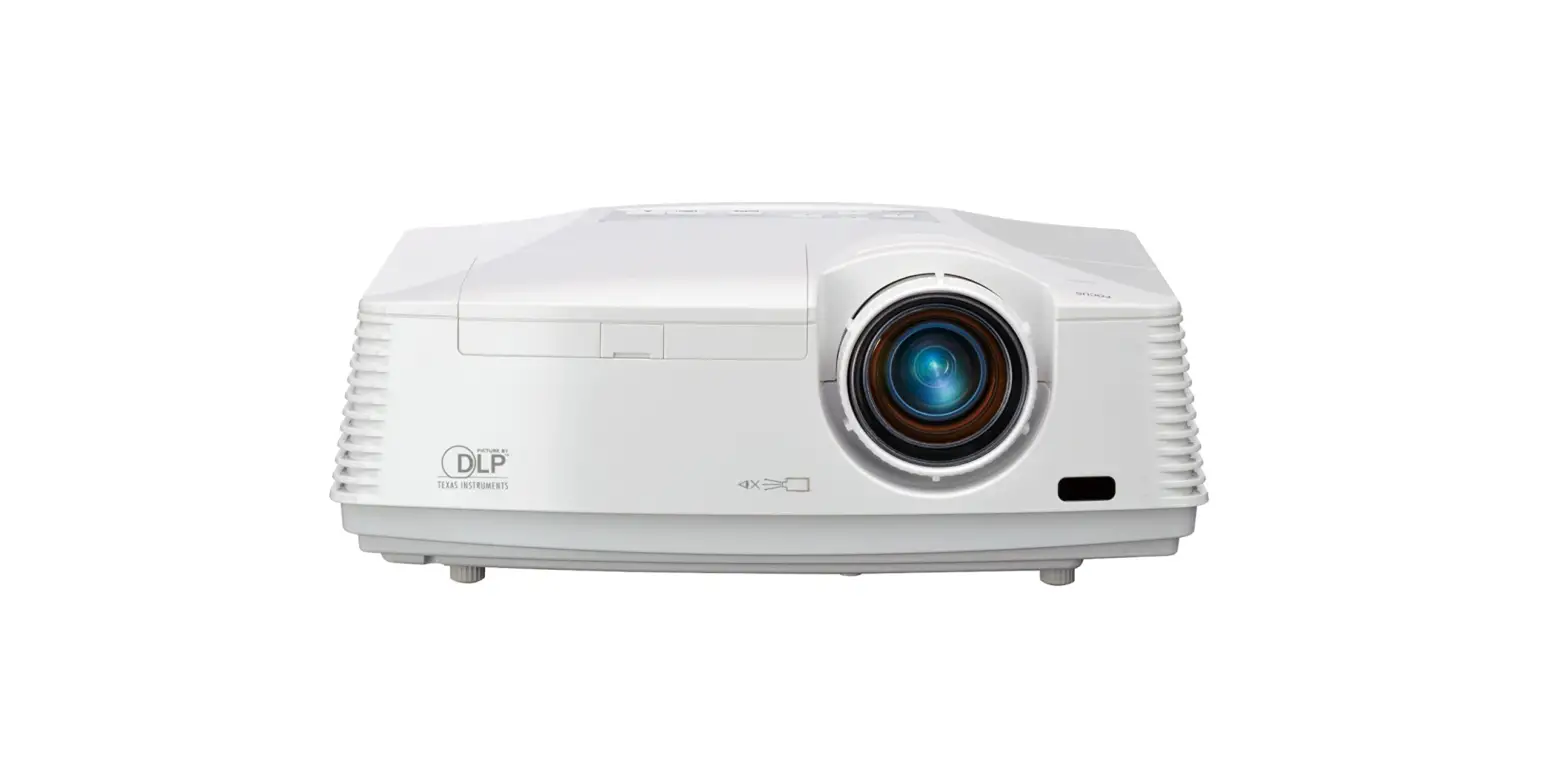
HP60 Mini Portable Projector
Product Information
This handheld projection device is a compact and convenient
projector designed for home, entertainment, business, and other
application environments. It offers powerful features and allows
you to enjoy the fun of a big screen anytime and anywhere. The
projector is equipped with a lens, power switch button, power
connector, HD input, audio output, and comes with a remote control
for easy operation.
Important Safety Precautions
- For best effects, it is recommended to use this product in a
dark room. - Do not open the case. Qualified professional maintenance
personnel should handle any maintenance. - Be cautious of uninsulated voltage and avoid touching any
internal parts to prevent electric shock. - Do not expose the projector to rain or moisture to prevent fire
or electric shock. - Ensure proper ventilation and avoid installation in high
temperature, humid, dusty, or smoky places.
Equipment Connection
To connect your equipment to the projector:
- Connect your notebook/set-top box using an HD cable.
- Insert a USB disk into the projector.
- Connect audio output to earphones or external speakers if
desired.
Installation and Adjusting
To install and adjust the projector:
- Choose a horizontal placement for the projector.
- Adjust the focus to obtain a satisfactory picture imaging
effect. - Keep the projector facing the wall/curtain.
- The recommended distance between the projector and the front of
the wall/curtain is 1.5-2.5 meters.
Projection Distance Reference
| Projection Size (inch) | Projection Distance (m) |
|---|---|
| 56 inch | H0.75m W1.33m |
| 66 inch | H0.87m W1.55m |
| 86 inch | H1.05m W1.86m |
| 96 inch | H1.20m W2.13m |
| 116 inch | H1.49m W2.66m |
Safety Power Off
To safely turn off the projector:
- Press the power button on the operation panel or the remote
control. - Follow the system prompts to turn off the device.
- If not using the projector for a long time, unplug the power
supply and store it in a dry and cool place, preferably in a
box.
Play Content
You can play videos, music, pictures, and files in the storage
device using the following steps:
- Turn on the projector.
- Insert a USB disk into the projector.
- The system will automatically detect the external device and
prompt a window. - Select the file type to be played and press the OK key on the
operation panel to enter.
Note: The software interface may slightly differ from the one
shown in the manual. Please refer to the actual product for
accurate information.
Opening Rmarks
Thank you very much for your support!
You can learn to use and operate on this projector by reading this manual.
This handheld projection device has powerful features like compact, convenient etc. It is specifically designed for home, entertainment, business and other application environments. The projector let you enjoy the fun of the big screen reality anytime and anywhere, and you are also welcome to share your fun and opinions with us.
If you have any questions about this product, please contact our after-sales department. we are happy to service for you.
Before using the projector, please NOTICE read this user manual carefully and
keep it for future use.
Important safety precautions
For best effects, it is recommended that you use this product in a dark room.
1. DO NOT install the machine where directly blown by the air conditioner, the water condensed or high temperature may cause machine failure. 2. Make sure that there is sufficient ventilation and the ventilation is not blocked, so as to avoid the accumulation of hot air in the machine 3. Prevent clips or paper falling into the machine, and do not put any metal objects into machine. If accidentally happens, please turn off the power immediately and let qualified personnel fix it. 4. Due to avoid the risk of leakage, do not place any liquid on the machine. 5. When transporting the projector, please use soft packaging materials to protect the lens from scratches Please install the lens protection cover, non violent during transporting. 6. During or after the projection, the vicinity of the exhaust vent will become hot, non touch with your hands. 7. DO NOT look into the lens while the machine is powered on, it may cause serious damage to your eyes
NOTICE
DO NOT open the case. Please entrust qualified professional maintenance personnel to perform maintenance.
This mark warns there is an uninsulated voltage in the unit, which may cause electric shock due to the surface magnetic field. It is very dangerous to touch any parts inside the machine.
NOTICE
To prevent fire or electric shock, do not expose this machine to rain or moisture.
Safety notice
Do not install in non ventilated places.
Do not install in high temperature or humid places.
Do not block the ventilation Do not install in dusty
holes (intake or exhaust)
or smoky places.
Projector component and functions
Lens
Power switch button
,572)
86% Power connector
HD Input Audio output
86%
Power switch button
Remote control button and functions
Power
OK
HD
Volume –
Mute
Volume +
Up
Down
F-
F+
Left
Right
Home Return F- FocusF+ Focus+
Menu
Equipment connection
Signal flow direction Notebook/set-top box
HD cable
USB Disk
Audio Earphone
Installation and Adjusting
Projector installation You can choose horizontal placement
Installation and Adjusting
Projection Distance Reference
choose horizontal placement Adjust the focus
72)
blur Image
Projection distance
Projection size
(inch)
56 inch 66 inch 86 inch 96 inch 116 inch
Projection size Projection distance
W*H
(m)
(m)
H0.75m W1.33m H0.87m W1.55m H1.05m W1.86m H1.20m W2.13m
H1.49m W2.66m
1.7m 2.0m
2.5m 2.8m 3.4m
Keep the projector facing the
ABCD
wall/curtain, machine
After starting, it will automatically focus to obtain
satisfactory picture imaging effect.
It is recommended that the distance between the
projector and the front of the wall/curtain
should be 1.5-2.5 meters
To get the best projection effect
Safety Power Off Press the ” ” button on operation panel or the remote control ” “, turn off the device according to the system prompts. If you do not use the projector for a long time, please unplug the power supply and Store in a dry and cool place (preferably in a box).
Play Content
You can play videos, music, pictures and files in the storage device in the following ways.
(1)Turned on the projector, insert the USB disk, the system will automatically detect the external device, and a window will prompt, select the file type to be played, and press the “ok” key on the operation panel to enter.
External device detected
All Picture Video Music Installation
Due to the continuous improvement of the design, the software interface may be slightly different from the one shown in this figure, please refer to the actual product.
Home page Setting
(2) In the projection interface, find and open the “File Management” option, you can choose the file in the projector or USB disk, and press the “ok” key to open it.
Due to the continuous improvement of the design, the software interface may be slightly different from the one shown in this figure, please refer to the actual product.
WIFI Setting Turn on and connect WiFi.
Cleaning Method
Before cleaning, you must make sure that you have unplugged the power plug.
Do not use insecticides or other volatile chemicals on the projector or lens. Do not use rubber or vinyl products to touch the projector. This can damage or cause coating peel off.
Clean the Projector Wipe with a soft dry cotton cloth. use a soft cloth dipped
in a diluted neutral detergent to wipe it, then with a dry cloth. If you use chemical fiber cloth, please follow the precautions.
Do not use thinner, benzene or other solvents to avoid quality degradation or peeling of the spray coating.
When cleaning the dirt, you can insert a brush in the front of the vacuum cleaner, avoid directly use the vacuum cleaner without any connectors or the nozzle, avoid scratches.
Dust cleaning of lens Use the same method to clean the camera lens, use the
professional hair dryer for the camera or the cleaning paper for the glasses lens. Be careful not to scratch the lens.
Dust cleaning at suction and outlet The dust in the air inlet and outlet prevents ventilation,
which will increase the internal temperature and cause malfunctions. Cleaning guidelines: at least clean once use every 10,000 hours.
Turn off the projector, disconnect the power. Clean the exterior with an electric vacuum cleaner, and install a brush head adapter on the vacuum cleaner. Please be careful not to use a vacuum cleaner without an adapter or brush head.
WARNING: Running this device in a residential environment may cause radio interference.
Warning ..tatement This device complies with part 15 of the FCC Rules. Operation is subject to the following two conditions: (1) This device may not cause harmful interference, and (2) this device must accept any interference received, including interference that may cause undesired operation. Any Changes or modifications not expressly approved by the party responsible for compliance could void the user’s authority to operate the equipment. Note: This equipment has been tested and found to comply with the limits for a Class B digital device, pursuant to part 15 of the FCC Rules. These limits are designed to provide reasonable protection against harmful interference in a residential installation. This equipment generates uses and can radiate radio frequency energy and, if not installed and used in accordance with the instructions, may cause harmful interference to radio communications. However, there is no guarantee that interference will not occur in a particular installation. If this equipment does cause harmful interference to radio or television reception, which can be determined by turning the equipment off and on, the user is encouraged to try to correct the interference by one or more of the following measures: -Reorient or relocate the receiving antenna. -Increase the separation between the equipment and receiver. -Connect the equipment into an outlet on a circuit different from that to which the receiver is connected. -Consult the dealer or an experienced radio/TV technician for help. This equipment complies with FCC radiation exposure limits set forth for an uncontrolled environment. This equipment should be installed and operated with minimum distance 20cm between the radiator & your body.
Thanks for reading!
Enjoy your time with this projector!