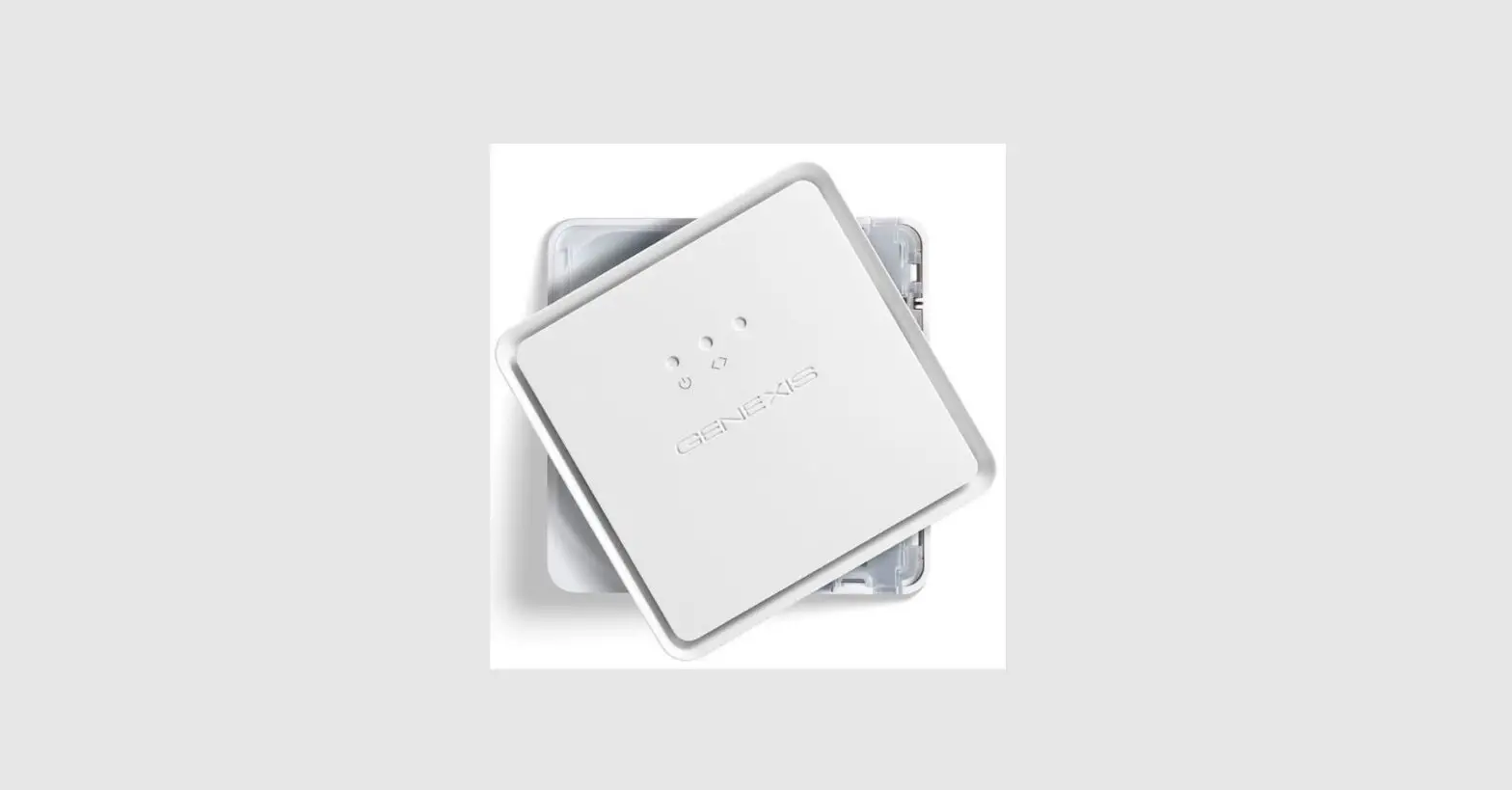
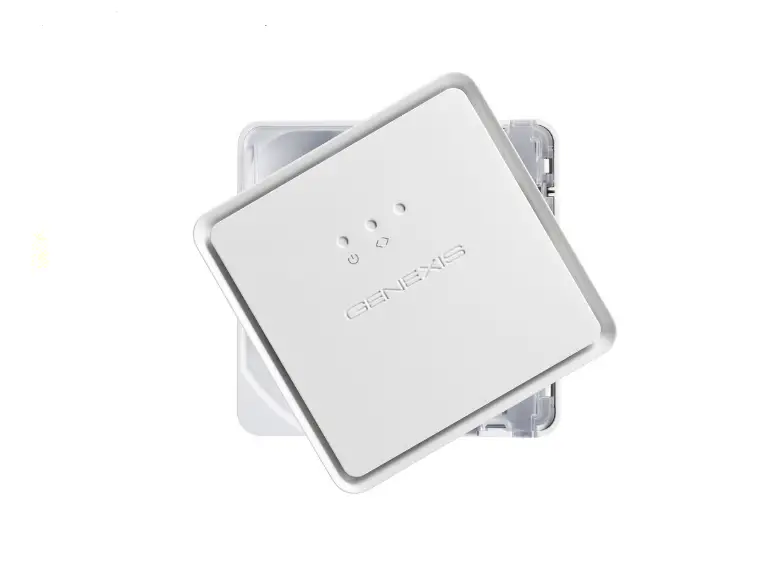
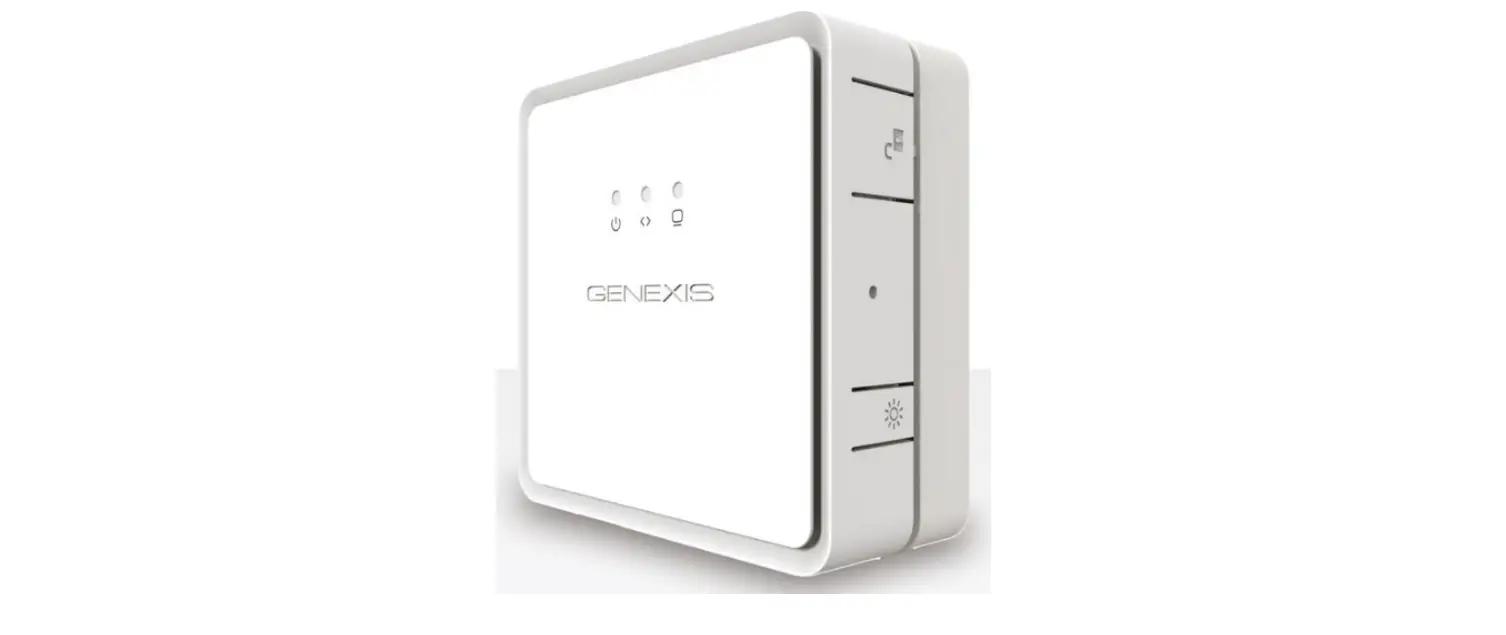
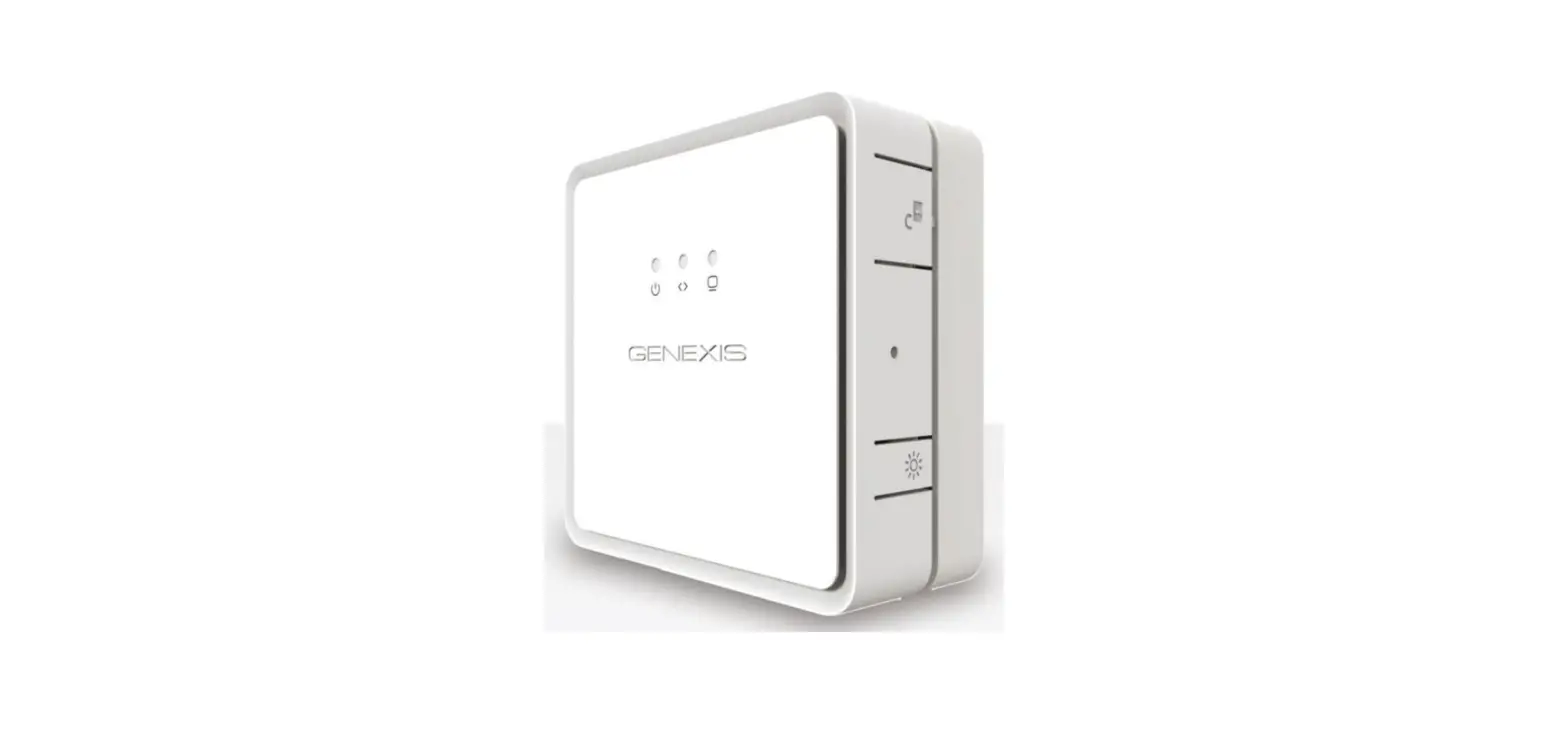
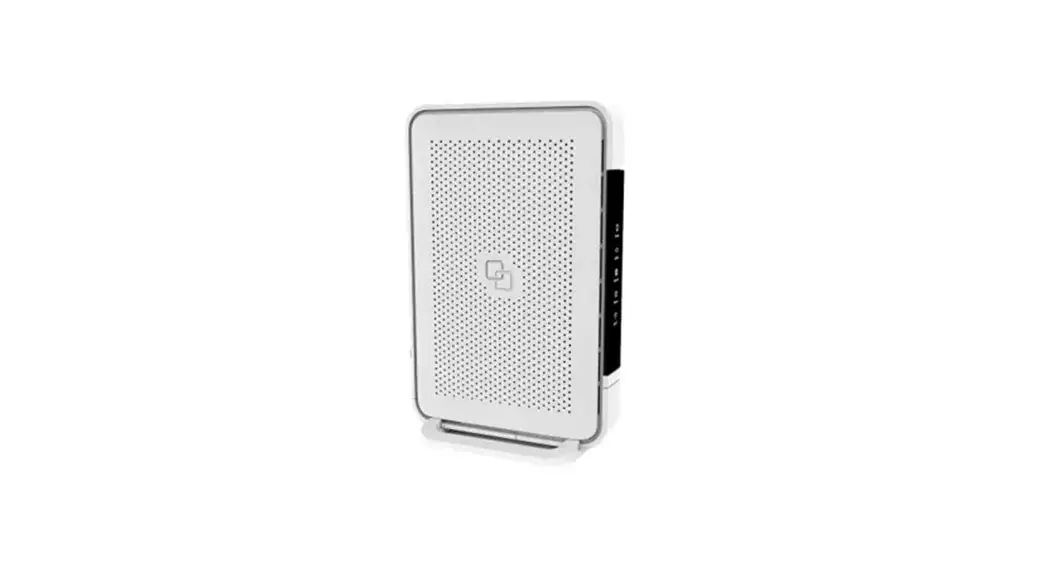
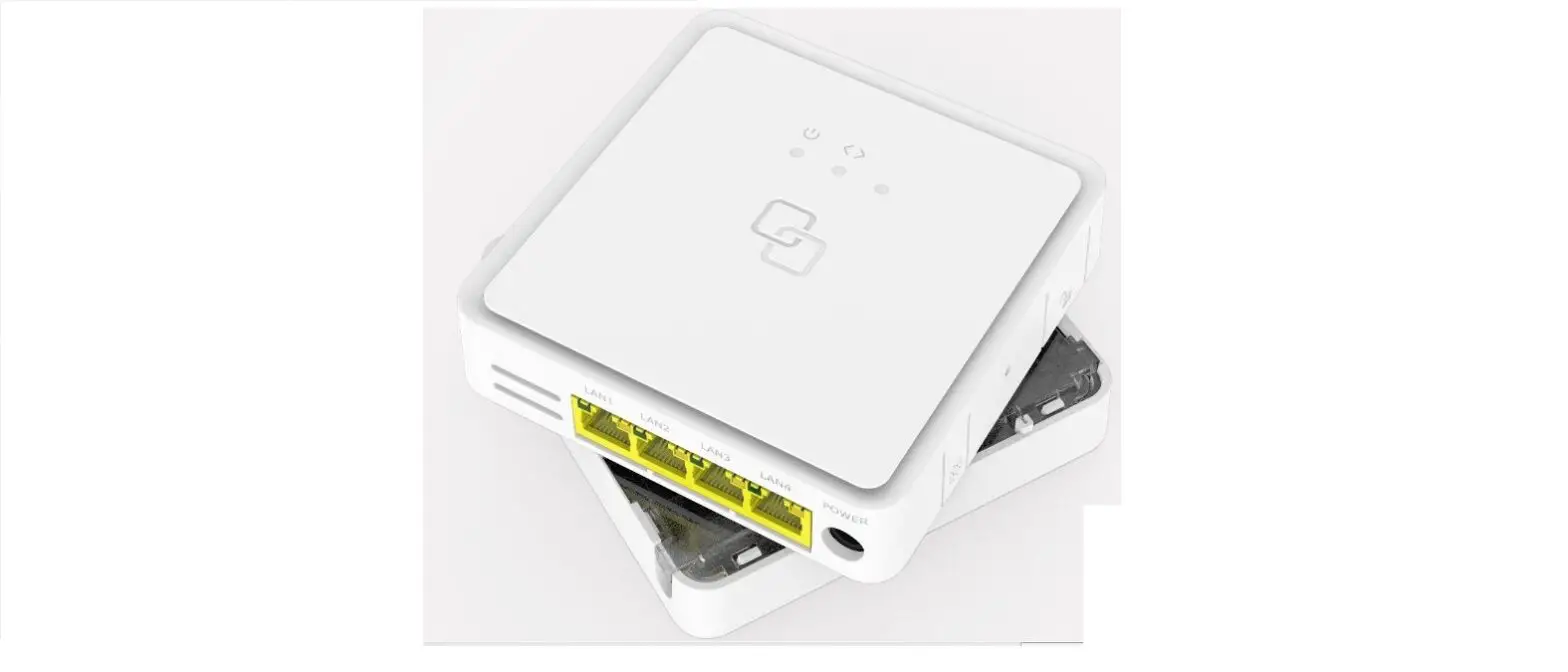
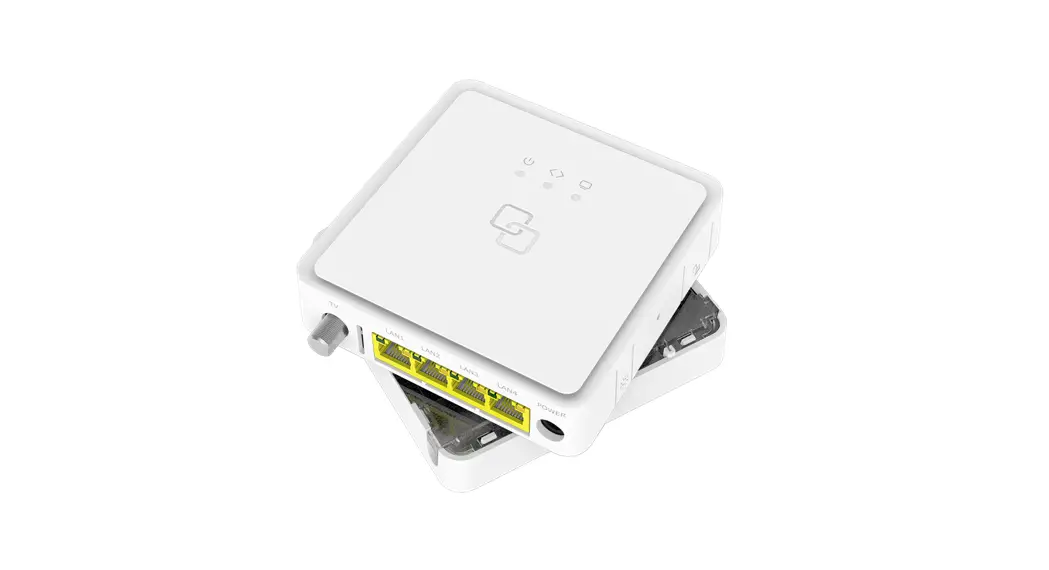
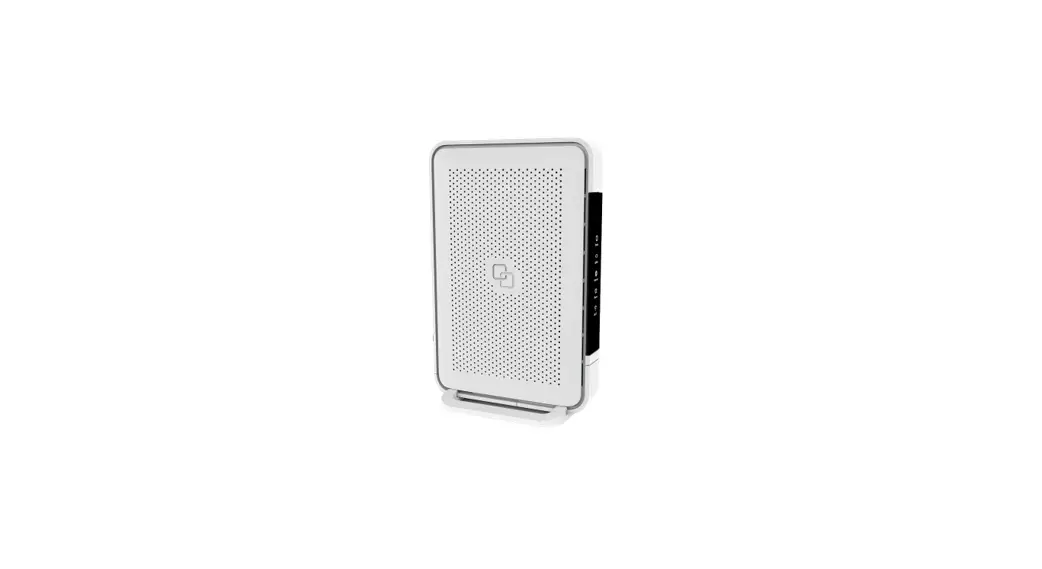
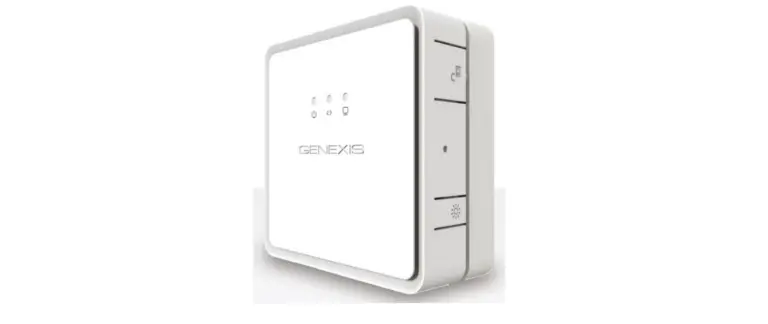
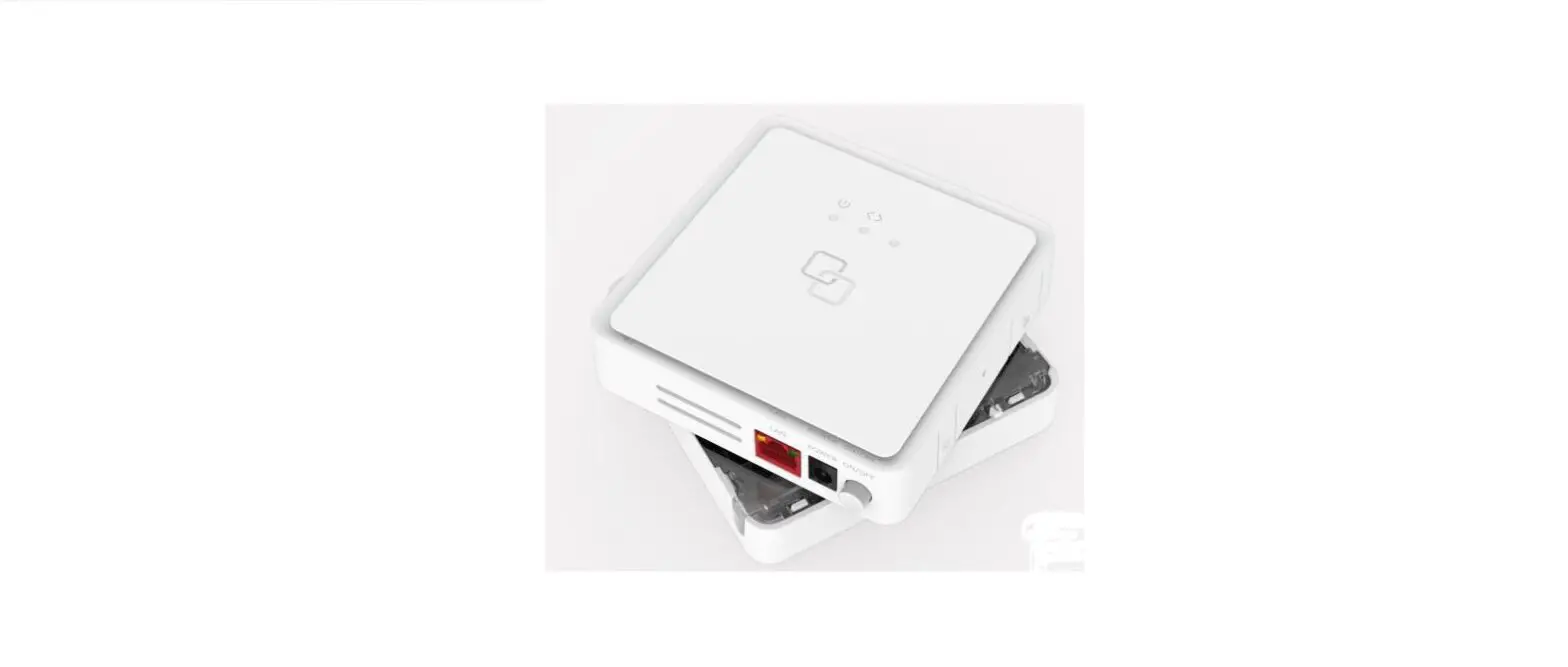
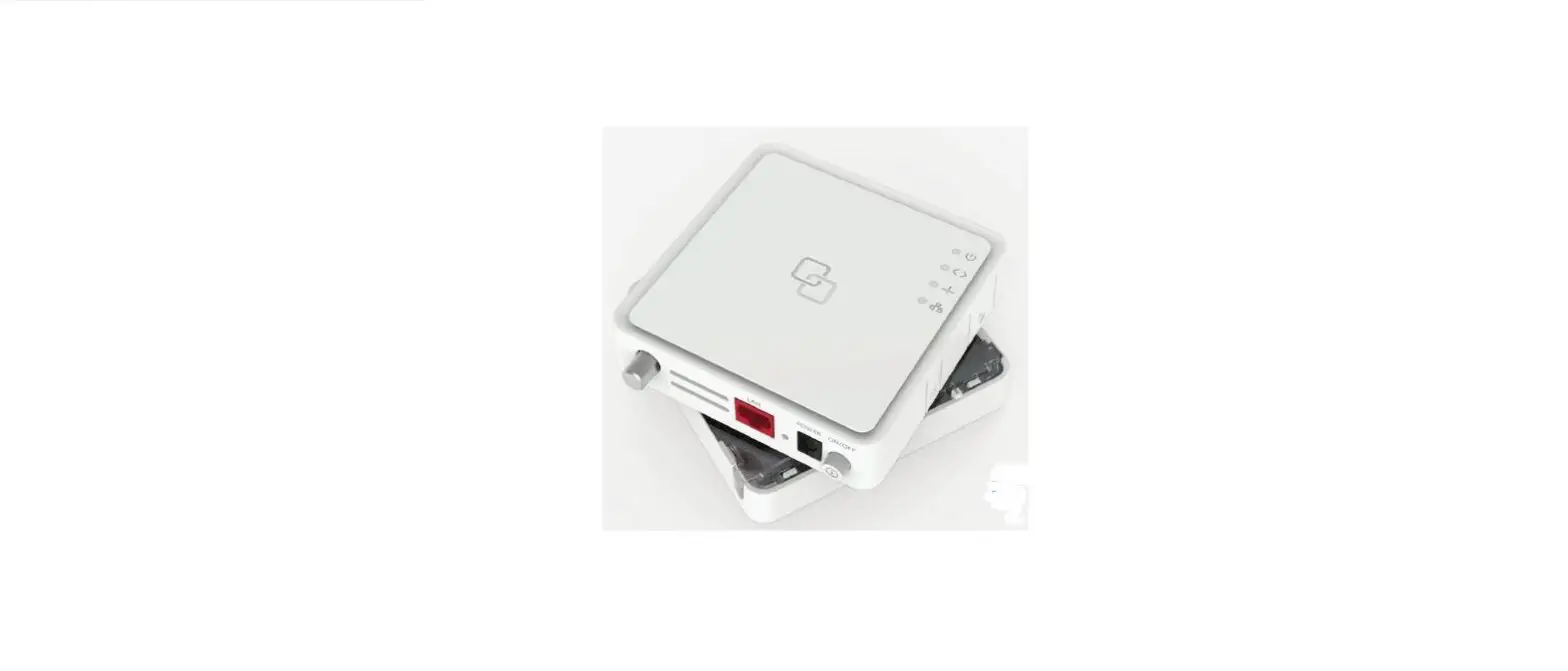
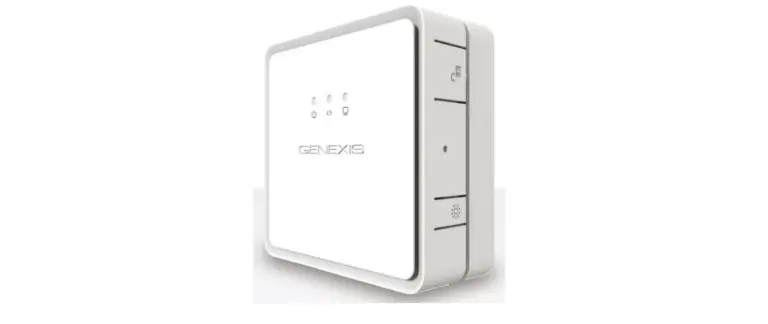
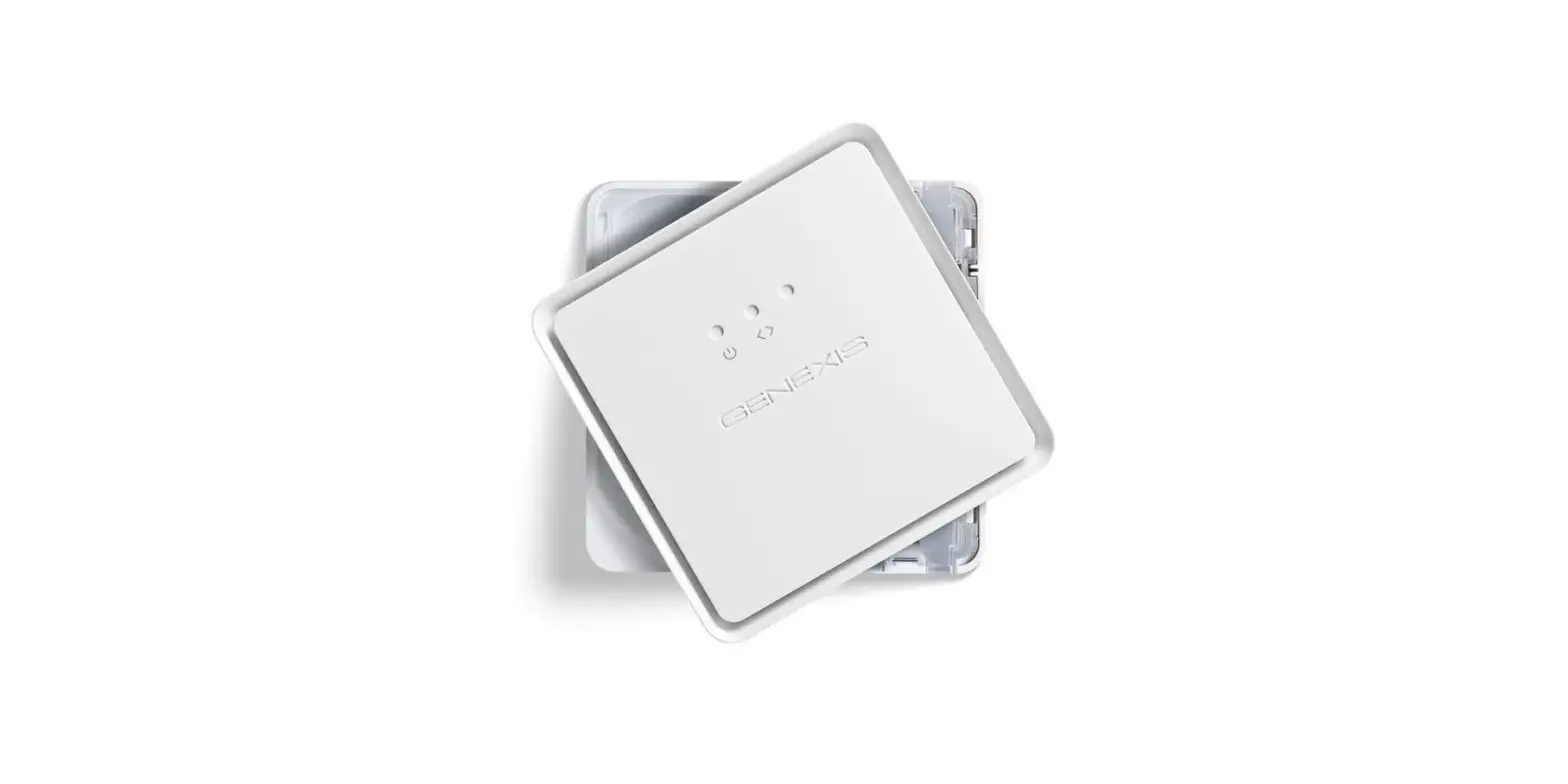
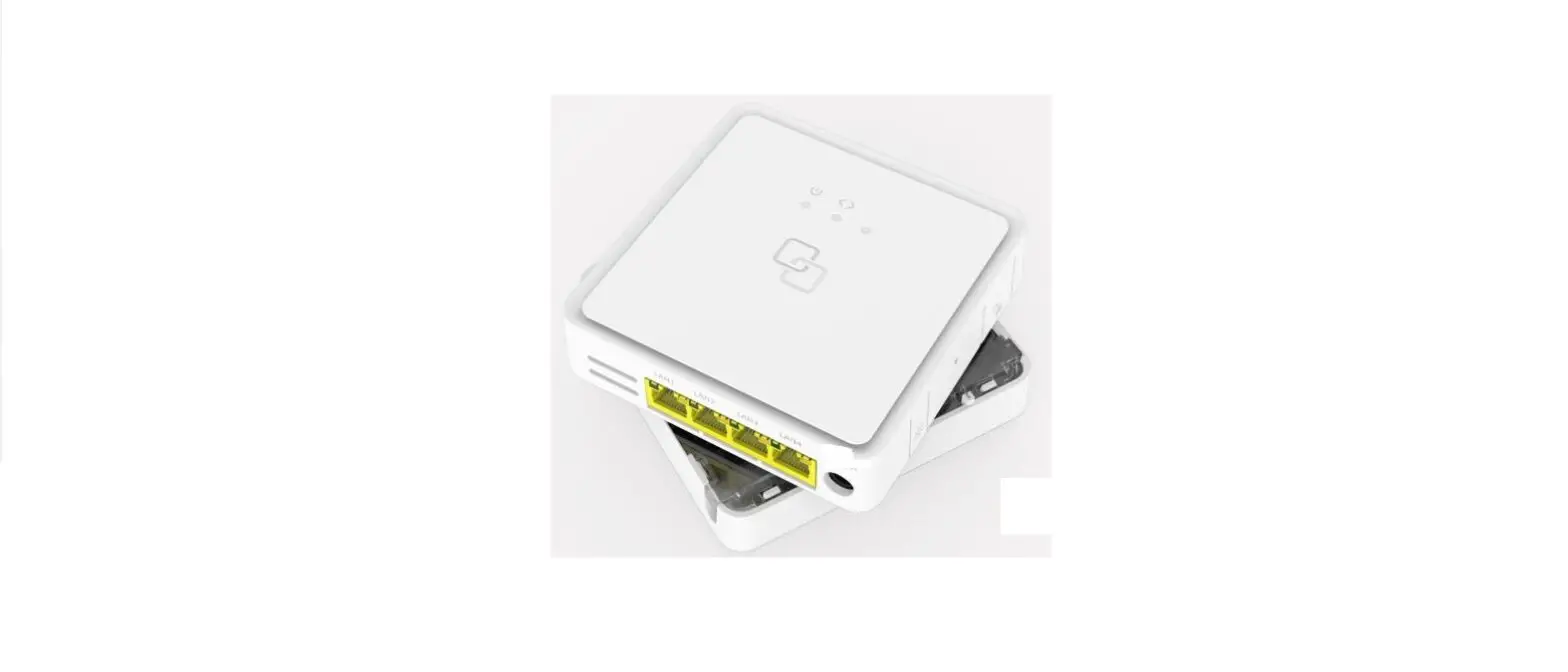
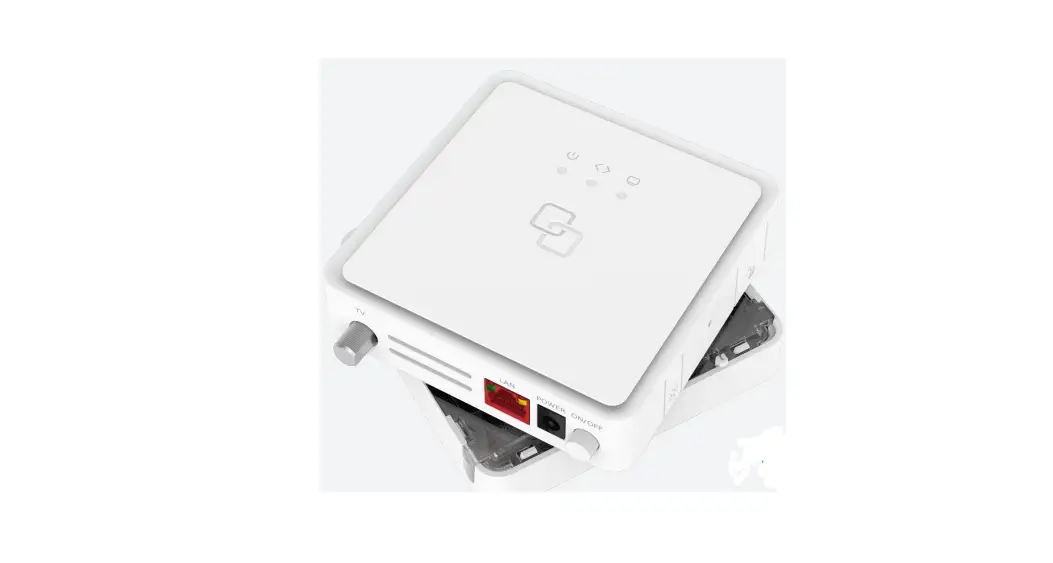
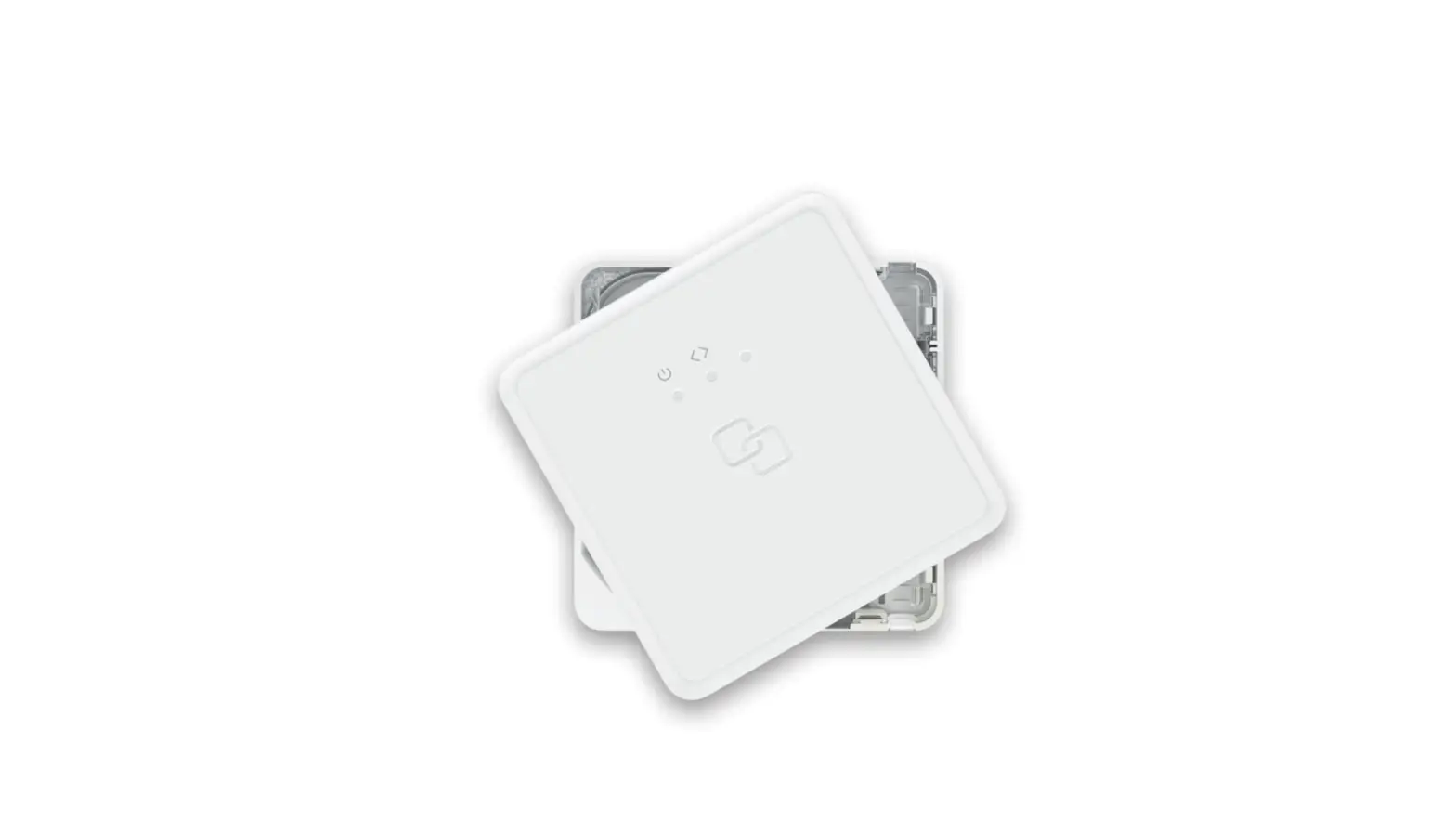
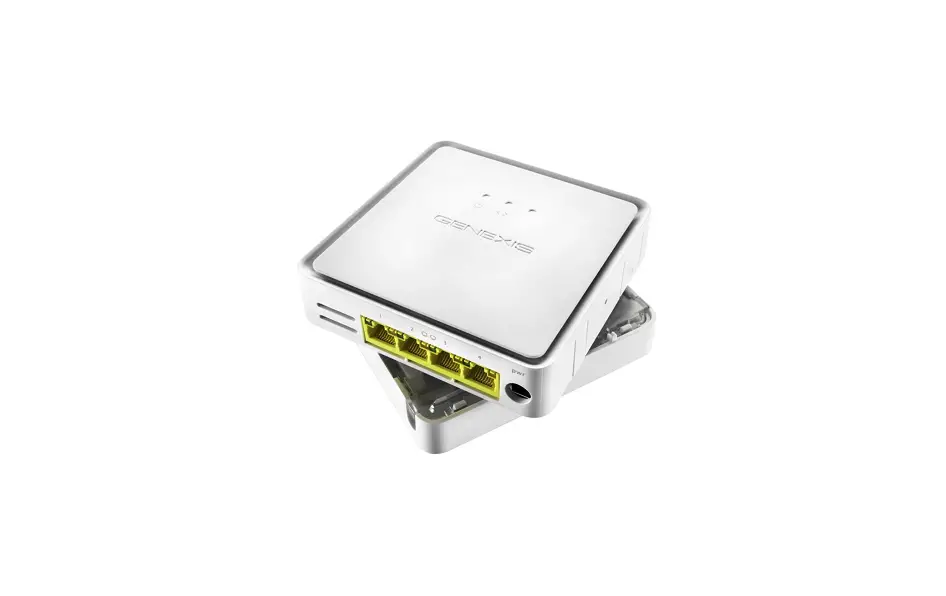
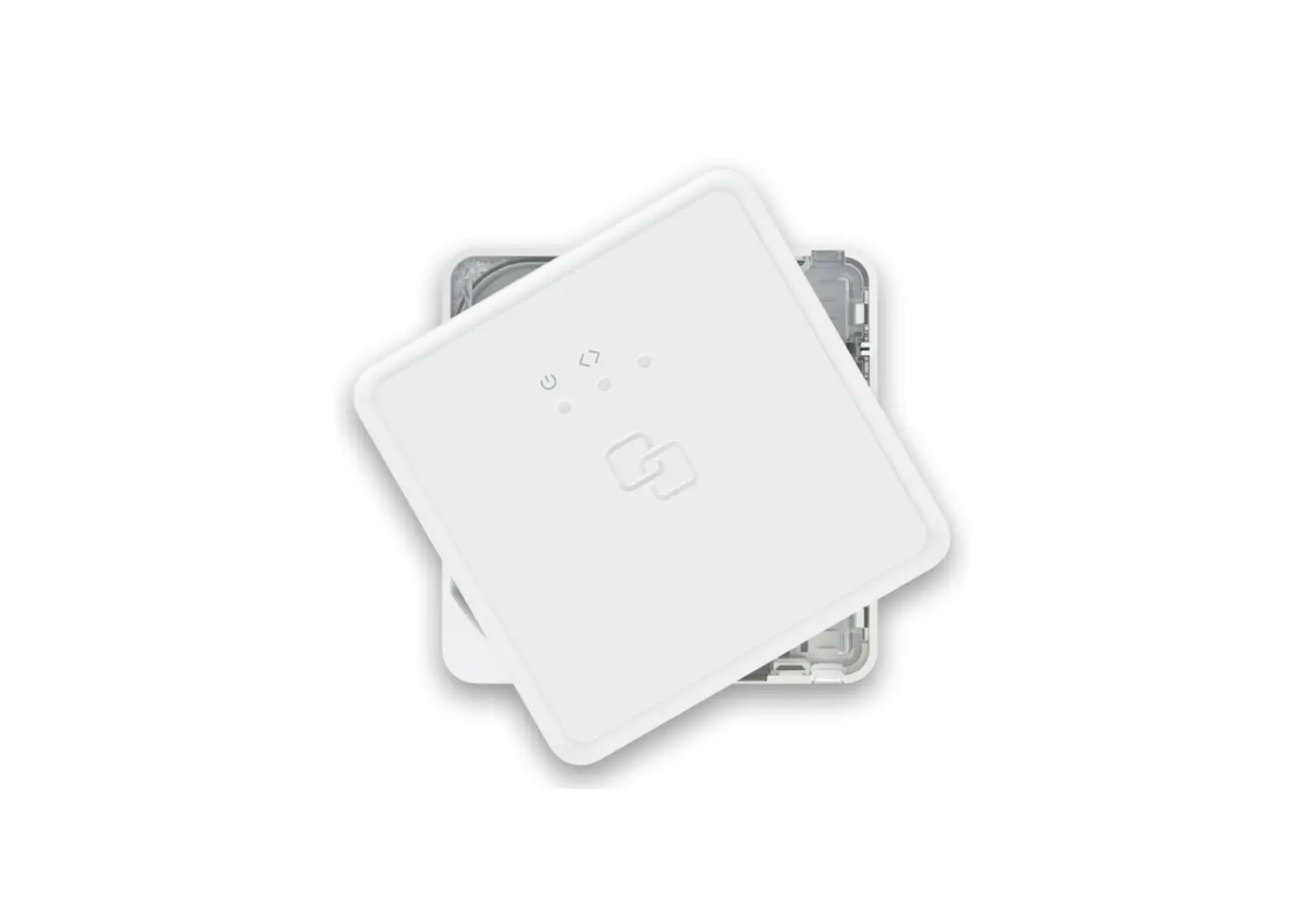
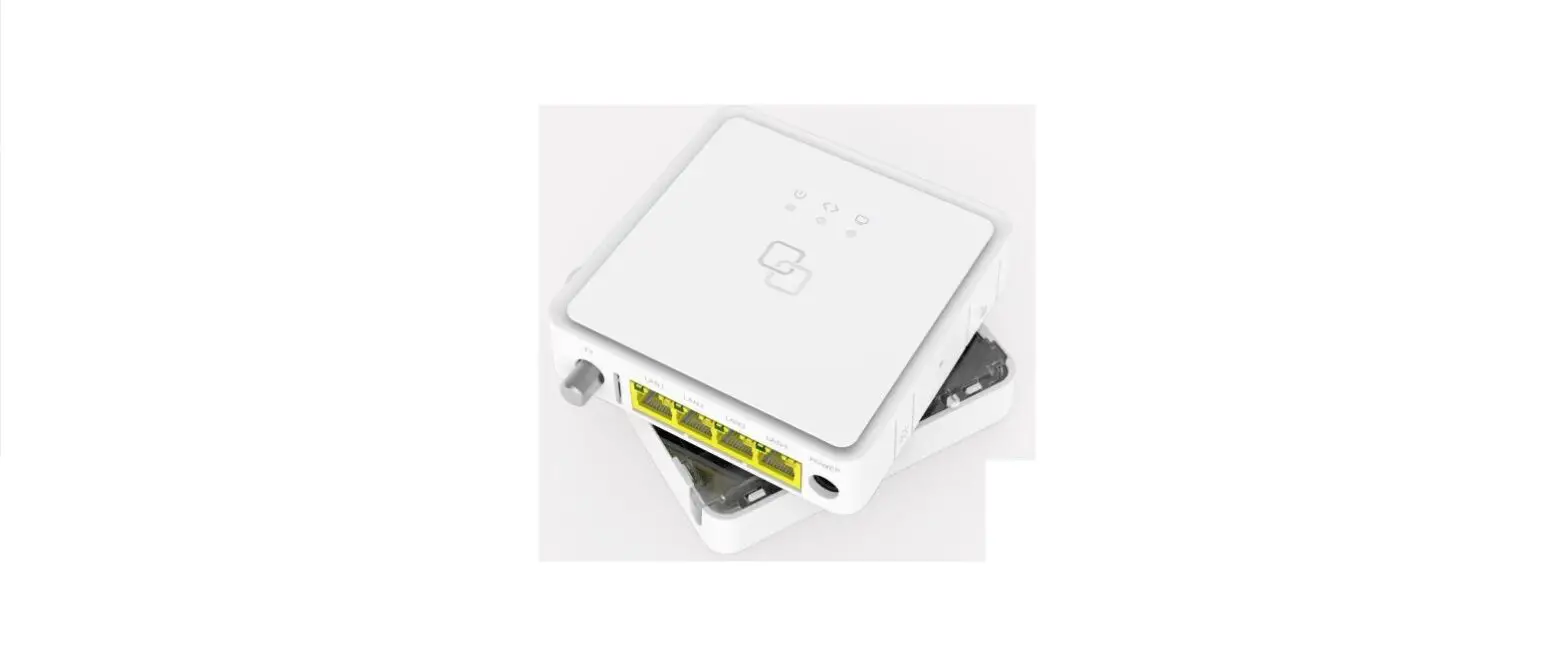
FTU-100 Series FiberTwist Fiber Termination Unit
Product Information
The FTU-100 FiberTwist Series is a fiber management unit
designed for installation and management of fiber optic cables. It
comes with various accessories and components to facilitate easy
installation and usage.
In the box, you will find:
- Warranty seal
- Zip ties
- Adhesive wall plugs
- Foam & screws
- Cover screw
- Splice holders
- Baseplate
- Fiber Management Unit (FMU) with coupler
- Transparent demarcation cover
- Installation guide
Note: The number and type of patch out options depend on the
specific model of the FTU.
Genexis assumes no responsibility for any inaccuracies in this
document. Genexis reserves the right to change, modify, transfer,
or otherwise revise this publication without notice.
Product Usage Instructions
- Mounting the FTU to the wall:
- De-assemble the FTU by separating the baseplate and FMU.
- Use the provided drilling template to mount the baseplate to
the wall. Alternatively, the baseplate can be mounted directly on a
wall junction box. - The drilling template can be downloaded from https://genexis.eu/product/fibertwist/downloads#ftu.
- Ensure that the baseplate is securely mounted to the wall.
- Place the FMU on the baseplate with the clip facing towards the
middle of the FMU.
- Based on the model of your FTU, choose the appropriate
patch-out option. - Connect an SC or LC connector to the patch-in port of the
FiberTwist FTU.
FTU-100
FiberTwist Series
Installation Guide
In the box
warranty seal
zip ties
adhesive wall plugs
foam
& screws
cover screw
splice holders
Baseplate
Fiber Management Unit (FMU) with coupler
Transparent demarcation cover
Installation guide
Choose configuration · Choose one of the three ingress ports to use for the feeder fiber. · If using ingress 1, please cut out the oblong on the baseplate. If using
ingress 2, the oblong is already cut out by default. · For a patch-out, cut out the rectangle at the bottom of the baseplate. · Insert 2 zip ties in the set of holes matching your chosen configuration.
Ingress 1 Ingress 2 Ingress 3 Patch-out
Mount FTU to the wall De-assemble the FTU, so that the baseplate and FMU are separated. Use the drilling template to mount the baseplate to the wall. The baseplate can also be mounted directly on a wall junction box. The drilling template is available on https://genexis.eu/product/fibertwist/downloads#ftu
60 mm
60 mm
Attach pigtail or patch cable · Remove the SC/APC coupler from the FMU. · Take the protective cap off the top end of the
coupler and off the fiber connector, and plug the fiber connector into the coupler. · Put the coupler and fiber back in the FMU.
There is only one correct way to put the connector back in the FMU: · The slots must be facing upwards. · The single metal clip on the right hand side
must face towards the middle of the FMU.
Clip
Attach feeder fiber · If using ingress ports 1 or 2, insert the zip
ties through the appropriate set of holes. · Strip the outer sheath off the feeder fiber. · If required, install a gasblocker. The
gasblocker should rest in the recess. · Peel the backing off the foam padding
before wrapping it around the base of the feeder fiber. · Position the feeder fiber in the FMU and secure in place using the zip ties. Trim the excess ends off the zip ties.
Splice fiber(s) · Place the appropriate splice holder. · Splice the feeder fiber and pigtail together. · Place the splice in the splice holder. · Store the overlength fiber in the FMU. · Perform any tests required to guarantee the quality of the splice.
WDM combiner (optional) A WDM combiner is used for terminating a network with CATV services on a separate RF-overlay fiber. Depending on the model it will be provided with a pre-installed WDM combiner. To install: · Roll out the Data and CATV fibers. · Splice these two pigtails to the corresponding feeder fibers. · Place the two splices in the splice holder. · Store the overlength fibers in the FMU. · Perform any tests required to guarantee the quality of the splices.
Patch-out (optional) The device supports the ability to add patch out fiber cables. Depending on the model these couplers and/or pigtails are pre-installed in the FMU. · Connect the pigtail(s) to the patch out coupler. · Splice the pigtail(s) with the feeder fiber(s). · Place the splices in the splice holder.
Note: the number and type of patch out options depends on the specific FTU model.
Patch-in (optional) The device supports the ability to patch in fiber cables. These connectors are pre-installed in the FMU. · Please connect the fiber patch cable from the third-party FTU to the
patch-in port of the FiberTwist FTU. Depending on the model, you need to place an SC or LC connector.
Finish installation · Remove the remaining protective cap from the FiberTwist coupler. · Place the FMU with the installed fibers on the baseplate. · Click the transparent cover on the baseplate and FMU. · Fasten the cover to the baseplate with the screw provided. · If required, place a seal over the screw. · Install the active unit or blind cover.
Revision 1.2 September 2022, Copyright © 2022 Genexis Netherlands B.V. All rights reserved.
Genexis assumes no responsibility for any inaccuracies in this document. Genexis reserves the right to change, modify, transfer, or otherwise revise this publication without notice.
 FiberTwist | Downloads