HitFit Pro App
Product Information
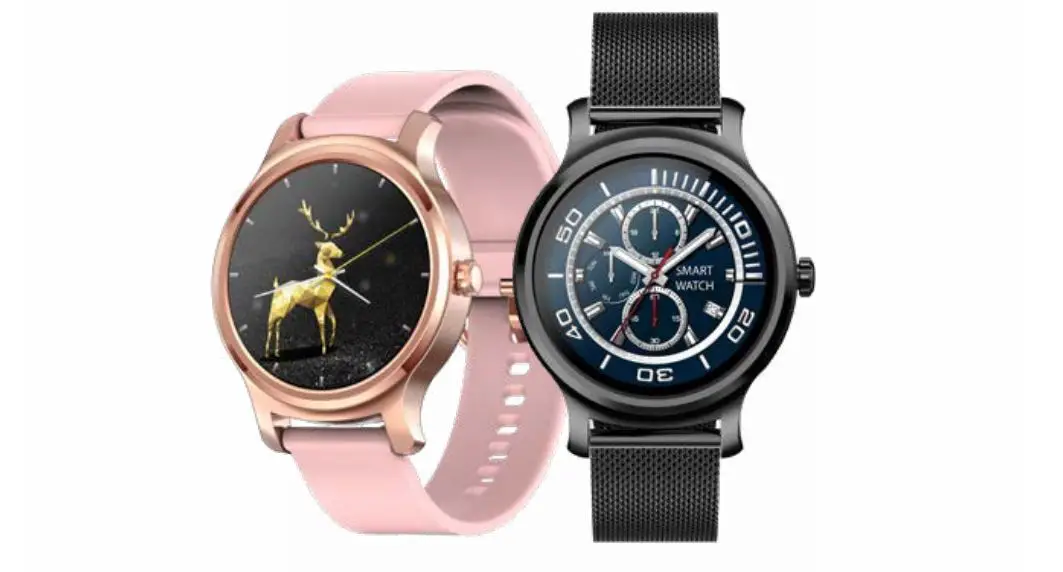
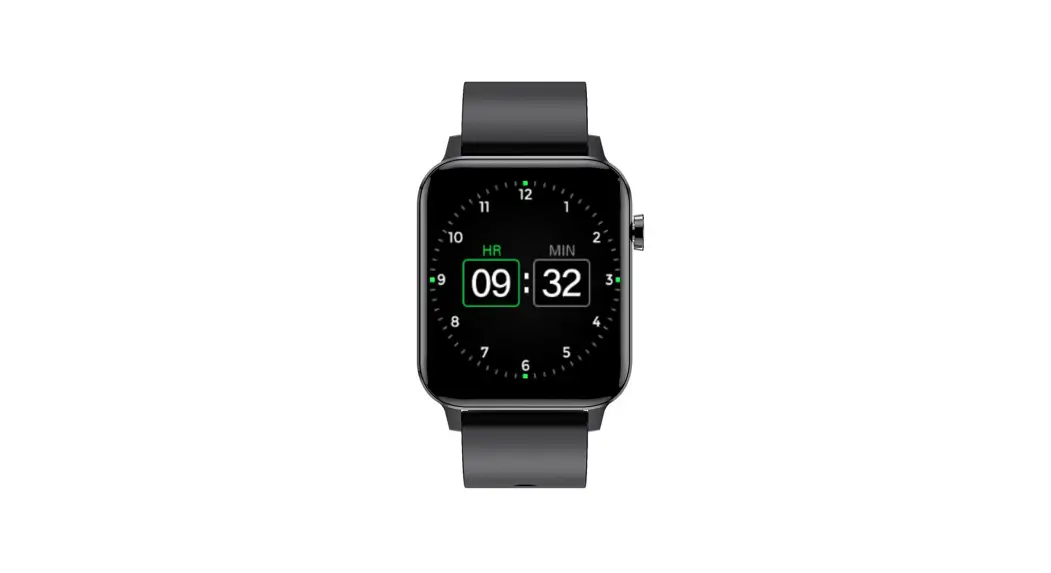
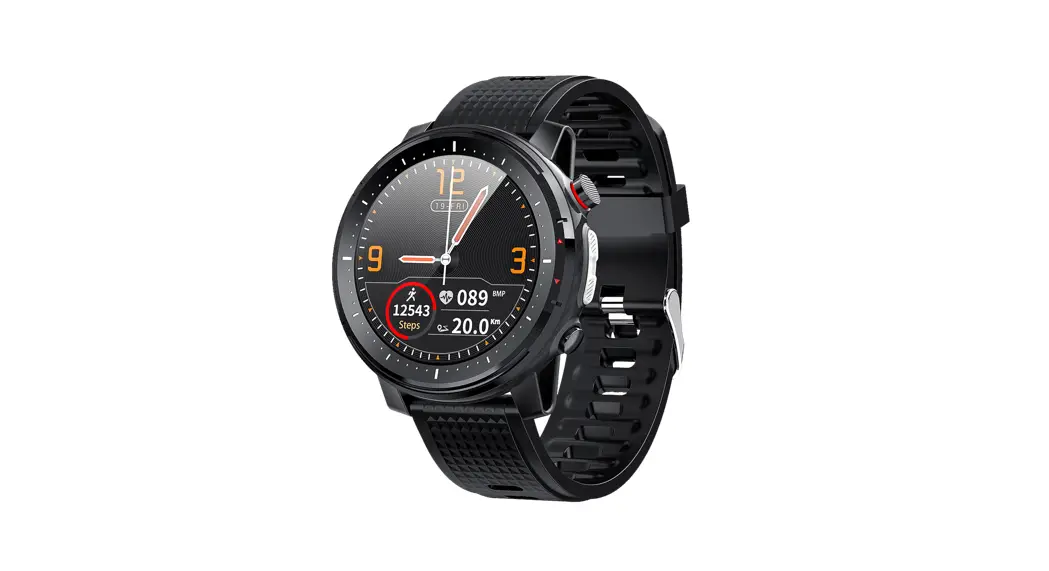
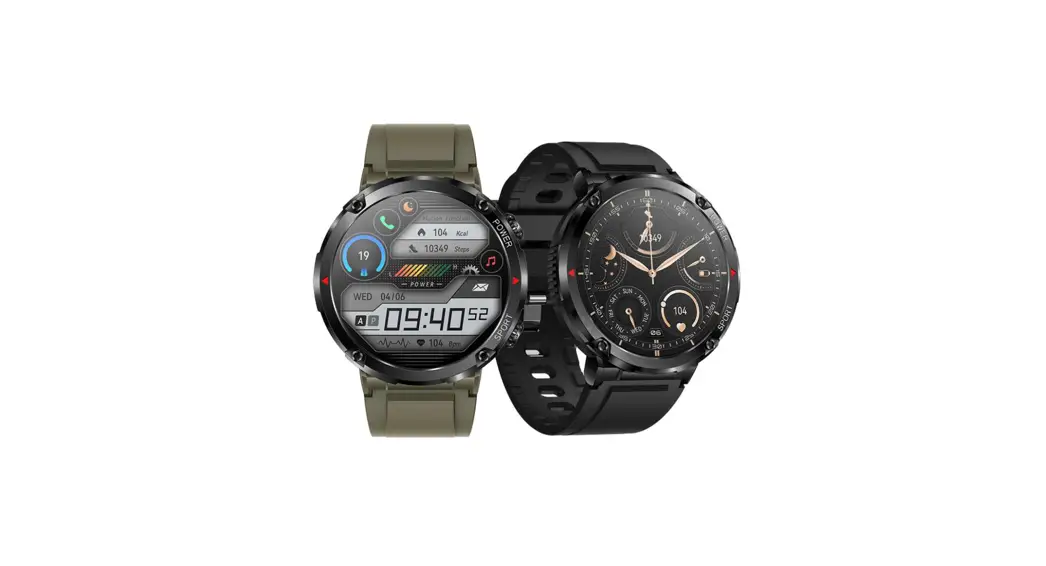
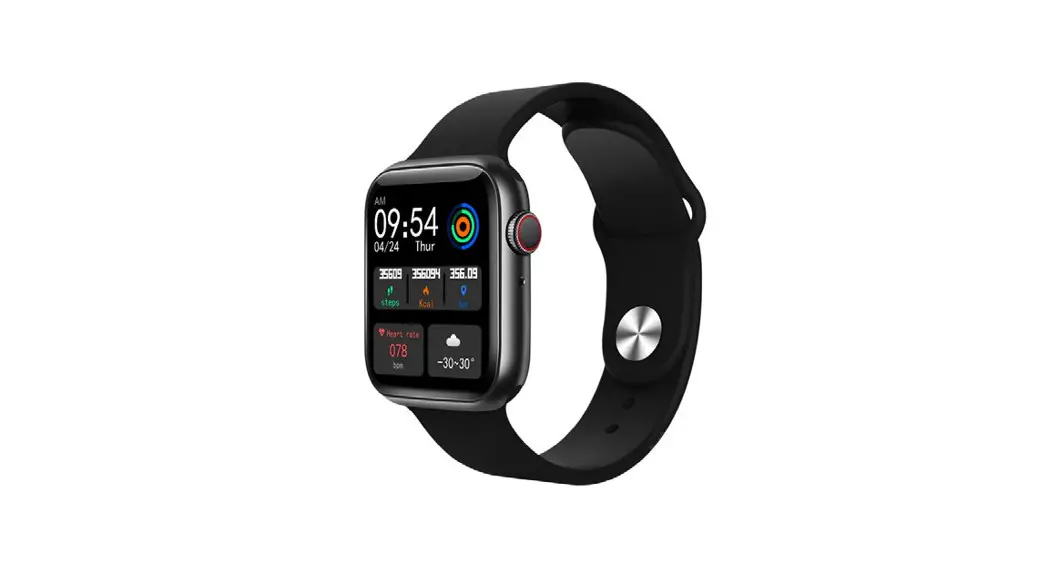
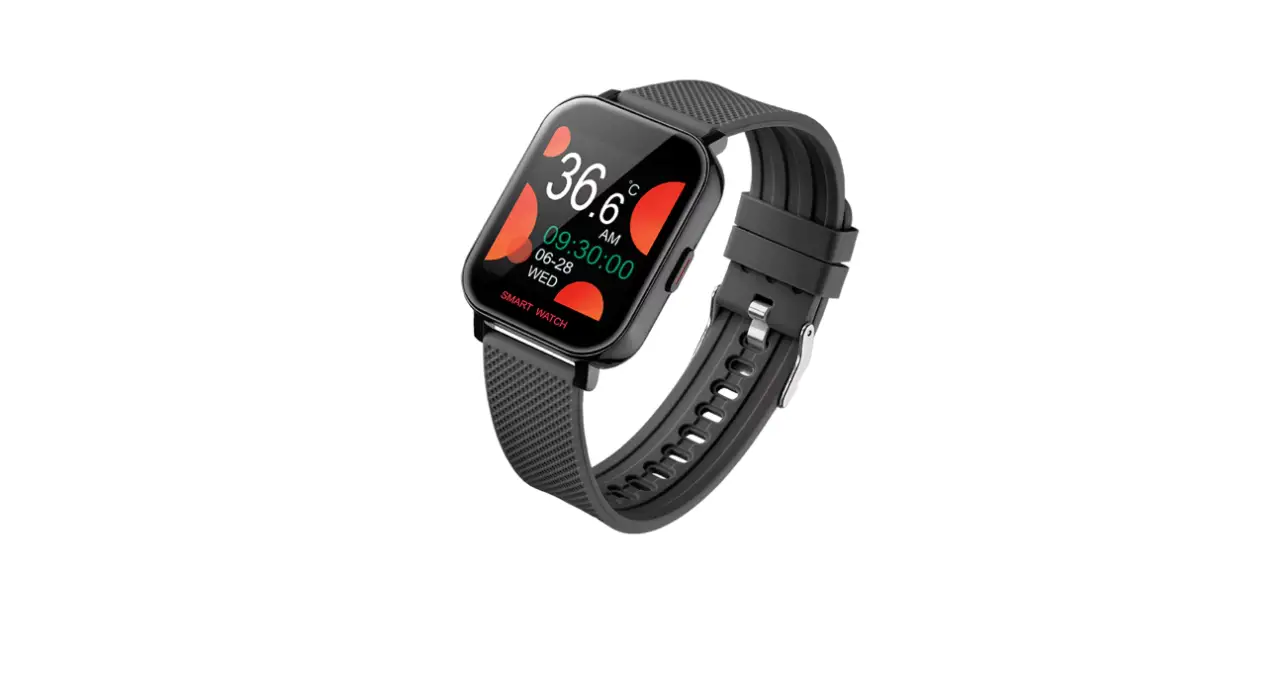
The product is a smartwatch called “HitFit Pro”. It is
compatible with both Android and iOS devices. To use the
smartwatch, you need to download the “HitFit Pro” app from either
the Google Play Store (for Android) or the App Store (for iOS).
Product Usage Instructions
- Step 1: Download the “HitFit Pro” app
- If you have an Android device, go to the Google Play Store and
search for “HitFit Pro”. Download and install the app on your
device. - If you have an iOS device, go to the App Store and search for
“HitFit Pro”. Download and install the app on your device.
Launch the “HitFit Pro” app on your device. Look for the login
option and select “Login as a visitor”.
After logging in as a visitor, you may be prompted to accept
certain licenses or agreements. Read them carefully and accept them
to proceed.
Once you have accepted the licenses, you will need to fill in
some basic information. This may include your username, email
address, or any other details required by the app. Follow the
on-screen instructions to complete this step.
After filling in the basic information, you will be given the
option to select our smartwatch. Choose the “HitFit Pro” smartwatch
from the list of available devices.
Once you have completed these steps, you should be ready to use
the “HitFit Pro” smartwatch with the app. Enjoy the features and
functionalities offered by the smartwatch!
:TEENS
1) 1)Wemakesure theµphonµeis fully charged
2)Pl2ay) SGtooret(oAndProlida)y ASptopSrteore(IOS) 3)3)Searchtheµ
(Android) or App
“HitFit Pro” app
Store (iOs)
4)4)Installthµe “HitFit Pro” app
5)5)Oµp enthµe “HitFit Pro” app
66) ) Loginasavisitor
77))Acceptall the necessary licenses
8)8)OµpeBnluBetlouoethtoot hGPS (andGP-S)
9)9)Logintheapp and fill the basic
information (user
name, etc)
10)10)AftertheBluetooth searcµh isScmoamrtwpaltectheµ,w e
choose our smartwatch
11) Sma1rt1wa)tOchuµrsmartwatcµh issuccessfully conected