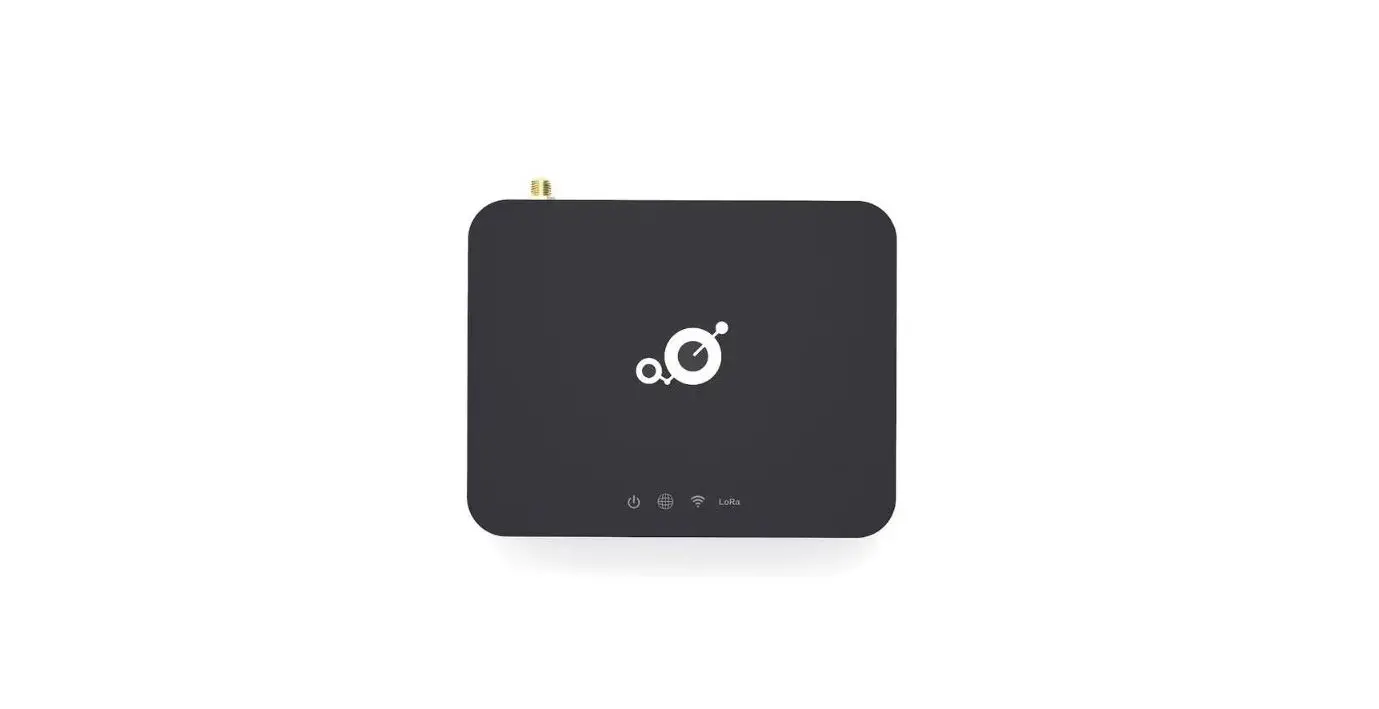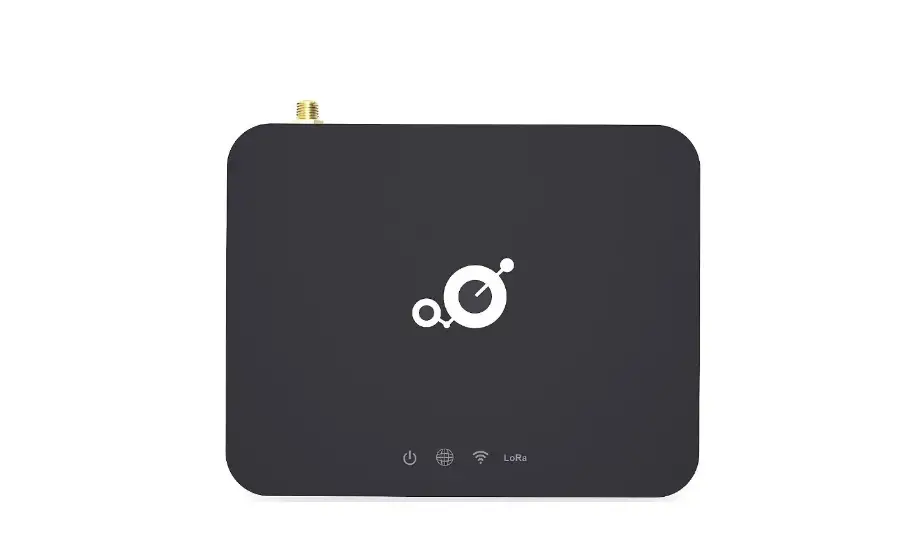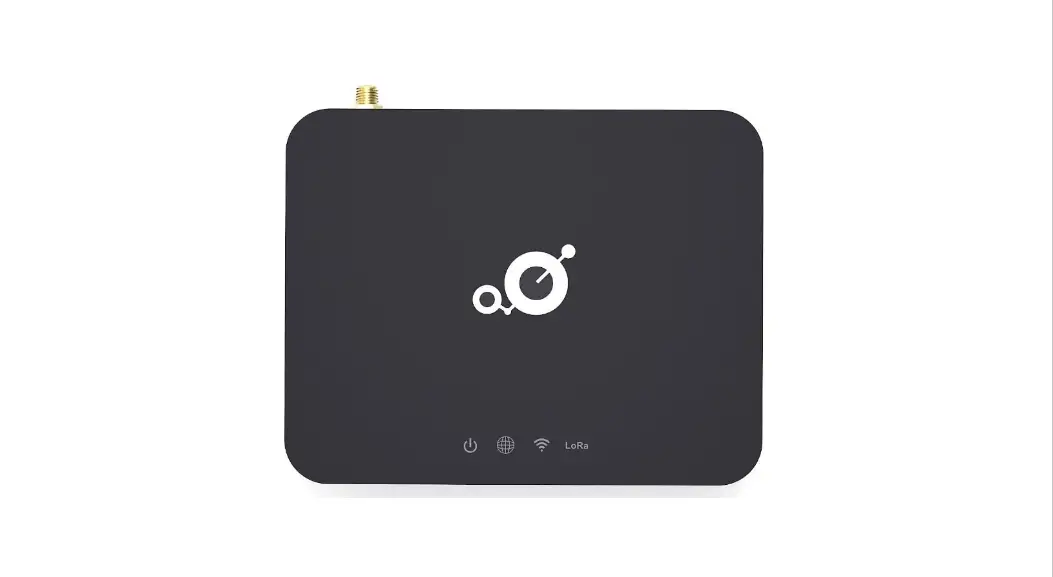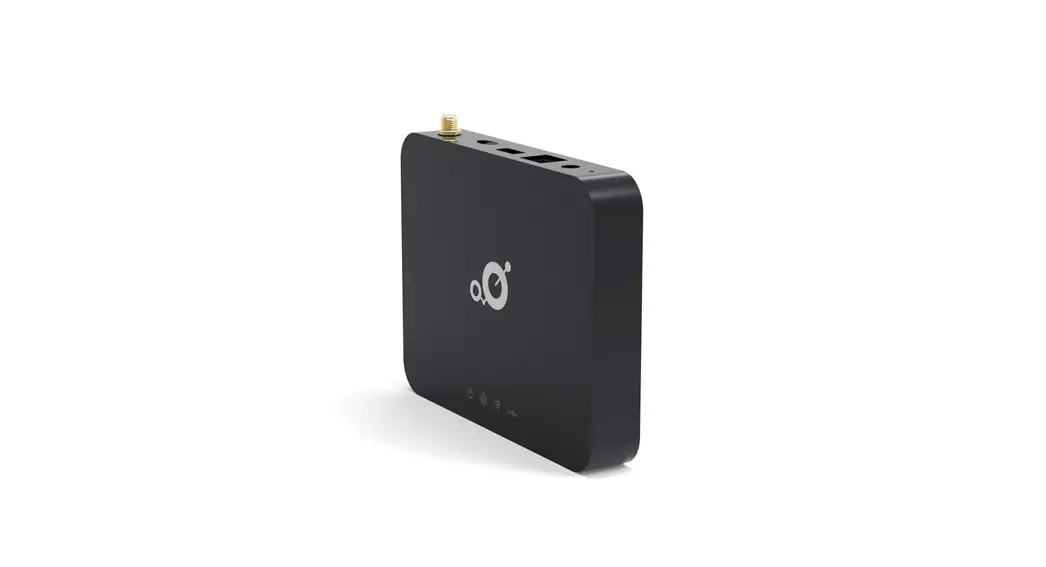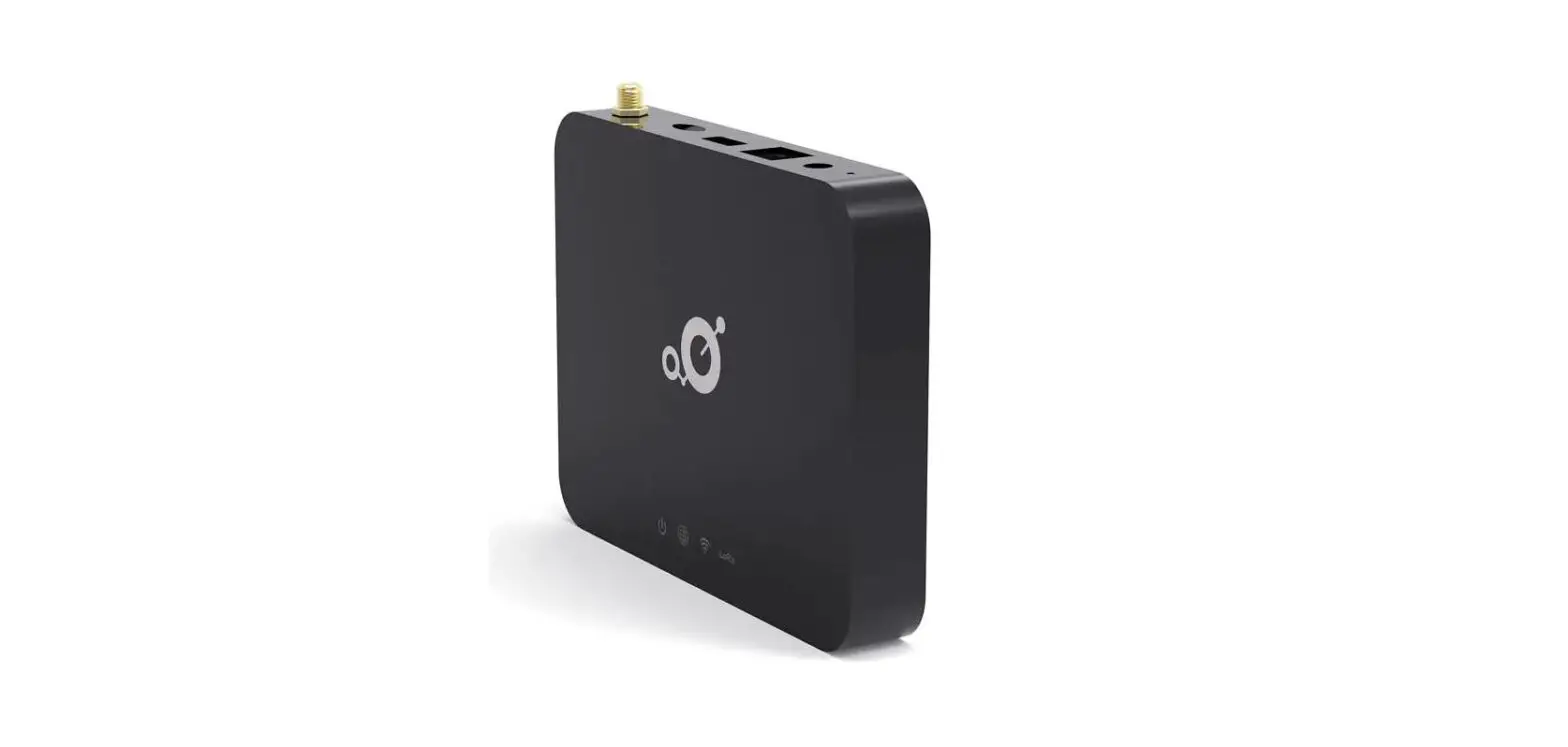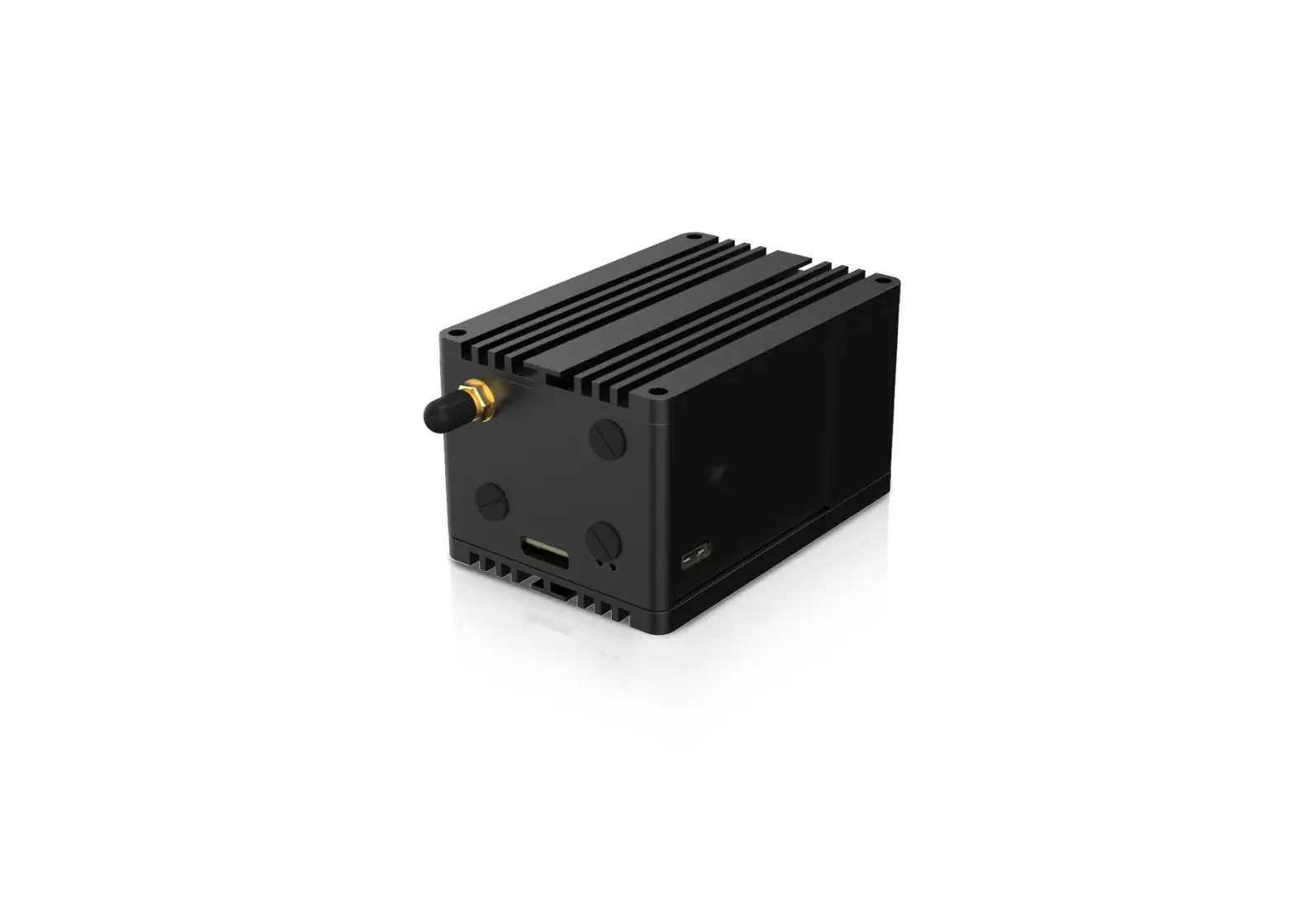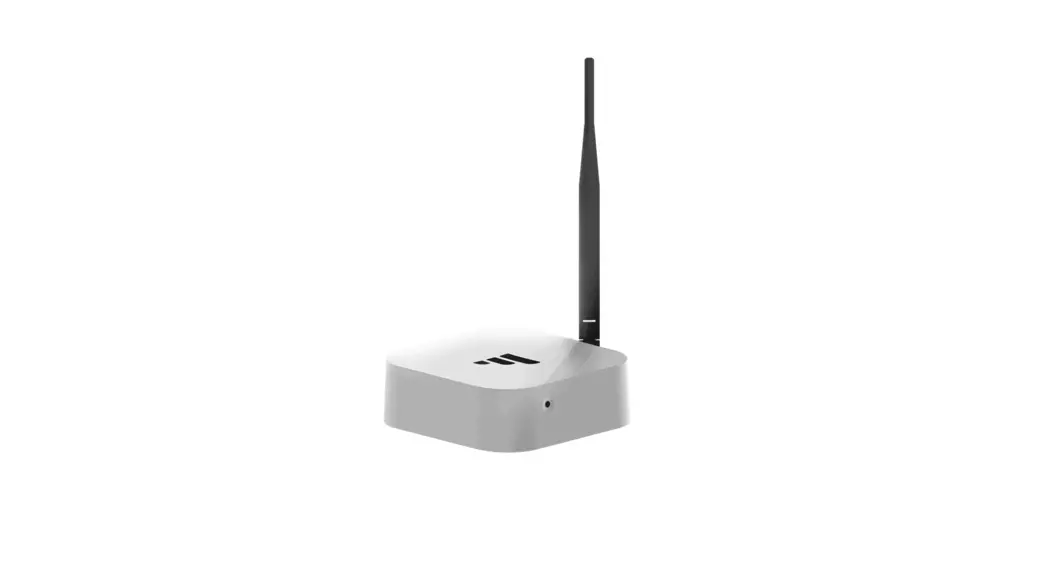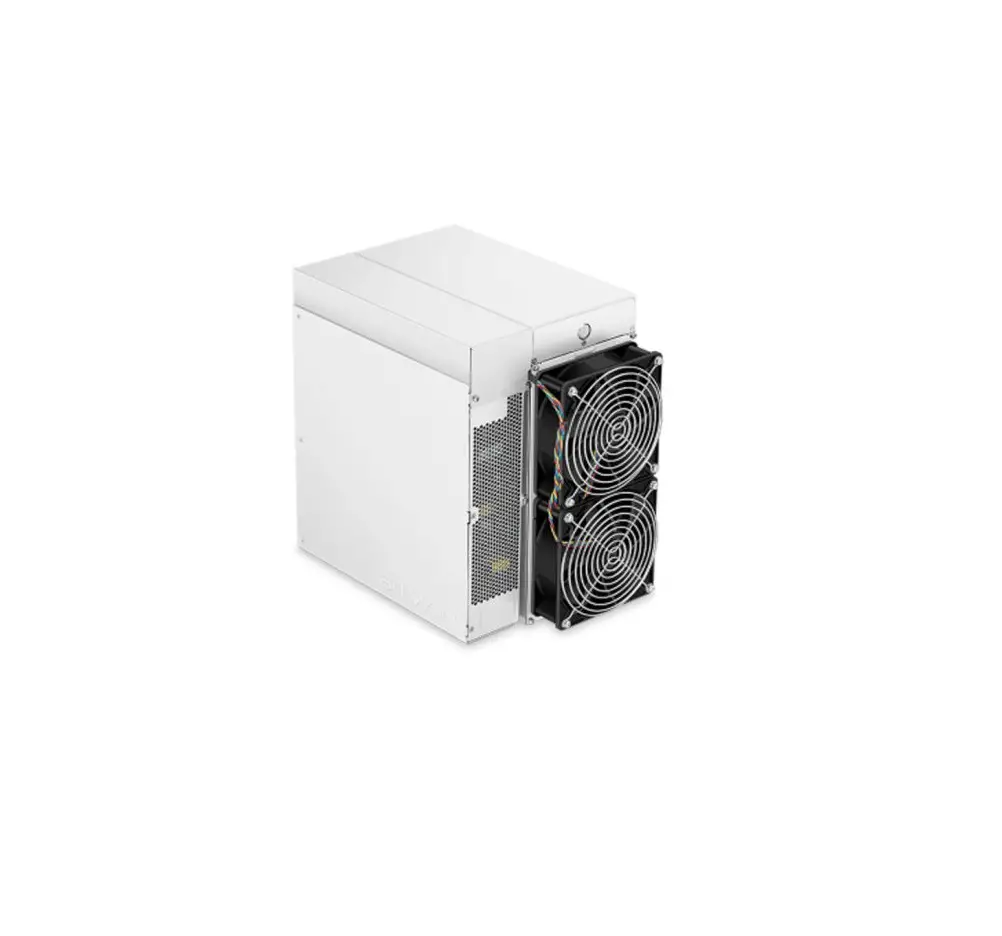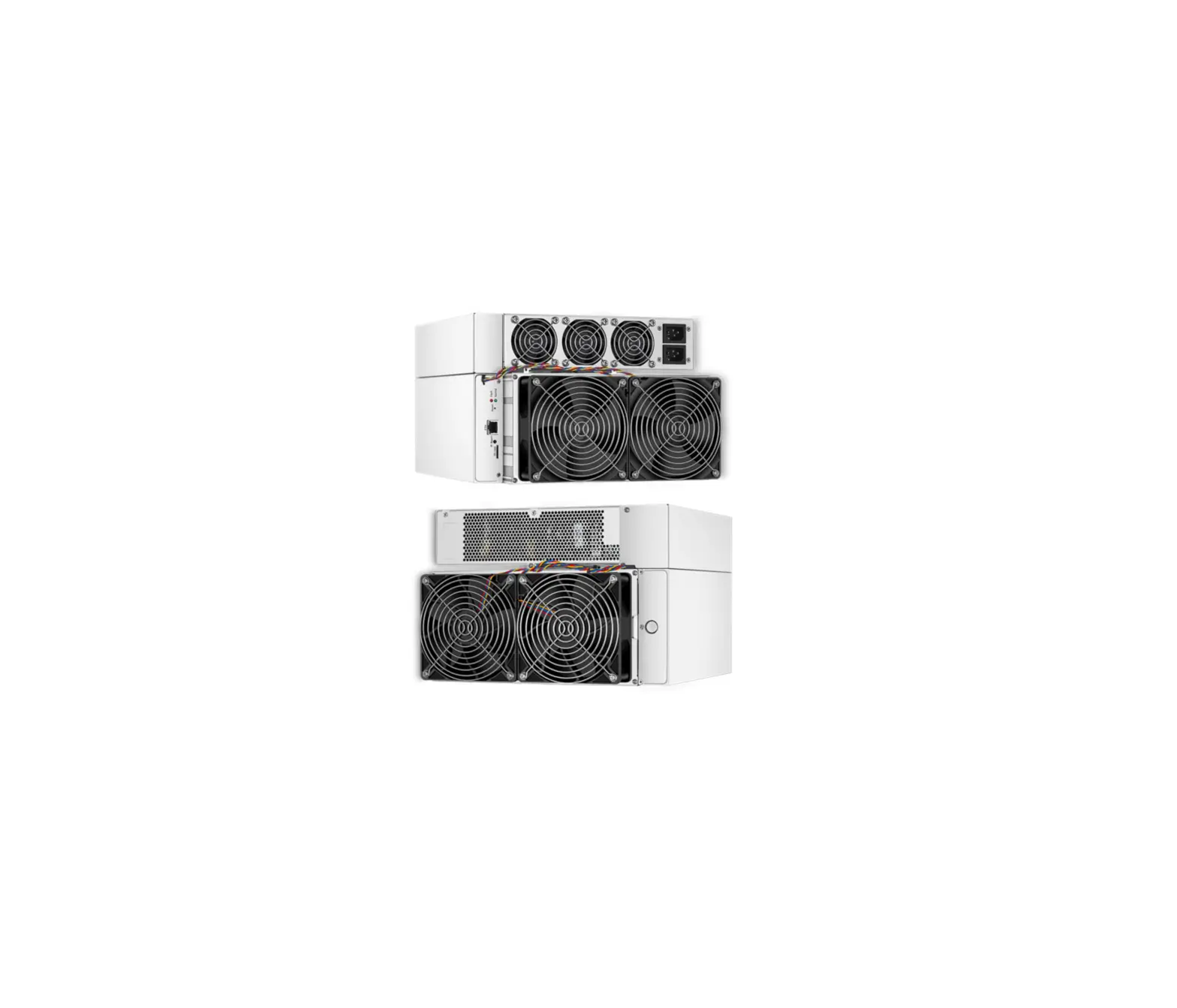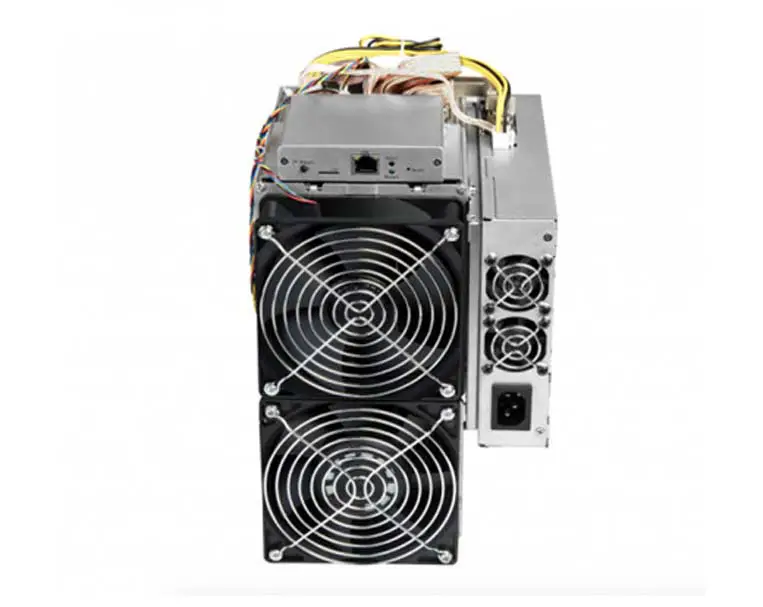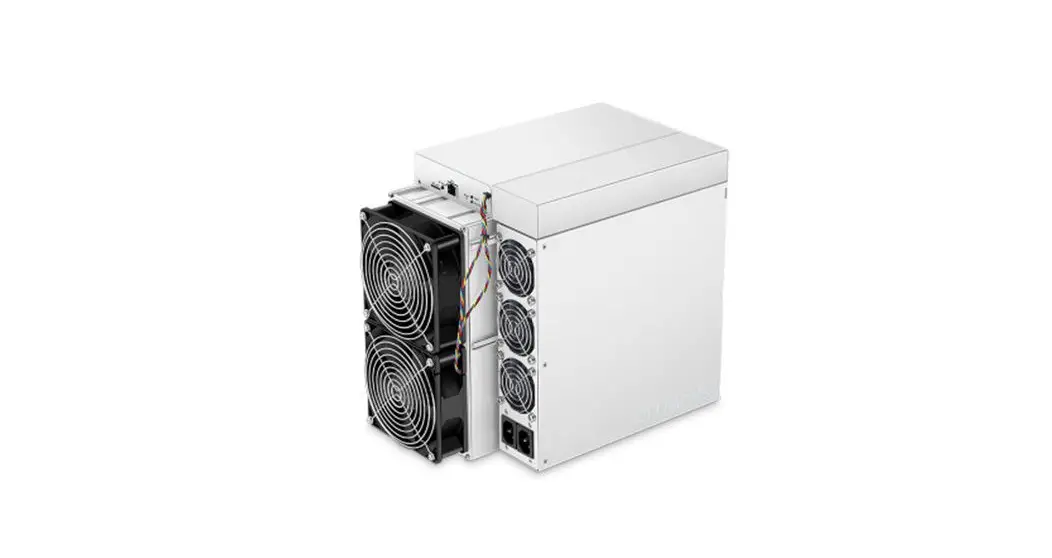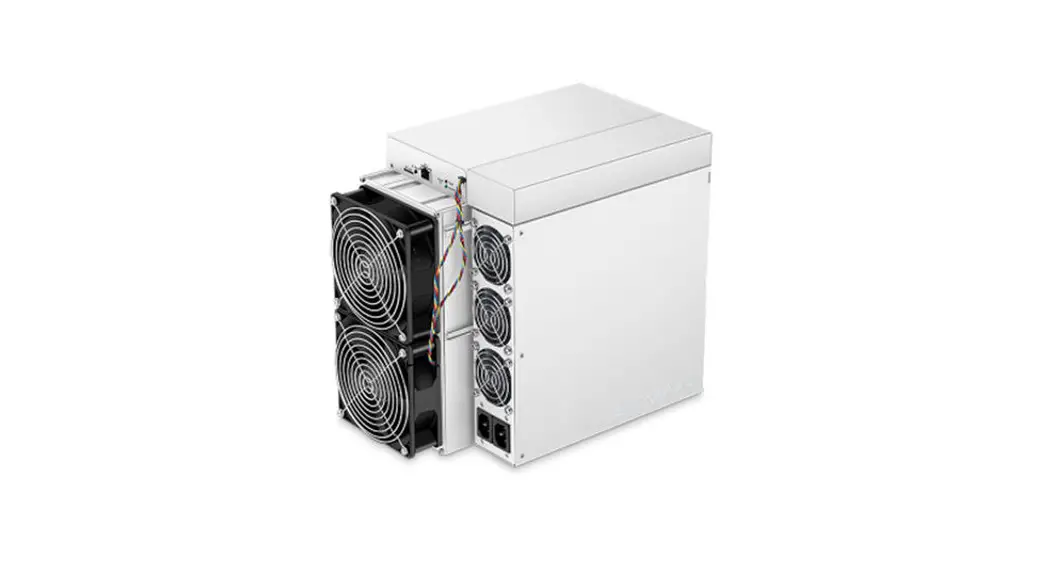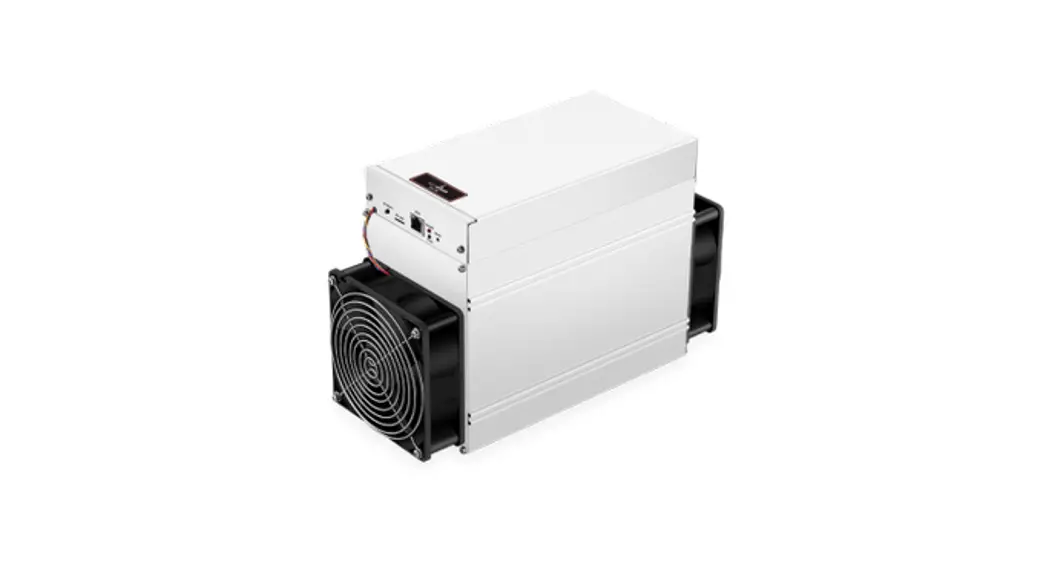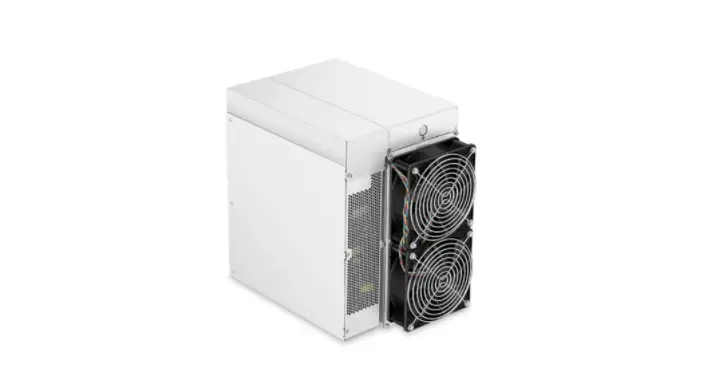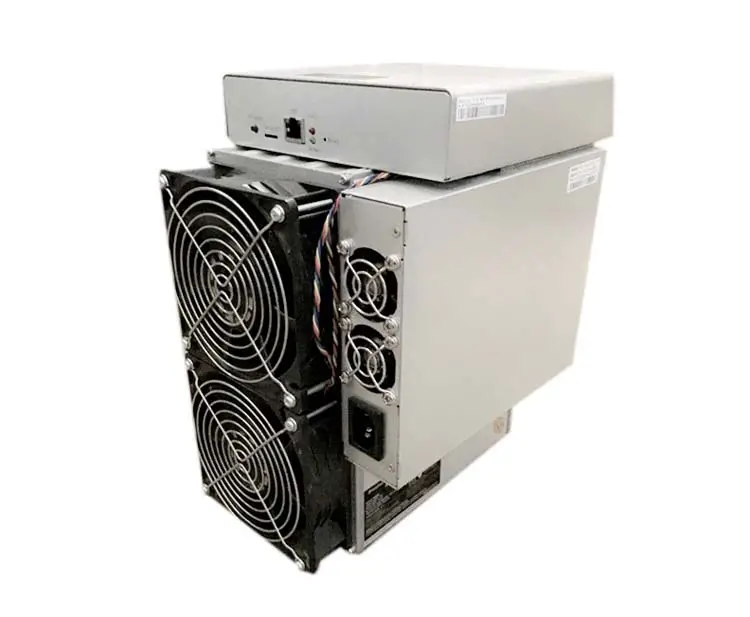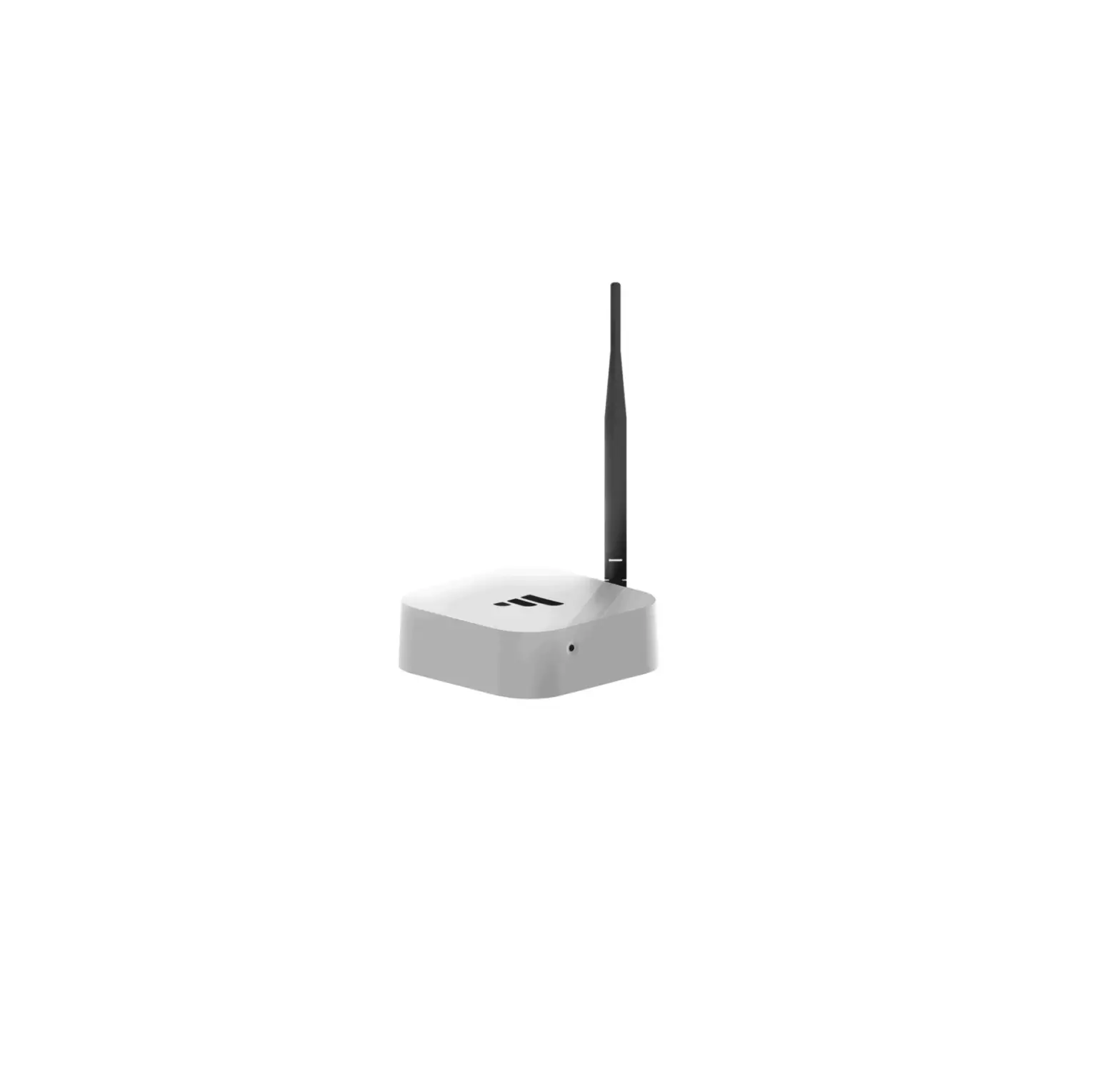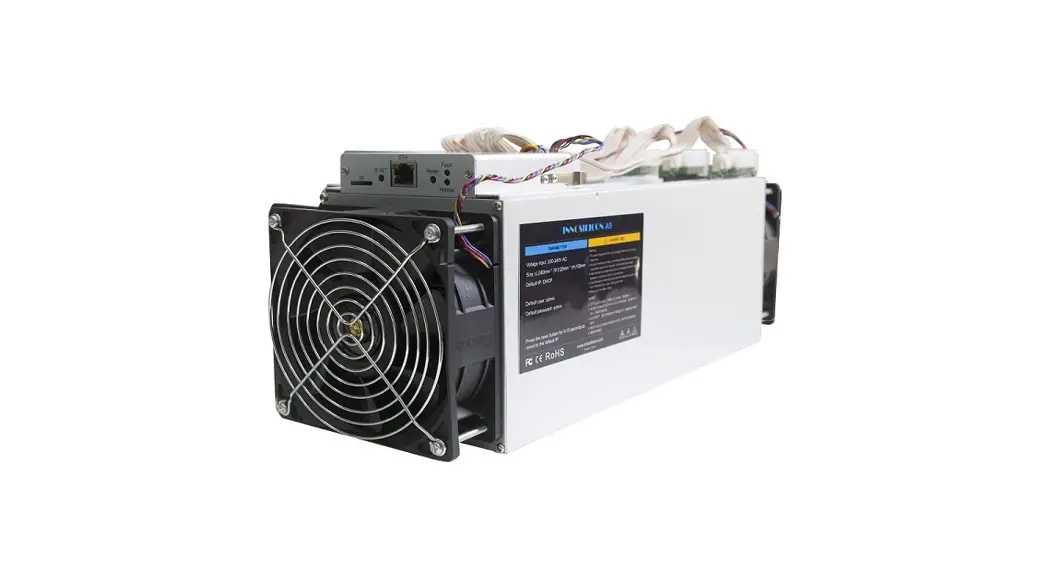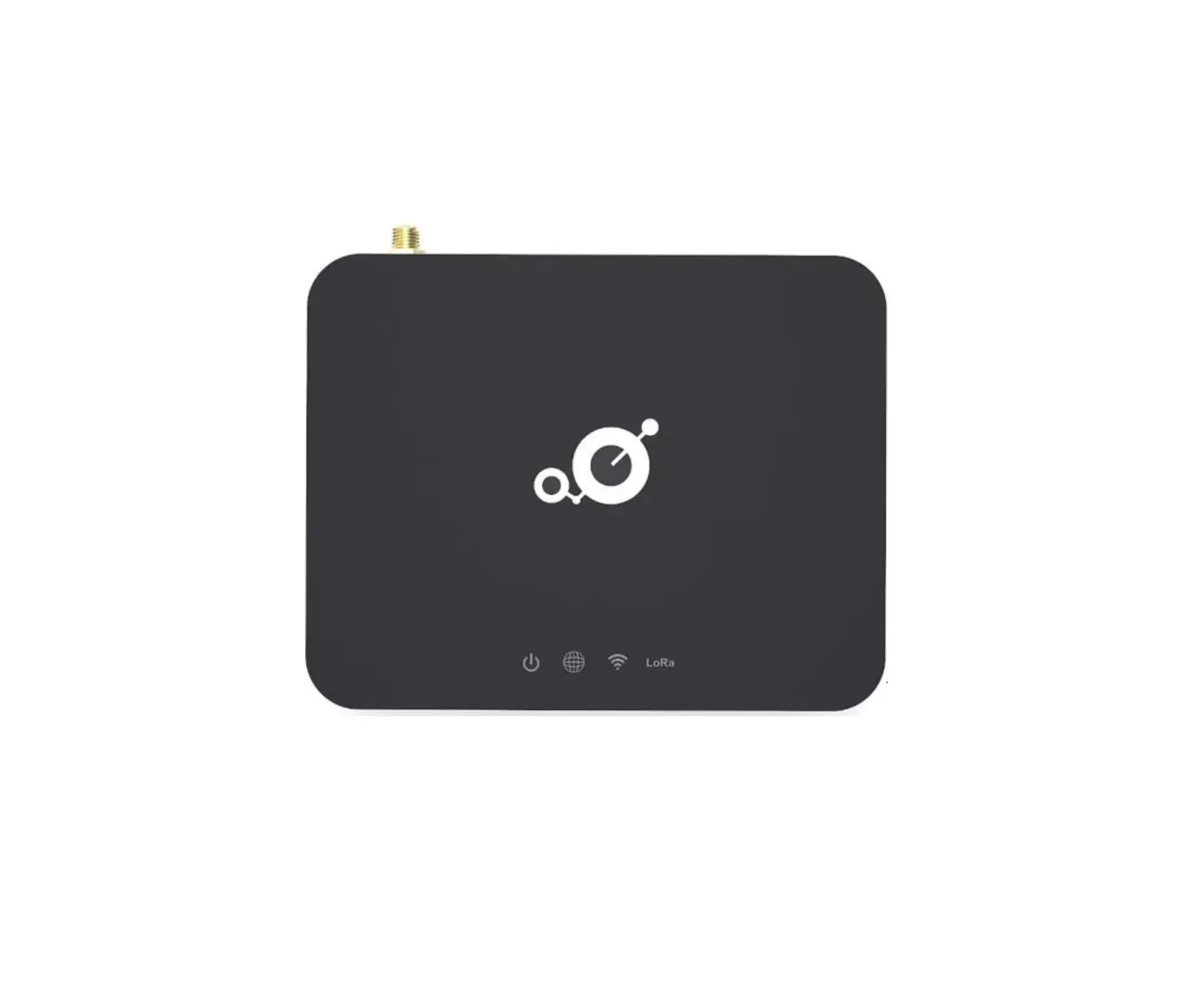
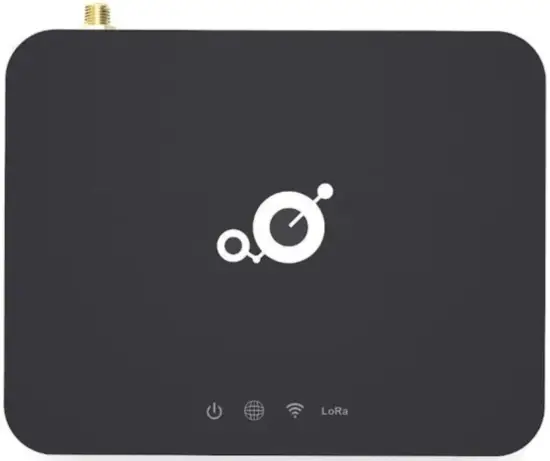
MerryIoT Hotspot Miner V1
Download the Helium App
The application is available on the store, you can search it or scan the QR code.
 |  |
 |  |
1-1. Create an account and write down your unique 12 words (this is what is used to log into your account instead of a password you created). This is your login to your Helium Wallet. Do not forget and share these words with anyone.
1-2. Confirm your 12 seed words 1-3. Secure your account with a pin 1-4. Confirm your pin
Power on the MerryIoT Hotspot Miner
2-1. Attach The LoRa Antenna.
2-2. Plugin Power supply
2-3. After approximately three minutes, you can add MerryIoT Hotspot Miner via the Helium app.
2-4. Select Set up Hotspot in the app.
For further information, please scan the QR code below to follow us.