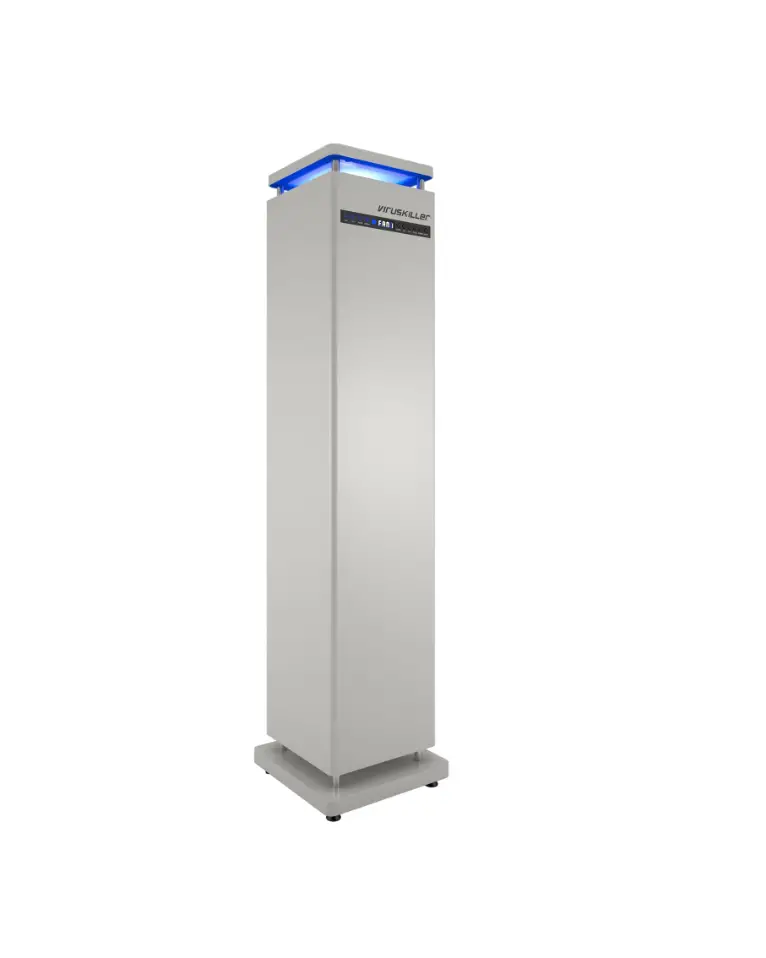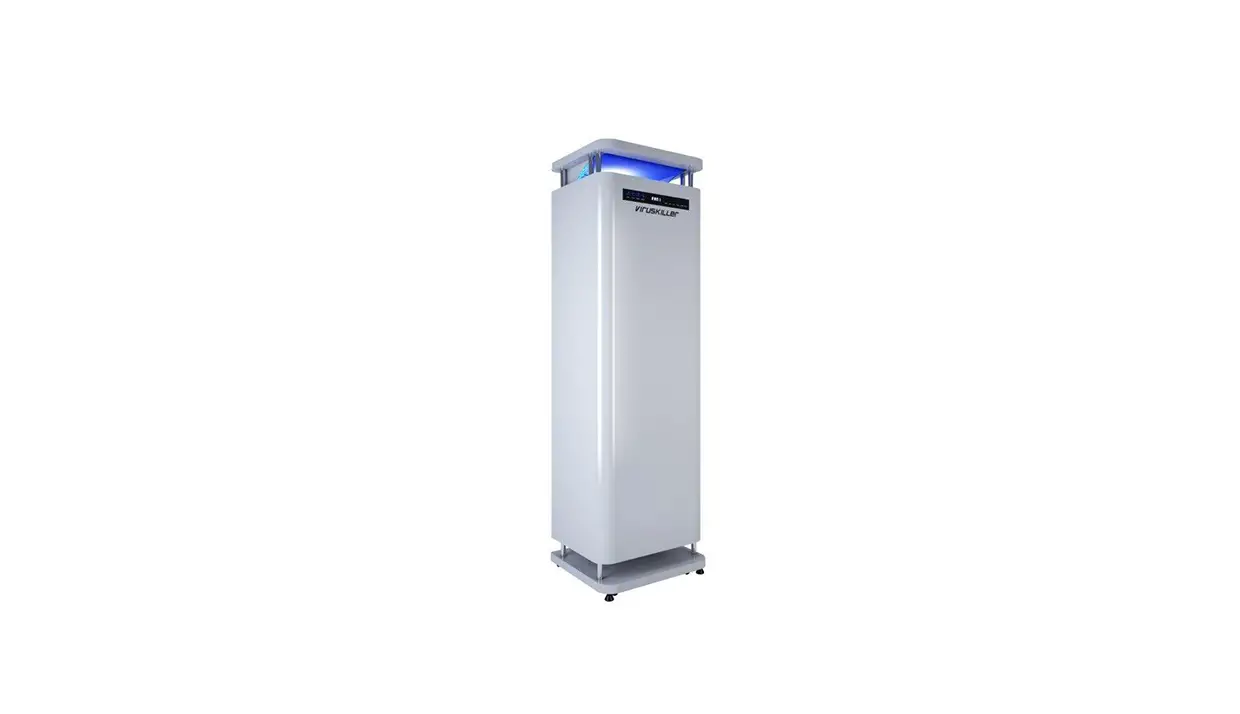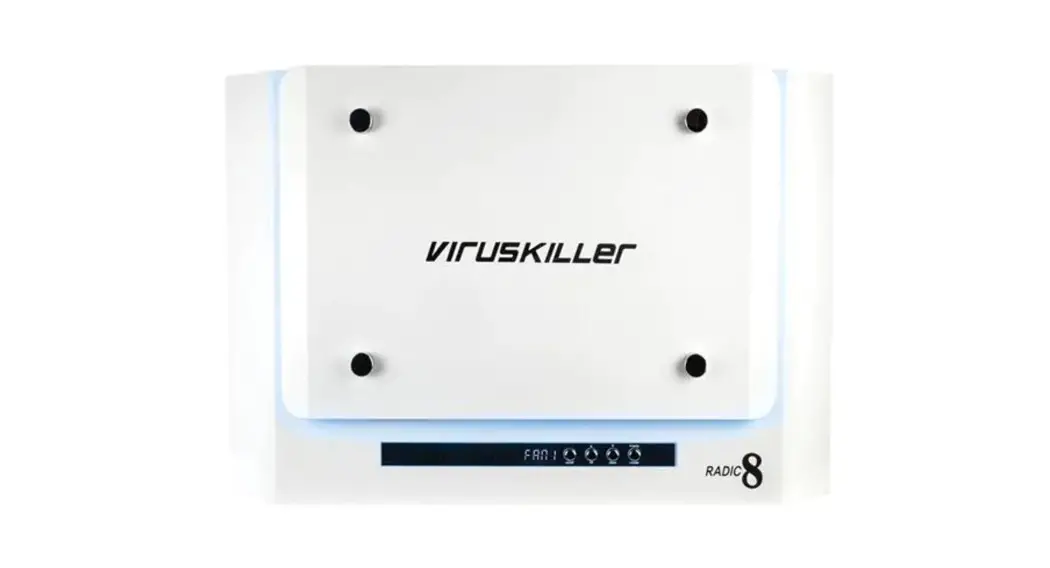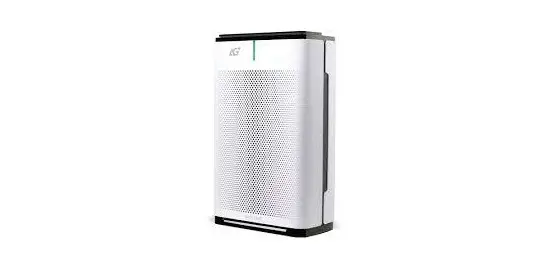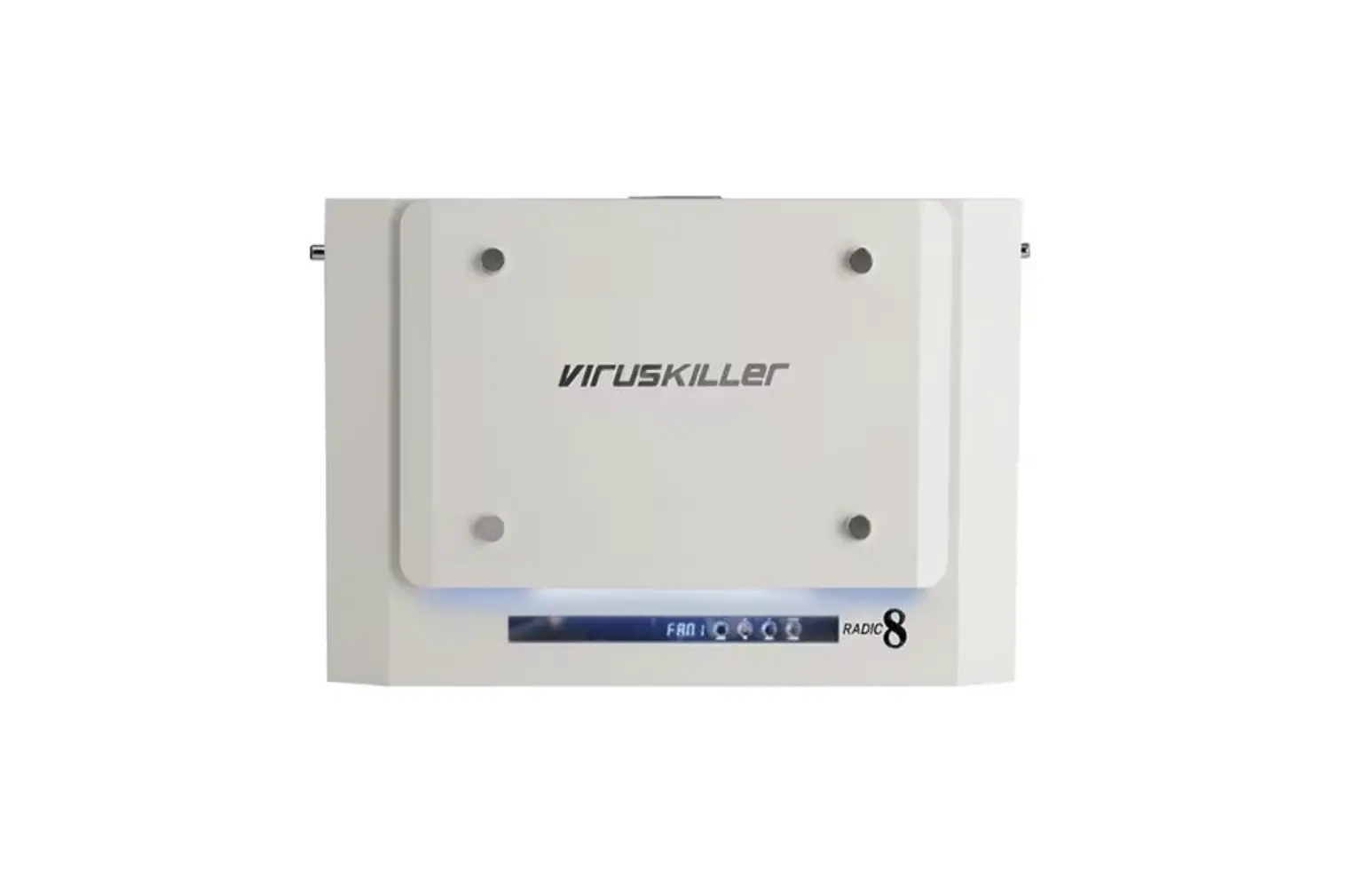
virusKILLer VK 401 Air Purifier User Guide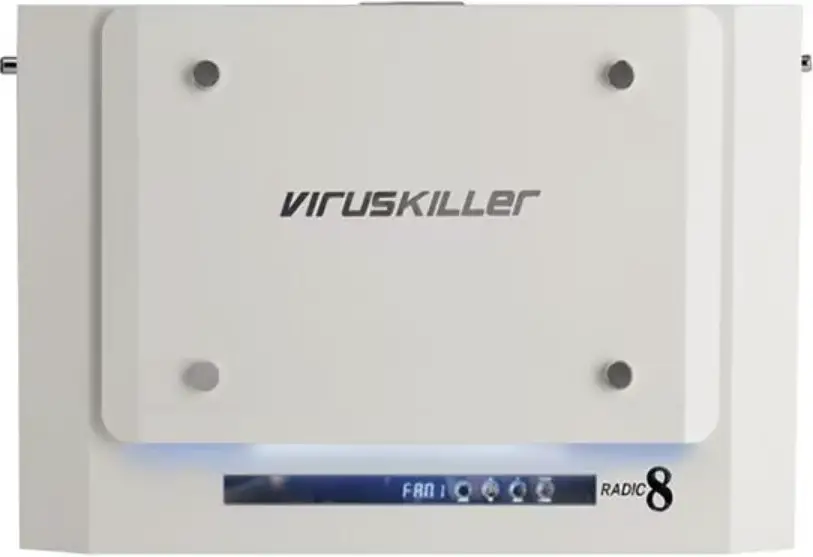
Dear Customer
Thank you for purchasing the VK 401 Air Purifier, this is clean air technology at its best. This product is packed with power and technology to provide fast and efficient clean air. We hope that you enjoy using your new unit! The Viruskiller technology was tested against the following major airborne viruses: Poliovirus, Influenza Virus, Adenovirus and Coronavirus DF2 by the Institute of Medical Sciences, School of Medicine National Kangwon University. Testing proves a near 100% reduction for these viruses. The results for these airborne pathogens are the same for all of the Viruskiller range. Radic8’s Viruskiller range (Hextio, VK 401, VK 102 and VK 103) is not FDA-cleared / FDA-approved.
READ ALL INSTRUCTIONS BEFORE USING YOUR VK 401
When using your VK 401, basic safety precautions should be observed, including the following:
 WARNING
TO REDUCE THE RISK OF FIRE, ELECTRIC SHOCK, OR INJURY
- Use the unit only for its intended use.
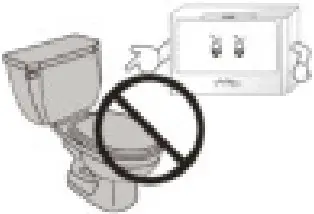
- To protect against a risk of electric shock, do not immerse any part of the system in water or in any other liquids.
- This appliance is NOT a toy.
- This appliance is NOT to be used by children or persons with reduced physical, sensory or mental capabilities.
- Children should be supervised at all times.
- Never look directly at a burning ultra-violet light, as this may permanently damage your eyes.
- To reduce the risk of an electric shock or damage to the unit, switch the off and unplug before cleaning or performing any maintenance to the unit.
- Heed all warnings
- There are no UV risks associated with the devices in use. The UV reactor chambers and fans are sealed to ensure there is no risk of harm and UV exposure. Indoor air quality sensors on the devices also highlight when the filters on units need to be cleaned and replaced.
Warning – Indicates important safety instructions that must be followed to avoid injury. Caution – Indicates important information to your attention to avoid the risk of injury or damage to the unit
 Prohibited – Indicates forbidden action
INSTALLATION SAFETY
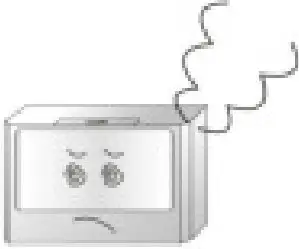
- Should the unit emit smoke, unusual odors or make any strange noises, immediately switch off the unit unplug it. Contact your distributor.

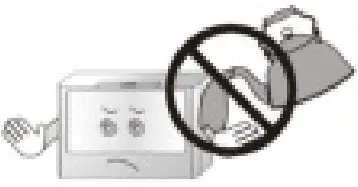
- No form of water or liquid should enter the unit. Should this occur, immediately switch off the unit and unplug it. Contact your distributor.

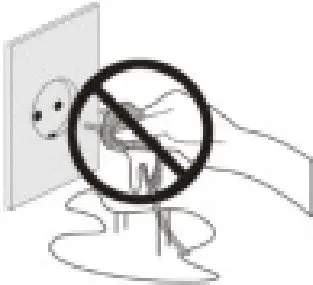
- Do not place any heavy objects on the power cord as this may cause a fire and/or an electric shock.

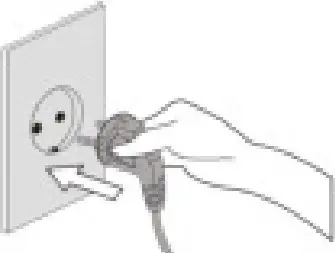
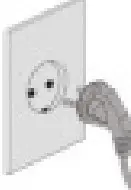
- Make sure the power cord is plugged firmly into the outlet. If the power is not plugged in correctly, this may cause a fire.

- Do not touch the plug with wet hands, as this may cause serious injuries.

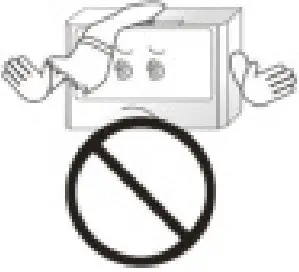
- Do not block the air inlet of the unit, as this will reduce the airflow and result in poor performance and damage the unit.

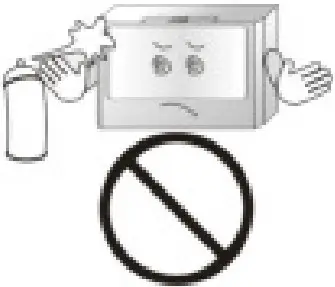
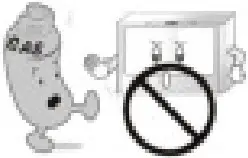
- Do not spray inflammable materials near the unit, as this is a fire hazard.

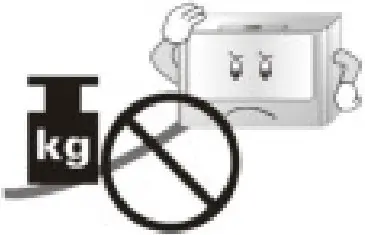
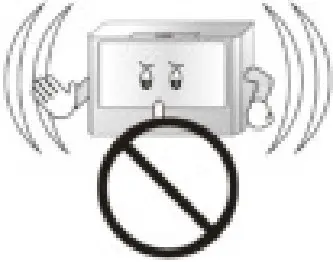
- Do not sit, stand or place heavy objects on the unit, as this may result in injury and/or damage to the unit.

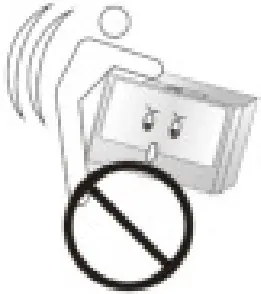
- Do not move the product while it is switched on. as this may cause a fire and/or an electric shock.

- Do not alter or modify the plug or cord of this unit as it could cause a fire or an electric shock.

- Use the proper power cable and outlet, do not over-load the outlets with several cords simultaneously.

- Keep the product away from inflammable gases, liquids, or other combustible substances, as this could cause an explosion.

- To protect against a risk of electric shock, do not immerse any part of the system in water or in any other liquids.

- Do not attempt to repair or replace any part of this equipment unless it is specifically recommended in this manual. All other services should be referred to a qualified technician.

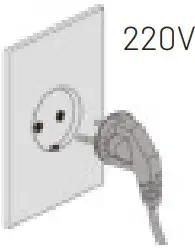
- Plug the unit into a 220V AC outlet only, if unsupervised, it may cause an electric shock.

- Switch the unit OFF, when cleaning a room.
After cleaning, it is important to ventilate the room properly before switching the unit back ON.
- Switch the unit OFF, while cooking.
Oils released while cooking may reduce the life span of the unit. After cooking, the room must be ventilated to remove oils. You may now switch the unit ON to remove any smells.
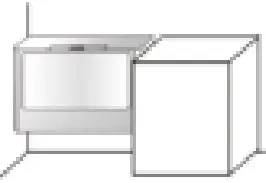
- Airflow must NOT be restricted or obstructed, by large items such as furniture, electronic items or curtains.

- Daily room ventilation for at least 30 minutes.
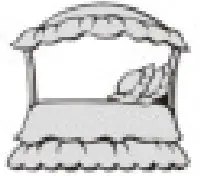
The unit is designed to purify your indoor air and will do this effectively when used correctly. Good indoor air quality also requires room ventilation. We recommend opening windows and doors, or operating the air conditioning, for a least 30 minutes a day. - Position the unit at least 3 meters away from the bed,
to avoid excessive cooling caused from sleeping in direct airflow
- Use a dedicated power outlet.
Lightning or static electricity could affect the circuit and may cause a fire or damage the unit. To avoid this, plug the unit into a dedicated, grounded outlet.





KEY PARTS AND COMPONENTS
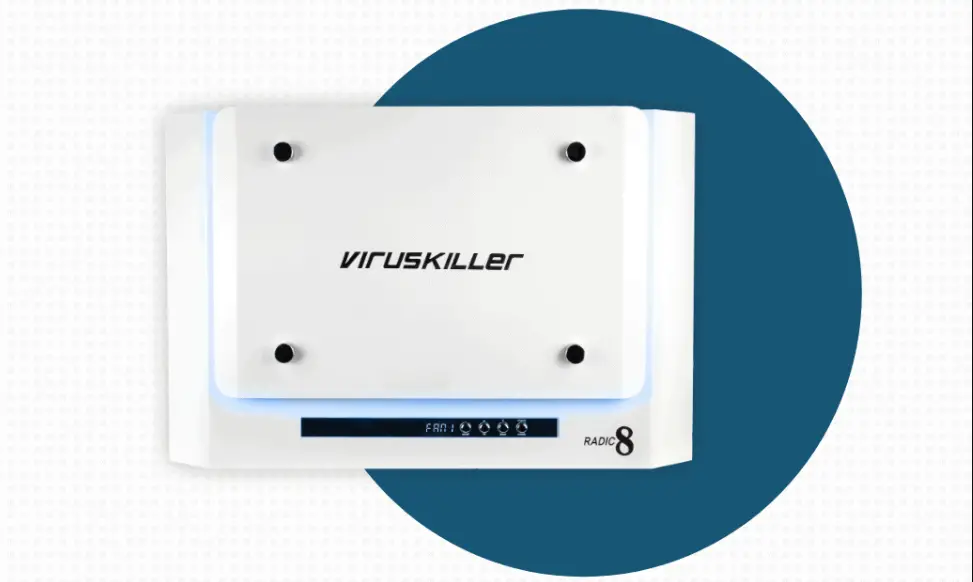
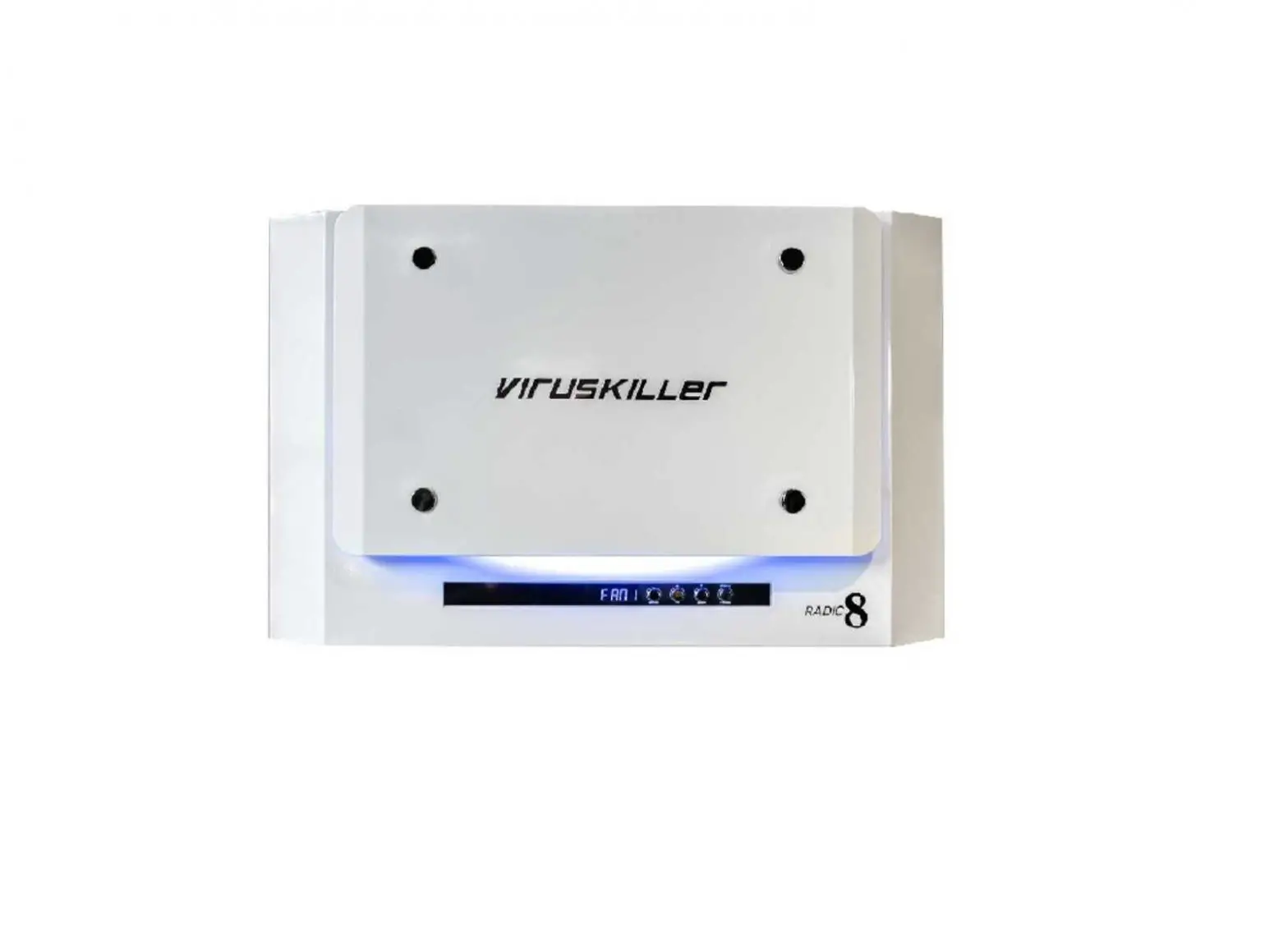
THE UNIT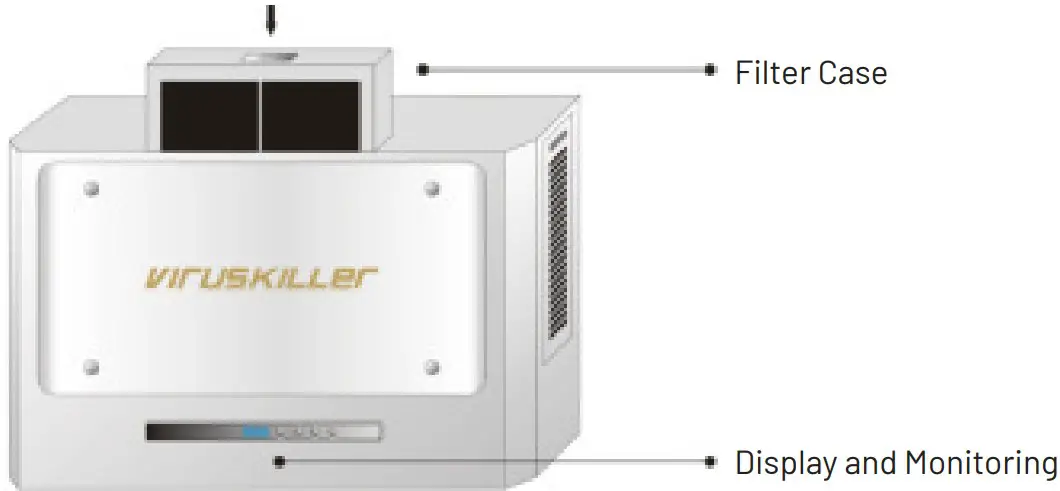
DISPLAY AND MONITORING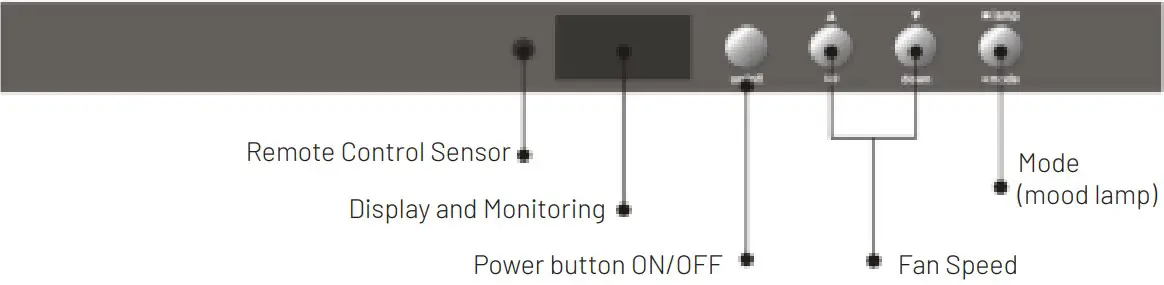
| Name | Function |
| Remote Control Sensor | Point your remote control at the sensor in order to use your remote operate the unit. |
| Display and Monitoring | Changes the information displayed on the LED in the following order: UV Lamp Time, Current Temp, Fan Speed. |
| Power buttonON/OFF | To switch the unit ON/Off. You will hear a beep sound. |
| Fan Speed | Hold the “Up” button down to increase the fan speed. Hold the “down” button to decrease the speed. Fan speeds: FAN 1 (Quiet), FAN 2 (Normal), FAN 3 (High Speed). |
| Mode(Mood Lamp) | Hold the “lamp” button down for a few seconds in order to switch the LED lightsON/OFF. |
REMOTE CONTROL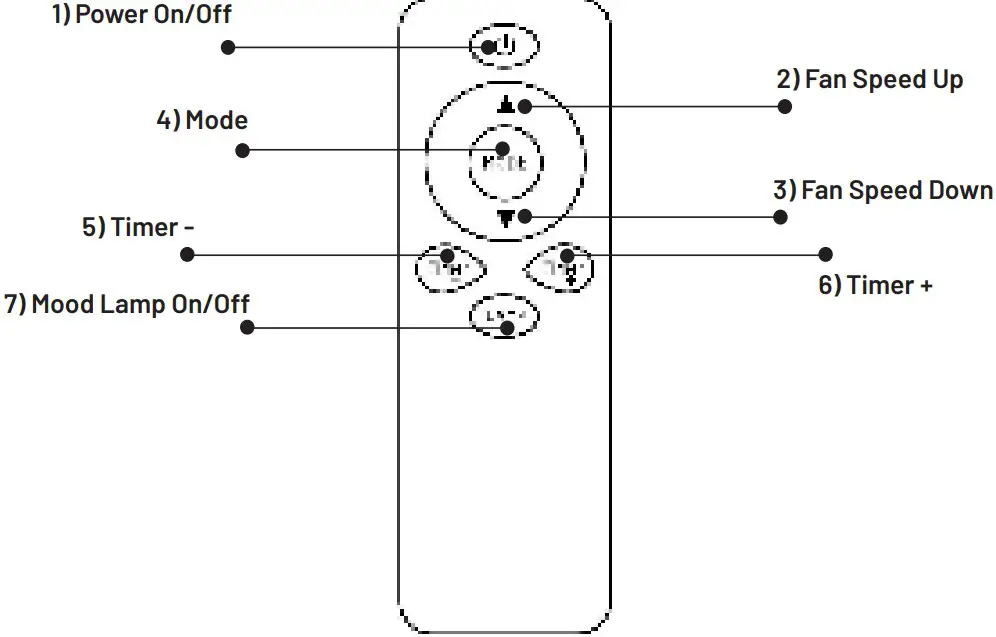
| No | Name | Function |
| 1) | Power ON/OFF | To switch the unit ON/Off. You will hear a beep sound. |
| 2) | Fan Speed Up | Increases the fan speed. Fan speeds: FAN 1 (Quiet), FAN 2 (Normal), FAN 3 (High Speed) |
| 3) | Fan Speed Down | Decreases the fan speed. |
| 4) | Mode | Changes the information displayed on the LED in the following order: UV Lamp Time, Current Temp, Fan Speed |
| 5) | Timer (-) | Sets a working time for the unit. The unit will stop after the specifiedtime has passed. |
| 6) | Timer (+) | Sets a working time for the unit. The unit will stop after the specifiedtime has passed. |
| 7) | Mood Lamp ON/OFF | Used to switch the blue LED Lamp ON/OFF on the unit. |
CLEANING AND MAINTENANCE
CLEANING THE PRE-FILTER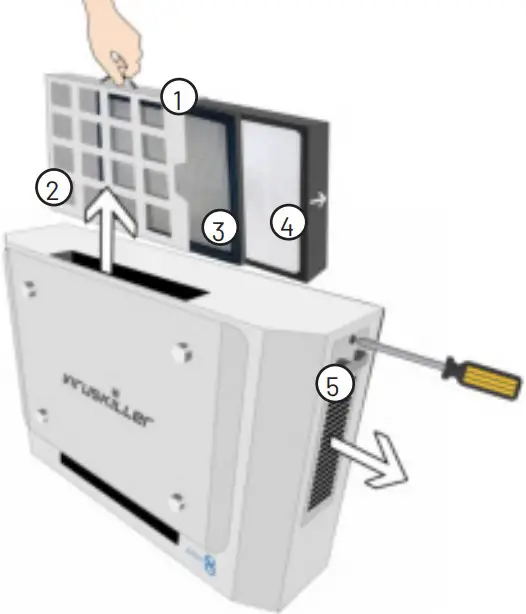
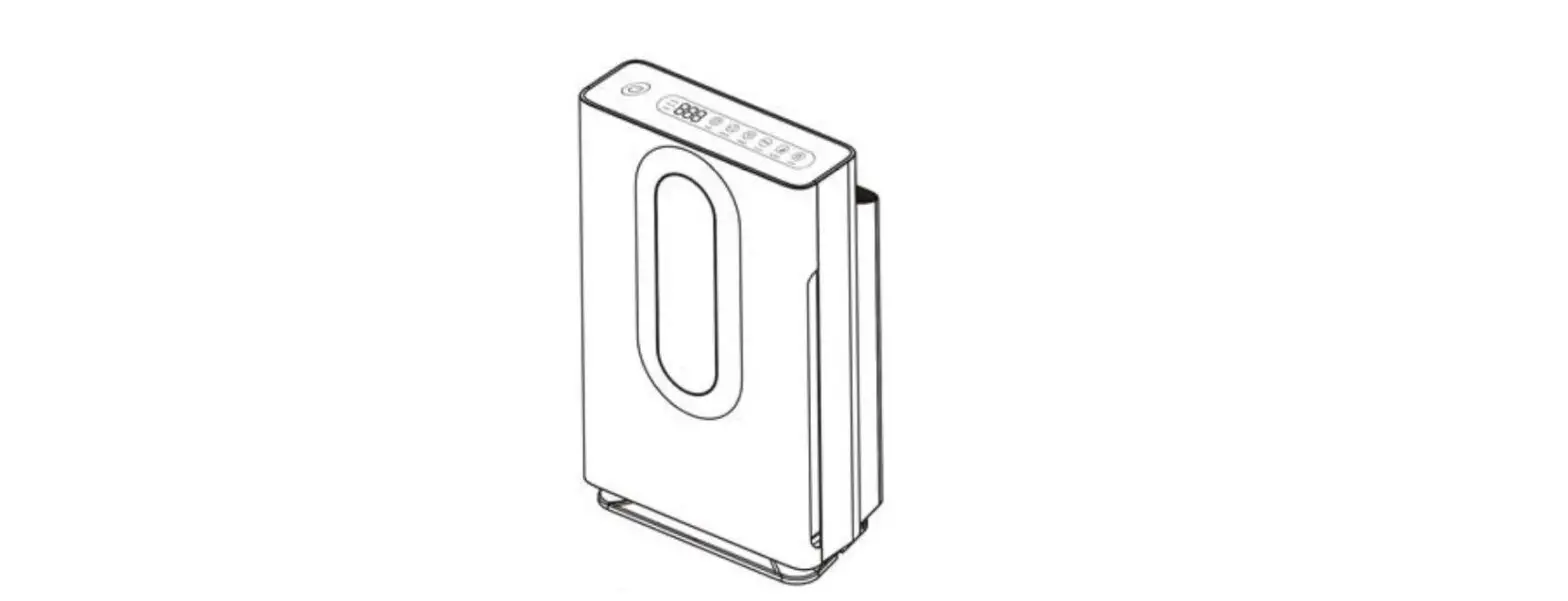
Ensure that the unit is switched OFF and unplugged. We recommend you check the pre-filter regularly and clean it on a weekly basis. The plastic pre-filter is reusable, to clean it follow the procedure below: a) Open the handle at the top of the unit ①. Gently slide the filter case out of the top of the unit ②. b) Slide out and separate the pre-filter ③ from the HEPA filter ④. Ensure you have removed the HEPA filter before washing the pre-filter. c) Clean the pre-filter by using a vacuum cleaner. Cleaning with warm water is also possible, however allow the filter to dry completely before reinstalling. You can now put the filters back into the case and place this back into your VK 401. Make sure that the carbon part of the filter is facing the back on the unit. Close the filter handle, and the unit can be switched back on.
REPLACING THE SIDE CARBON FILTERS
Ensure that the unit is switched OFF and unplugged, unscrew and open the side filter door ⑤ and replace the carbon filter inside, then close the door, reinsert the screw and tighten.
The HEPA and Carbon filters are not reusable and should be replaced. Please contact your distributor to purchase replacement HEPA and Carbon filters. Depending on the levels of pollution, the lifetime of the HEPA filter may be longer or shorter than the recommended use times below:
Reactor cell (hrs) 8000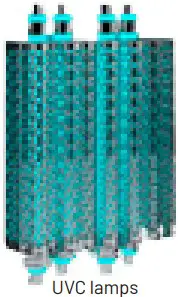
HEPA filter (hrs) 2000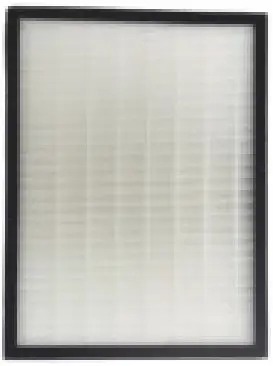
Carbon filters (hrs) 6000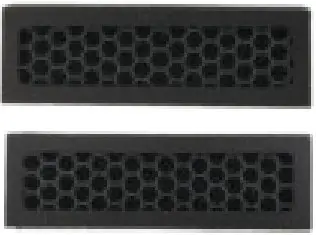
Replacing the HEPA filter
The HEPA filter is not reusable and must be changed after 2000 hours of use. The display panel will indicate a “FILt” warning. In order to change the HEPA filter refer to Figure 1, and follow the instructions below:
a) Open the handle at the top of the unit ①. Gently slide the filter case out of the top of the unit ②.
b) Slide out and separate the pre-filter ③ from the HEPA filter ④
c) Safely dispose of the old filter by placing it in a bag and sealing it.
d) Replace with the new HEPA filter
e) Place the filters back into the unit. Close the handle, and the unit can be switched back on.
f) Press and hold the “up” switch on the unit for 14 seconds, to reset the filter warning timer. Now your unit is ready for the next 2000 hrs.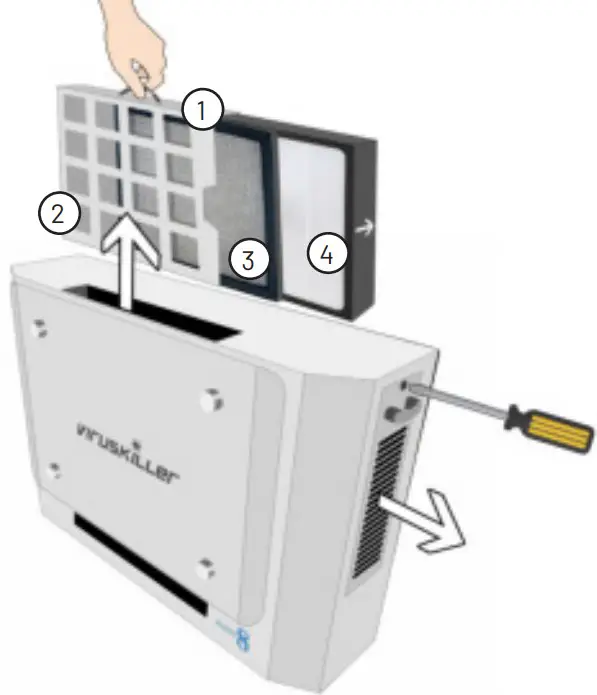
REPLACING THE REACTOR CHAMBERS
In order for the VK 401 to remain functional the reactor chambers must be replaced every 8000 hrs. Your unit will indicate that a change is required, “-001” displayed on the LCD.
- Switch off, and unplug the unit.
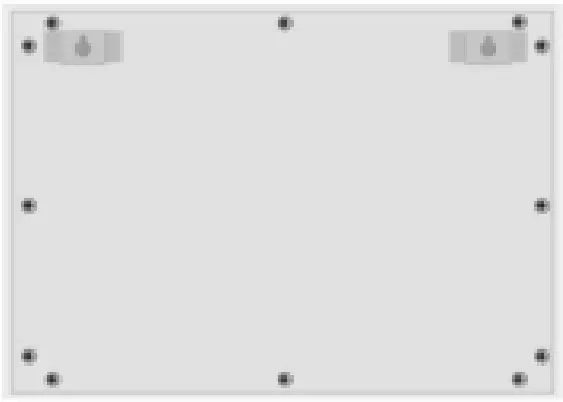
- Remove the 12 screws at the back of the unit.

- Place the unit on its back, and carefully lift open the front of the unit. (make sure no wires are disconnected when lifting the front cover)
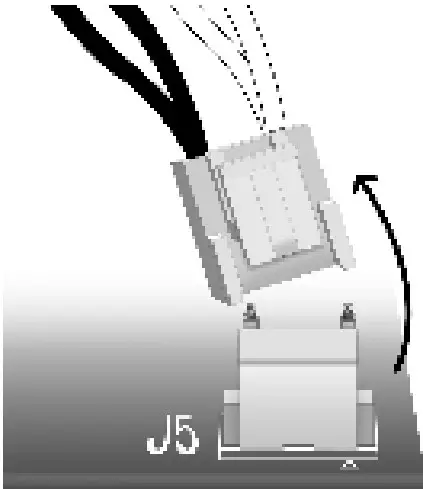
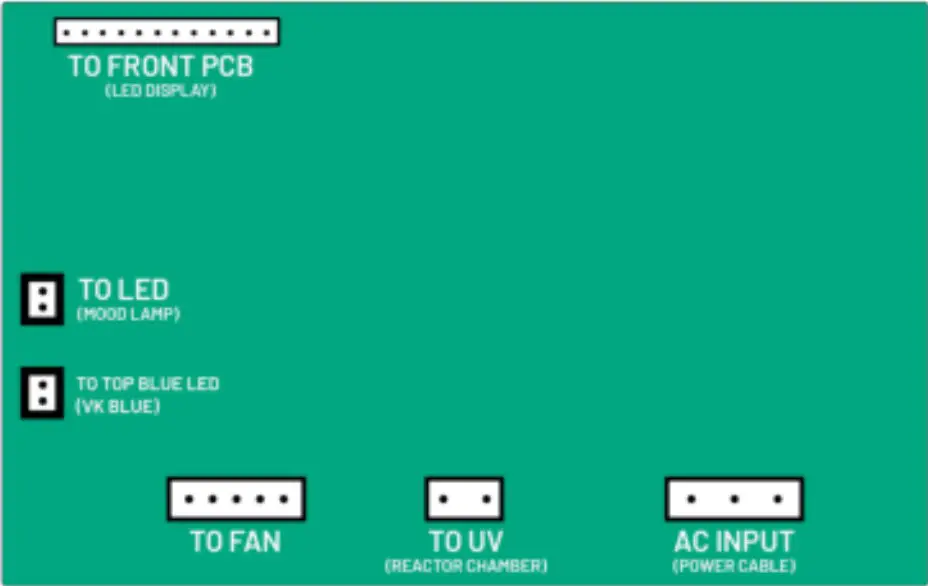
- Remove the black and white cable linked to the reactor chambers. (marked J5 on the PCB)

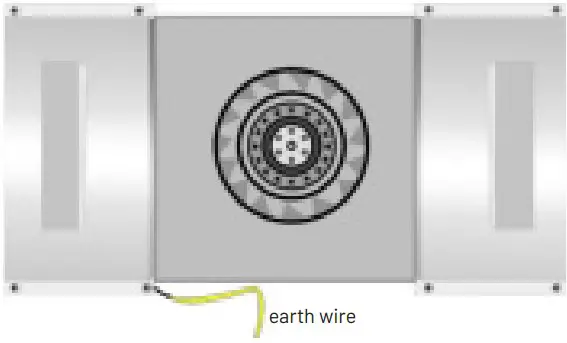
- Remove the 4 corner screws out of both the chamber mountings, being careful to ensure that the earth wire (yellow) closest to the switchboard is detached and remains intact.

- Remove the old reactor chambers and replace with the new chambers which are already linked together, then return the 4 screws to the corners of each chamber, ensuring that the earth wire is reconnected to the screw closest to the circuit board, and then connect the new reactor cable to the circuit board.
- Close the unit carefully making sure that no wires are trapped or damaged, return the 12 screws to the back of the unit.
- Now switch your VK 401 back on, press and hold the down button for 14 seconds, to reset the warning timer. Now your VK 401 is ready for the next 8000 hours.


ERROR MESSAGES
Reactor Cell change
The lifespan of the Reactor Cell is 8000 hours of use. When this time has passed, the timer on the unit will display with a minus (-). When you see this warning message, it is time to replace the Reactor Cell.
UV Lamp malfunction
This is an error message that refers to a malfunction of the UV lamps. Turn the unit off and contact customer service.
Circuit overheat error
This is an error message that refers to overheating of the circuit board. Turn the unit off and contact customer service.
Fan error
This error indicates that the fan is not working properly. Turn the unit off and contact customer service.
TROUBLESHOOTING
Before you call for service, review this list. It may save you time and expense. This list includes common occurrences that are not the result of defect in workmanship or materials.
| Problem | Possible cause | Solution |
| The product will not turn on | The plug is not properly insert- ed in the grounded outlet. | Plug the device into a working grounded outlet. |
| The remote control is out of battery power | Replace the batteries according to the polarity. | |
| The voltage of the AC outlet is too low | Make sure you plug the unit into its dedi-cated, grounded 220 AC outlet. | |
| Weak airflow and noise from the product. | The pre-filter has accumulatedtoo much dust. | Clean the pre-filter to avoid this problem Also change the HEPA filter when due. |
| The timer preset does not work. | The timer function has not been activated. | Set the timer, according to the instruc- tions in this manual. |
| The air purifying function does not work properly. | The indoor air is heavily contaminated | The room requires ventilation. |
| The pre filter is blocked | Clean the pre filter. | |
| The HEPA filter is blocked | Replace the HEPA filter. | |
| The room is too large for the unit | Select the right Viruskiller according tothe room size. | |
| The airflow is restricted | Make sure there is enough clearance around the product and that the air inlet and outlet of the unit are unobstructed. | |
| Strange smell is emitted from the device. | New product odor | The coating of the reactor cell might re- lease a small amount of harmless odor. It should disappear in one to two weeks. |
| Moist filters | When cleaning the pre-filter with water, make sure it is completely dry before reinstalling. | |
| The product has been used in environments with a high con- centration of food odours. | Food odors are oily and can penetrateinto the filter or the reactor chamber.Use proper ventilation. | |
| The product has been used in environments with a high concentration of smoke. | In areas emitting too much smoke, the performance of the reactor cell may be affected. Use proper ventilation. |
CUSTOMER SERVICES
In this manual, you will find a card containing details of your limited warranty. Please contact your distributor if you encounter issues with your unit or to procure replacement filters or reactor chamber when these reach their end of life. Damage or malfunction caused by negligence, abuse, unauthorized repairs or use not in accordance with the User Guide will not be covered. All warranties are rendered void and the cost of repair will be payable by the user in the case of damages caused by:
- putting in foreign objects (such as water, liquids, fragrance oils, toys etc.) in or out of the unit;
- transportation or handling;
- use of products such as benzene or thinners;
- incorrect power supply or output voltage;
- breakdown or loss of part caused by unauthorized disassembling or modifications;
- repair or replacement undertaken by unauthorized persons;
- non-adherence to the instructions provided in this user guide, and as given by the local customer service center;
- careless or improper use;
- caused by operating the product in a corrosive or moist environment.
SPECIFICATIONS
The company reserves the right to make changes to the design and specifications of the product without prior notice.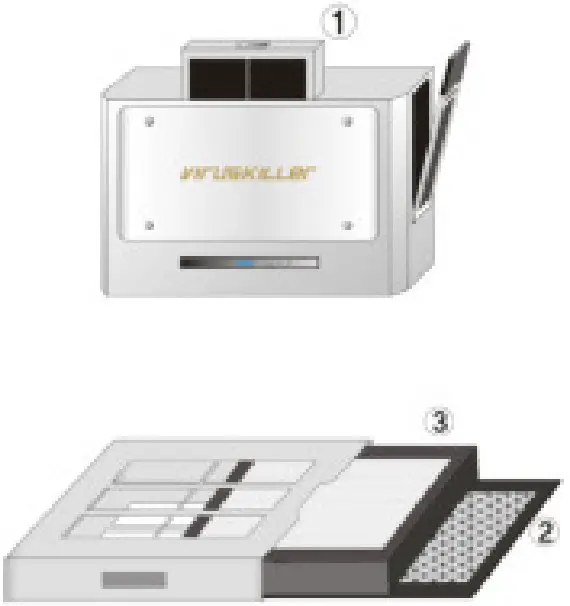
| Description | Air Purifier |
| Brand | VIRUSKILLER |
| Model No | VK 401 |
| Max. Elec. Consumption | 140 watt |
| Net Weight | 12.9 Kg 28 Lbs |
| Net Dimensions | 365 H x 170 D x 590 W mm14.4 H x 6.7 D x 23.2 W in |
| Noise (dB) | 46-54 |
| Airflow (CFM) | 70 – 141 |
| UVC Lamps | 8 |
| TiO2 Hexagon Filters | ~30 |
| Power cord length | 1.2 m4 ft |
Sales & Design: First Floor, Columbia Mill, Bedford Street, Bolton, BL1 4BA
Tel : +44 (0)1204 238823,
E-mail: [email protected],
Manufacturer: INBair Korea LTD
3~4F, 72, Jomaru-ro 411 Beon-gil, Bucheon-si, Gyeonggi-do, South Korea
E-mail: [email protected], www.inbair.com
 inbair.com