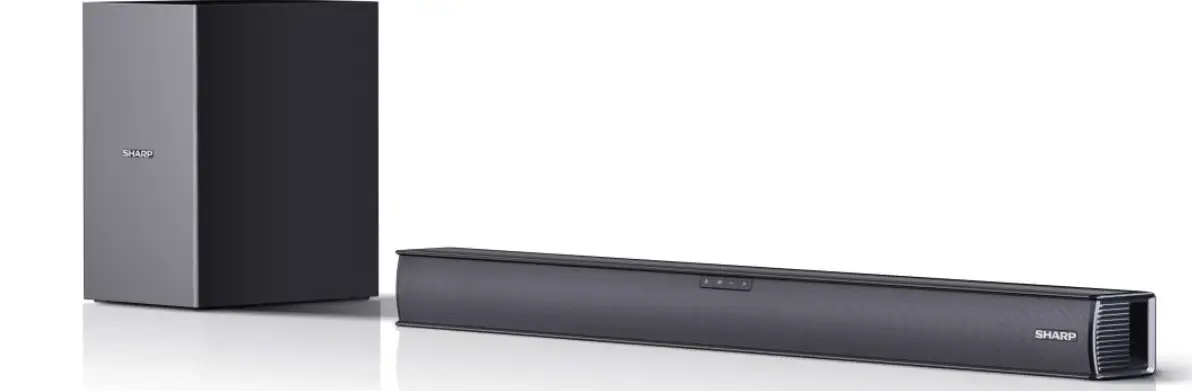
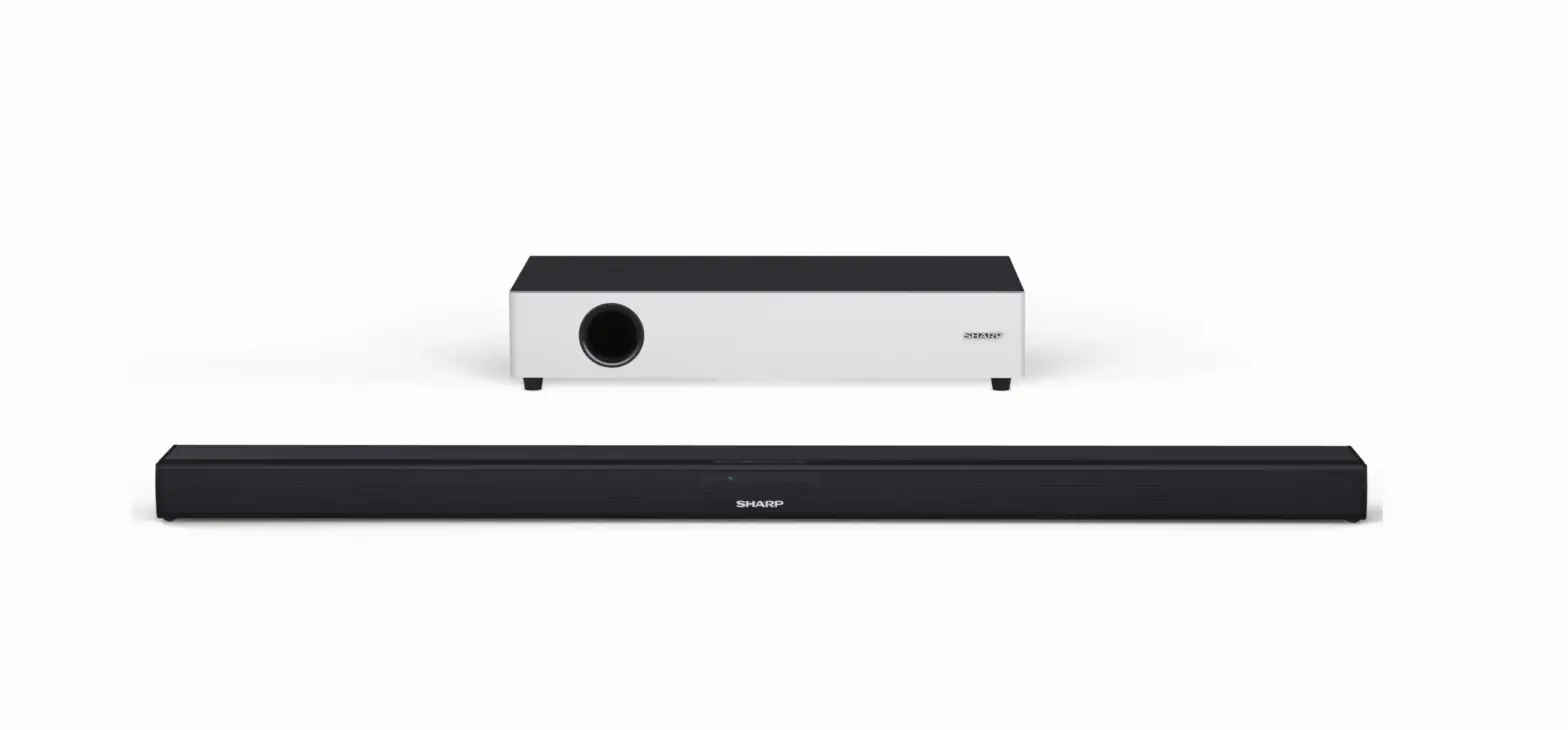
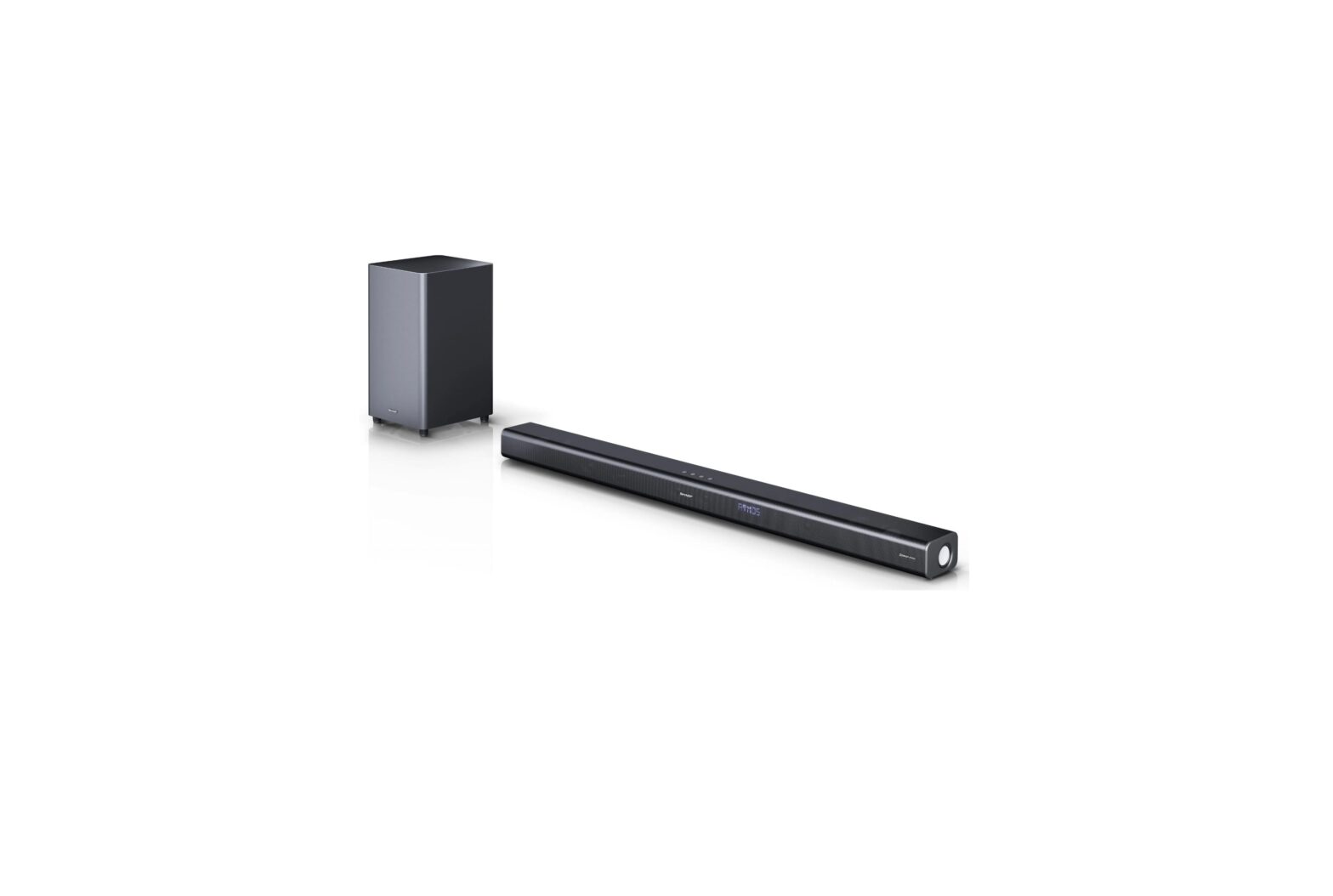
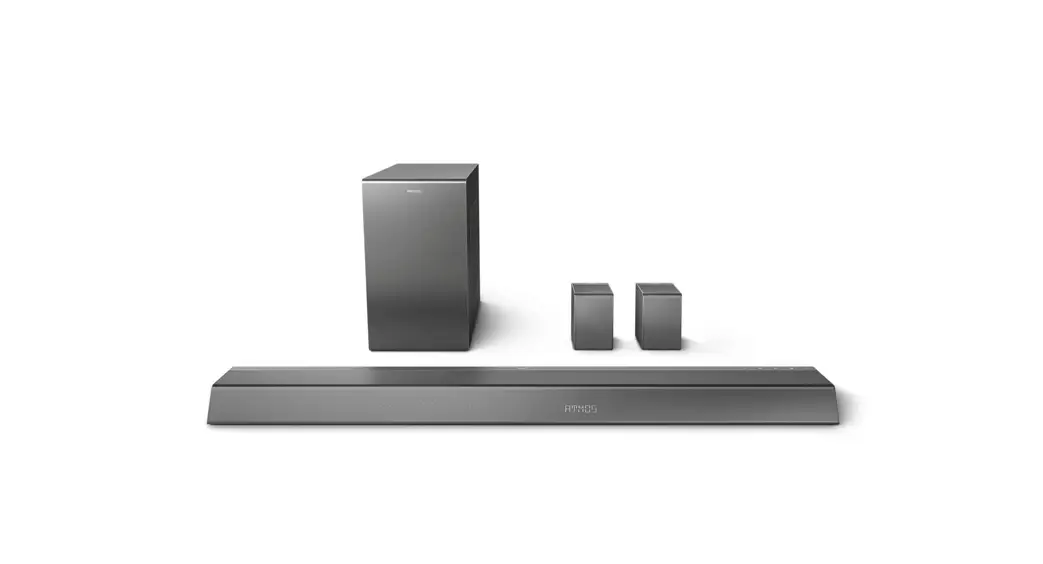
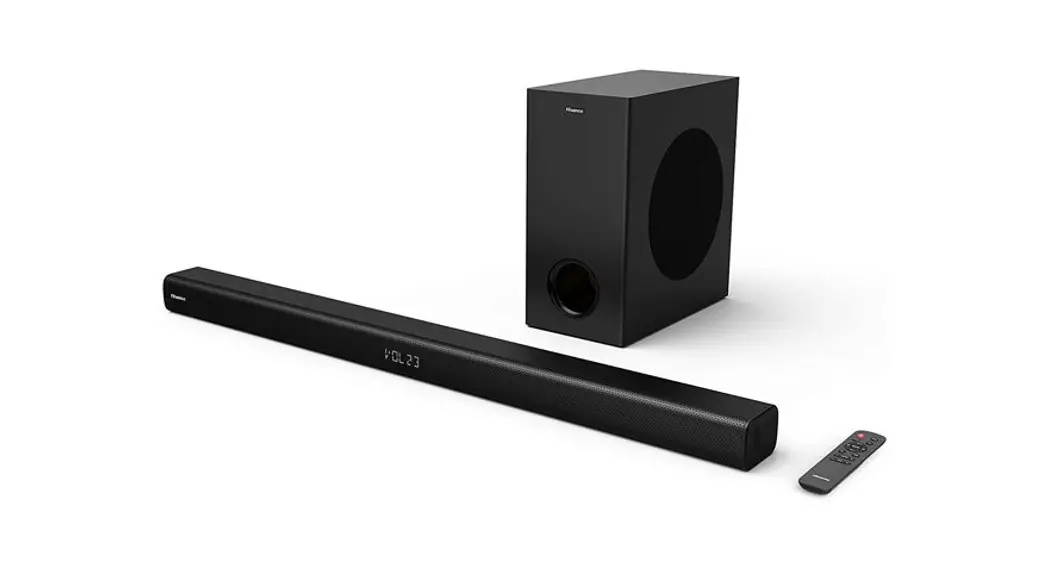
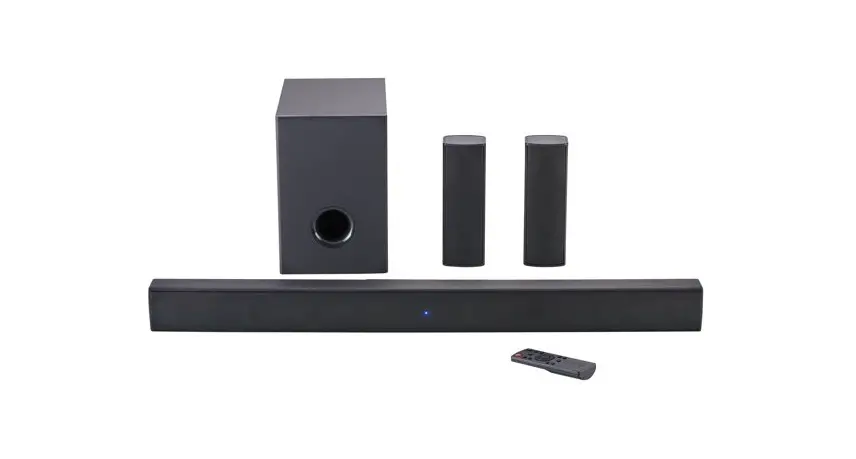
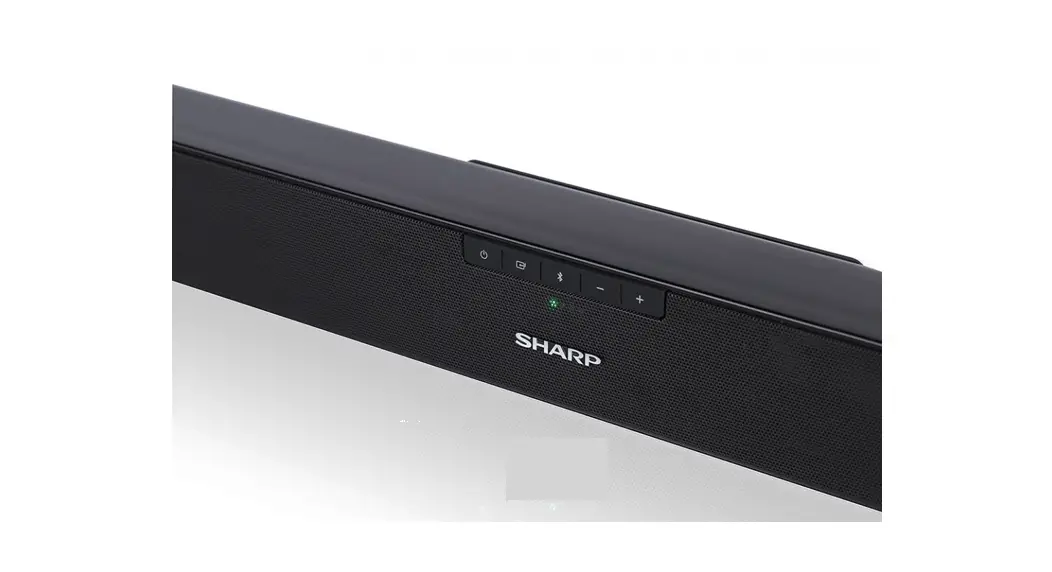
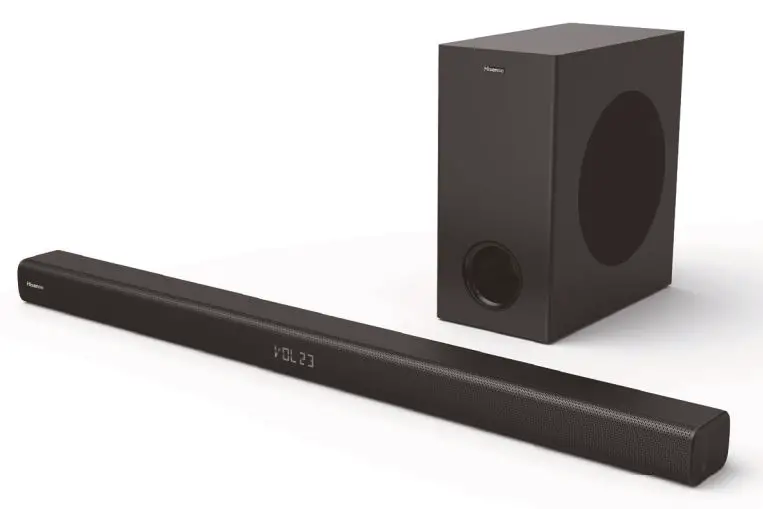
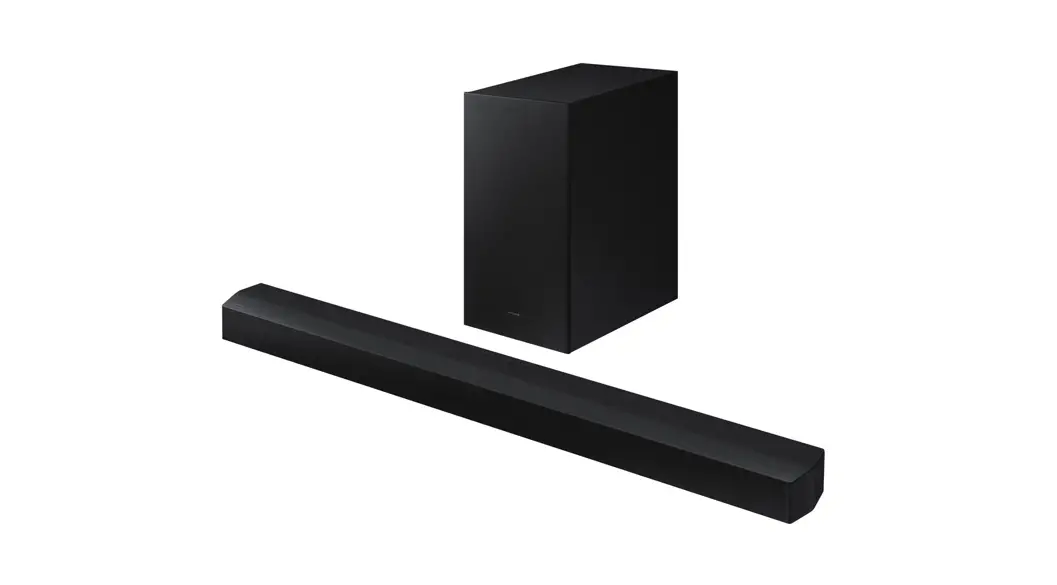
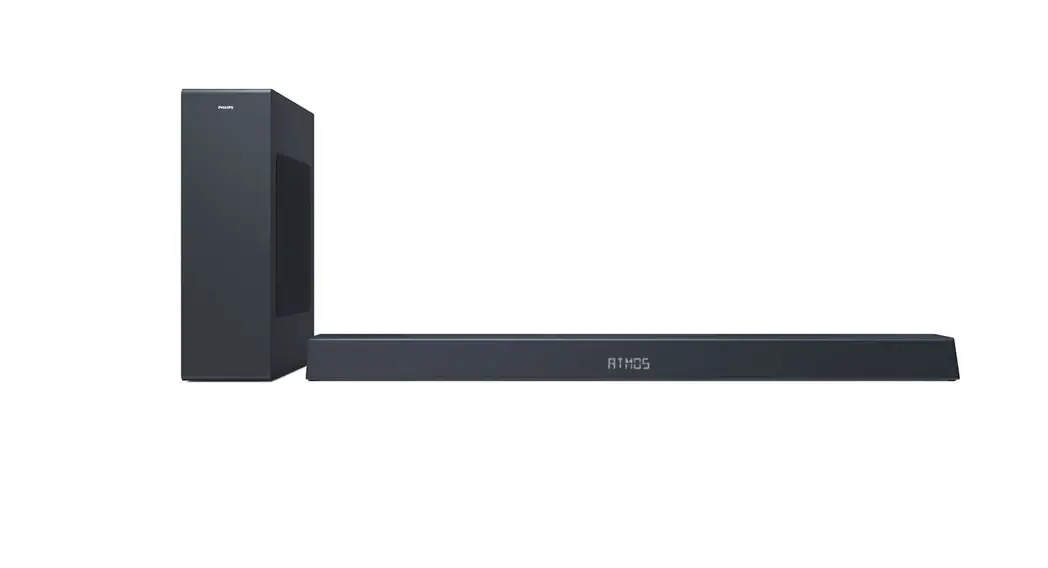
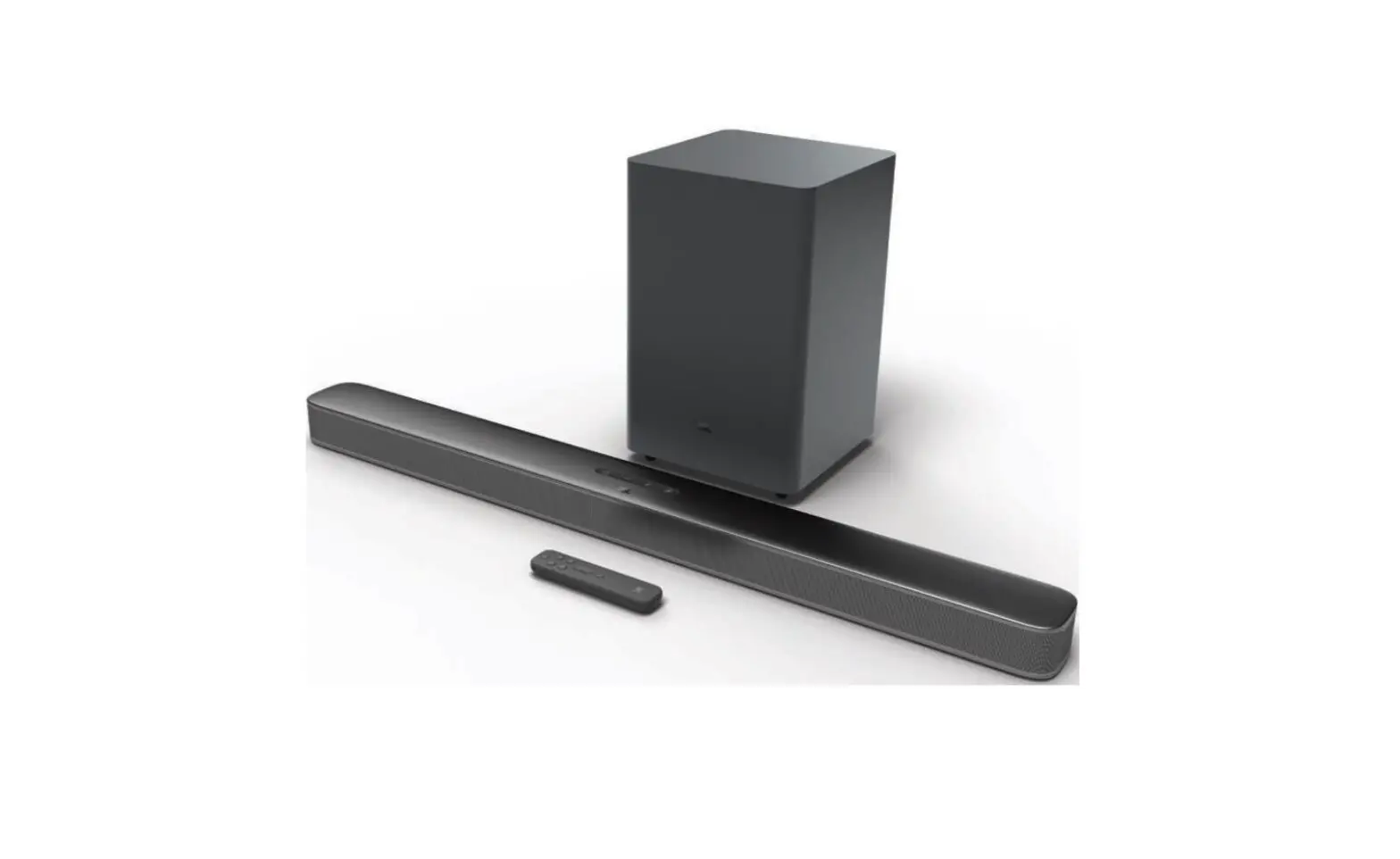
HT-SBW800 5.1.2 Inch Soundbar with Wireless Subwoofer
Product Information: HT-SBW800 5.1.2 Dolby Atmos Home Theatre
System with Wireless Subwoofer
The HT-SBW800 is a home theatre system that comes with a
wireless subwoofer. It has a 5.1.2 channel configuration and
supports Dolby Atmos audio. The system has inputs on the rear panel
to connect external audio and video devices with corresponding
outputs. It has a remote control for easy operation and can be
paired with Bluetooth-enabled devices. The system also supports USB
playback.
Product Usage Instructions:
- Before using the product, read all safety instructions and
refer to the user guide available on the website
sharpconsumer.eu. - To set up the system, follow these steps:
- Turn off all devices and disconnect them from the power supply
before starting any connection. - Connect external audio and video devices to the inputs on the
rear panel of the soundbar. - Connect the power cord to the power adapter and then connect
the power adapter to the DC IN socket of the unit. Finally, connect
the power adapter to a mains socket. - Connect the mains cable to the AC~ Socket of the Subwoofer and
then into a mains socket. - Insert the batteries supplied into the remote control. Press
the button on the remote control to switch the main unit ON or
OFF. - Select the desired mode by pressing the button repeatedly on
the unit or by pressing the button on the remote control. - Make sure that No Encoding is selected for bitstream in the
audio output of the connected external device. - While entering Dolby Atmos / Dolby Digital / PCM format, the
soundbar will show DOLBY ATMOS / DOLBY AUDIO / PCM AUDIO. - While the soundbar is using Dolby Atmos audio, you can only
adjust the bass level of the subwoofer. - Note that the full Dolby Atmos experience is only available
when the Soundbar is connected to the source via an HDMI 2.0
cable.
- Turn off all devices and disconnect them from the power supply
- To pair the wireless subwoofer with the main unit, follow these
steps:- Make sure that all cables are well connected and the main unit
is in standby mode. - Press and hold the Pair button on the rear of the subwoofer for
a few seconds. The subwoofer will enter the pairing mode and the
Pair Indicator will blink quickly. - Press the button on the main unit or on the remote control to
switch the main unit on. - After the wireless connection succeeded, the Pair Indicator
will light up. - If the Pair indicator blinks, the wireless connection has
failed. Unplug the cable of the subwoofer and then reconnect the
main cable after 4 minutes. Repeat step 1 ~ 4.
- Make sure that all cables are well connected and the main unit
- To pair Bluetooth-enabled devices, follow these steps:
- During ON mode, press the button repeatedly on the unit or the
remote control to select Bluetooth mode. - Pair your device to this player.
- During ON mode, press the button repeatedly on the unit or the
- To play from a USB device, follow these steps:
- Insert the USB device.
- Press the button repeatedly on the unit or press the button on
the remote control to select USB mode. - During playback, you can pause or resume play by pressing the
button on the remote control or on the unit. You can also skip to
the previous/next file by pressing the / buttons on the remote
control.
Quick start guide
HT-SBW800
5.1.2 Dolby Atmos Home Theatre System with wireless subwoofer EN DE FR IT ES PT NL PL NO SV DK SU LT LV ET CZ SK HU RO BG HR SR SL EL RU TR UA HE
1
aux
3
21
4
5
6
7 8 9 10 11
12
2
3
1
23
1
ENGLISH
Before using your product, read all safety instructions. For full instructions please refer to the user guide available to download from the website sharpconsumer.eu.
Getting started – initial set up
1. Use the inputs on the rear panel of the soundbar to connect external audio and video devices equipped with the corresponding outputs.
Caution! Turn all devices off and disconnect them from the power supply before starting any connection.
2. Connect power cord to the power adapter, then connect power adapter to the DC IN socket of the unit and as last step connect power adapter into a mains socket.
3. Connect the mains cable to the AC~ Socket of the Subwoofer and then into a mains socket.
4. Insert the batteries supplied into the Remote control. Press the button on the remote control to switch the main unit ON or OFF.
5. Press the button repeatedly on the unit or press the button on the remote control to select the desired mode.
1 Main Unit
1. Display Window Show the current status. 2. Remote Control Sensor Receive signal from the remote control. 3. Wall bracket screws 4. (ON/OFF) button Switch the unit between ON and Standby mode. 5. (SOURCE) button Select the play function. 6. VOL+/VOL- buttons Increase/decrease the volume level. 7. DC IN 23V Socket 8. COAXIAL Socket 9. OPTICAL Socket 10. USB Socket Insert the USB device to play music. 11. AUX Socket Connect to an external audio device. 12. HDMI (1/2/ARC) Sockets Connect to a TV via HDMI cable.
2 Wireless Subwoofer
1. AC~ Socket Connect to power. 2. PAIR button Press activate the pairing function between the main
unit and the subwoofer. 3. PAIR Indicator Light up solidly when the pairing succeed.
3 Remote Control
1. Switch the unit between ON and STANDBY mode. 2. Select the Bluetooth mode.
Press and hold to activate the pairing function in Bluetooth mode or disconnect the existing paired Bluetooth device. 3. Select the play function. 4. SURR Turn the surround ON/OFF. 5. HDMI Select the HDMI 1/2/ARC mode. 6. VOL +/- Increase/decrease the volume level. 7. / Skip to previous/next track in Bluetooth/USB mode. 8. Play/pause/resume playback in Bluetooth/USB mode. 9. (MUTE) Mute or resume the sound. 10. BASS +/- Adjust bass level. 11. TRE +/- Adjust treble level. 12. EQ Select a preset sound mode.
For using Dolby Atmos®
Dolby Atmos® is available only in HDMI mode. 1. To use Dolby Atmos® in HDMI 1 / HDMI 2 / HDMI ARC mode, your TV has
to support Dolby Atmos®.
2. Make sure that “No Encoding” is selected for bitstream in the audio output of the connected external device (e.g. Blu-ray DVD player, TV etc.).
3. While entering Dolby Atmos / Dolby Digital / PCM format, the soundbar will show DOLBY ATMOS / DOLBY AUDIO / PCM AUDIO.
4. While the soundbar is using Dolby Atmos audio, you can only adjust the bass level of the subwoofer.
NOTE: The full Dolby Atmos experience is only available when the Soundbar is
connected to the source via a HDMI 2.0 cable.
Pairing the Wireless Subwoofer with the Main Unit
Automatic pairing The subwoofer and soundbar will automatically pair when both units are plugged into the mains sockets and turned on. No cable is needed for connecting the two units. · When the subwoofer is pairing with the main unit, the Pair Indicator will
flash fast. · When the subwoofer is paired with the main unit, the Pair Indicator will
light up. NOTE: Do not press the Pair button on the rear of the subwoofer, except for
manual pairing. If the automatic pairing fails, pair the subwoofer with the main unit
manually.
Manual pairing 1. Ensure that all the cables are well connected and the main unit is in
Standby mode. 2. Press and hold the Pair button on the rear of the subwoofer for a
few seconds. The subwoofer will enter the pairing mode and the Pair Indicator will blink quickly. 3. Press the button on the main unit or on the remote control to switch the main unit on. 4. After the wireless connection succeeded, the Pair Indicator will light up. 5. If the Pair indicator blinks, the wireless connection has failed. Unplug the cable of the subwoofer and then reconnect the main cable after 4 minutes. Repeat step 1 ~ 4.
Bluetooth Operation
Pair Bluetooth-enabled Devices The first time you connect your bluetooth device to this player, you need to pair your device to this player. 1. During ON mode, press the button repeatedly on the unit or the
button on the remote control to select Bluetooth mode. “NO BT” will show on the display if the unit is not paired to any Bluetooth device. 2. Activate your Bluetooth device and select the search mode. “HTSBW800” will appear on your Bluetooth device list. If you cannot find the unit, press and hold the button on the remote control to be searchable. The display will show “PAIR” and you will hear “Pairing” from the unit. 3. Select “HT-SBW800” in the pairing list. After successful pairing, you will hear “Paired” from the unit, and the display panel shows “BT”. 4. Play music from the connected Bluetooth device.
USB Operation
1. Insert the USB device. 2. Press the button repeatedly on the unit or press the button on
the remote control to select USB mode. 3. During playback: To pause or resume play, press the button on the remote control or
on the unit. To skip to the previous/next file, press the / buttons on the
remote control.
DEUTSCH
Lesen Sie sich vor der Verwendung des Produkts alle Sicherheitshinweise durch. Vollständige Instruktionen finden Sie im Benutzerhandbuch, dass Sie sich auf
Obsah je uzamcen
Dokoncete, prosím, proces objednávky. Následn budete mít pístup k celému dokumentu.
Proc je dokument uzamcen? Nahnvat Vás rozhodn nechceme. Jsou k tomu dva hlavní dvody: 1) Vytvoit a udrzovat obsáhlou databázi návod stojí nejen spoustu úsilí a casu, ale i financní prostedky.
Dlali byste to Vy zadarmo? Ne*. Zakoupením této sluzby obdrzíte úplný návod a podpoíte provoz a rozvoj nasich stránek. Teba se Vám to bude jest nkdy hodit. *) Mozná zpocátku ano. Ale vzte, ze dotovat to dlouhodob nelze. A rozhodn na tom nezbohatneme. 2) Pak jsou tady ,,roboti”, kteí se pizivují na nasí práci a ,,vysávají” výsledky naseho úsilí pro svj prospch. Tímto krokem se jim to snazíme pekazit. A pokud nemáte zájem, respektujeme to. Urgujte svého prodejce. A kdyz neuspjete, rádi Vás uvidíme!
 Sharp Consumer Products Europe - Sharp Europe