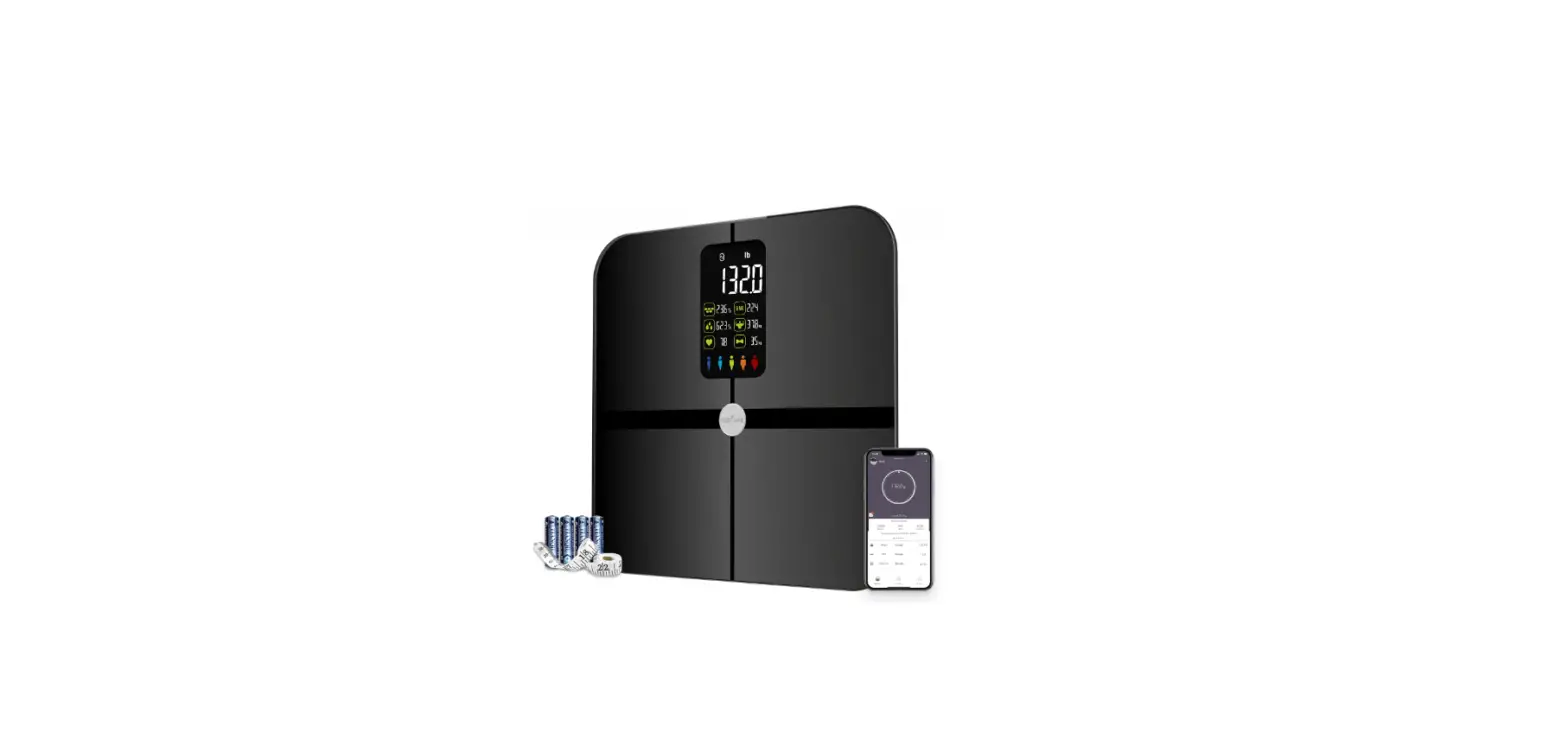
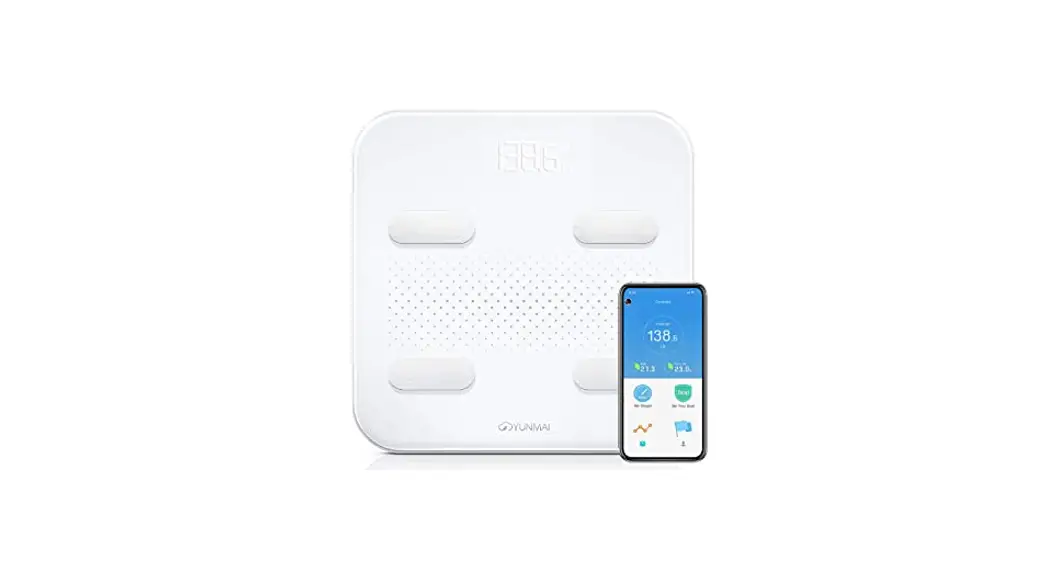
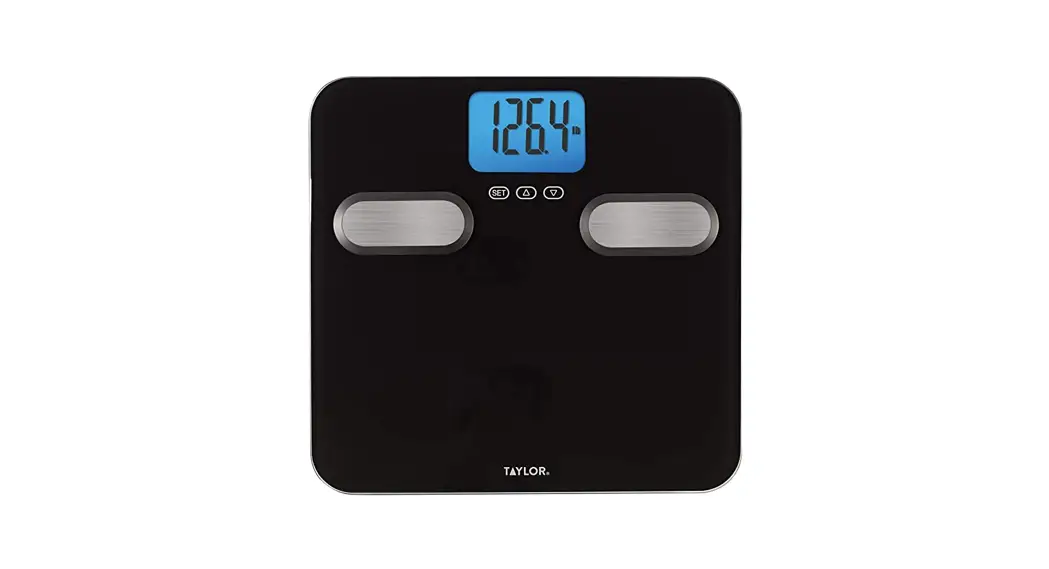
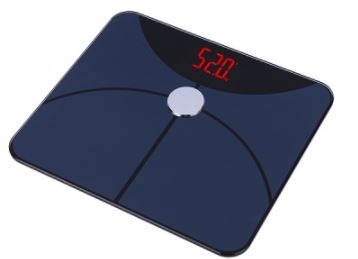
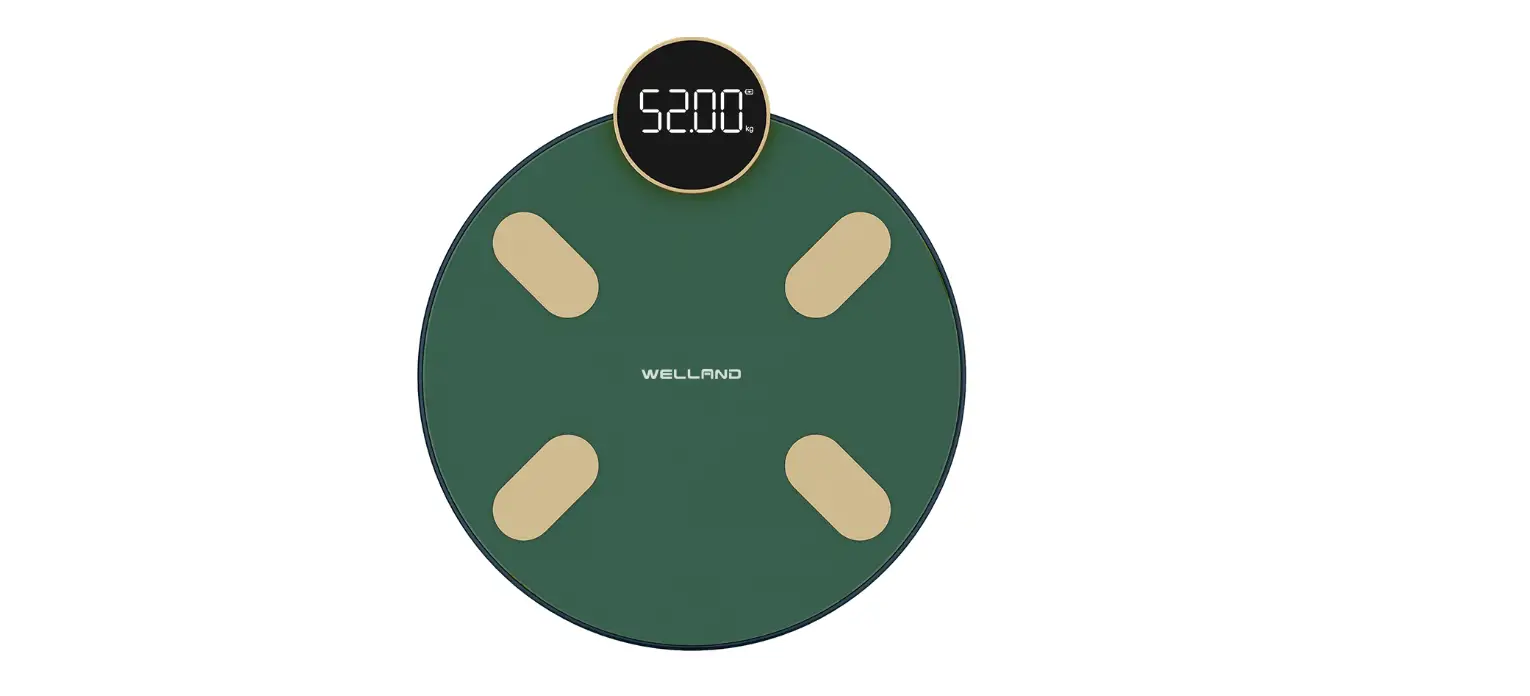
BFSCALE Smart Body Fat Scale
Smart Body Fat Scale
Product Information
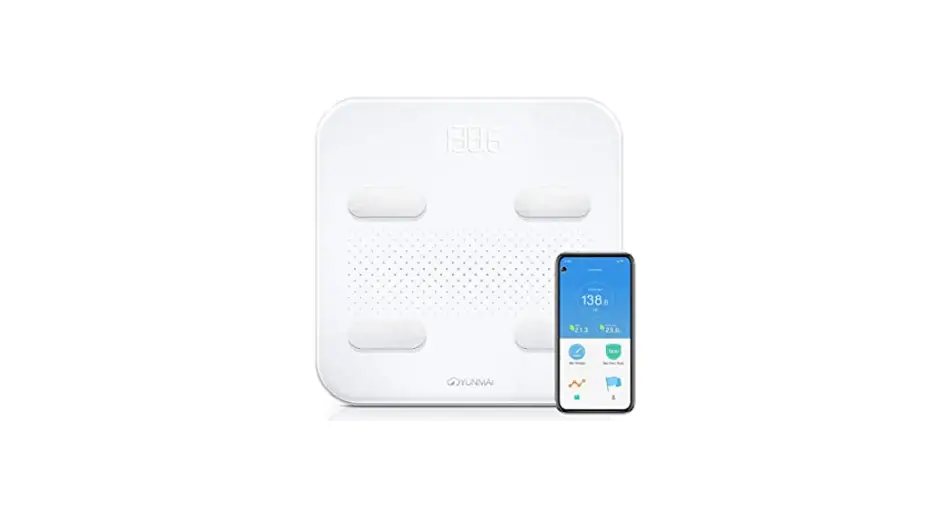
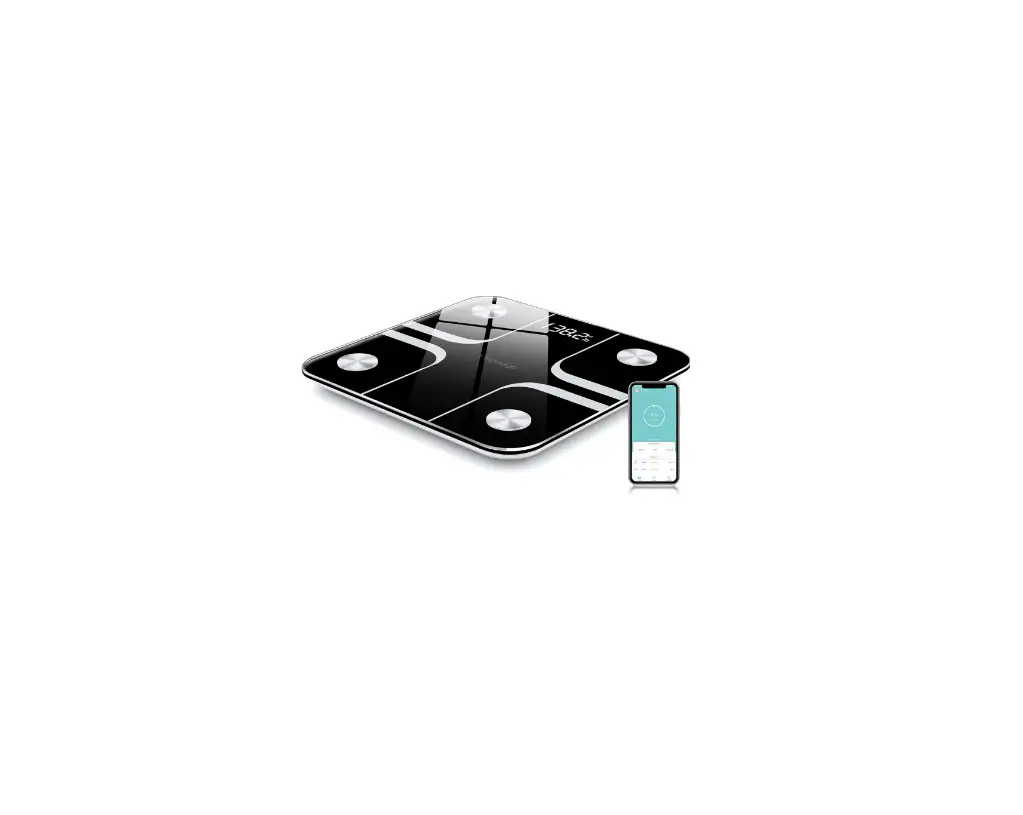
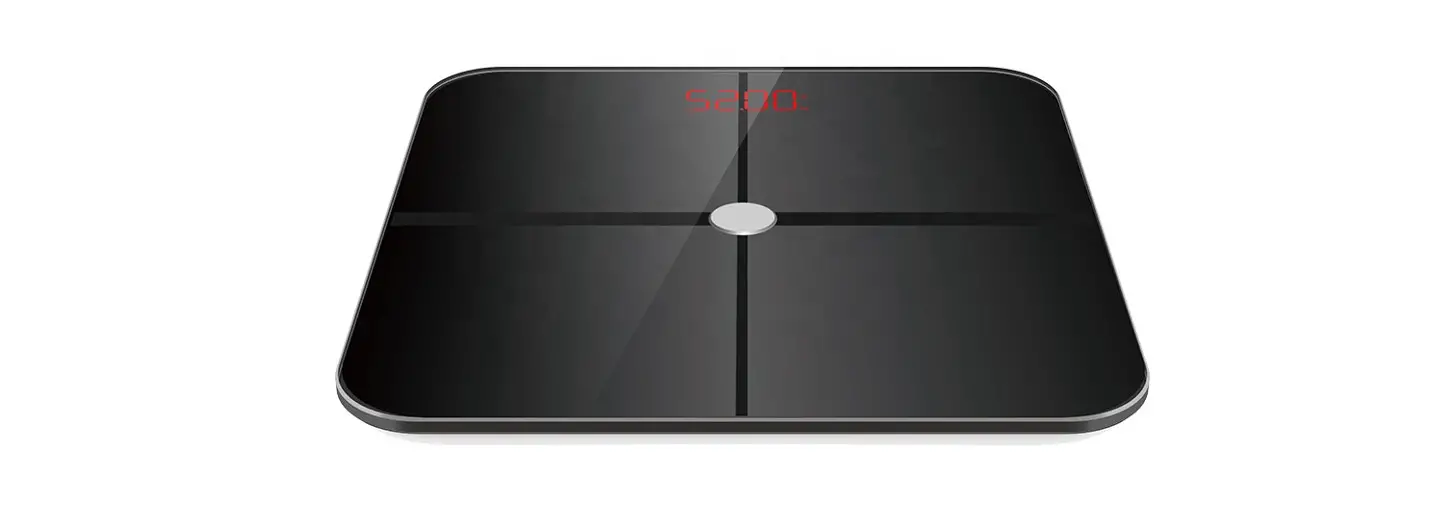
The Smart Body Fat Scale is a digital scale that measures body
fat rate, BMI, muscle, body water rate, bone, and weight using
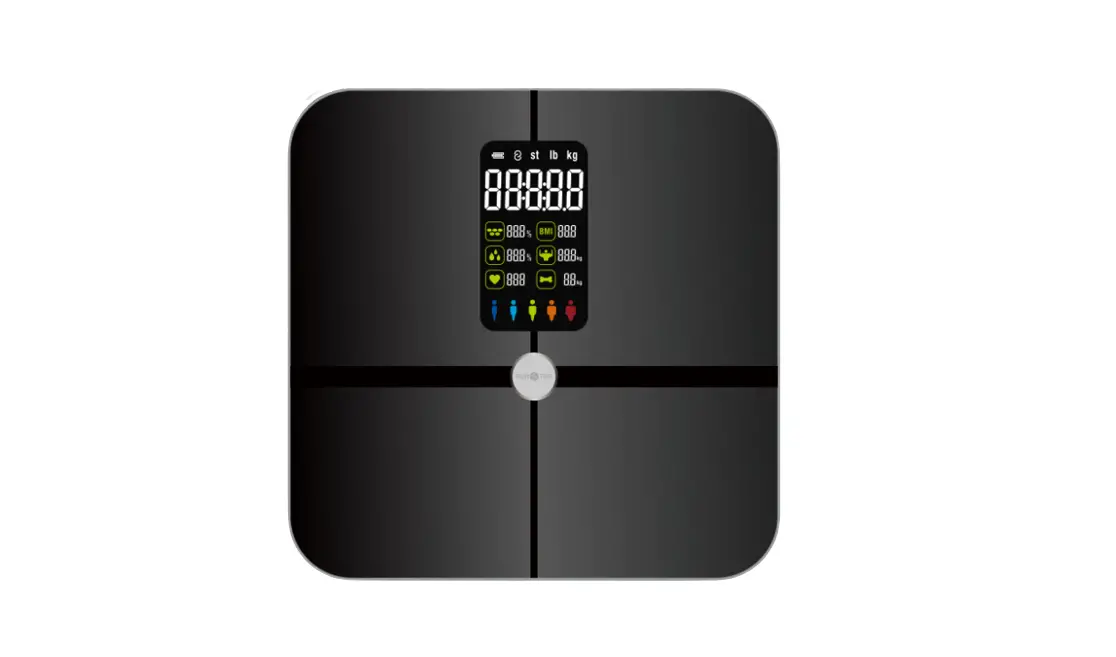
stainless steel electrodes. It has a VA Colorful Display that shows
all the measurements and can switch between units (kg/lb/st). The
scale has silicone feet for stability and a battery cover for 3pcs
x AAA batteries. The device comes with an app called Fitdays that
allows you to record and track your measurements on your smartphone
or tablet.
Usage Instructions
Before using the Smart Body Fat Scale, read the instruction
manual carefully and save it for future reference. Here are the
usage instructions:
- Do not disassemble, squeeze, puncture, or short-circuit the
device. Do not put the device into water or fire. Do not expose the
device to an environment at the temperature higher than
60°C/140°F. - The data measured by this smart body fat scale is for reference
only and should not be used for medical diagnosis. The measured
data may be inaccurate if you are a minor or pregnant. Do not use
this device if you have implanted a cardiac pacemaker or any other
medical device. - Carefully wipe the device with a clean, soft cloth. Do not use
any detergent. - After being placed on a hard and flat ground, the screen will
turn on when it senses a weight of more than 5kg. - If the scale contains 3pcs x AAA batteries, load the battery at
the positive and negative electrode instructions. If the scale has
a built-in 3pcs x AAA batteries in the factory, remove the
insulation sheet. - The screen among different models varies, please refer to the
actual product for details. - Step on the scale to turn it on.
- Place the scale on a hard, flat ground.
- Turn on Bluetooth on your smartphone or tablet.
- Register your own ID by email or social media account for
Fitdays App. - Add personal data and confirm OK. Enter the correct gender,
age, and height information to ensure accurate measurements. - During use, keep the app on the home page and keep your
measurement posture for about 30 seconds. When finishing
measurement, you can check 6 core data in scale VA display. You can
check more details in the app page.
With these instructions, you can use the Smart Body Fat Scale to
track your body measurements and achieve your health goals.
Smart Body Fat Scale
Instruction Manual
Read this manual before using and save for future reference
Warnings
-Do not disassemble, squeeze, puncture, or short-circuit the device. -Do not put the device into water or fire. -Do not expose the device to an environment at the temperature of higher than 60 140
Important Notice
All data measured by this smart body fat scale is for reference only and should not be used for medical diagnosis. The measured data may be inaccurate if: -you are a minor -you are pregnant Do not use this device if you have implanted a cardiac pacemaker or any other medical device.
Warnings
-This device contains lithium batteries and should be placed away from heat sources (heaters, stoves, fireplaces, etc.). -This device is not water-proof. Do not use it in rainy days or wash it directly with water, otherwise it will cause damage. -Do not disassemble or repair this device by yourself.Improper operation during maintenance may cause battery explosion. -This device is not intended for people (including children)who are weak,slow to respond or have mental disorders,unless they are supervised or instructed by the person responsible for their safety on how to use the device. -Keep the device out of reach of children.Supervise children not to play with the device.
Maintenance
-Carefully wipe the device with a clean, soft cloth. -Do not use any detergent
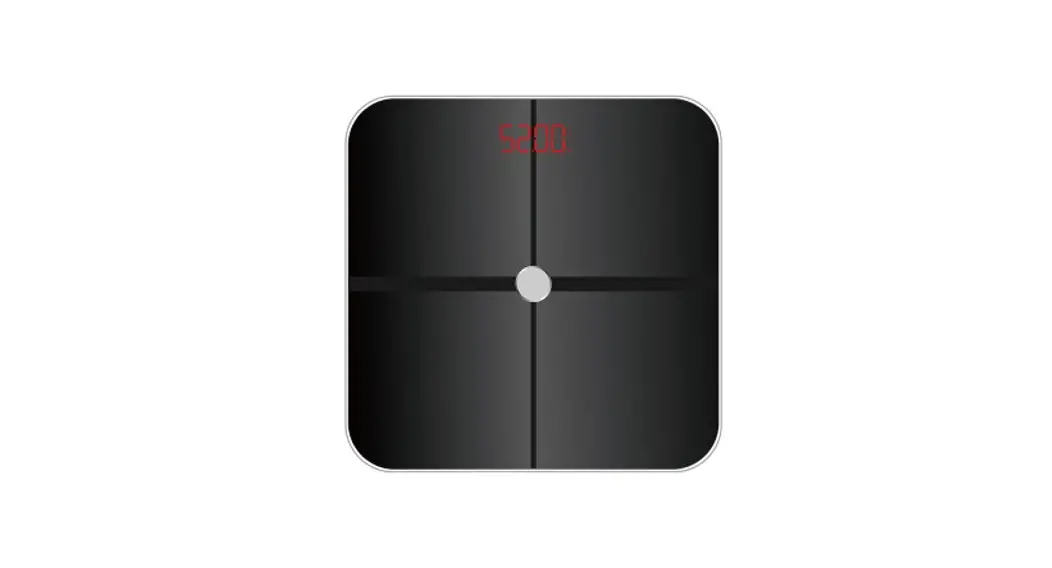
2. Product Structure
VA Colorful Display
Units Switch: Kglbst:lb
Silicone Feet
Stainless Steel Electrodes
Battery Cover
Note: -After being placed on a hard and flat ground, the screen will turn on when it senses a weight of more than 5kg. -If this device contains 3pcs x AAA batteries, please load the battery at the positive and negative electrode instructions. -If the scale has a built-in 3pcs x AAA batteries in the factory, please remove the insulation sheet.
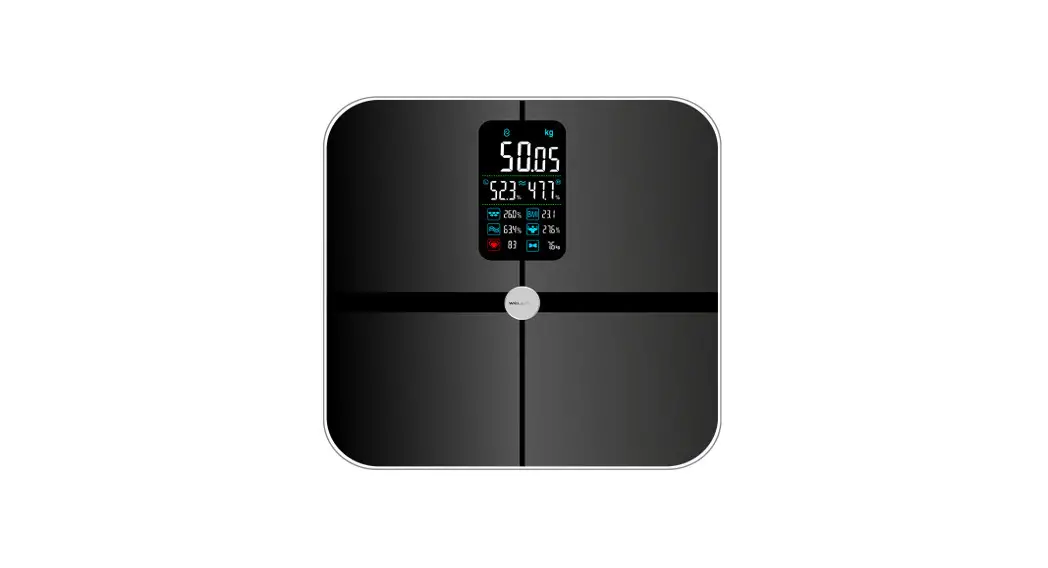
3. VA display
Body Fat Rate / BMI / Muscle / Body Water Rate / Bone
Connection Symbol
Battery Symbol Symbol
Weight Number
Units Symbol
Note: The screen among different models varies, please refer to the actual product for details.
VA Screen Display Sequence
Weight
In the process of measuring the various body datas
Body Fat Rate Body Water Rate Bone
BMI Muscle
Weight
Note: The screen is running to indicating that it is measuring. Do not leave the scale at this time. Please wait until the measurement will be completed. Then the screen will display Above test results, including body fat rate, BMI, muscle, body water rate and bone, which are shown for 3 seconds each data.
4. SPECIFICATION
Weight unit: kg/lb/st (switch the units via APP setting or via unit button at scale base) Weight limit: 5kg-180kg Power Supply: 3pcs x AAA Account number: No limitation (each account can add 24 persons) Height record: Allow you to record the height info under 16 years old Operating temperature: 10-400C Operation humidity: 20%-90%
5. Install Fitdays App
1. Search “Fitdays” in App Store or Google Play or scan the QR Code below:
2. Download and install the App on your device. 3. The App icon will appear on your phone or tablet after the installation is completed.
Support Devices: iOS 8.0 or higher Android 6.0 or higher
6. Special Notice Points:
1-First time use: must be online use. (Otherwise, scale only show weight & BMI)
During use, please keep App on home page, and keep measurement posture for about 30S. When finishing measurement, you can check 6 core data in scale VA display. You also can check more details in App page.
2- From second time use, support off line measurement. (No need to open App for every measurement)
7. How to use Fitdays APP
1. Step the scale to turn it on. 2. Place the scale on the hard, flat ground. Turn on Bluetooth on your smart phone or tablet. 3. Register your own ID by email or social media account for Fitdays App.
4. Add personal data and confirm OK; Note: Enter the wrong gender, age, height info may result in measurement being inaccurate.
5. Pair the scale through Bluetooth. Click Account Device + Searching Bluetooth for paring to find the scale (Keep scale on) and now your phone is connected with the scale; After connection, connected will be indicated on Main page, top position; If disconnected be shown, means failure for pairing. Please repeat above steps.
6. Tap your foot on the scales to activate the display. Wait until the display shows “0.0” (kg/lb/st). Keep Fitdays App on main page; Then Bluetooth connection icon will be shown on VA display. Connected indication will be shown on main page at the same time.
7. Step onto scale with bare feet; Make sure that stand on each two electrodes metal plate with bare feet as below indication photos;
X
XX
Note: If stepping on the scale with socks, or weighing posture is not correct, only weight and BMI will be measured and displayed on the main page. To get complete data, please step on the scale with bare feet and with correct posture.
8. The number on the display is flashing when the scale is weighing and analyzing. Please stand still and keep same posture for about 30S; App will show measure schedule and with music playing during body fat measurement. After measurement finished, your can check more data from App. At the same time, you can track 6 core data on VA screen also.
9. You can click More Data to read more Parameter datas. 10. You can find the analyzing report on Body Weight, BMI, BFR, Muscle, Bone Mass etc. When you click Record, you can see your long-term track chart form.
11. Add, switch user by click ->Add User, or click Account–> Add User, then add personal data. The Smart Scale can recognize which user is step on it and remind user to switch the correct user. Each account can support 24 users;
12. Weighing baby: click + –>Baby Mode. Step on the scale by you own, after scale gets your weight, and then hold the baby to get the weight of baby.
8. Battery and Fault Reminders
Low battery
Overload
Unstable weighting
(Please change new batteries) (exceeding the maximum weight) (please step on the scale again)
Low battery (Please change new batteries)
TROUBLE SHOOTING GUIDE
1. Bluetooth not connected The scale and smart phone must be both have Bluetooth on. Check the iOS version of smart phone, it must be iOS 8.0 or higher/Android 6.0 higher. Click Account Device + Searching Bluetooth for paring to find the scale (Keep scale on status) and
now your phone is connected with the scale.
2. No body fat data measured when weighing User must be bare foot to measure the body fat. Do pay attention for correct handle bar grip posture during measurement. Make sure your feet and the scale are both dry. Scale not finishing weighing when the number display is flashing (Keep standing on the scale around 30
second until the number on the display stops flashing). Bluetooth is not turned on. Bluetooth is paired with a difference scale.
3. The scale is producing inconsistent weight. Check whether the scale is on a hard, flat surface. Check each sensor foot on the back to make sure nothing is stuck to the bottom of it. Remove the batteries to restart the scale.
4. The App is display the incorrect fat-muscle ratio The body parameter setting is incorrect, check to make sure you entered the correct gender, height, and
age.
5. How do I re-calibrate the scale after moving it or change the batteries? Step on the scale to turn it on. Let it automatically drop to 0.0kg to calibrate.
6. The scale does not turn on Remove the batteries and put it back. Make sure to insert the batteries in the correct direction.
7. Scale only show weight & BMI? For first time use for every user, need to use on-line mode, connect with App for successful measurement.
Otherwise, scale will only weight & BMI. For every time use, need to hold up handle bar, and confirm correct grip posture, specially for thumb &
four fingers contact posture. Otherwise, scale will only weight & BMI. Keep feet apart, and bear feet onto scale platform, face to display direction. Otherwise, scale will only weight & BMI. Keep stand still for about 20-30s to finish the whole measurement. Otherwise, scale will only weight & BMI.
FCC Caution This device complies with part 15 of the FCC Rules. Operation is subject to the following two conditions: (1) This device may not cause harmful interference, and (2) this device must accept any interference received, including interference that may cause undesired operation.
Any Changes or modifications not expressly approved by the party responsible for compliance could void the user’s authority to operate the equipment.
Note: This equipment has been tested and found to comply with the limits for a Class B digital device, pursuant to part 15 of the FCC Rules. These limits are designed to provide reasonable protection against harmful interference in a residential installation. This equipment generates uses and can radiate radio frequency energy and, if not installed and used in accordance with the instructions, may cause harmful interference to radio communications. However, there is no guarantee that interference will not occur in a particular installation. If this equipment does cause harmful interference to radio or television reception, which can be determined by turning the equipment off and on, the user is encouraged to try to correct the interference by one or more of the following measures: -Reorient or relocate the receiving antenna. -Increase the separation between the equipment and receiver. -Connect the equipment into an outlet on a circuit different from that to which the receiver is connected. -Consult the dealer or an experienced radio/TV technician for help.
The device has been evaluated to meet general RF exposure requirement. The device can be used in portable exposure condition without restriction.