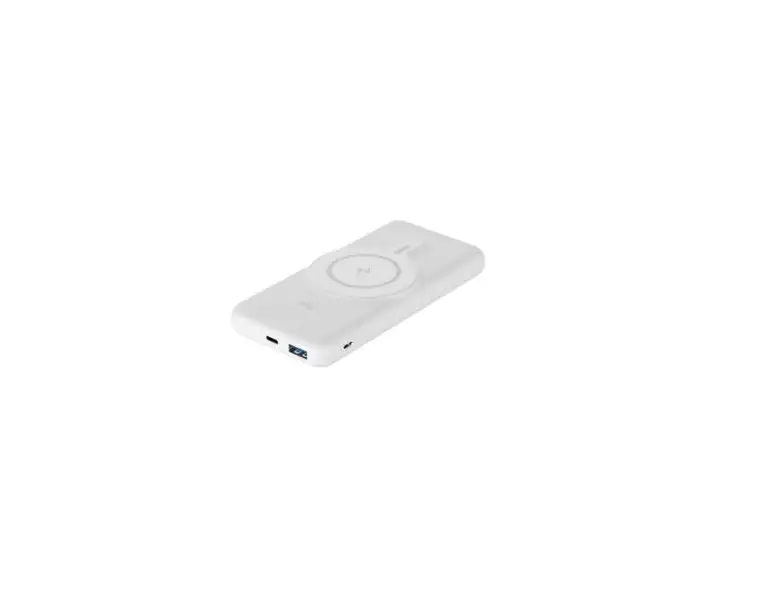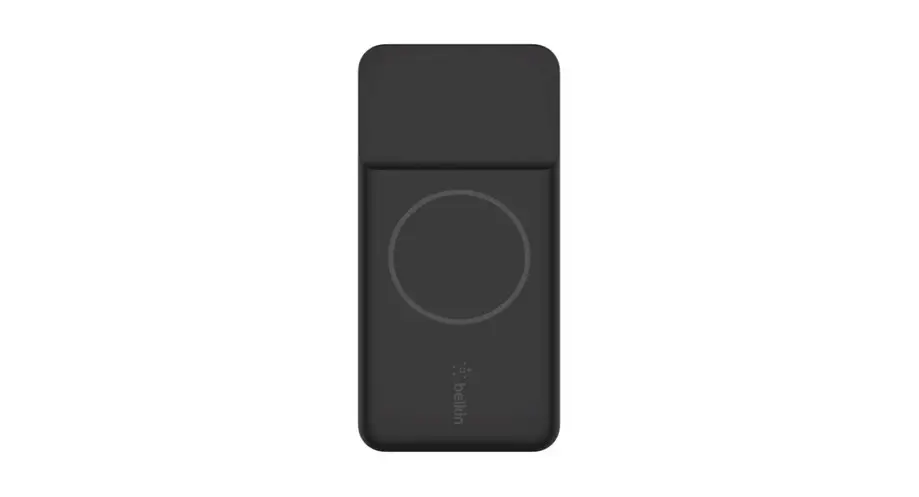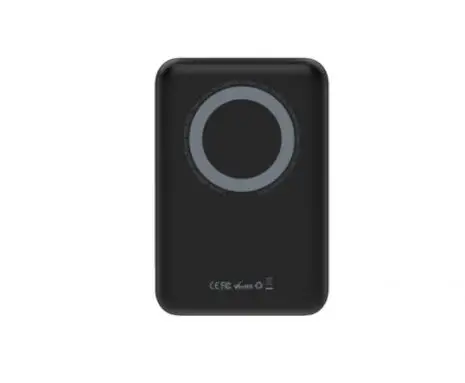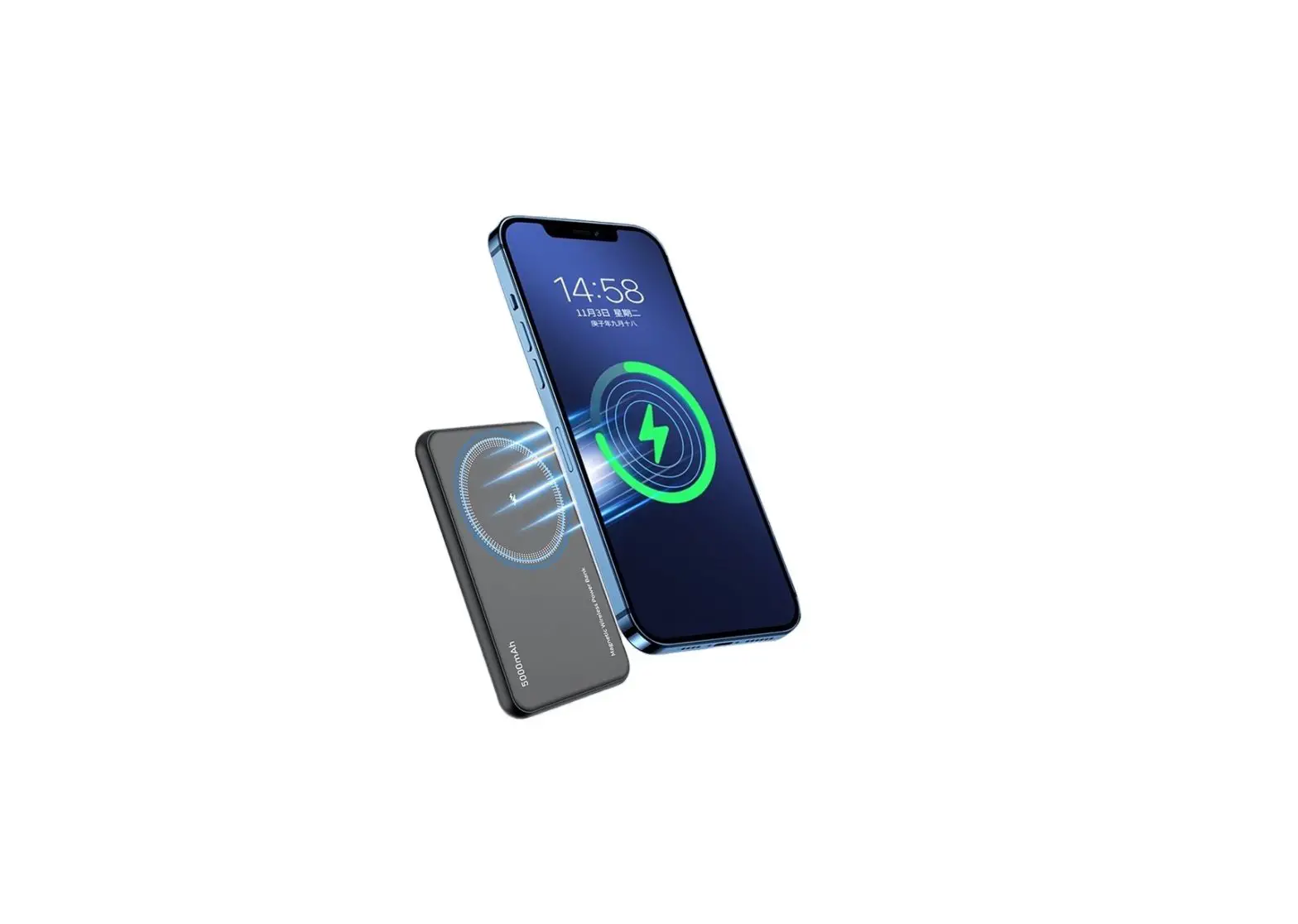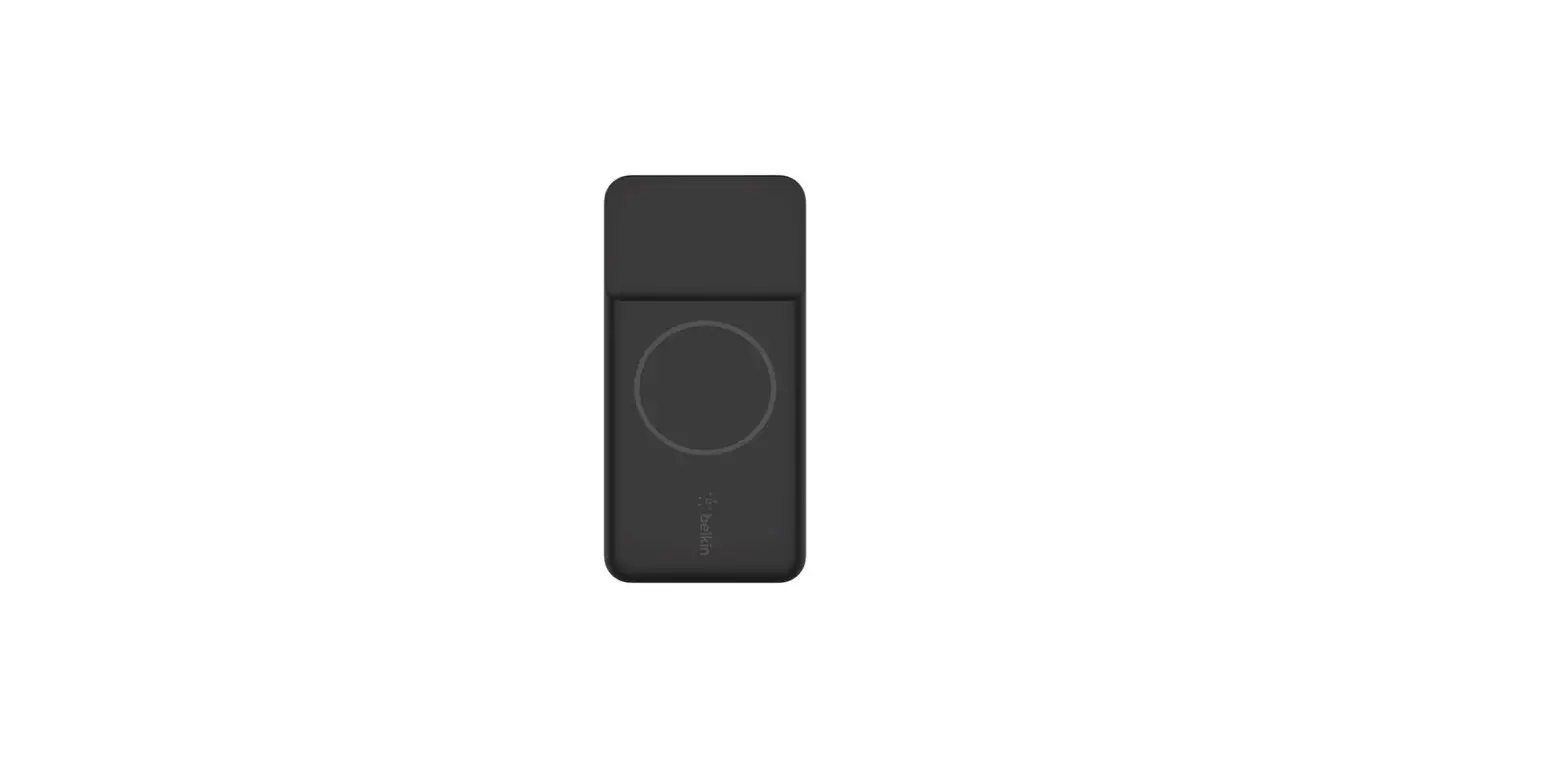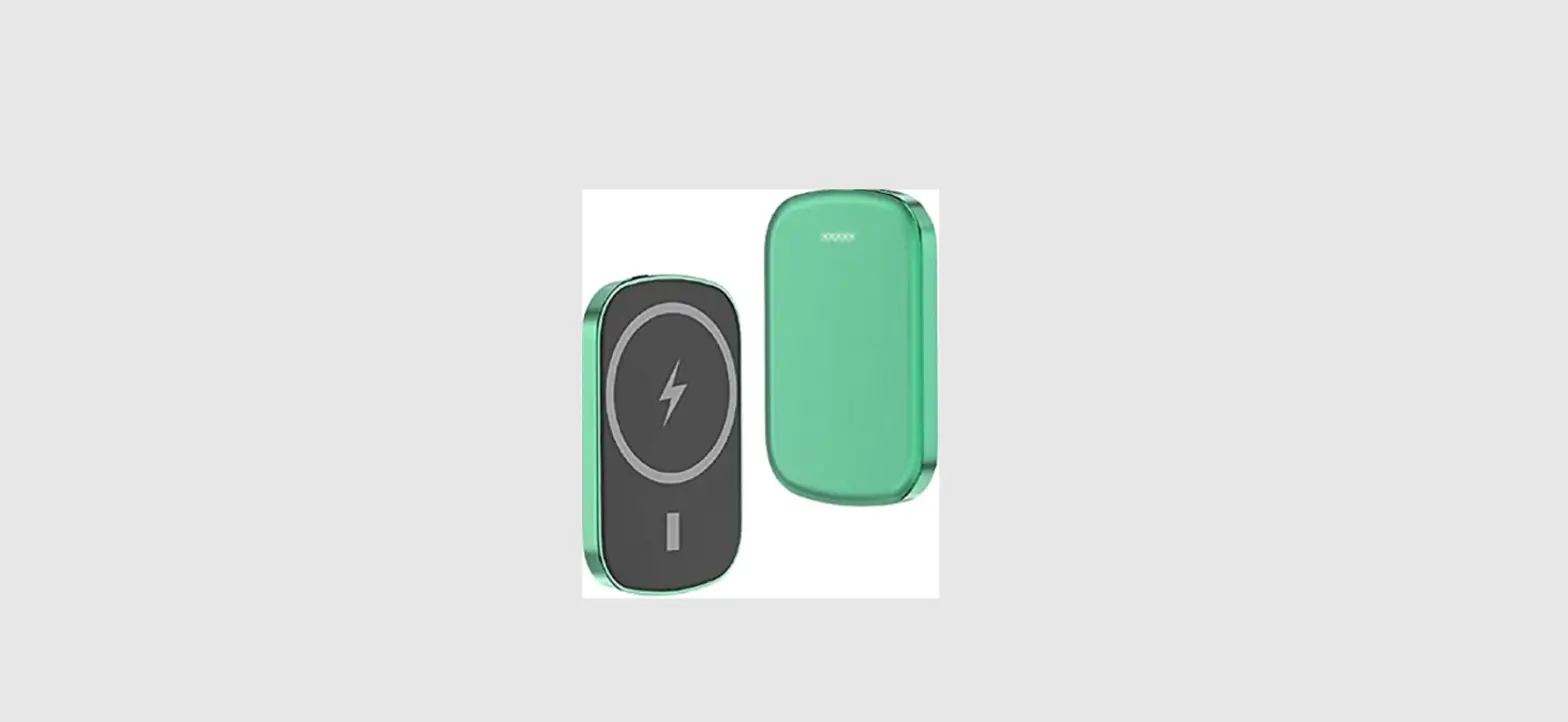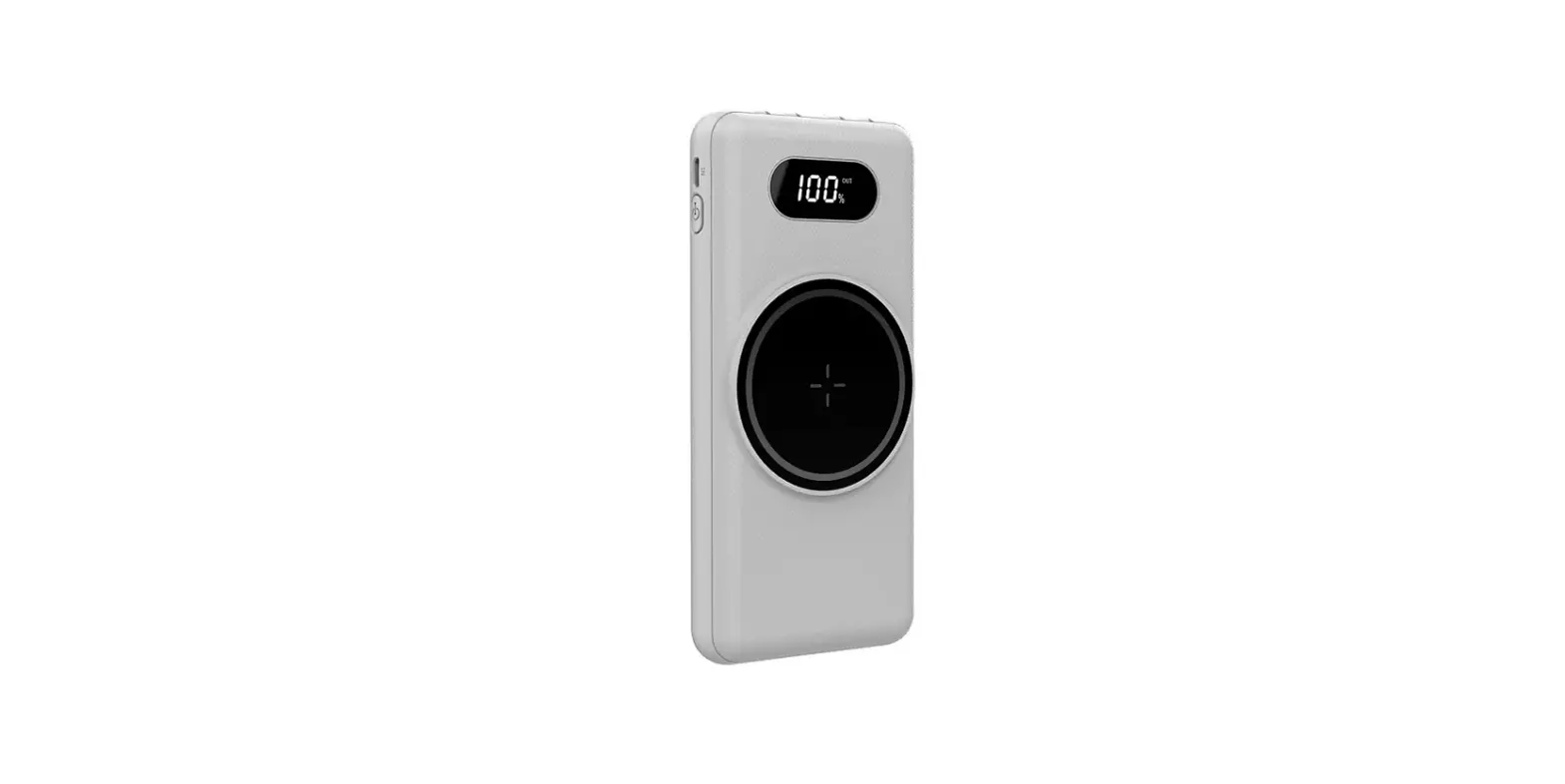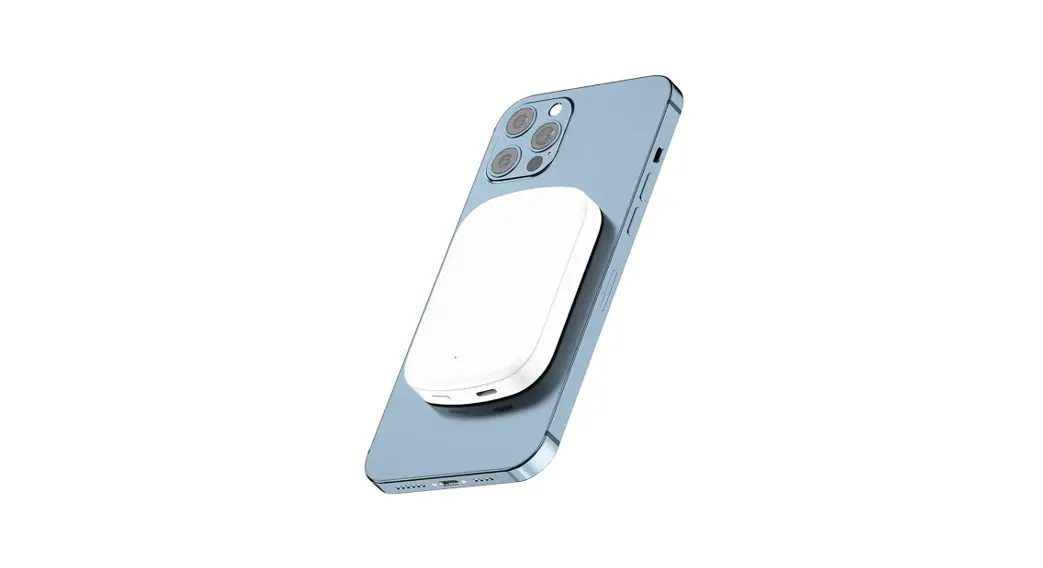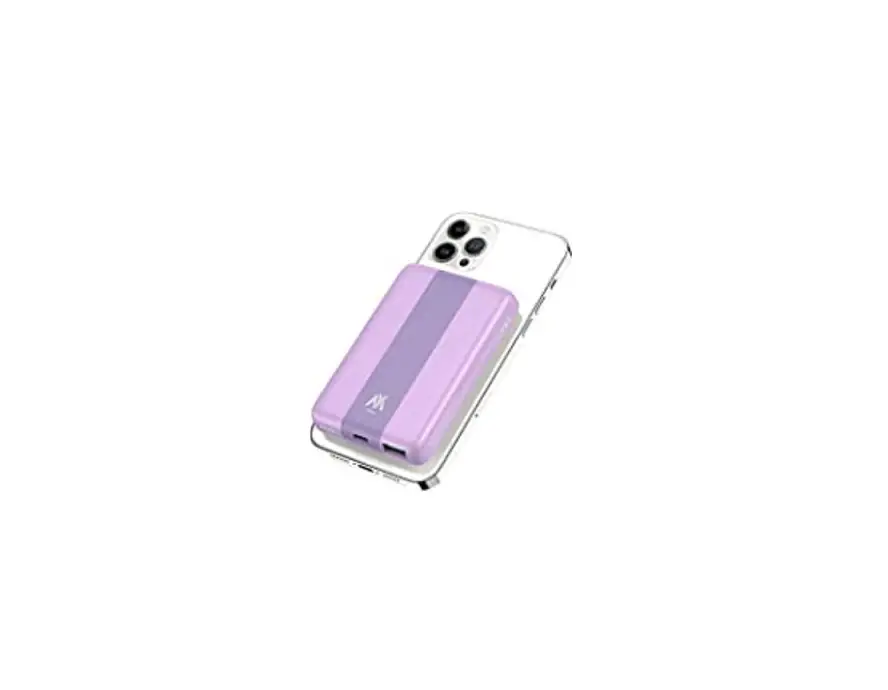

Magnetic wireless power bank
User Manual
Thank you for purchasing this product.
Please carefully read the instruction before use.
At a Glance
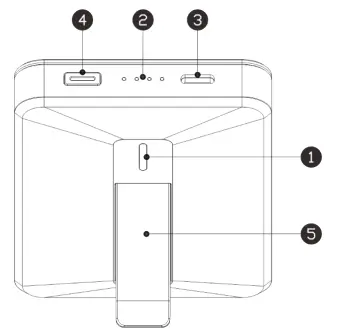
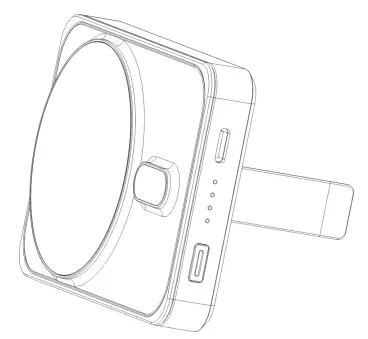
| 1 . Males Charging Indicator | 2 . Battery lend Indicator |
| 3 . USB-C Port | 4 . Power Button |
| 5 . Fold-Out Stand |
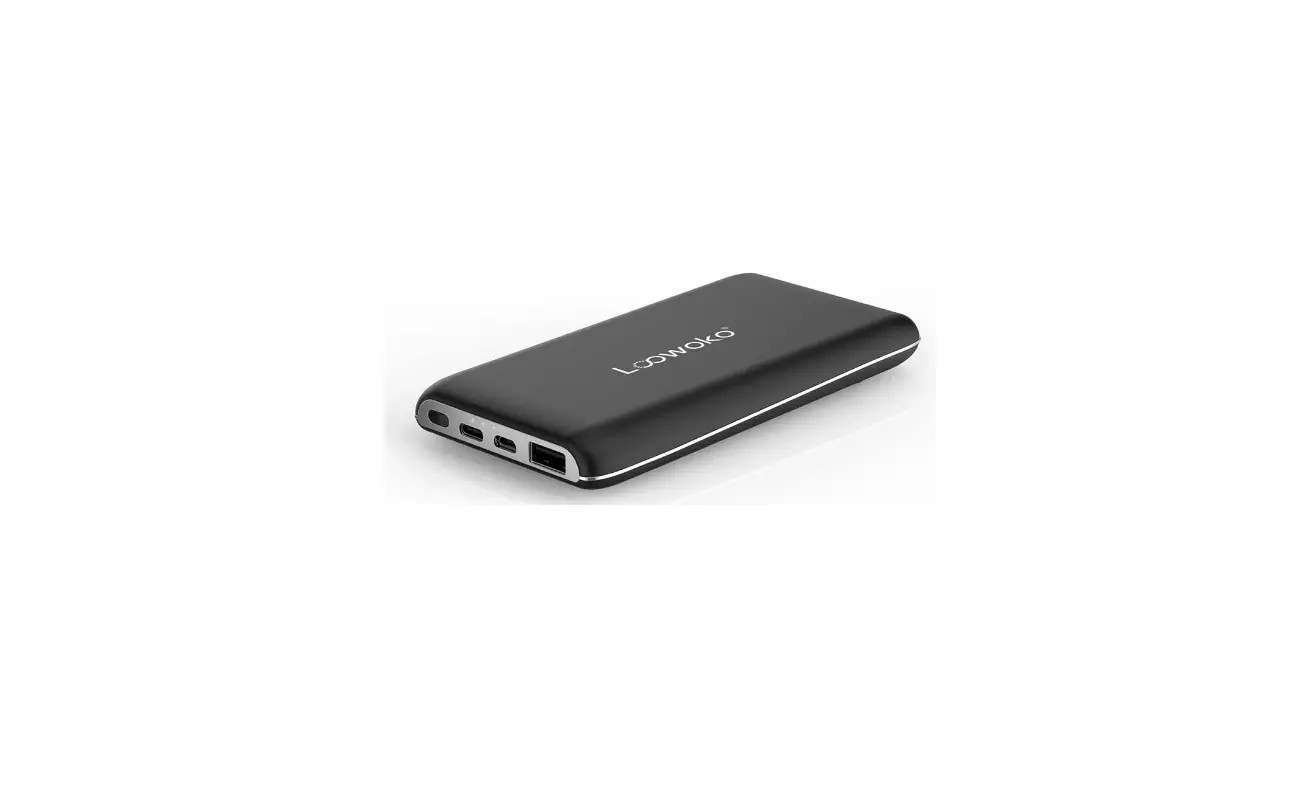
Charging Your Phone or Earbuds Using a Charging Cable
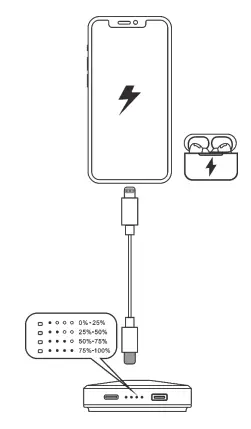
| Status | Wireless charging Indkator | Battery Level Indicator |
| Charging | Orange lamp breathing | Showing the current battery level |
| My charged | The orange fight is always on | Always bright |
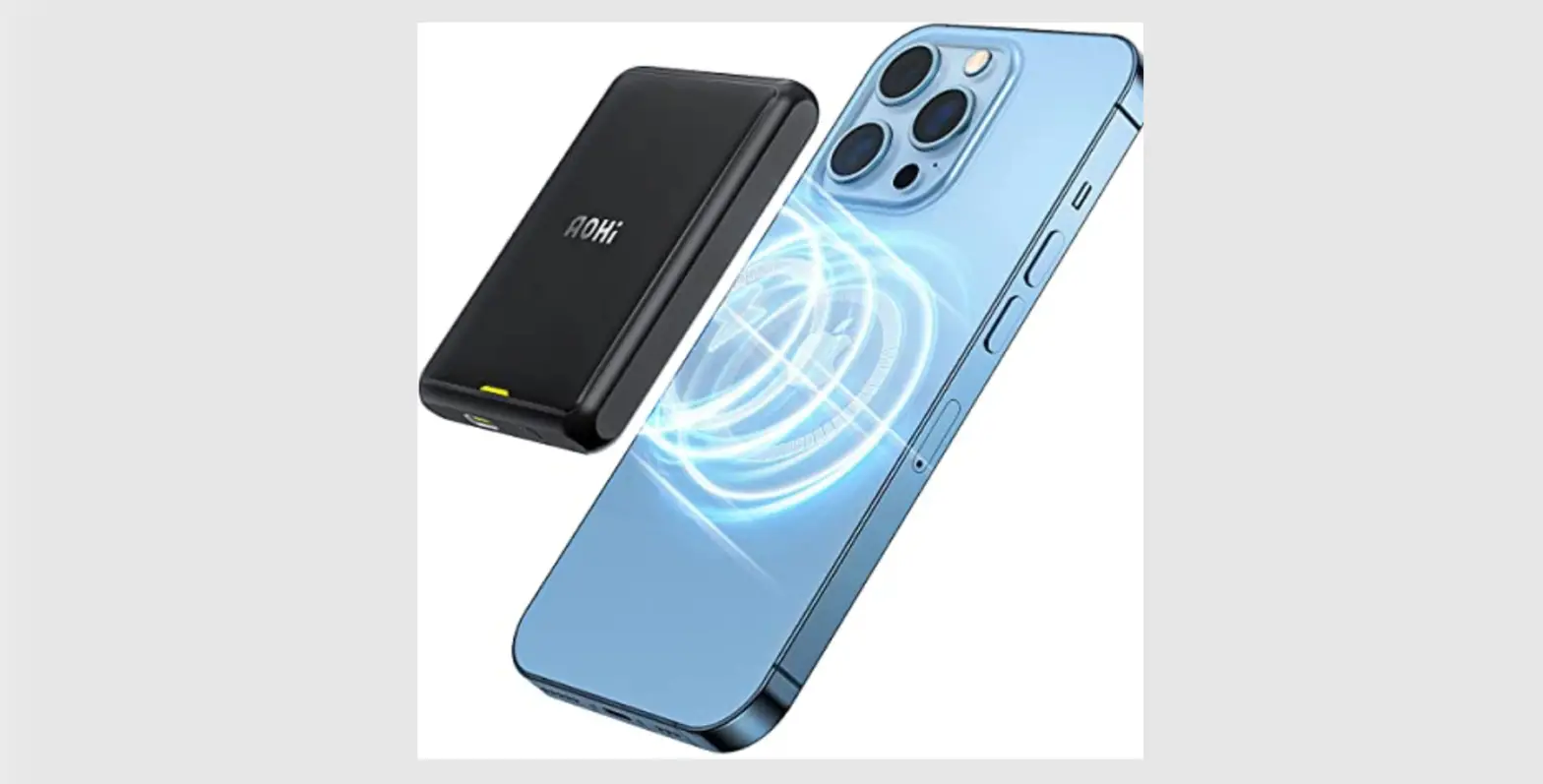
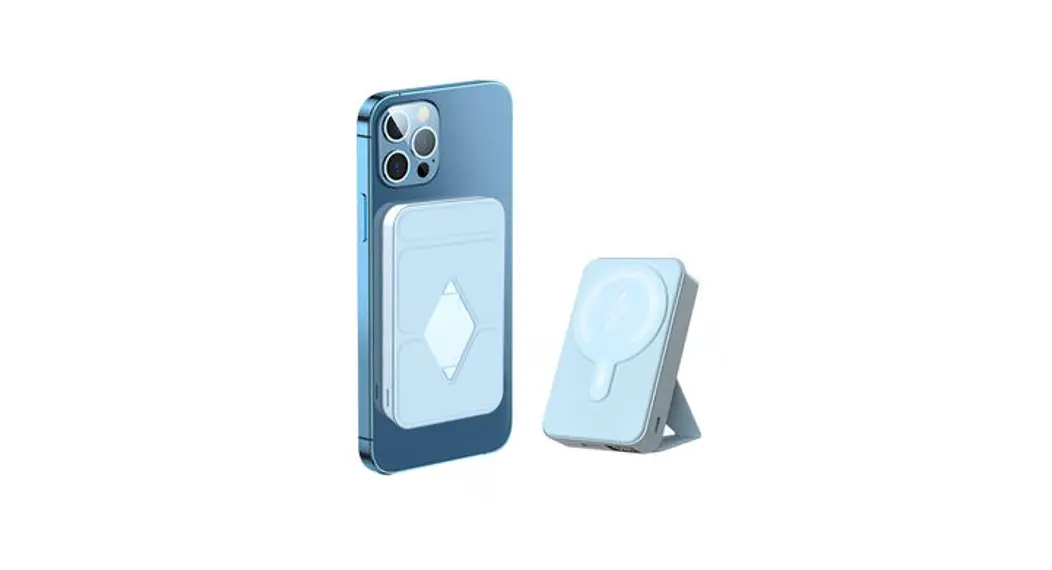
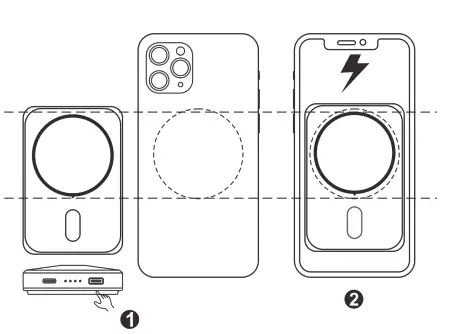
Charging the iphone 12 Series or Later
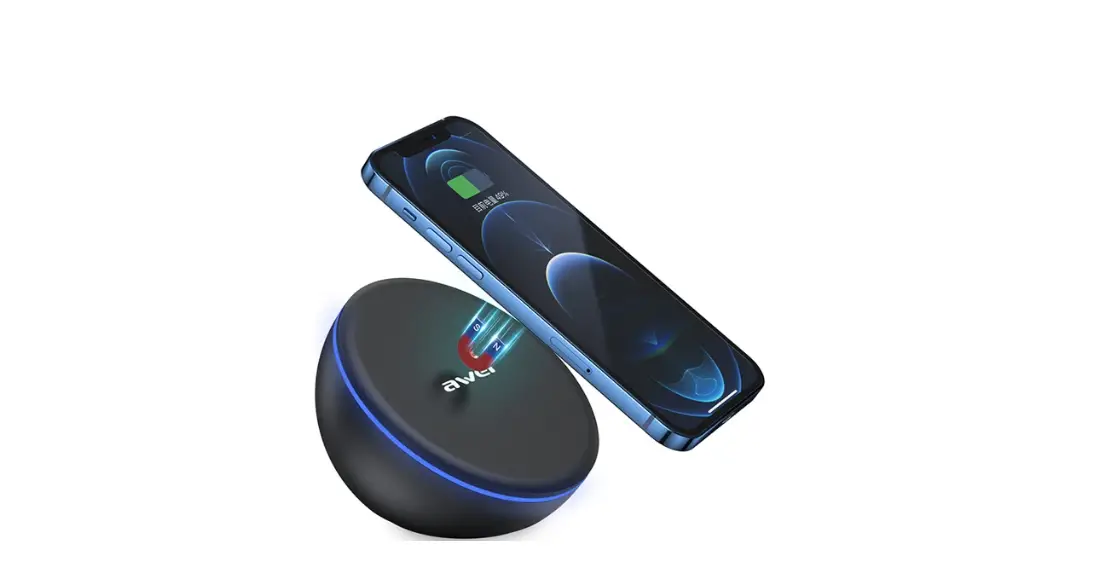
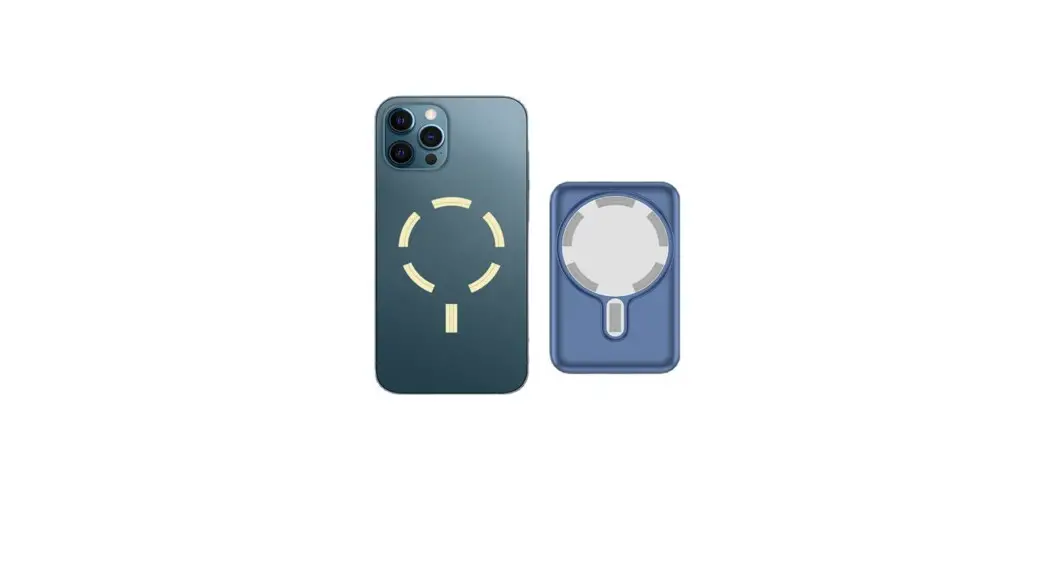
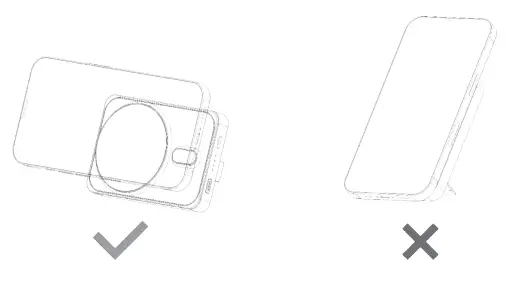
- To activate vAreless charging. press the power button or place your device on the charger as ilustrated below and it will be held in place magnetically

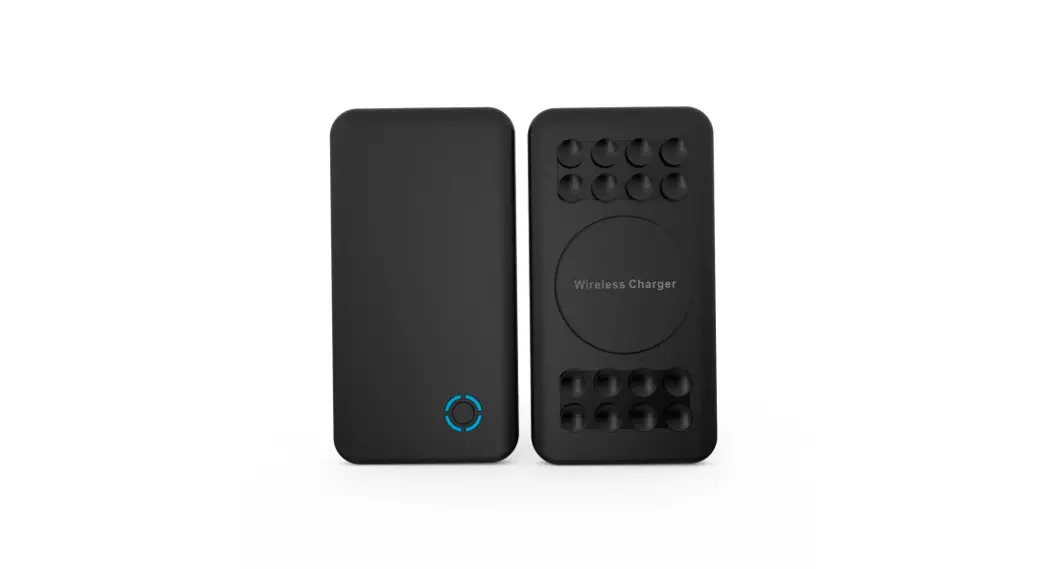
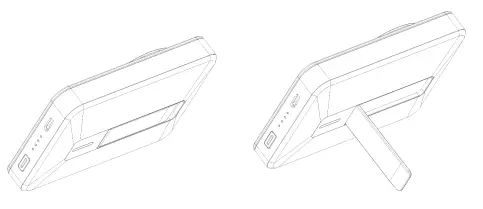
- The fold-out stand can be unfolded and used as a stand during wirelesscharging.

- The folding support only supports horizontal placement, not vertical placement
Charging Your Device Wirelessly and Recharging Your Portable Charger Simultaneously
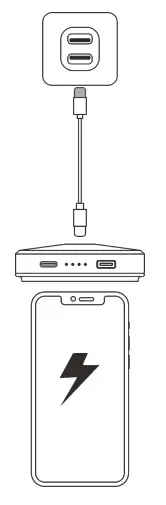
| Status | Wireless charging Indicator | Battery Level Indicator |
| Wireless charging activated | Green light breathing | Showing the current battery level |
| Charging | Green light breathing | Showing the current battery level |
| Fully charged | The orange light is always on | Always bright |
Recharging Your Portable Charger
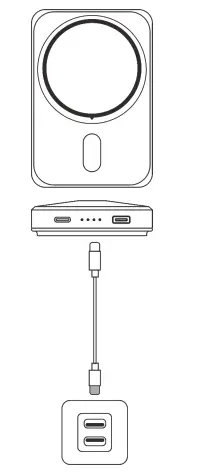
| ROWS | Wireless charging Indicator | Battery Level Indicator |
| Charging | Orange lamp breathing | Showing the current battery level |
| Fuly charged | The orange light is always on | Showing the current battery level |
Note : Wher your PowerCore exceeds the temperature limit, the battery level Indicator will turn off. Let PowerCore cool down before use.
Speciffication
| Cal Capadcy | 5000mAtt 3.7V/18.5Wh |
| USB-C Input | 5V-24A |
| US8-C Output | 5V-2.4A |
| Wireless Output | 5W/ 7.5W/ 10W |
- This wireless charger is not compatible with non-Mag Safe plane cases such as Otterbox Defender cases.
- Do not use an adapter with an output of SV/lA (5W) or less.
- Wireles chargers make charging more convenient than wired chargers, but confined by current wireless technology, their charging speed is slower than that of wired chargers
- High temperatures will reduce charging speed and restrict power, which is something that happens to all wireless chargers. It is recommended that you charge your device in environments with temperatures below 25C/77°F.
- Both the protective phone case and the position of your device on the wireless charger will affect the charging speed.The farther it is placed from the center of the wireless charger, the slower the charging speed will be.
IMPORTANT SAFETY INSTRUCTIONS
When using this product basic precautions should always be followed, including the following:
- Store the product in a cool, dry place.
- Do not store the product in a hot or humia environment
- Use of a power supply or charger not recommended or sold by the product manufacturer may result in a risk of fire or injury to persons.
- Operating temperature should be between 0°C to 40°C1 32°F to 104°F
- Do not disassemble the product. Take it to a qualified service person when service or repair is required. Incorrect reassembly may result it a risk of fire or injury to persons.
- If the product is not used for long oeriods of time, you should charge and discharge it once every three months
- When charging a device, the product may fed warm. This is a normal operating condition and should not be a cause for concern.
- In normal conditions, the battery performance MI decline over several years.
- Do not dispose of the product in heat or fire. 10) Do not dean the product with harmful chemicals or detergents.
- Misuse, dropping, or excessive force may cause product damage.
- When disposing of secondary cells or batteries, keep cells or batteries of different electrochemical systems separate from each other.
- Be aware that a discharged battery may cause fire or smoke. Tape the terminals to insulate them
This device complies with part 15 of the FCC Rules. Operation is subject to the following two conditions: (1) This device may not cause harmful interference, and (2) this device must accept any interference received, including interference that may cause undesired operation.
Any Changes or modifications not expressly approved by the party responsible for compliance could void the user’s authority to operate the equipment.
Note: This equipment has been tested and found to comply with the limits for a Class B digital device, pursuant to part 15 of the FCC Rules. These limits are designed to provide reasonable protection against harmful interference in a residential installation. This equipment generates uses and can radiate radio frequency energy and, if not installed and used in accordance with the instructions, may cause harmful interference to radio communications. However, there is no guarantee that interference will not occur in a particular installation. If this equipment does cause harmful interference to radio or television reception, which can be determined by turning the equipment off and on, the user is encouraged to try to correct the interference by one or more of the following measures:
- Reorient or relocate the receiving antenna.
- Increase the separation between the equipment and receiver
- Connect the equipment into an outlet on a circuit different from that to which the receiver is connected.
- Consult the dealer or an experienced radio/TV technician for help.
FCC Radiation Exposure Statement:
This equipment complies with FCC radiation exposure limits set forth for an uncontrolled environment . This equipment should be installed and operated with minimum distance 20cm between the radiator& your body.