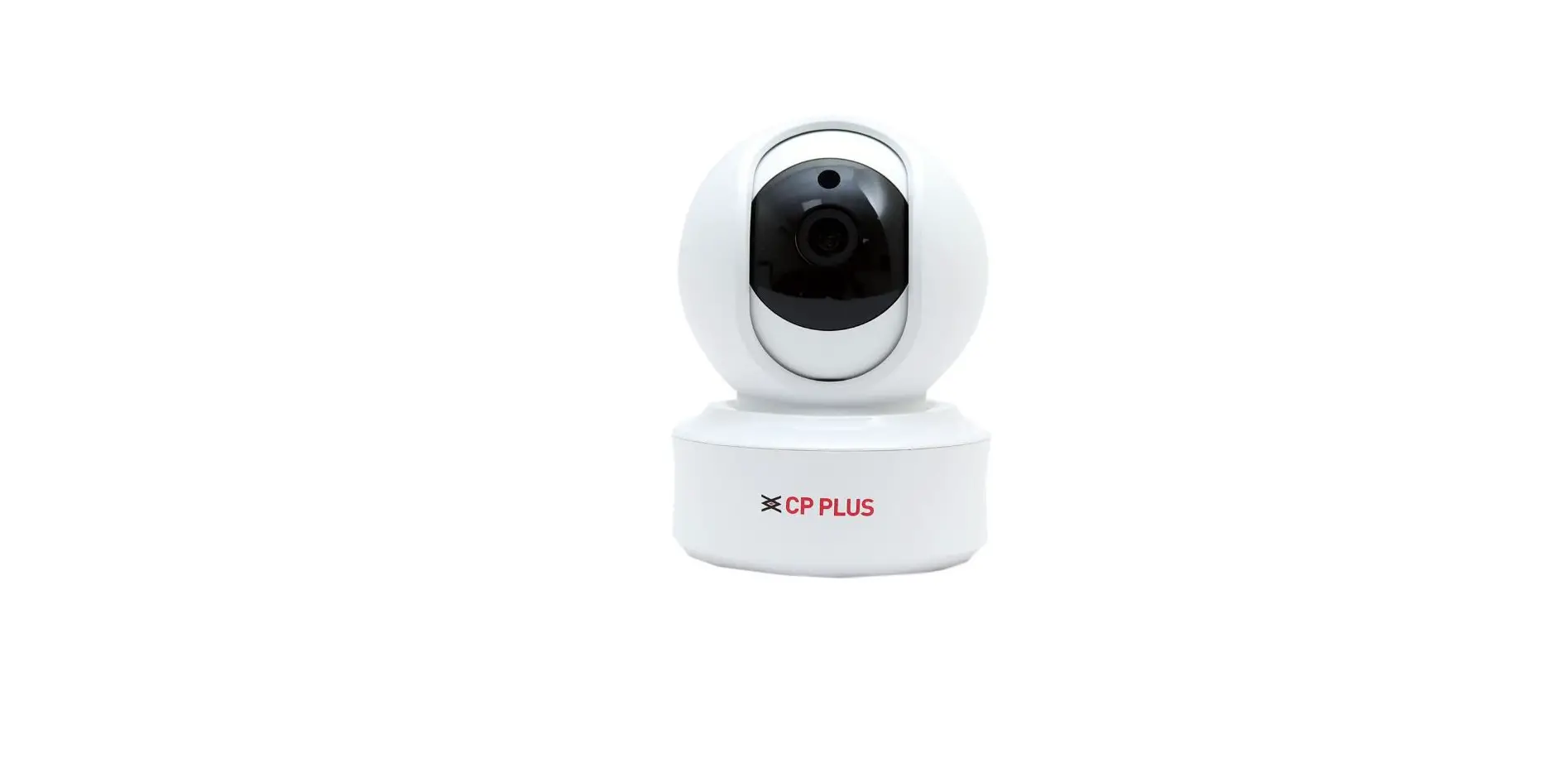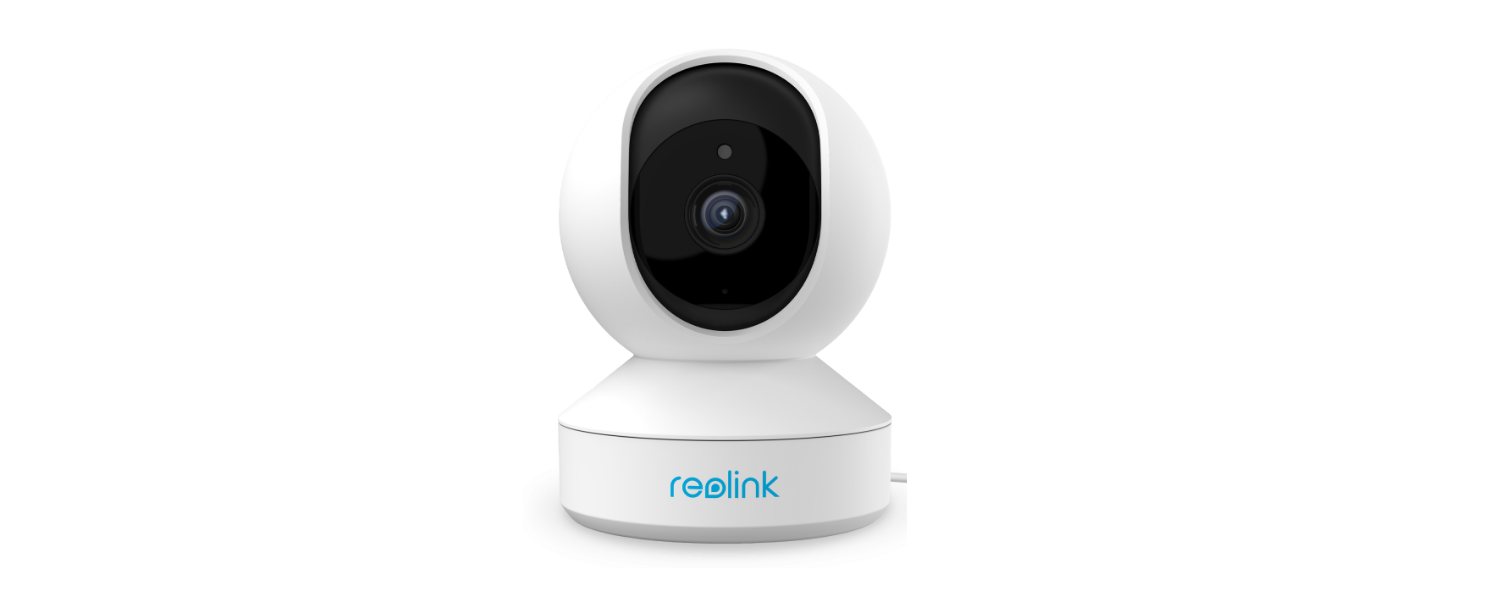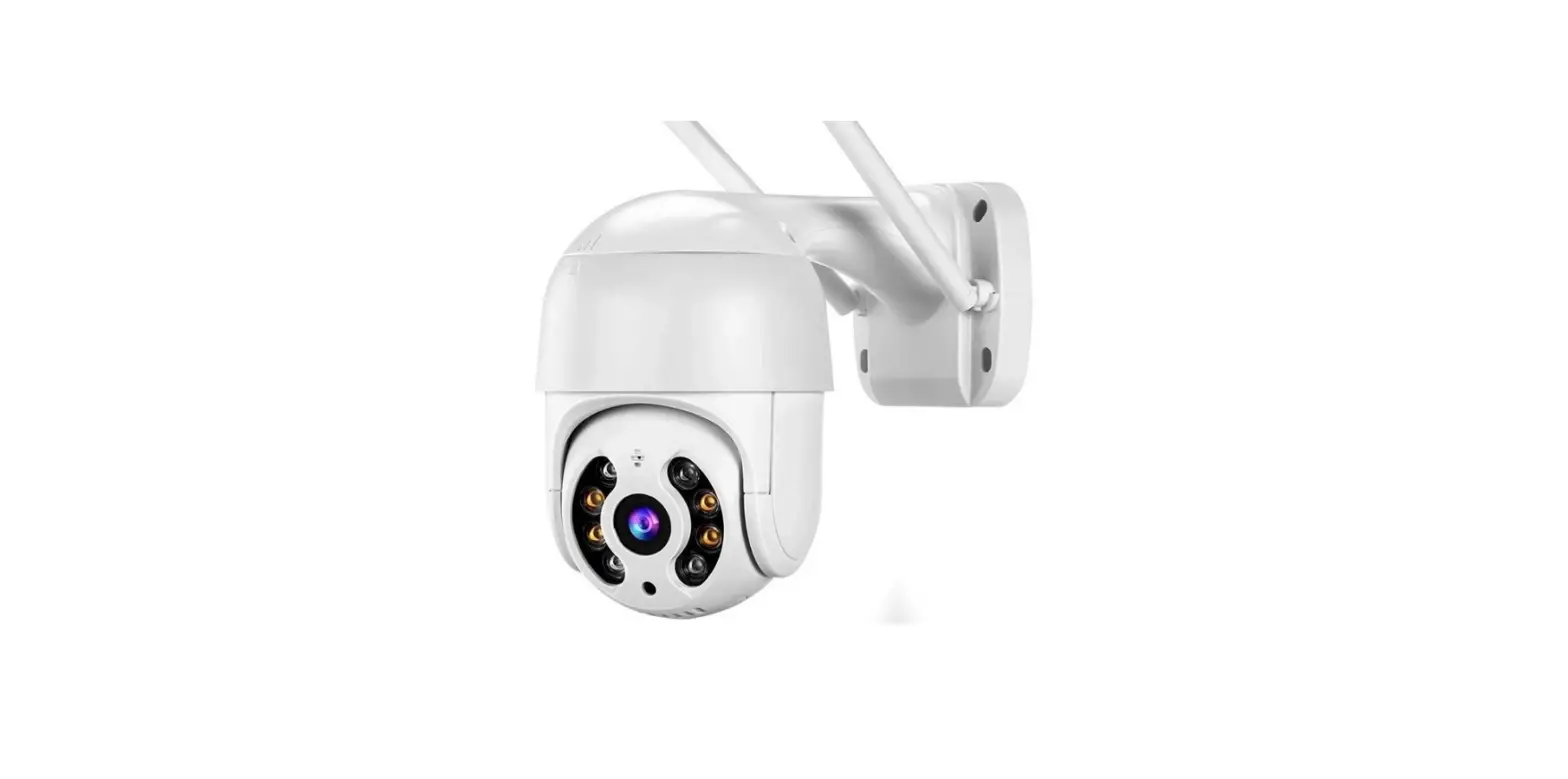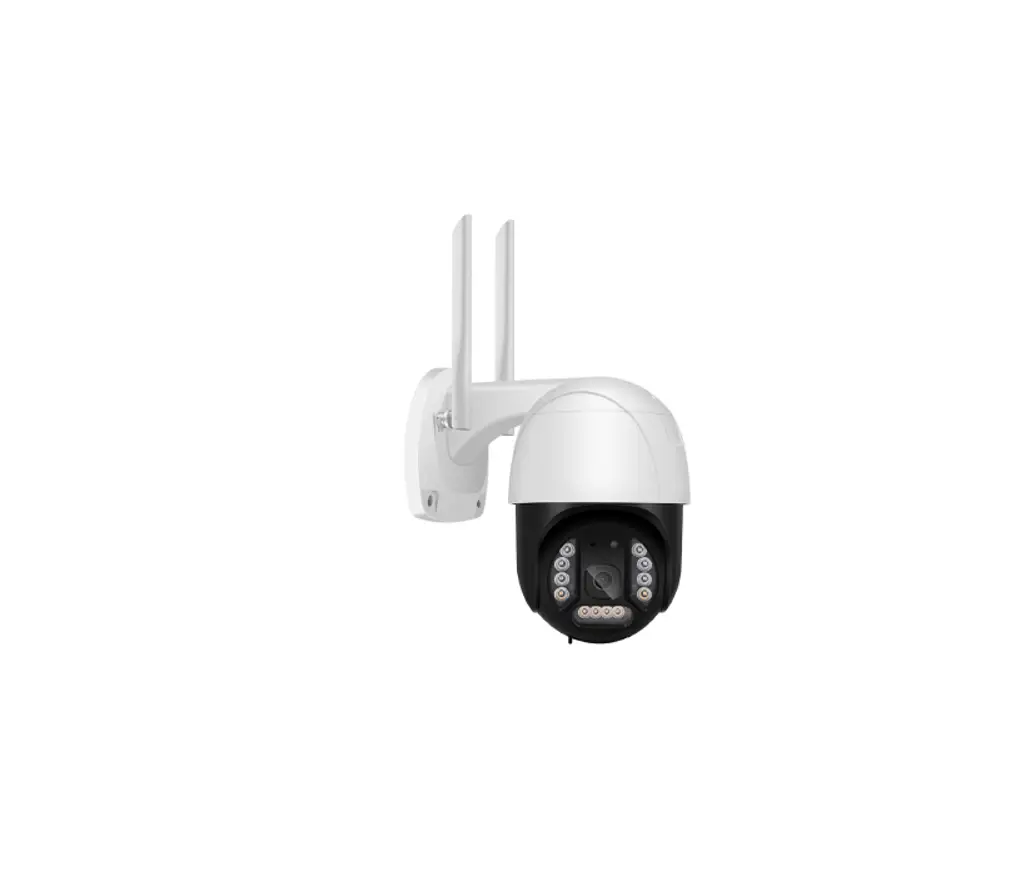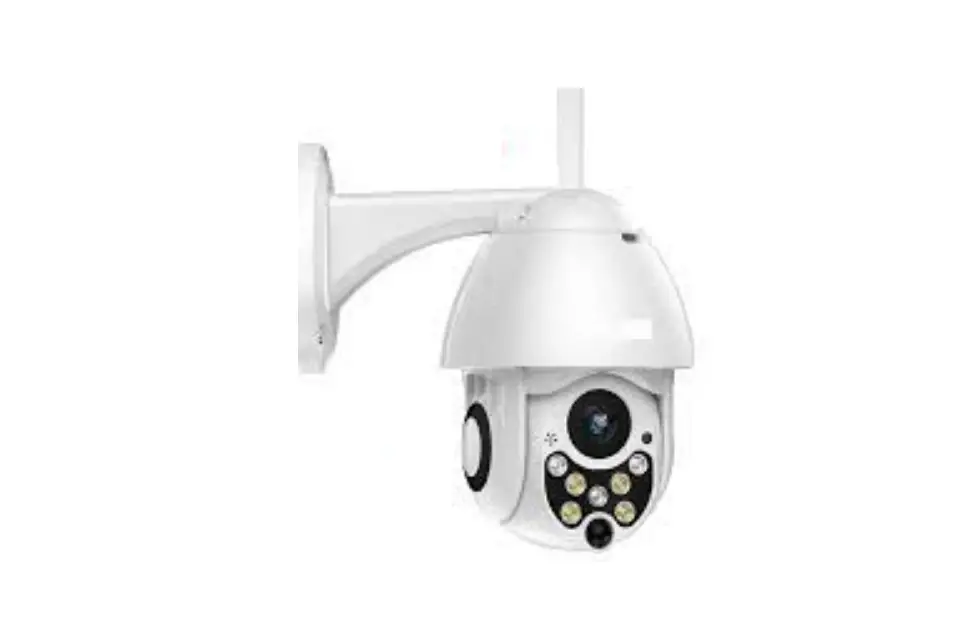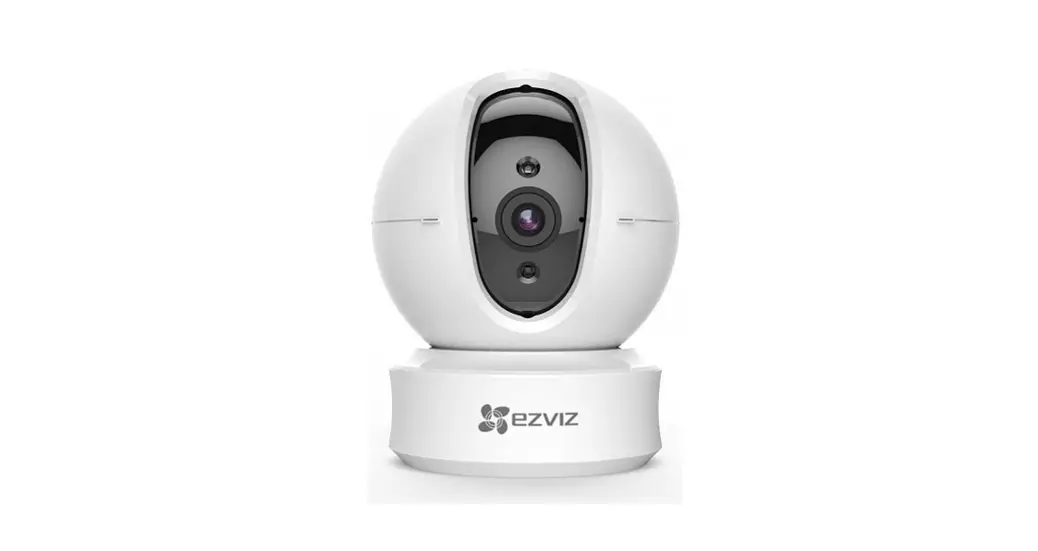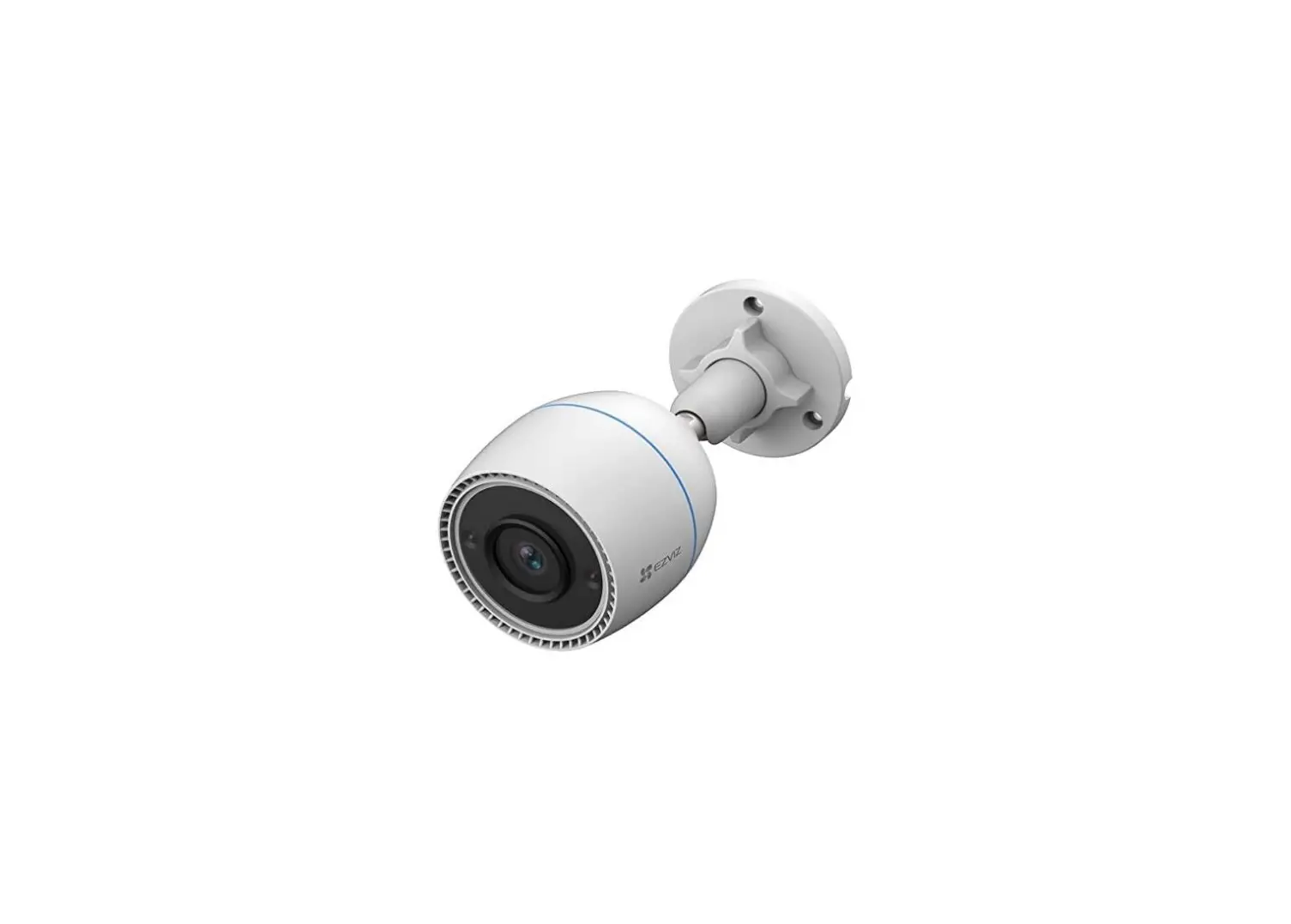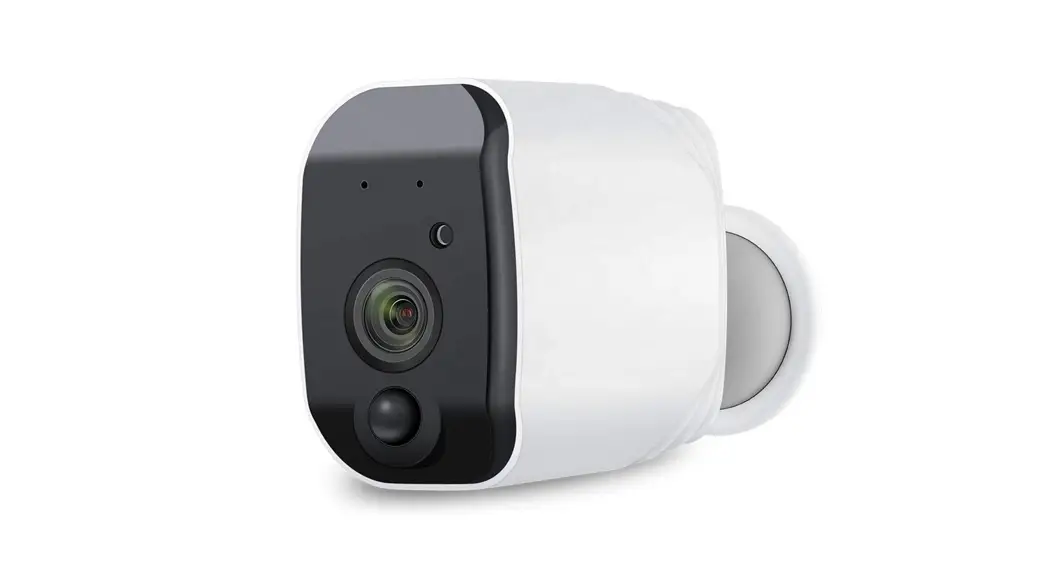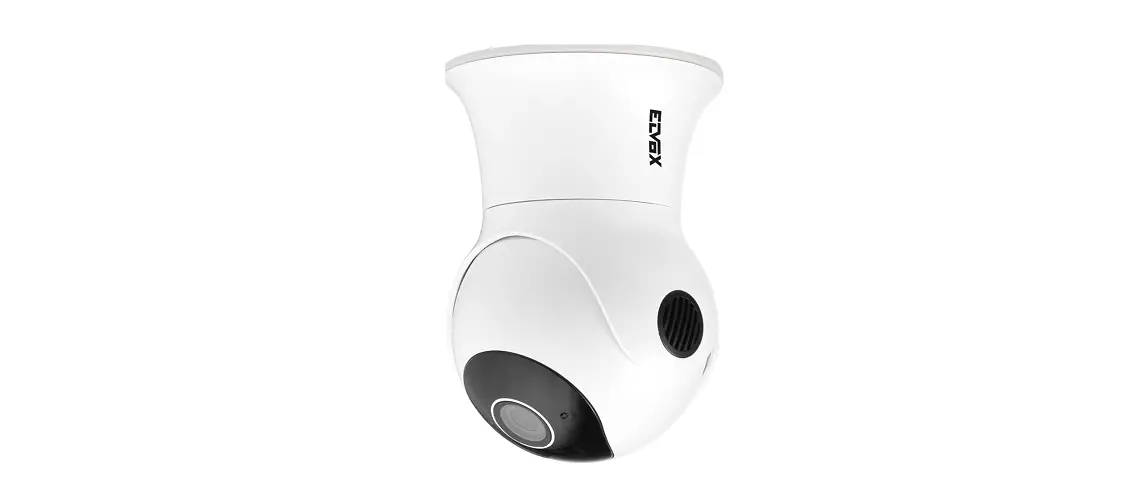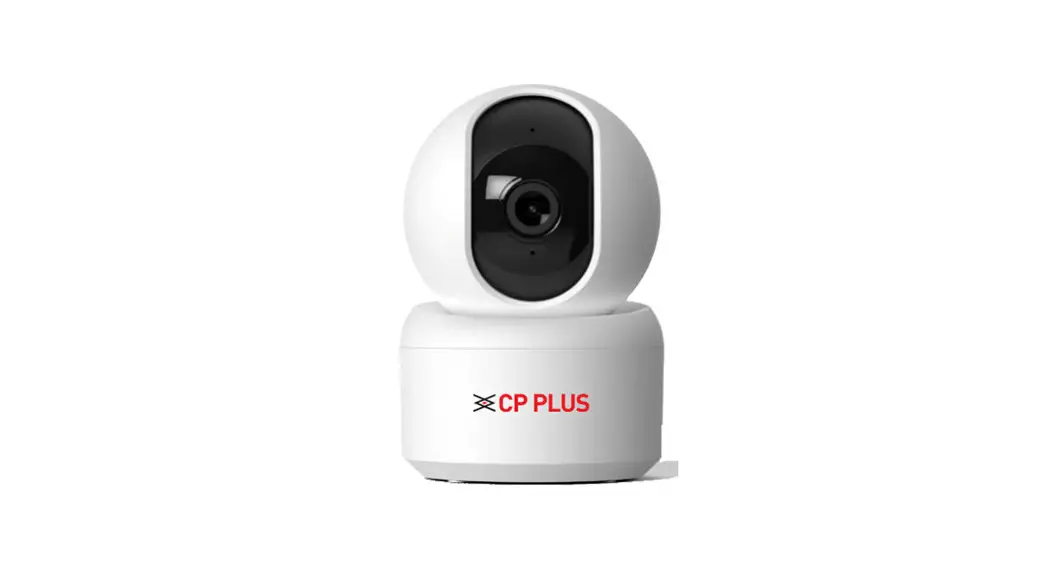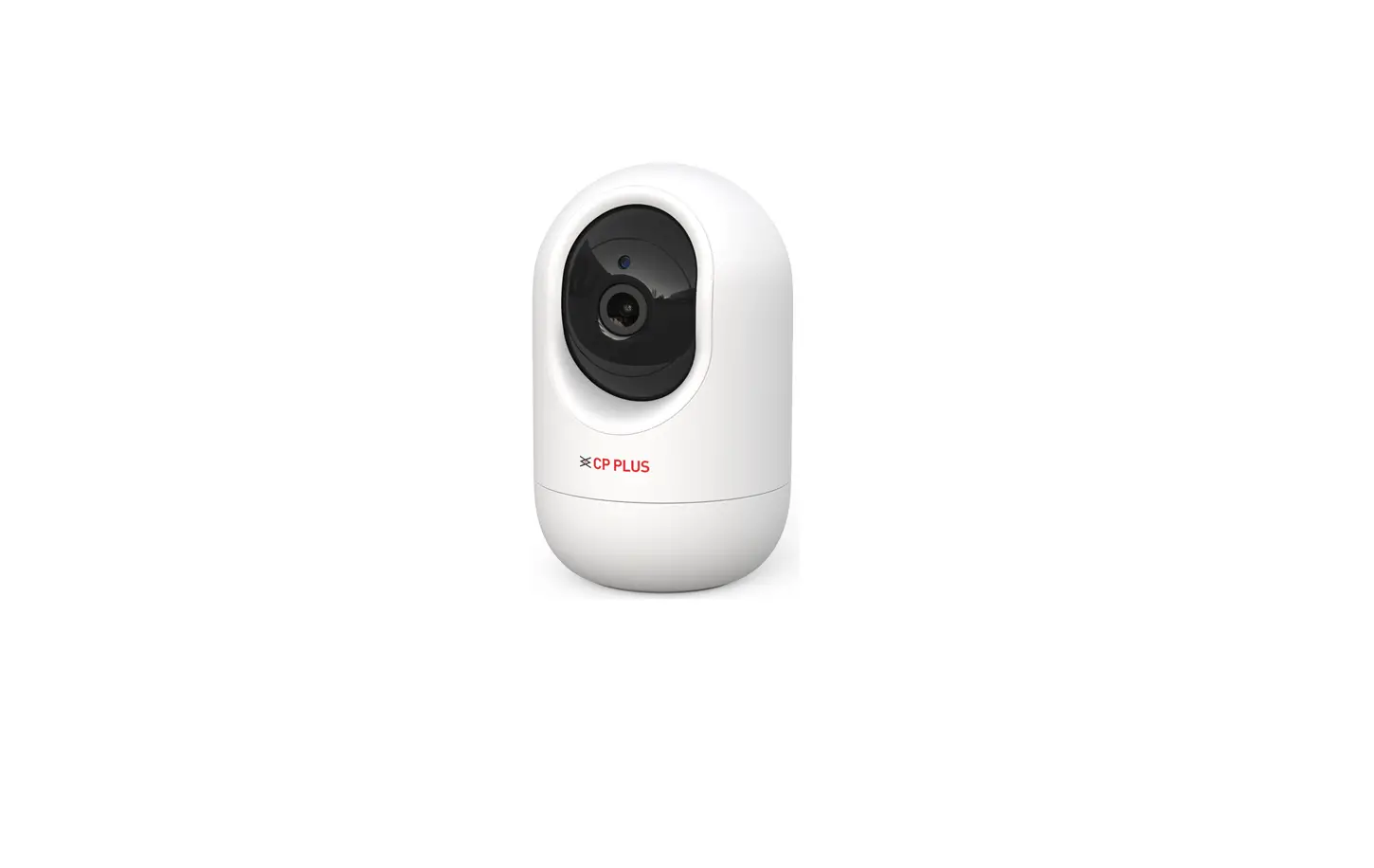
ezykam E24A Wi-Fi PT Camera User Guide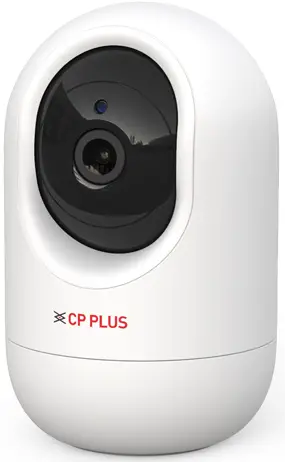
Thank you for choosing CP PLUS ezykam, Get started using your new devices by downloading ezykam+ app, one convenient app that manages everything straight from your smart phone. Easily connect to your home Wi-Fi and control multiple devices from the touch of your ngertips
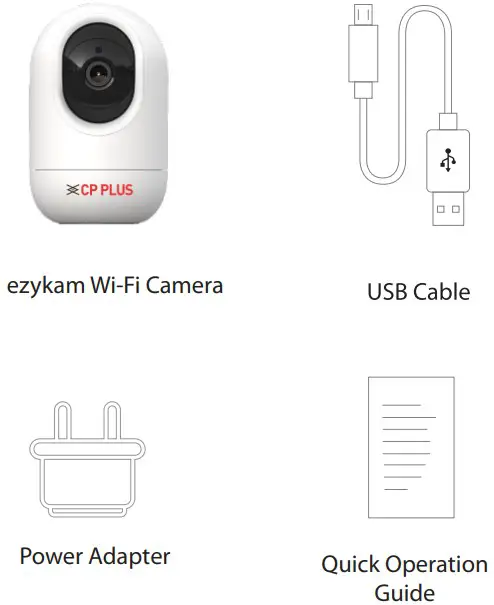
What’s in the Box
Get Ready
- Know your Wi-Fi network and password.
- Make sure your mobile device is running i0S’ 9.0 or higher or Android’ 5.0 or higher.
- Make sure you’re connecting to a 2.4GHz Wi-Fi network (It can’t connect to 5GHz networks)
- Download the ezykam+ app from App Store or on Google Play.


Google, Google Play and Google Home are trademarks of Google LLC.
Amazon, Alexa and all related logos are trademarks of Amazon.com, Inc. or its affiliates. - Register an account on your ezykam+ app.
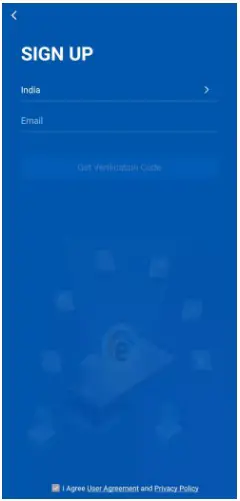
STEP 1- Select the country.
- Enter the email address.

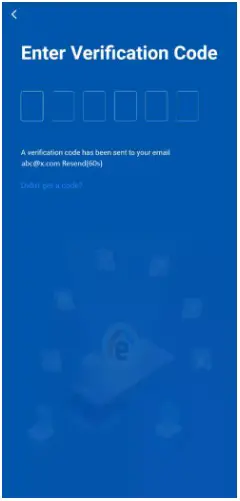
STEP 2 - Enter the verication code and create a password
- Plug in
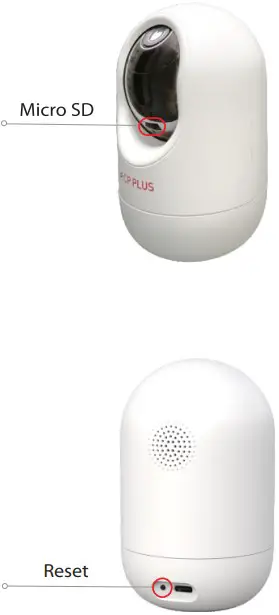
How do I reset my camera?
Use the reset pin to press the Reset Button for several seconds until the camera starts to beep.
Optional: Insert Micro SD Card
- Add Camera
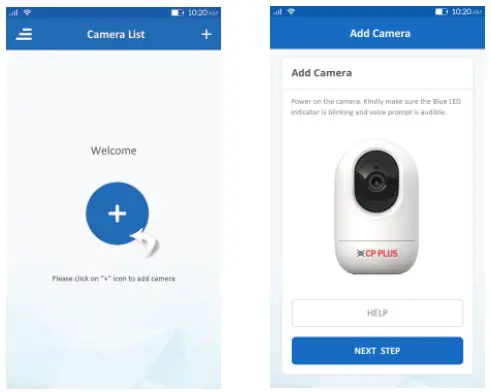
Open ezykam+ app, click”+”on the top right corner of the “HOME” page, then select”Specific model to add’:
Make sure that the Red LED indicator is blinking and voice prompt is audible.
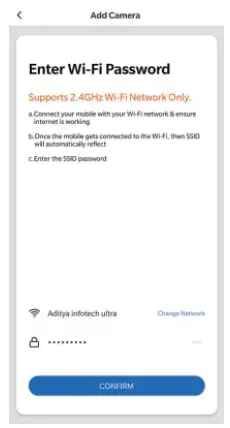
Enter your”Wi-Fi network and password’: click “CONFIRM”.
- Add Camera
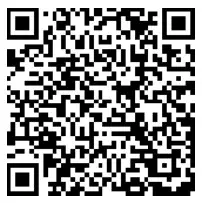
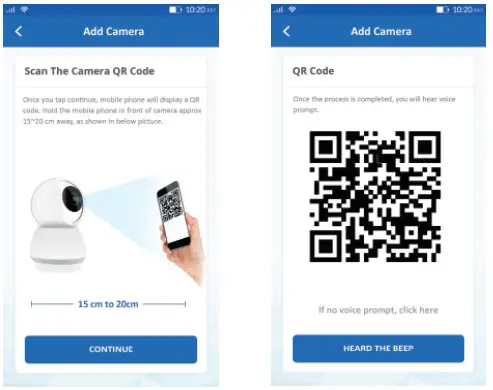
Read the instruction about Scan the camera OR code” and click “Continue”.
Scan the QR Code on your phone with camera. Heard a voice prompt, click”Heard the beep”
- Add Camera
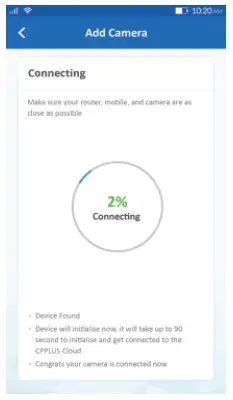
When the indicator light on the device turn to steady blue light, the network configuration is complete.
Please refer to the specific APP interface if there are any difference.
- Add Camera


Frequently Asked Questions
- Can I share camera with family and friends?
Yes, you can share your cameras with family and friends who will have access to view the camera. - What’s the Wireless Range?
The range of your home Wi-Fi is heavily dependent on your home router and the conditions of the room. Check with your router specications for exact range data. - The camera appears offline or unreachable?
Make sure you entered the correct Wi-Fi password during the Wi-Fi setup. Check whether there is any Internet connection problem. If the Wi-Fi signal is too weak, reset your Wi-Fi router and try again. - Cannot connect to your Wi-Fi network
Make sure you entered the correct Wi-Fi password during the Wi-Fi setup. Check whether there are any Internet connection problems. If the Wi-Fi signal is too weak, reset your Wi-Fi router and try again. - How many cameras can I control?
CP Plus app can control unlimited number of cameras in unlimited amount of locations. Your router may have a limit of how many cameras can be connected to one router.
Voice control works with Alexa or Google Assistant
You can control your camera using just your voice with Alexa or Google Assistant-enabled devices.

System Requirements
- Smartphone running iOS 9.0 or higher or Android 5.0 or higher
- Existing Wi-Fi Network with internet connection
Technical Specications
- Resolution: CP-E24A= 1920×1080@15fps, H.264 encoding
CP-E34A= 2304×1296@20fps, H.265 encoding
CP-E44A= 2560×1440@20fps, H.265 encoding - Audio: Internal Speaker and Microphone
- Audio: Internal Speaker and Microphone
- Storage: supports up to 128GB Micro SD card (not included)
- Wi-Fi: IEEE 802.11 b/g/n, 2.4GHz (not compatible with 5GHz Wi-Fi networks)
For further assistance, you can reach us via
[email protected]
** Please read the instrucon carefully before using the product **