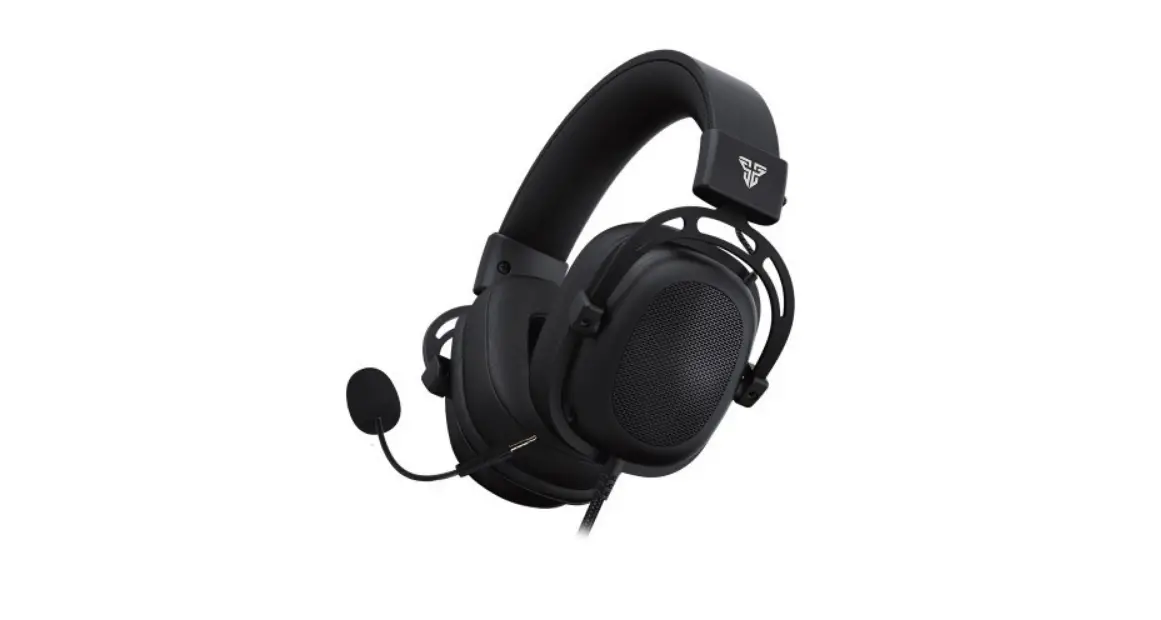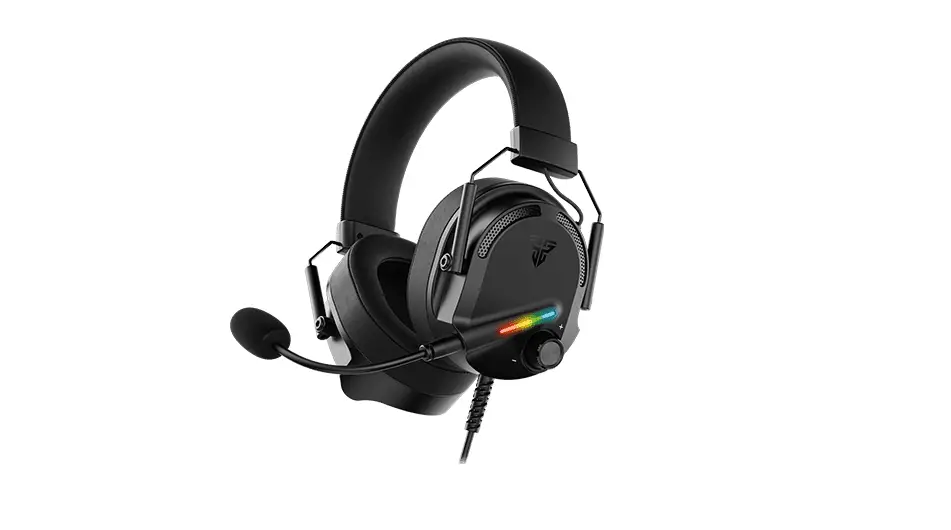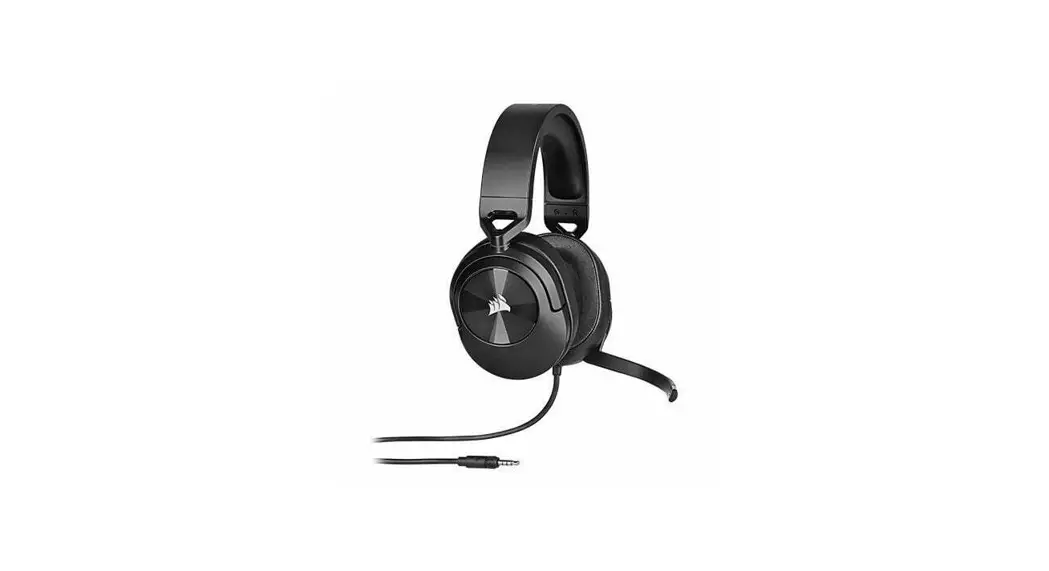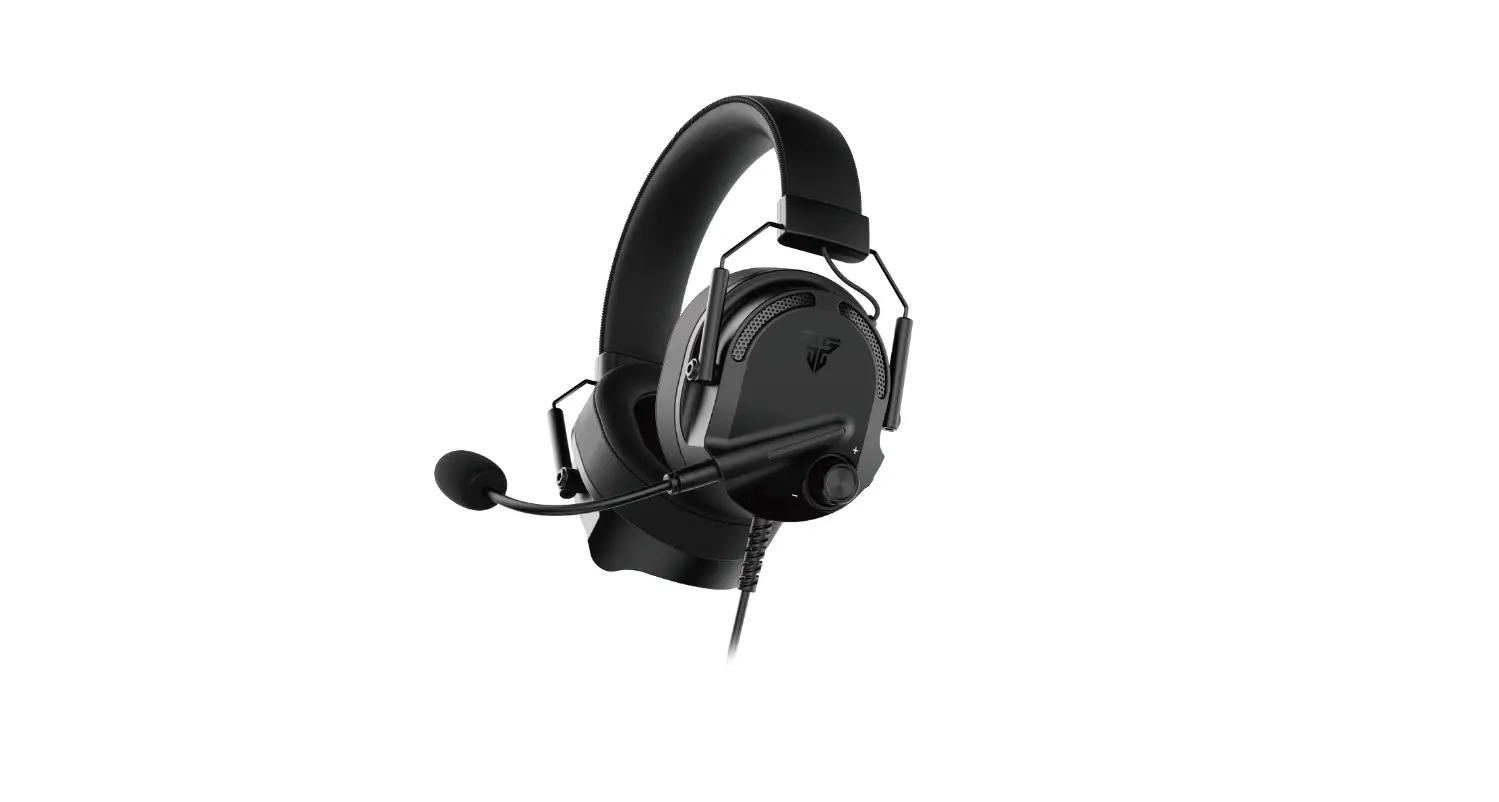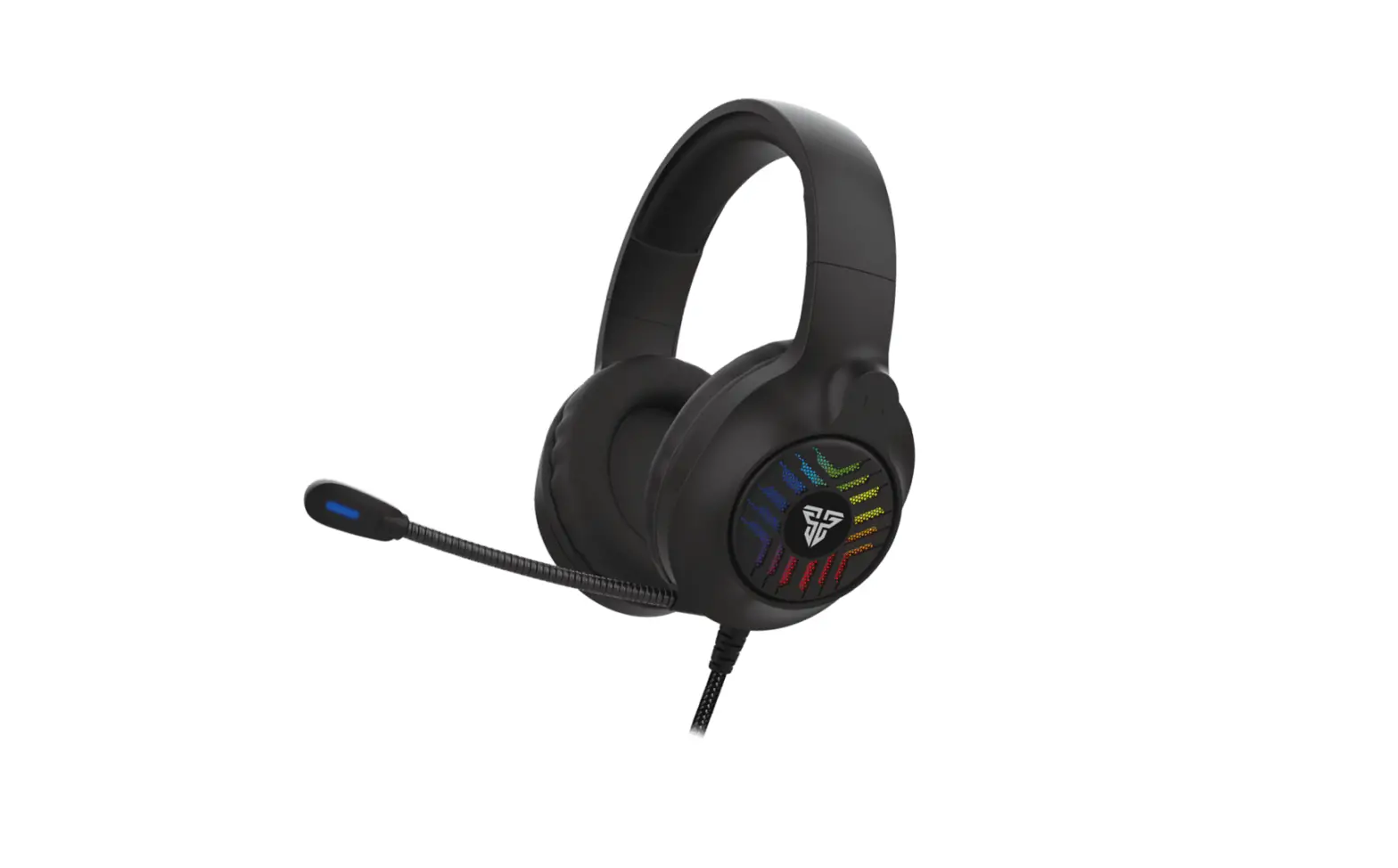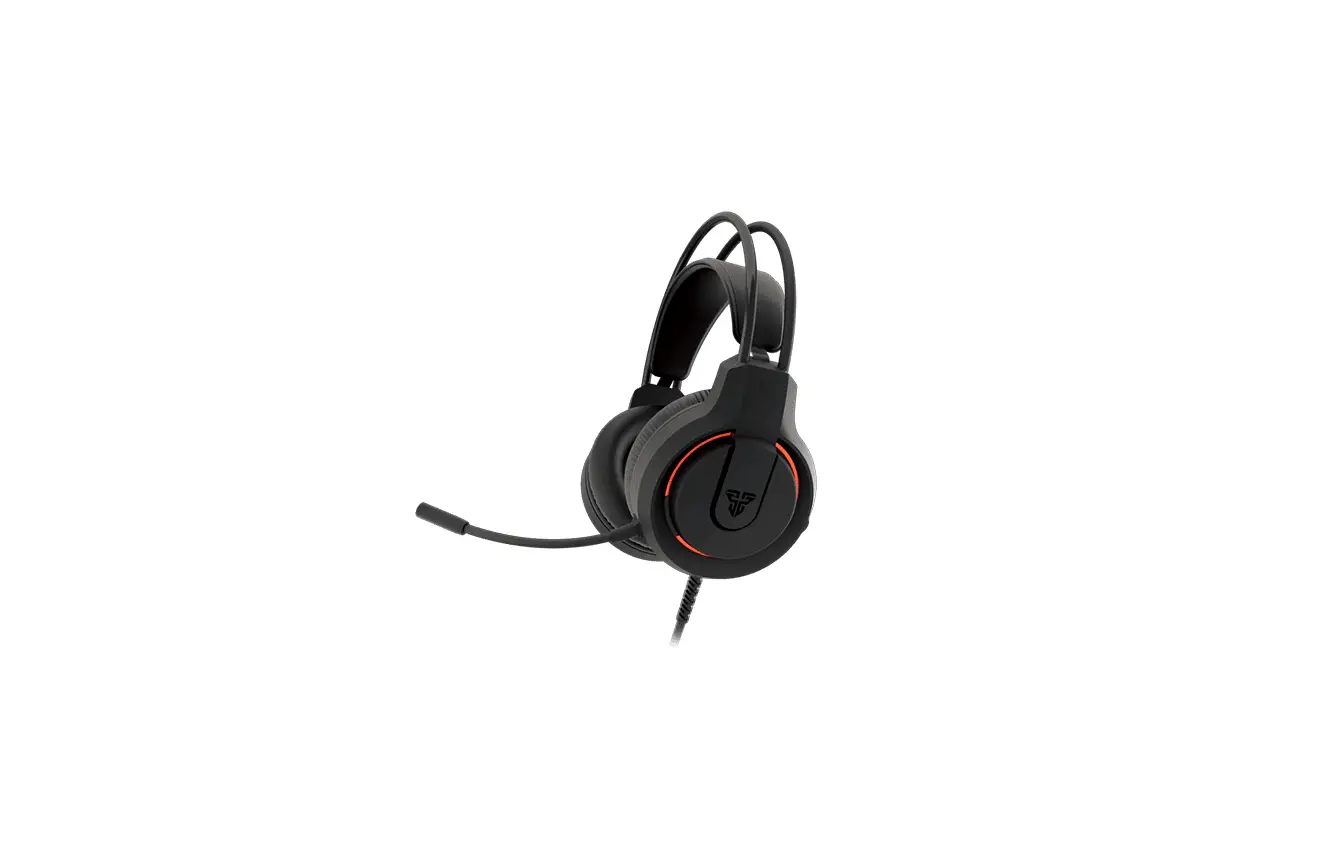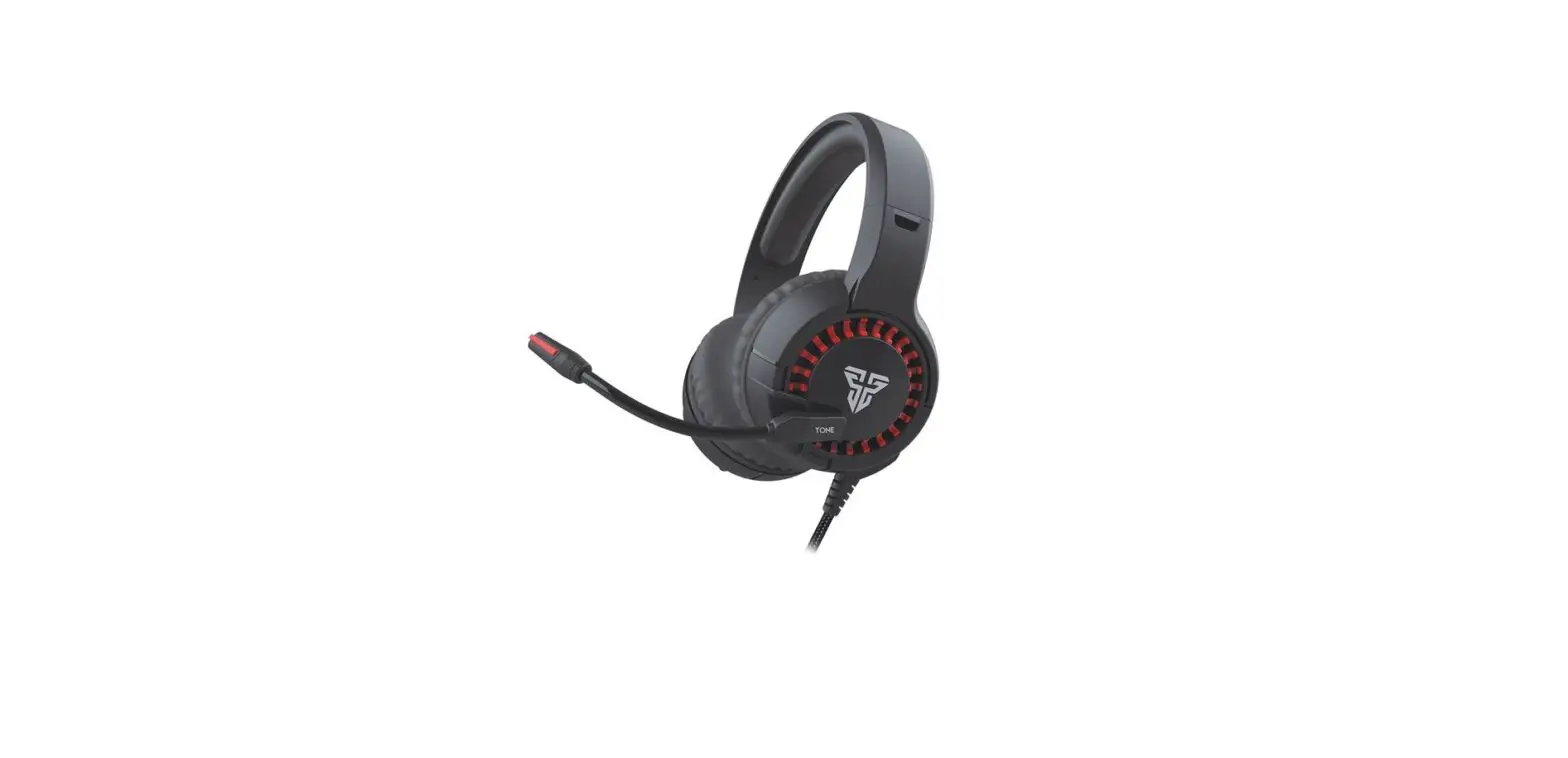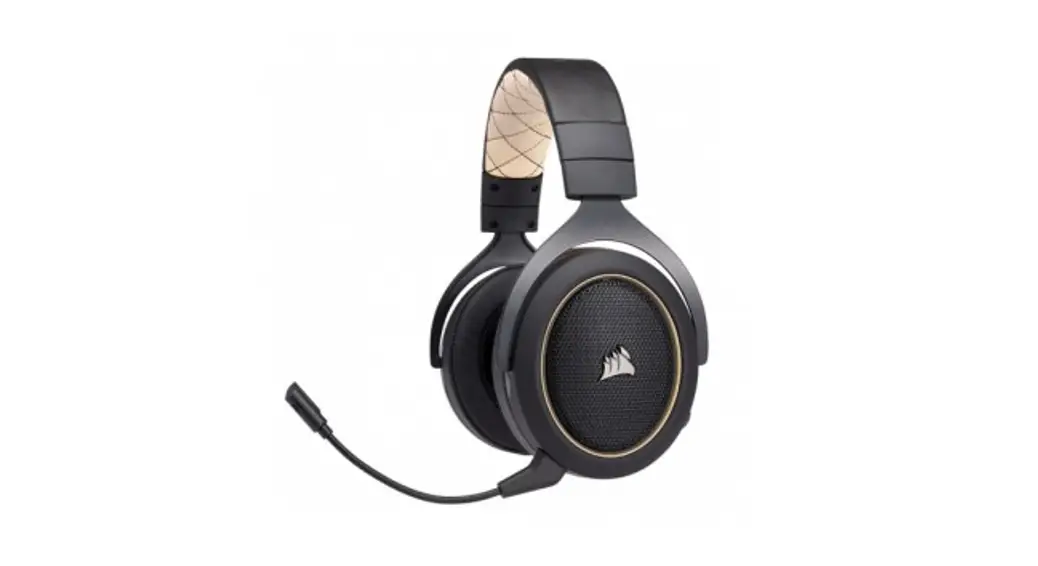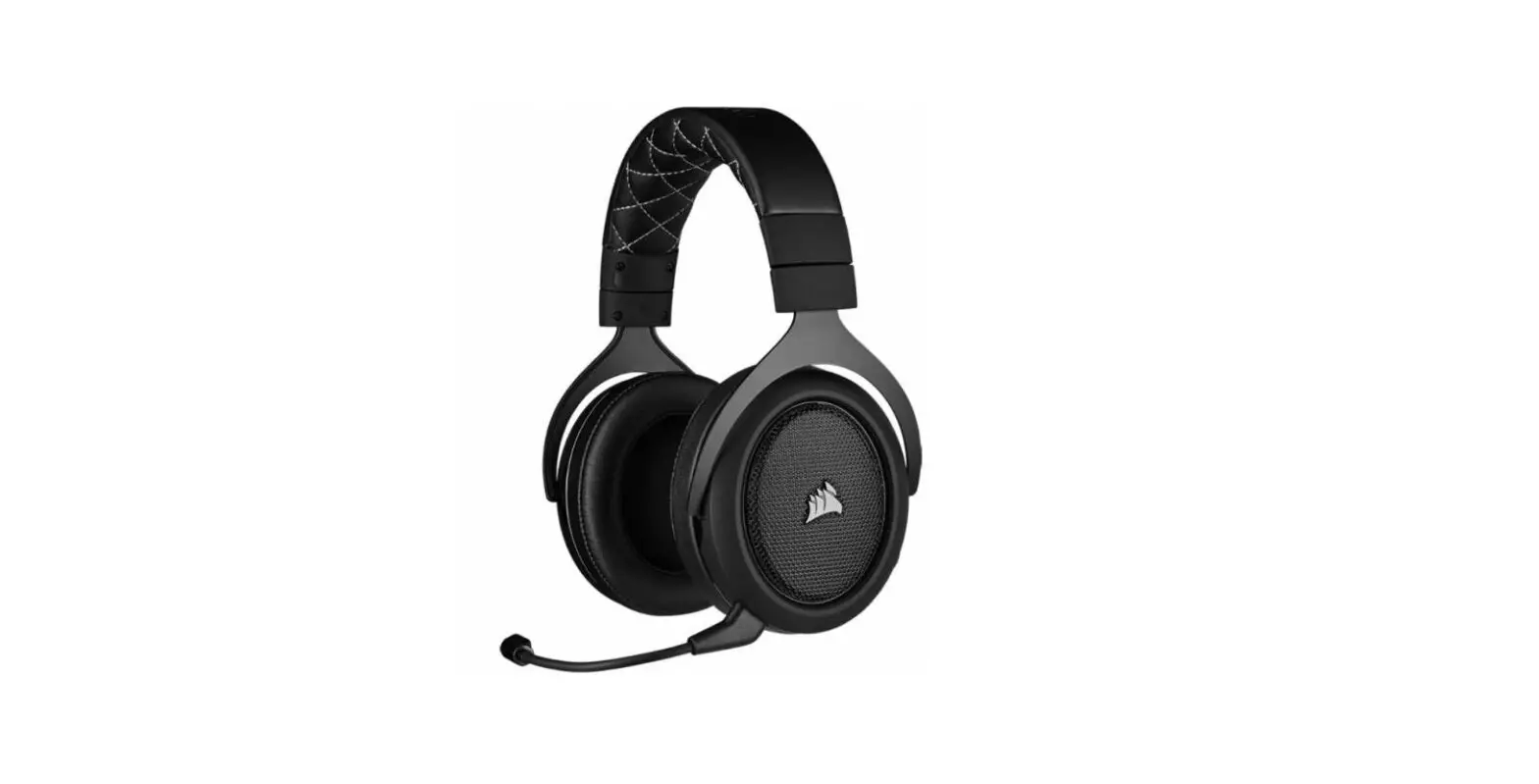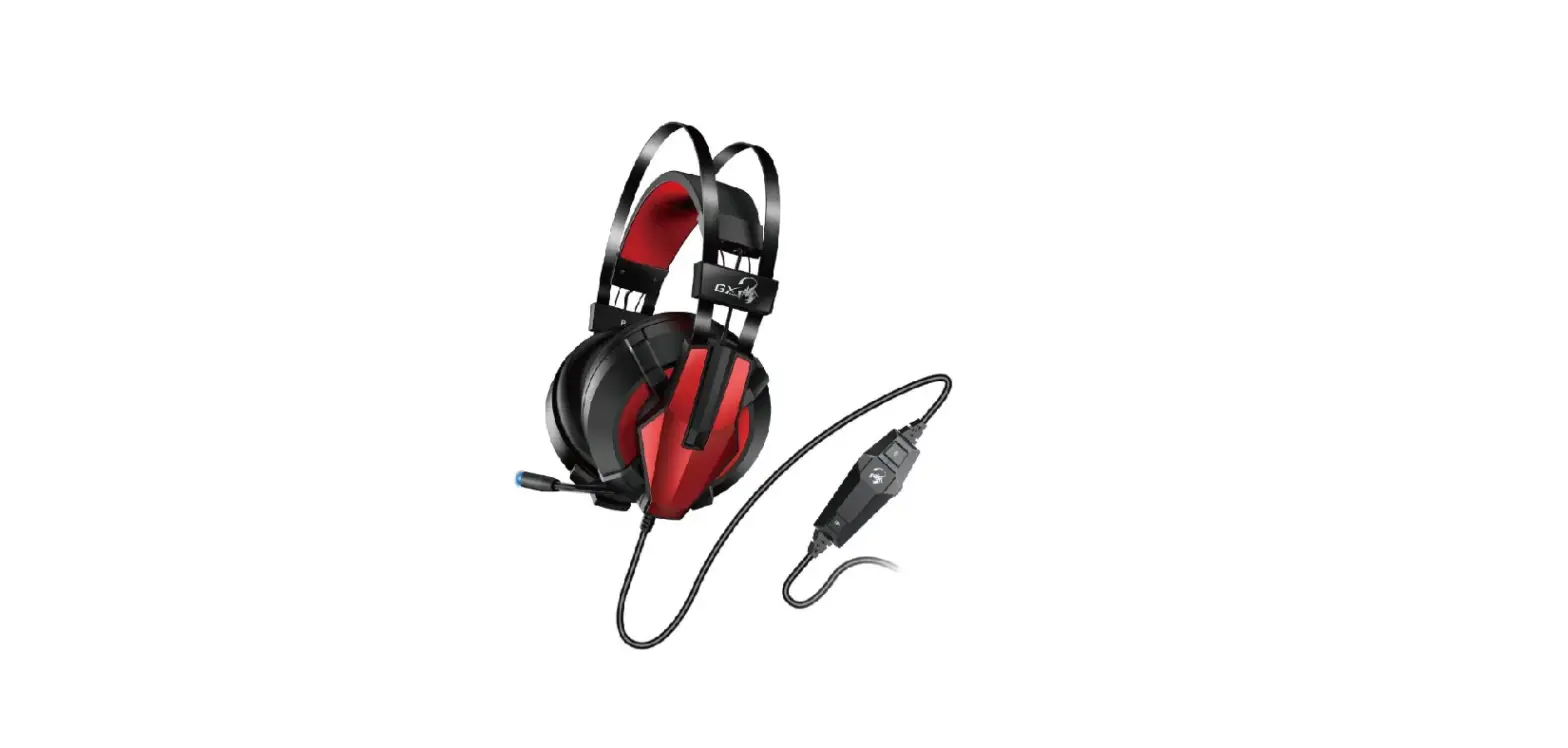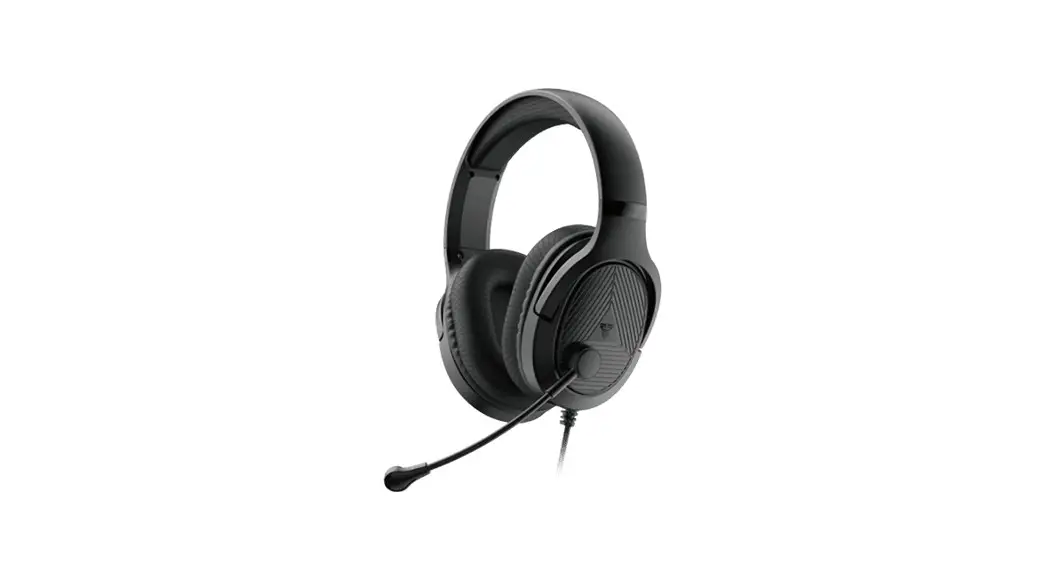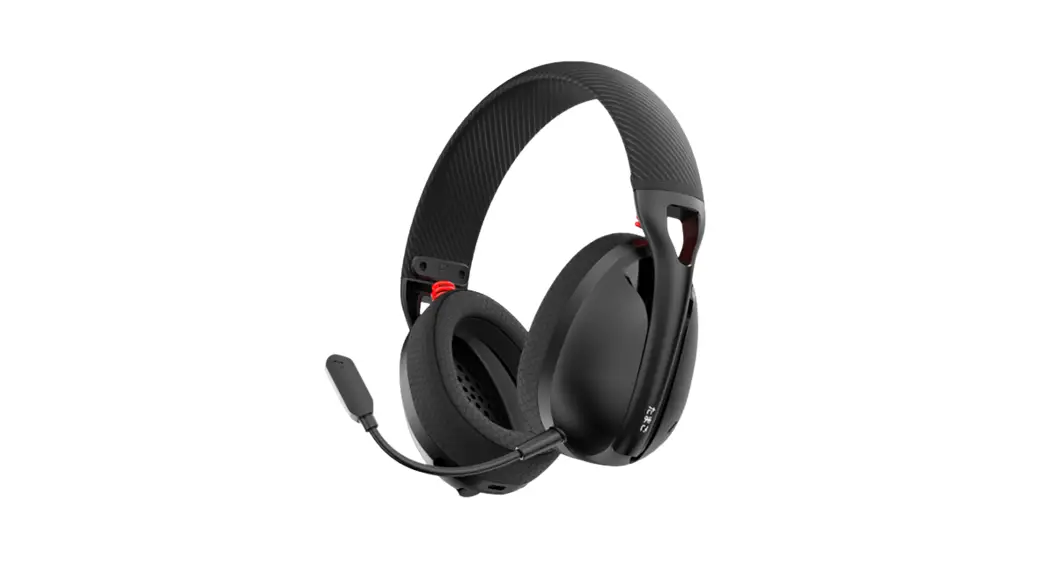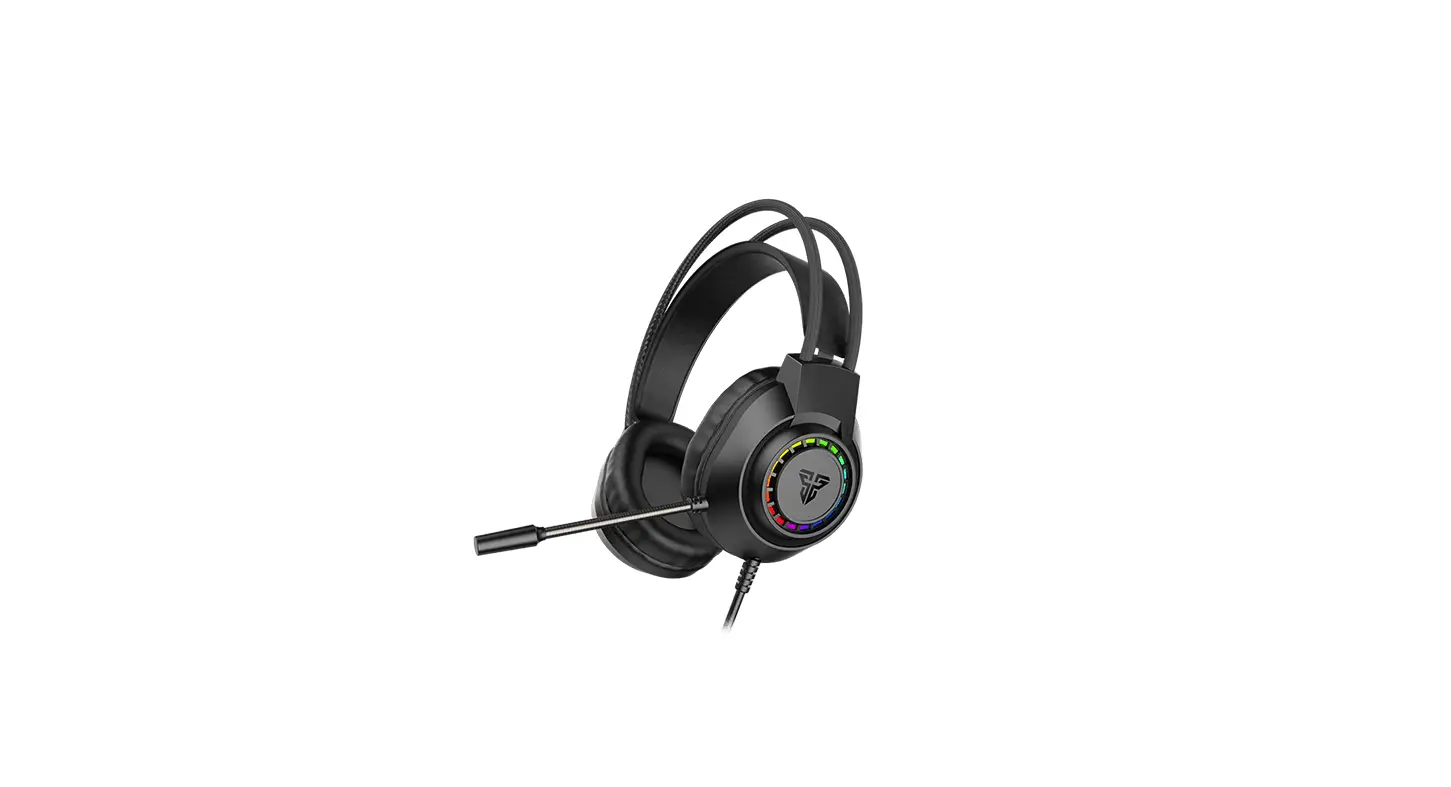

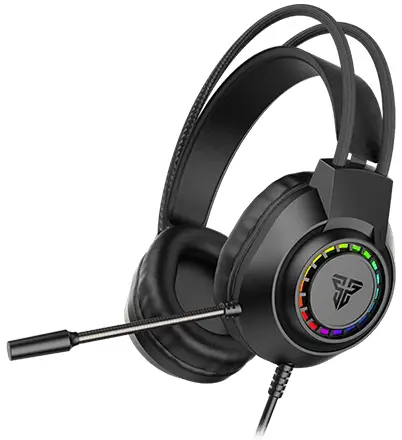
FANTECH HG28 PORTAL 7.1 Gaming Headset
What’s included in the box
- FANTECH PORTAL 7.1 HG28 Gaming Headset
- User manual
System requirements
- Operating systems: Windows XP/7/8/10
- One USB 2.0/3.0 port
Overview
Thank you for purchasing the PORTAL 7.1 HG28 Gaming Headset.
- FANTECH PORTAL 7.1 HG28 Series Gaming Headset is the essential headset that focuses on what truly matters balanced, stereo sound for all your gaming and music needs to be encapsulated in a sleek and comfortable industrial design.
- The PORTAL 7.1 HG28 brings you heightened surround awareness so you know exactly where your enemy is striking from.
Technical Specification
- Driver Unit: 50mm
- Speaker Sensitivity: 110+3dB
- Speaker Frequency Response: 20-20kH
- Speaker Impedance: 32‡15%
- Microphone Sensitivity: -34‡3dB
- Microphone Direction: Omni Directional
- Microphone Impedance: 52.2K52
- Cord Length: 2m
How to connect
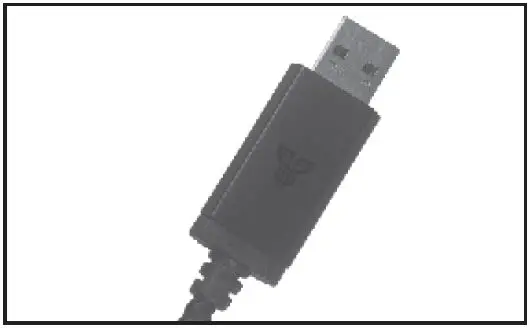
- Connect the headset to a computer by inserting a USB connector into the computer’s working USB slot. It is a plug and plays, do not need to install any driver to have this headset working.

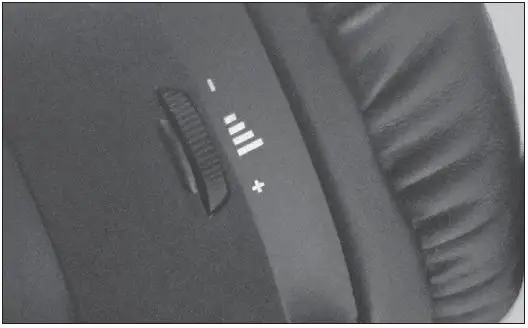
- Drag the volume wheel up or down to control the sound of your headset.

Warning
- Do not attempt to open, service, or modify the headset.
- Clean the headset using only a dry cloth; do not use alcohol or detergent.
- Keep it away from fire.
Operating conditions
- Operating temperature: -25 C ~ 65 C ‡ 10 C
- Storage temperature: -40 C ~ 70 C ‡ 10 C
- Operating humidity: 10 – 90% rh
- Storage humidity: -5 – 95% rh