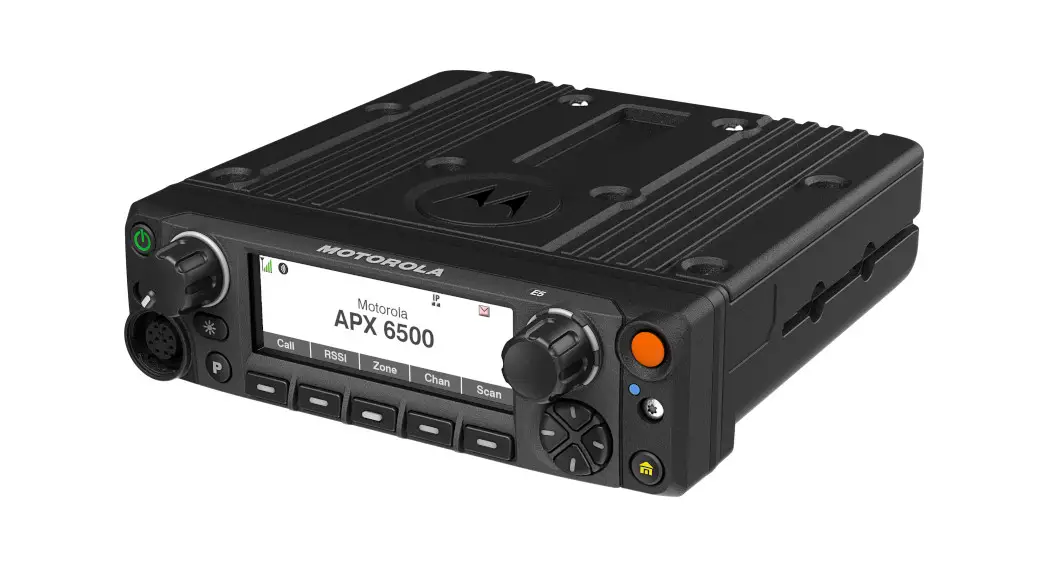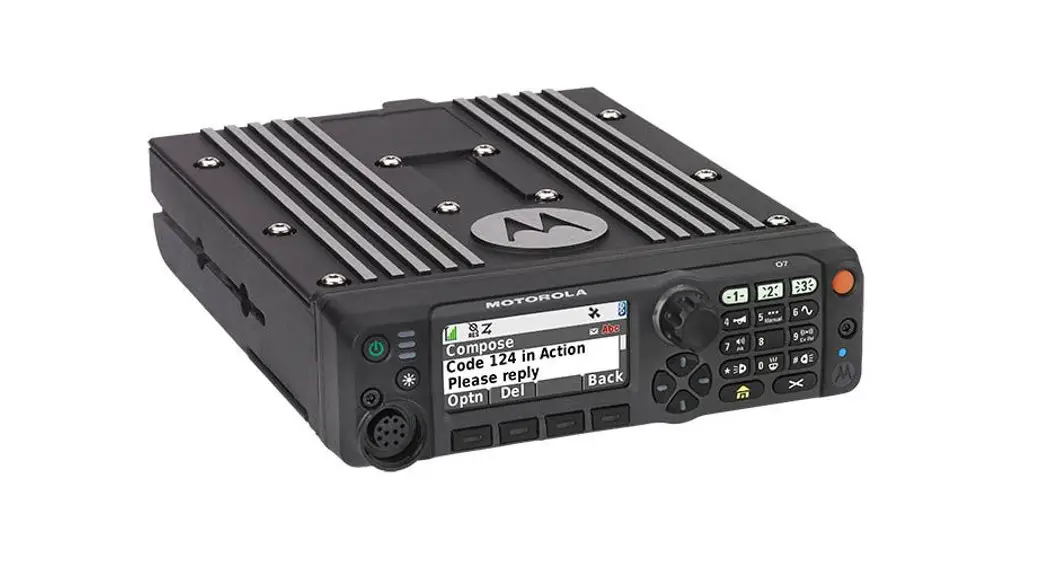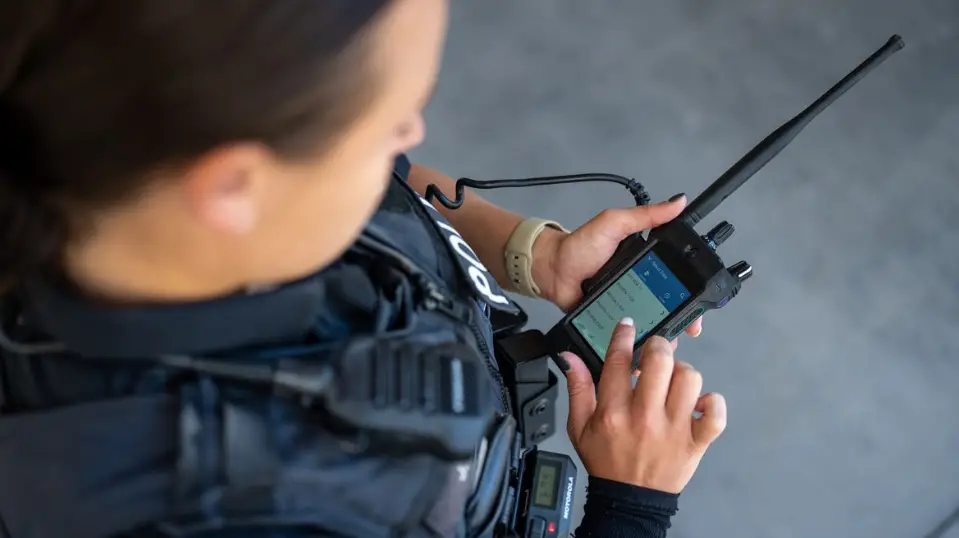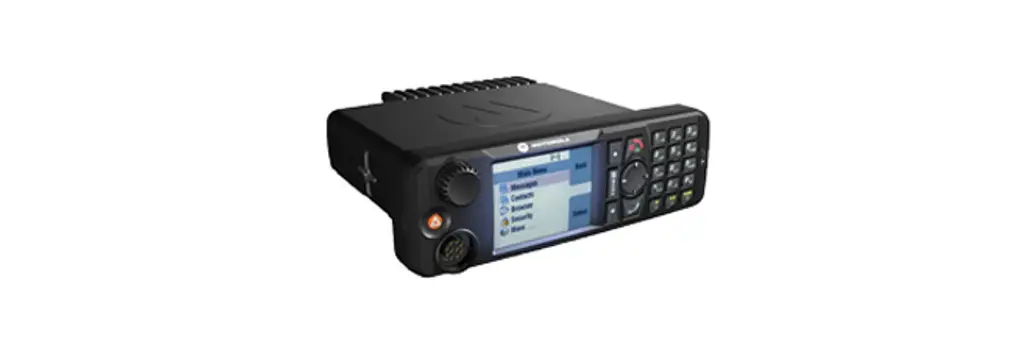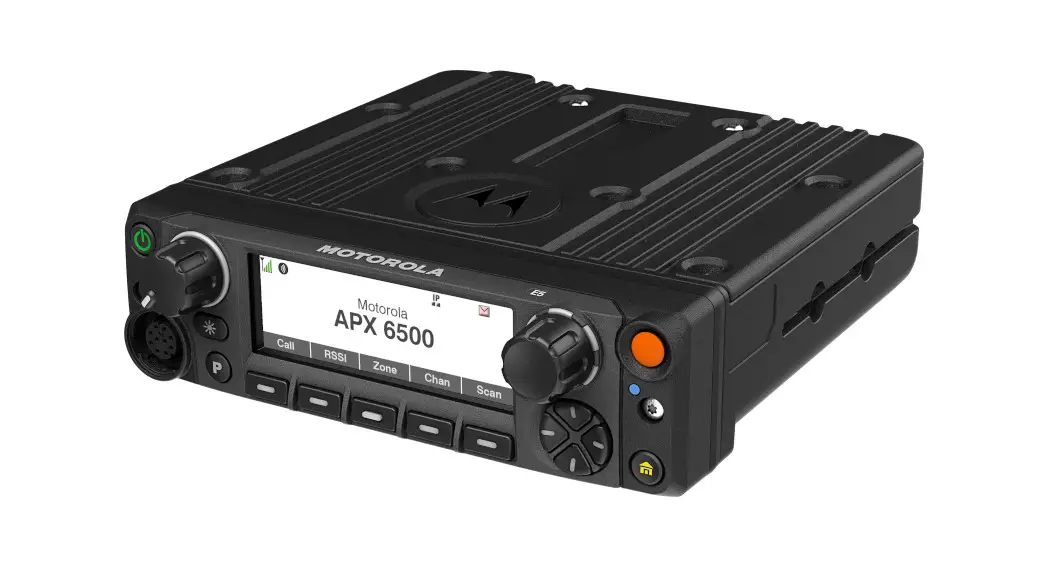

ASTRO® APX™
E5 CONTROL HEAD MOBILE RADIO
QUICK REFERENCE GUIDE
Product Safety and RF Exposure Compliance
 Caution: This radio is restricted to occupational use only to satisfy FCC RF energy exposure requirements. Before using this product, read the Product Safety and RF Exposure booklet enclosed with your radio which contains important operating instructions for safe usage and RF energy awareness and control for compliance with applicable standards and regulations.
For a list of Motorola Solutions-approved antennas, batteries, and other accessories, visit http://www.motorolasolutions.com
Notice to Users (FCC and Industry Canada)
This device complies with Part 15 of the FCC rules and Industry Canada’s license-exempt RSS’s per the following conditions:
- This device may not cause harmful interference.
- This device must accept any interference received, including interference that may cause undesired operation.
- Changes or modifications made to this device, not expressly approved by Motorola Solutions, could void the authority of the user to operate this equipment.
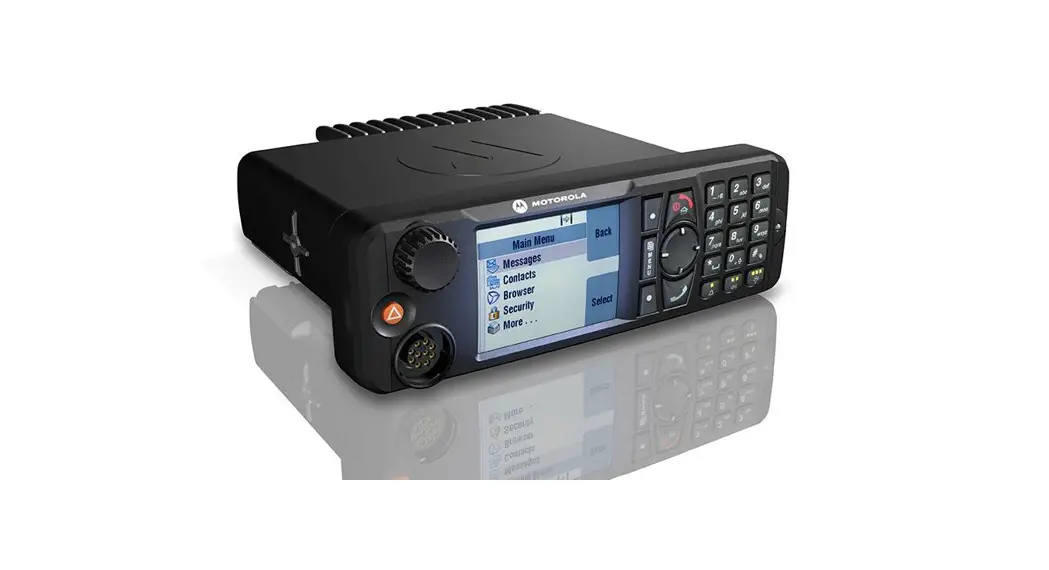
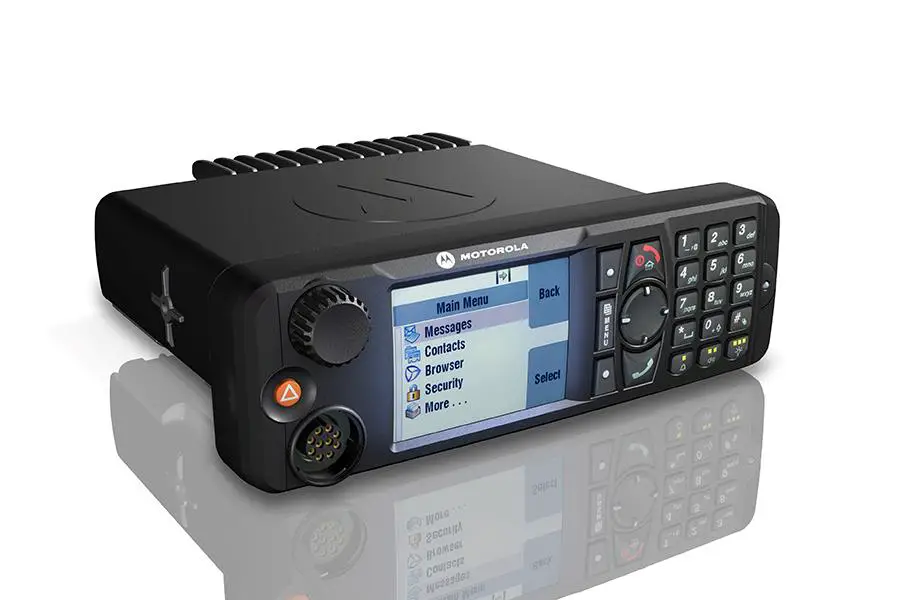
E5 Control Head Radio Controls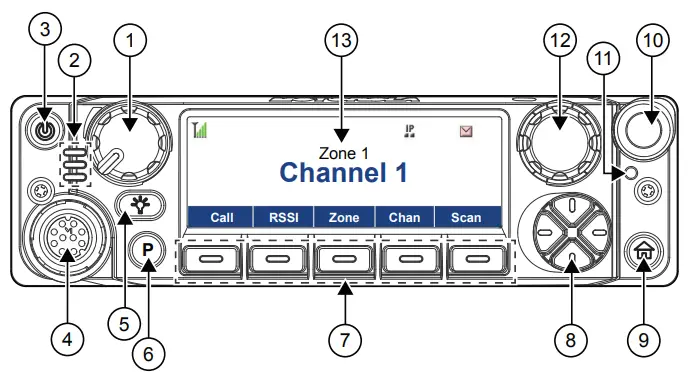
| No. | Description |
| 1 | Volume Knob |
| 2 | LED Indicators |
| 3 | Power Button |
| 4 | Accessory Port (Microphone) |
| 5 | Dimmer Button |
| 6 | P Button1 |
| 7 | Menu Select Buttons1 |
| 8 | 4-Way Navigation Buttons1 |
| 9 | Home Button1 |
| 10 | Orange Button1 |
| 11 | Bluetooth Pairing Location Indicator2 |
| 12 | Mode Knob |
| 13 | Screen Display |
Status Icons
| Icon | Description |
 | Received Signal Strength Indicator (RSSI) The number of bars represents the received signal strength of the current site in trunking mode. |
 | Receiving The radio is receiving a call or data. |
 | Transmitting The radio is transmitting a call or data. |
 | Monitor (Carrier Squelch) The selected channel is being monitored in conventional operation. |
 | In-Call User Alert The voice transmission of the affiliated trunking talk group or selected conventional channel is muted. |
 | Secure Operation Blinking – The radio is receiving an encrypted voice call. Steady – The radio is operating in a secure channel. |
 | AES Secure Operation Blinking – The radio is receiving an AES-encrypted voice call. Steady – The radio is operating in an AES-secure channel. |
 | Data Activity Data activity is present on the radio.GPS is enabled and its signal is available. |
 | Scan The radio is scanning a scan list. |
 | Priority Channel Scan Blinking – The radio detects activity on the designated Priority-One channel. Steady – The radio detects activity on the designated Priority-Two channel. |
 | Vote Scan The Vote Scan feature is enabled. |
 | Direct The radio is configured for direct radio-to-radio communication in conventional operation. |
 | Power Level H – The radio is set at high power. L – The radio is set at low power. |
 | User Login Indicator (IP Packet Data) Steady – The user is associated with the radio. Blinking – The device registration or user registration with the server failed due to an invalid username or pin. Inverted – The user is logged on to the secured IP packet data. |
 | Data Activity Data activity is present on the radio. |
Turning the Radio On and Off
To turn the radio on and off, press and hold the Power button.
Navigating through the Radio Menu
- To navigate through the radio menu, use the 4-Way Navigation Buttons.
- To select the desired menu entry, press the corresponding Menu Select button.
- To exit menu navigation, press the Home button.
Adjusting the Volume of the Radio
To adjust the volume of the radio, perform one of the following actions:
- To increase the volume, rotate the Volume knob clockwise.
- To decrease the volume, rotate the Volume knob counterclockwise.
Selecting a Zone
- From the Home screen, navigate to Zone and press the corresponding Menu Select button.
- To select a zone, navigate to the desired zone and press Sel.
Selecting a Channel
- From the Home screen, navigate to Chan and press the corresponding Menu Select button.
- To select a channel, navigate to the desired channel and press Sel.
Receiving and Transmitting Calls
- To transmit, press and hold the PTT button and speak clearly into the microphone.
- To receive, release the PTT button.
Sending Emergency Alarms
This feature allows you to send a data transmission, which identifies the radio sending the emergency, to the dispatcher.
Press the preprogrammed Emergency button.
Your radio shows the following indications:
- A tone sounds
- The LED blinks red momentarily
- The radio displays EMERGENCY
 Notice: Your radio does not show any indication if it is configured to send a Silent Emergency Alarm. If Silent Emergency Alarm is used with Emergency Call, the radio exits Silent mode when you press the PTT button.
When you receive an acknowledgment from the dispatcher (and the central controller if you are in a trunking system), your radio shows the following indications:
- A high-pitched tone sounds (Trunking only)
- The display shows Ack received
- Four audio tones sound
- The alarm ends
- The radio exits the Emergency Alarm mode
Making Emergency Calls (Trunking Only)
- Press the preprogrammed Emergency button.
Your radio shows the following indications:
• A tone sounds
• The radio displays EMERGENCY - Press and hold the PTT button and speak into the microphone.
- To end the transmission and wait for a response from the dispatcher, release the PTT button.
Exiting Emergency Operation
If the Emergency operation is triggered on your radio, the dispatch console, radios configured as Supervisor, or yourself can exit the Emergency operation.
To exit the Emergency operation, press and hold the preprogrammed Emergency button.
MOTOROLA, MOTO, MOTOROLA SOLUTIONS, and the Stylized M Logo are trademarks or registered trademarks of Motorola Trademark Holdings, LLC and are used under license. All other trademarks are the property of their respective owners.
© 2020 Motorola Solutions, Inc. All rights reserved.

 Mission Critical Communications - Motorola Solutions