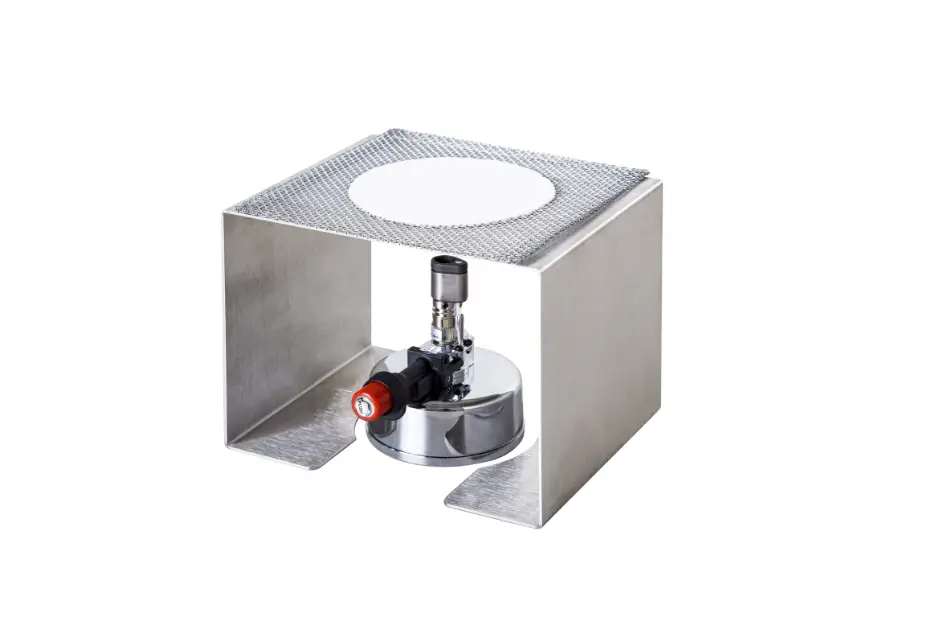
ROCKER Dragon 200-T Lab Burner Set Instruction Manual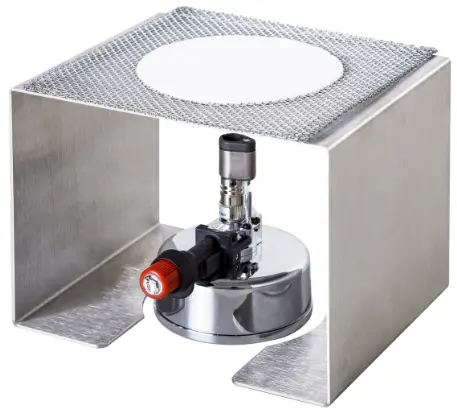
Introduction
Carefully check if the shipping carton is damaged before unpacking. Please check the items according to standard package list. The instrument shall not be modified in any way. Any modification will void the warranty and may result in potential hazard. If you have any question, please preserve serial no. and shipping carton and contact your dealer for quick solution.
Dragon 200 – T | ||
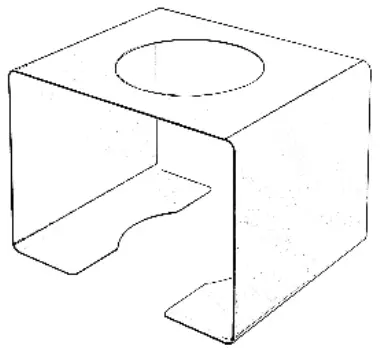 | 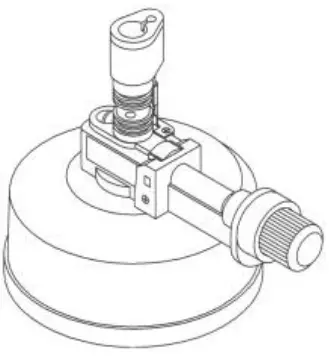 |  |
Standard Package List | ||
| 177200—10 | 177200—00 | 177200—12 |
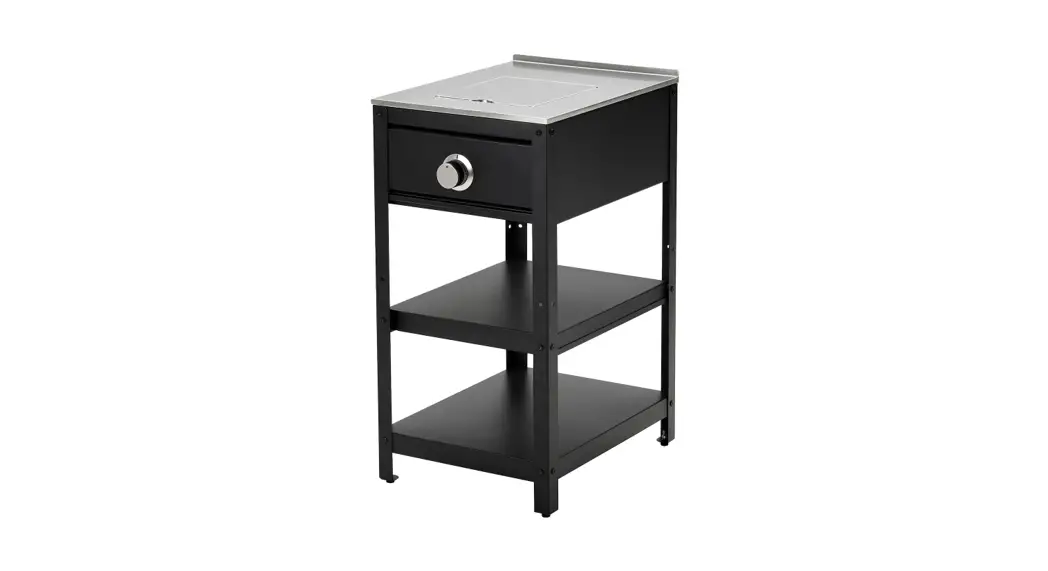
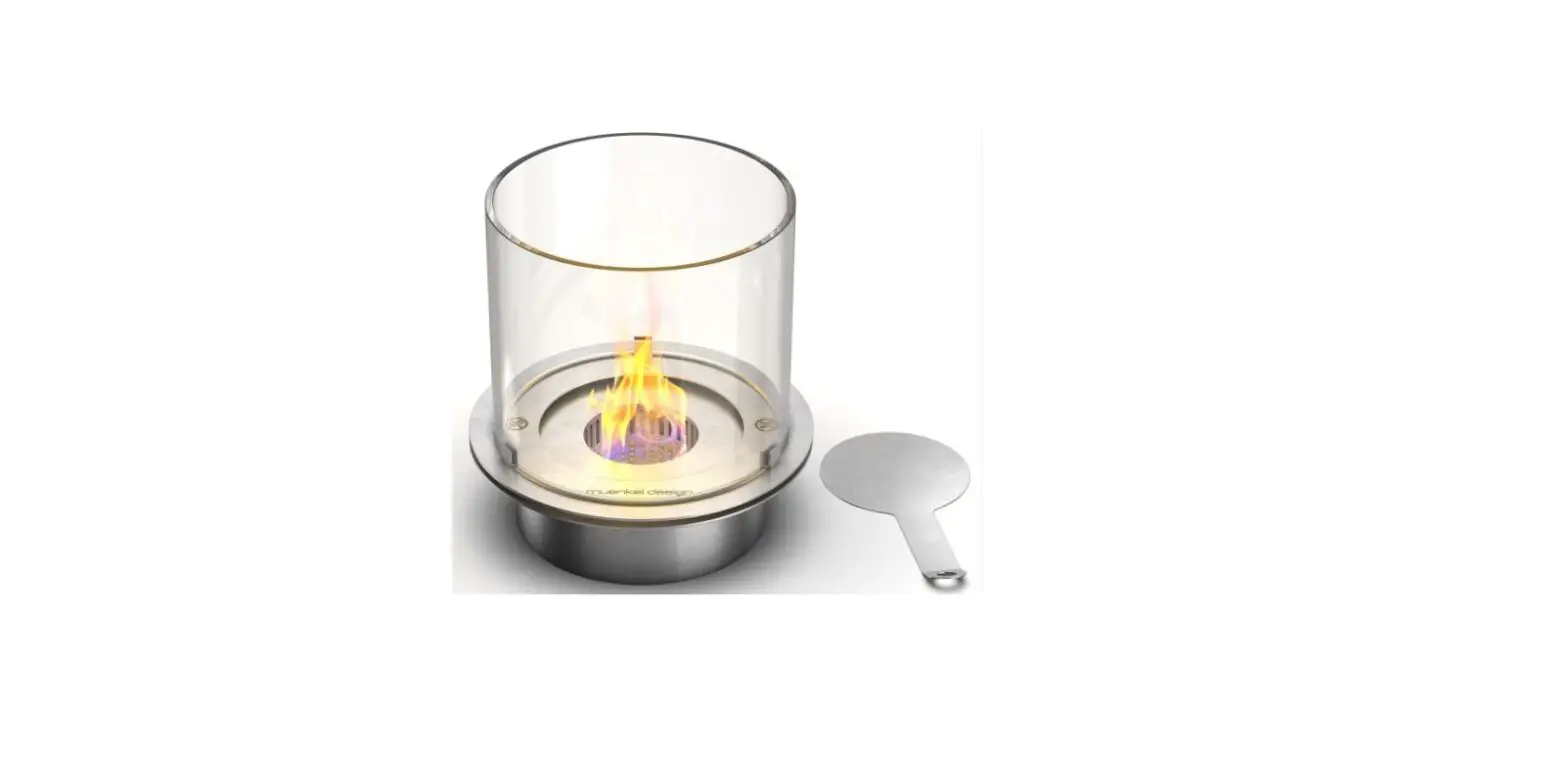
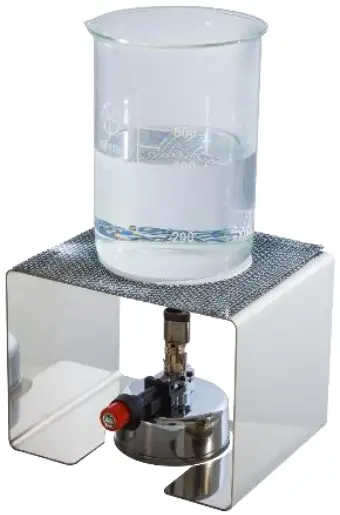
| Lab Burner Stand | Dragon 200 Lab Burner | Ceramic Net Mesh (14 x 14 cm) |
Please refer to instruction manual of Dragon 200 for more detail operation
Usage Guide
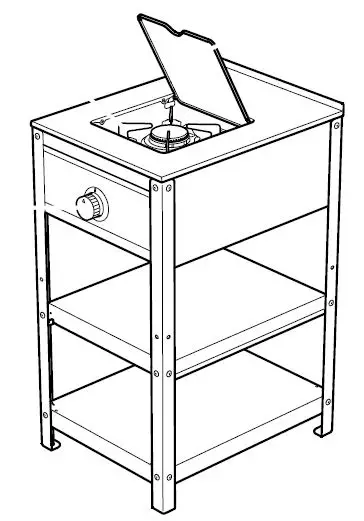
- Put the lab burner stand on a fat and stable surface.
- Put gas-filled Dragon 200 Lab Burner into bottom middle of the stand
- Use the butane gas only to prevent from blocking of lab burner.
- Max. load of lab burner stand is 1000 mL water-full beaker.
- Put the ceramic net mesh on the stand.
- Put the beaker on the ceramic net mesh.
- Turn the gas control knob counterclockwise and press the ignition button to light the Name instantly and heat up beaker.
- Turn the gas control knob counterclockwise to increase the flame, clockwise to decrease the flame or shut it off.
- The temperature of stand is very high during work and after work, please do NOT touch it and handle with care to avoid serious burns.

Maintenance
- Please cool the lab burner stand and clean surface by pure water or 7S% ethanol after every use
Ordering Information
| 177200-T | Dragon 200 – T Lab Burner Set |
| 177200—00 | Dragon 200, Lab Burner |
| 177200-10 | Lab Burner Stand |
| 177200 12 | Ceramic Net Mesh (14 x 14 cm |