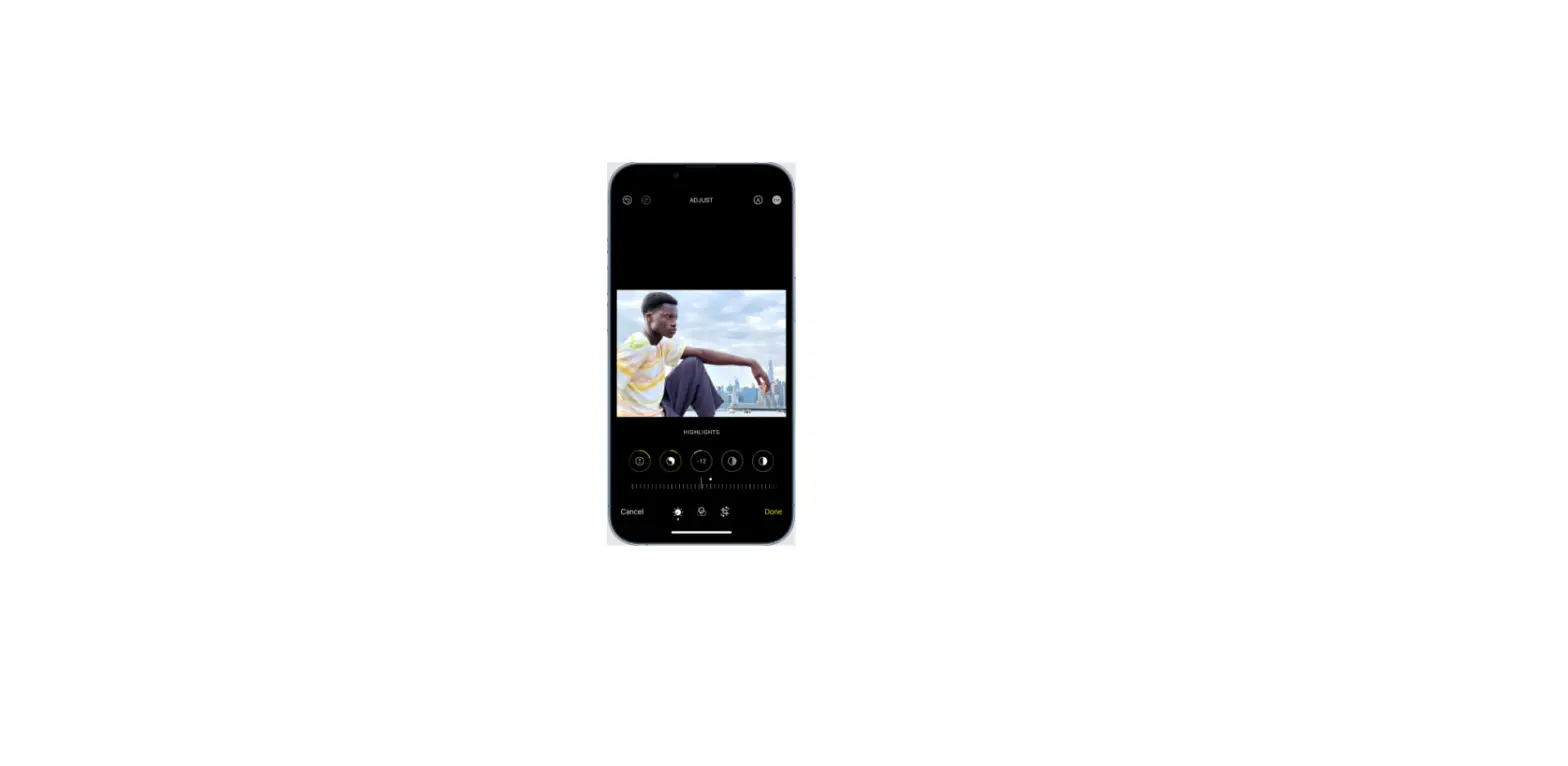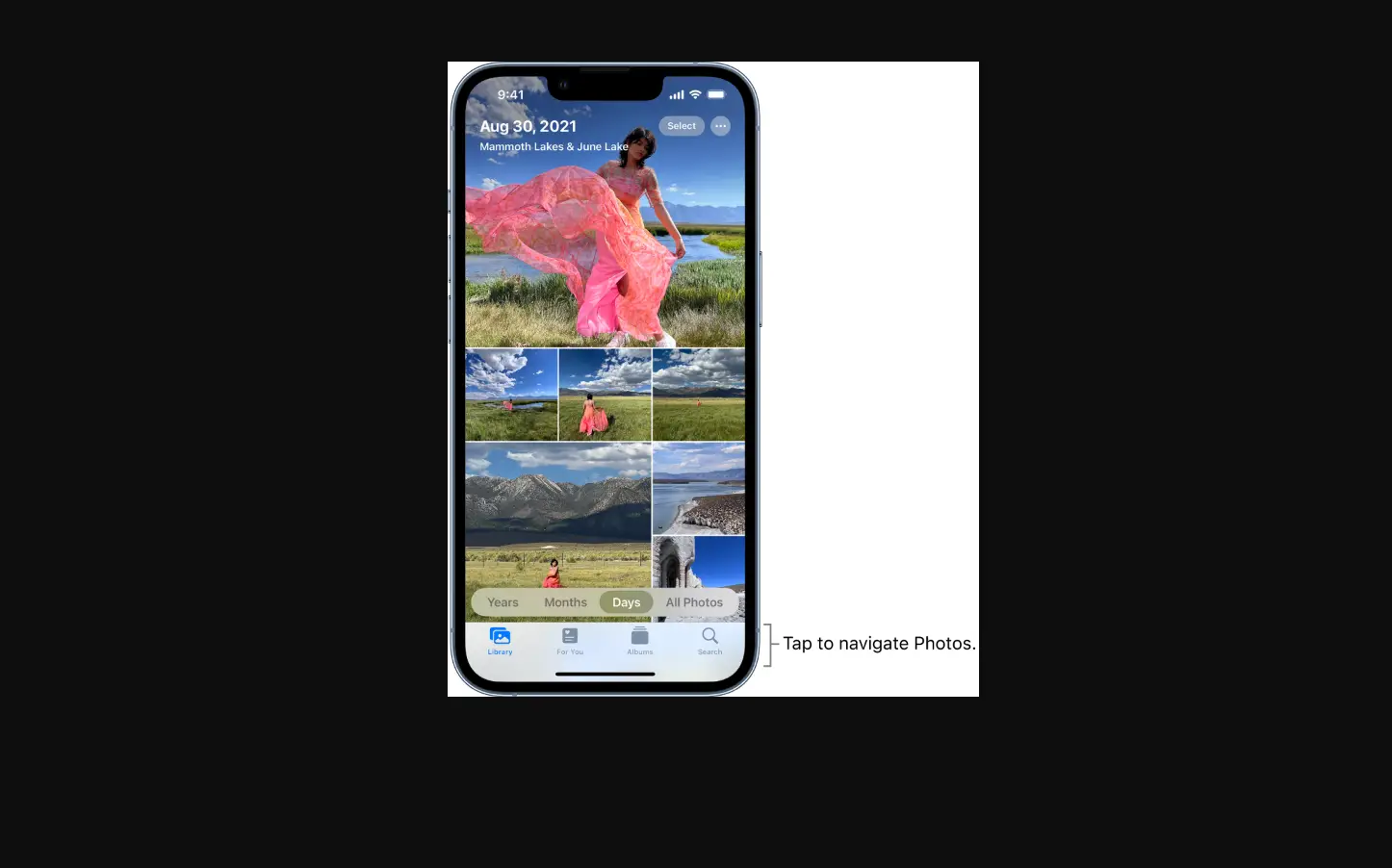
- Open the video, then tap Edit.
- Drag either end of the frame viewer to adjust the length, then tap Done.
- Tap Save Video to save only the trimmed video, or Save Video as New Clip to save both versions of the video.
To undo the trim after you save, tap Edit, then tap Revert.
Note: A video saved as a new clip can’t be reverted to the original.