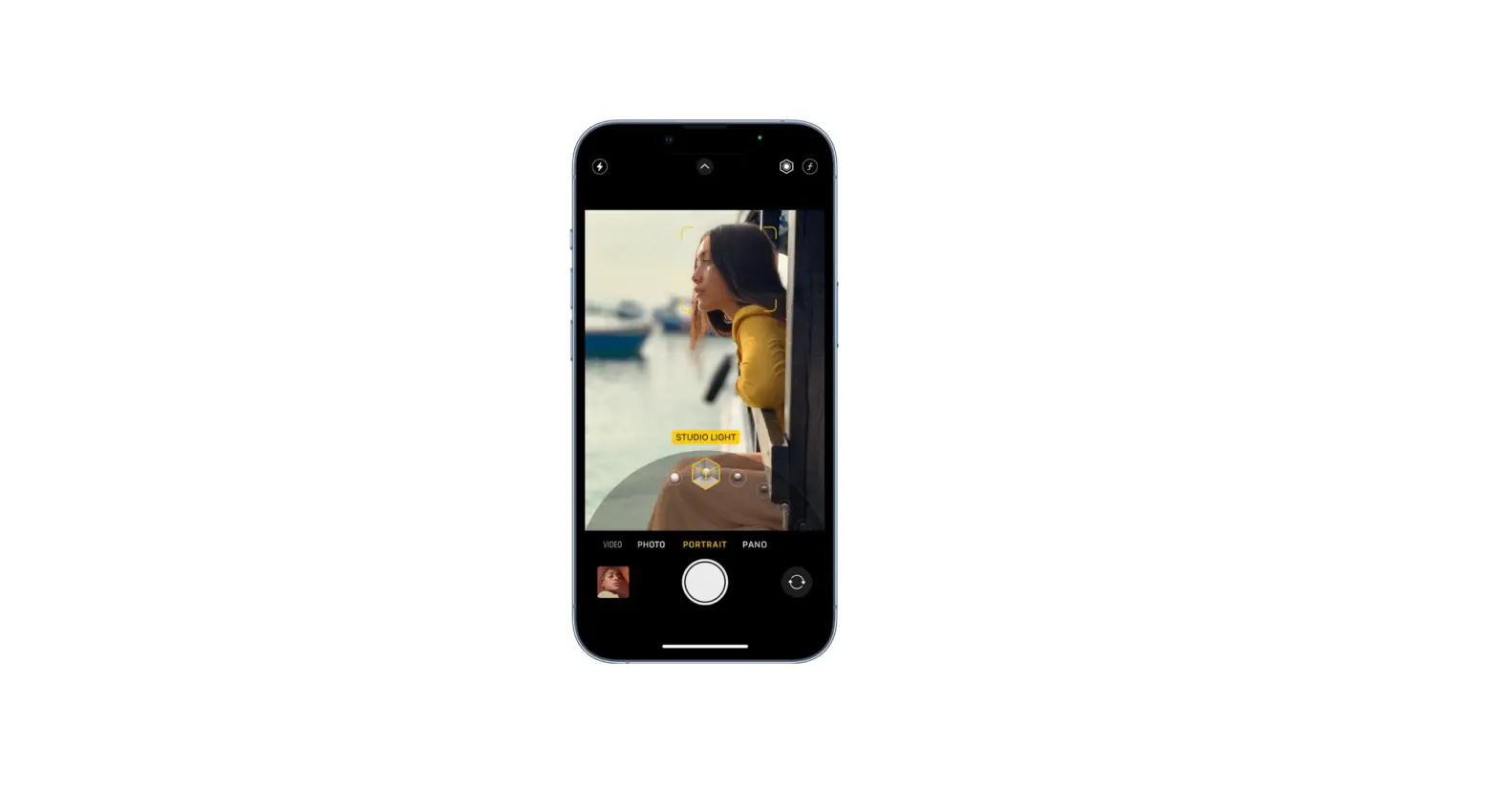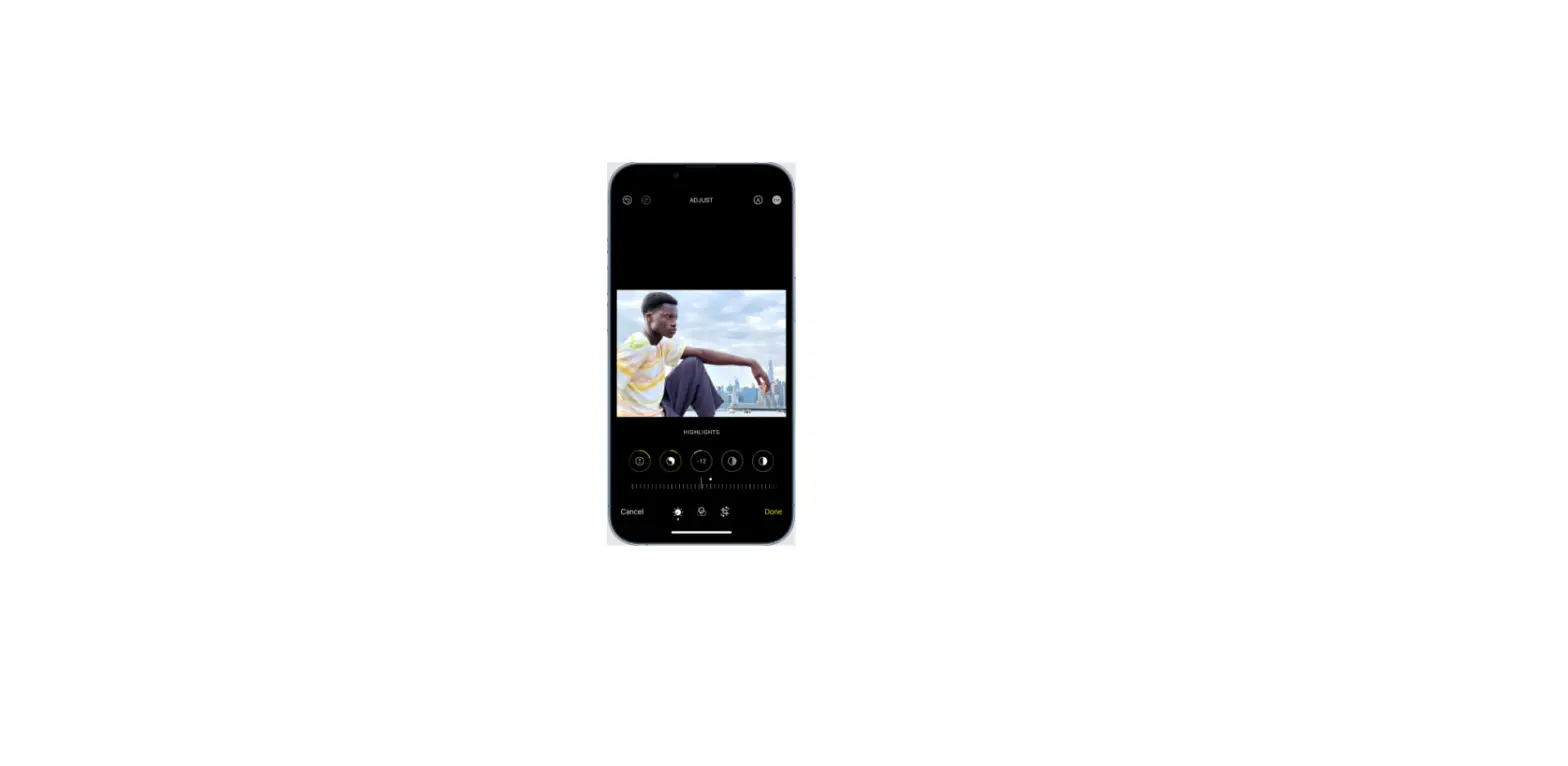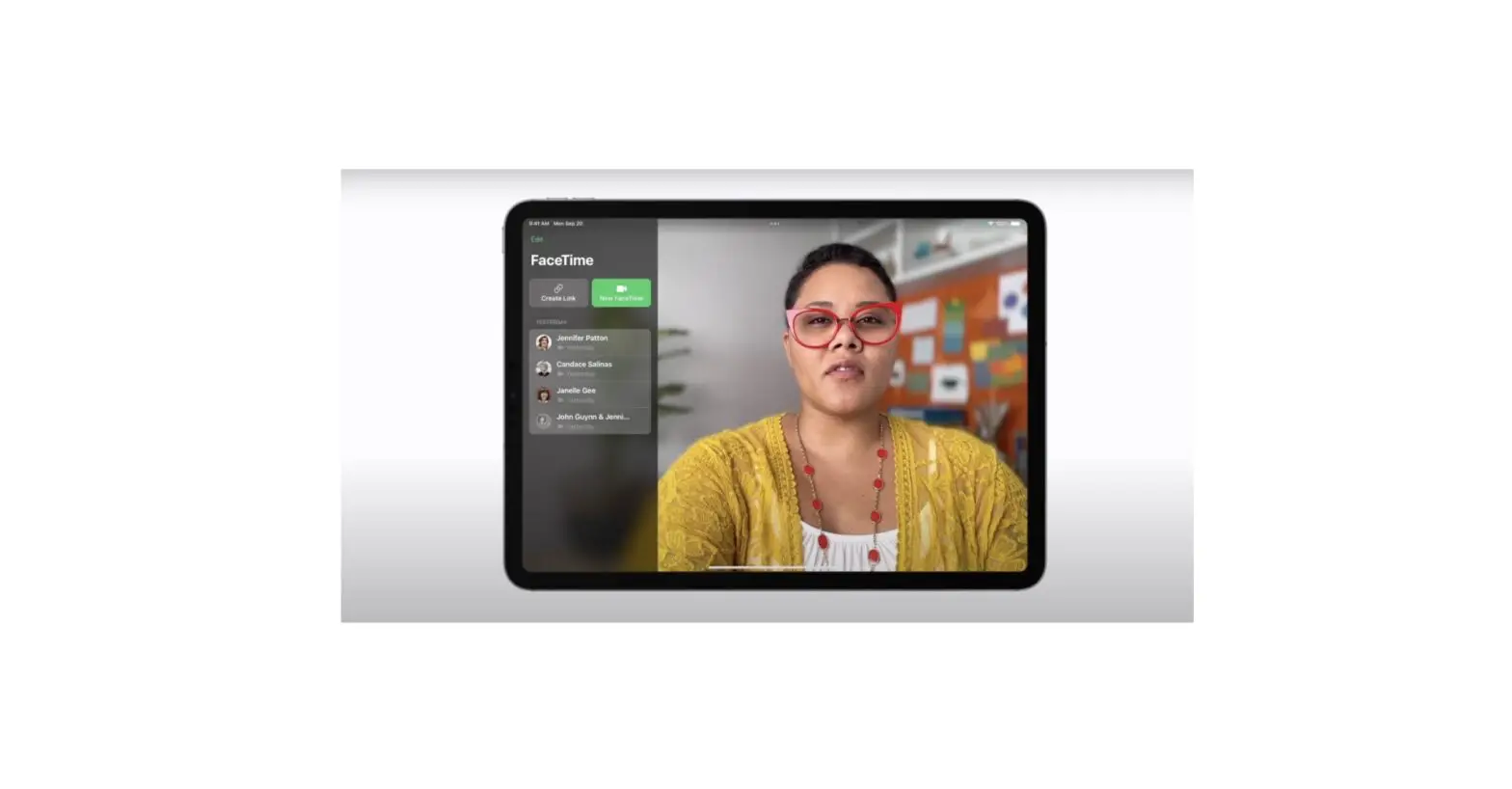
You can apply, change, or remove the Portrait Lighting effects in photos you take in Portrait mode. You can also edit Portrait mode photos taken on other devices.
- Tap any photo taken in Portrait mode to view it in full screen.
- Tap Edit, touch
 , then drag to choose a lighting effect.
- Natural Light: The face is in sharp focus against a blurred background.
- Studio Light: The face is brightly lit, and the photo has an overall clean look.
- Contour Light: The face has dramatic shadows with highlights and lowlights.
- Stage Light: The face is spotlit against a deep black background.
- Stage Light Mono: The effect is like Stage Light, but the photo is in classic black and white.
- High-Key Light Mono: Creates a grayscale subject on a white background—iPad Pro 11-inch (2nd generation or later) and iPad Pro 12.9-inch (4th generation or later) only.
- Tap Done to save your changes.To undo the Portrait Lighting effect after you save, tap Edit, then tap Revert to go back to the original lighting.
 ,
, Note: To remove the Portrait effect from a photo, tap Edit, then tap Portrait at the top of the screen.