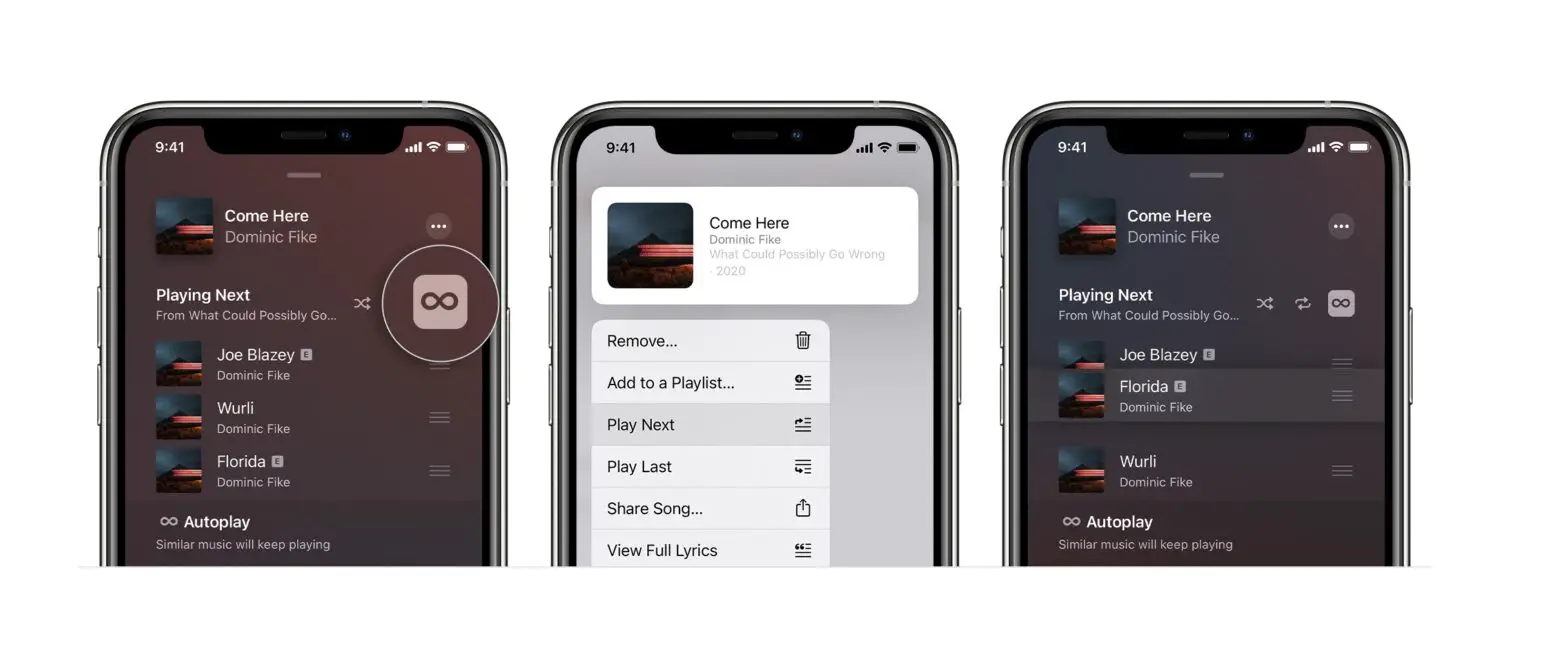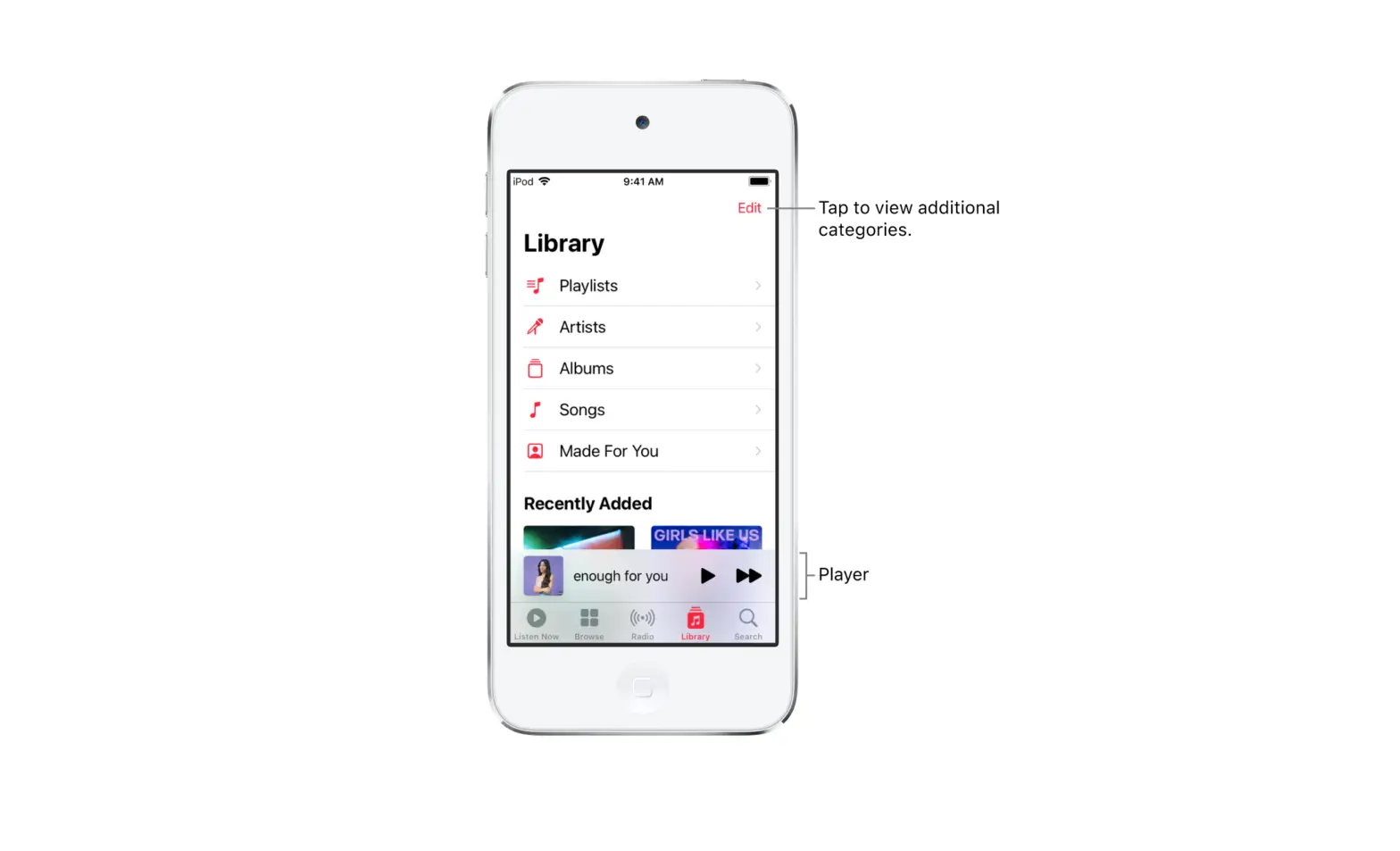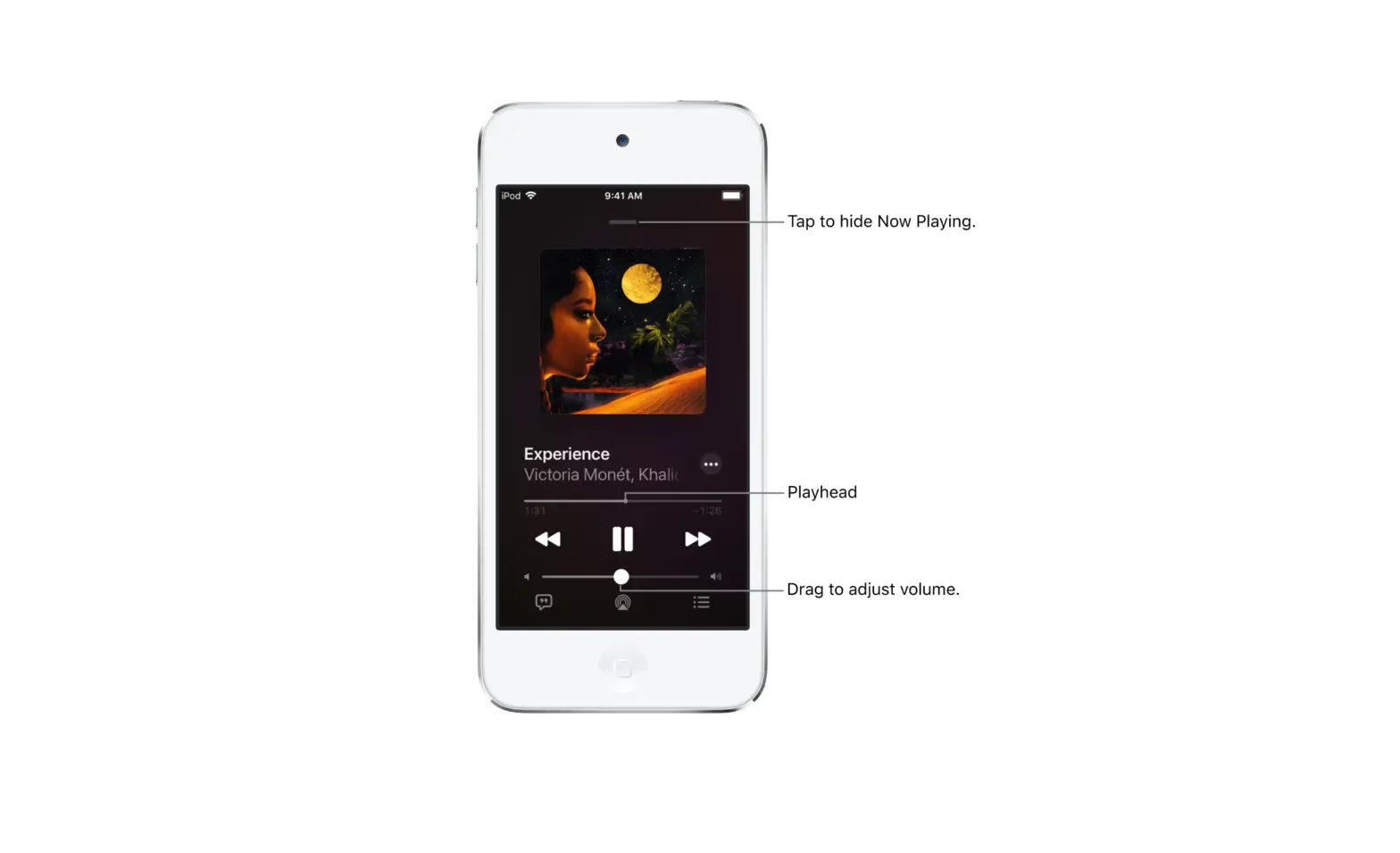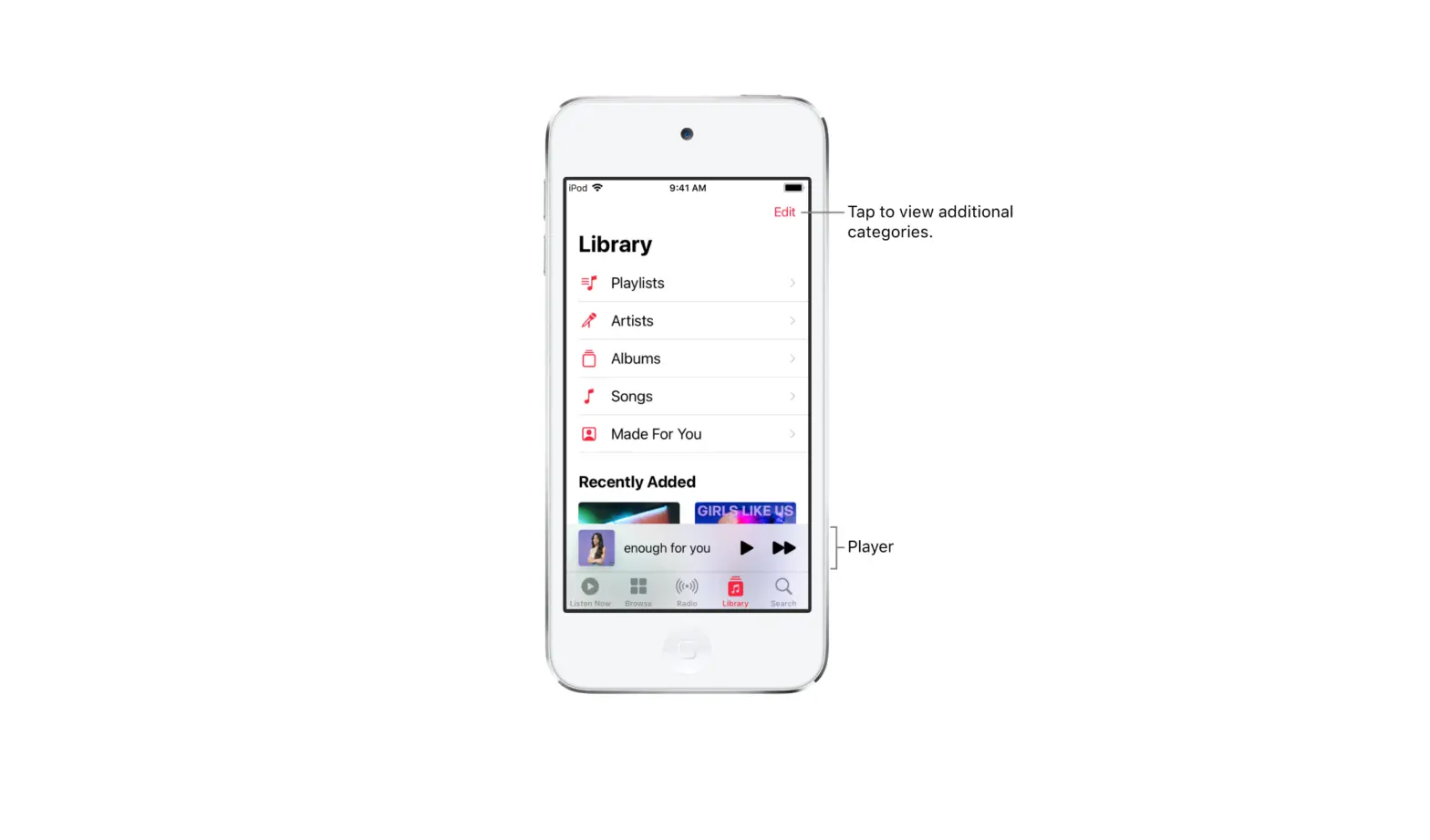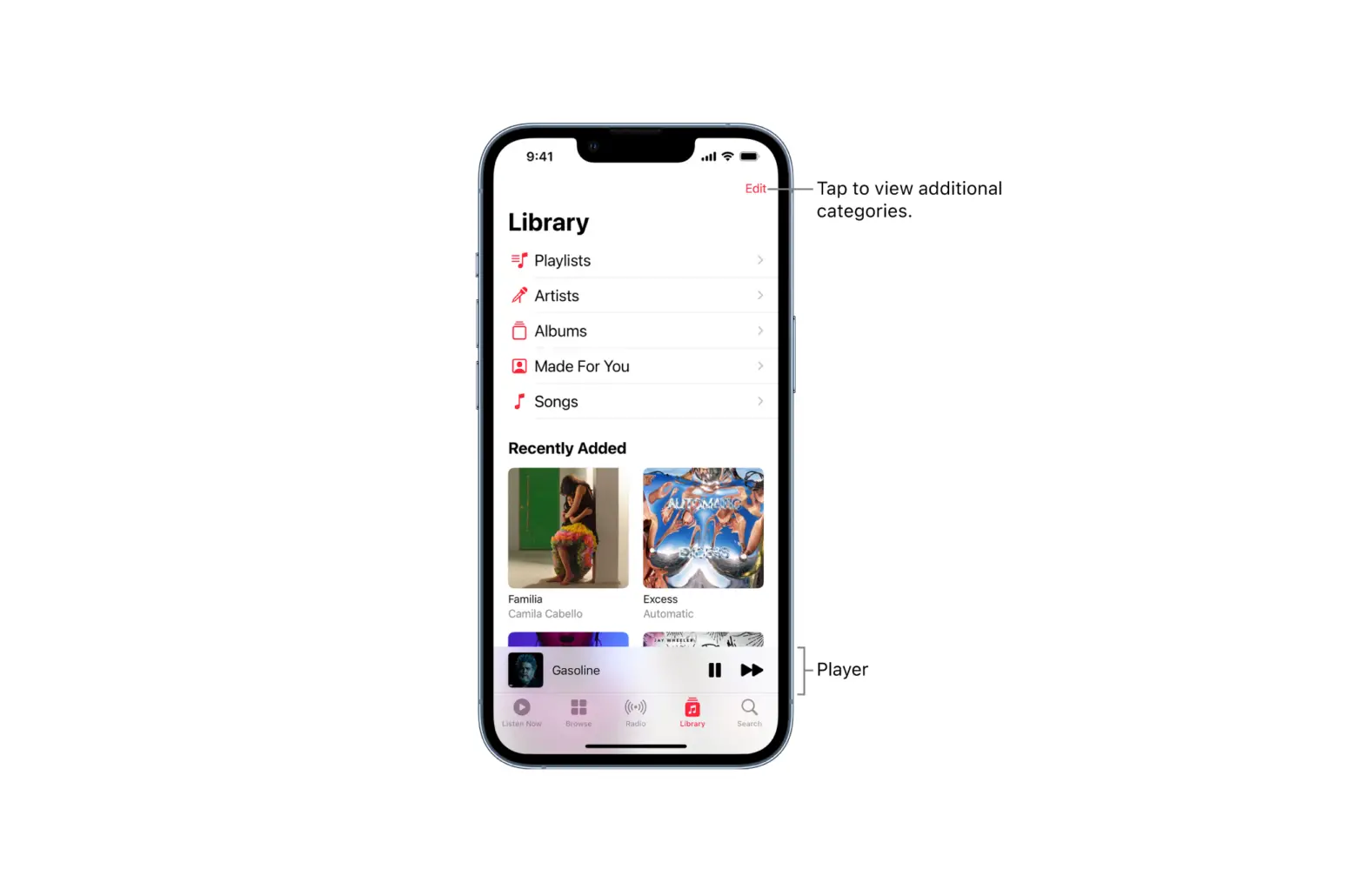
When browsing or playing music, touch and hold a song, album, playlist, or video, then choose an option.
Tip: If you’re using HomePod to stream music and your friends are on the same Wi-Fi network, they can add and reorder items in the queue. To learn more about HomePod speaker access, see the HomePod User Guide.