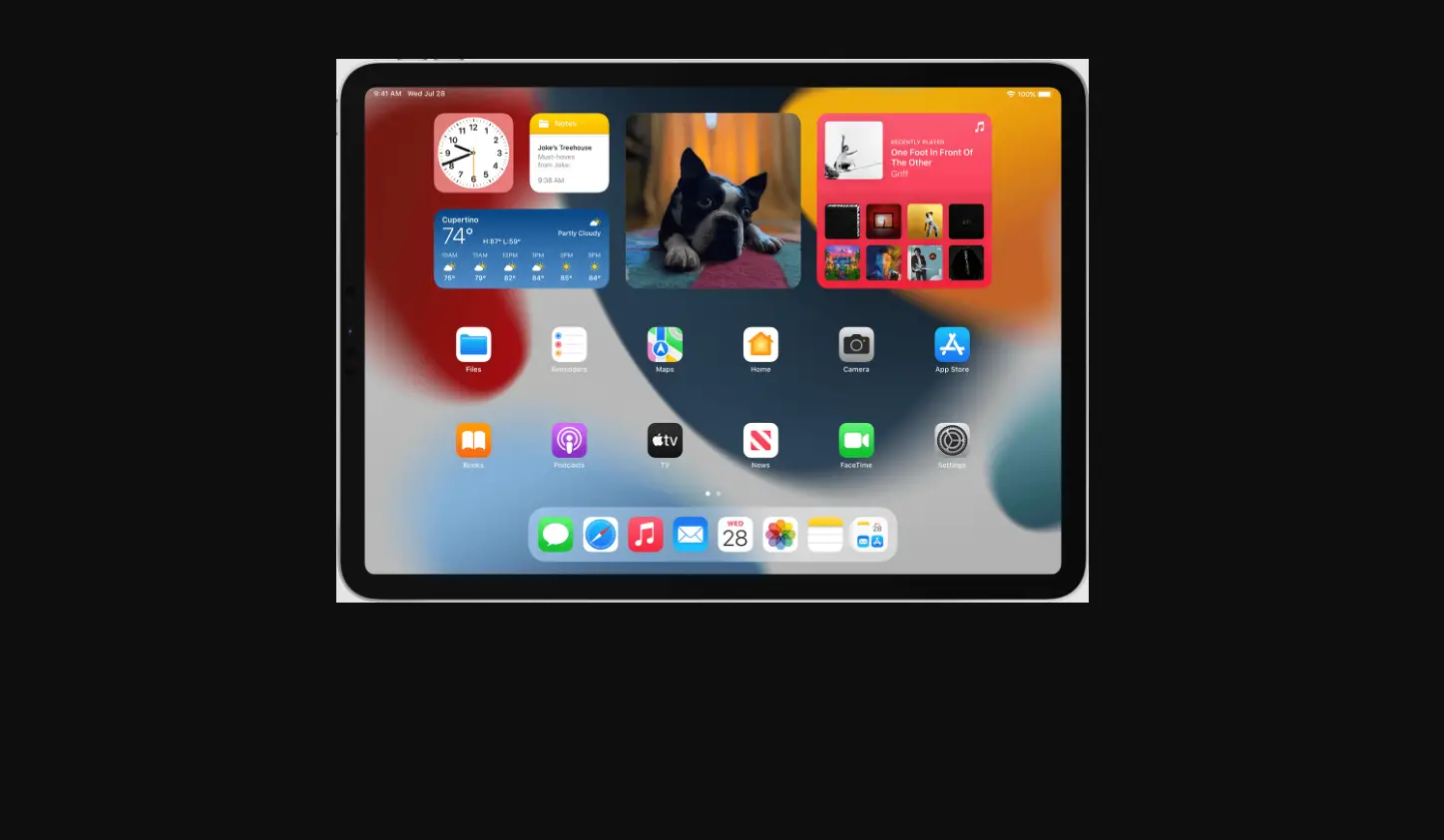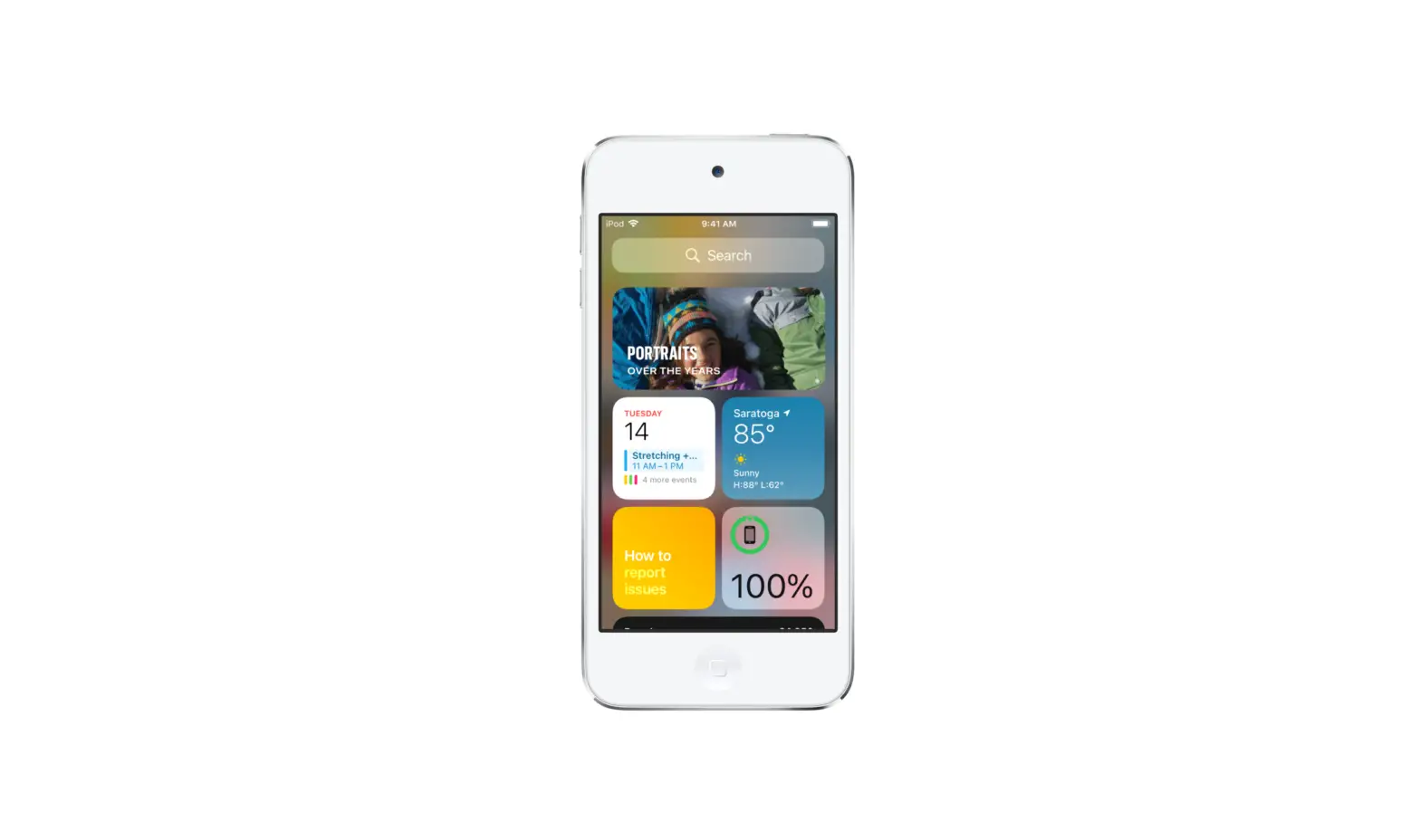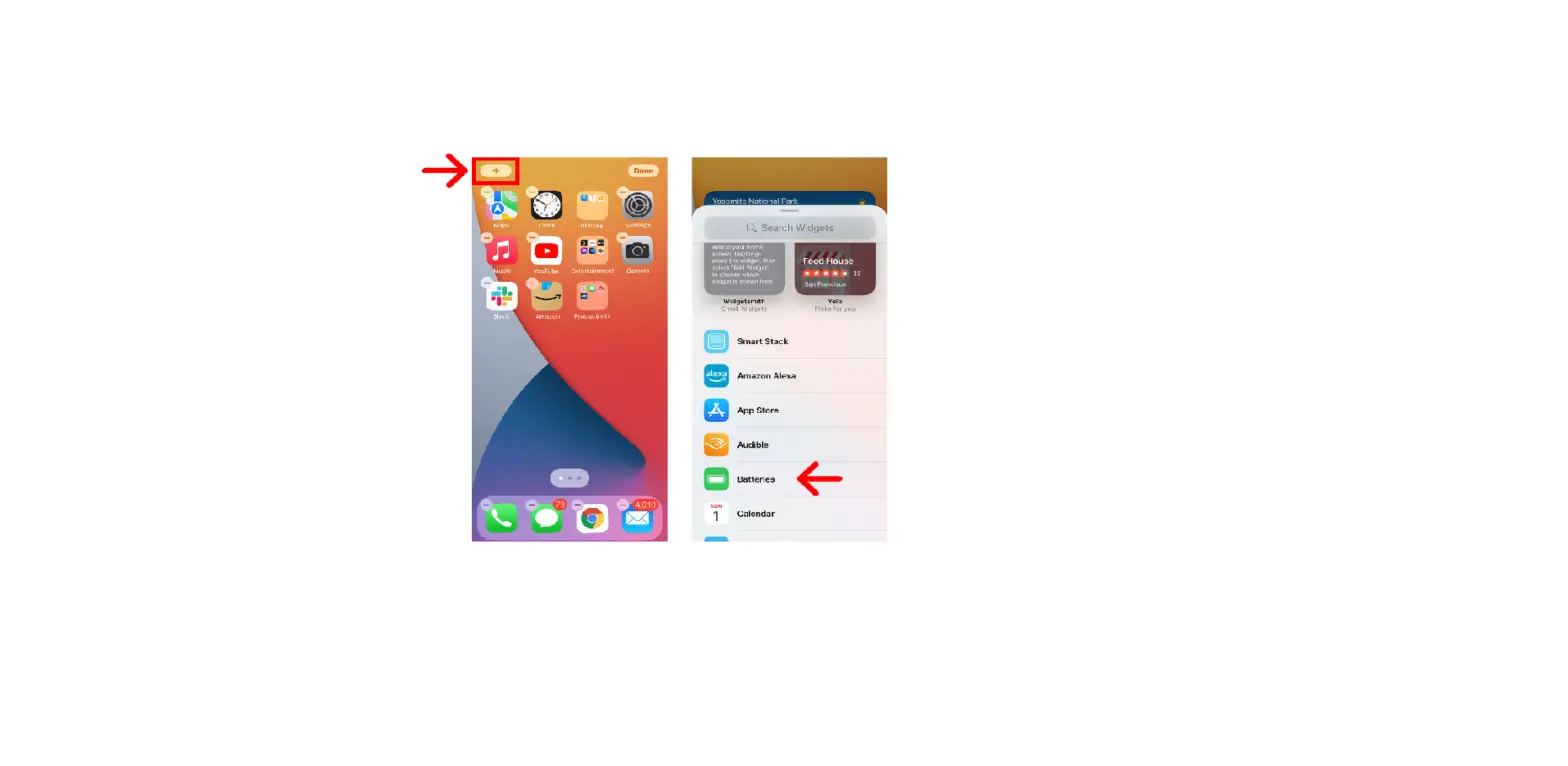
You can customize most widgets so they display the information you want. For example, you can edit a Weather widget to see the forecast for your location or a different area. Or you can customize a Smart Stack to rotate through its widgets based on things like your activity, the time of day, and so on.
- On your Home Screen, touch and hold a widget to open a quick actions menu.
- Tap Edit Widget if it appears (or Edit Stack, if it’s a Smart Stack), then choose options.
For example, for a Weather widget, you can tap Location, then select a location for your forecast.
For a Smart Stack, you can turn Smart Rotate off or on and reorder the widgets by dragging
 next to them.
 - Tap the Home Screen.
 next to them.