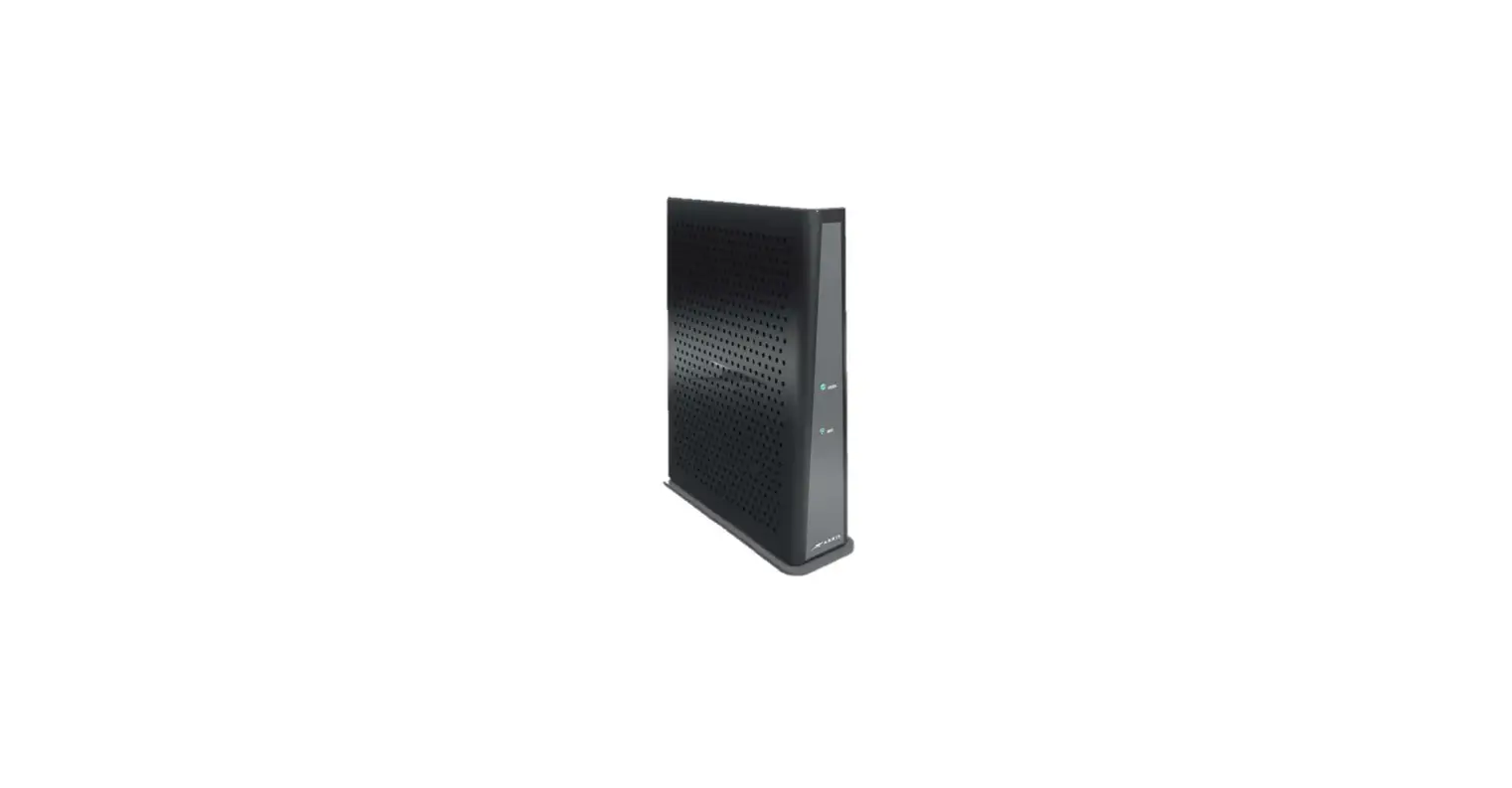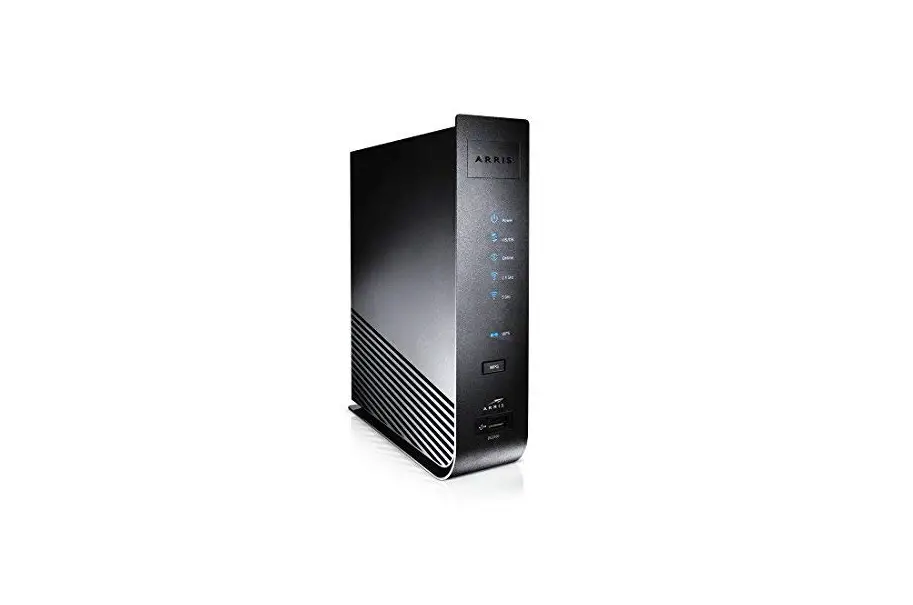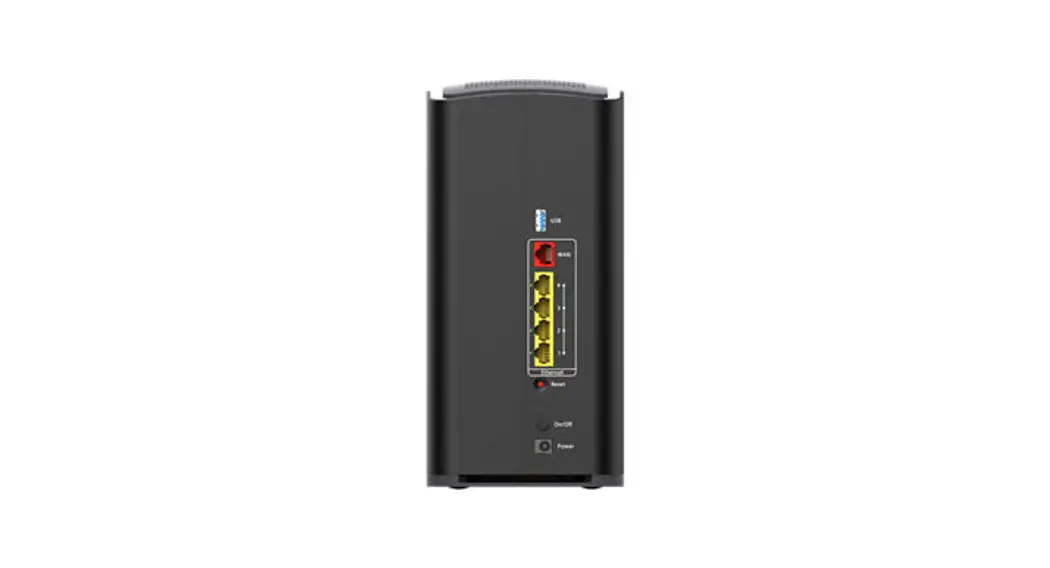
Arris TG1682 4-port DOCSIS 3.0 Gateway
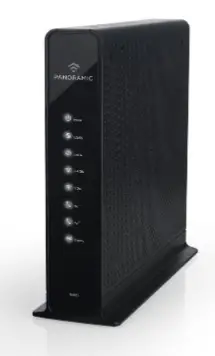
Modem InformationDOCSIS 3.0 Dual Band 802.11-AC WiFi Gateway Panoramic Wifi Gateway 24×8 channel bonding To achieve Gigablast or Ultimate Classic speeds, a DOCSIS 3.1 modem is required | Highest Service LevelUltimate 500 |
Combination Internet and Telephone modems purchased or received in new or used condition from third-party retailers are not certified for use with the Cox network.
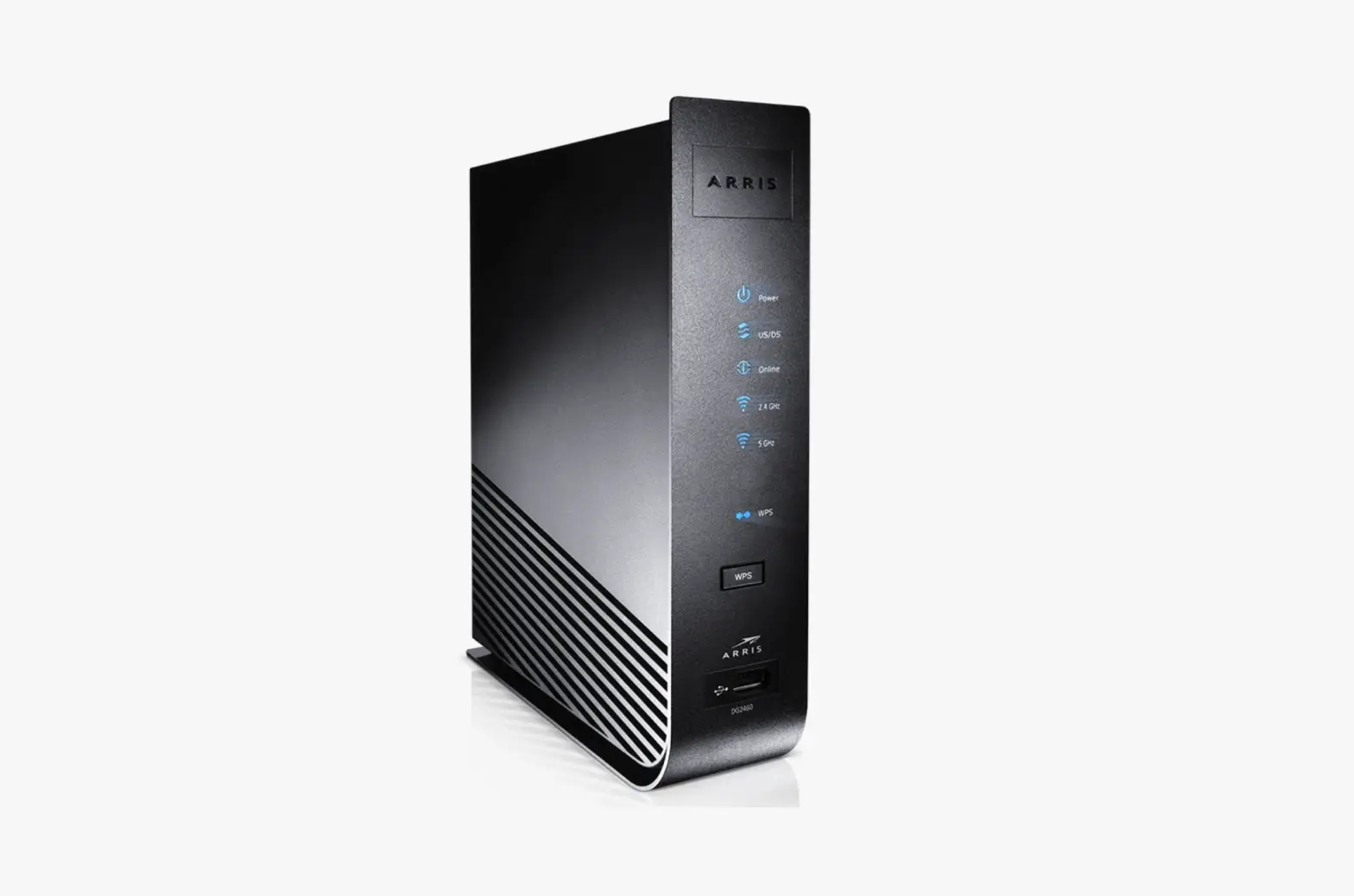
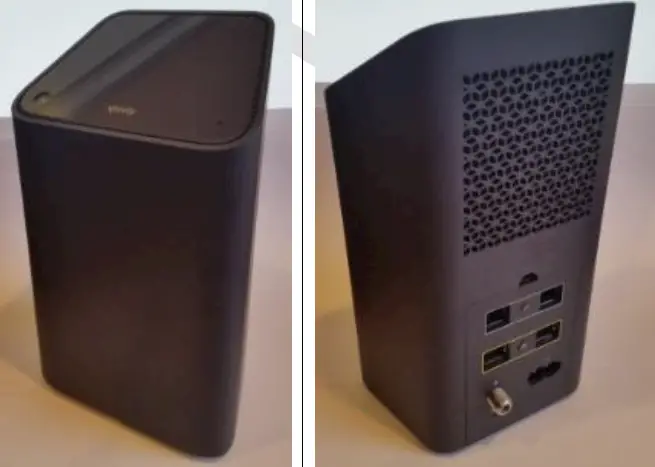
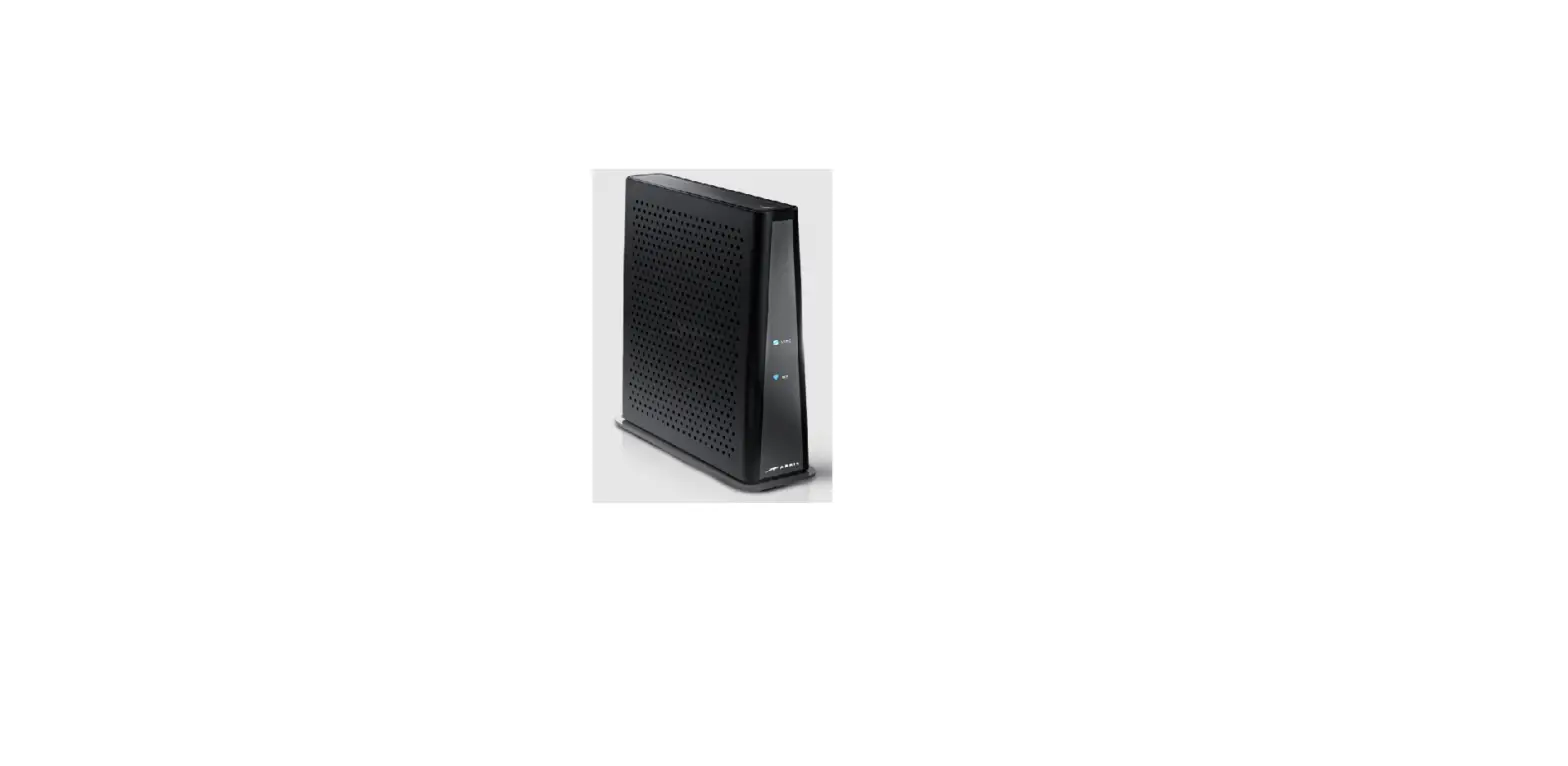
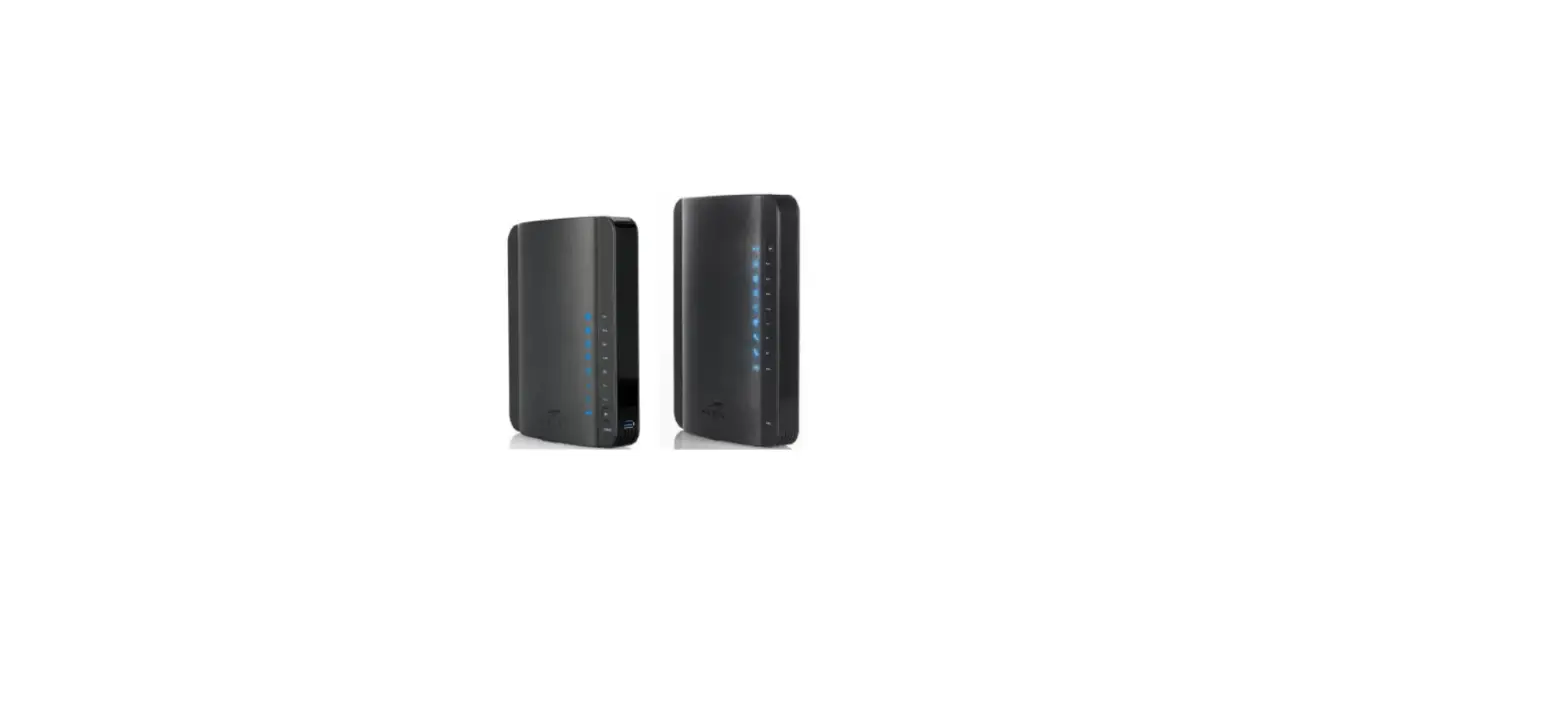
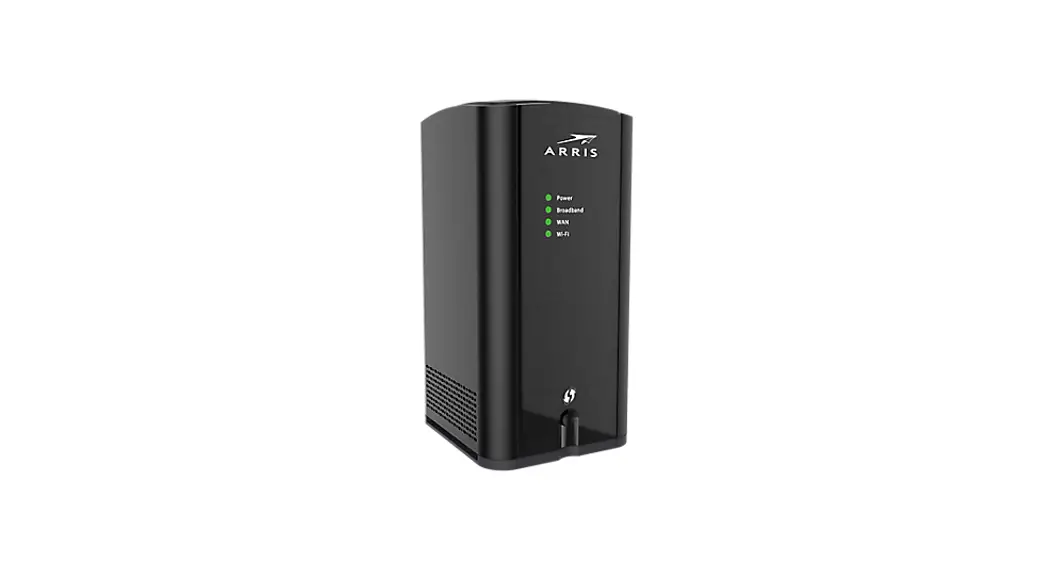
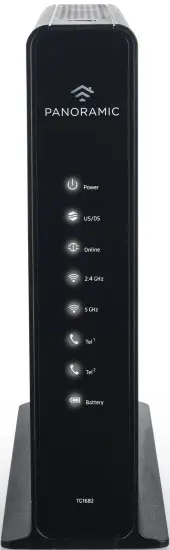
Front View
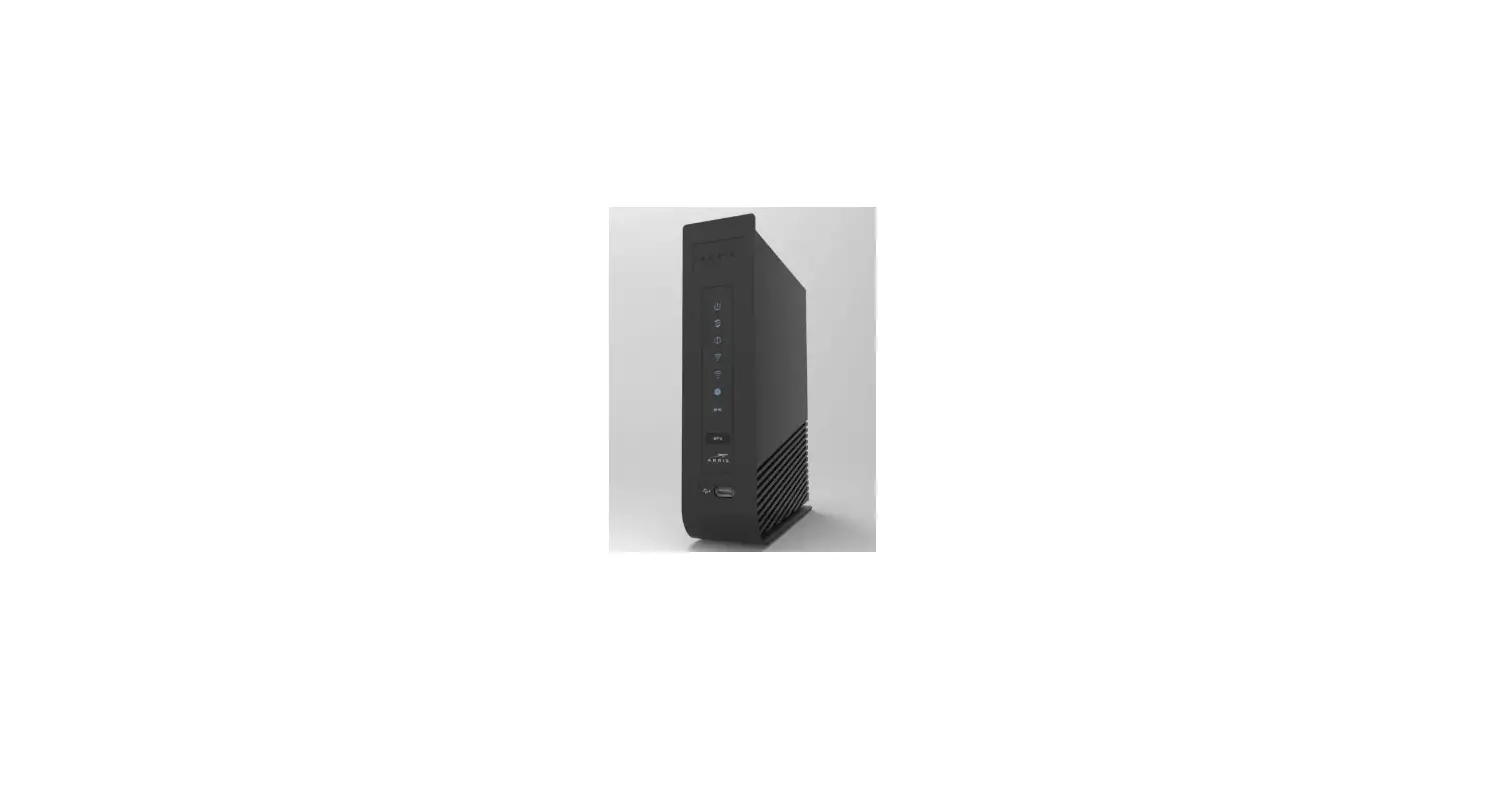
| The Arris TG1682 is a DOCSIS 3.0 device offering 24×8 channel bonding. After the gateway is successfully connected to the network, the Power, Receive, Send, and Online indicators illuminate continuously to indicate that the gateway is online and fully operational. | |
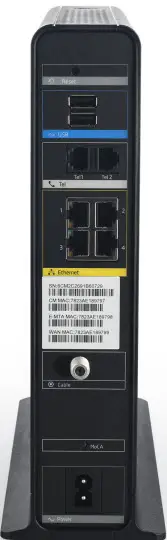
Back View
| The following ports are available on the back of the gateway.
A Wireless Protected Setup (WPS) button is located at the top. WPS allows you to add wireless devices to the wireless network. | |
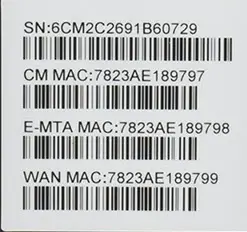
MAC Address
| MAC addresses are written as 12 digits containing both letters and numbers (0-9, A-F).
| |
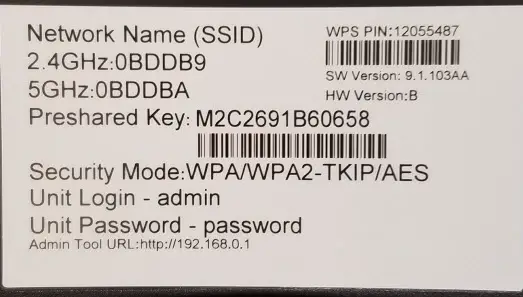
WiFi Network Label
| This label is located on the bottom of the device, which contains the default Network Name (SSID) and Passphrase (Preshared Key). |
Troubleshooting
The lights indicate the current status of your gateway. To troubleshoot any connection problems, use the table below.


Manufacturer Resources
For more detailed technical information on the TG1682, use the resources below.
- TG1682G_DataSheet [PDF]
- TG1682G_UsersGuide [PDF]