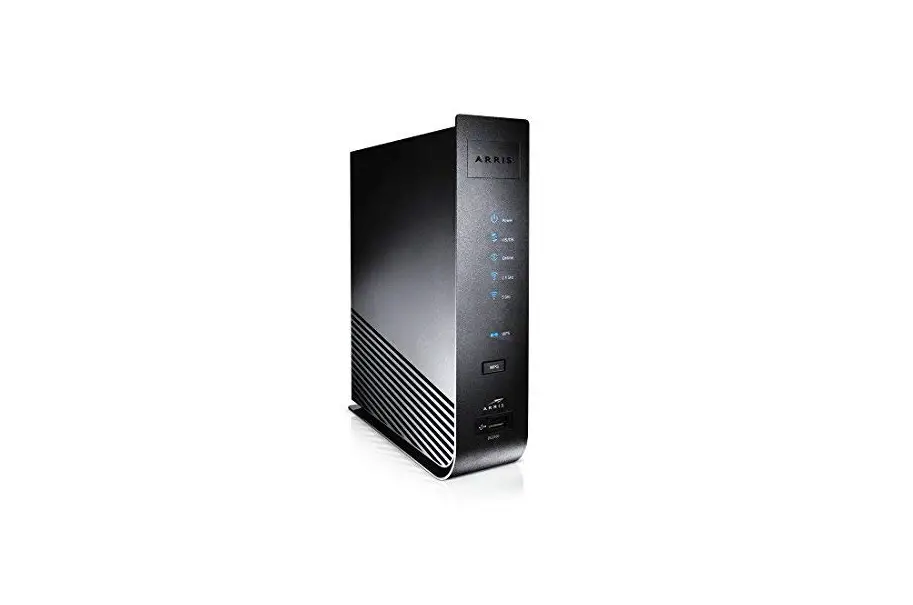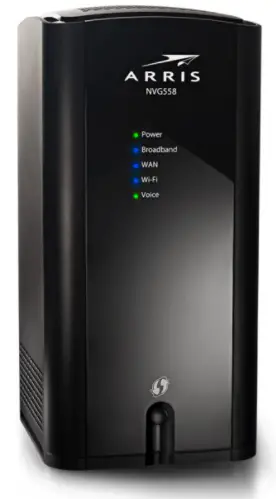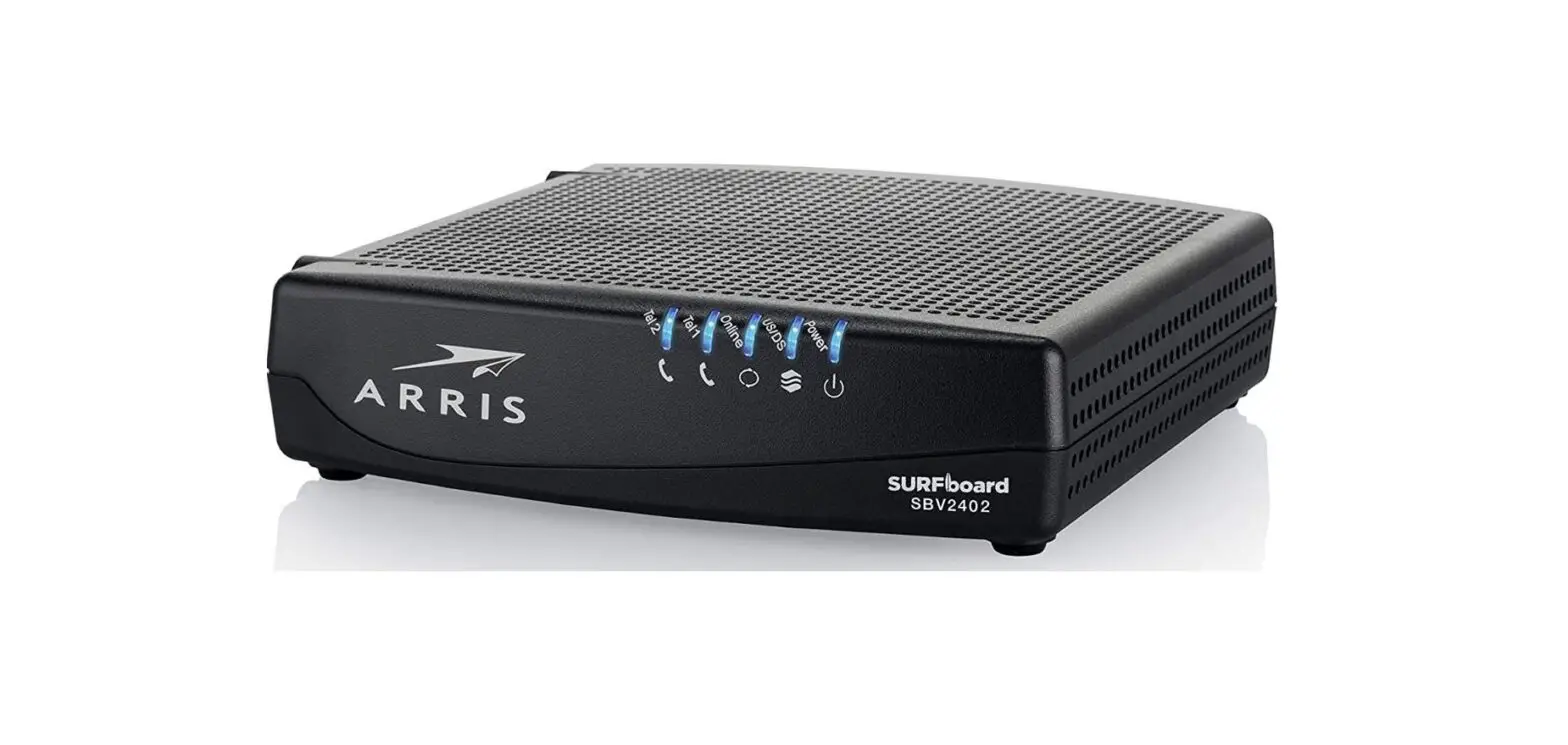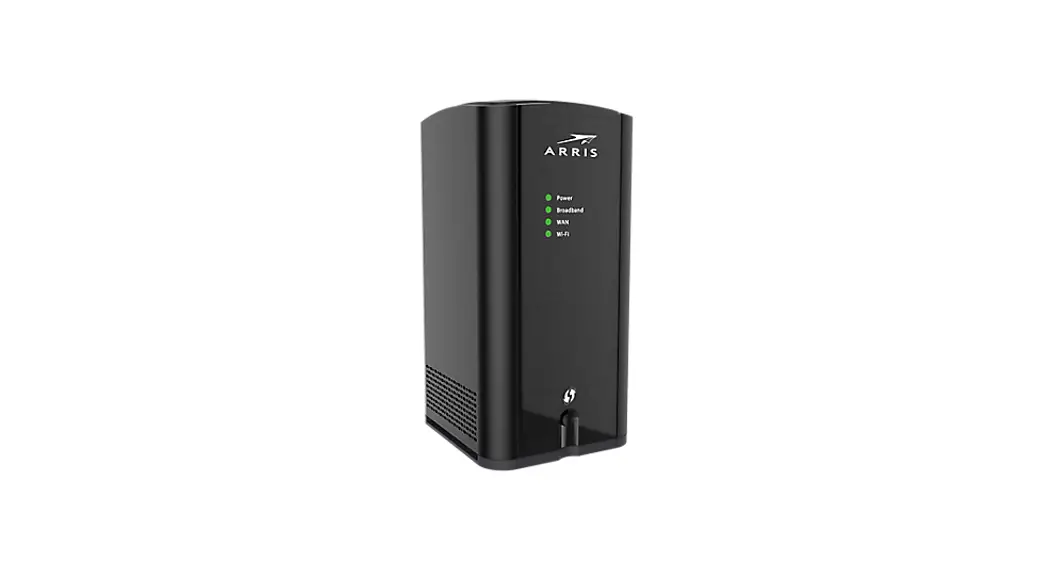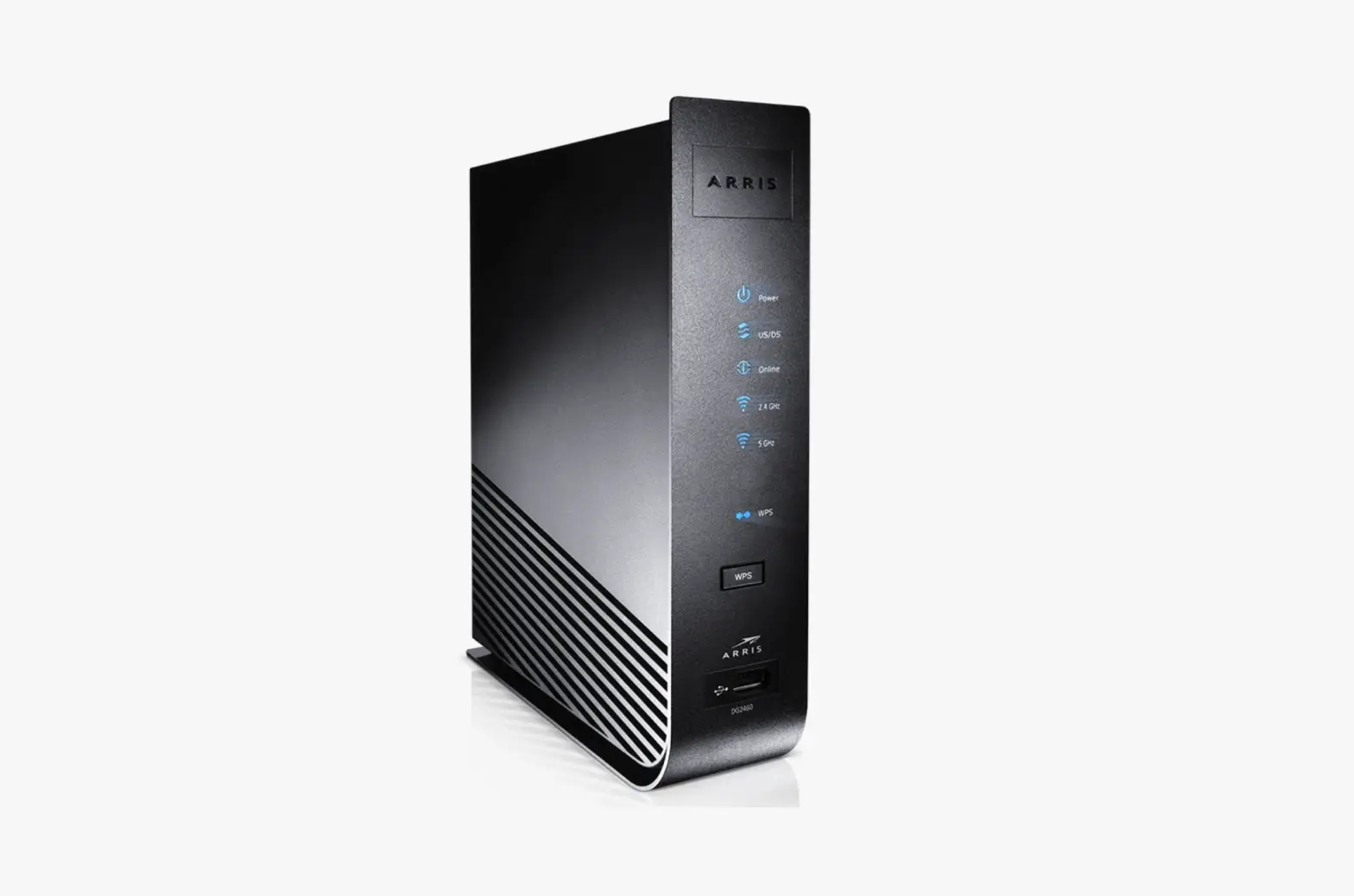

Instructions for the Gateway

Prepping:
Let’s get started
Your kit includes:
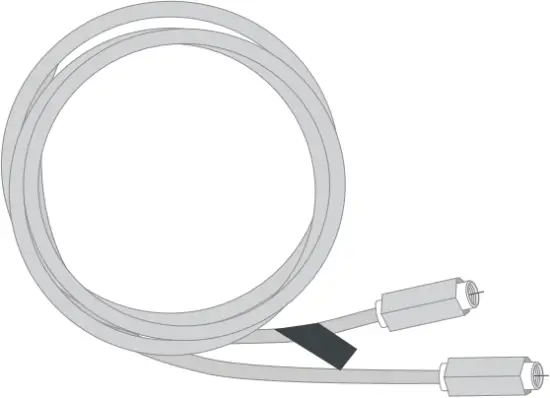
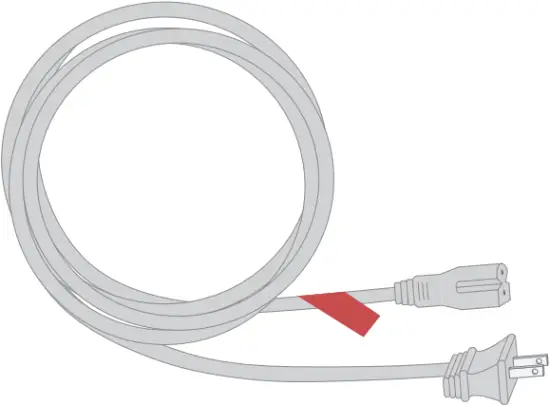
Coax cable Power cord
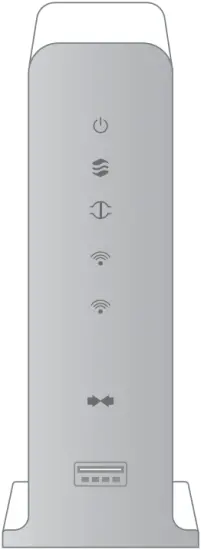
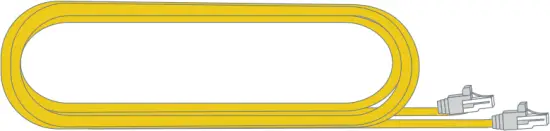
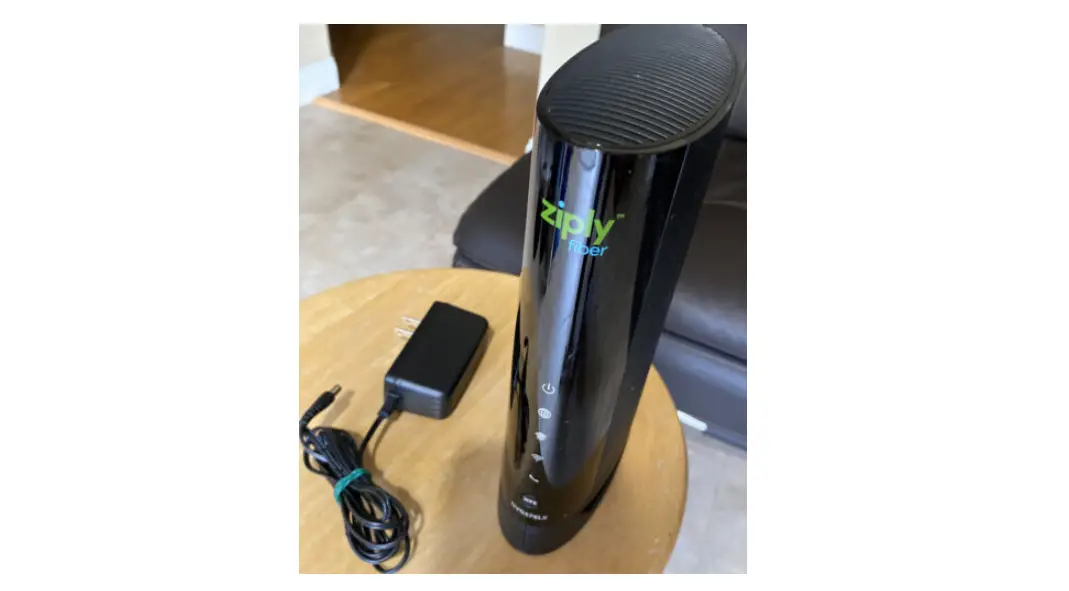
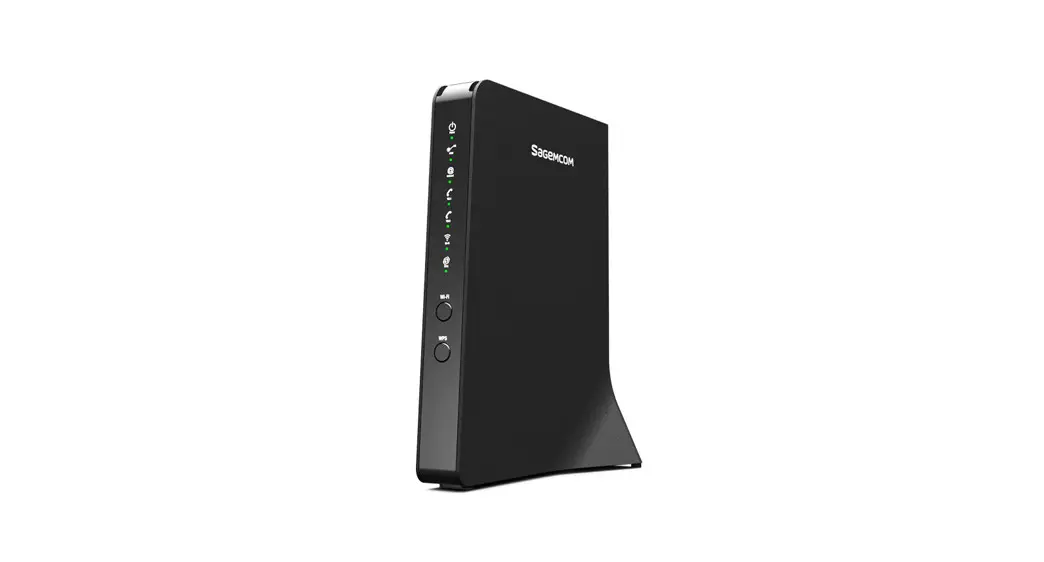
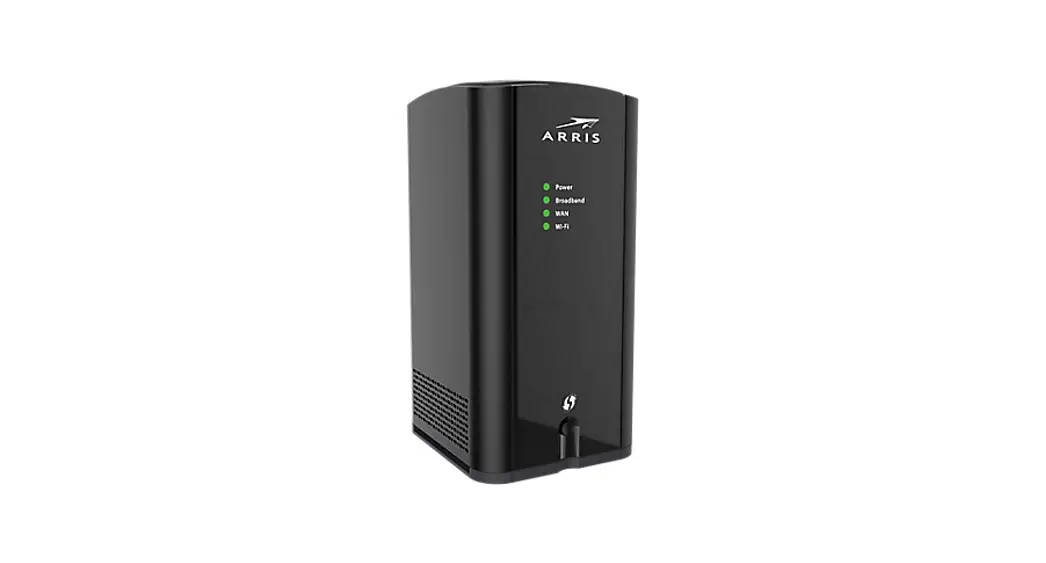
Gateway Ethernet cable (optional for install)
What you’ll need:
Smartphone, tablet, or computer
Installing:
Gateway
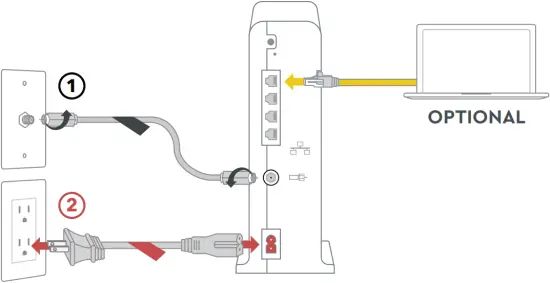
Step 1: Plug in your Gateway
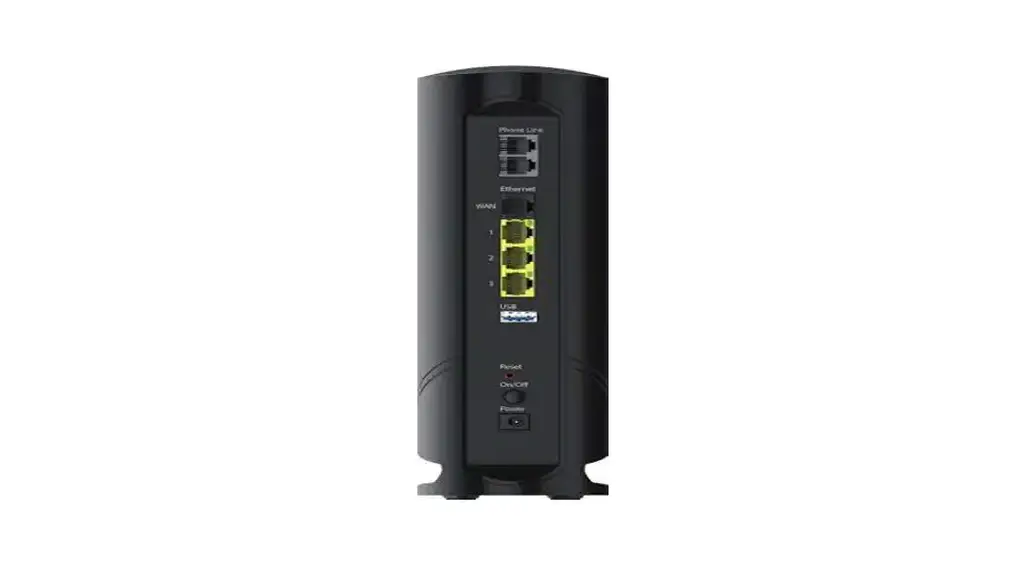
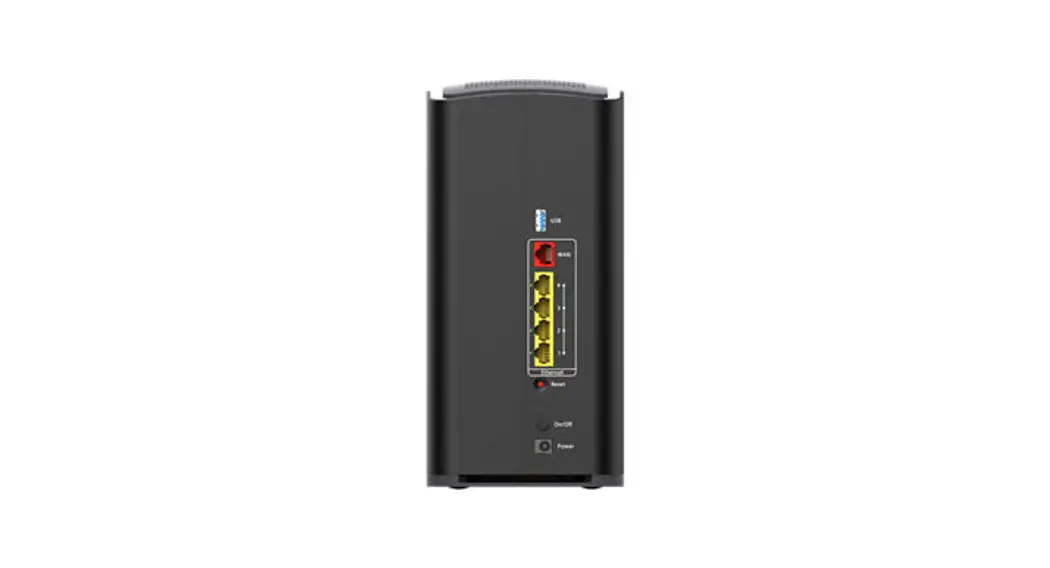
Connect the coax cable (1) into an active cable outlet and to the coax port on the Gateway.
Then connect the power cord (2) in to an electrical outlet and to the Gateway. It’s important to connect the power cord second. Also, make sure the electrical outlet isn’t connected to a dimmer.
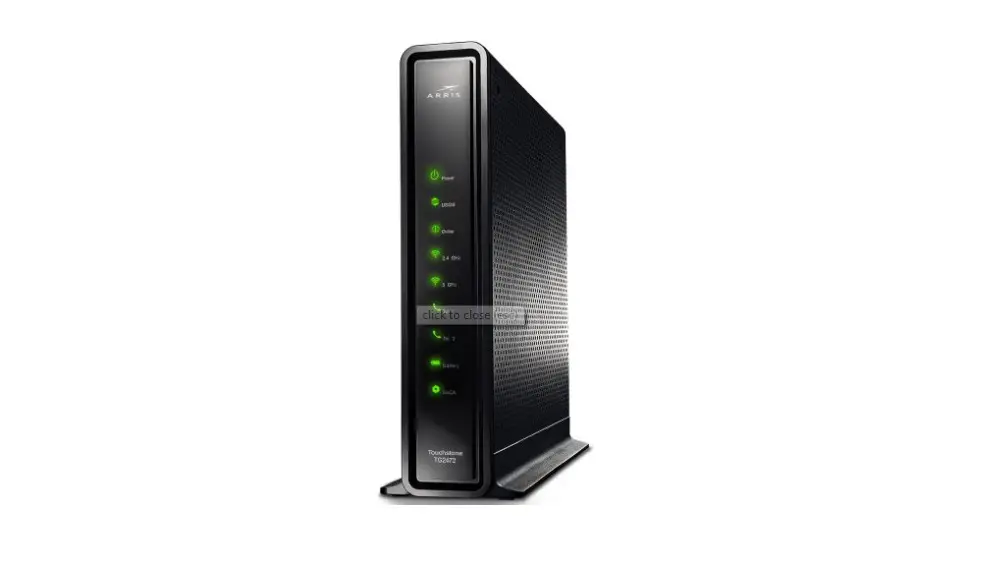
Now that it’s powering on, wait about 10 minutes for it to fully boot up. You’ll know it’s ready when the “online” light  is solid.
OPTIONAL: Use the Ethernet cable to connect your computer to the Gateway via a wire, rather than wirelessly.
Step 2: Connect to the network
Open the wifi settings on your smartphone, tablet, or computer. Connect to the network using the Network Name (SSID) and the Preshared Key (that’s the password) from the label on the Gateway.
Once your device is connected, open a browser and surf the web to verify that you’re good to go.
Troubleshooting:
We’re here to help
 Tips
Tips
 Tips
Tips- Place the Gateway at least 3 feet above ground and avoid cramped spaces for the strongest wifi signal.
- Your Gateway may reboot to download updates. The process is automated and only takes a few minutes.
FAQs
 FAQs
FAQsWhy isn’t my Gateway working?
Try rebooting - just unplug the power cord from the wall, wait 10 seconds, then plug it back in. It may take a few minutes to fully reset. Also, make sure all of the connections are tight and completely plugged in.
Which coax outlet should I use?
It needs to be an active outlet. It should be centrally located and not surrounded by metal. Inactive outlets are common, so try a different one if it’s not working.
What’s the Ethernet cable for?
It’s an optional cable to connect your computer to the Gateway via a wire, rather than wirelessly.
 Help us send zero waste to landfills by recycling the kit once you’re finished. It’s made with 100% recyclable materials.

 APP: Cox app has 24/7 support & helpful videos
 CHAT: live chat on Cox.com/chat
 WEB: Cox.com/installhelp & Cox.com/learn
 CALL: 1-888-556-1193
 ACCESSIBILITY: Cox.com/accessibility
 Accessibility Features | Cox