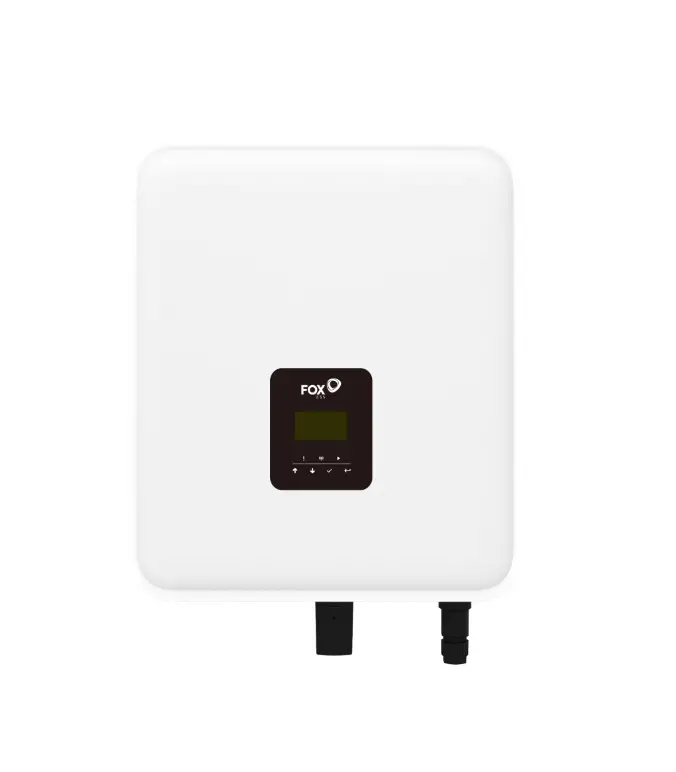
FoxESS H3 Firmware Upgrade Instructions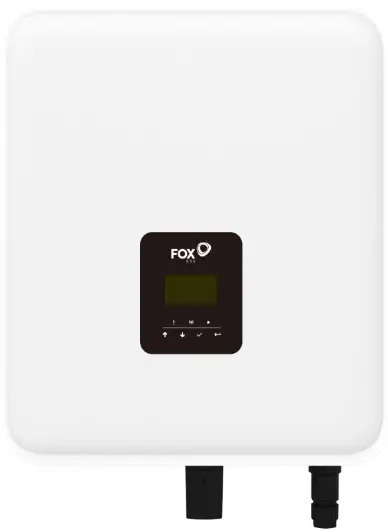
H3 Firmware Upgrade Instruction
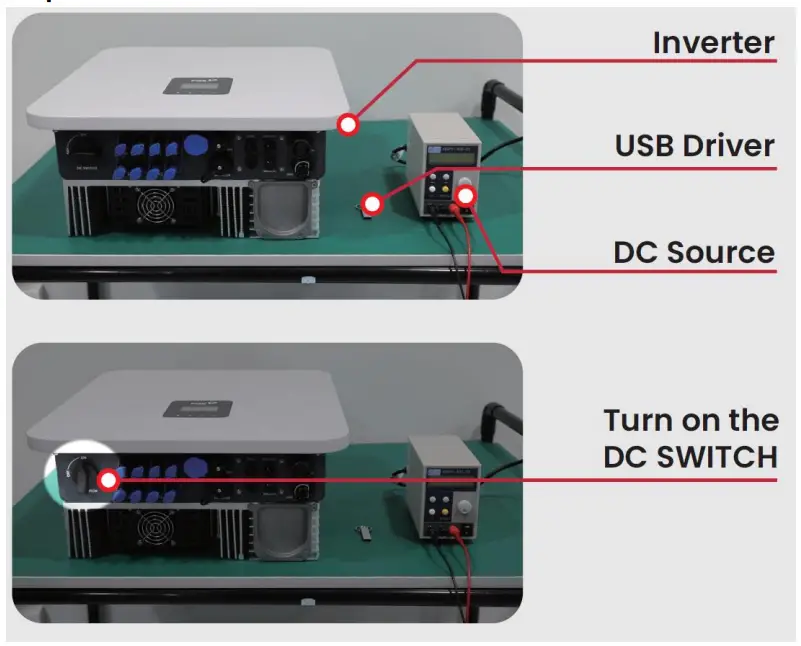
Tools Preparation:
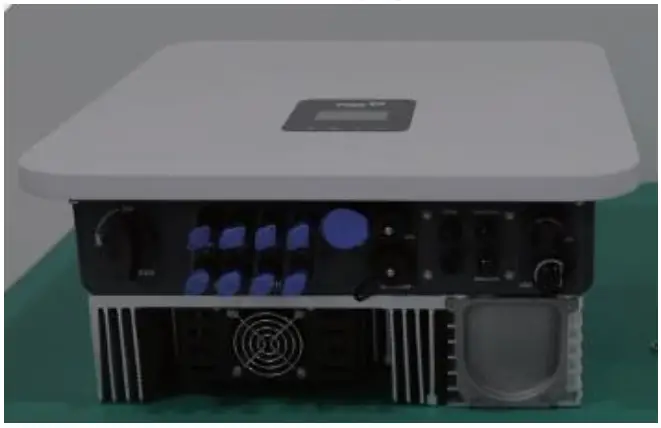
- Inverter to be upgraded

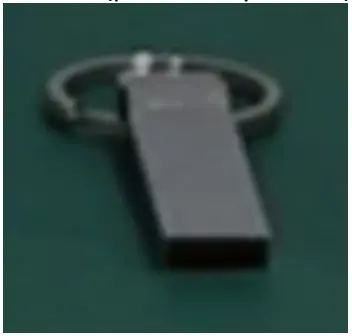
- USB disk(provided by FoxESS)

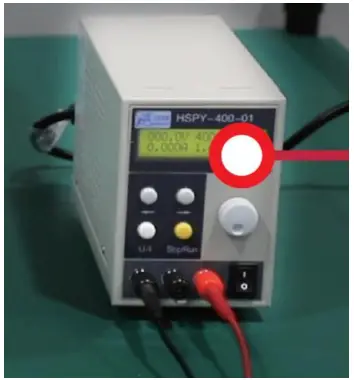
- DC Source

Upgrade Steps
- Step 1:

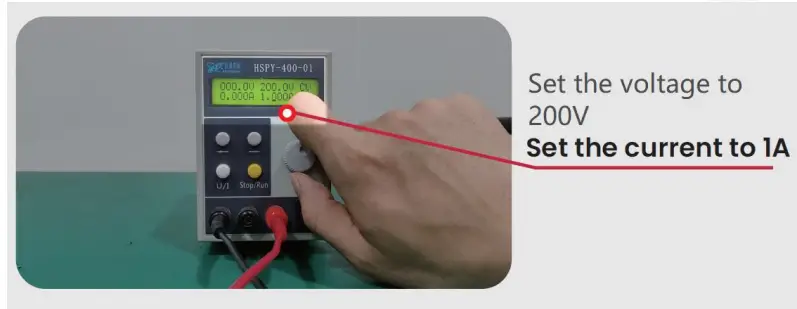
- Step 2:

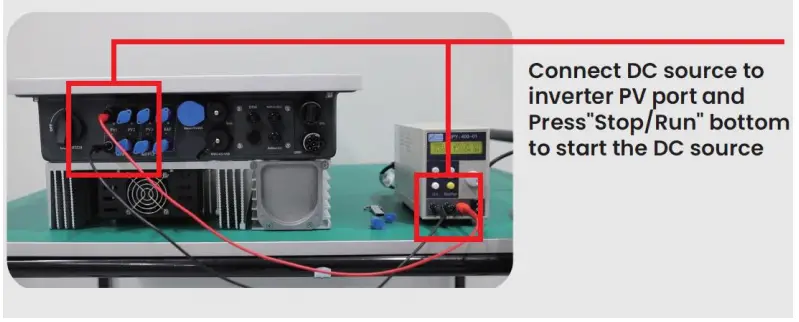
- Step 3:

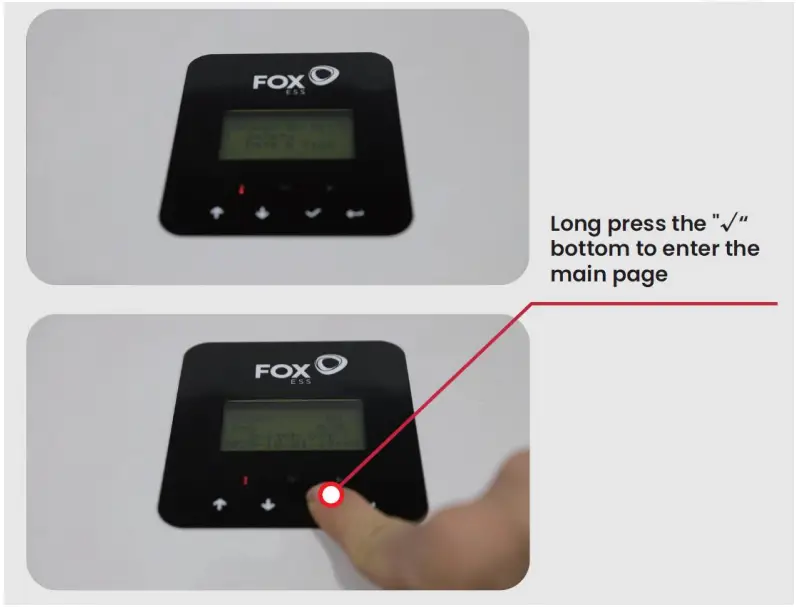
- Step 4:

- Step 5:

- Step 6:

- Step 7: Upgrade the master

- Step 8: Upgrade the master, and then upgrade the HMI

- Step 9:
By this step, the upgrade has been completed, and the next step is to check
- Step 10: Version check


- Step 11: Factory Reset


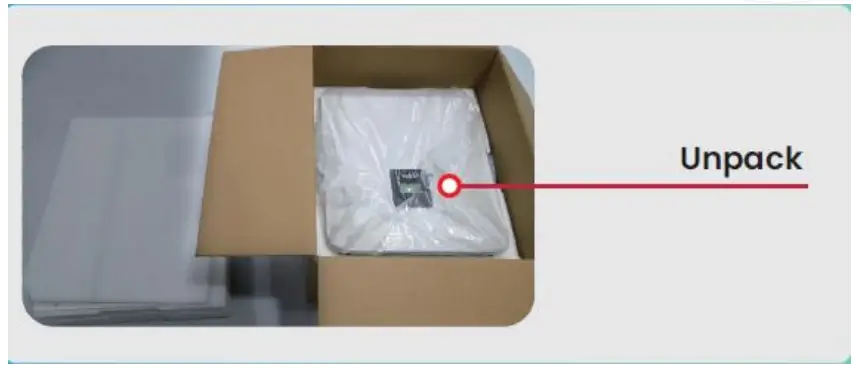
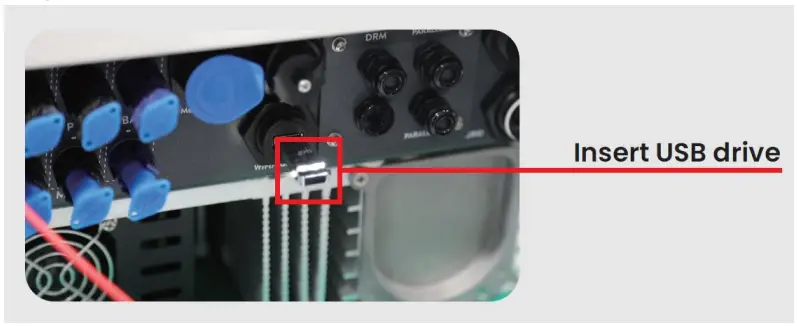
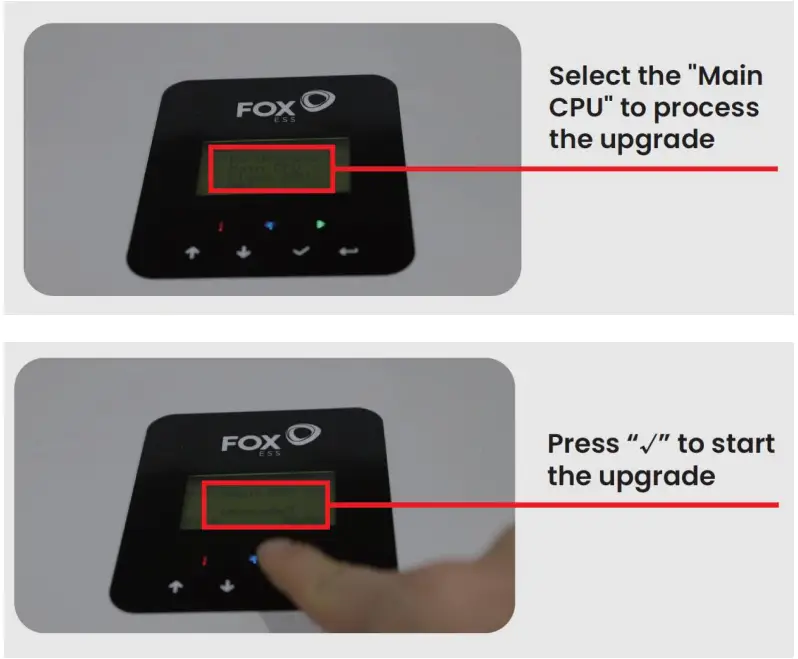
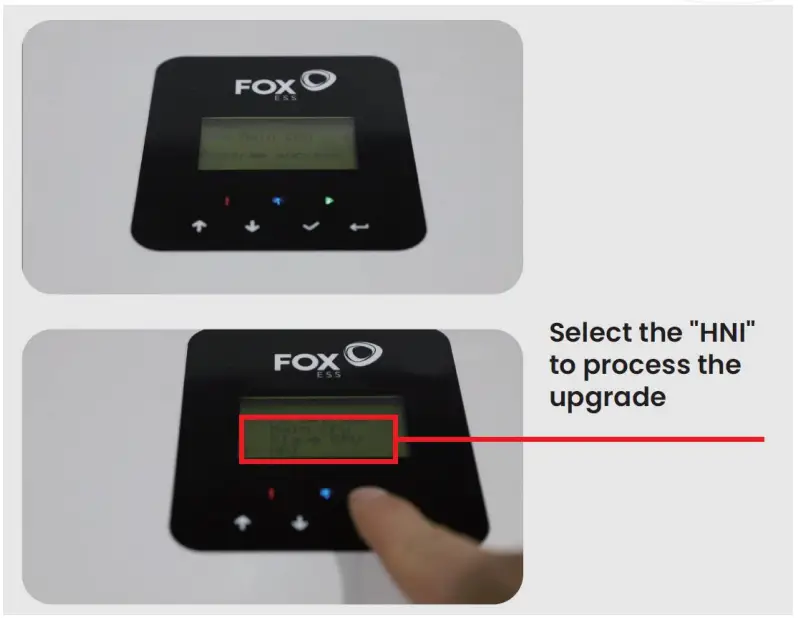
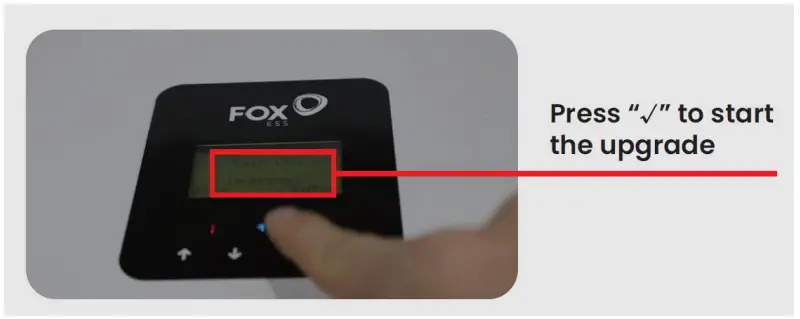
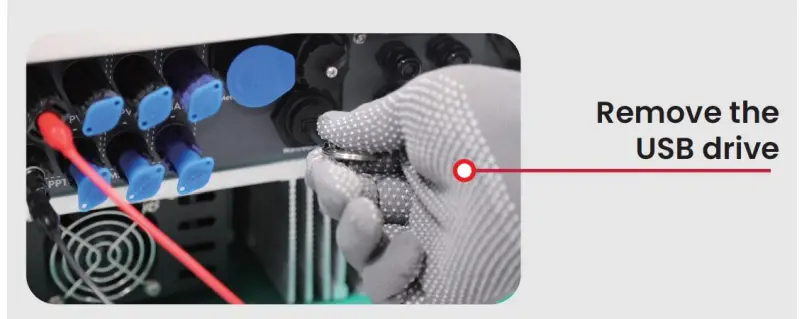
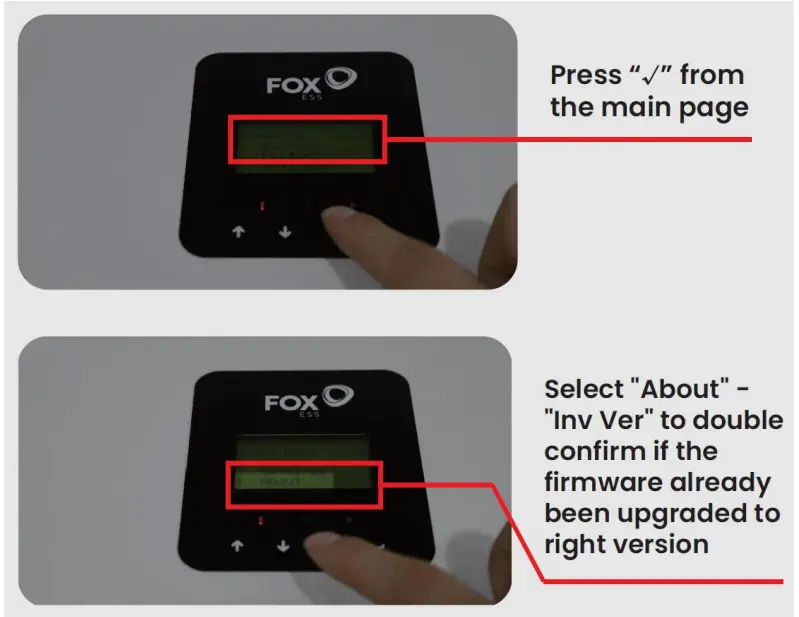
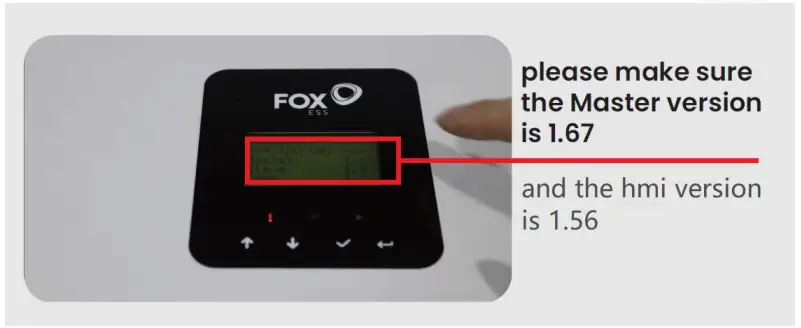
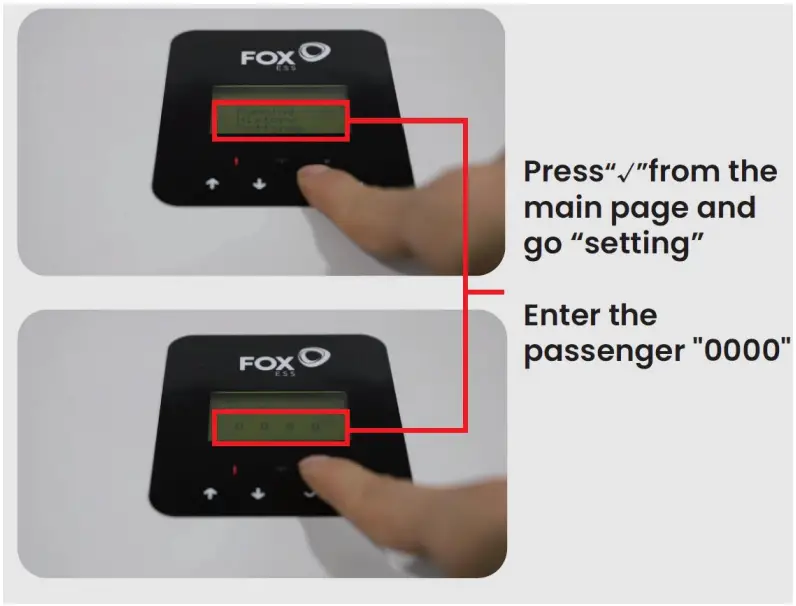
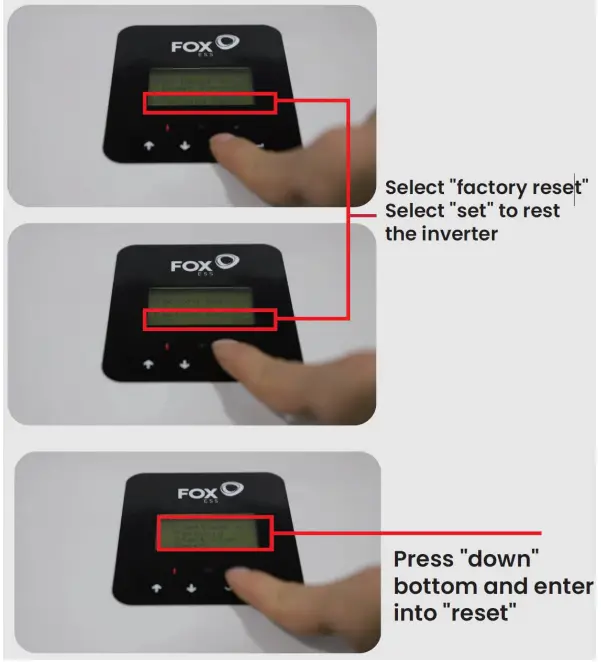
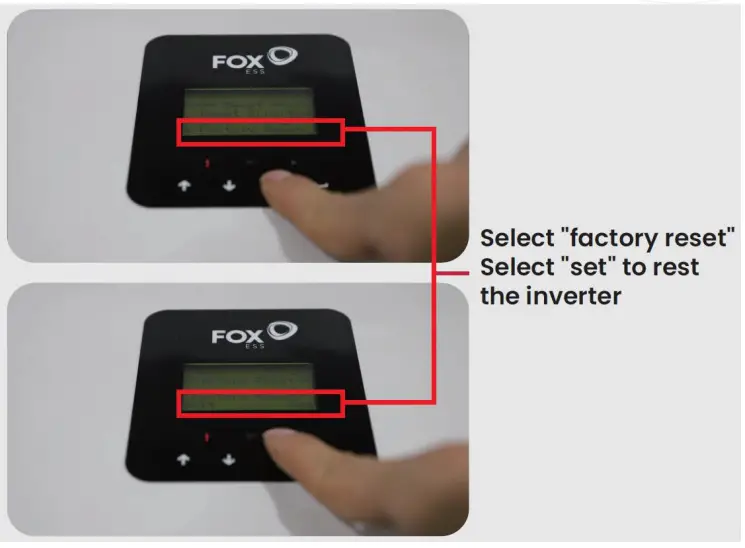
By this step, all work has been completed.
Please remove the power supply and pack the inverter!
Thank you very much!
CUSTOMER SUPPORT
FoxESS, No. 11 Lijiang Road, Xinwu District, Wuxi City, Jiangsu Province, China 214028
FoxESS Co• I Ltd.
No. 11 Lijiang Road, Xinwu District, Wuxi City, Jiangsu Province, China 214028 [email protected]
 www.fox-ess.com
 0510-680192998