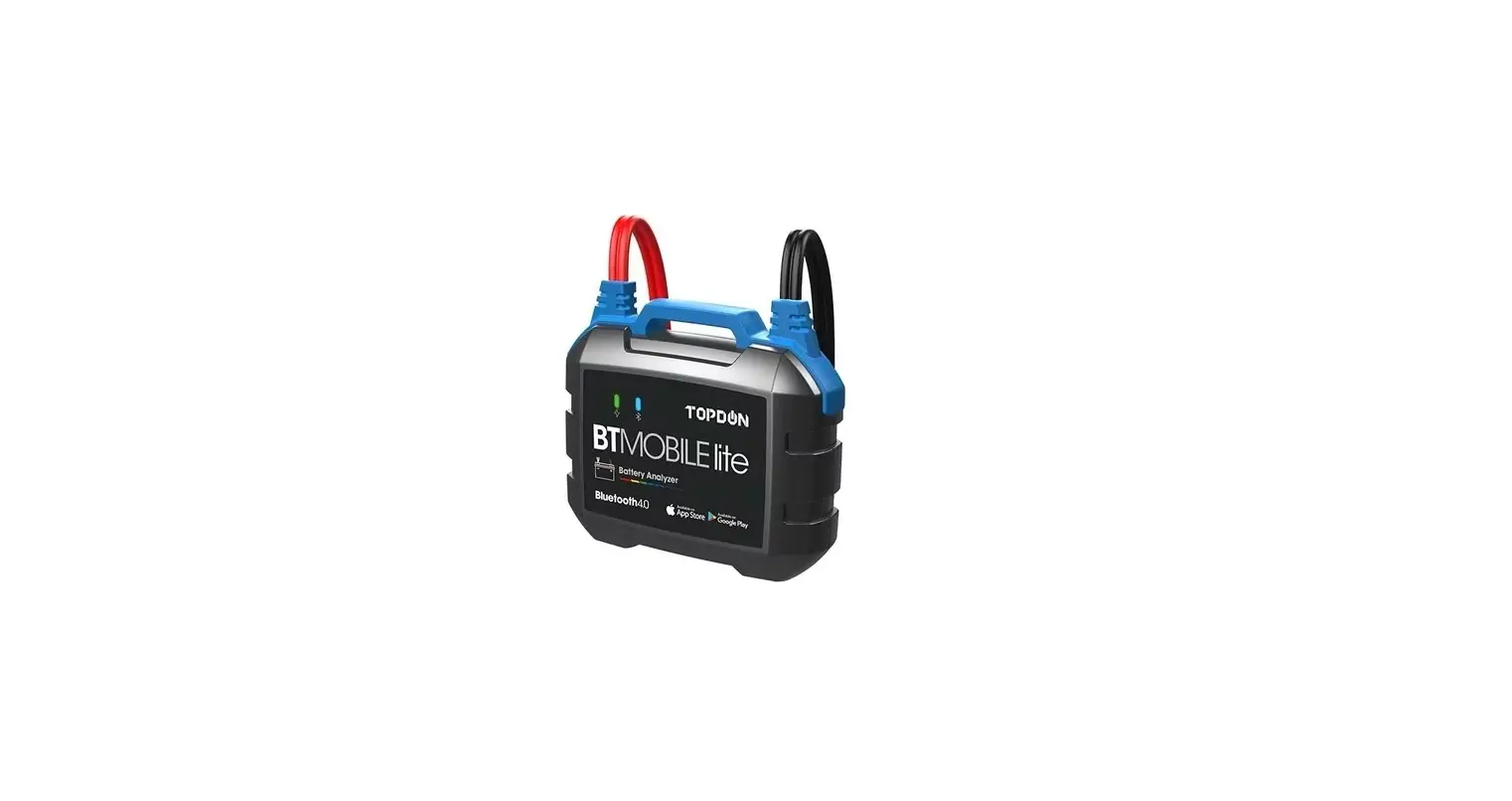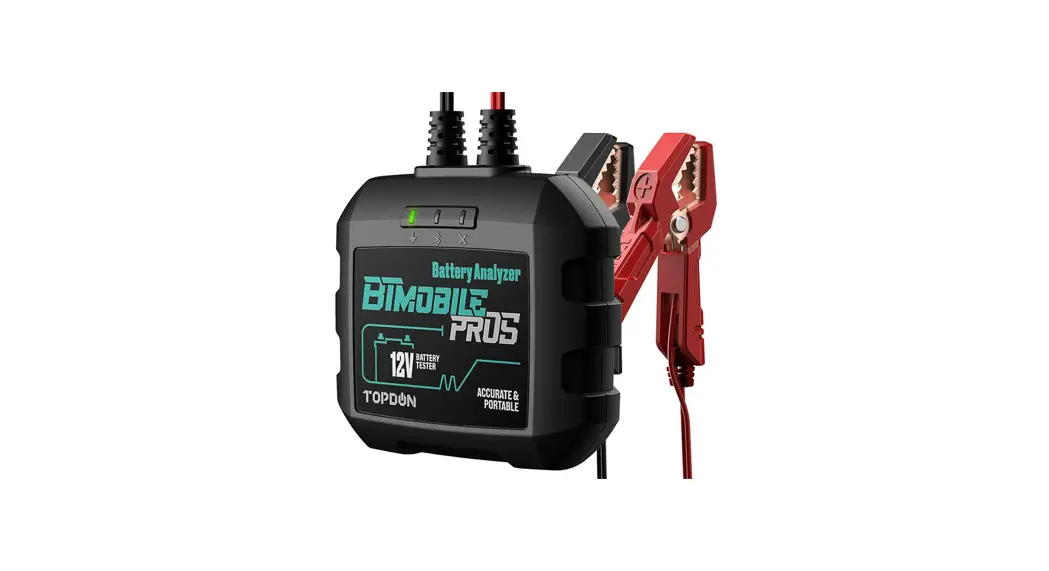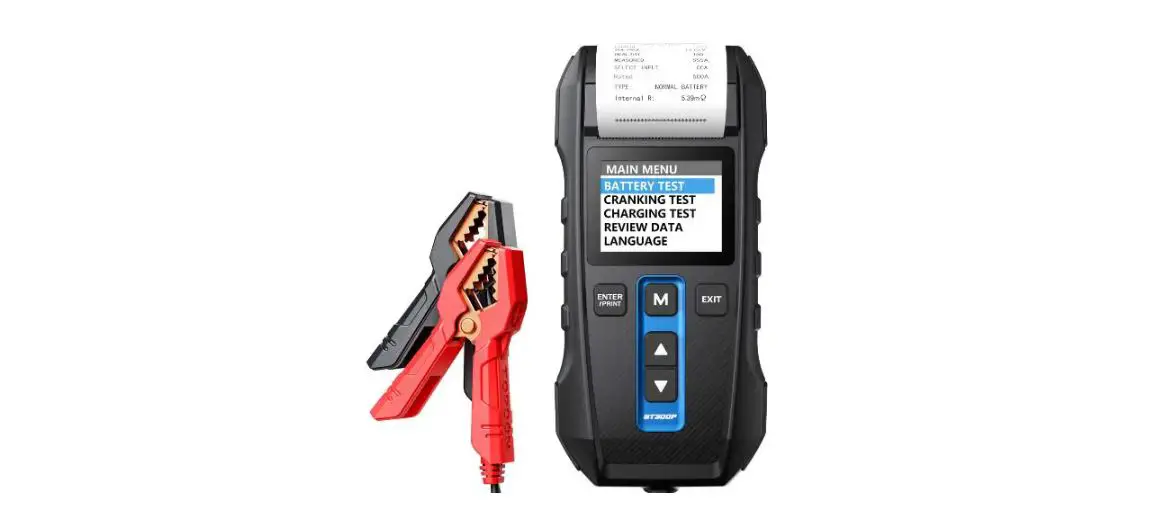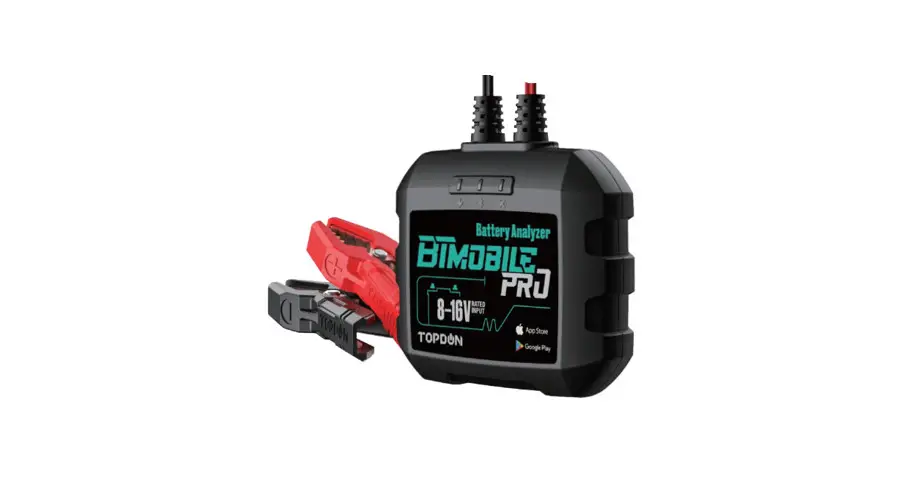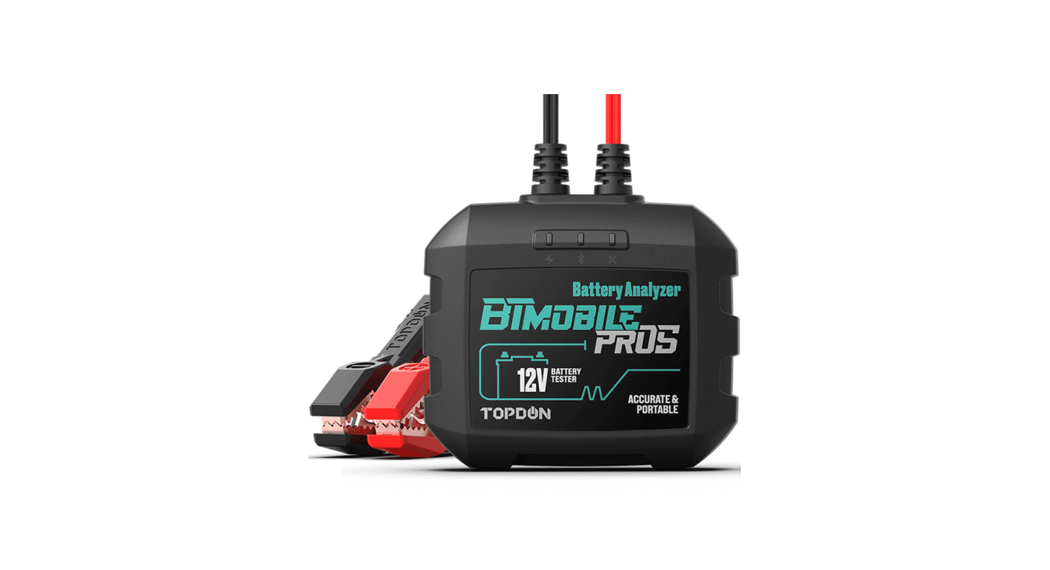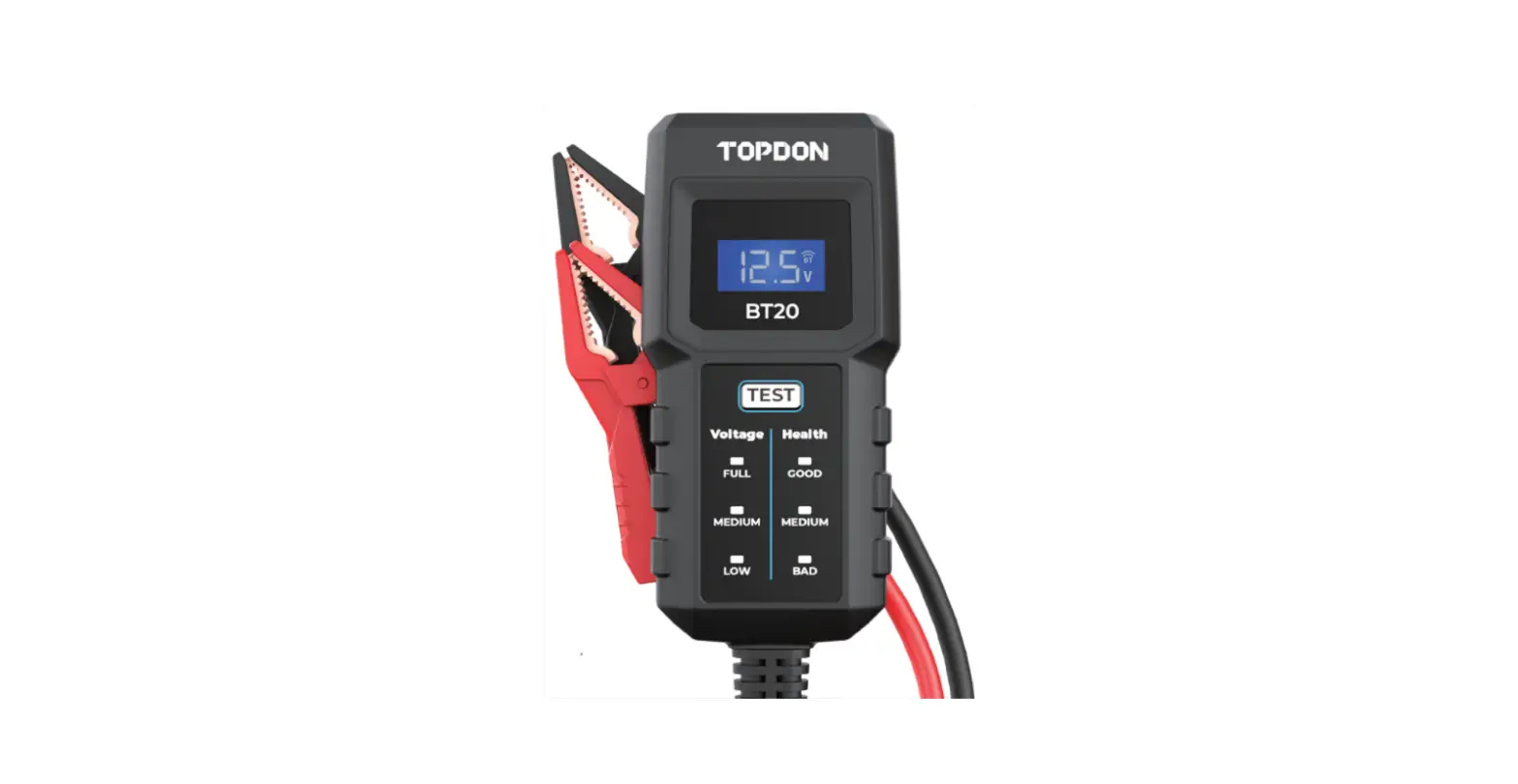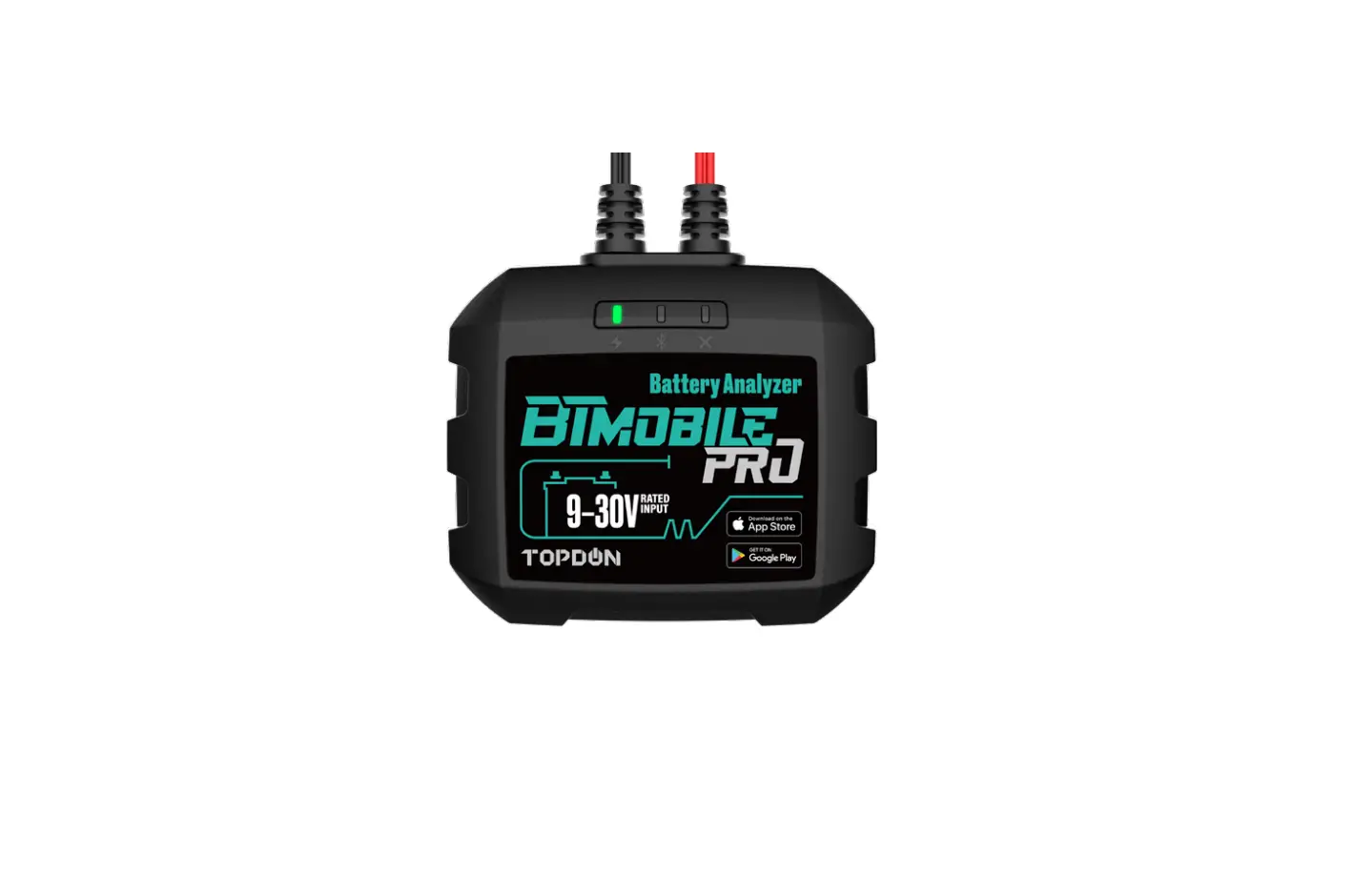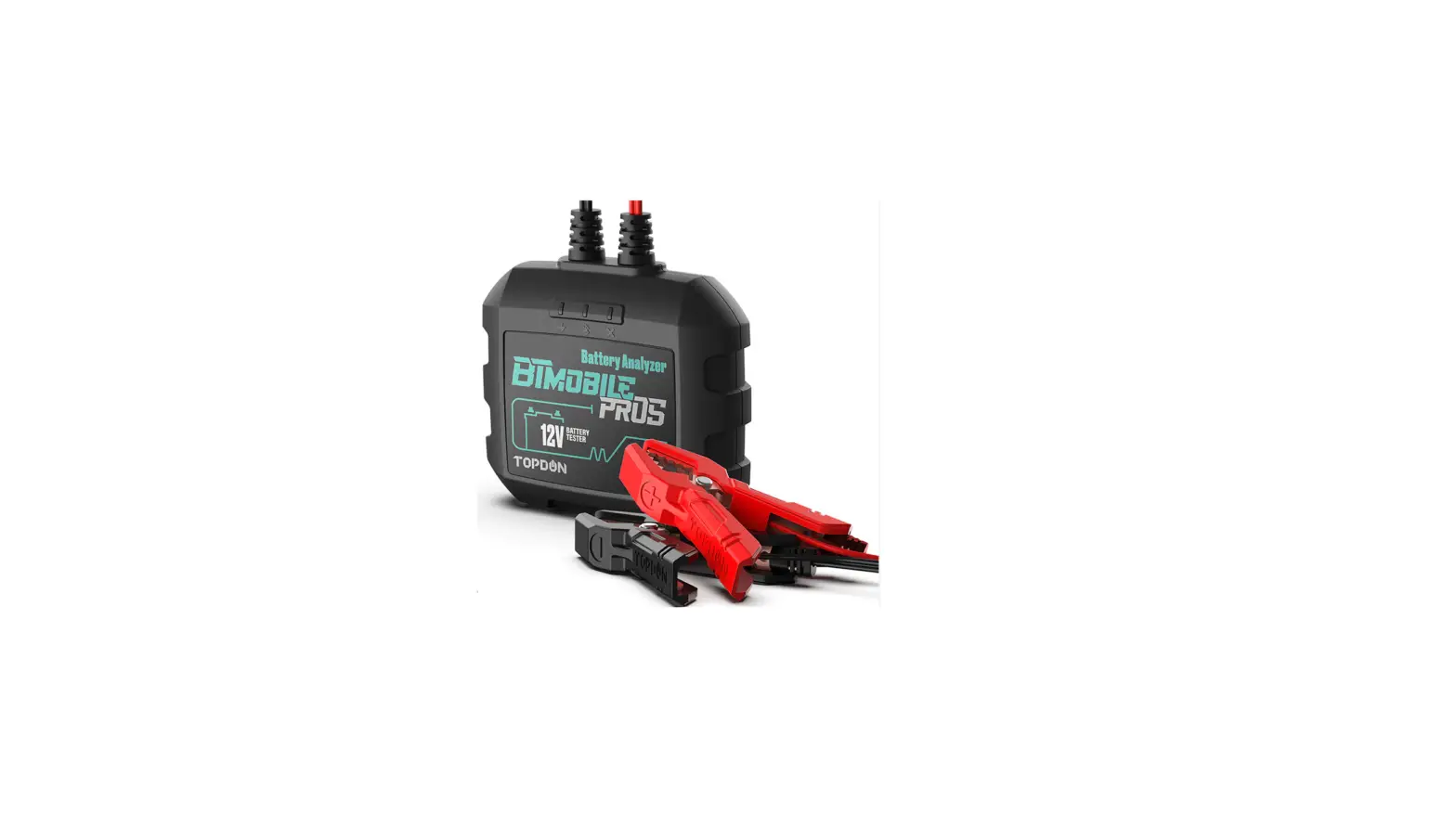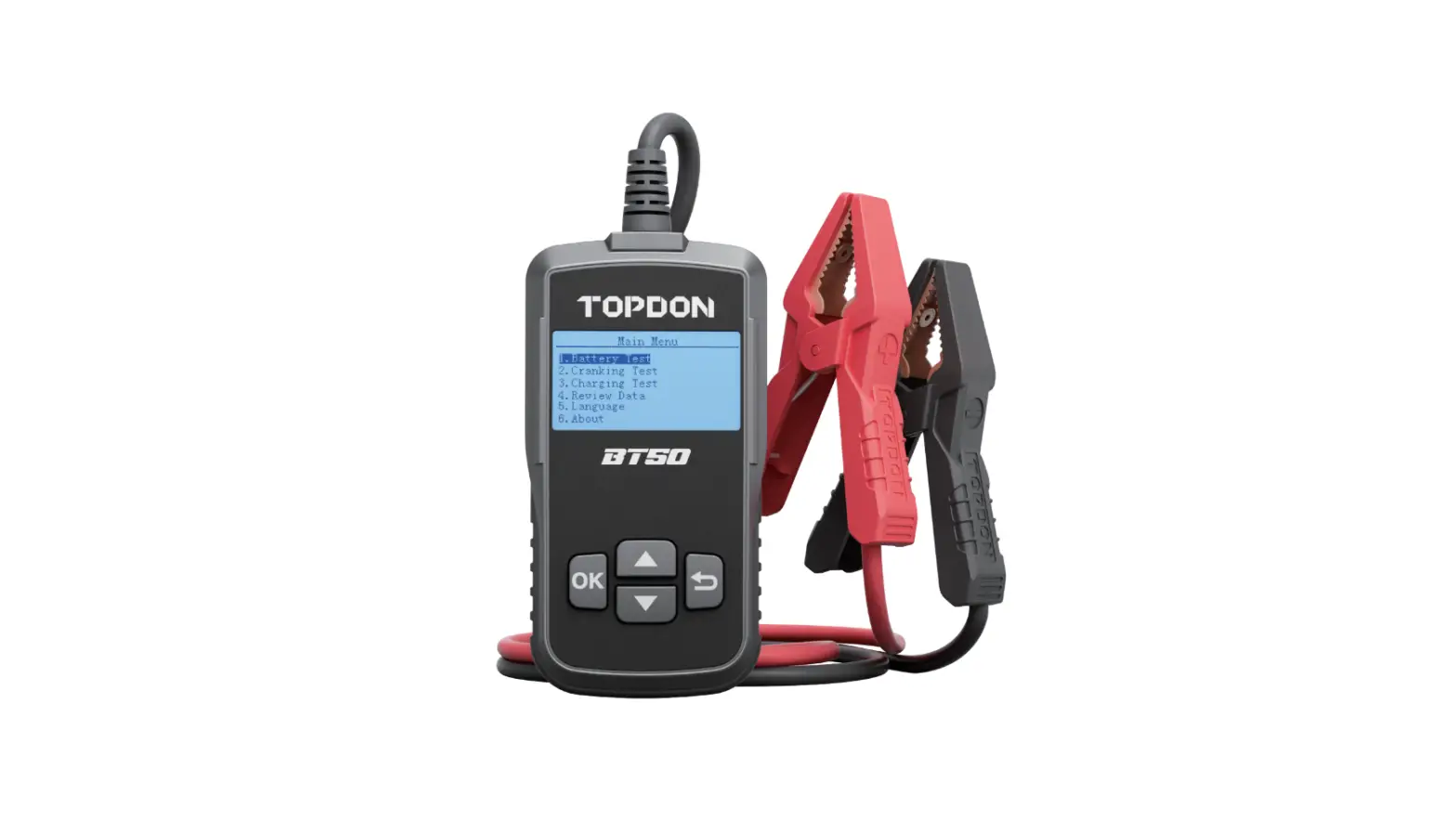
TOPDON BT50 12V Battery Tester 100-2000 CCA User Manual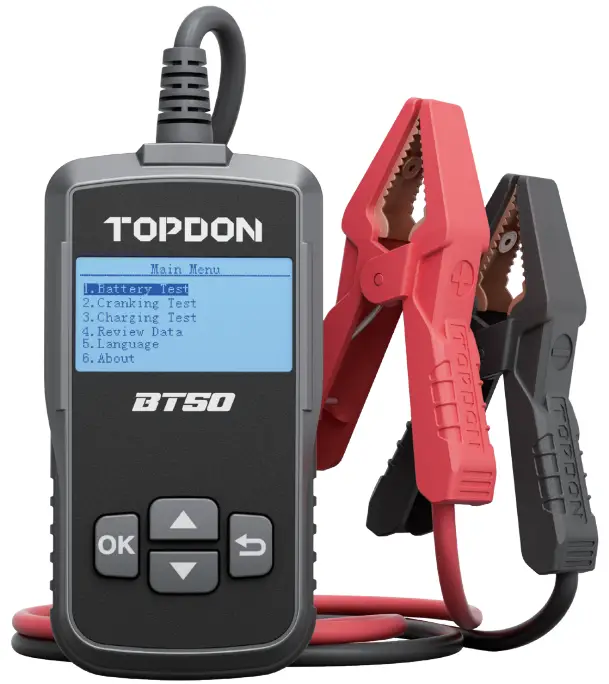
SAFETY IS ALWAYS THE FIRST PRIORITY!
READ ALL INSTRUCTIONS BEFORE USING
 For your safety, the safety of others, the product, and the vehicle you are working on, PLEASE, CAREFULLY READ AND MAKE SURE YOU FULLY UNDERSTAND ALL THE SAFETY INSTRUCTIONS AND MESSAGES ON THIS MANUAL.
 ONLY OPERATE THE TEST IN A WELL-VENTILATED AREA since the vehicle produces carbon monoxide, a toxic and poisonous gas, and particulate matter when the engine is running.
 ALWAYS WEAR APPROVED SAFETY EYE PROTECTION to prevent damage from sharp objects and caustic liquids.
 ALWAYS BE AWARE OF MOVING PARTS (such as coolant fans, pulleys, belts) since they spin or turn at high speeds when the engine is running.
 DO NOT TOUCH HOT ENGINE PARTS to prevent severe burns. The engine parts become very hot when the engine is running.
 ALWAYS SHIFT THE GEAR TO P (FOR AUTOMATIC TRANSMISSION) OR TO NEUTRAL (FOR MANUAL TRANSMISSION) AND MAKE SURE THE PARKING BRAKE IS ENGAGED.
 ALWAYS USE A DIGITAL MULTIMETER WITH
AT LEAST 10 MEGOHMS OF IMPEDANCE when conducting electrical tests on vehicles to prevent causing damage to on-board electronic components.
 NO SMOKING ANYWHERE NEAR THE VEHICLE when testing. The fuel and battery vapors are highly flammable.
 DO NOT WEAR LOOSE CLOTHING OR JEWELRY WHEN WORKING ON AN ENGINE.
Loose clothing can easily be caught in the engine’s fan, pulleys, belts, etc. and jewelry is highly conductive, which causes severe burn or electric shock if it contacts with electricity.
 DO NOT CUT THE PRODUCTS CORDS OR SUBMERGE THEM IN WATER. The product is an electrical device that can cause shock and severe burns.
 Battery acid is extremely corrosive. If acid gets into your eyes, FLUSH THEM THOROUGHLY WITH COLD RUNNING WATER FOR AT LEAST 20 MINUTES AND SEEK MEDICAL ATTENTION IMMEDIATELY. If battery acid gets on your skin or clothing, WASH IT IMMEDIATELY WITH A SOLUTION OF WATER AND BAKING SODA.
COMPATIBILITY
Refer to the battery label for battery type and CCA values (Cold Cranking Amp).
- Regular Flooded
- AGM Flat Plate
- AGM Spiral
- GEL
- EFB
Note: If your vehicle battery is not the battery mentioned above and you are not sure about which type it is, please choose AGM to conduct test, and the error is within 10%.
WHAT IS IN THE BOX
- TOPDON BT50 Vehicle Battery Tester
- User Manual
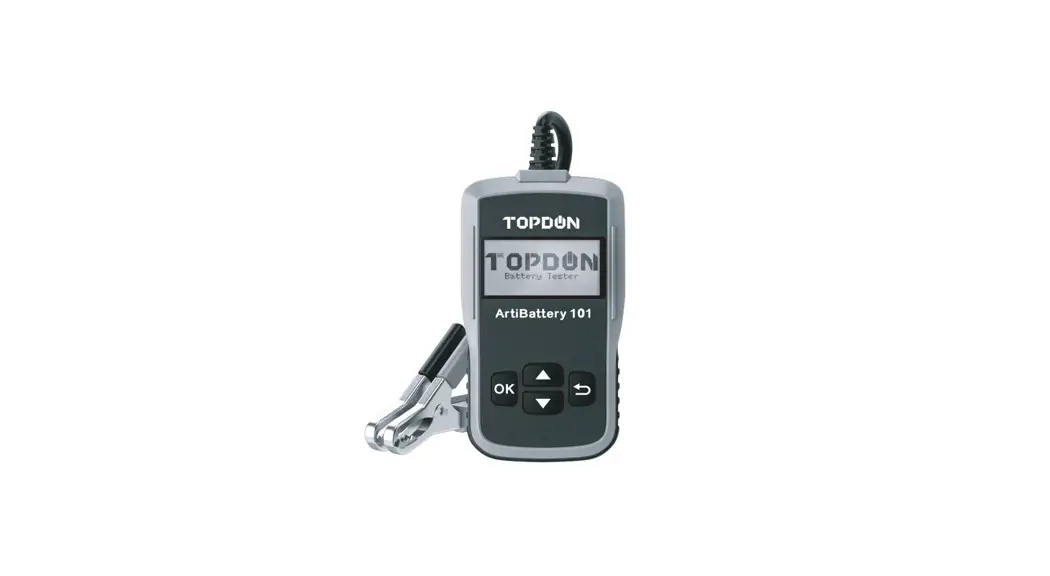
PRODUCT OVERVIEW
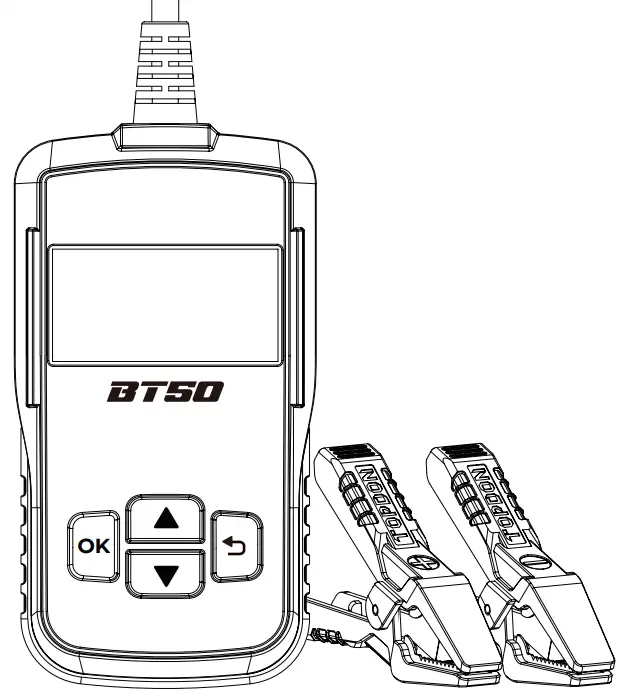
| Buttons | Operations |
 | Page up, or increase the battery rating values |
 | Page down, or decrease the battery rating values |
| OK | Confirm, enter or proceed |
 | Cancel, or return to the previous page |
| Black Smart Clamp | Connect to the negative terminal of the vehicle battery |
| Red Smart Clamp | Connect to the positive terminal of the vehicle battery |
OPERATION INTRODUCTION
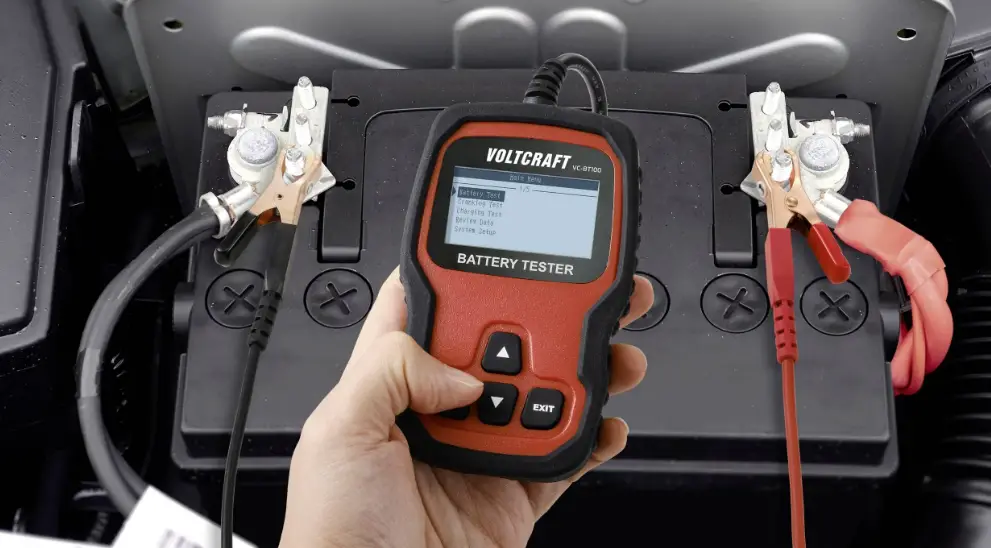
The tool is solely powered by the vehicle battery. Connect the RED (+) Positive Battery Clamp to the (+) positive battery terminal, and connect the BLACK (-) Negative Battery Clamp to the (-) negative battery terminal. Ensure that the clamps are securely attached to the correct terminals.
The LED display will show the message below: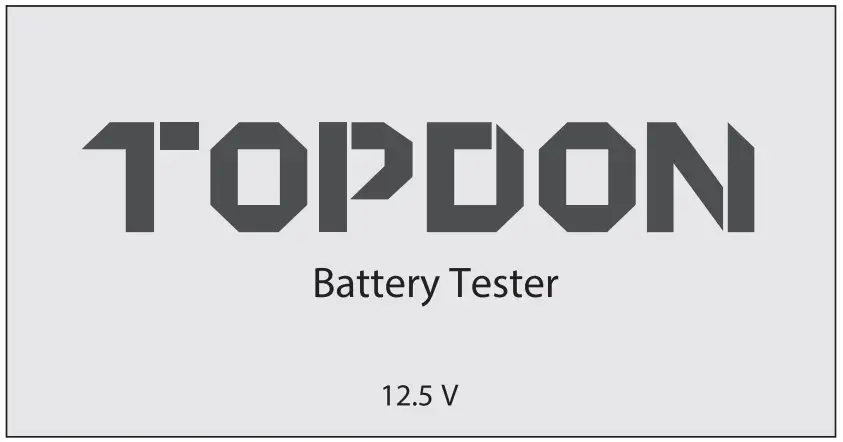
Press the “OK” to enter the main menu, then choose your preferable language.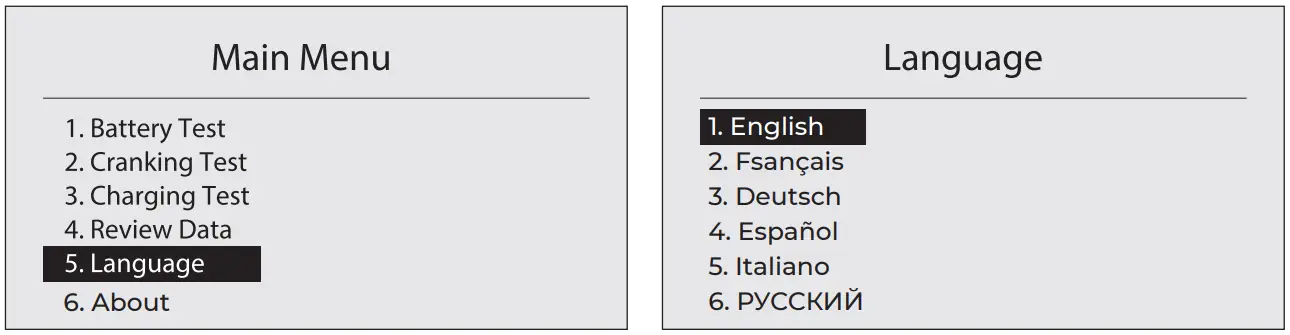
BATTERY TEST (FOR 12V BATTERY)
TOPDON BT50 will test each battery according to the selected actual system standard and rating marked on the battery.
BEFORE TEST
The engine and all other accessory loads must be OFF in order to get accurate results. Turn on the vehicle headlamps for 2~3 minutes until the battery voltage drops back to normal value if the battery is just fully charged.
STEPS
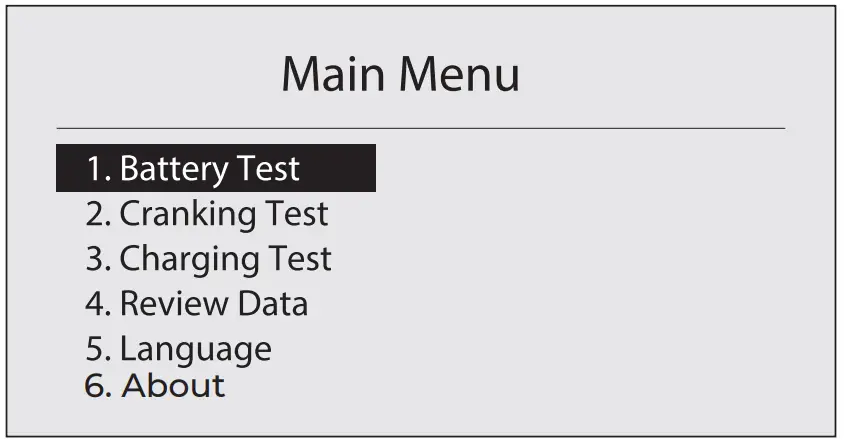
- Press the “OK” button to display the main menu. Then select “1. Battery Test” and press the “OK” button to confirm.

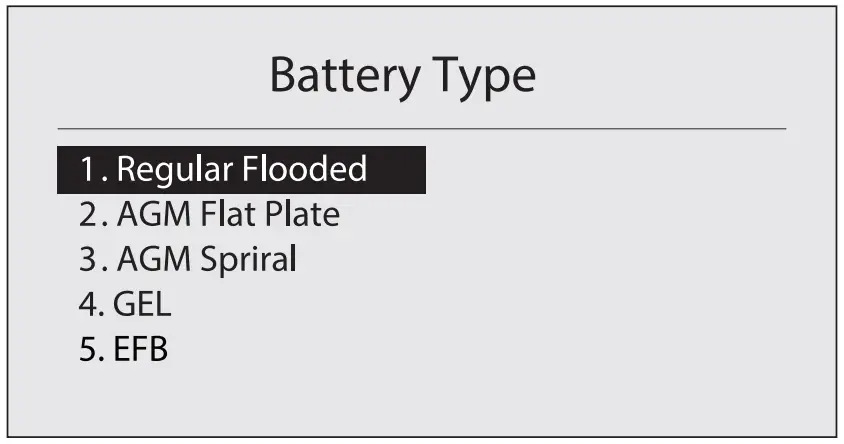
- Press and hold the “▲” or “▼” button to select the “Battery Type” (specified on the battery rating label), then press “OK” to continue.
- Press and hold the “▲” or “▼” button to select the correct testing standard (specified on the battery rating label), then press the “OK” button to continue.
- Press and hold the “▲” or “▼” button to select the battery rating values (specified on the battery rating label).
- Press the “OK” button to start the battery test.
- The test result will display as follows:
- Replace battery if test result displays as below:
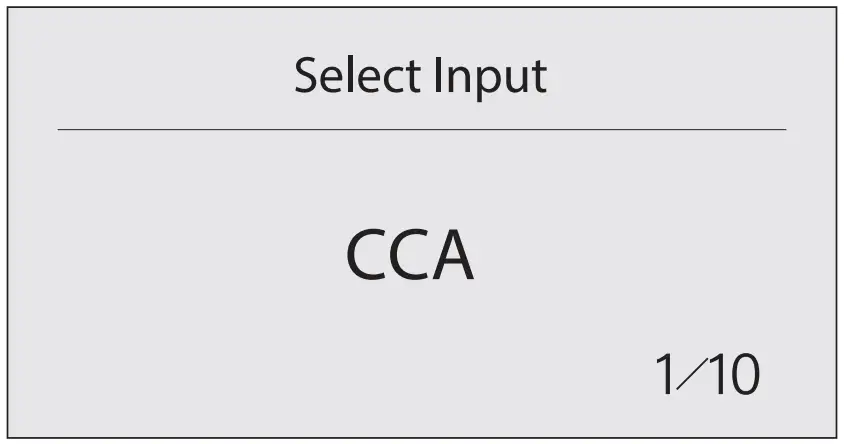
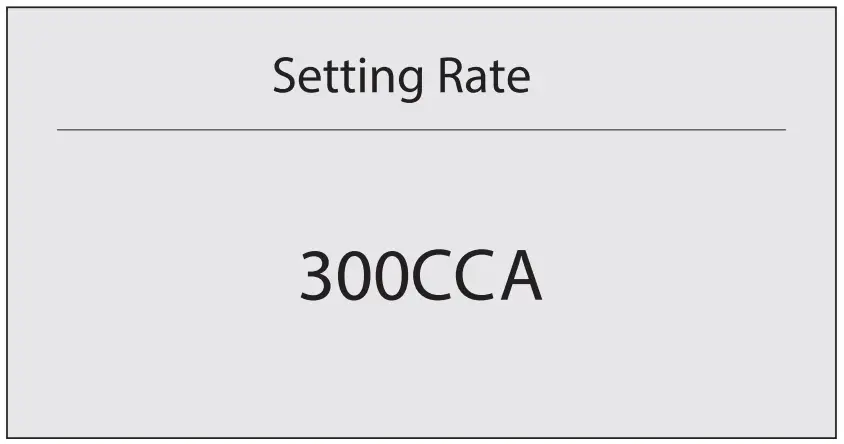
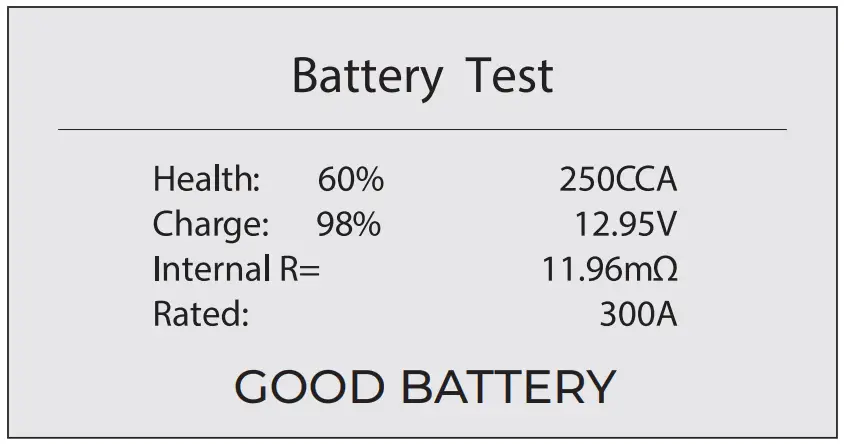
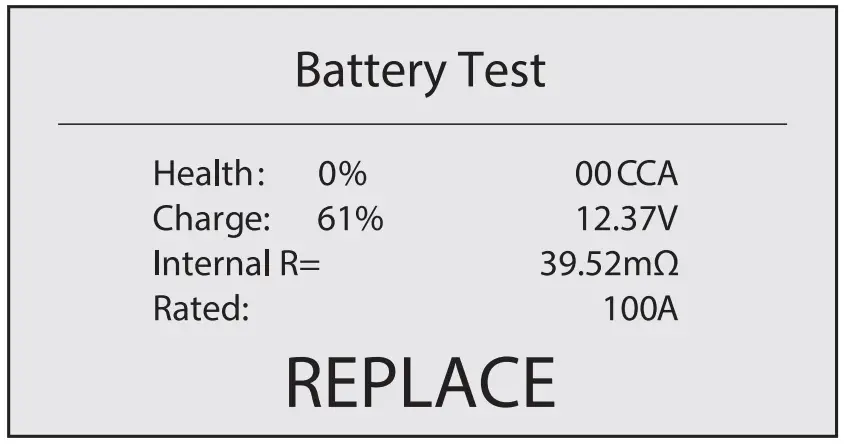
CRANKING TEST
BEFORE TEST
The engine and all other accessory loads must be OFF in order to get accurate results.
STEPS
- Press the “OK” button to display the main menu. Then select “2. Cranking Test” and press the “OK” button to confirm.
- Start the engine within 30 seconds.
- The result will show as below:
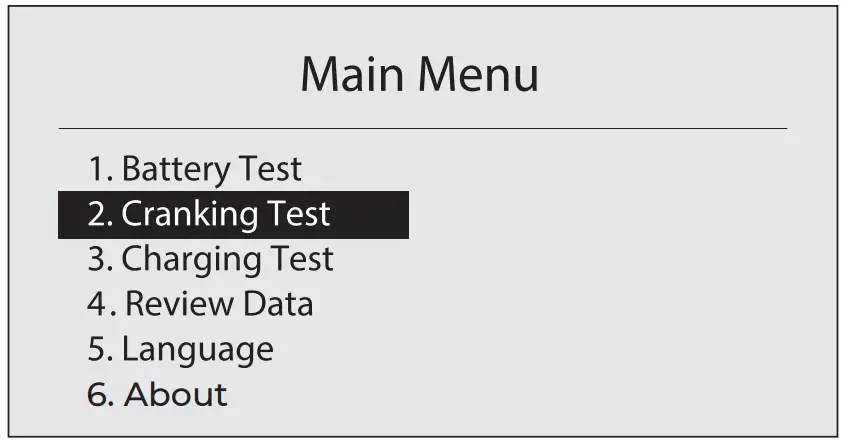
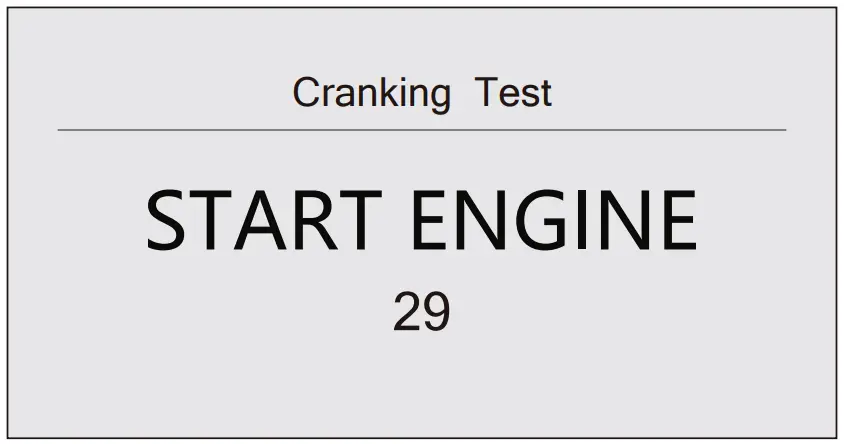
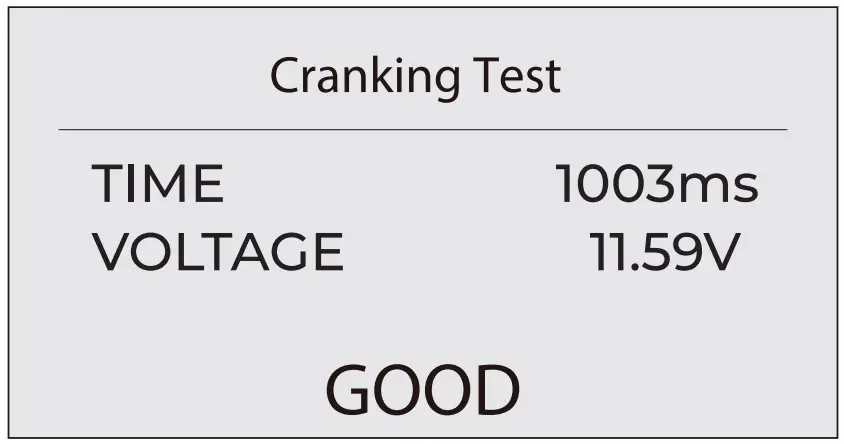
Please refer to the table below to confirm the test result for 12V batteries.
| Cranking Voltage | Conclusion |
| ≥10.7V | GOOD |
| 9.6~10.7V | NORMAL |
| <9.6V | CRANKING LOW |
CHARGING TEST
BEFORE TEST
The engine must be ON during test.
STEPS
- Press the “OK” button to display the main menu. Then select “3. Charging Test” and press the “OK” button to confirm.

- Start your engine, then press the “OK” button to conduct a “Ripple Test”. The interface will stay for 5 seconds and then automatically jump to next page.

- Follow the on-screen instructions to increase your engine speed to 2500 r/min and hold for 5 seconds. Then press the “OK” button and wait a few seconds for the test result.

- The test result will show as below:
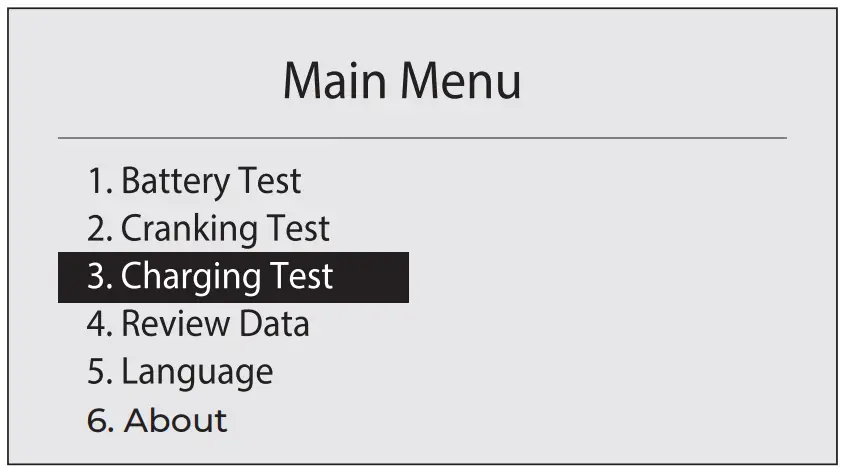
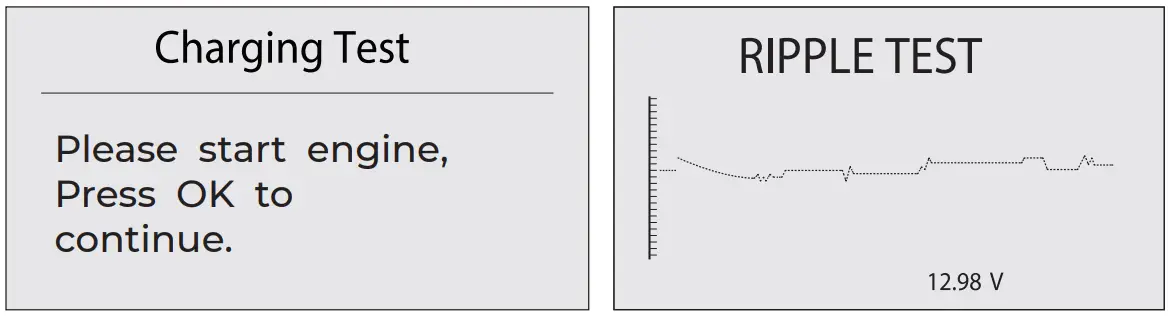
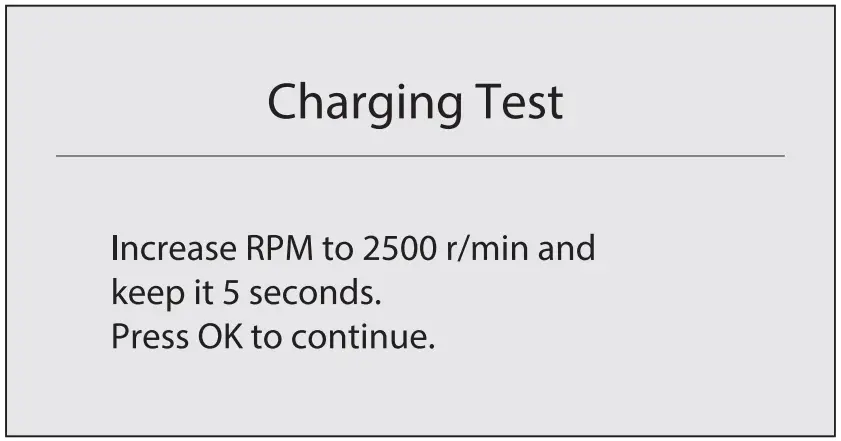
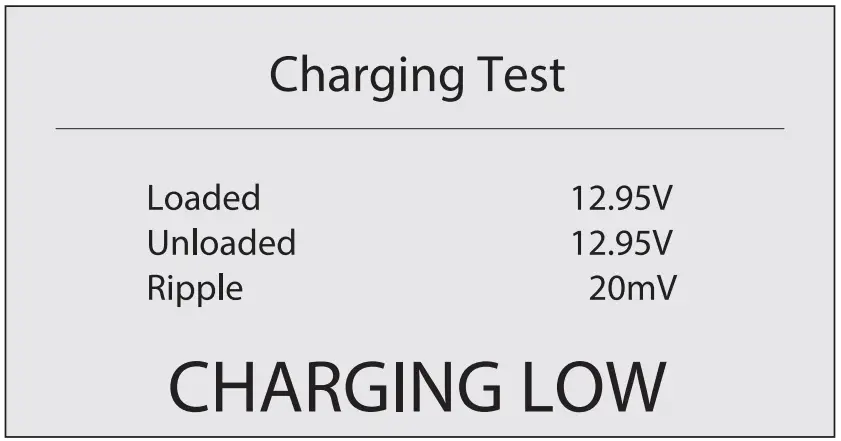
Please refer to the table below to confirm the test result for 12V batteries.
| Status | Battery Voltage | Conclusion |
| Headlamps & A/C OFF (Depress Accelerator) | ≥15.0V | CHARGING HIGH CHARGING NORMAL |
| 13.2V~15.0V | CHARGING NORMAL | |
| 12.8V~13.2V | CHARGING LOW | |
| <12.8V | NO OUTPUT |
* For reference only. Poorly functioning batteries can affect the test data.
REVIEW DATA
Press the “OK” button to display the main menu. Select “4. Review Data” and press the “OK” button to confirm.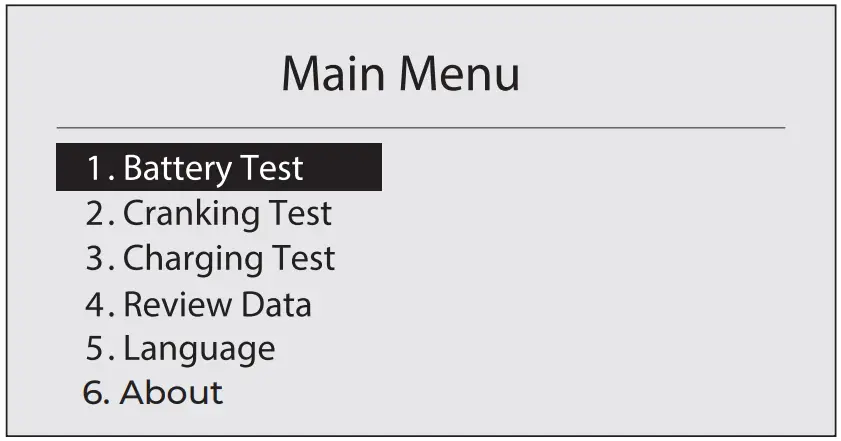
The last test result will be displayed as below: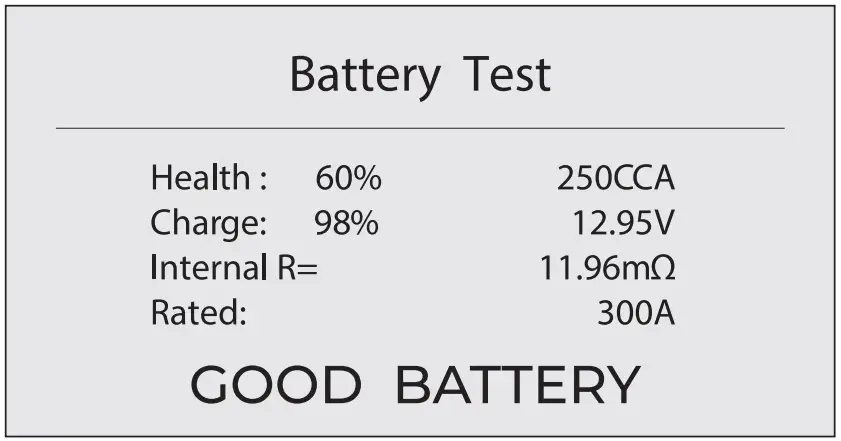
Note: This battery tester saves the results of the last test, but not all the test data.
FAQ
A: Yes, it supports in-vehicle and out-of-vehicle testing.
A: Yes. Our BT50 features advanced conductance detection, able to give you accurate test results in seconds.
A: It works on 12V regular flooded, AGM Flat plate, AGM Spiral, GEL and Deep Cycle batteries, with CCA between 100 to 2000.
A: Yes. It offers peace of mind with extra-safe Reverse Polarity and Sparkproof protection, and easy operations even if you’re new to battery testing.
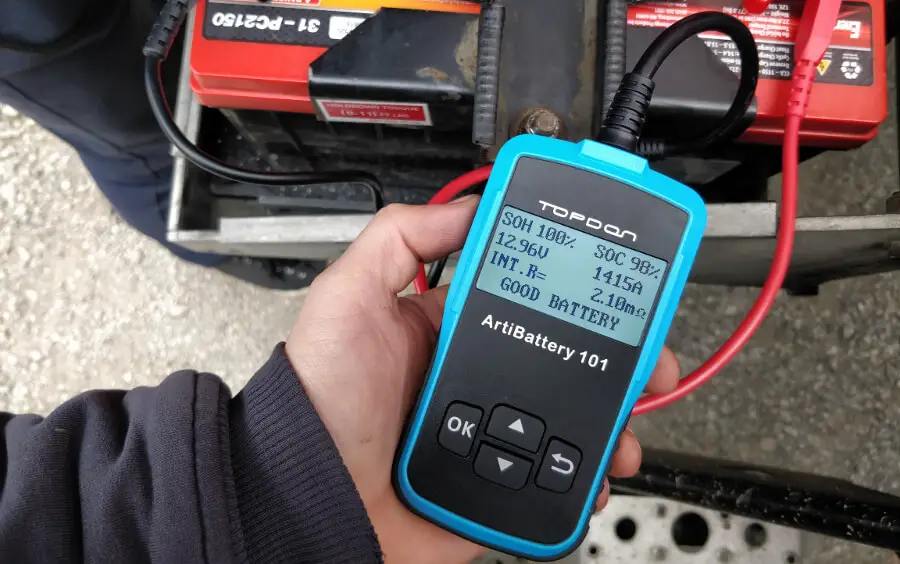
A: The battery tester will display SOH (State of Health), SOC (State of Charge), CCA (Cold Cranking Ampere), Voltage, Internal Resistance, and Rating, with an intuitive test result of “GOOD” or “BAD” for your reference. If the internal resistance is too large, it indicates a broken battery
A: Yes. The battery tester will display SOC (State of Charge) to express as a percentage of your battery’s rated capacity, a measure of its condition to assess the potential energy.
Note that a decent SOC (State of Charge) doesn’t mean the battery is in good condition. You need to refer to your battery’s actual CCA Value and Internal Resistance for further analysis.
TECHNICAL SPECIFICATION
Working Temperature: -10°C~50°C (14°F~122°F)
Storage Temperature: -20°C~70°C (-4°F~158°F)
Operating Voltage: DC 8~16V
Dimensions: 125.3 x 65.5 x 18.6mm (4.9 x 2.6 x 0.7″)
Testing Range: 100~2000 A
Battery Capacity Range: 30~200 Ah
WARRANTY
TOPDON THREE YEARS LIMITED WARRANTY
The TOPDON Company warrants to its original purchaser that TOPDON products will be free from defects in material and workmanship for 12 months from the date of purchase (Warranty Period). For the defects reported during the Warranty Period, TOPDON will, according to its technical support analysis and confirmation, either repair or replace the defective part or product.
TOPDON shall not be liable for any incidental or consequential damages arising from the use, misuse, or mounting of the device. Some states do not allow limitations on how long an implied warranty lasts, so the above limitations may not apply to you.
This limited warranty is void under the following conditions:
Misused, disassembled, altered, or repaired by unauthorized stores or technicians.
Careless handling and violation of operation. limitations may not apply to you.
Notice: All information in this manual is based on the latest information available at the time of publication, and no warranty can be made for its accuracy or completeness.
Topdon reserves the right to make changes at any time without notice.
 | TEL | 86-755-216125901-833-629-4832 (NORTH AMERICA) |
 | [email protected] | |
 | WEBSITE | WWW.TOPDON.COM |
 | @TOPDONOFFICIAL | |
 | @TOPDONOFFICIAL |

 Battery Tester BT50 – Topdon Technology Co., LIMITED