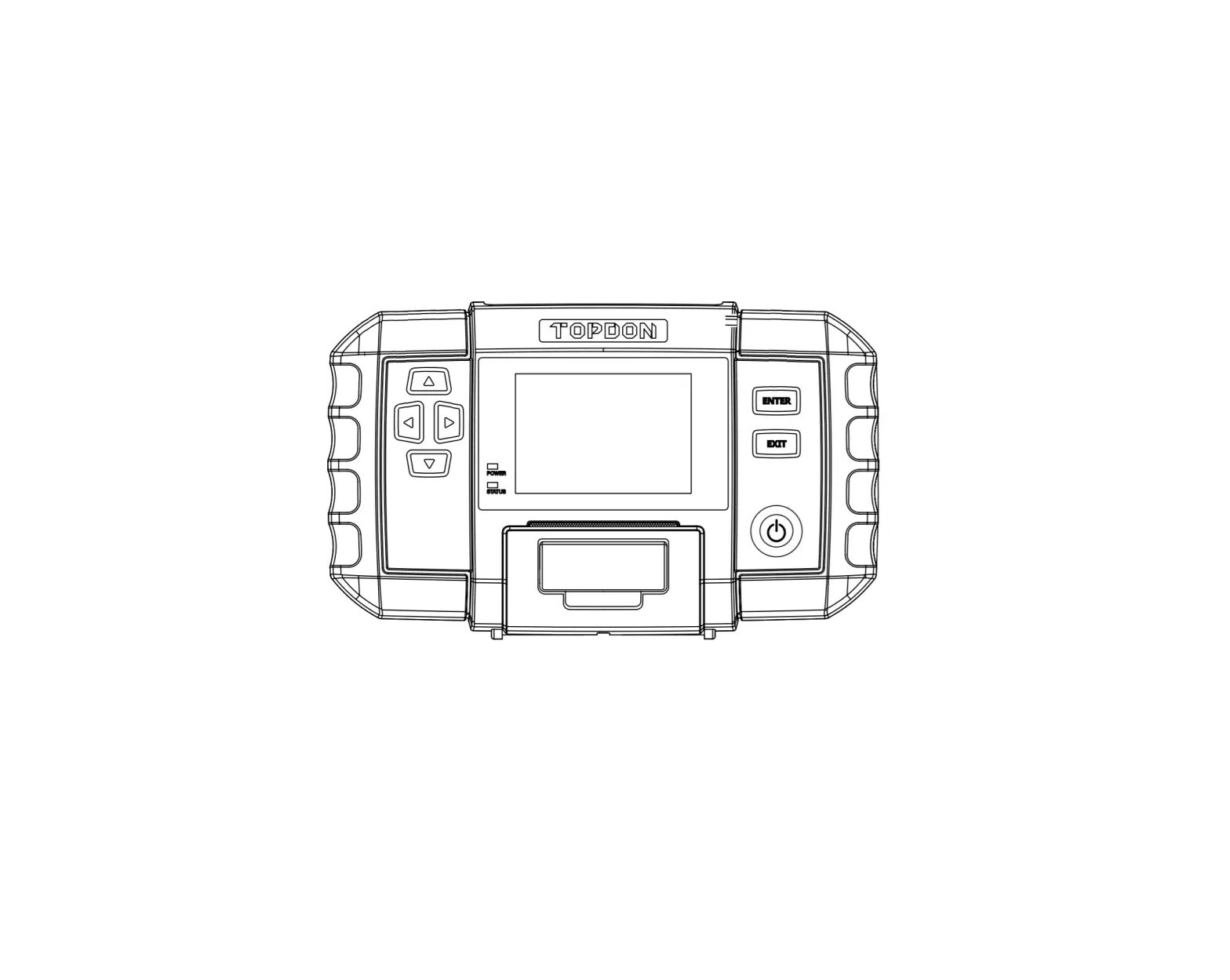
Topdon Technology BT 700 PRO Battery Tester
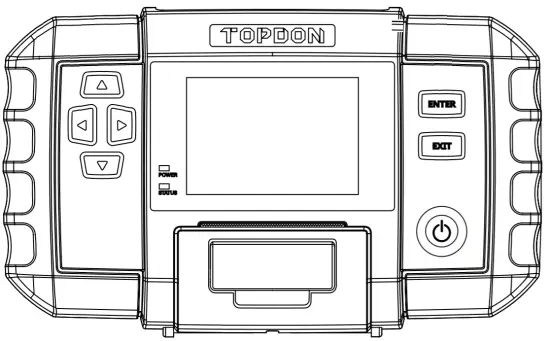
WELCOME
Thank you for purchasing BT?OO PRO. If you have any questions or issues, please contact our official technical support team at [email protected].
ABOUT
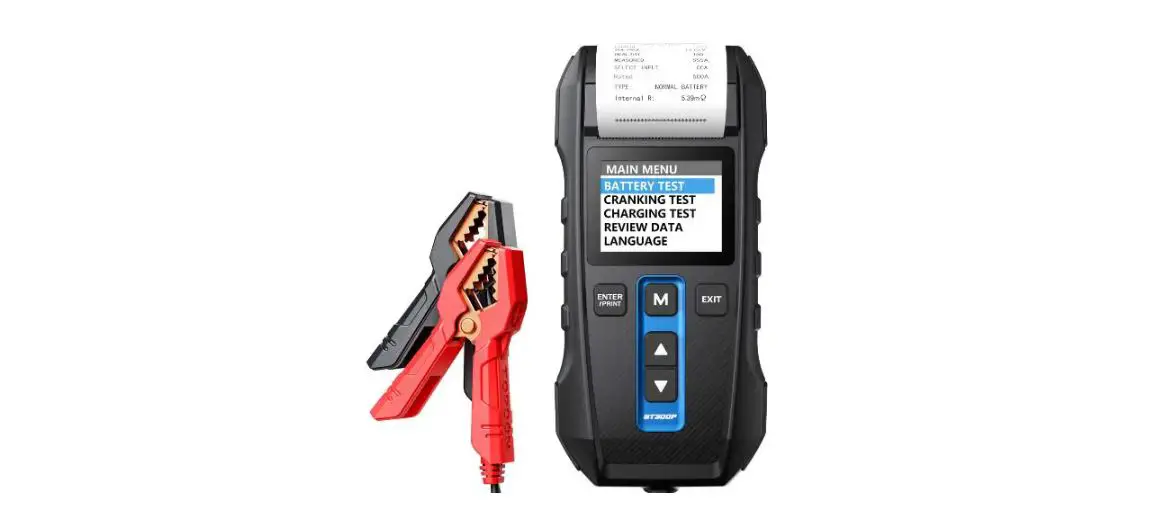
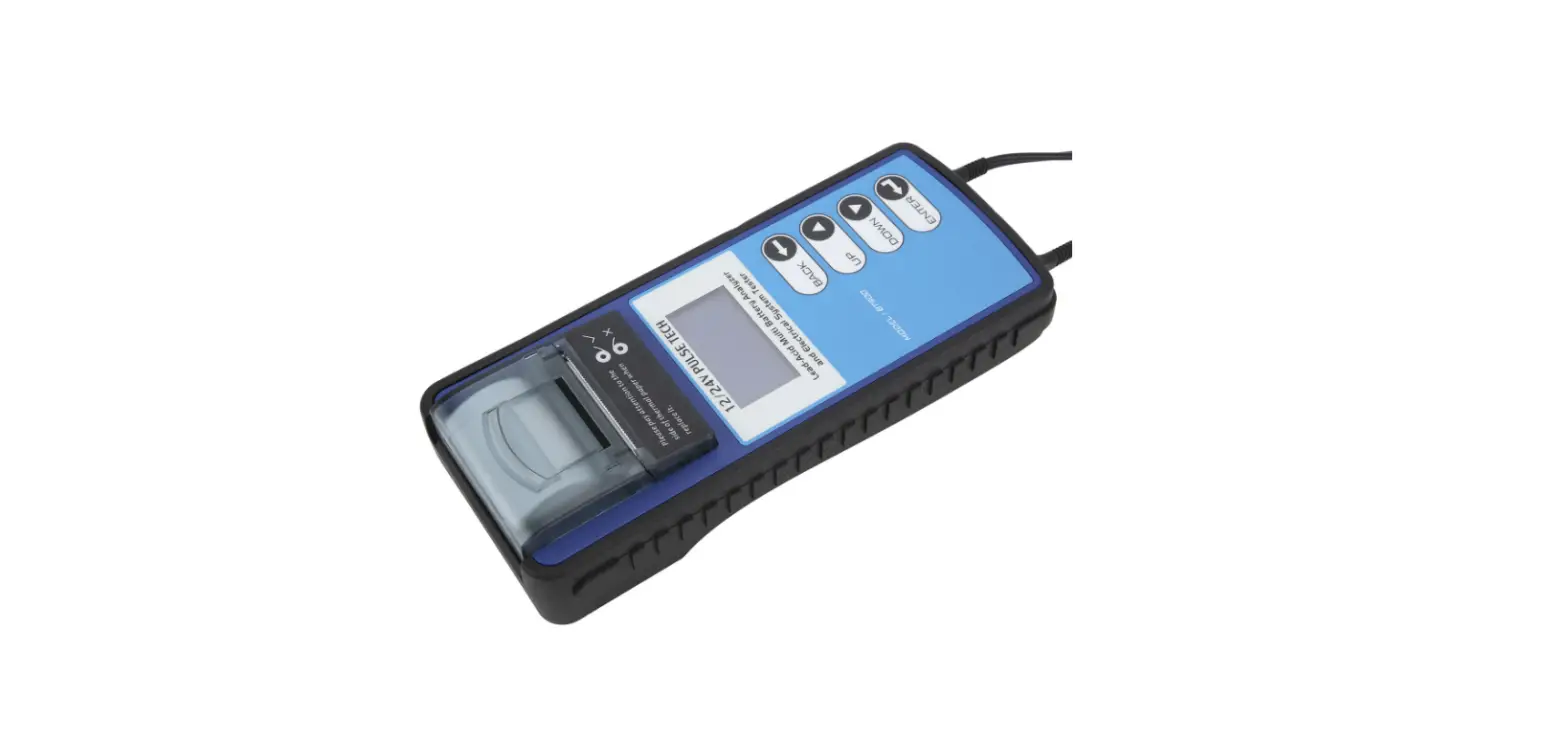
BT700 PRO is a groundbreaking battery tester filled with features of battery testing, battery matching, plus the built-in printer. Based on RTThread operating system, this battery tester will help you strive for more accurate and efficient battery diagnostics, being super beneficial for p0- level technicians and mechanics working in the automotive world.
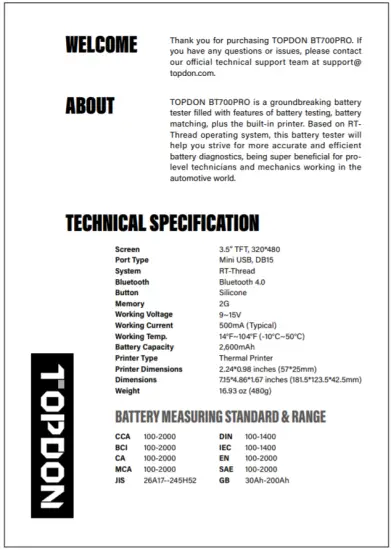
TECHNICAL SPECIFICATION
| Screen | 3.5” TFT, 320*480 |
| Port Type | Mini USB, DB15 |
| System | RT-Thread |
| Bluetooth | Bluetooth 4.0 |
| Button | Silicone |
| Memory | 2G |
| Working Voltage | 9~15V |
| Working Current | 500mA (Typical) |
| Working Temp. | 14°F∼104°F (-10°C∼50°C) |
| Battery Capacity | 2,600mAh |
| Printer Type | Thermal Printer |
| Printer Dimensions | 2.24*0.98 inches (57*25mm) |
| Dimensions | 7.15*4.86*1.67 inches (181.5*123.5*42.5mm) |
| Weight | 16.93 oz (480g) |
BATTERY MEASURING STANDARD & RANGE
| CCA | 100-2000 | DIN | 100-1400 |
| BCI | 100-2000 | IEC | 100-1400 |
| CA | 100-2000 | EN | 100-2000 |
| MCA | 100-2000 | SAE | 100-2000 |
| JIS | 26A17–245H52 | GB | 30Ah-200Ah |
DESCRIPTIONS
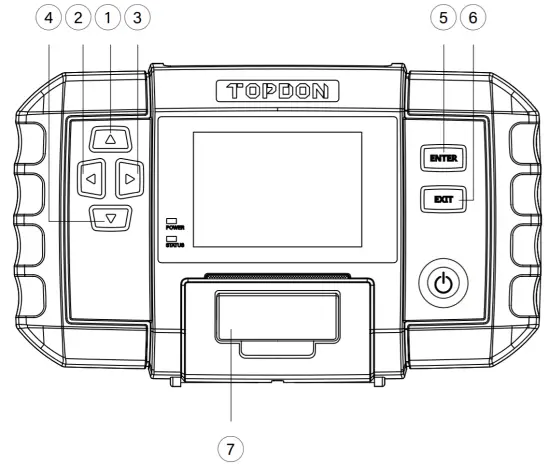
| Up Button | Move up for selection. |
| Down Button | Move down for selection. |
| Left Button | Move left for selection. Or skip to the previous page when more than one page is displayed. |
| Right Button | Move right for selection. Or skip to the next page when more than one page is displayed. |
| Enter Button | To confirm the current operation. |
| Exit Button | Exit, or return to the previous menu. |
| Built-in Printer: | To print the diagnostic report. |
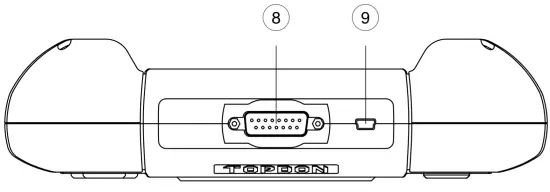
| DB15 Diagnostic Connector: | To connect to the vehicle via the O8D2 diagnostic cable. |
| USB Port: | To connect to the PC via the USB cable. |
REGISTRATION & UPGRADE
Step 1
Visit www.topdon.com. Select “Support-> Download -> Battery Tool -> Battery Tester’! Download and install the “TOPDON PC Suite” to your computer.
Step 2
Open the “TOPDON PC Suite ” Slect” Creat an account’! Input the email address and click “get code” to obtain the Verification Code and input the code.After that, set your login password.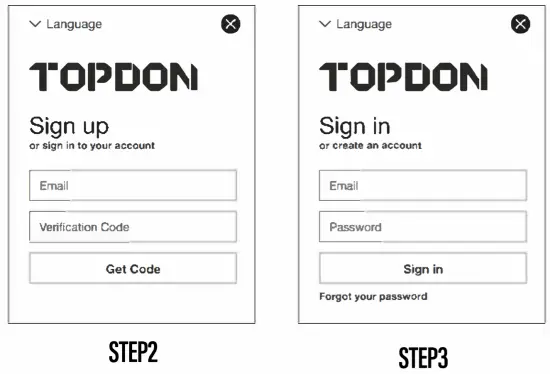
Step 3
Connect BT700 PRO to your computer via the USB cable,keep the USB connection stable and solid. Input the account ID and password your created and click “sign in”.
Step 4
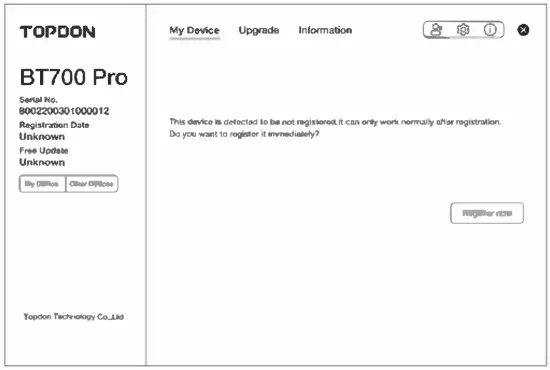
TOPDON PC Suite will automatically recognize the device. The “My Device” page will list all available devices’ information under your TOPDON account after you click “Register now” to finish the activation.
Step 5
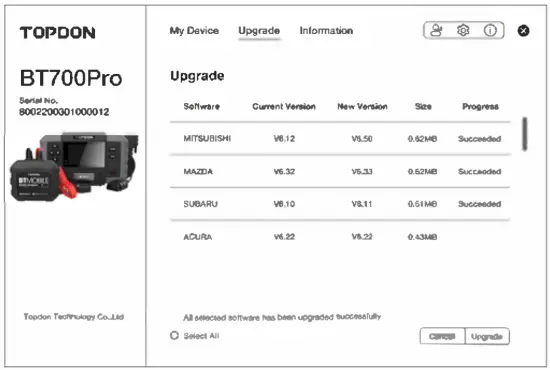
Click “Upgrade’! Select the software you need to update. Keep the USB connection stable while upgrading. After completing, unplug the USB cable.
VEHICLE DIAGNOSTIC PROCEDURE
PREPARATION
The ignition is turned off.
The throttle is in the closed position (DO NOT start the engine).
LOCATE THE VEHICLE’S DLC (DATA LINK CONNECTOR) PORT
Refer to the image below “Possible DLC Location” to locate the vehicle’s DLC port, or to the user manual of the test vehicle for additional connection information.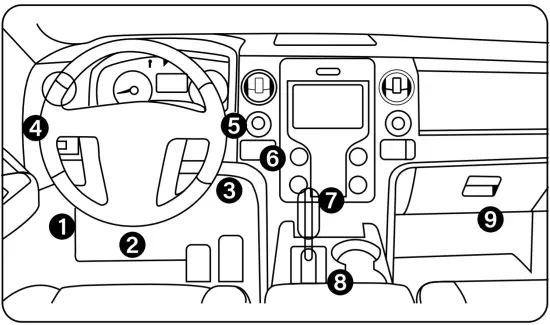
CONNECTION
- Connect TOPDON BT700PRO to the vehicle via the included O8D2 Diagnostic Cable. Note to screw the D815 connector’s bolt tight.
- Switch on the ignition.
- Power on TOPDON BT700PRO and ready to go.
BATTERY TEST PROCEDURE
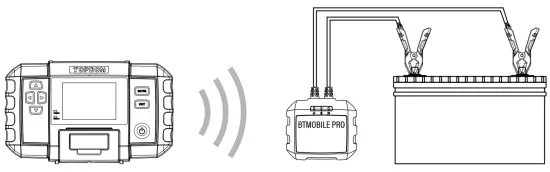
- Find the vehicle battery’s location.Connect the clamp to the positive and negative terminal’s of the battery.
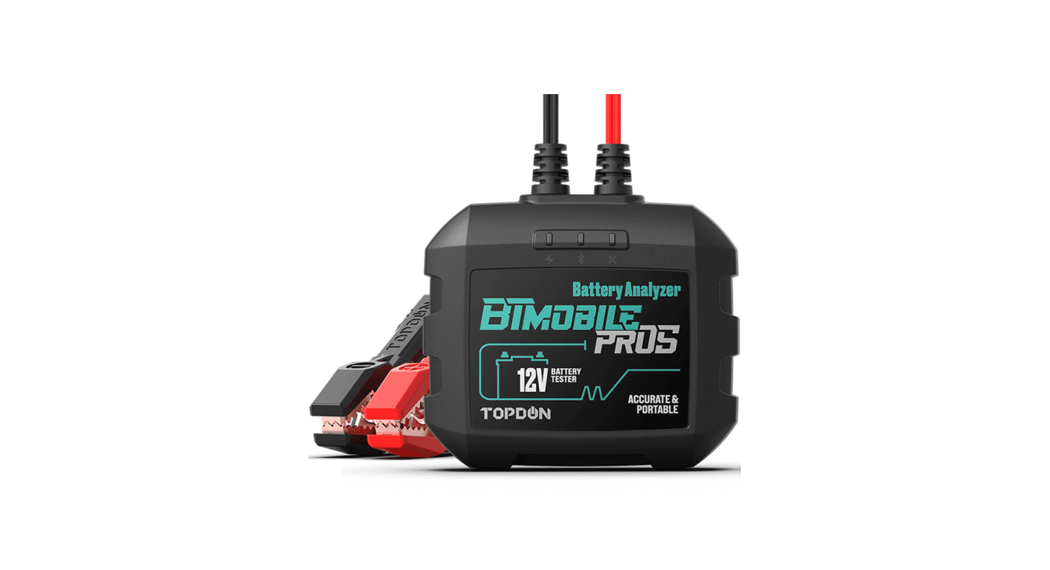
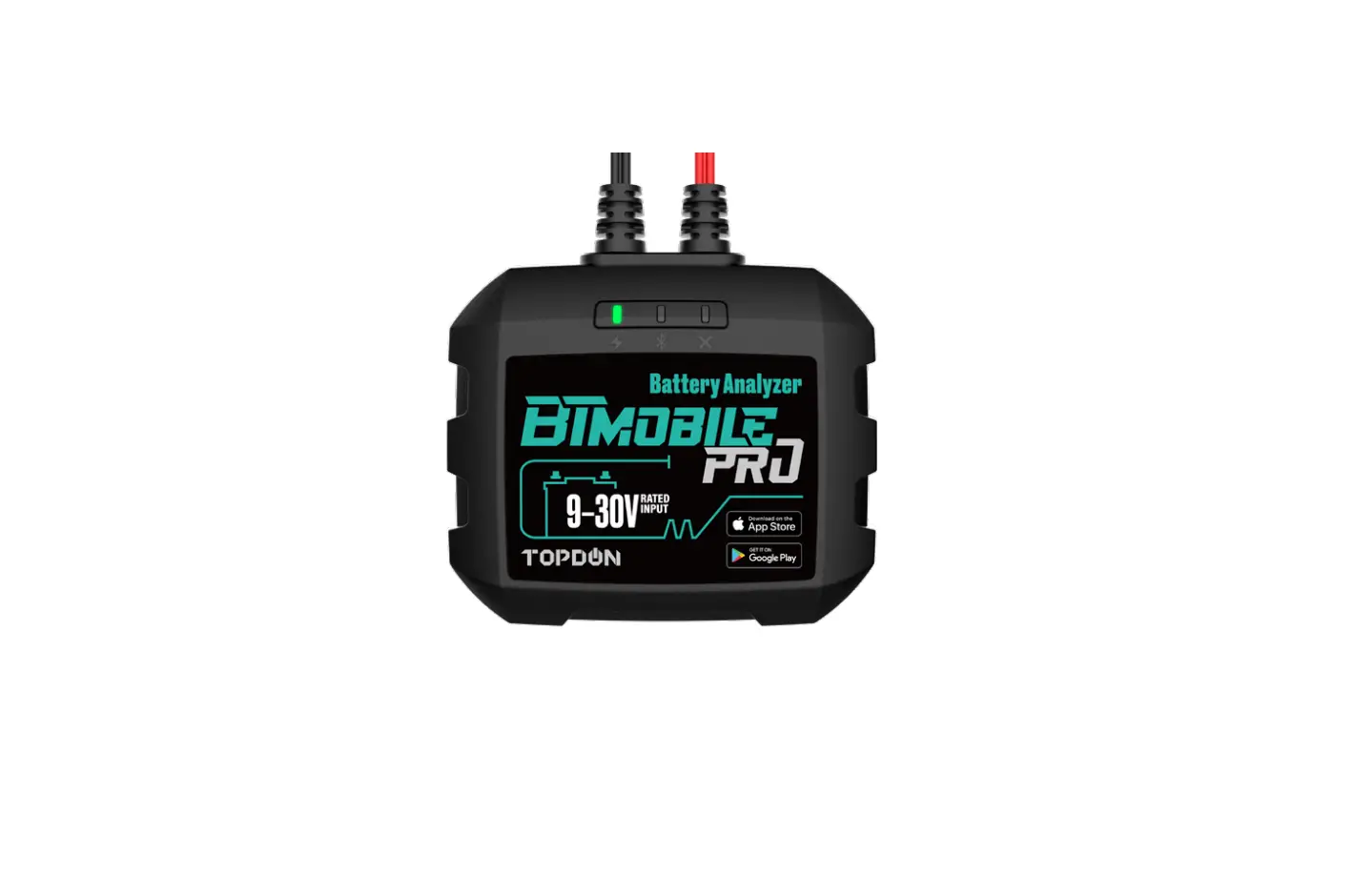
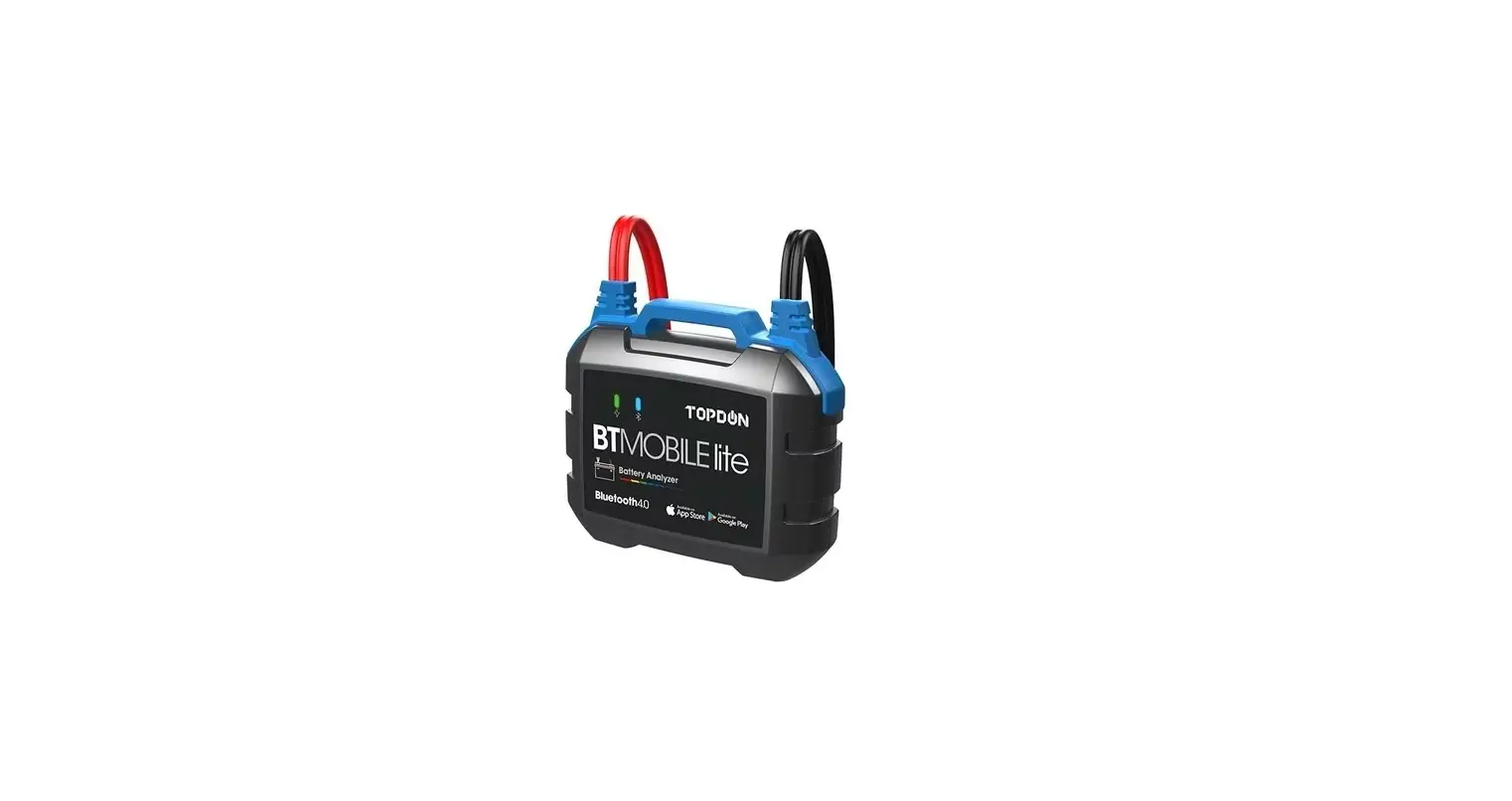
- Power on BT700PRO. Select “BAT TEST’: Follow the prompts to establish the Bluetooth connection with BTMOBILE PRO and ready to go.

PACKAGE LIST
|
|
|
|
|
|
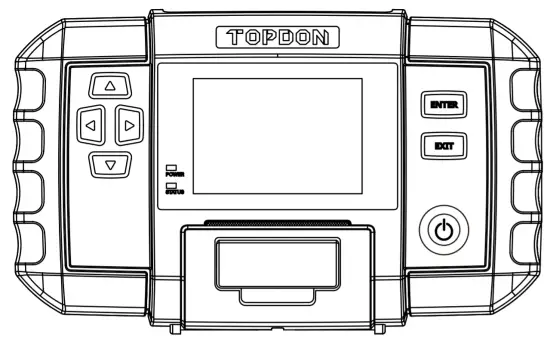 BT700PRO
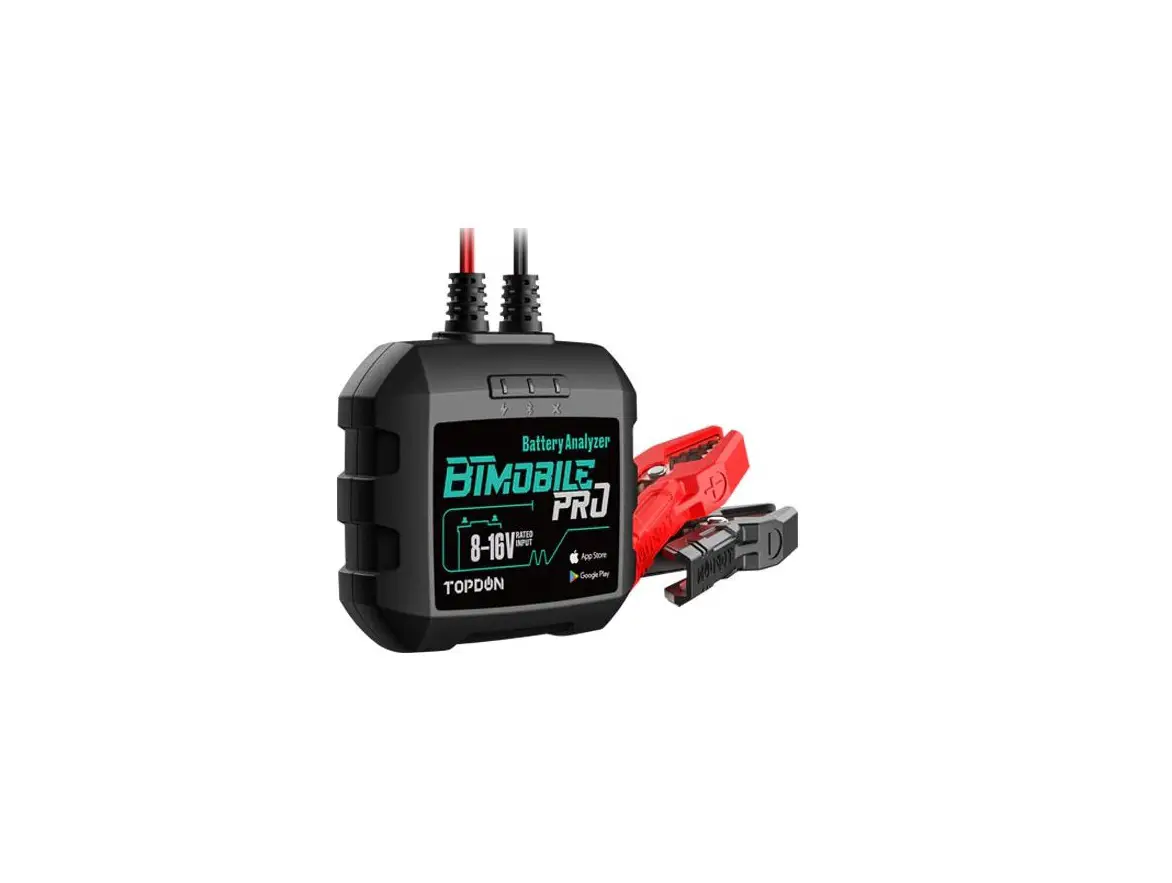
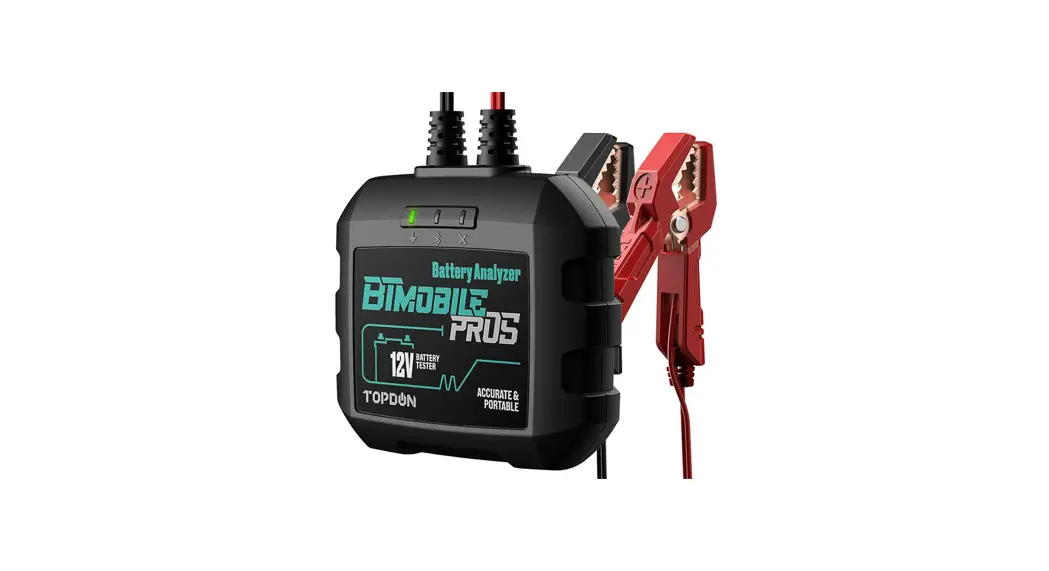
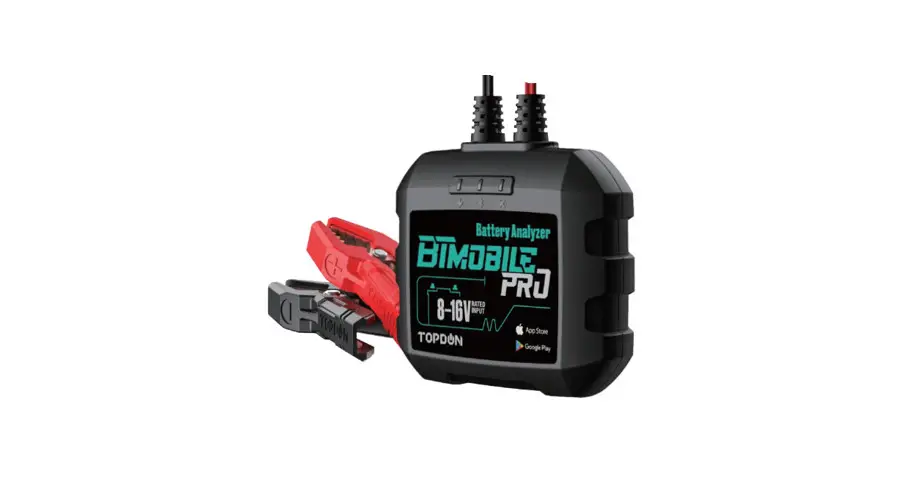
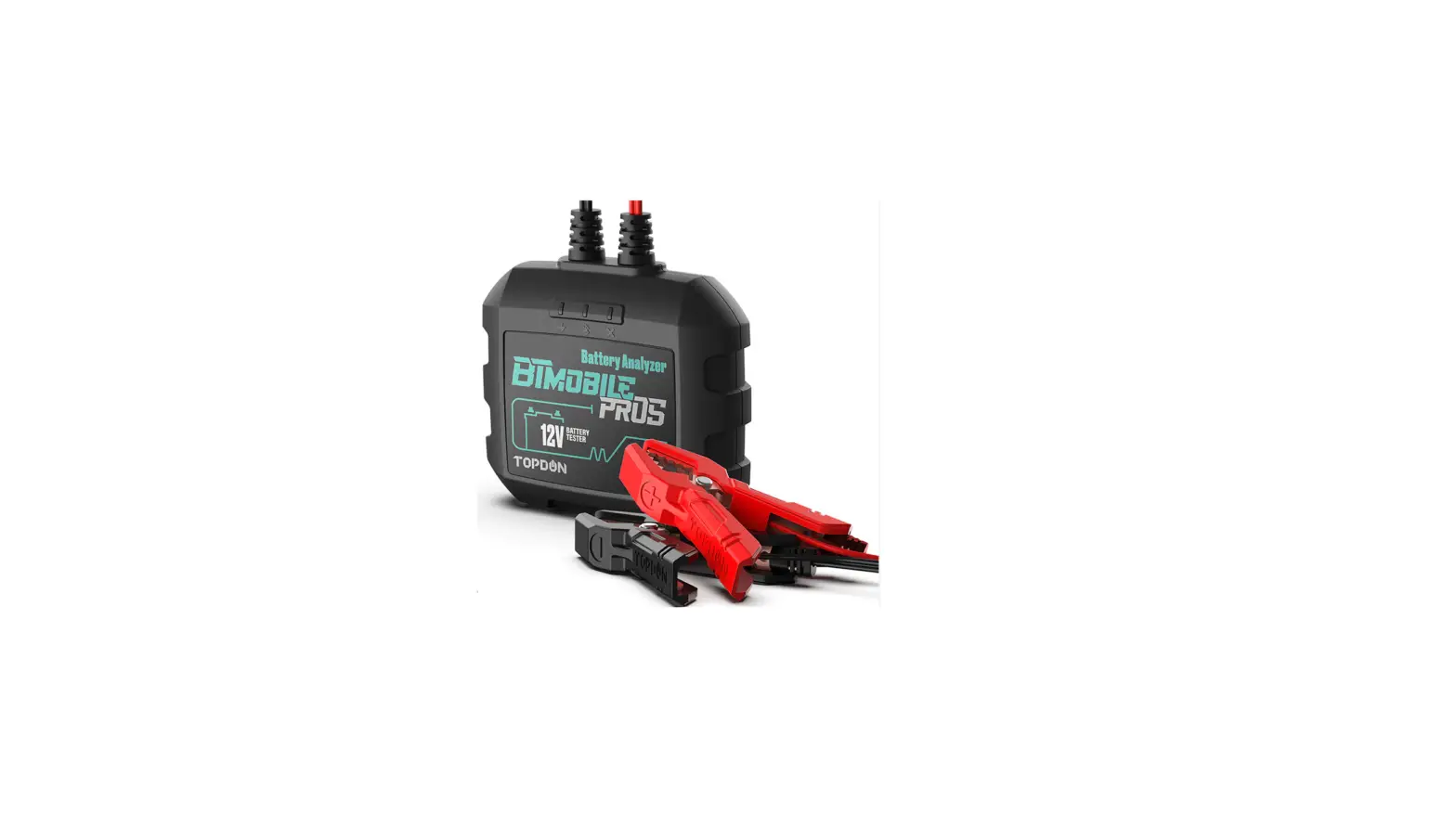
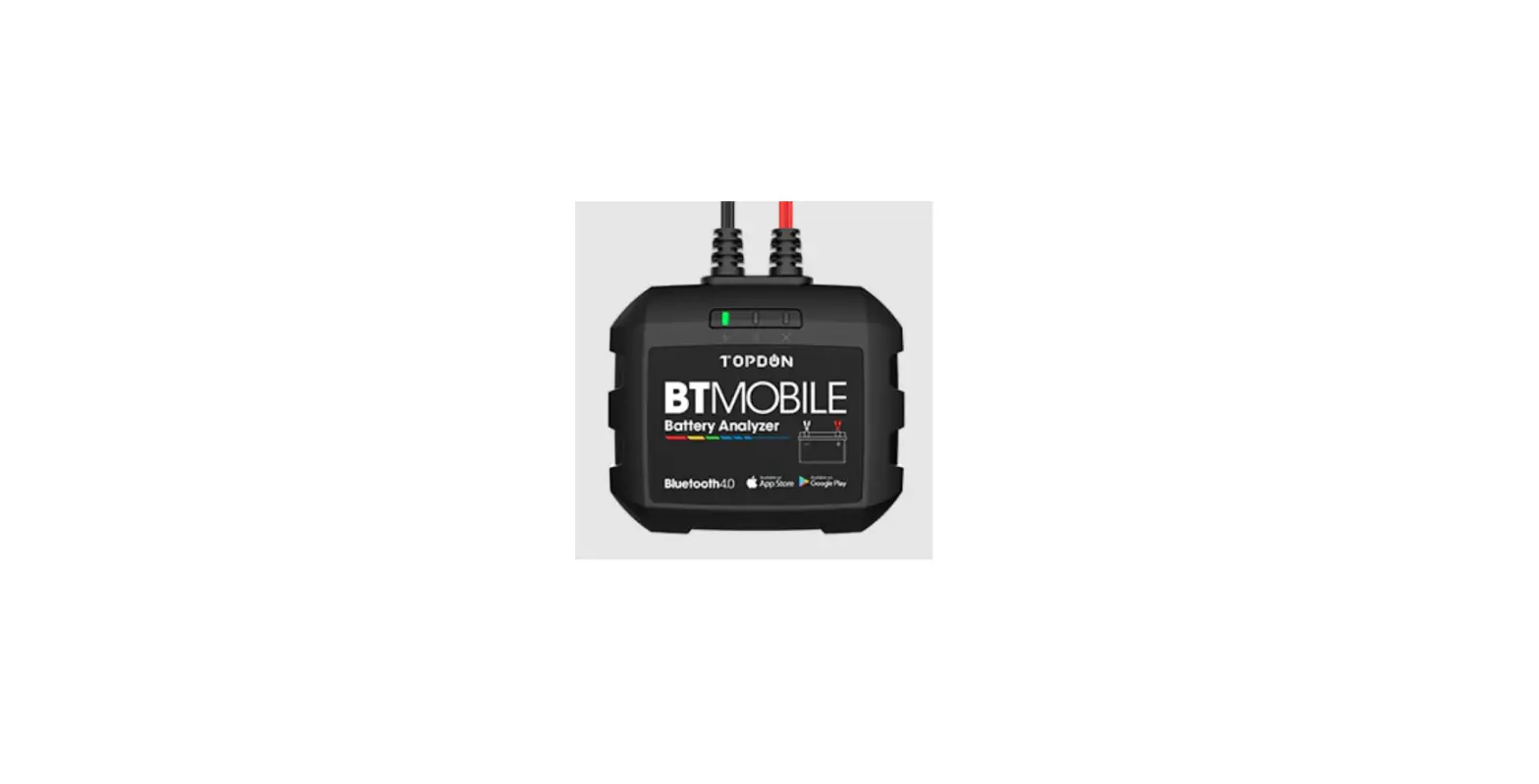
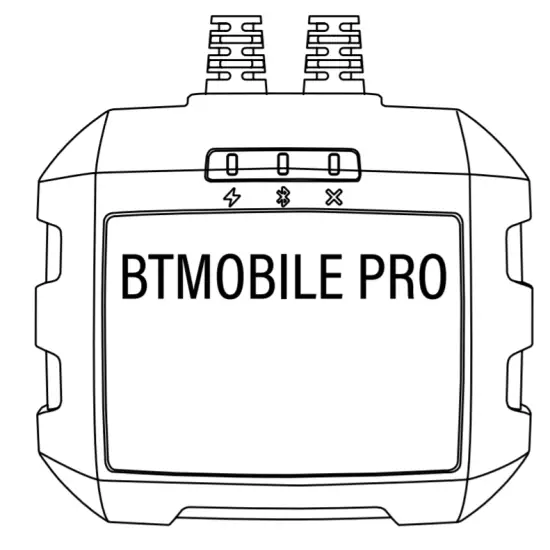 BTMOBILE PRO
 OBD2 Diagnostic Cable
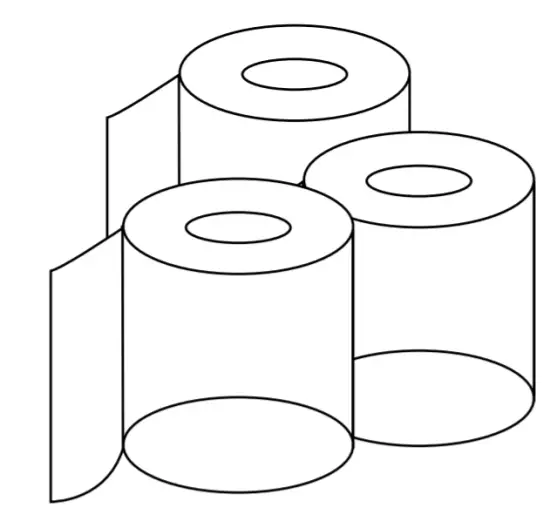 Print Paper*3
 USB Cable
 User Manual
FCC STATEMENT
1.This device complies with Part 15 of the FCC Rules. Operation is subject to the following two conditions:
(1) This device may not cause harmful interference.
(2) This device must accept any interference received, including interference that may cause undesired operation.
2. Changes or modifications not expressly approved by the party responsible for compliance could void the user’s authority to operate the equipment.
NOTE: This equipment has been tested and found to comply with the limits for a Class B digital device, pursuant to Part 15 of the FCC Rules.
These limits are designed to provide reasonable protection against harmful interference in a residential installation.This equipment generates uses and can radiate radio frequency energy and, if not installed and used in accordance with the instructions, may cause harmful interference to radio communications. However, there is no guarantee that interference will not occur in a particular installation. If this equipment does cause harmful interference to radio or television reception, which can be determined by turning the equipment off and on, the user is encouraged to try to correct the interference by one or more of the following measures: Reorient or relocate the receiving antenna. Increase the separation between the equipment and receiver. Connect the equipment into an outlet on a circuit different from that to which the receiver is connected. Consult the dealer or an experienced radio/TV technician for help. FCC Radiation Exposure Statement This equipment complies with FCC radiation exposure limits set forth for an uncontrolled environment. This equipment should be installed and operated with minimum distance 5mm between the radiator & your body.