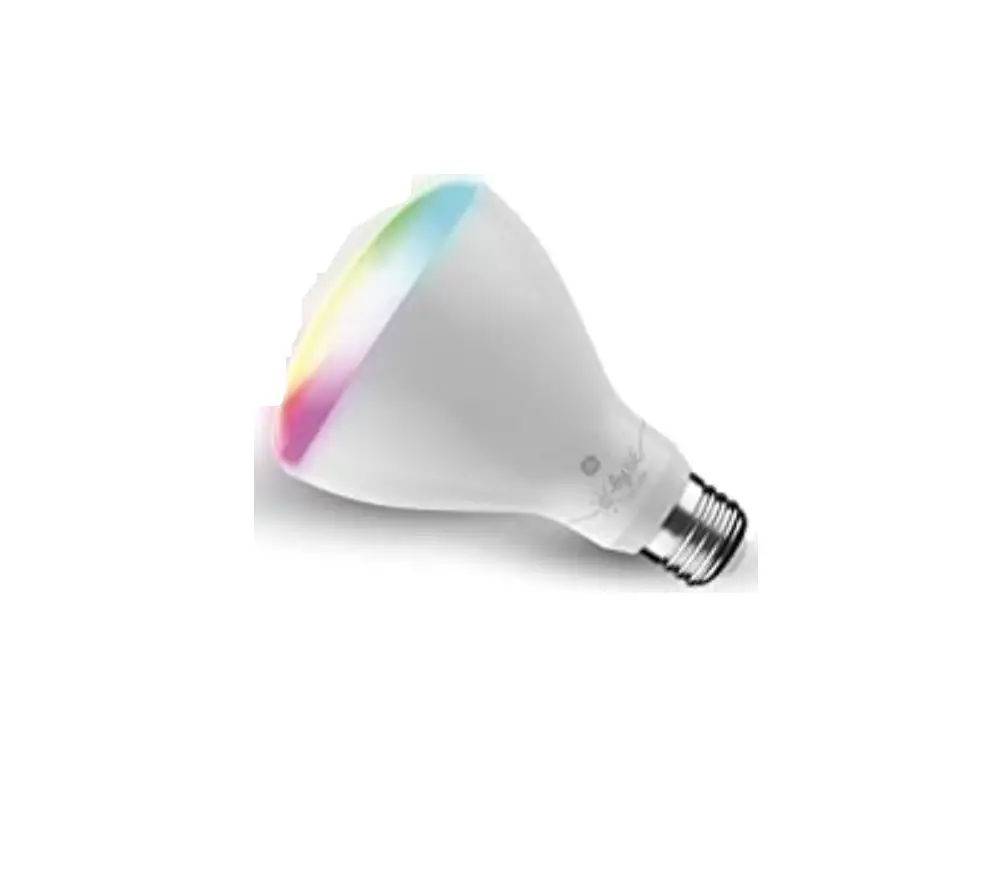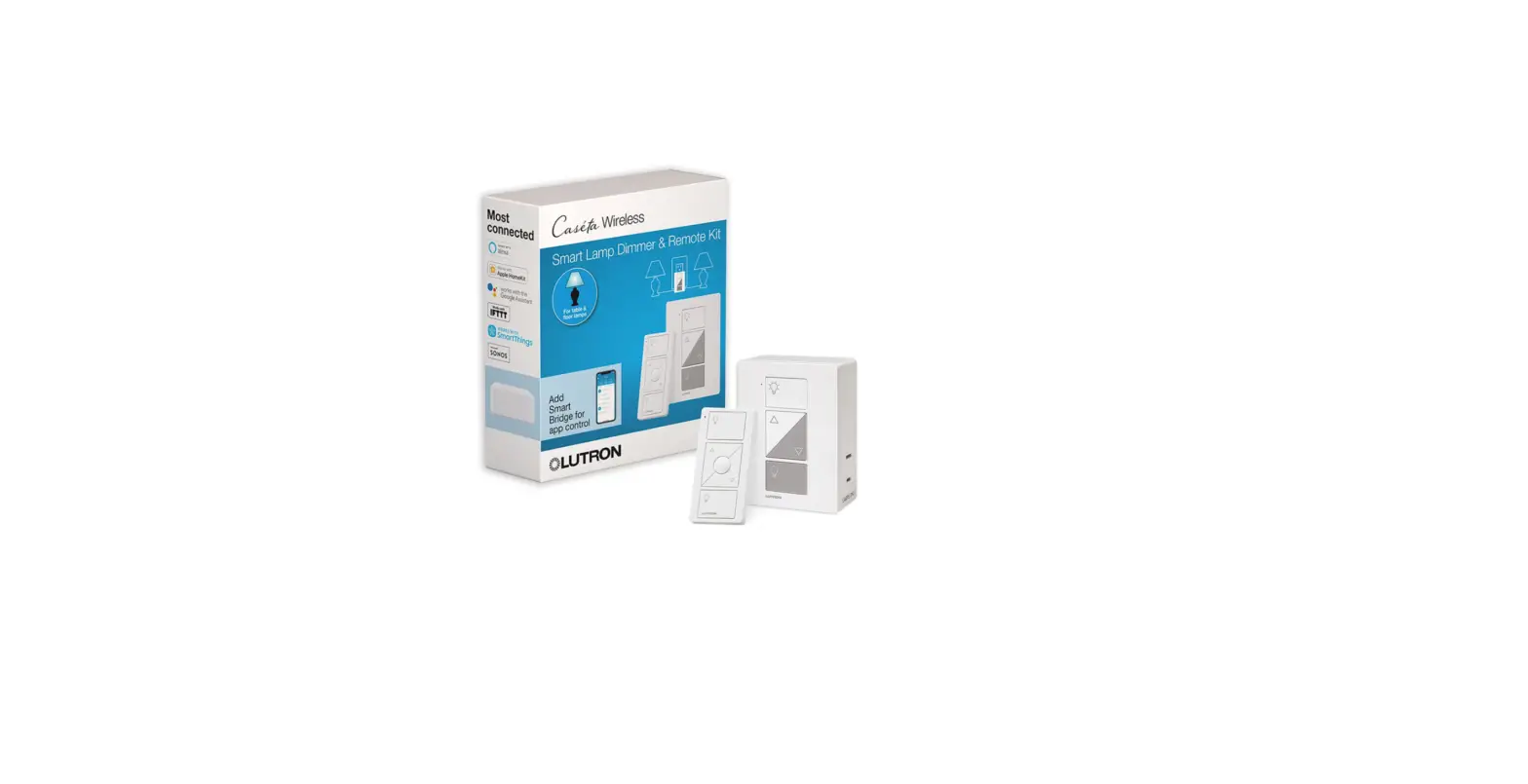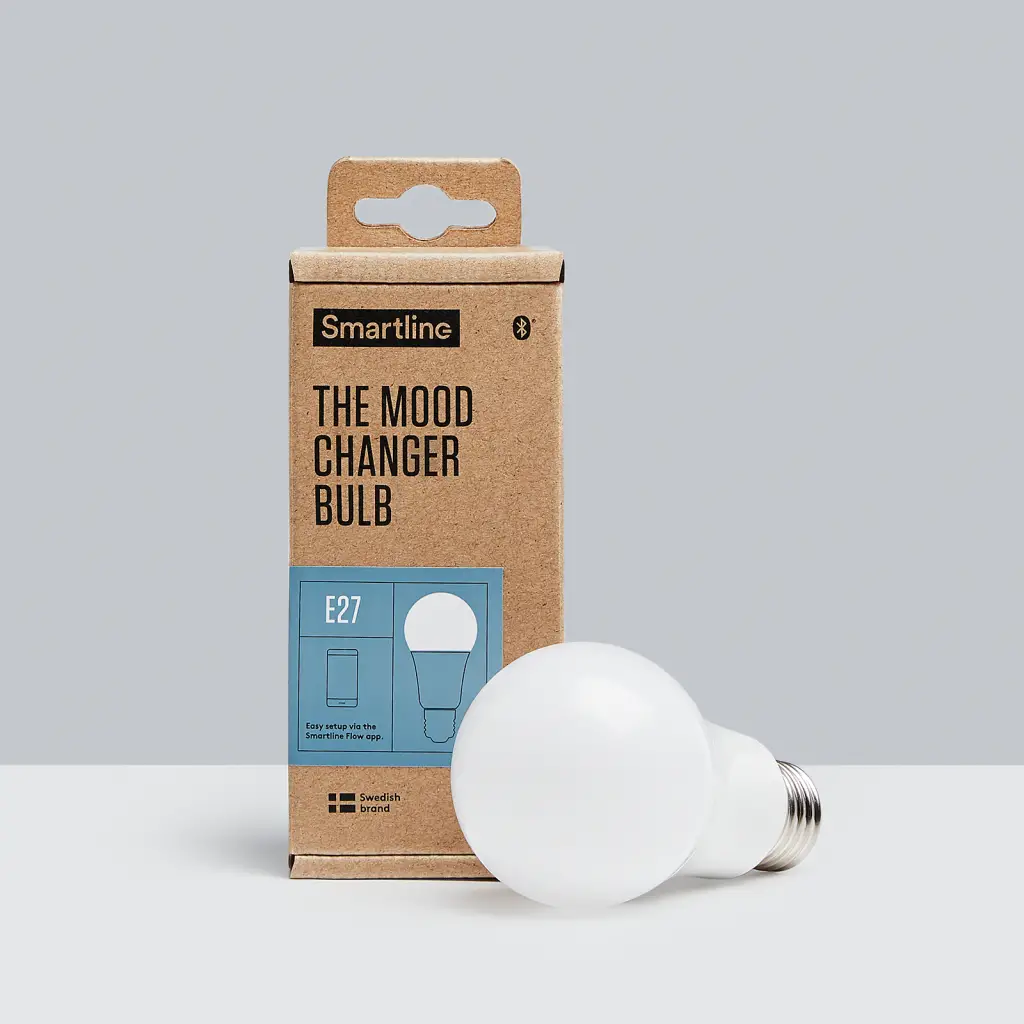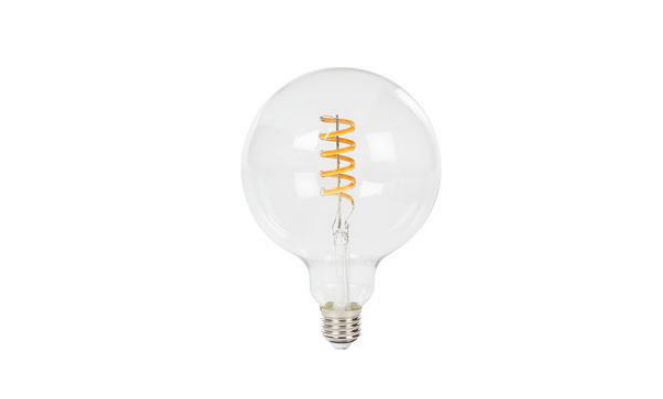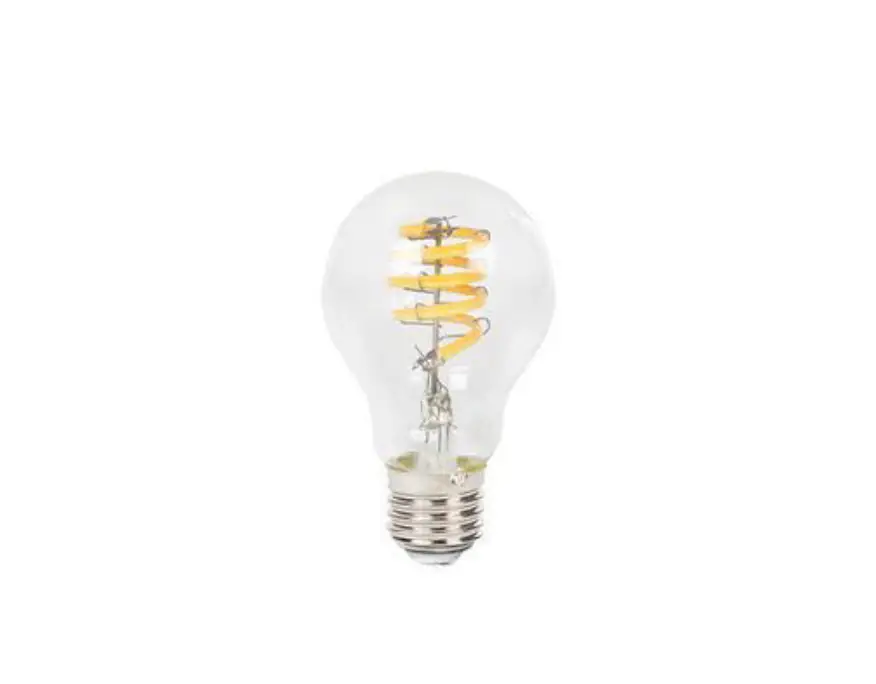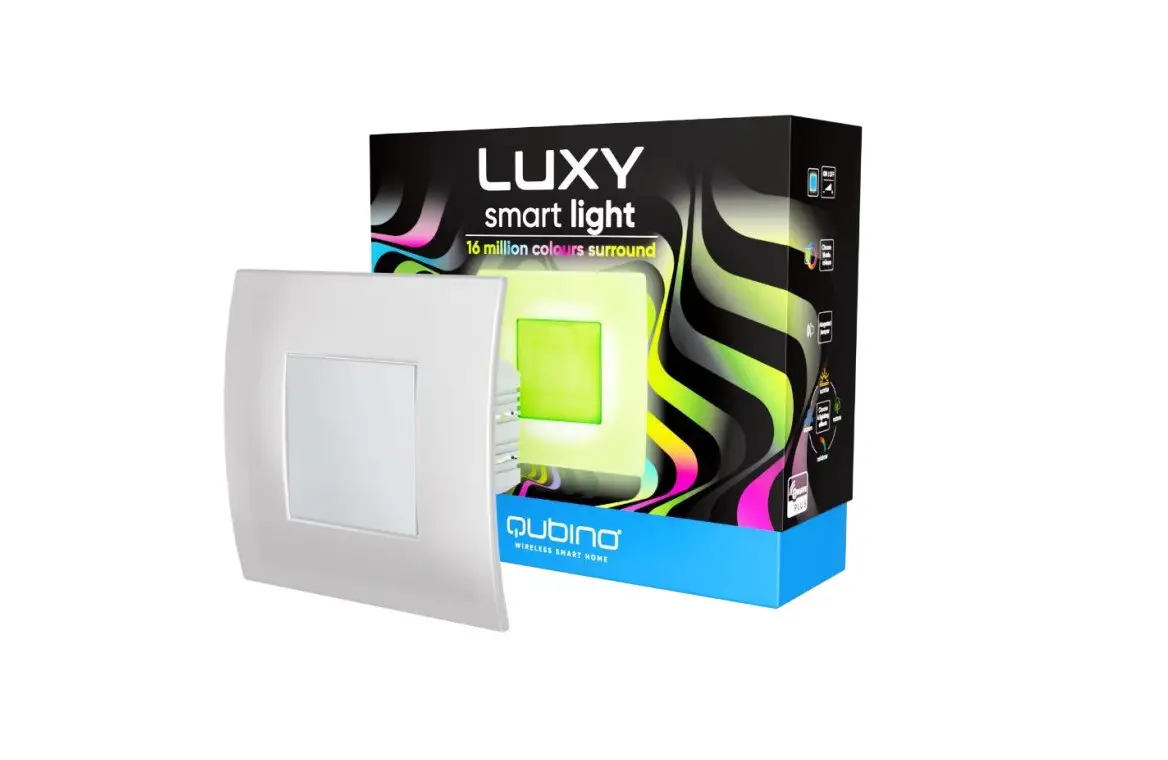

Crompton LAMPS Smart Wireless Light
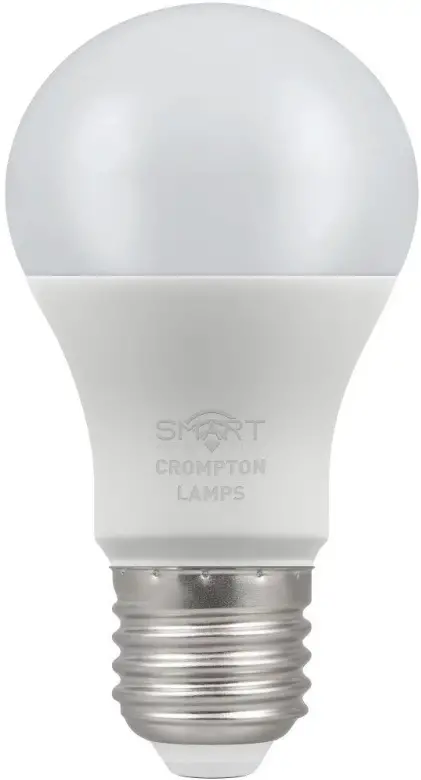
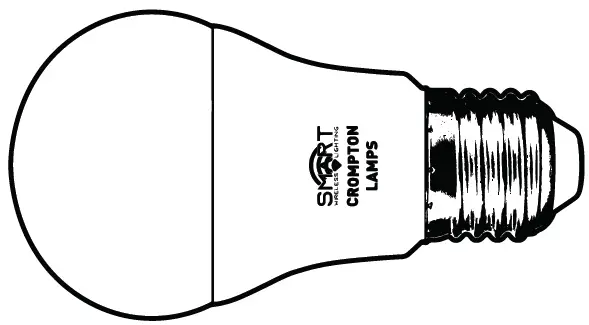
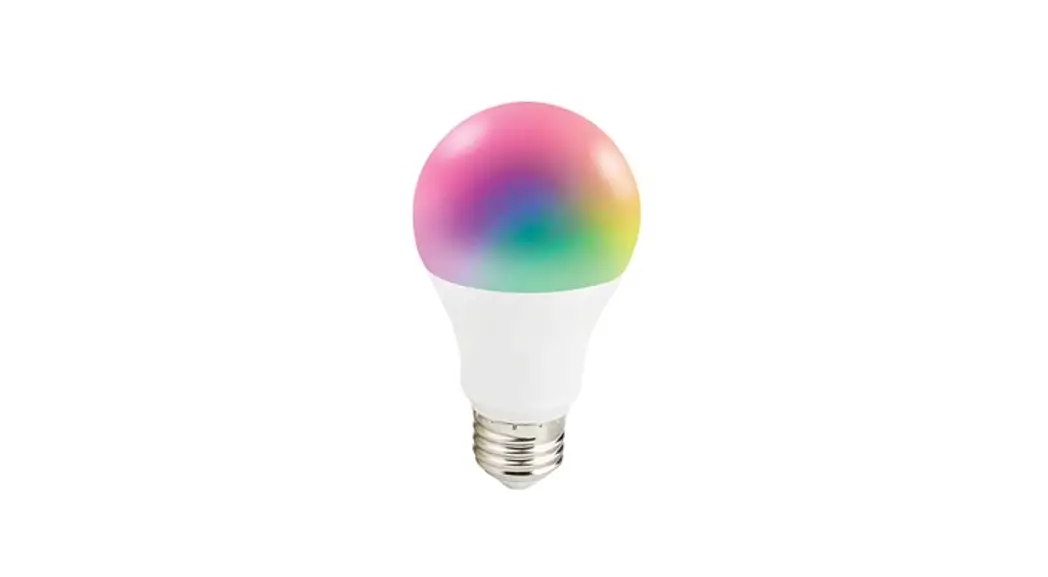
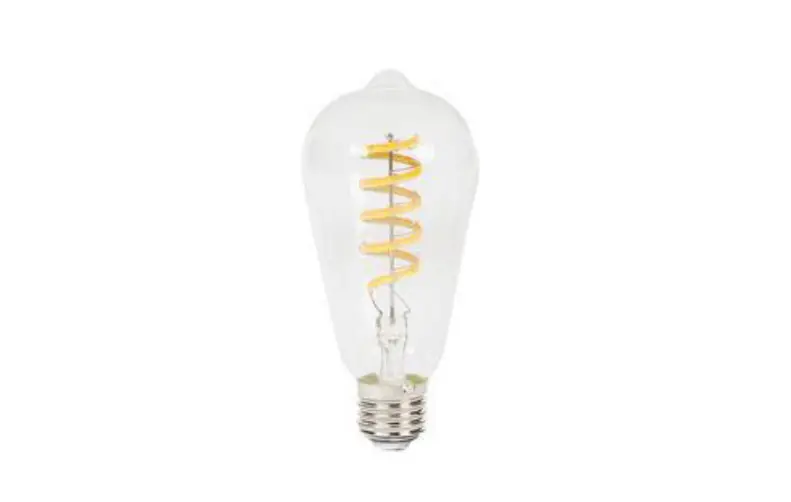
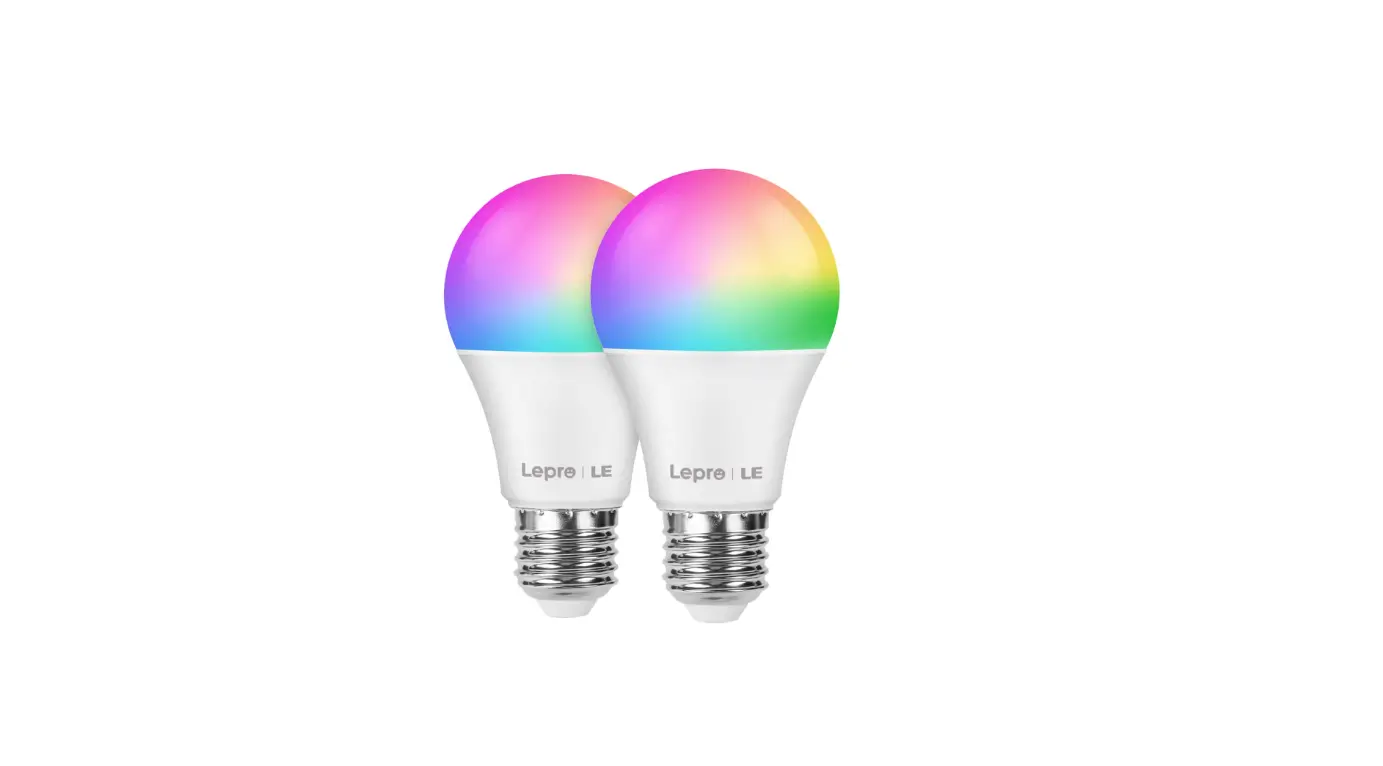
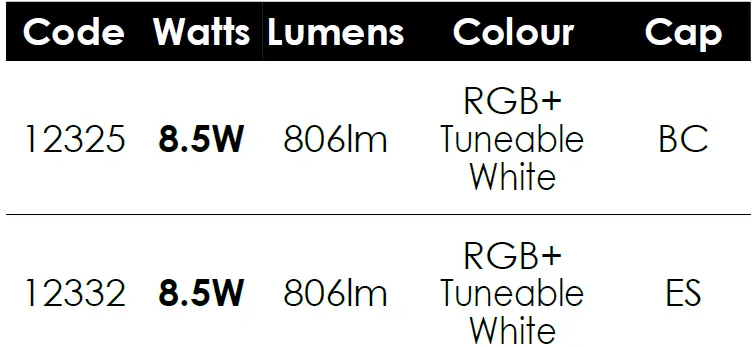
LED GLS Smart Lighting
 LED Flexi-Strip Smart Lighting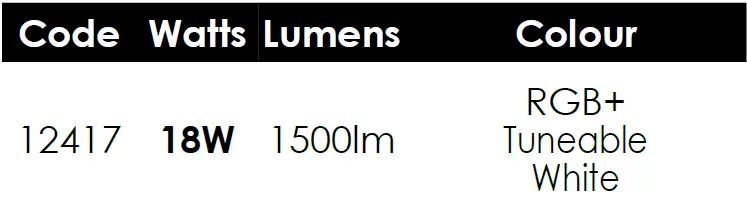
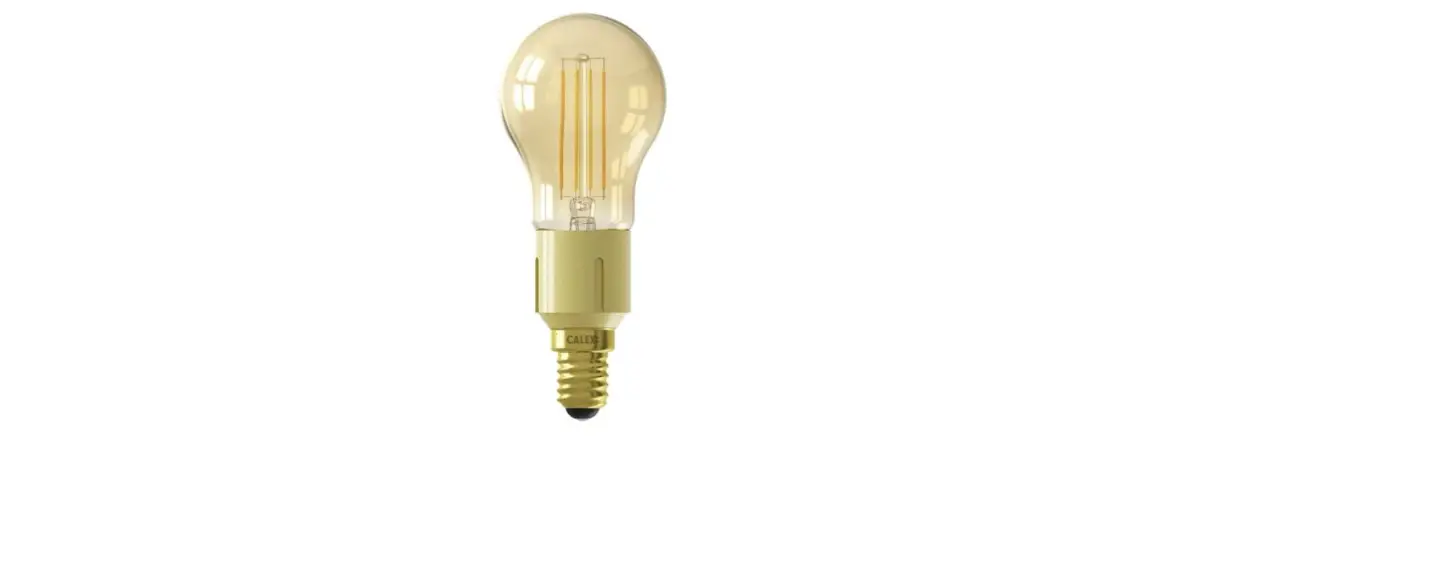
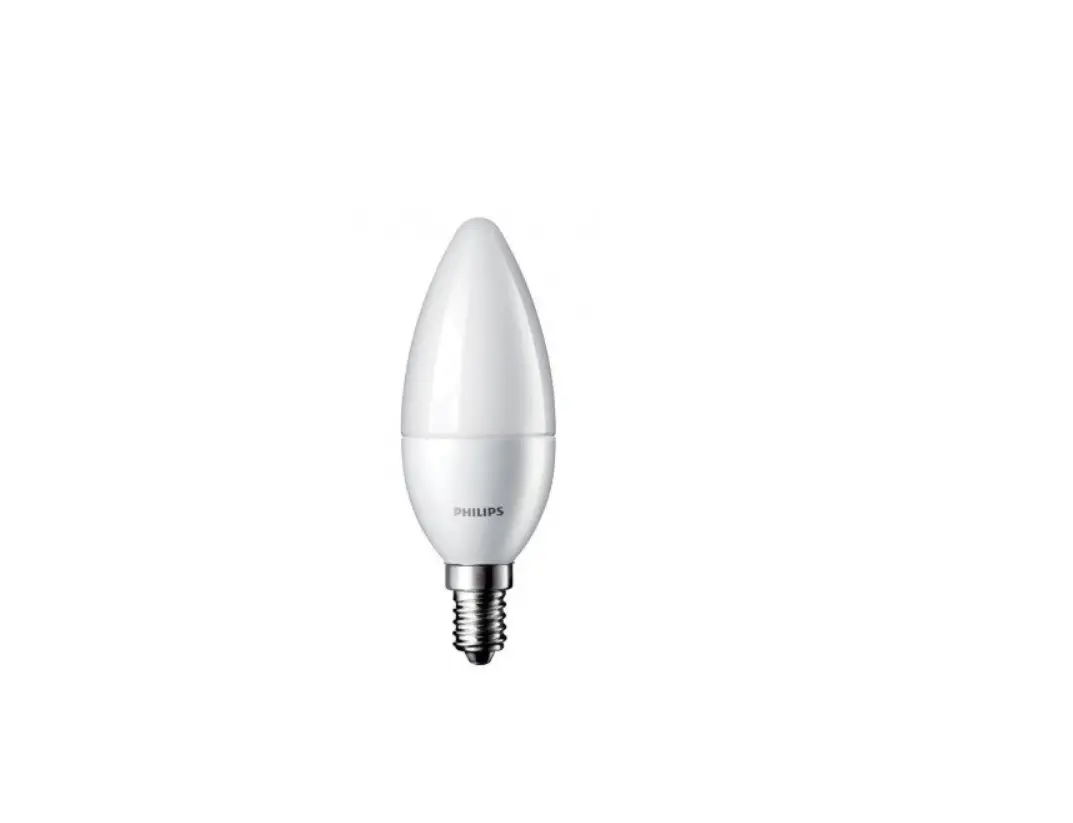
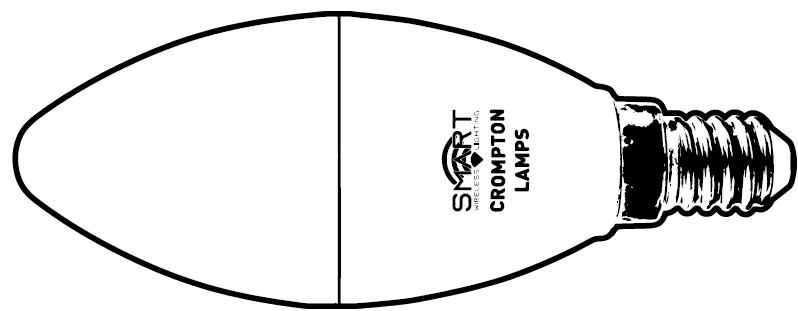 LED Candle Smart Lighting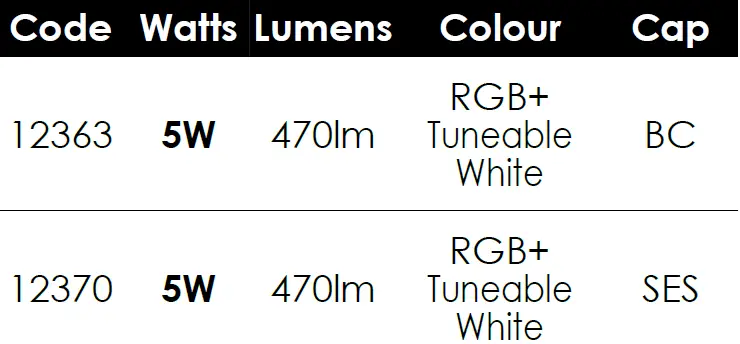
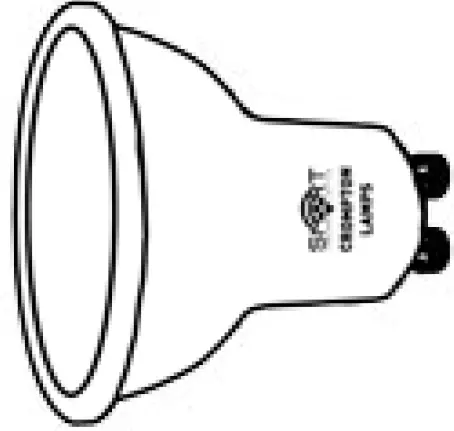 LED GU10 Smart Lighting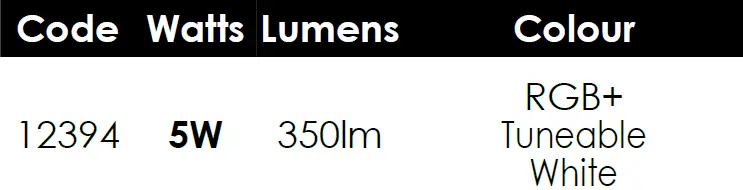
- Download the Tuya Smart app
- Connect your smart device to a 2.4Ghz Wifi Network
- Launch the Tuya Smart app and follow the first time setup instructions
- Place your smart lights in Discovery Mode

- After a few seconds the lights should now flash rapidly to indicate discovery mode is on
- Click + to add devices
- Select Lighting Devices and enter your WiFi password
- The app will now discover your lights
- Edit the light name e.g. “Main Light”, “Wall Light”, “Kitchen”, “TV”
- Select the room in which the lights are located
- Control your lights and setup events and timers via the Tuya smart app
- The Tuya smart app can be controlled by voice command or directly with the on-screen interface
- For full functionality or to set up timers or events view the FAQ from the Me tab.
- To connect your new smart lights to your home hub please follow your home hubs setup instructions for adding Tuya Smart devices

 Home Page - Crompton Lamps Ltd